17

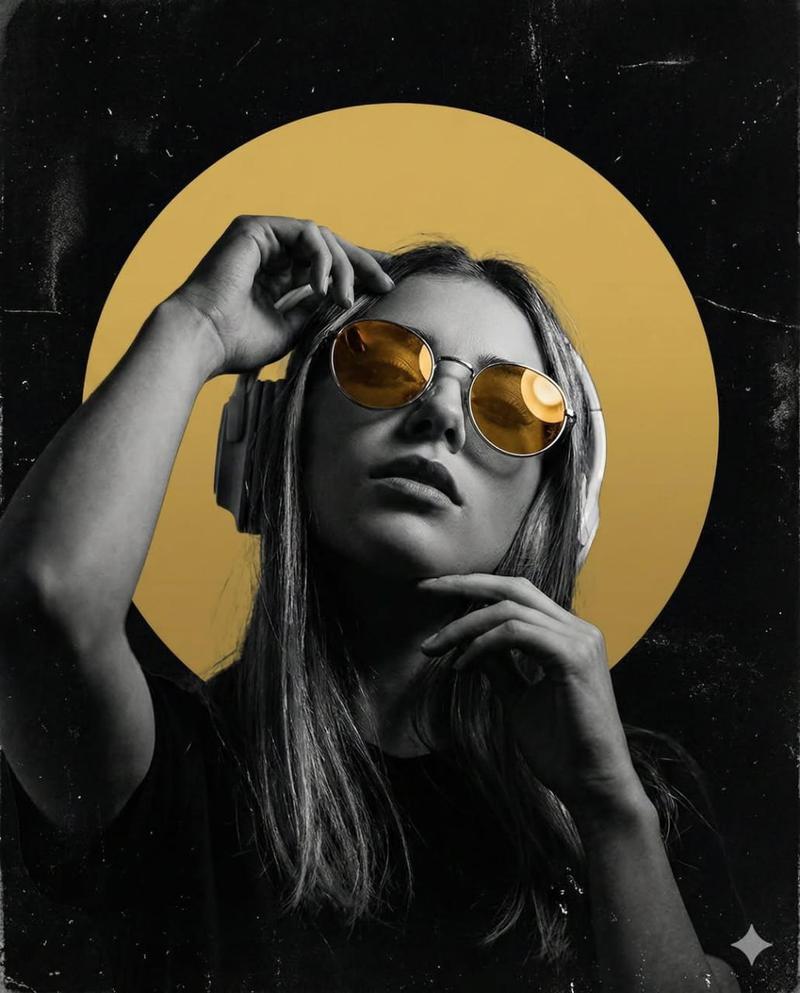
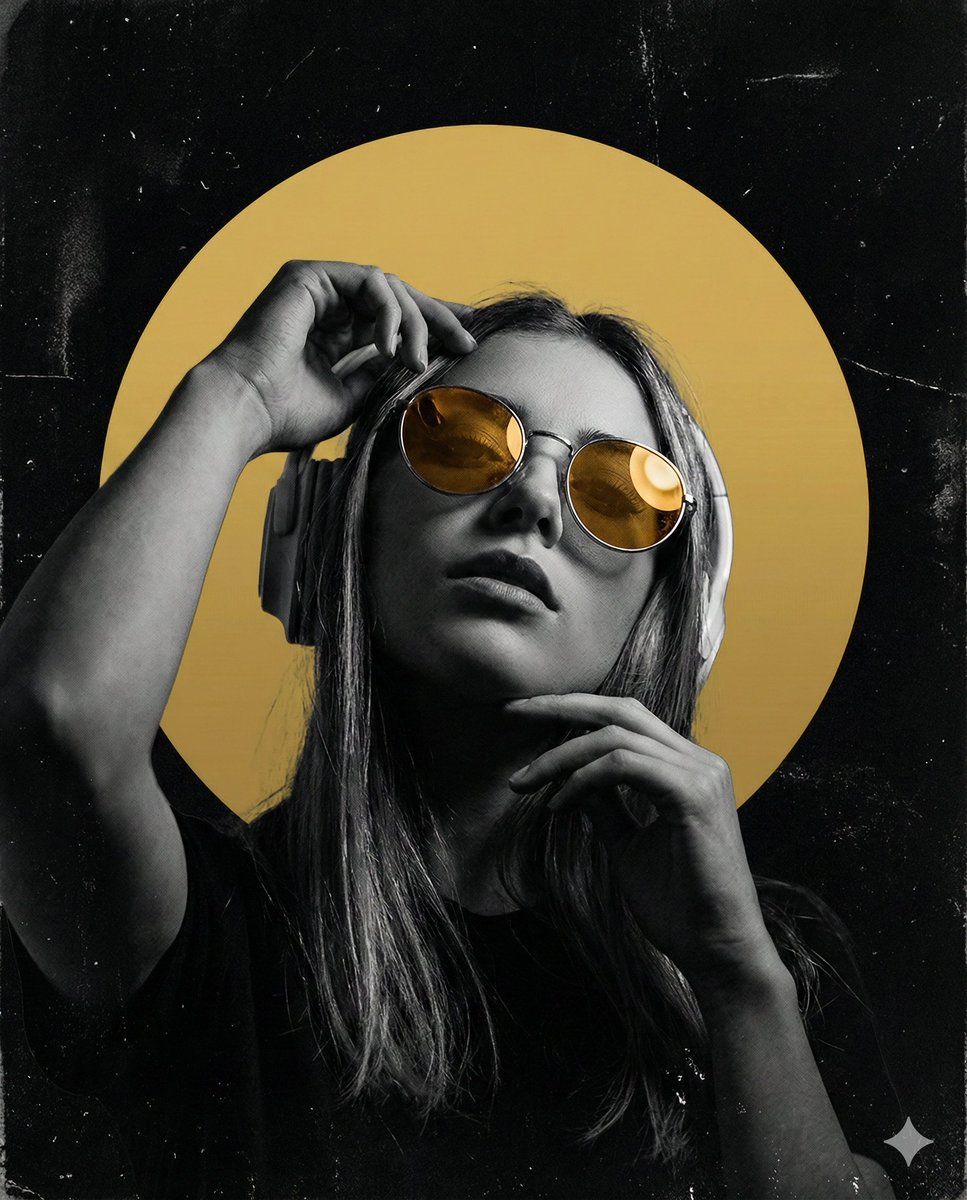
深色、高对比度海报设计提示,搭配琥珀色镜片
Enlarge

深色、高对比度海报设计提示,搭配琥珀色镜片

Prompt
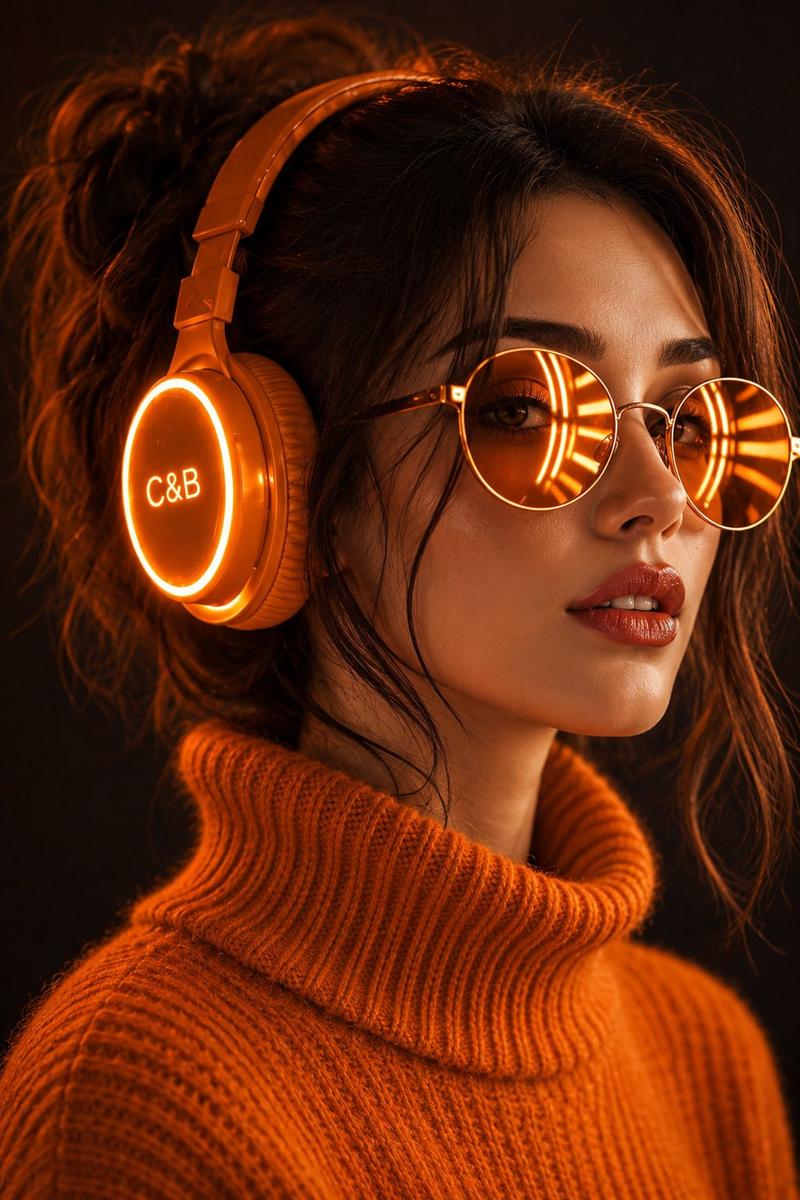
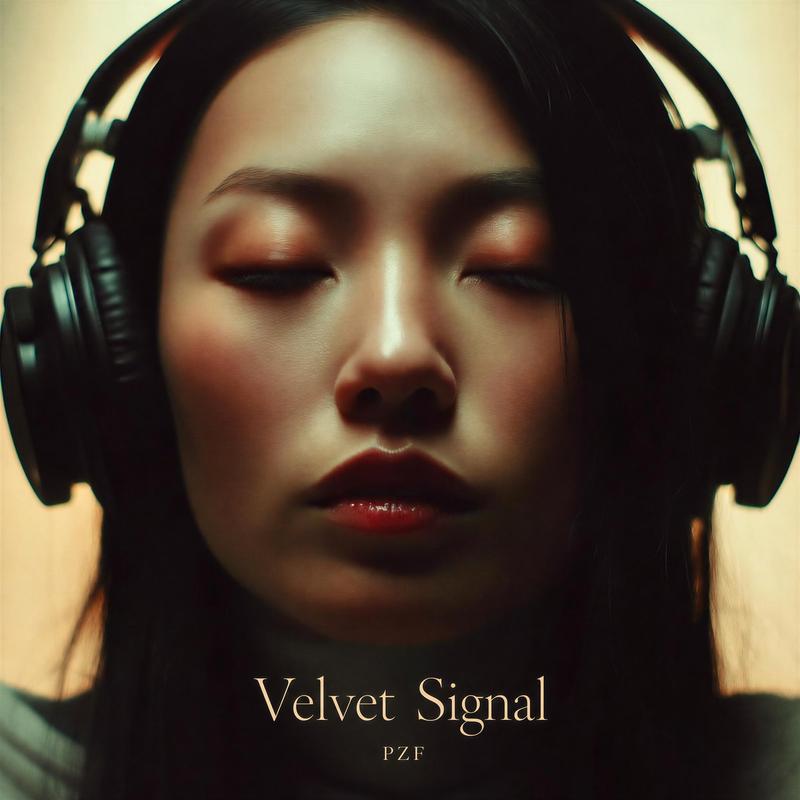
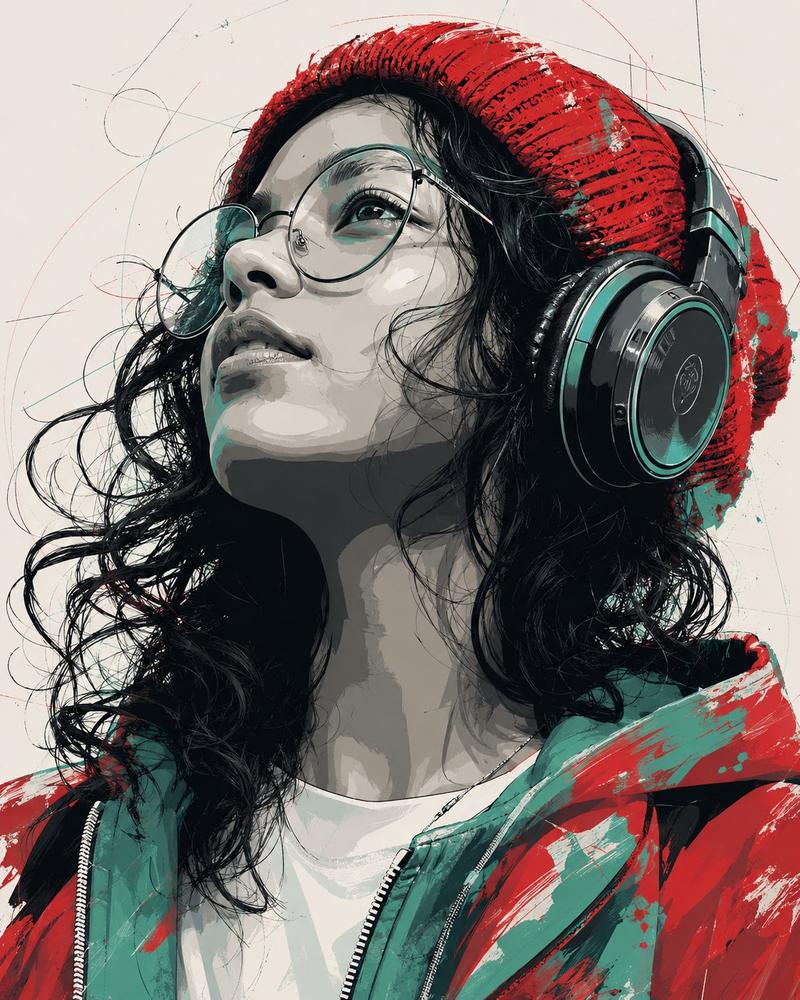
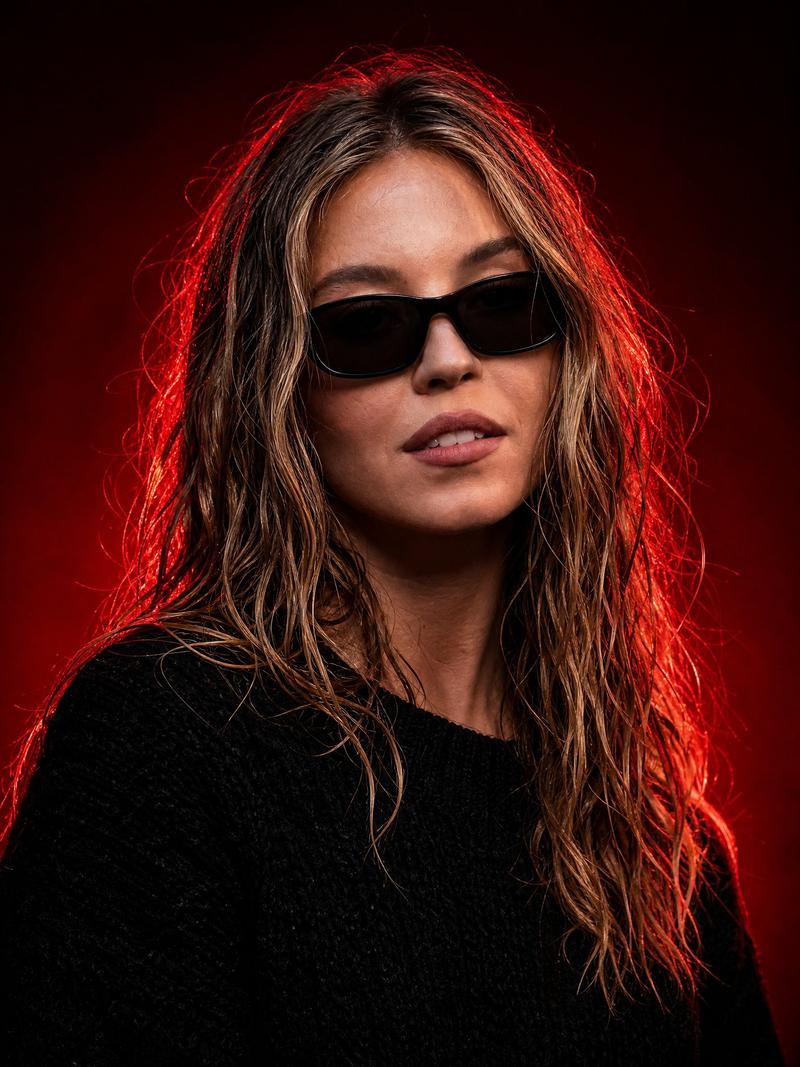
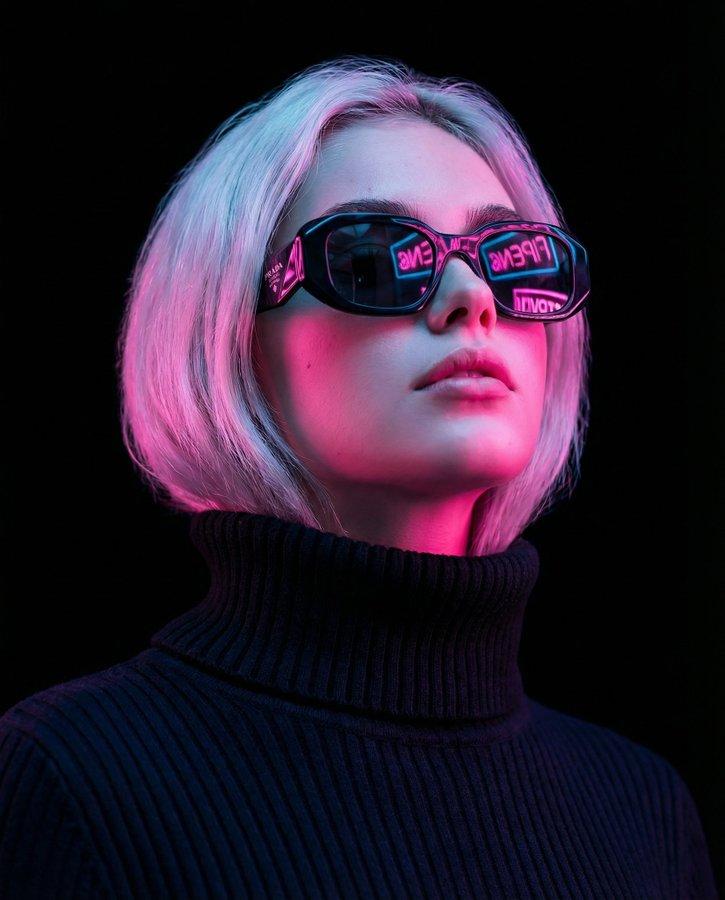
Create a dark, high-contrast poster with a moody, underground club aesthetic. The composition features a monochrome portrait of a young woman from the chest up, shot from a slightly low angle for attitude and power. She wears large over-ear headphones and reflective round sunglasses with warm amber-gold lenses that stand out vividly against the black-and-white portrait. One hand is raised near her head, the other near her chin, creating a dynamic, expressive pose associated with music immersion. Behind her head is a large flat golden-yellow circular shape, like a spotlight, creating a strong focal point and visual contrast. The background is deep black with subtle grunge textures, dust, scratches, and poster-wear imperfections, giving it a raw, printed-flyer feel. Use 4:5 aspect ratio.
Category
创意图片
Model
Nano Banana Pro
Views0
Source ID
9774d9e0-a8ab-41a8-8bb0-a66069c5cb38
Published
Mar 8, 2026

Guide

About "深色、高对比度海报设计提示,搭配琥珀色镜片"

What is this prompt for?

"深色、高对比度海报设计提示,搭配琥珀色镜片" AI image prompt for Nano Banana Pro (创意图片). 一个用于 Nano Banana Pro 的提示,旨在创作一张具有地下俱乐部美学的深色、高对比度海报。海报以一位戴着耳机和反光琥珀金色太阳镜的女性单色肖像为特色,置于深黑色背景之上,…

The full copyable prompt and example visuals above are ready for AI image generation or one-click recreate in Picva.

How to use this prompt

  1. Step 1

    Open the prompt detail

    Review the example visuals, category, and full prompt text for "深色、高对比度海报设计提示,搭配琥珀色镜片".

  2. Step 2

    Copy the prompt

    Copy the prompt body from this page, or load it directly in Studio.

  3. Step 3

    Pick a model (Nano Banana Pro)

    Prefer Nano Banana Pro. If you switch models, keep subject and composition and tweak style terms.

  4. Step 4

    Generate and export

    Recreate the look in Picva, or export into your workflow for editing and publishing.

FAQ

What is the "深色、高对比度海报设计提示,搭配琥珀色镜片" prompt?
It is an AI image-generation prompt for Nano Banana Pro in the 创意图片 category. This page includes the full prompt text, example visuals, and a one-click recreate path in Picva.
How do I use this prompt to generate an image?
Copy the prompt from this page, or use Generate / Studio. Paste it into a compatible image model, or recreate the look in Picva with optional reference images.
Which model is this prompt for?
This page lists Nano Banana Pro. Most descriptive prompts also transfer to nearby image models such as GPT Image, Flux, or Midjourney with light style tweaks.
Can I use the result commercially?
You can usually copy the prompt for creation, but commercial use of the final image depends on the model terms, reference-image rights, and the generated content. Follow the source author and platform rules.