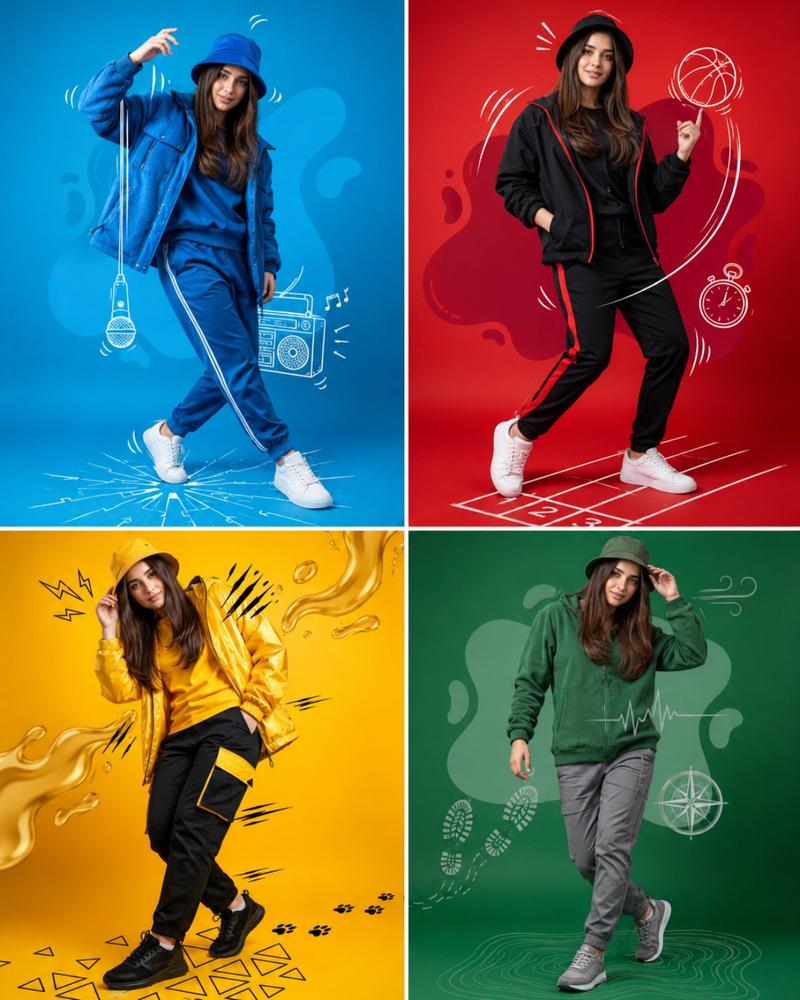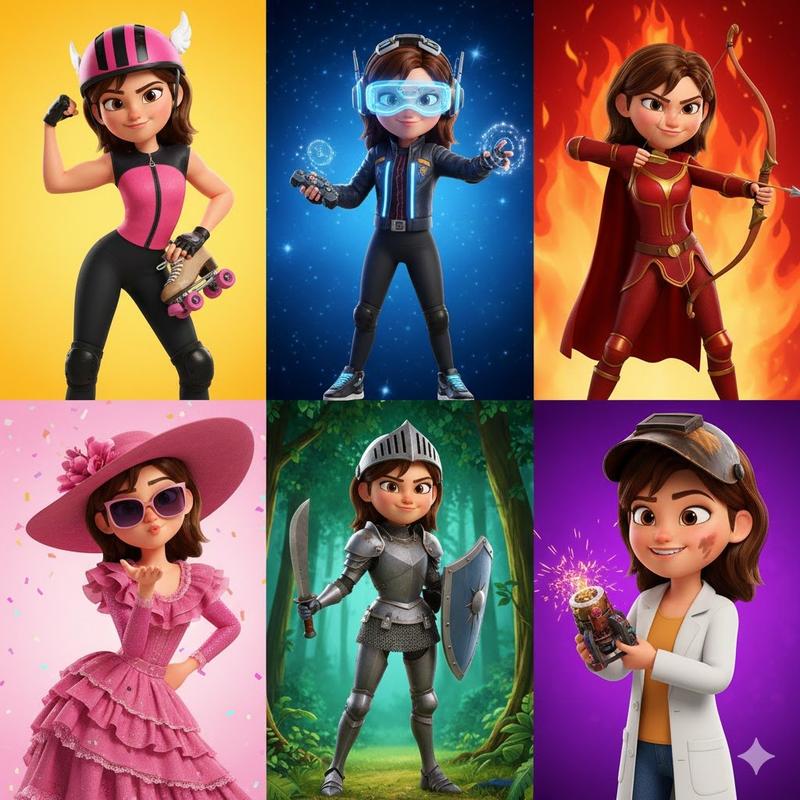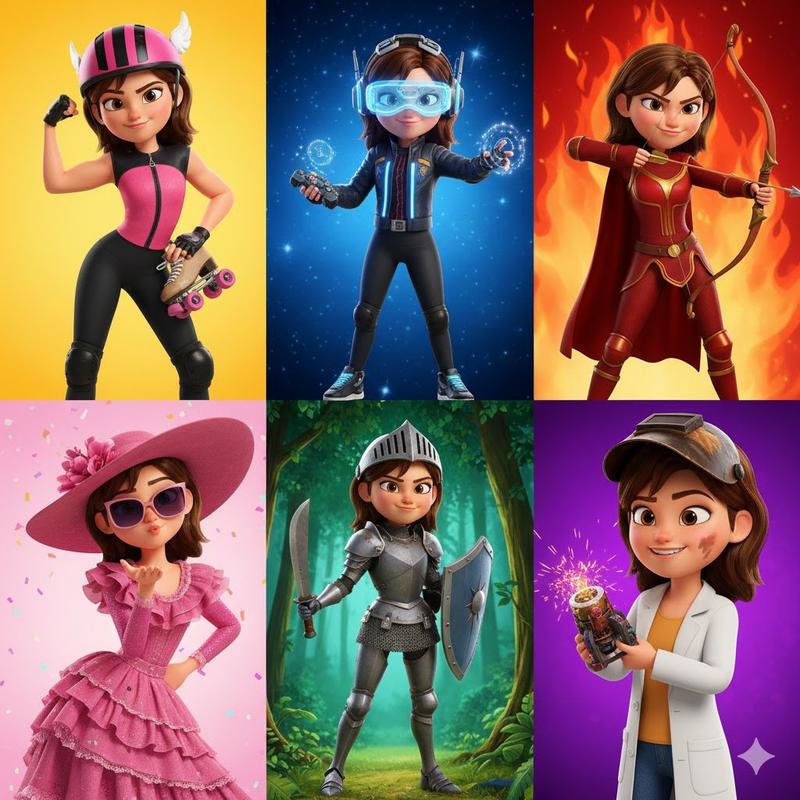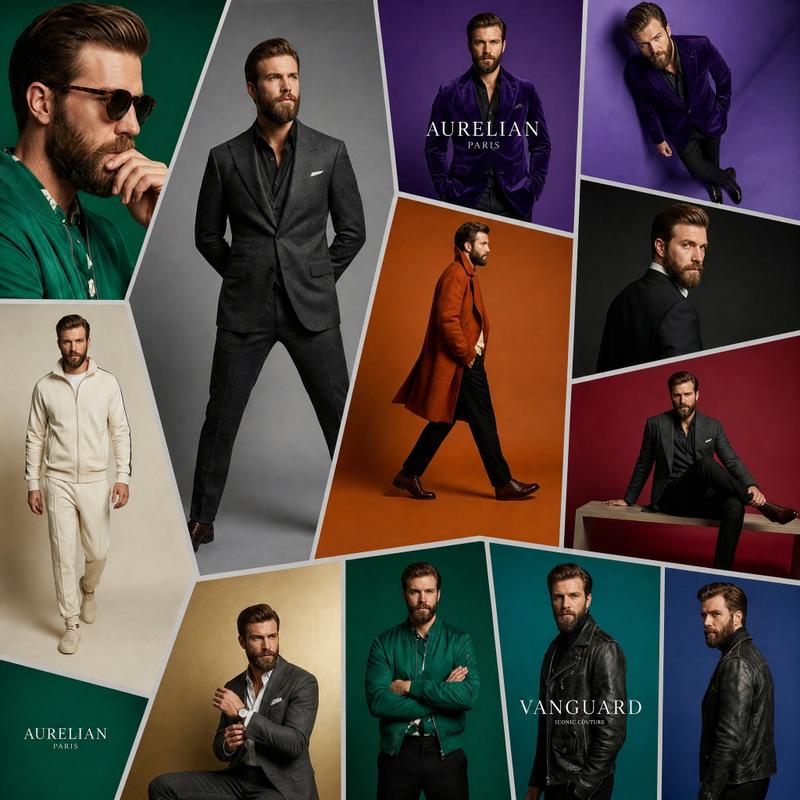
18

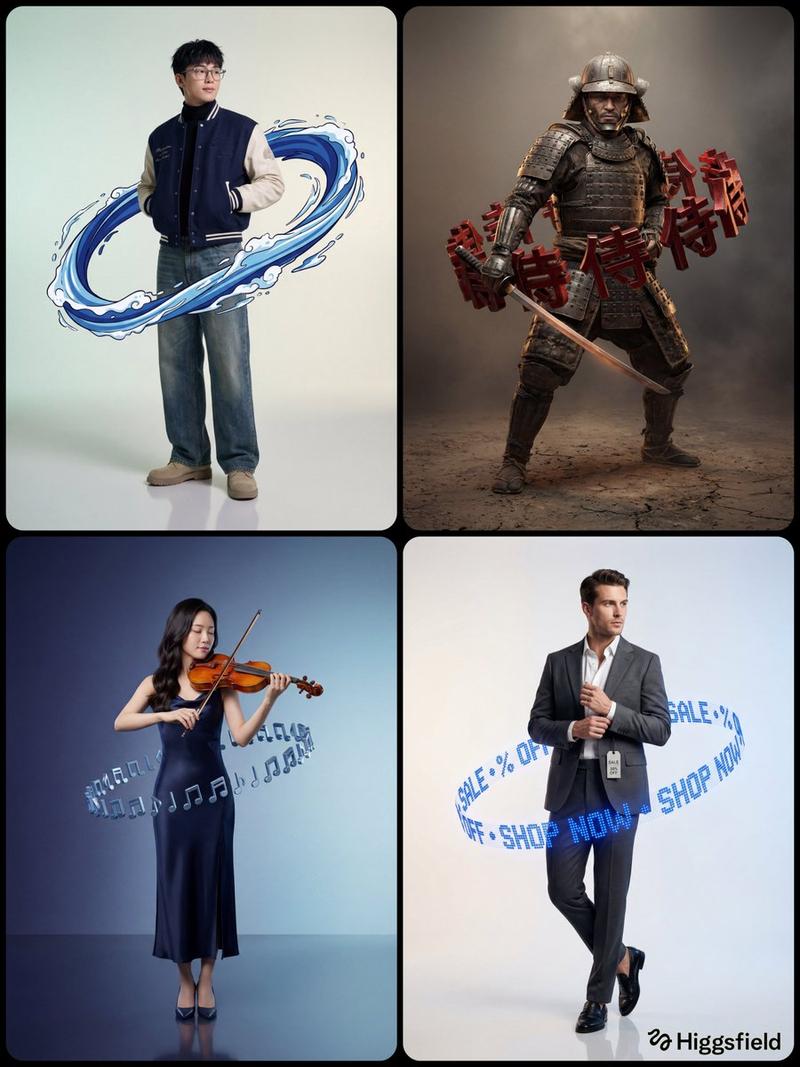
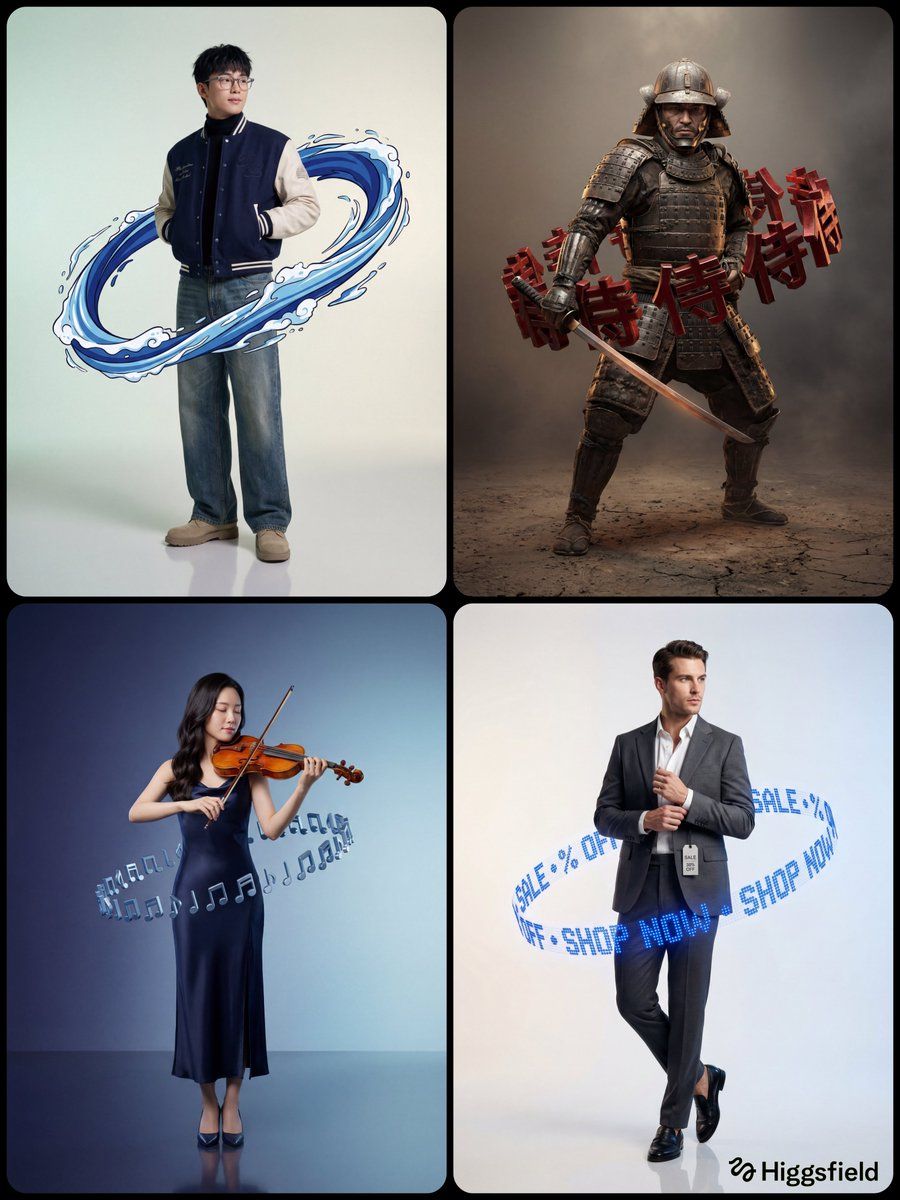
超写实影棚人像,带悬浮光环道具提示词
Enlarge

超写实影棚人像,带悬浮光环道具提示词

Prompt
A hyper-realistic studio full-body portrait of {argument name="character" default="[CHARACTER]"} with {argument name="outfit description" default="[OUTFIT DESCRIPTION]"} in a [POSE]. His/Her full body is fully visible from head to toe, standing on a [FLOOR TYPE] reflective studio floor, with both feet clearly visible in frame. Camera is positioned at full-body height, straight-on, ensuring clean composition and strong symmetry.

Surrounding the subject, [RING TYPE] arranged precisely around the mid-torso area. [RING CONTENT] (repeat seamlessly if text-based). The ring is tilted diagonally in perspective and floats naturally around the body with a clear gap, without touching the clothing/skin. Ring Rendering: {argument name="ring material" default="[MATERIAL/STYLE: metallic / chrome / dot-matrix LED / anime ink]"} with [EXTRUSION or GLOW], deep shadows, and glossy highlights.

Background: a clean studio gradient from [COLOR 1] to [COLOR 2], evenly lit and minimal. Lighting: soft cinematic studio lighting, [KEY LIGHT direction/quality] creating smooth dramatic shadows across [materials]. A subtle backlight / rim light enhances depth and separation from the background, while gentle specular highlights emphasize contours, texture, and premium realism. Mood: [FINAL MOOD LINE] [STYLE INTERPRETATION]. Ultra-detailed, cinematic composition, sharp focus
Category
创意图片
Model
Nano Banana Pro
Views0
Source ID
536ad46e-aa28-45e0-ade0-5dc9da9d896b
Published
Mar 8, 2026

Guide

About "超写实影棚人像,带悬浮光环道具提示词"

What is this prompt for?

"超写实影棚人像,带悬浮光环道具提示词" AI image prompt for Nano Banana Pro (创意图片). 一个为 Nano Banana Pro 设计的模板提示,用于生成一张超现实、全身的工作室肖像,描绘一个角色被一个浮动、倾斜的环环绕。该提示允许自定义角色、服装、环的材质和工作室背景渐变,强…

The full copyable prompt and example visuals above are ready for AI image generation or one-click recreate in Picva.

How to use this prompt

  1. Step 1

    Open the prompt detail

    Review the example visuals, category, and full prompt text for "超写实影棚人像,带悬浮光环道具提示词".

  2. Step 2

    Copy the prompt

    Copy the prompt body from this page, or load it directly in Studio.

  3. Step 3

    Pick a model (Nano Banana Pro)

    Prefer Nano Banana Pro. If you switch models, keep subject and composition and tweak style terms.

  4. Step 4

    Generate and export

    Recreate the look in Picva, or export into your workflow for editing and publishing.

FAQ

What is the "超写实影棚人像,带悬浮光环道具提示词" prompt?
It is an AI image-generation prompt for Nano Banana Pro in the 创意图片 category. This page includes the full prompt text, example visuals, and a one-click recreate path in Picva.
How do I use this prompt to generate an image?
Copy the prompt from this page, or use Generate / Studio. Paste it into a compatible image model, or recreate the look in Picva with optional reference images.
Which model is this prompt for?
This page lists Nano Banana Pro. Most descriptive prompts also transfer to nearby image models such as GPT Image, Flux, or Midjourney with light style tweaks.
Can I use the result commercially?
You can usually copy the prompt for creation, but commercial use of the final image depends on the model terms, reference-image rights, and the generated content. Follow the source author and platform rules.