18

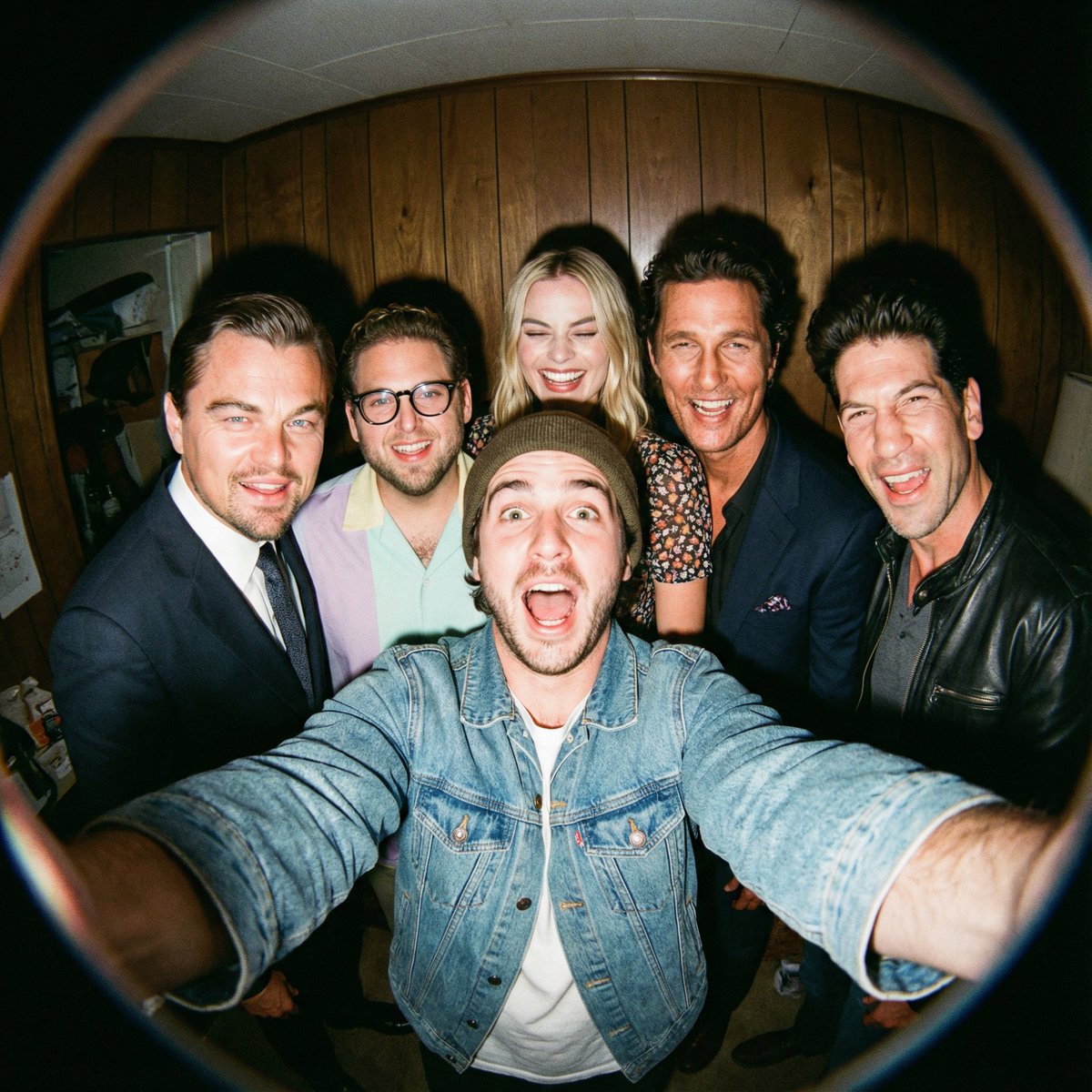
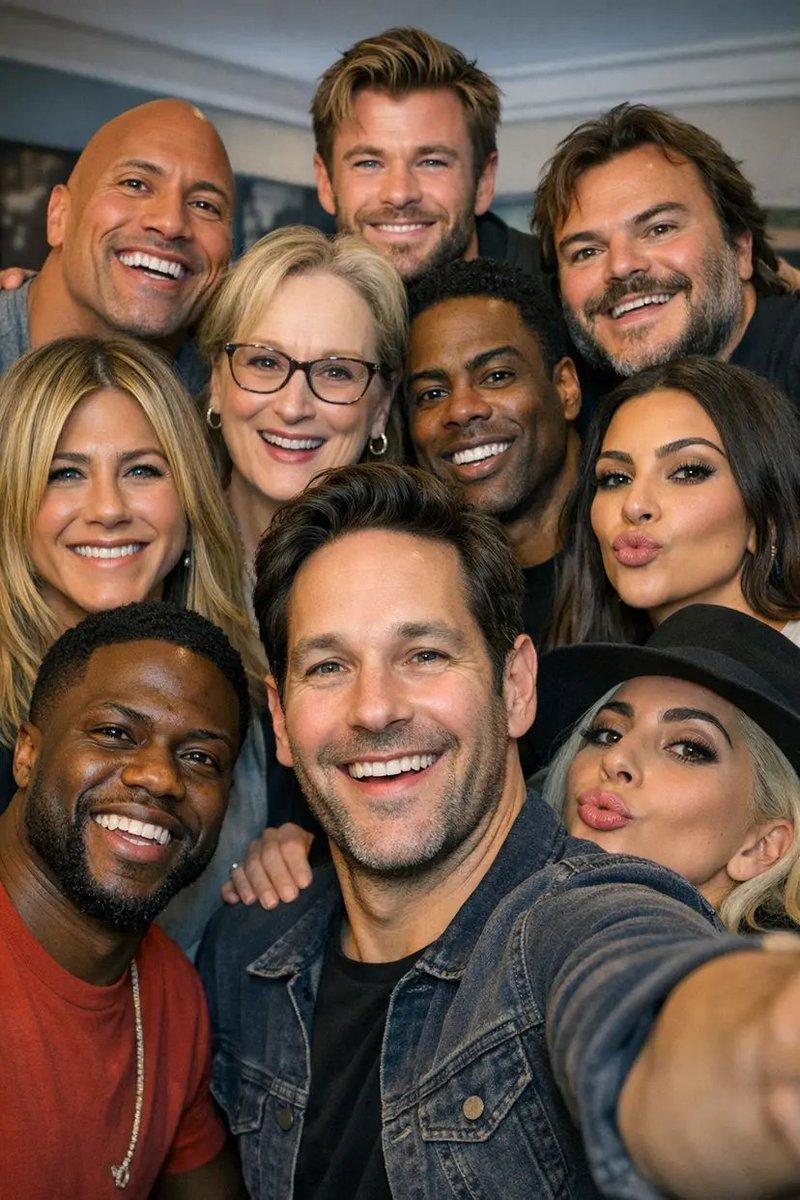
使用 Nano Banana Pro 与电影角色拍摄鱼眼自拍
Enlarge

使用 Nano Banana Pro 与电影角色拍摄鱼眼自拍

Prompt
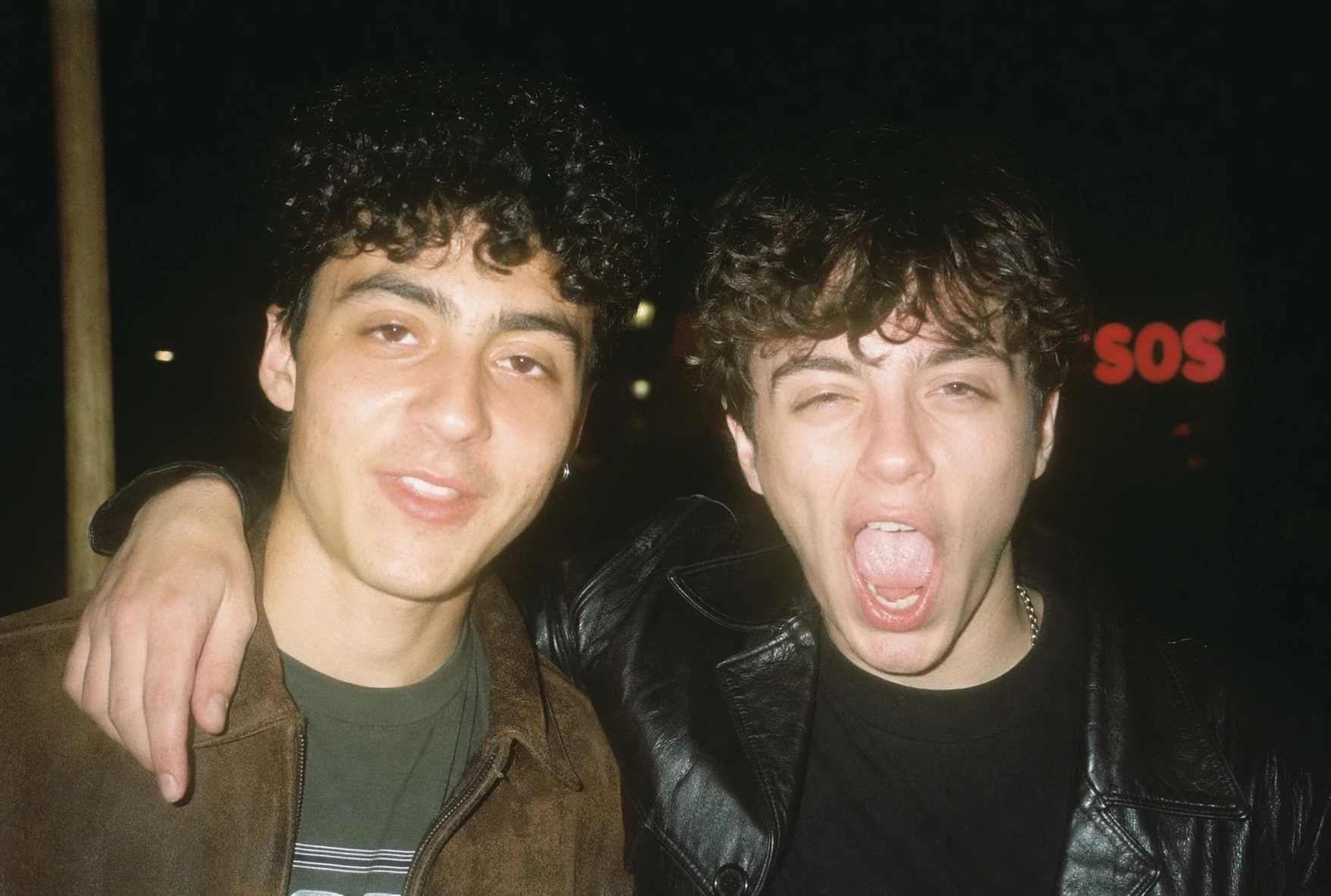
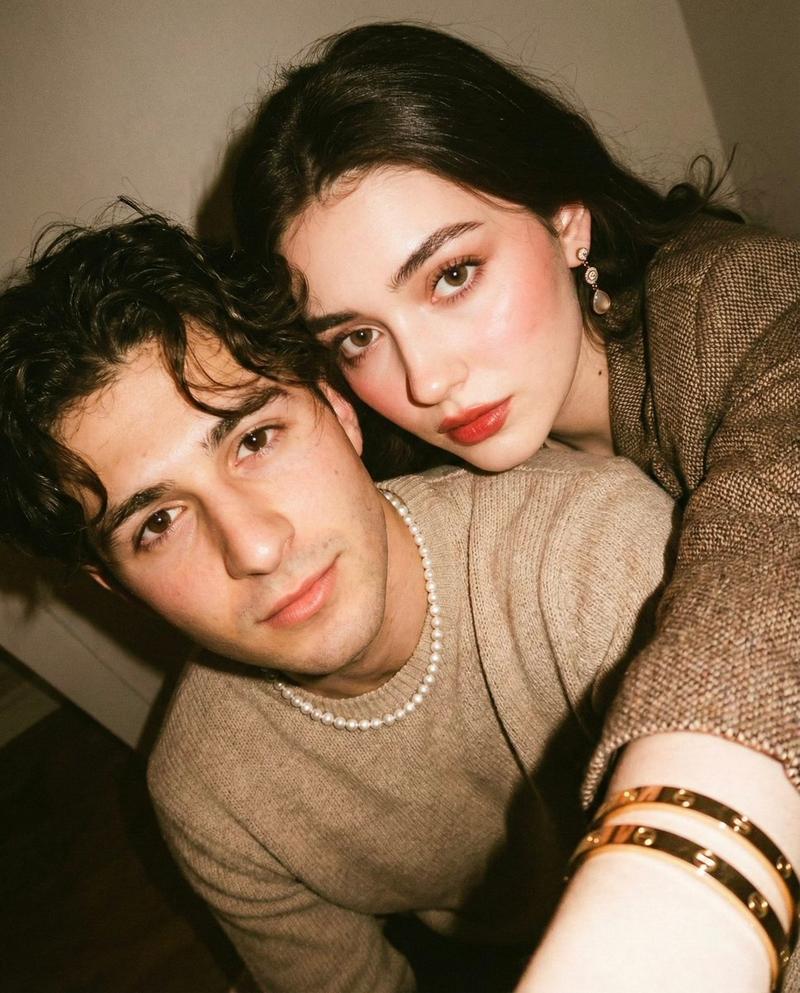
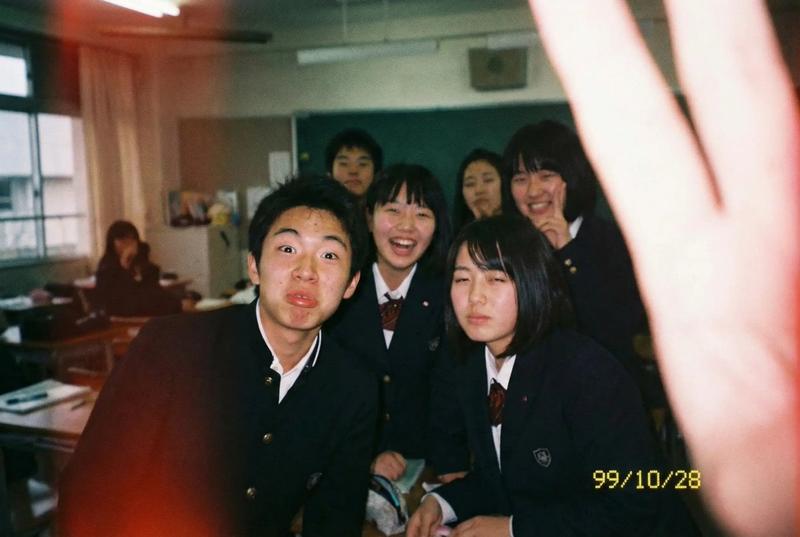
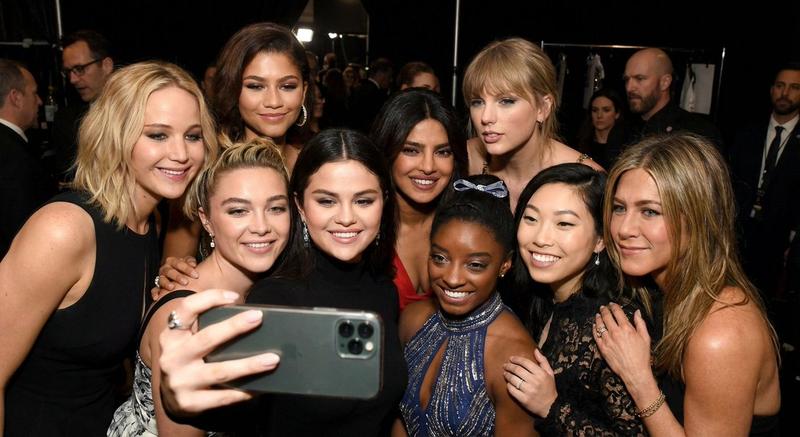
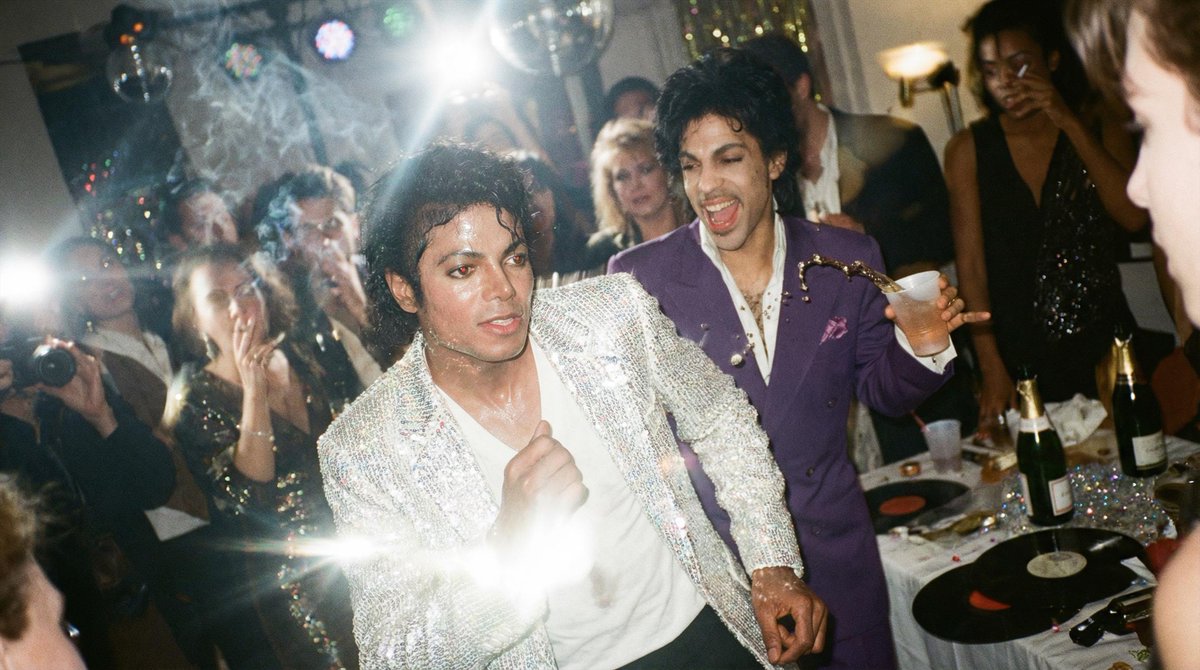
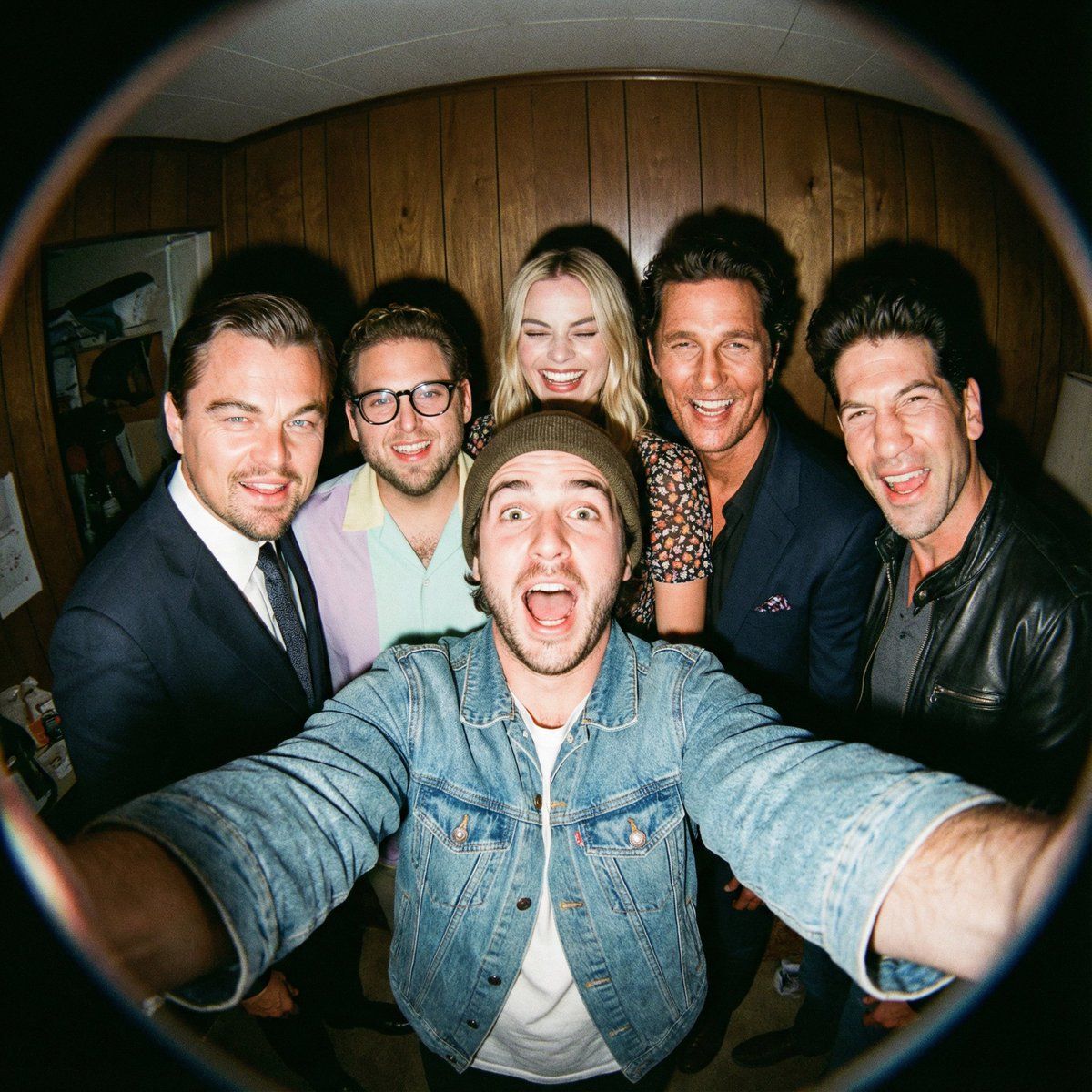
A film-like fisheye wide-angle 360-degree selfie without any camera or phone visible in the subject’s hands. A real and exaggerated selfie of {argument name="person from uploaded image" default="person from uploaded image"} with {argument name="characters" default="their favorite movie characters"}. They are making faces at the camera.

A hyper-realistic fisheye wide-angle selfie, captured with a vintage 35mm fisheye lens creating heavy barrel distortion. without any camera or phone visible in the subject’s hands.
Subject & Action: A close-up, distorted group photo featuring {argument name="person from uploaded image" default="person from uploaded image"} taking selfie with {argument name="characters" default="their favorite movie characters"}. Everyone is making wild, exaggerated faces, squinting slightly from the flash.
Lighting & Texture: Harsh, direct on-camera flash lighting that creates hard shadows behind the subjects. Authentic film grain, slight motion blur on the edges, and chromatic aberration. It looks like a candid, amateur snapshot as if captured during a chaotic behind-the-scenes moment, not a studio photo.
Category
创意图片
Model
Nano Banana Pro
Views0
Source ID
8f123b01-e74f-4f6e-a199-ee24f8721a75
Published
Mar 8, 2026

Guide

About "使用 Nano Banana Pro 与电影角色拍摄鱼眼自拍"

What is this prompt for?

"使用 Nano Banana Pro 与电影角色拍摄鱼眼自拍" AI image prompt for Nano Banana Pro (创意图片). 一个详细的图像提示,用于生成超逼真的鱼眼风格团体自拍,将上传的人物与选定的电影角色结合起来,模仿复古 35mm 闪光摄影。 --- 一张电影般的鱼眼广角 360 度…

The full copyable prompt and example visuals above are ready for AI image generation or one-click recreate in Picva.

How to use this prompt

  1. Step 1

    Open the prompt detail

    Review the example visuals, category, and full prompt text for "使用 Nano Banana Pro 与电影角色拍摄鱼眼自拍".

  2. Step 2

    Copy the prompt

    Copy the prompt body from this page, or load it directly in Studio.

  3. Step 3

    Pick a model (Nano Banana Pro)

    Prefer Nano Banana Pro. If you switch models, keep subject and composition and tweak style terms.

  4. Step 4

    Generate and export

    Recreate the look in Picva, or export into your workflow for editing and publishing.

FAQ

What is the "使用 Nano Banana Pro 与电影角色拍摄鱼眼自拍" prompt?
It is an AI image-generation prompt for Nano Banana Pro in the 创意图片 category. This page includes the full prompt text, example visuals, and a one-click recreate path in Picva.
How do I use this prompt to generate an image?
Copy the prompt from this page, or use Generate / Studio. Paste it into a compatible image model, or recreate the look in Picva with optional reference images.
Which model is this prompt for?
This page lists Nano Banana Pro. Most descriptive prompts also transfer to nearby image models such as GPT Image, Flux, or Midjourney with light style tweaks.
Can I use the result commercially?
You can usually copy the prompt for creation, but commercial use of the final image depends on the model terms, reference-image rights, and the generated content. Follow the source author and platform rules.