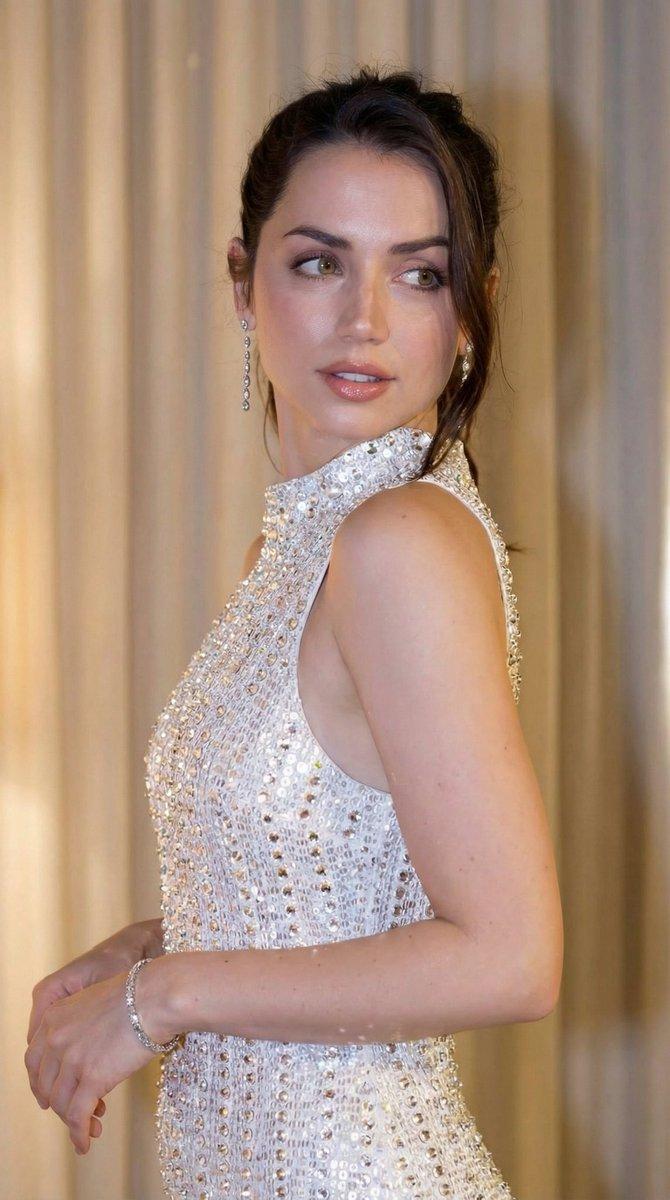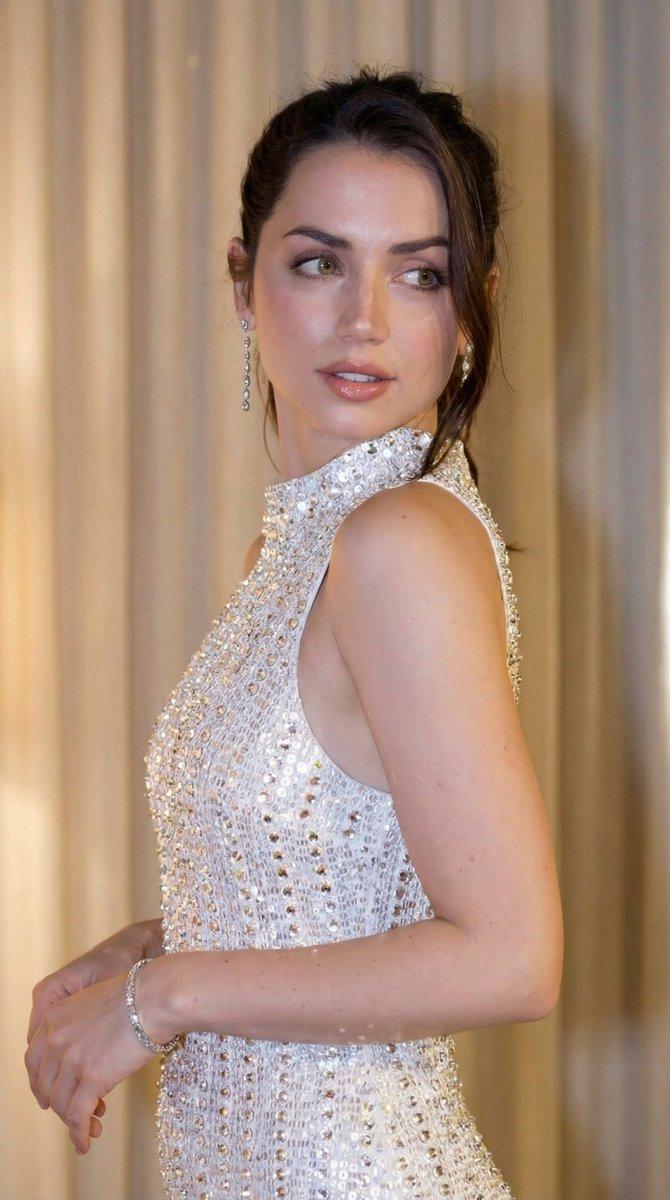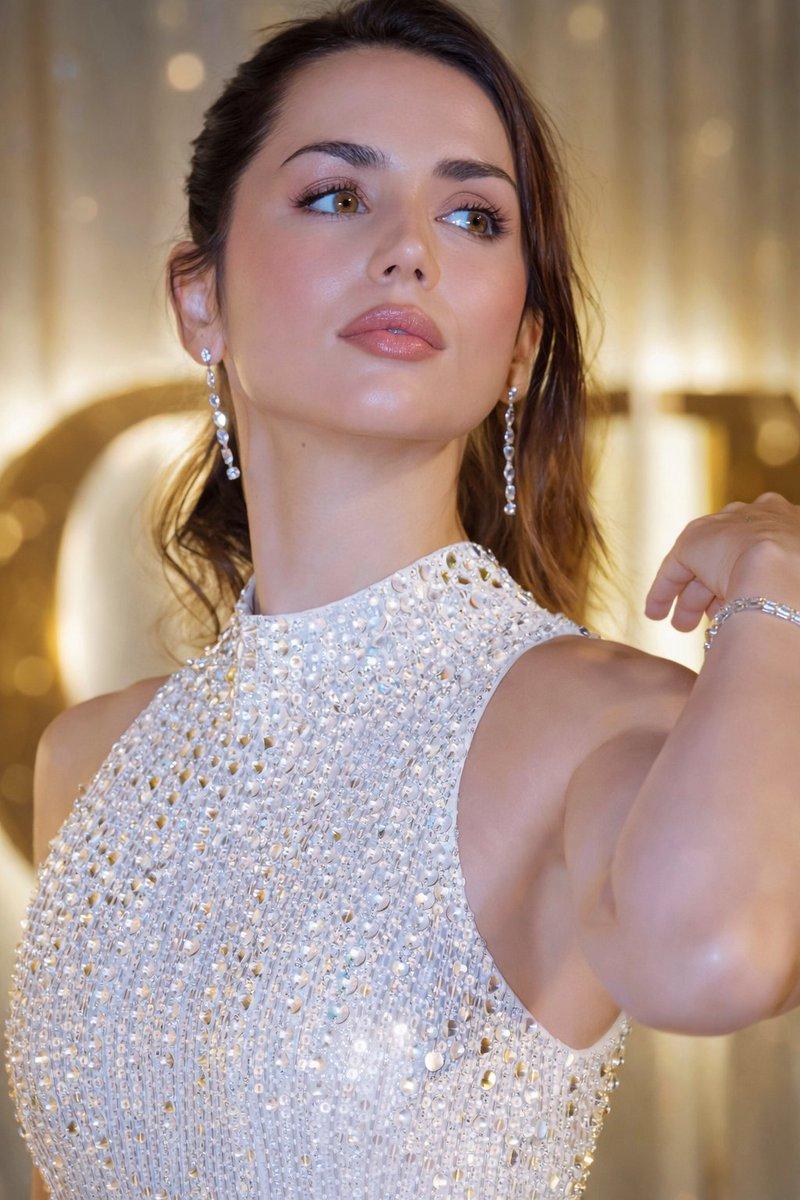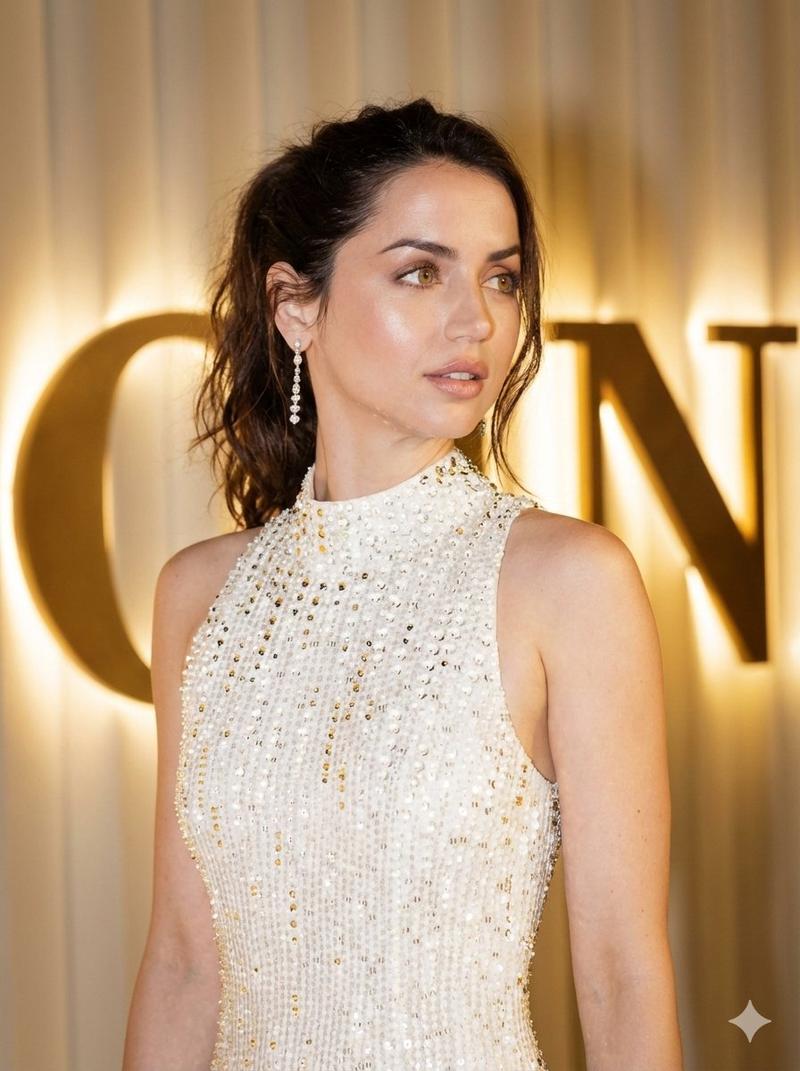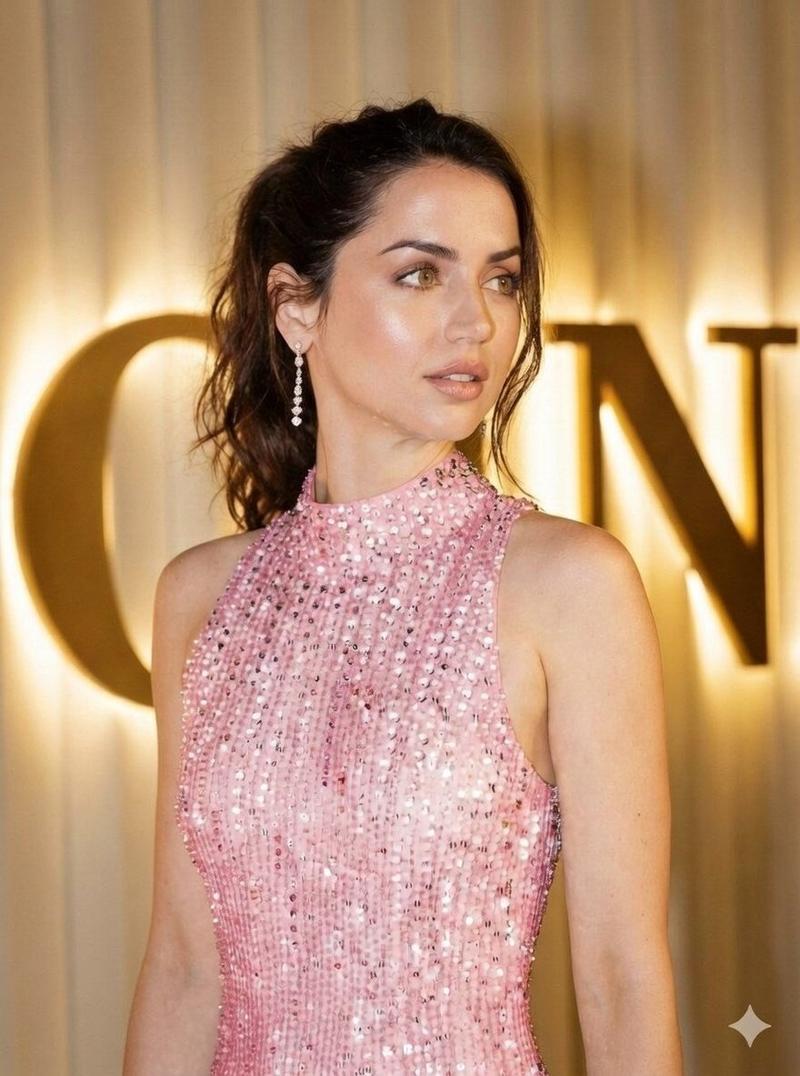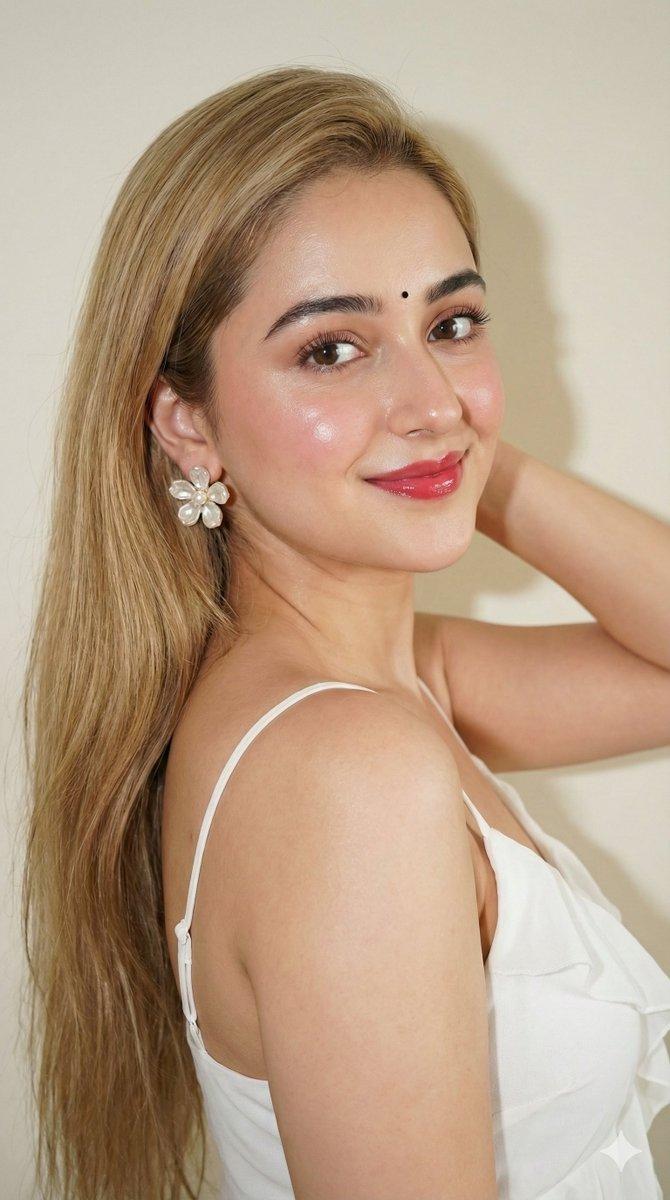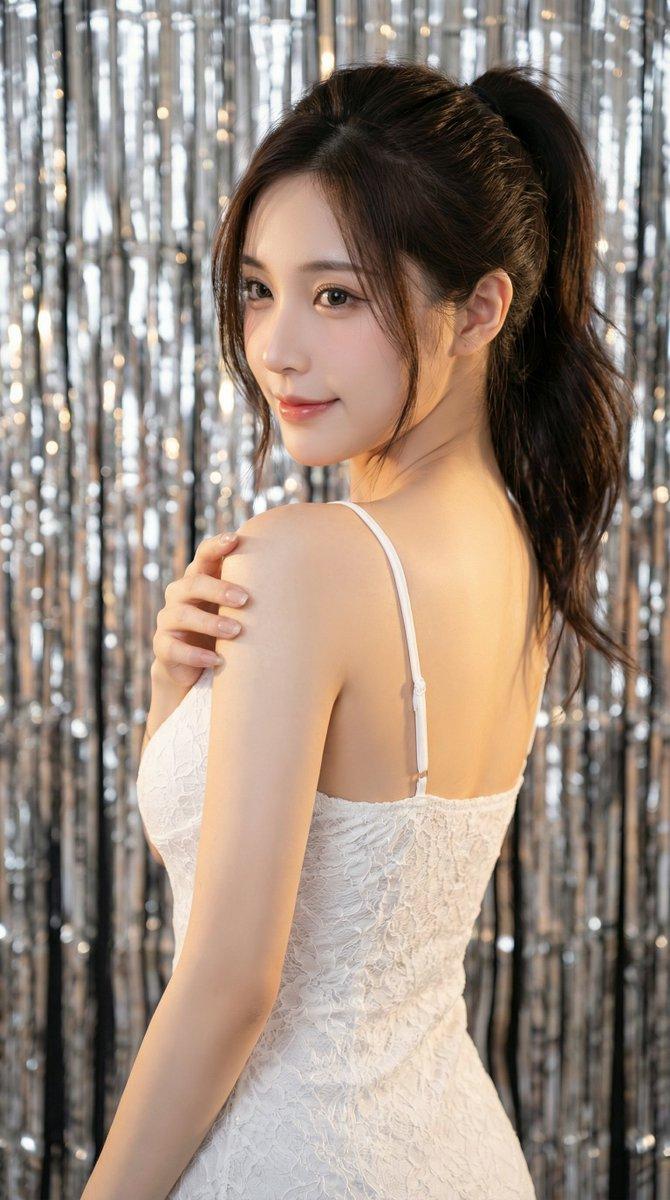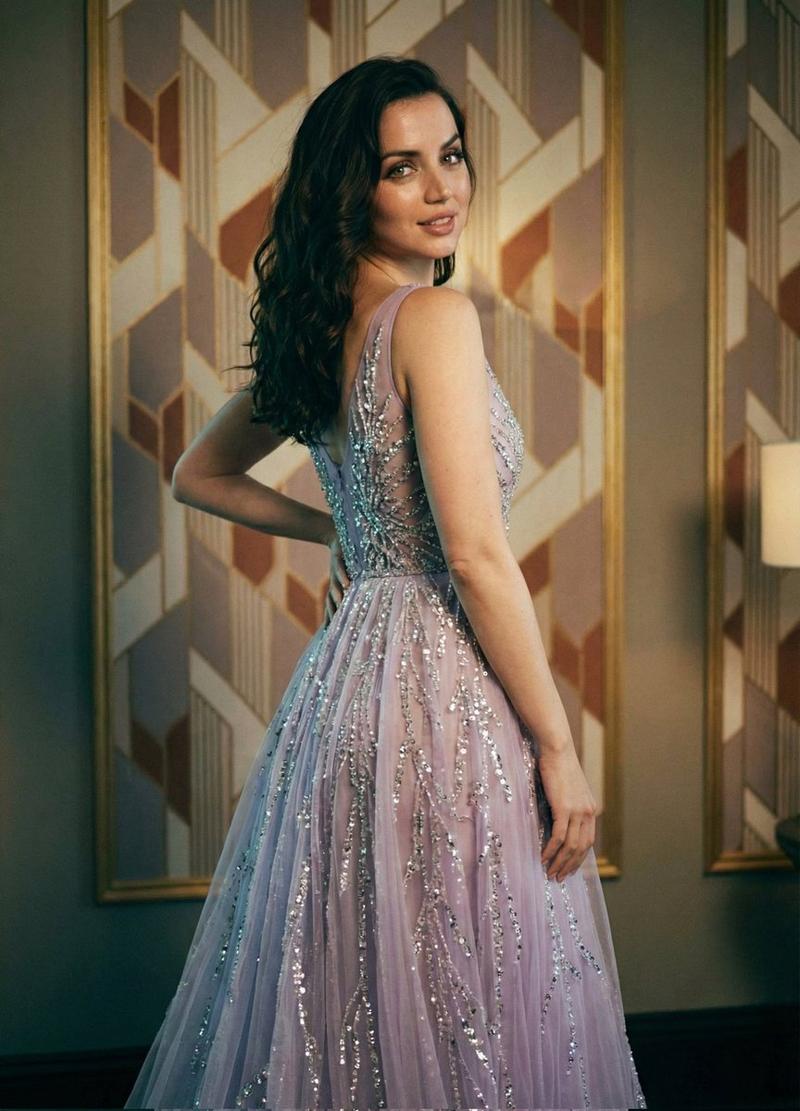
光泽亮片手势肖像
Prompt
{
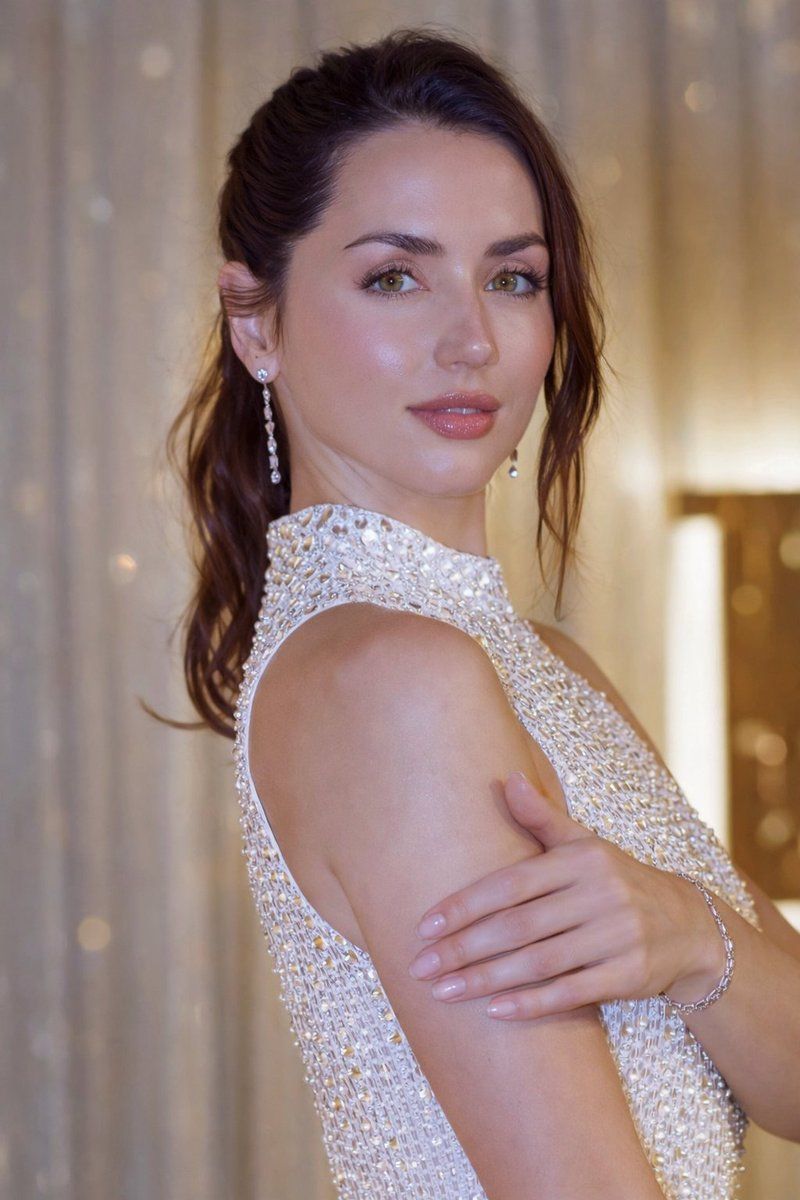
  "image_type": "photorealistic portrait",
  "resolution_target": "8K ultra HD",
  "aspect_ratio": "3:4",
  "camera_framing": {
    "shot_type": "medium close-up",
    "crop": "from upper chest to slightly above head",
    "orientation": "vertical"
  },
  "subject": {
    "gender_presentation": "female",
    "age_appearance": "adult",
    "skin_tone": "fair with warm undertones",
    "skin_texture": "smooth, glossy, reflective highlights visible on forehead, cheeks, nose, and chin",
    "facial_expression": "neutral to soft-serious, calm and composed",
    "gaze_direction": "looking directly toward the camera",
    "head_position": "slightly tilted, upright posture"
  },
  "face_details": {
    "forehead": "smooth with visible sheen",
    "eyebrows": "dark brown, well-shaped, symmetrical",
    "eyes": {
      "color": "hazel-green",
      "shape": "almond-shaped",
      "eyelashes": "long and defined",
      "eye_makeup": "subtle, natural-toned"
    },
    "nose": "straight, proportionate",
    "lips": {
      "shape": "full",
      "finish": "glossy",
      "color": "soft pink"
    },
    "cheeks": "soft blush visible",
    "jawline": "smooth and defined"
  },
  "hair": {
    "color": "dark brown",
    "style": "pulled back into a low ponytail or tied-back style",
    "loose_strands": "few fine strands visible near face",
    "texture": "smooth with slight natural movement"
  },
  "pose": {
    "arm_position": "right arm raised",
    "hand_position": "right hand resting on forehead",
    "fingers": "relaxed, natural curvature",
    "shoulders": "relaxed, slightly angled"
  },
  "clothing": {
    "garment_type": "sleeveless halter-neck dress",
    "color": "{argument name="dress color" default="white"}",
    "material": "fabric densely covered with reflective sequins or crystal embellishments",
    "pattern": "uniformly distributed reflective elements",
    "neckline": "high neck",
    "fit": "fitted and elegant"
  },
  "accessories": {
    "earrings": {
      "type": "dangling",
      "material": "silver-toned with gemstone-like elements",
      "length": "medium length"
    },
    "bracelet": {
      "wrist": "right",
      "material": "silver-toned",
      "design": "thin chain style"
    }
  },
  "lighting": {
    "type": "soft studio lighting",
    "key_light": "front-facing, diffused",
    "highlights": "strong glossy highlights on skin and dress embellishments",
    "shadow_style": "soft, minimal harsh shadows"
  },
  "background": {
    "setting": "indoor",
    "color_palette": "warm gold and beige tones",
    "elements": "soft curtains or drapery",
    "focus": "blurred (bokeh effect)",
    "contrast_with_subject": "subject sharply separated from background"
  },
  "color_grading": {
    "overall_tone": "warm",
    "contrast": "moderate",
    "saturation": "natural with enhanced highlights"
  },
  "image_style": {
    "realism_level": "highly photorealistic",
    "finish": "AI-enhanced, polished look",
    "det"
  }
}- Category
- 创意图片
- Model
- Nano Banana Pro
- Creator
- ShaHid WaNii
- Source ID
- 24a89231-9174-4f21-8d19-8cee248acd74
- Published
- Mar 8, 2026
Views0