17

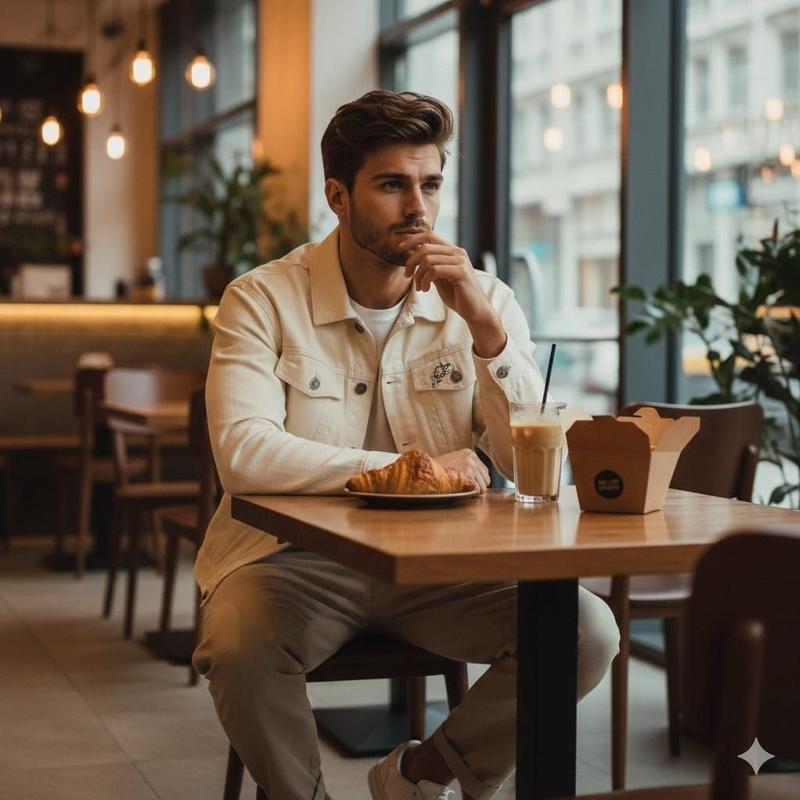
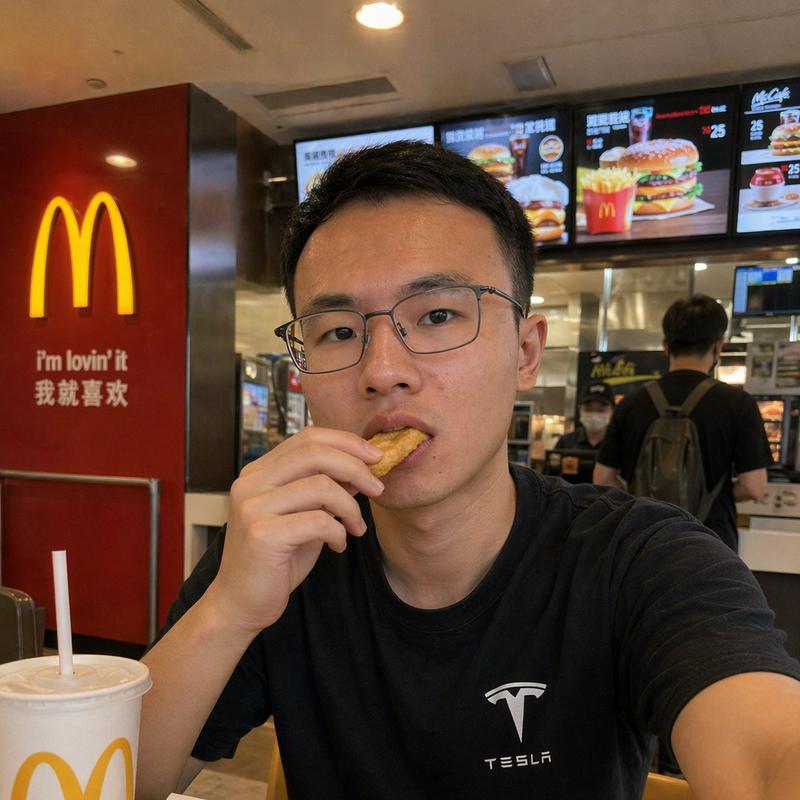
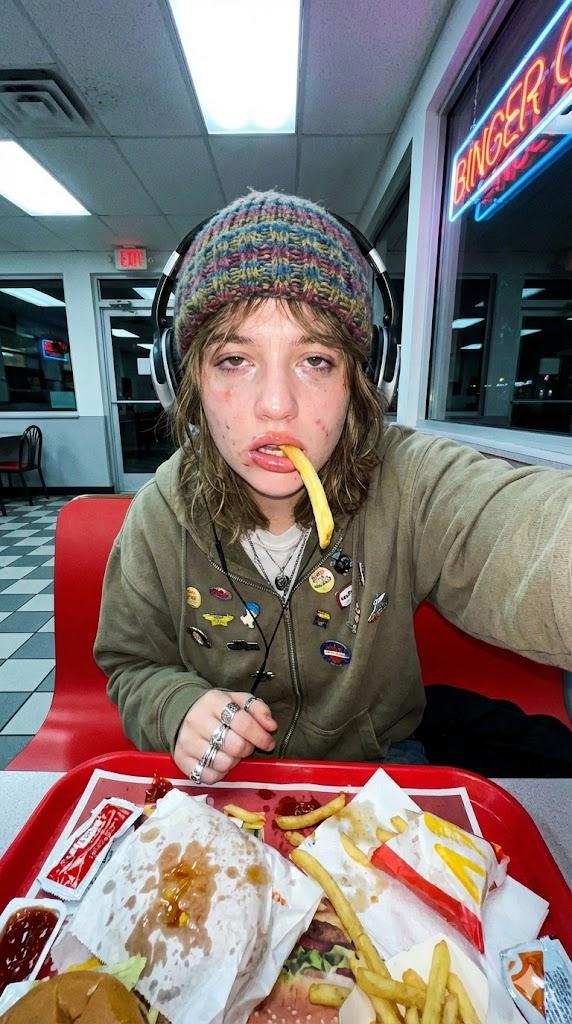
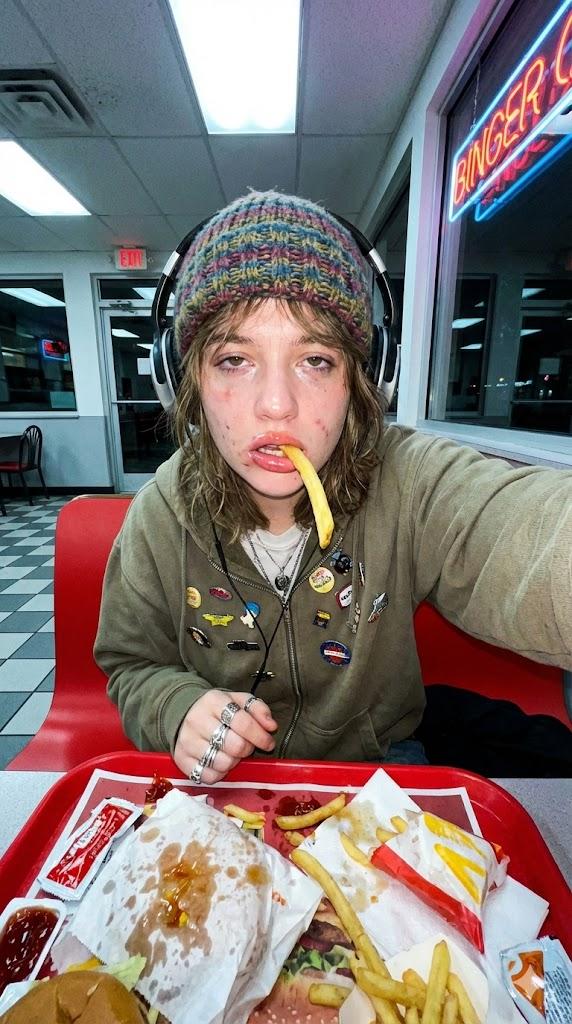
超逼真麦当劳生活方式肖像(两场景)
Enlarge

超逼真麦当劳生活方式肖像(两场景)

Prompt
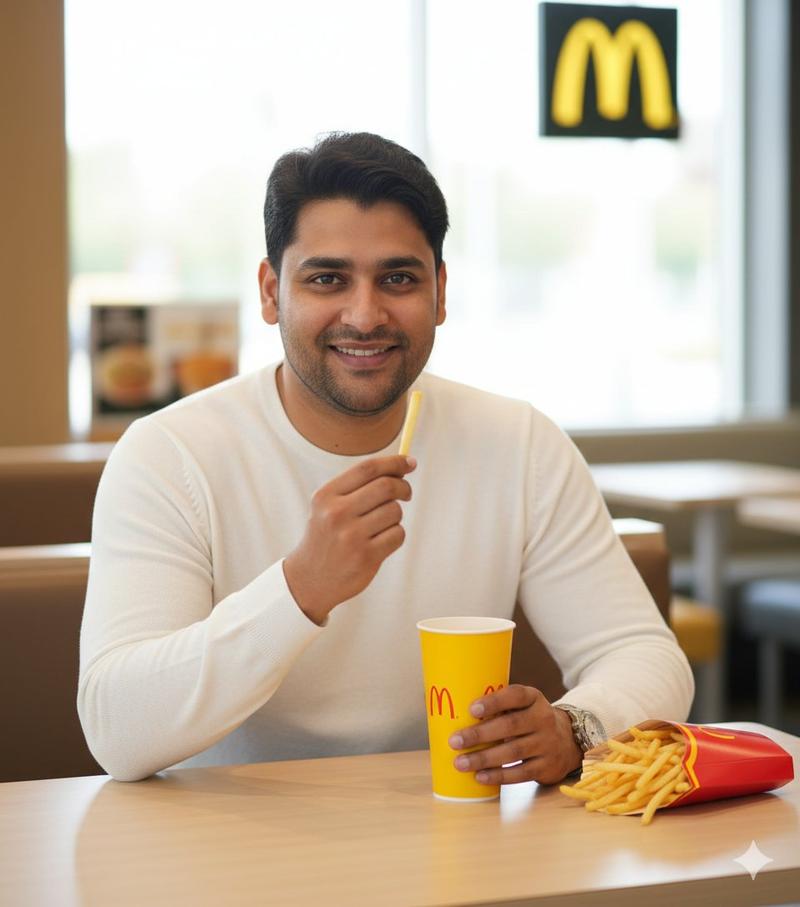
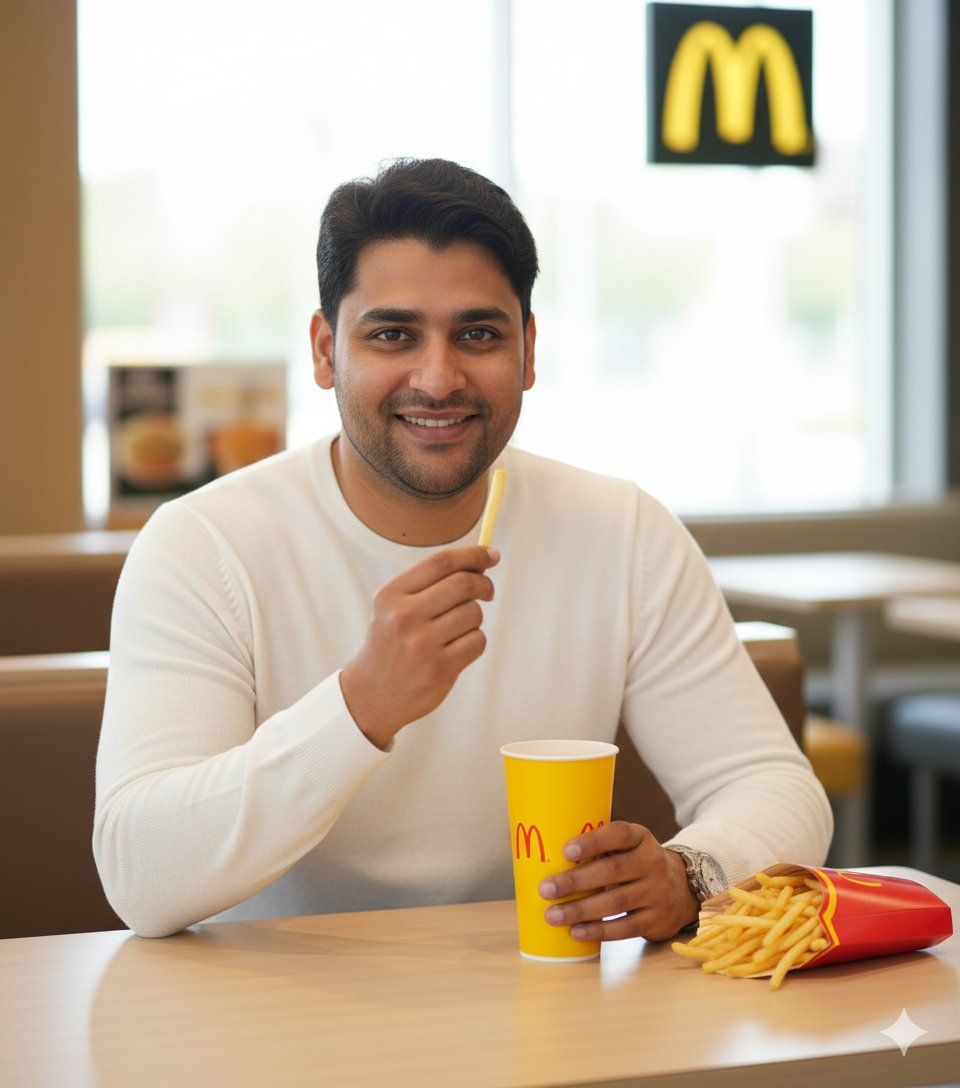
​Image 1: The Warm Bite
​{
"action": "dalle.text2im",
"action_input": "{ "prompt": "A high-quality, ultra-realistic photo of the man from the uploaded image (medium skin tone, dark hair styled neatly, groomed beard). He is wearing a clean white long-sleeve sweater, sitting at a wooden table inside a brightly lit McDonald’s. He is smiling warmly at the camera, holding a yellow McDonald's cup in one hand and a single french fry in the other. A classic red box of McDonald's fries is on the table. Softly blurred background with the golden arches logo and soft daylight.", "size": "1024x1024" }",
}
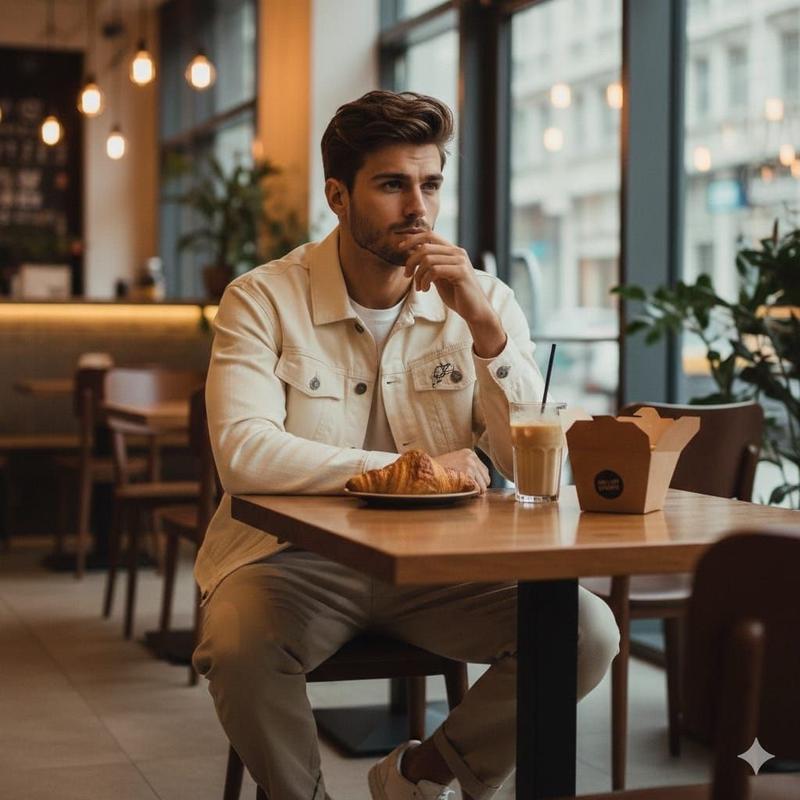
​Image 2: The Thoughtful Gaze
​{
"action": "dalle.text2im",
"action_input": "{ "prompt": "A high-quality, ultra-realistic lifestyle photo of the man from the uploaded image (medium skin tone, pompadour hairstyle, short beard). He is dressed in a white crewneck sweater, sitting at a window seat in a McDonald’s. He is looking thoughtfully out the window with a slight smile. On the table is a black tray with a sesame seed burger in a box and french fries. Warm natural lighting, shallow depth of field with a blurred restaurant interior.", "size": "1024x1024" }", Use my uploaded face image only as a face and identity reference. No other faces, models, datasets, or references are allowed.
}
Category
创意图片
Model
Nano Banana Pro
Views0
Source ID
4bc8bac7-b2e9-48b9-935b-a767e84af9b0
Published
Mar 8, 2026

Guide

About "超逼真麦当劳生活方式肖像(两场景)"

What is this prompt for?

"超逼真麦当劳生活方式肖像(两场景)" AI image prompt for Nano Banana Pro (创意图片). 一个结构化的提示,包含两个独立的图像生成动作,使用 DALL-E(通过 Nano Banana Pro)来创建麦当劳场景中男性的超现实生活肖像。第一个场景是“温暖的一口”(微笑,拿着薯条),…

The full copyable prompt and example visuals above are ready for AI image generation or one-click recreate in Picva.

How to use this prompt

  1. Step 1

    Open the prompt detail

    Review the example visuals, category, and full prompt text for "超逼真麦当劳生活方式肖像(两场景)".

  2. Step 2

    Copy the prompt

    Copy the prompt body from this page, or load it directly in Studio.

  3. Step 3

    Pick a model (Nano Banana Pro)

    Prefer Nano Banana Pro. If you switch models, keep subject and composition and tweak style terms.

  4. Step 4

    Generate and export

    Recreate the look in Picva, or export into your workflow for editing and publishing.

FAQ

What is the "超逼真麦当劳生活方式肖像(两场景)" prompt?
It is an AI image-generation prompt for Nano Banana Pro in the 创意图片 category. This page includes the full prompt text, example visuals, and a one-click recreate path in Picva.
How do I use this prompt to generate an image?
Copy the prompt from this page, or use Generate / Studio. Paste it into a compatible image model, or recreate the look in Picva with optional reference images.
Which model is this prompt for?
This page lists Nano Banana Pro. Most descriptive prompts also transfer to nearby image models such as GPT Image, Flux, or Midjourney with light style tweaks.
Can I use the result commercially?
You can usually copy the prompt for creation, but commercial use of the final image depends on the model terms, reference-image rights, and the generated content. Follow the source author and platform rules.