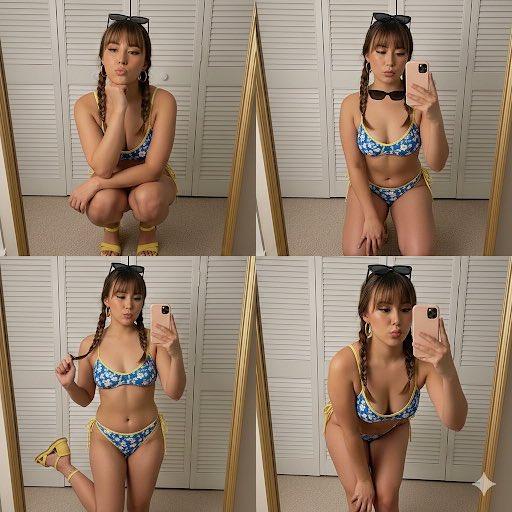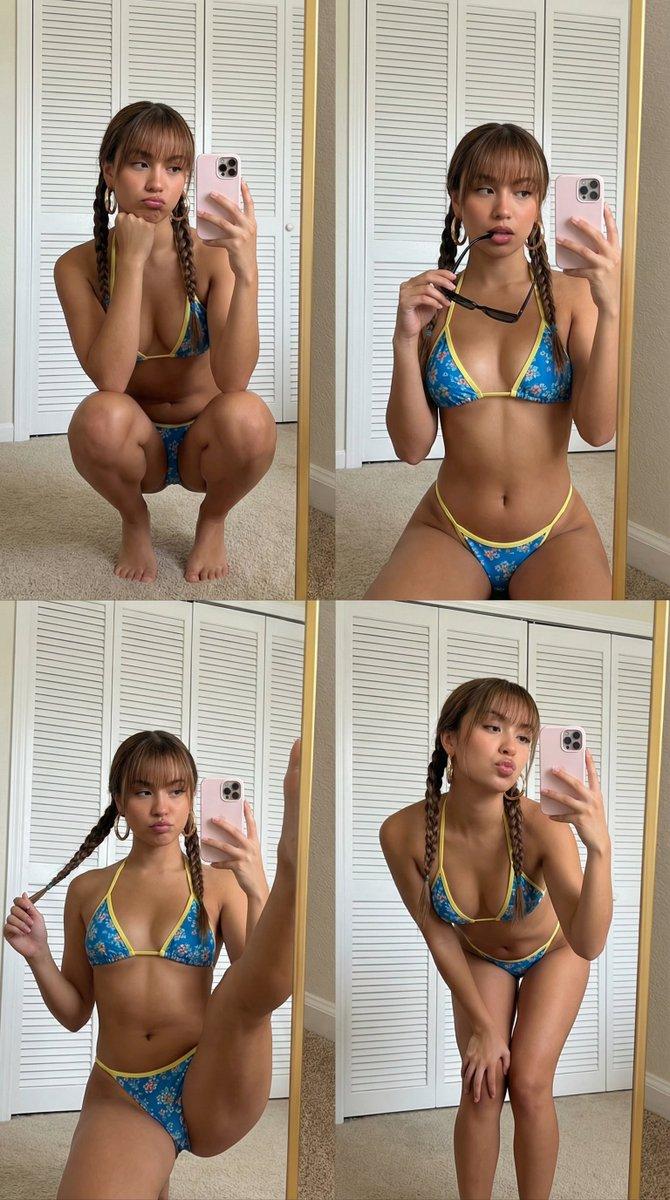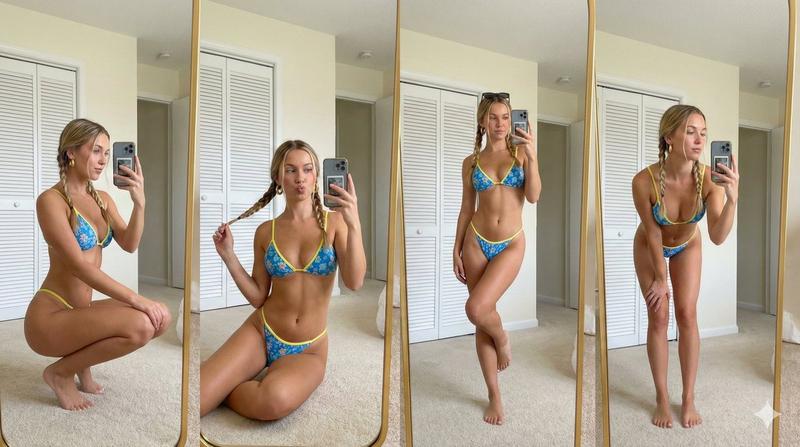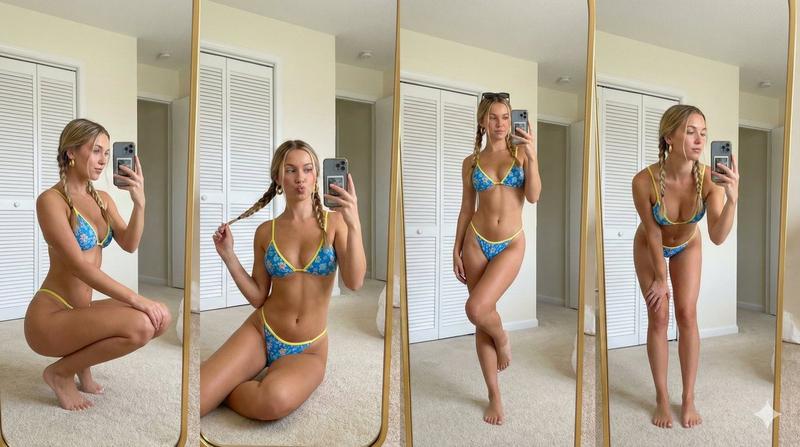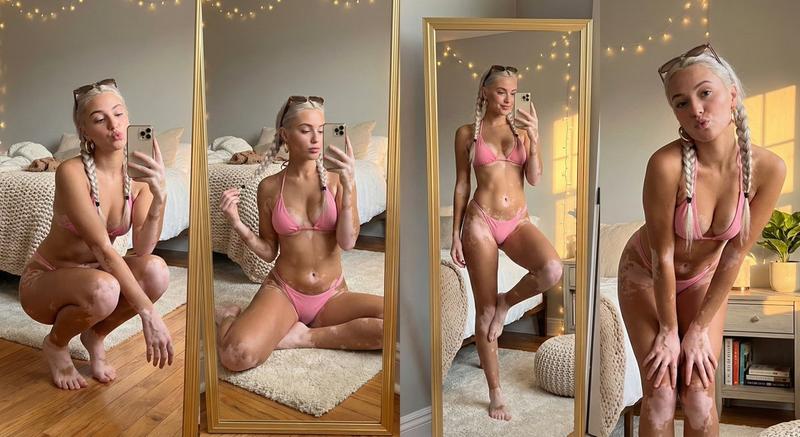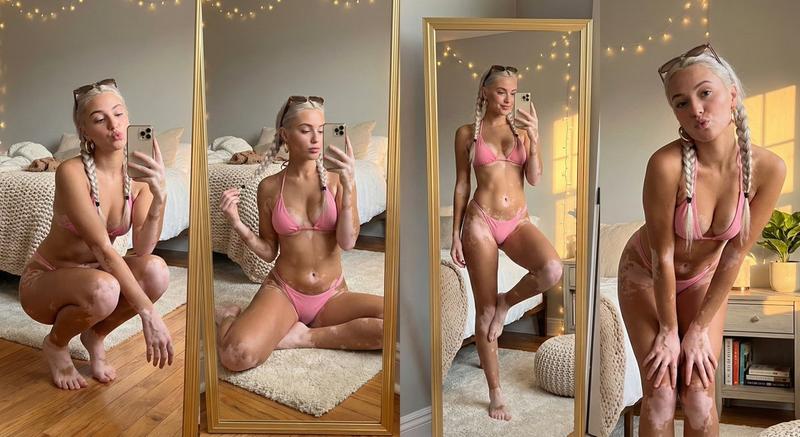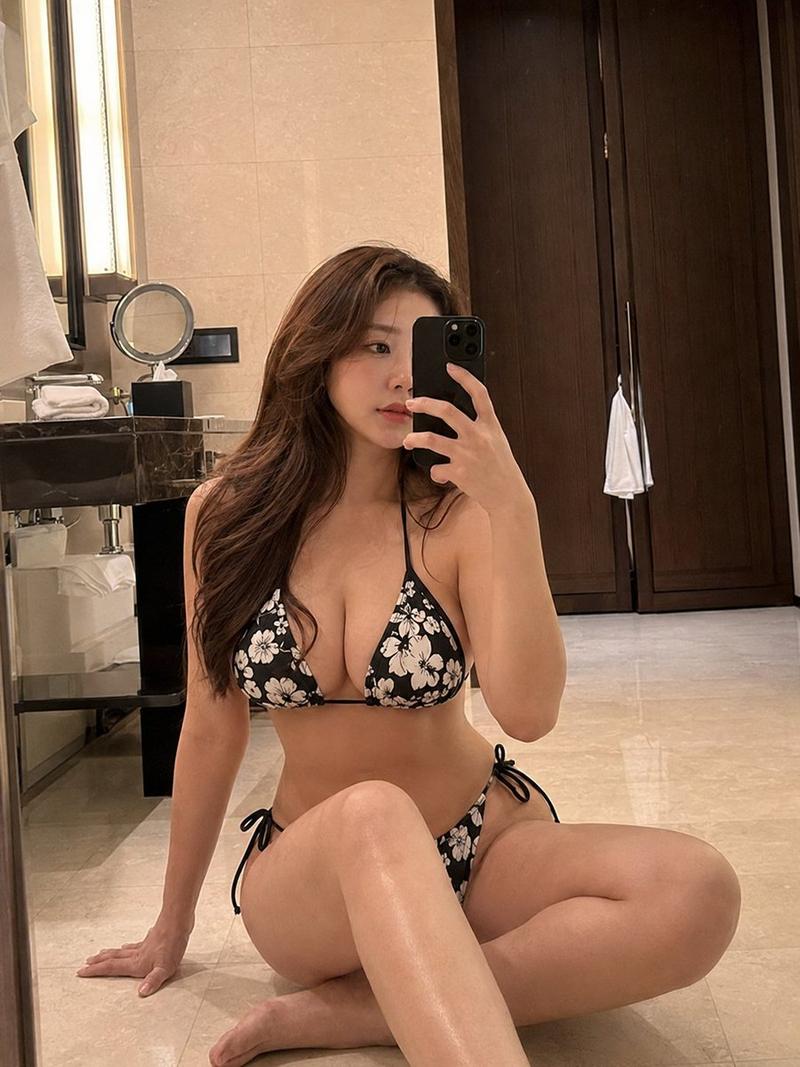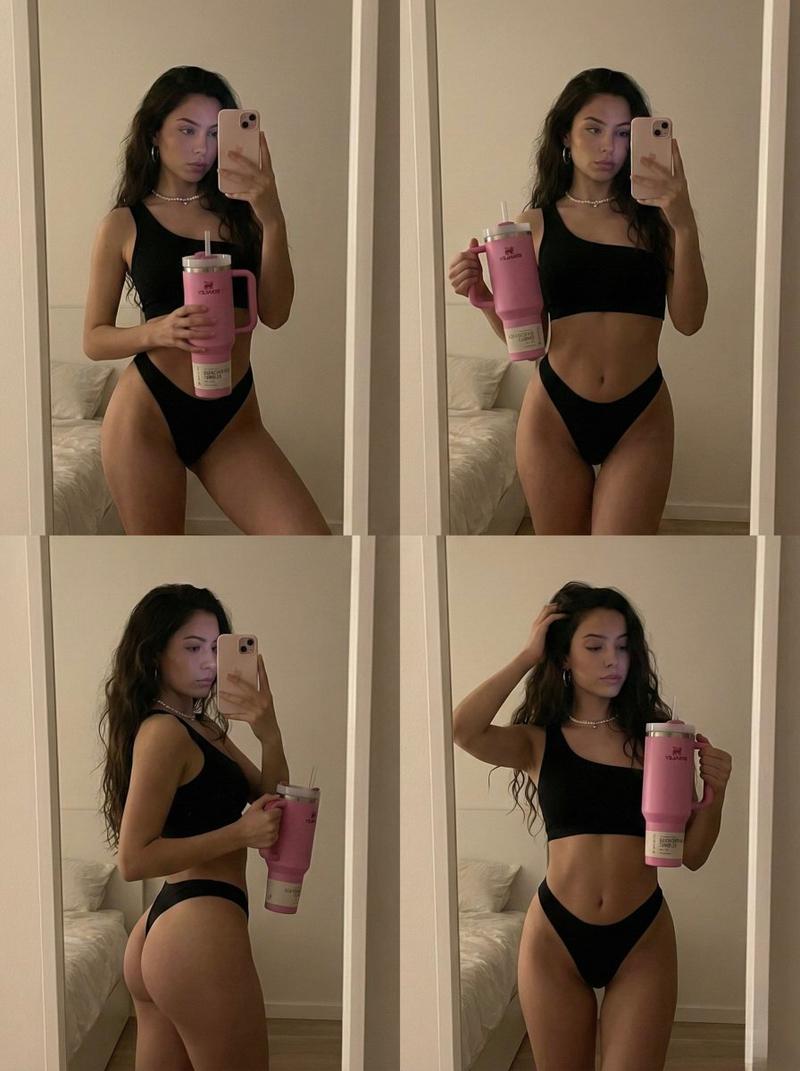
2x2 镜面自拍拼贴提示词
Prompt
{
  "metadata": {
    "task_type": "image_generation",
    "reference_lock": "strict",
    "output_quality": "photorealistic",
    "constraints": {
      "allow_face_change": false,
      "allow_body_change": false,
      "match_reference": true
    }
  },
  "technical_specs": {
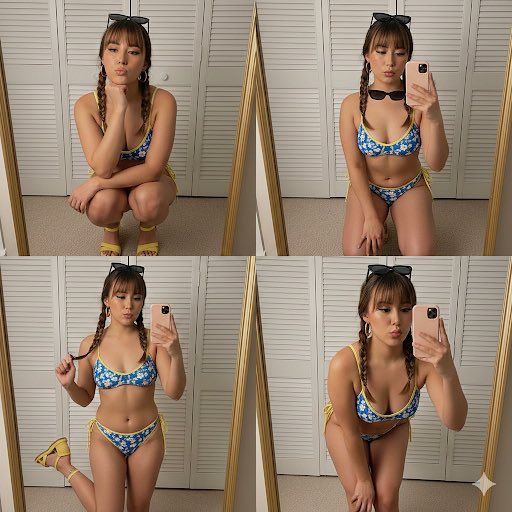
    "layout_type": "collage",
    "grid_format": "2x2",
    "total_panels": 4,
    "aspect_ratio": "9:16",
    "visual_style": "mirror selfie"
  },
  "character_model": {
    "complexion": {
      "tone": "light–medium warm tan",
      "texture": "smooth",
      "finish": "slight sheen"
    },
    "facial_features": {
      "shape": "soft oval",
      "cheeks": "naturally full",
      "nose": "straight bridge, rounded tip",
      "lips": "full with cupid bow",
      "eyes": {
        "shape": "almond",
        "makeup": "winged liner, warm shadow",
        "lashes": "long"
      },
      "brows": "arched, medium-full"
    },
    "hair": {
      "color": "medium brown",
      "style": "two braided pigtails",
      "bangs": "straight fringe",
      "accessory": "black sunglasses resting on head"
    }
  },
  "wardrobe": {
    "swimwear": {
      "type": "bikini",
      "cut": "triangle top, low-rise bottom",
      "pattern": "blue with white floral print",
      "details": "yellow edging and ties"
    },
    "footwear": "yellow open-toe sandals with ankle strap",
    "jewelry": [
      "large gold hoop earrings"
    ],
    "handheld_props": {
      "phone": {
        "case_color": "light pink",
        "features": "square dual-camera bump"
      }
    }
  },
  "environment": {
    "setting": "indoor dressing room / bedroom",
    "elements": {
      "background": "white louvered closet doors",
      "floor": "beige carpet",
      "mirror": "full-length with thin gold frame"
    },
    "lighting": {
      "type": "soft indoor",
      "tone": "neutral-warm",
      "shadows": "minimal"
    }
  },
  "composition_panels": [
    {
      "panel_id": 1,
      "pose_description": "deep squat, chin resting on fist",
      "expression": "pout"
    },
    {
      "panel_id": 2,
      "pose_description": "low sit",
      "action": "holding sunglasses near mouth",
      "expression": "neutral"
    },
    {
      "panel_id": 3,
      "pose_description": "standing, one leg raised toward mirror",
      "action": "holding one braid",
      "expression": "playful"
    },
    {
      "panel_id": 4,
      "pose_description": "leaning forward, knees bent",
      "expression": "soft pout"
    }
  ]
}- Category
- 创意图片
- Model
- Nano Banana Pro
- Creator
- Link - Fuera de la Matriz
- Source ID
- 3c0cc002-4ddc-491f-8178-898fc5e4addf
- Published
- Mar 8, 2026
Views0