16

专业影棚大头照提示词
Enlarge

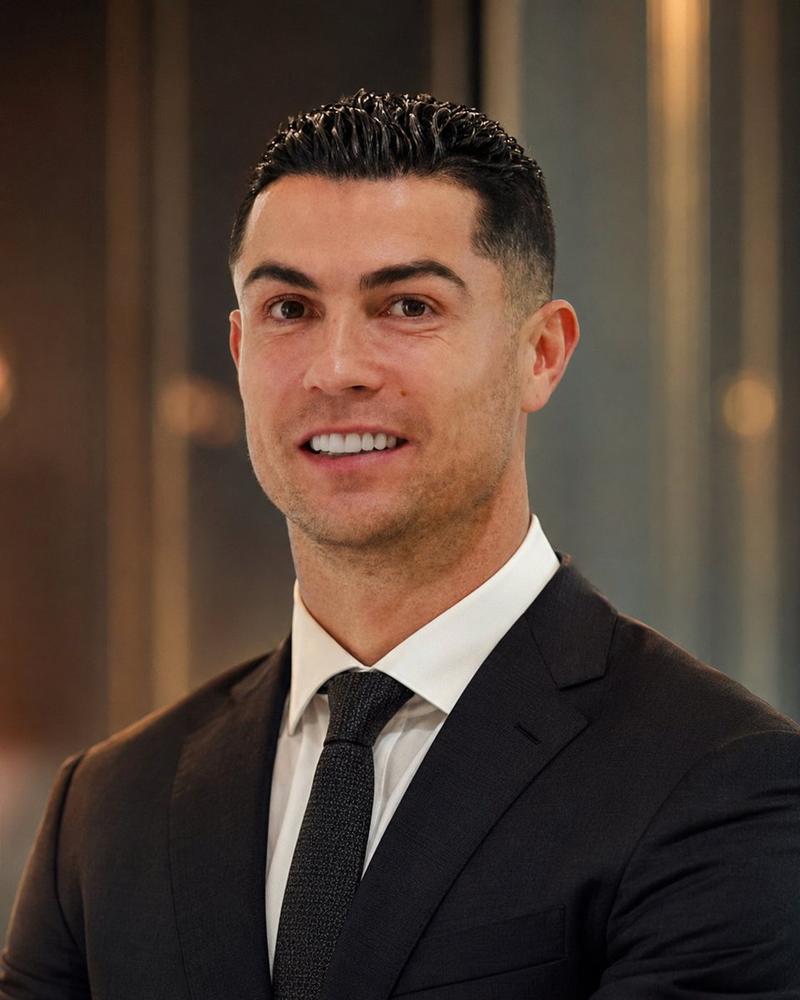
专业影棚大头照提示词

Prompt
{
  "image_prompt": {
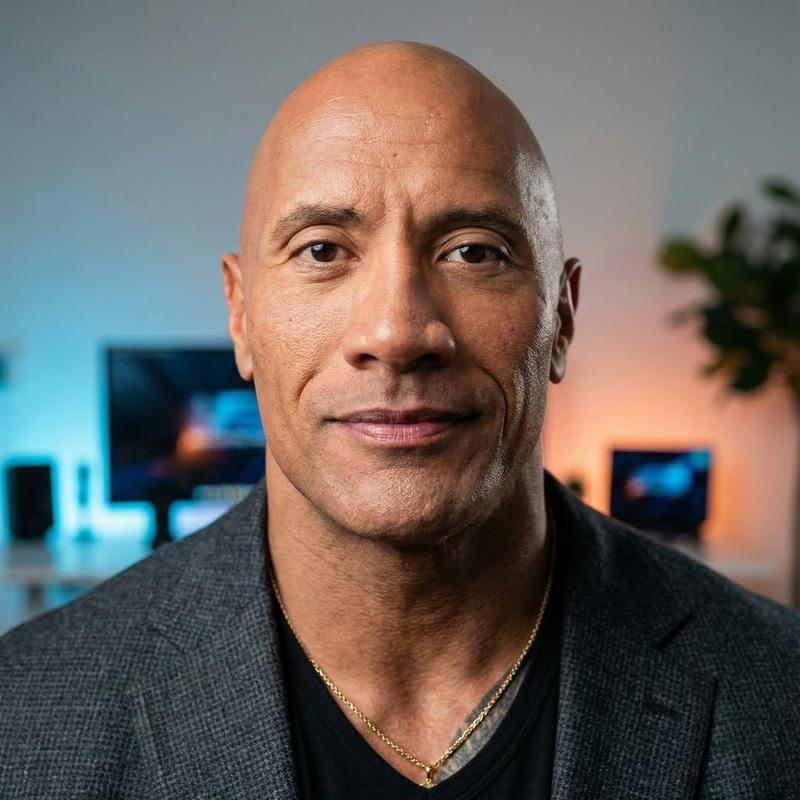
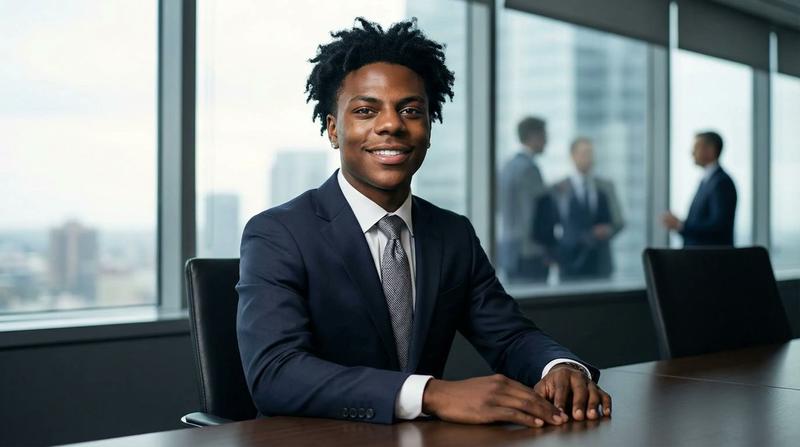
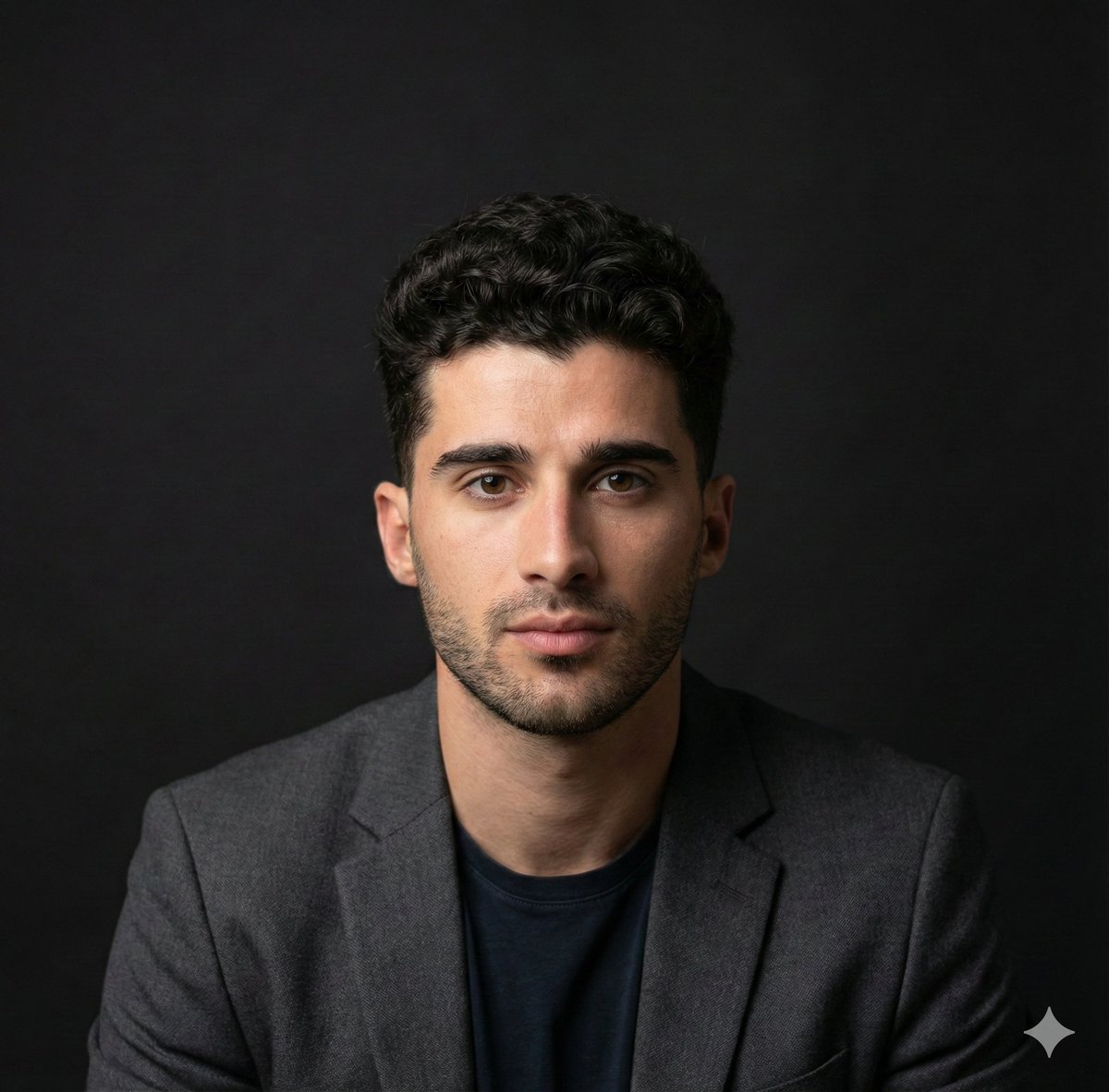
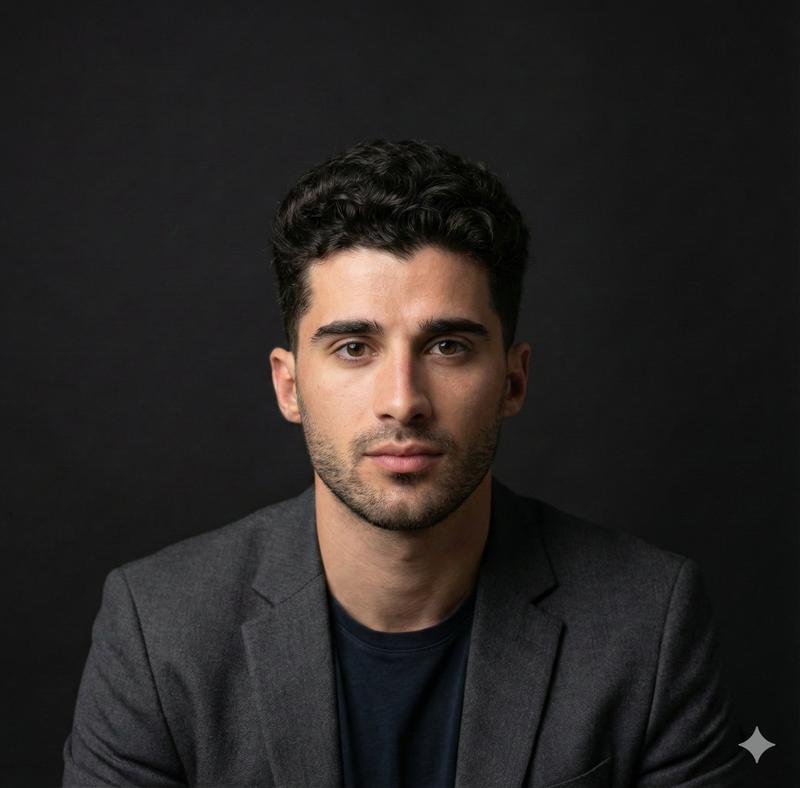
    "main_description": "Professional studio headshot of a confident, well-groomed man in his early 30s.",
    "subject_details": {
      "appearance": "Neat short hairstyle, sharp facial features, subtle stubble or clean-shaven",
      "expression": "Natural, friendly smile, confident",
      "apparel": "Dark blazer over a plain black or navy t-shirt"
    },
    "environment": {
      "setting": "Modern office background",
      "elements": "Softly blurred desk, monitor, and indoor plants",
      "depth": "Shallow depth of field"
    },
    "lighting_and_atmosphere": {
      "lighting_setup": "Soft diffused studio lighting, gentle key light, balanced fill",
      "color_grading": "Clean color grading, realistic skin tones",
      "mood": "Minimalist, polished, executive"
    },
    "technical_specs": {
      "style": "LinkedIn-quality professional photography, ultra-realistic",
      "focus": "Sharp focus, crisp details",
      "resolution": "High resolution"
    }
  }
}
Category
创意图片
Model
Nano Banana Pro
Creator
Taaruk
Views1
Source ID
7176b0ea-d6e9-4e94-8173-f3c83914948f
Published
Mar 8, 2026

Guide

About "专业影棚大头照提示词"

What is this prompt for?

"专业影棚大头照提示词" AI image prompt for Nano Banana Pro (创意图片). 一个详细的图像生成提示,用于创建一张超逼真、领英 (LinkedIn) 质量的专业工作室头像照,展现一位自信男士的现代、精致高管风格。它详细说明了拍摄对象细节、环境、灯光以及浅景深和高分辨率等技术规格。…

The full copyable prompt and example visuals above are ready for AI image generation or one-click recreate in Picva.

How to use this prompt

  1. Step 1

    Open the prompt detail

    Review the example visuals, category, and full prompt text for "专业影棚大头照提示词".

  2. Step 2

    Copy the prompt

    Copy the prompt body from this page, or load it directly in Studio.

  3. Step 3

    Pick a model (Nano Banana Pro)

    Prefer Nano Banana Pro. If you switch models, keep subject and composition and tweak style terms.

  4. Step 4

    Generate and export

    Recreate the look in Picva, or export into your workflow for editing and publishing.

FAQ

What is the "专业影棚大头照提示词" prompt?
It is an AI image-generation prompt for Nano Banana Pro in the 创意图片 category. This page includes the full prompt text, example visuals, and a one-click recreate path in Picva.
How do I use this prompt to generate an image?
Copy the prompt from this page, or use Generate / Studio. Paste it into a compatible image model, or recreate the look in Picva with optional reference images.
Which model is this prompt for?
This page lists Nano Banana Pro. Most descriptive prompts also transfer to nearby image models such as GPT Image, Flux, or Midjourney with light style tweaks.
Can I use the result commercially?
You can usually copy the prompt for creation, but commercial use of the final image depends on the model terms, reference-image rights, and the generated content. Follow the source author and platform rules.