17

高端时尚黑白编辑肖像提示词(面部锁定)
Enlarge

高端时尚黑白编辑肖像提示词(面部锁定)

Prompt
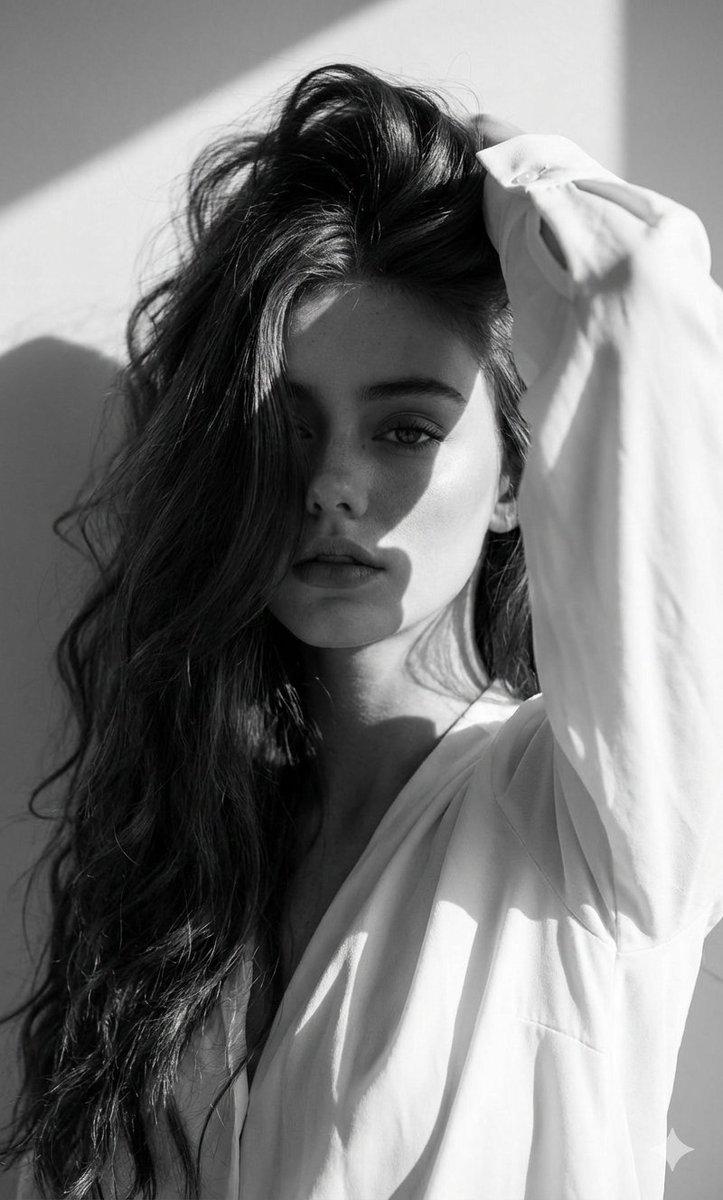
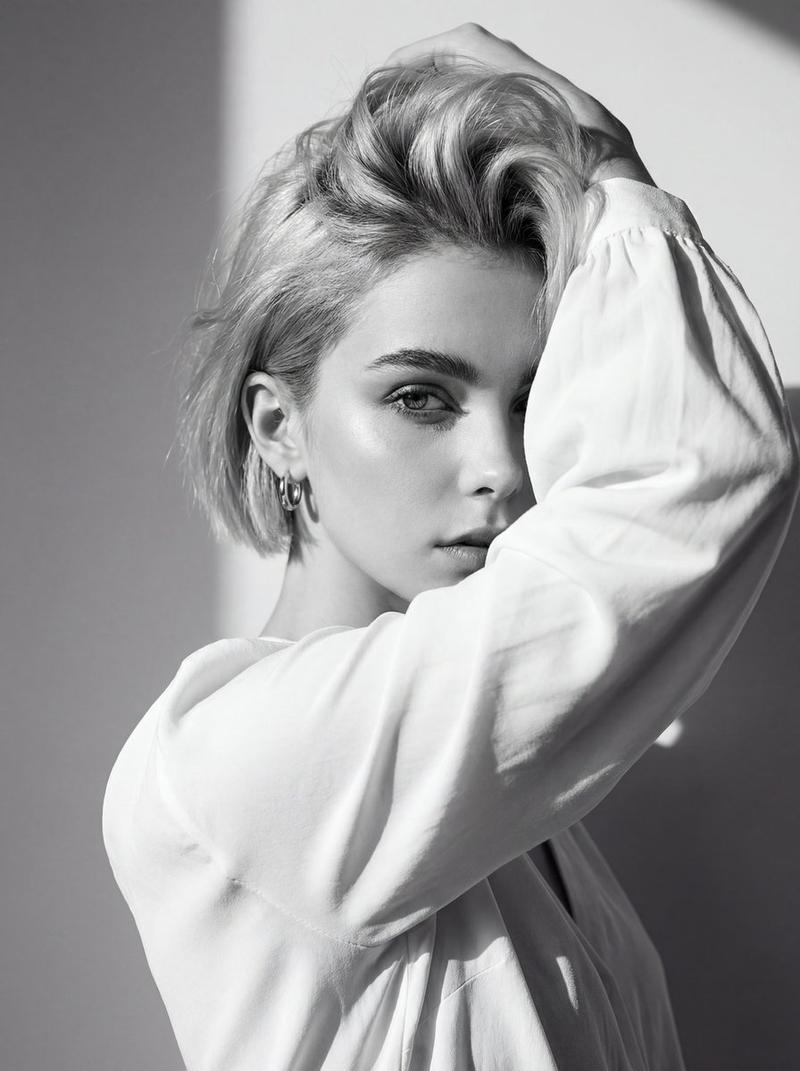
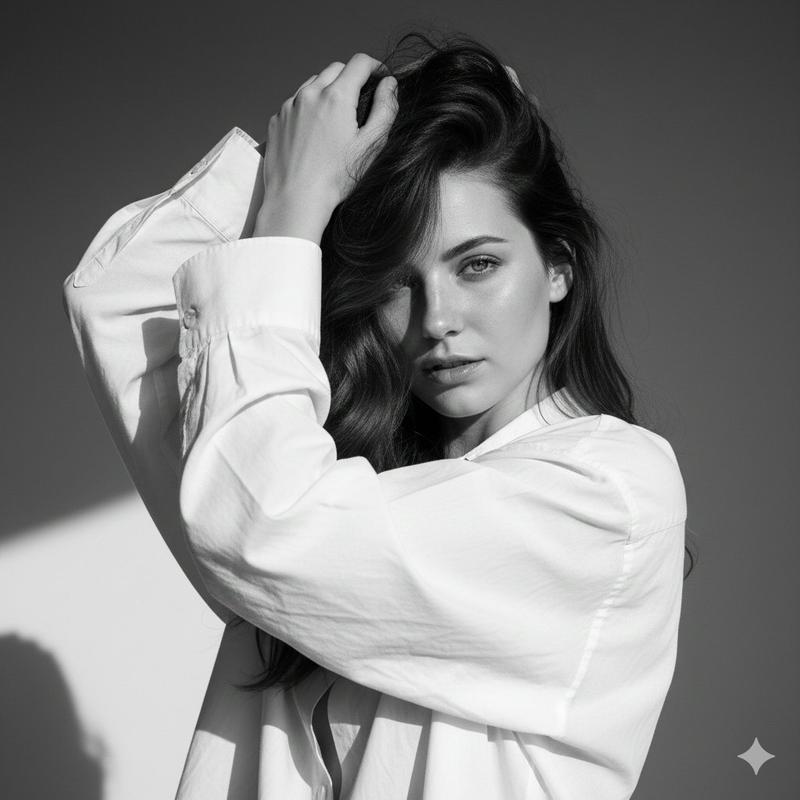
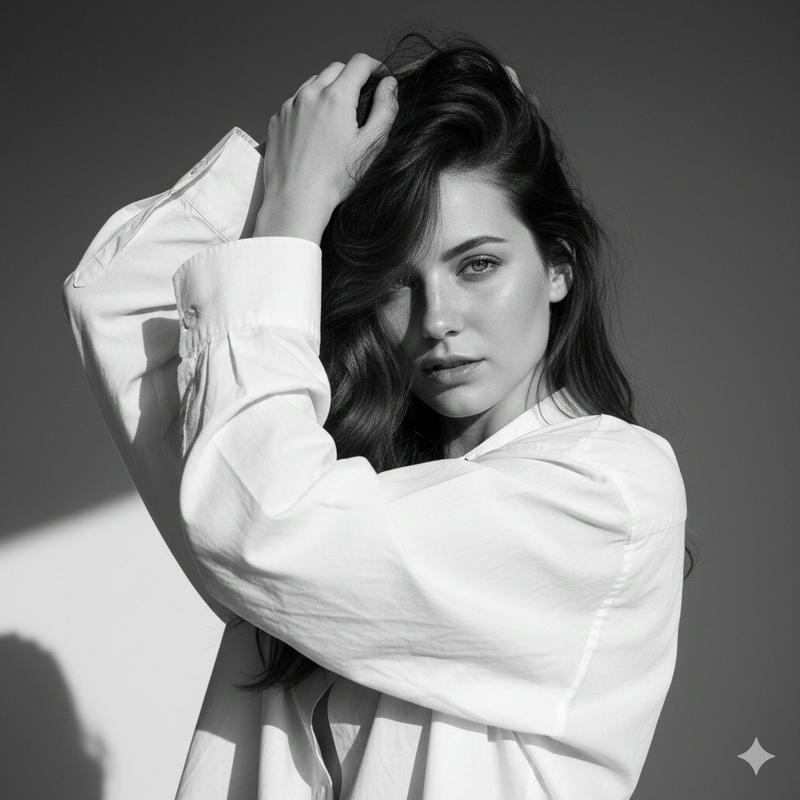
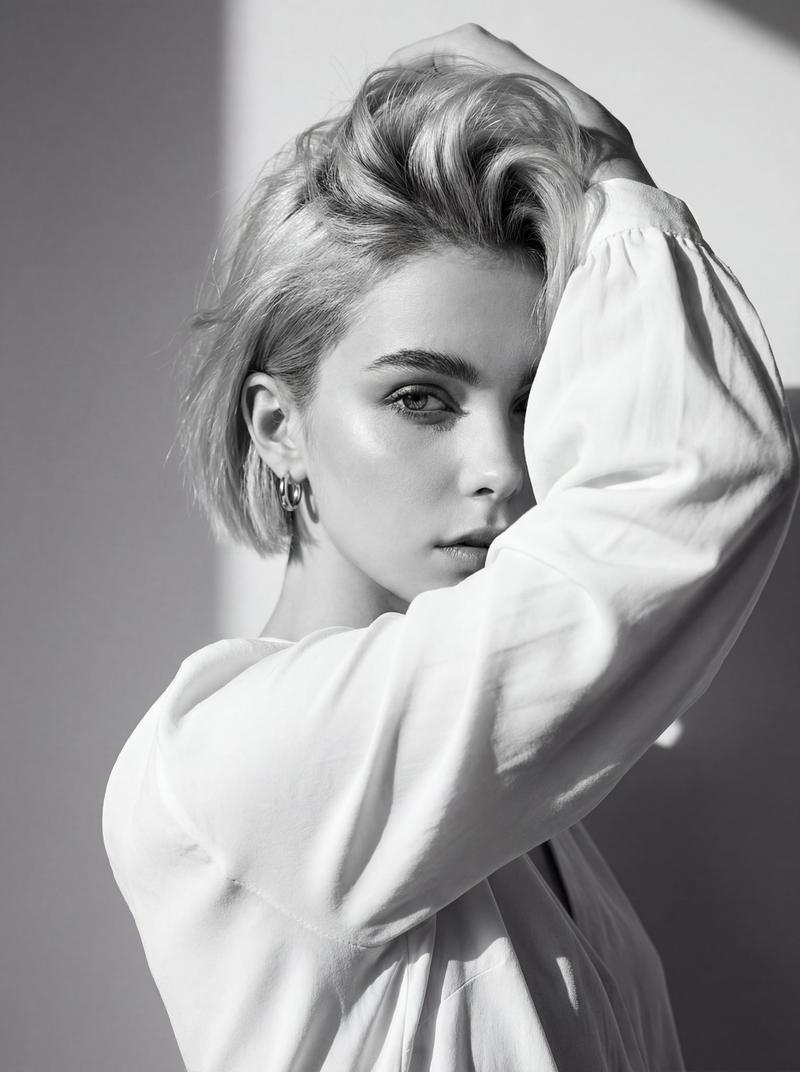
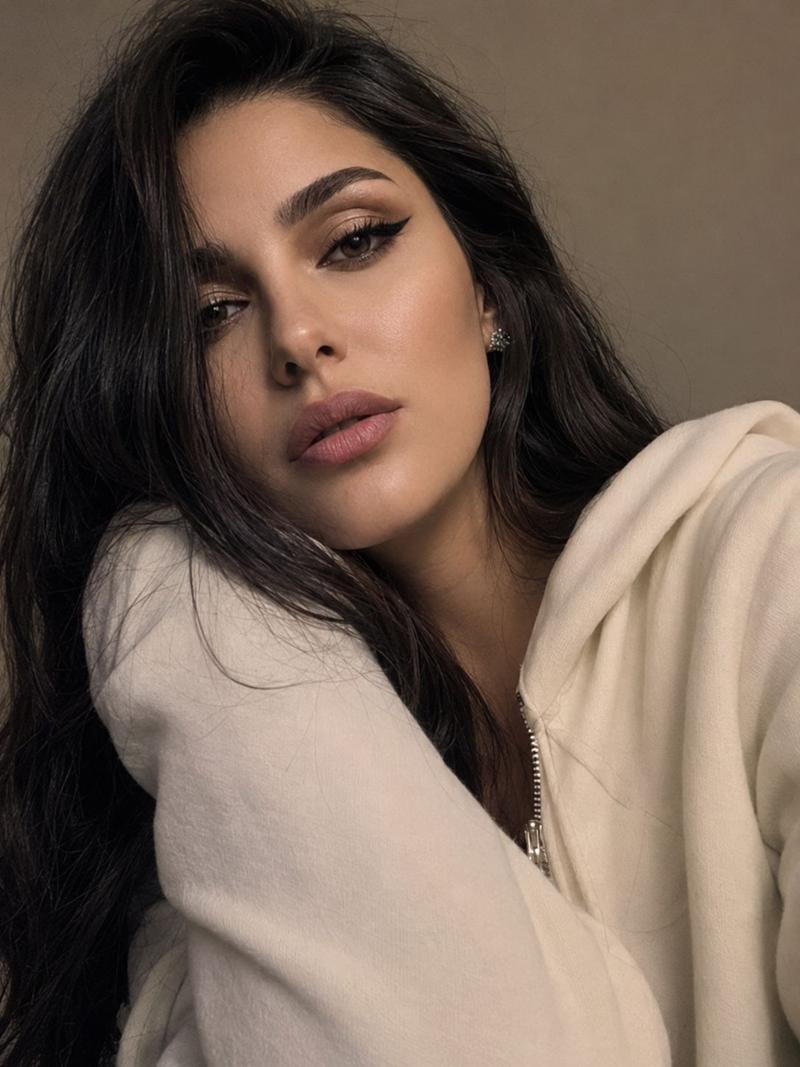
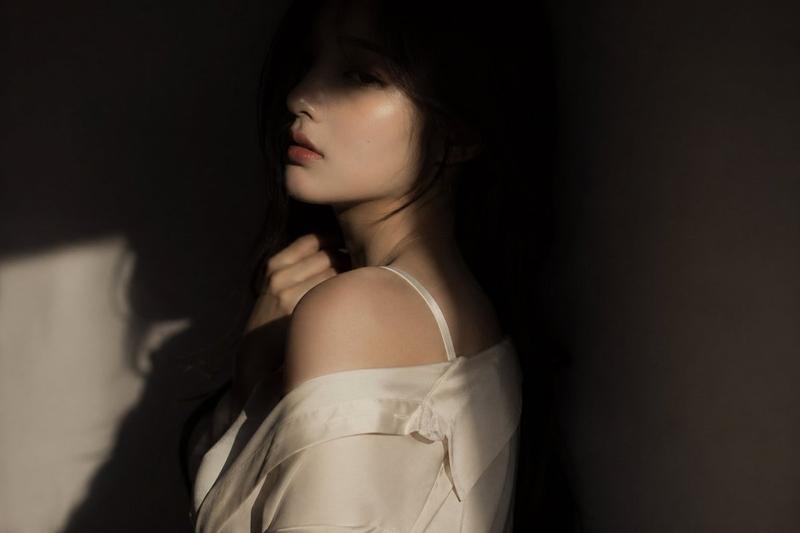
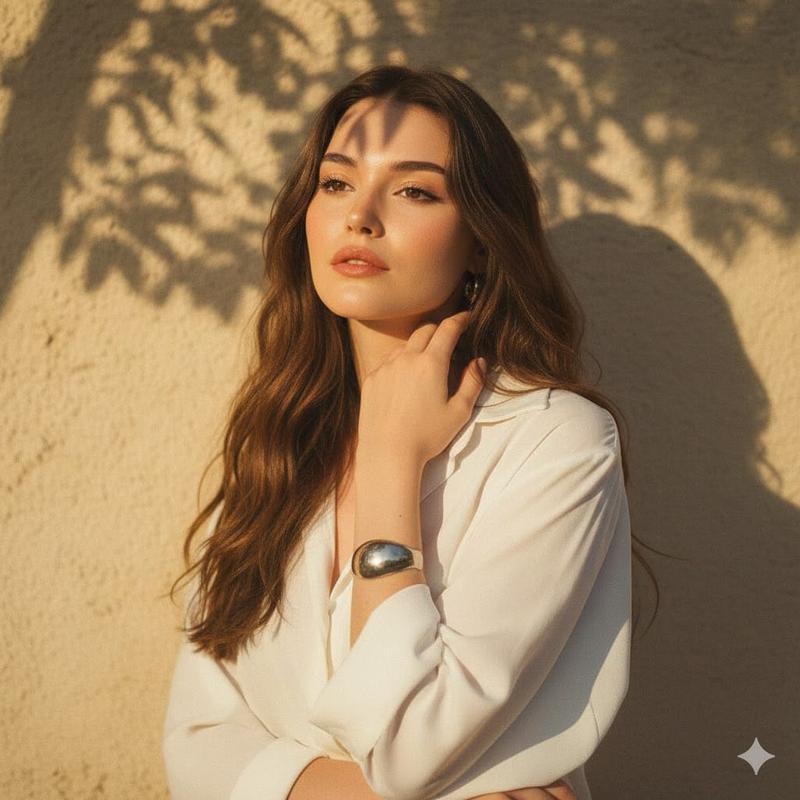
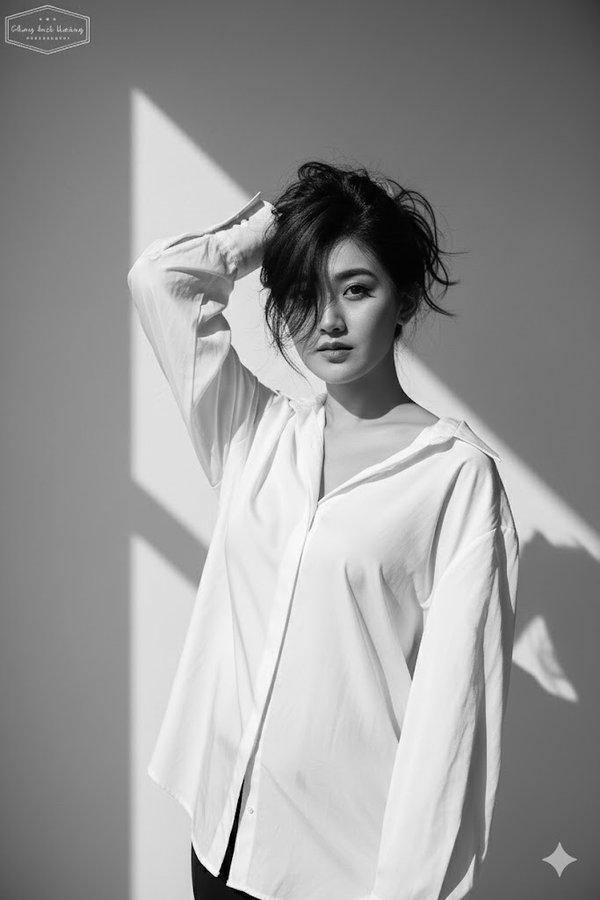
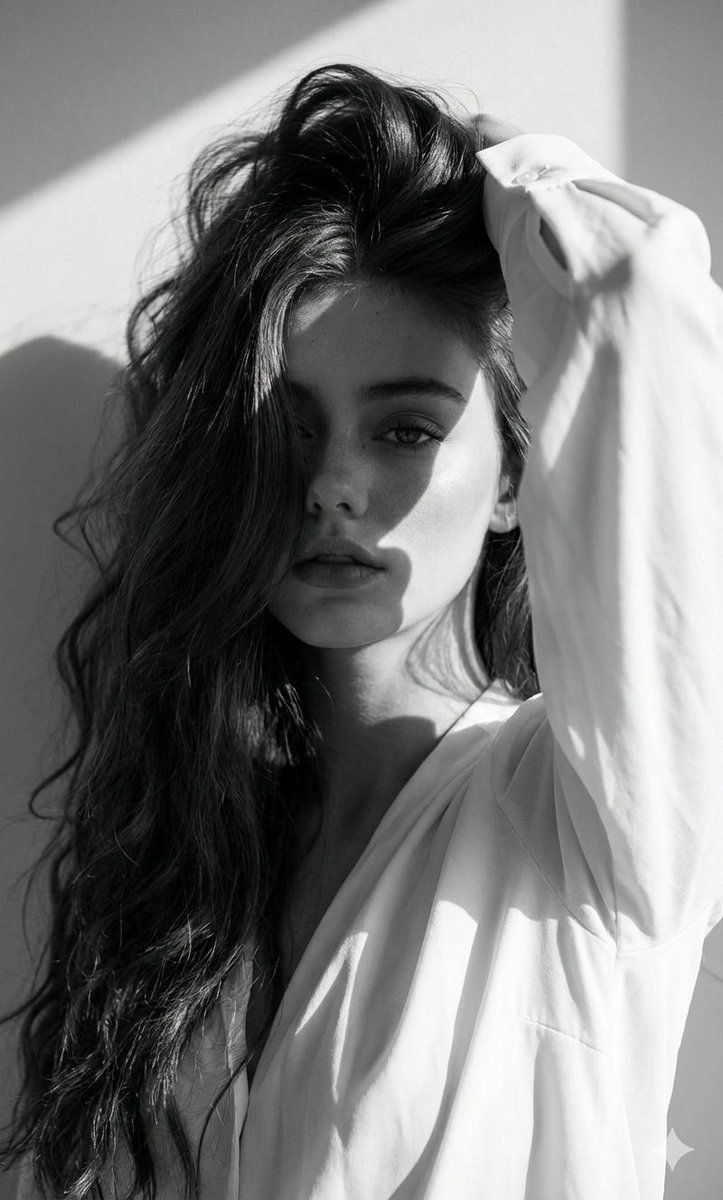
Use The Uploaded Image Of The Woman As Strict Facial Reference And Physical Features - Keep Her Real Face Exactly As Provided, Without Alterations Or Stylization. Ensure Seamless, Ultra-realistic Integration In The Final Render. Black And White High-fashion Editorial Portrait Of The Uploaded Person, Wearing A Loose White Blouse. She Poses With One Arm Raised, Partially Covering Her Face While Holding Her Hair Up, Creating A Dramatic And Artistic Composition. Her Gaze Is Intense And Captivating, Directly Toward The Camera, Exuding A Strong, Enigmatic Aura.
Background: Minimalist Plain Wall With Sharp Daylight Shadows
Adding Contrast And Depth.
Lighting: Harsh Natural
Sunlight, High-contrast, Emphasizing Facial Contours, Cheekbones, Hair Texture, And Fabric Detail. Pose: Bold And Expressive, Arm Lifted Framing The Face To Emphasize Raw Emotion And High-fashion Editorial Style.
Camera: Eye-level Close-up,
Focusing On Facial Expression, Texture, And Dramatic Shadow Play. Captured As If With Canon Eos R5, 85mm F/1.8 Lens - Crisp Detail, Tonal Depth, Fine Grain.
Style: Monochrome, Ultra-realistic, Cinematic, High-fashion
Editorial Photography.ashion editorial photography.
Category
创意图片
Model
Nano Banana Pro
Creator
Harboriis
Views0
Source ID
85777698-1120-4a81-a2cd-93a3a13e4e74
Published
Mar 8, 2026

Guide

About "高端时尚黑白编辑肖像提示词(面部锁定)"

What is this prompt for?

"高端时尚黑白编辑肖像提示词(面部锁定)" AI image prompt for Nano Banana Pro (创意图片). 一个用于生成高对比度黑白编辑肖像的提示,使用严格的面部参考锁定。主体姿态富有戏剧性,部分遮盖面部,强烈的自然阳光强调了轮廓和纹理,模仿了 Canon EOS R5 85mm f/1.8…

The full copyable prompt and example visuals above are ready for AI image generation or one-click recreate in Picva.

How to use this prompt

  1. Step 1

    Open the prompt detail

    Review the example visuals, category, and full prompt text for "高端时尚黑白编辑肖像提示词(面部锁定)".

  2. Step 2

    Copy the prompt

    Copy the prompt body from this page, or load it directly in Studio.

  3. Step 3

    Pick a model (Nano Banana Pro)

    Prefer Nano Banana Pro. If you switch models, keep subject and composition and tweak style terms.

  4. Step 4

    Generate and export

    Recreate the look in Picva, or export into your workflow for editing and publishing.

FAQ

What is the "高端时尚黑白编辑肖像提示词(面部锁定)" prompt?
It is an AI image-generation prompt for Nano Banana Pro in the 创意图片 category. This page includes the full prompt text, example visuals, and a one-click recreate path in Picva.
How do I use this prompt to generate an image?
Copy the prompt from this page, or use Generate / Studio. Paste it into a compatible image model, or recreate the look in Picva with optional reference images.
Which model is this prompt for?
This page lists Nano Banana Pro. Most descriptive prompts also transfer to nearby image models such as GPT Image, Flux, or Midjourney with light style tweaks.
Can I use the result commercially?
You can usually copy the prompt for creation, but commercial use of the final image depends on the model terms, reference-image rights, and the generated content. Follow the source author and platform rules.