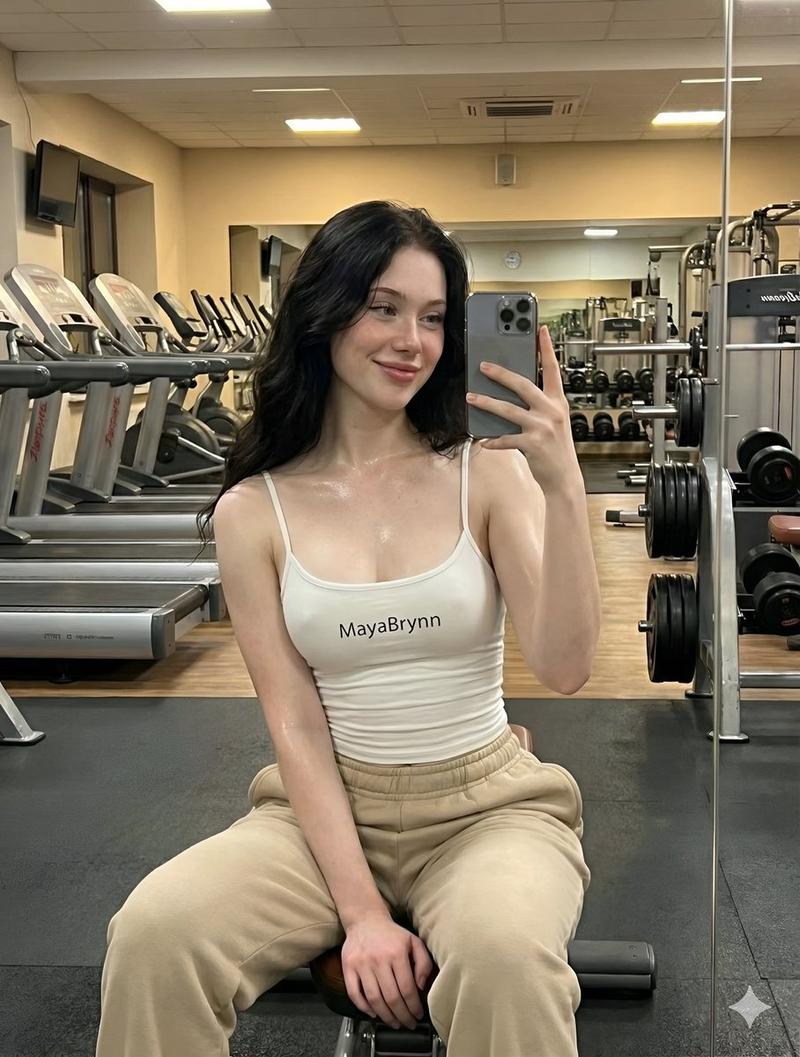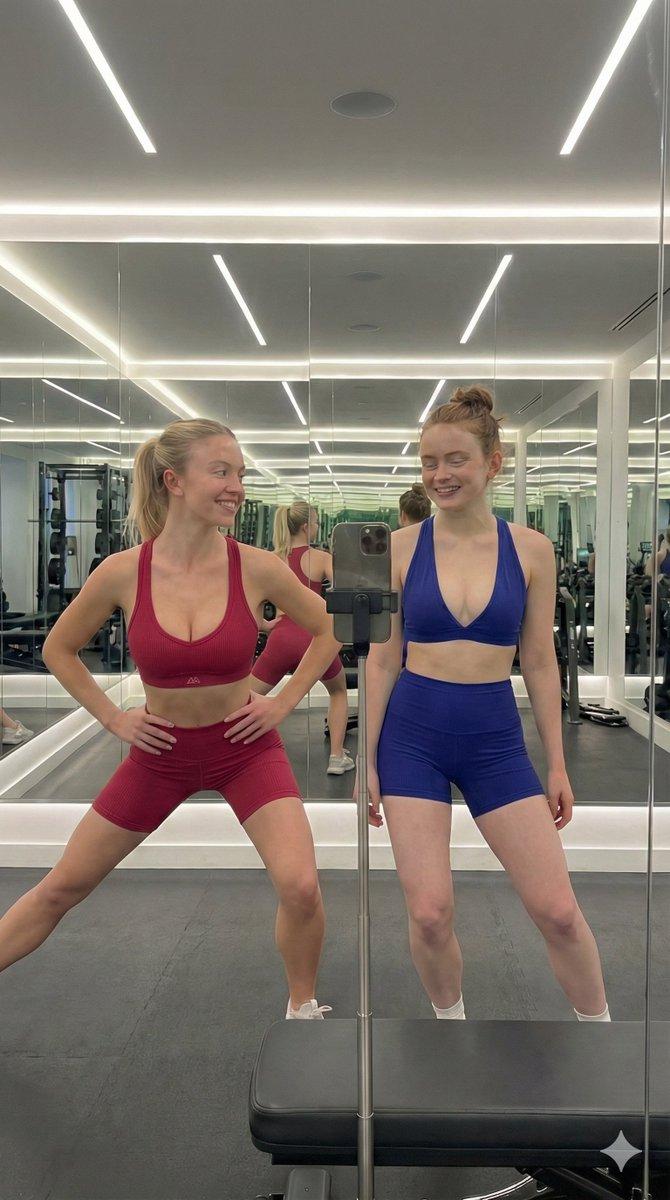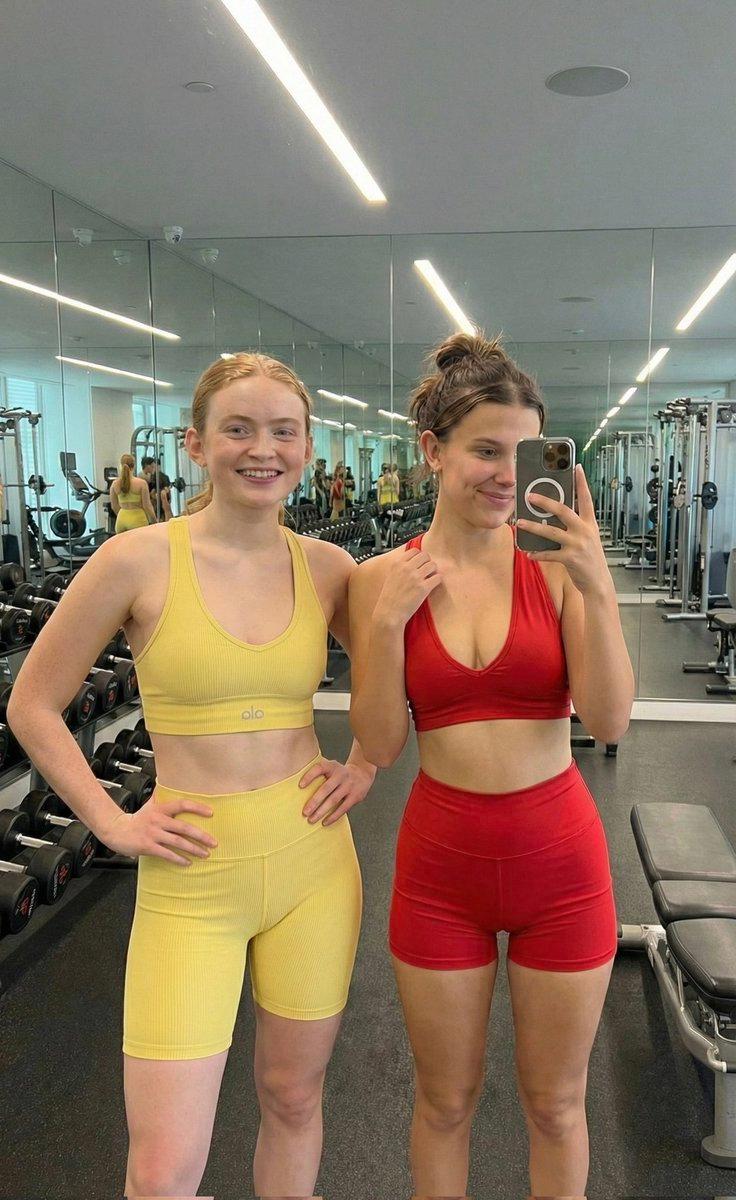
健身房镜面自拍肖像提示
Prompt
{
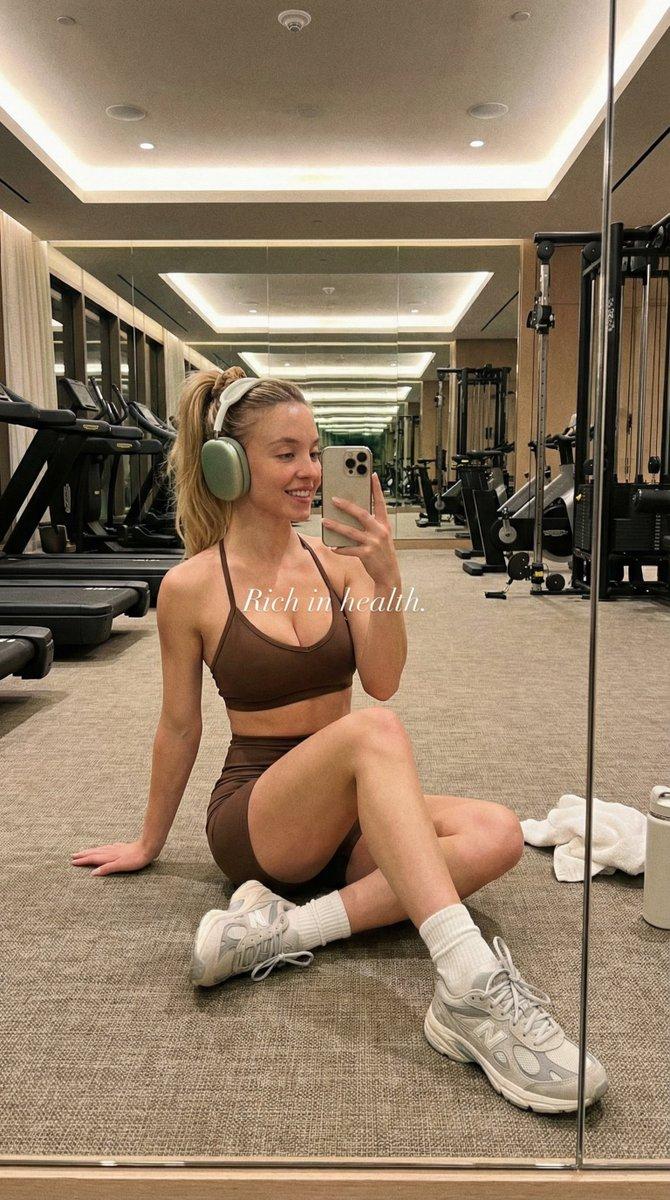
  "lighting": {
    "mood": "calm, warm, atmospheric",
    "type": "artificial indoor lighting, diffused",
    "source": "overhead gym lights, reflected light from mirrors",
    "shadows": "soft, diffused shadows on floor and under equipment",
    "direction": "overhead, multi-directional",
    "intensity": "soft, warm, slightly dim"
  },
  "background": {
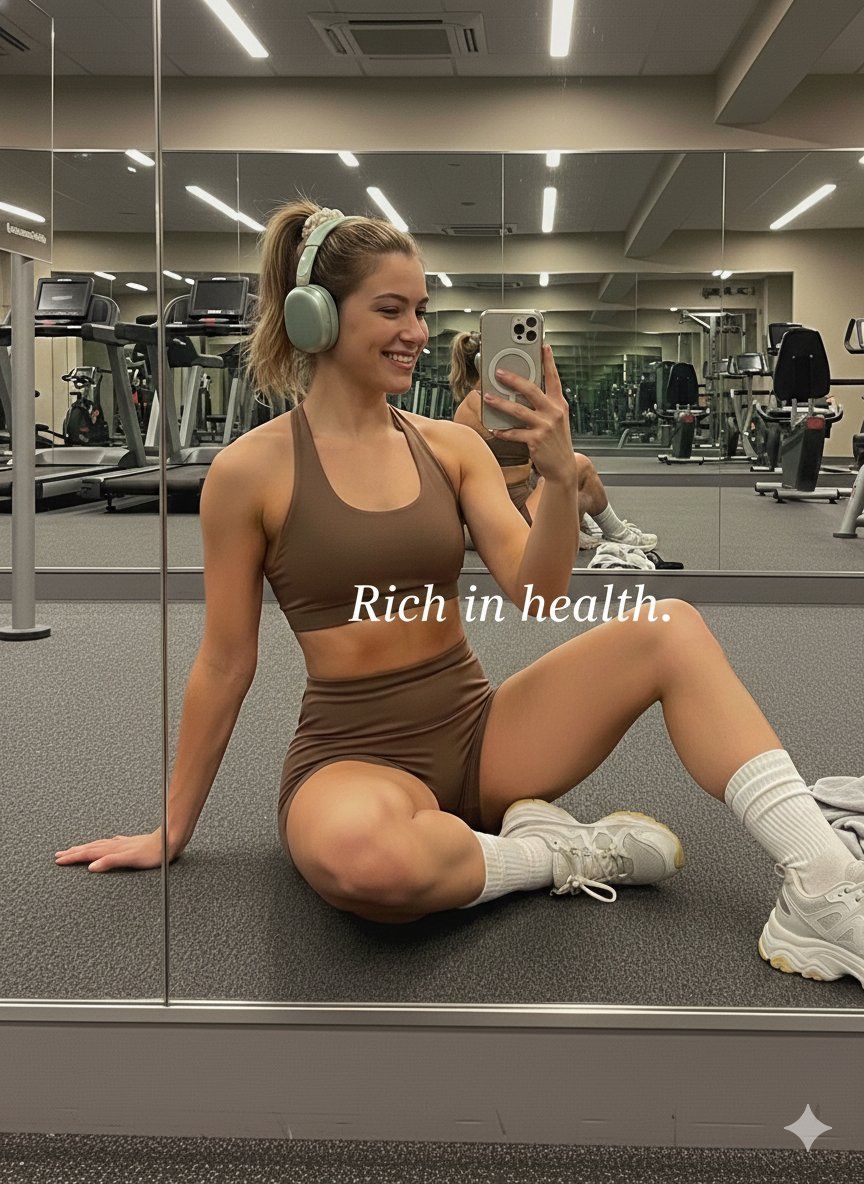
    "details": "modern gym equipment, clean, spacious",
    "elements": [
      "large mirrors reflecting treadmills and stationary bikes",
      "treadmills",
      "stationary bikes",
      "weight machines",
      "carpeted floor",
      "towel on floor",
      "water bottle on floor",
      "windows in background reflection",
      "overhead lighting fixtures"
    ],
    "location": "gym interior",
    "perspective": "reflected view through mirror, showing depth"
  },
  "typography": {
    "alignment": "center",
    "font_size": "medium",
    "font_style": "italic",
    "text_color": "#FFFFFF",
    "font_family": "sans-serif",
    "font_weight": "regular",
    "line_height": "normal",
    "letter_spacing": "normal"
  },
  "composition": {
    "angle": "low-angle, sitting on floor",
    "framing": "subject occupies center-right, background reflection visible on left",
    "shot_type": "mirror selfie",
    "focal_point": "woman in foreground",
    "depth_of_field": "moderate, background slightly blurred but details visible"
  },
  "color_profile": {
    "contrast": "moderate",
    "saturation": "low",
    "accent_colors": [
      "#B5B8A7",
      "#F4F4F4"
    ],
    "dominant_colors": [
      "#4A3B34",
      "#8C9389",
      "#A5A5A5",
      "#D9D9D9"
    ],
    "palette_description": "muted earth tones, warm browns, grays, beige, light green"
  },
  "technical_specs": {
    "grain": "slight grain present",
    "device": "smartphone camera (likely iPhone)",
    "lens_type": "wide-angle",
    "sharpness": "moderate, some softening due to low light and mirror reflection",
    "resolution": "standard smartphone photo resolution",
    "aspect_ratio": "4:5 (portrait)"
  },
  "subject_analysis": {
    "person": {
      "hair": {
        "color": "light brown/blonde",
        "style": "high ponytail, tied with a light-colored scrunchie",
        "texture": "straight/wavy"
      },
      "pose": "sitting on floor, left leg bent, right leg extended, torso twisted slightly, holding phone in right hand for mirror selfie, left hand on floor behind her",
      "attire": {
        "top": "brown sports bra with halter neck strap",
        "shoes": "light gray and white chunky sneakers with yellow accents",
        "socks": "white ribbed crew socks",
        "bottoms": "brown high-waisted athletic shorts",
        "accessories": "light green over-ear headphones (Apple AirPods Max)"
      },
      "gender": "female",
      "expression": "smiling, looking at phone screen",
      "fitness_level": "fit, toned"
    }
  },
  "artistic_elements": {
    "mood": "aspirational,"
  }
}- Category
- 创意图片
- Model
- Nano Banana Pro
- Creator
- ANKIT PATEL 🇮🇳 | AI
- Source ID
- 95578292-69b0-49a8-b0c1-602021256731
- Published
- Mar 8, 2026
Views0