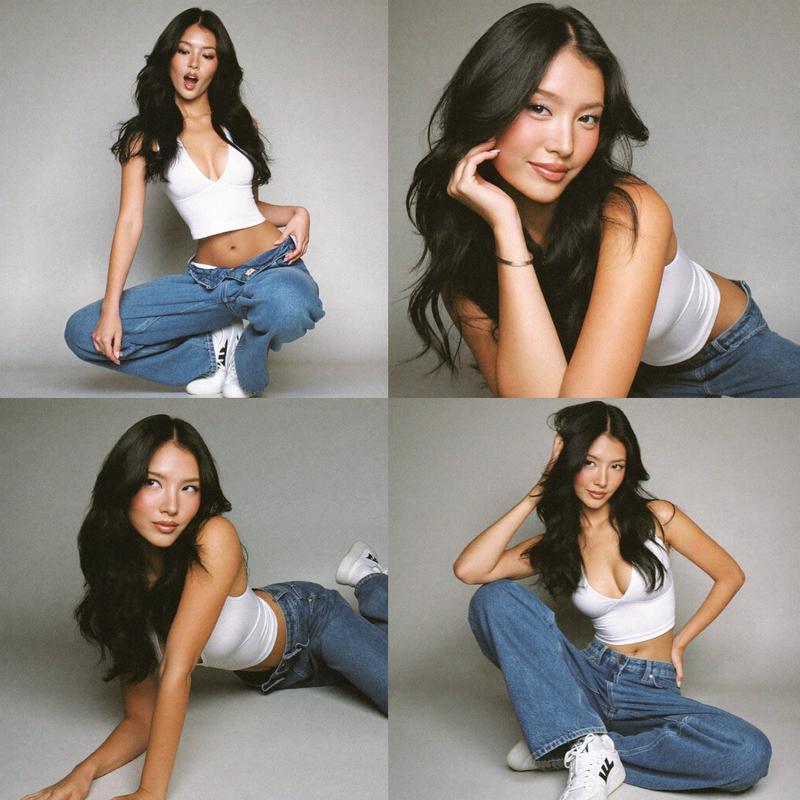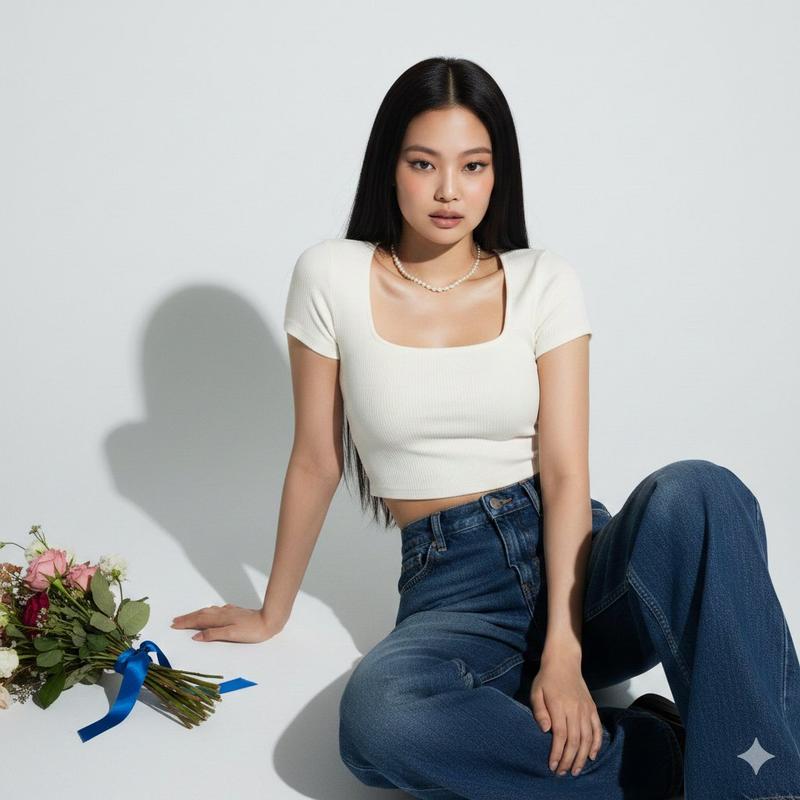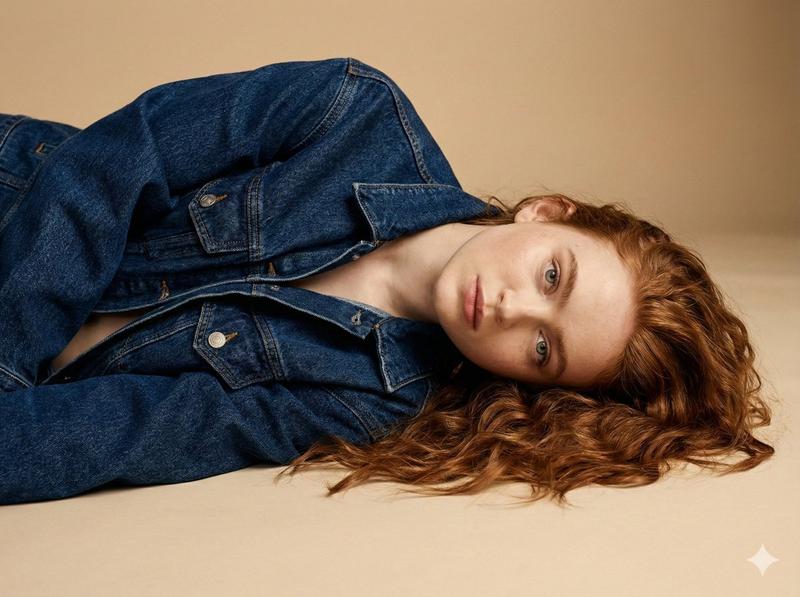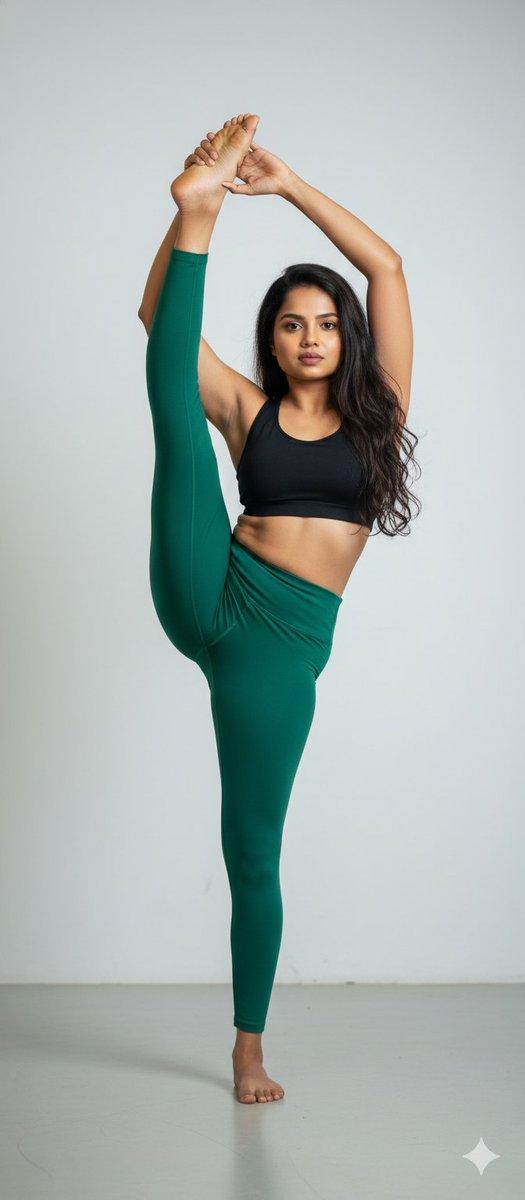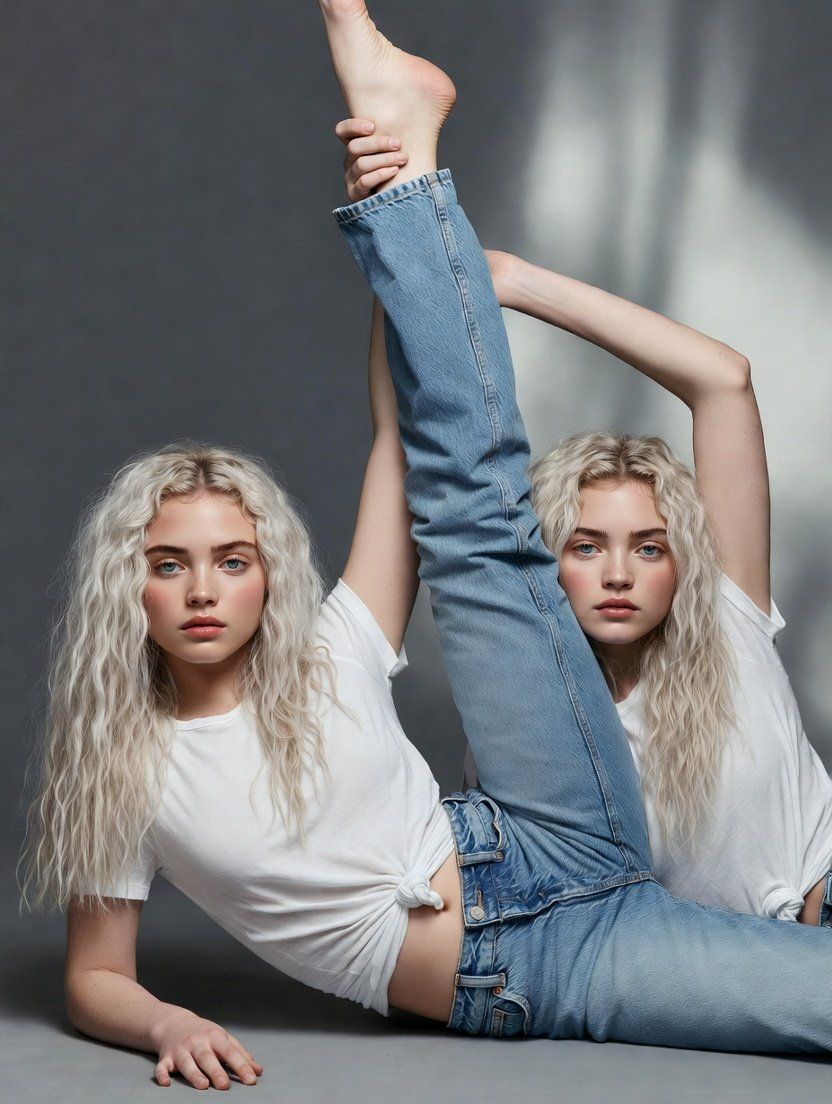
高级时装丹宁编辑:动态姿势
Prompt
{
  "prompt": "Denim fashion editorial photography, young woman with long platinum white blonde wavy hair, lying on right side on grey studio floor, dynamic flexible dancer pose with left leg extended straight up vertically toward ceiling, right hand reaching up holding ankle of raised leg, left arm flat on floor supporting upper body, wearing white basic cotton t-shirt knotted and tied at front waist, light wash blue denim jeans with relaxed straight leg fit and button fly visible, looking directly at camera with neutral confident expression, light blue grey eyes, fair porcelain skin, natural minimal makeup with nude pink lips, grey seamless gradient studio background darker at top lighter on floor, soft diffused professional studio lighting, high fashion denim campaign aesthetic, athletic dancer flexibility pose, full body composition, clean minimalist studio setting",
  "negative_prompt": "outdoor, harsh shadows, dark background, heavy makeup, casual snapshot, cluttered props, warm color tones",
  "style": "high fashion editorial, denim brand campaign, professional studio photography, dynamic athletic pose",
  "aspect_ratio": "3:4",
  "camera": {
    "type": "professional medium format studio photography",
    "angle": "eye level, straight on frontal view",
    "framing": "full body shot capturing complete pose from head to raised foot"
  },
  "lighting": {
    "type": "soft diffused studio lighting",
    "quality": "even professional illumination, minimal shadows, clean highlight on subject",
    "atmosphere": "clean polished high fashion studio"
  },
  "mood": "confident, editorial, high fashion, athletic, elegant, strong",
  "color_palette": "white, platinum silver blonde, light blue denim, grey gradient background, neutral cool tones",
  "subject_features": {
    "hair": "long platinum white blonde, soft natural waves, middle parted, flowing on studio floor",
    "skin": "fair, porcelain, flawless, natural",
    "eyes": "light blue grey, direct intense gaze at camera",
    "lips": "natural nude pink, neutral expression",
    "expression": "neutral, confident, calm, editorial"
  },
  "pose_details": {
    "position": "lying on right side, torso propped up",
    "left_leg": "extended straight up vertically pointing toward ceiling",
    "right_leg": "flat on floor extended straight",
    "right_arm": "raised up, hand holding ankle of raised left leg",
    "left_arm": "on floor supporting upper body weight, hand flat on ground"
  },
  "wardrobe": {
    "top": "white basic cotton t-shirt, short sleeves, knotted and tied at front creating cropped effect",
    "bottom": "light wash blue denim jeans, relaxed straight leg fit, classic five pocket style, copper button fly visible at waist"
  },
  "setting": {
    "location": "professional photography studio",
    "background": "grey seamless backdrop with gradient from darker grey at top to lighter grey on floor",
"floor":- Category
- 创意图片
- Model
- Nano Banana Pro
- Creator
- Nano banana pro🍌
- Source ID
- f30c717a-7f6c-4659-87af-8fab1ec76a0b
- Published
- Mar 8, 2026
Views0