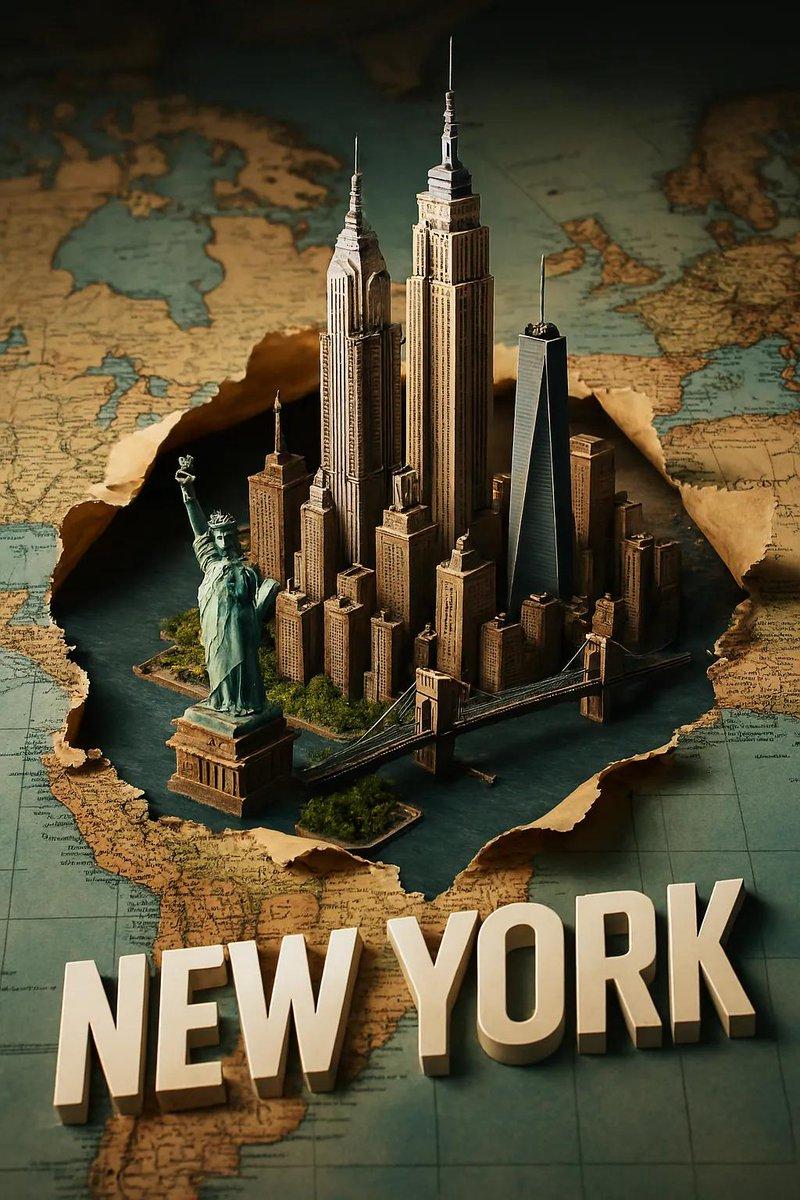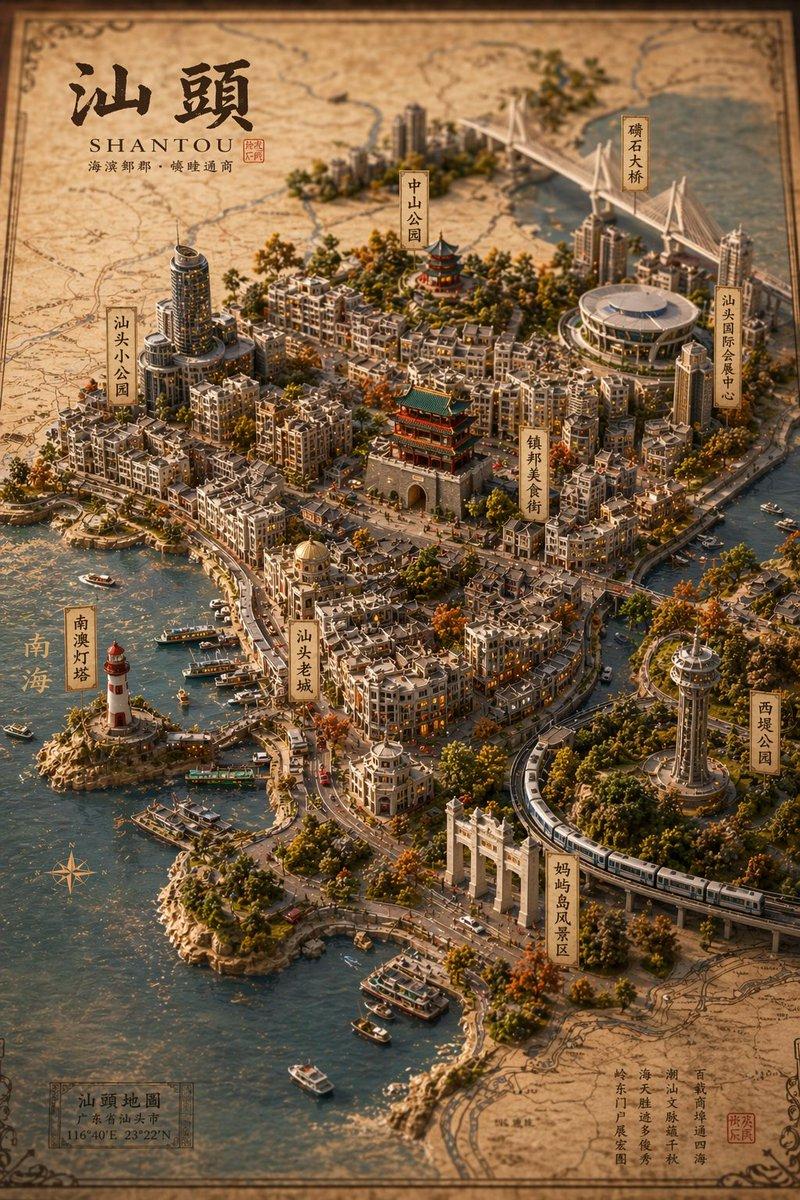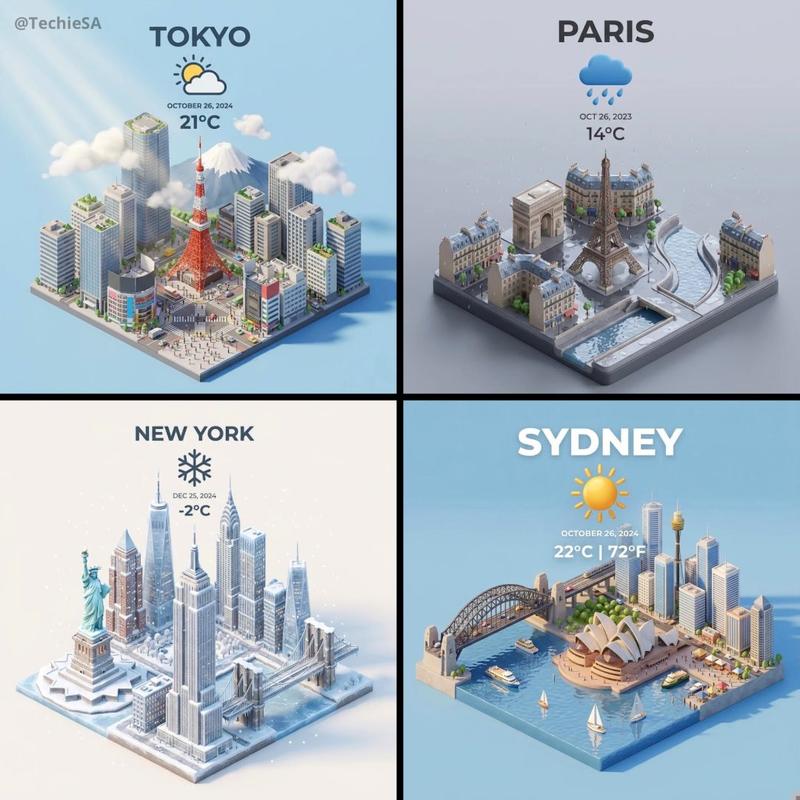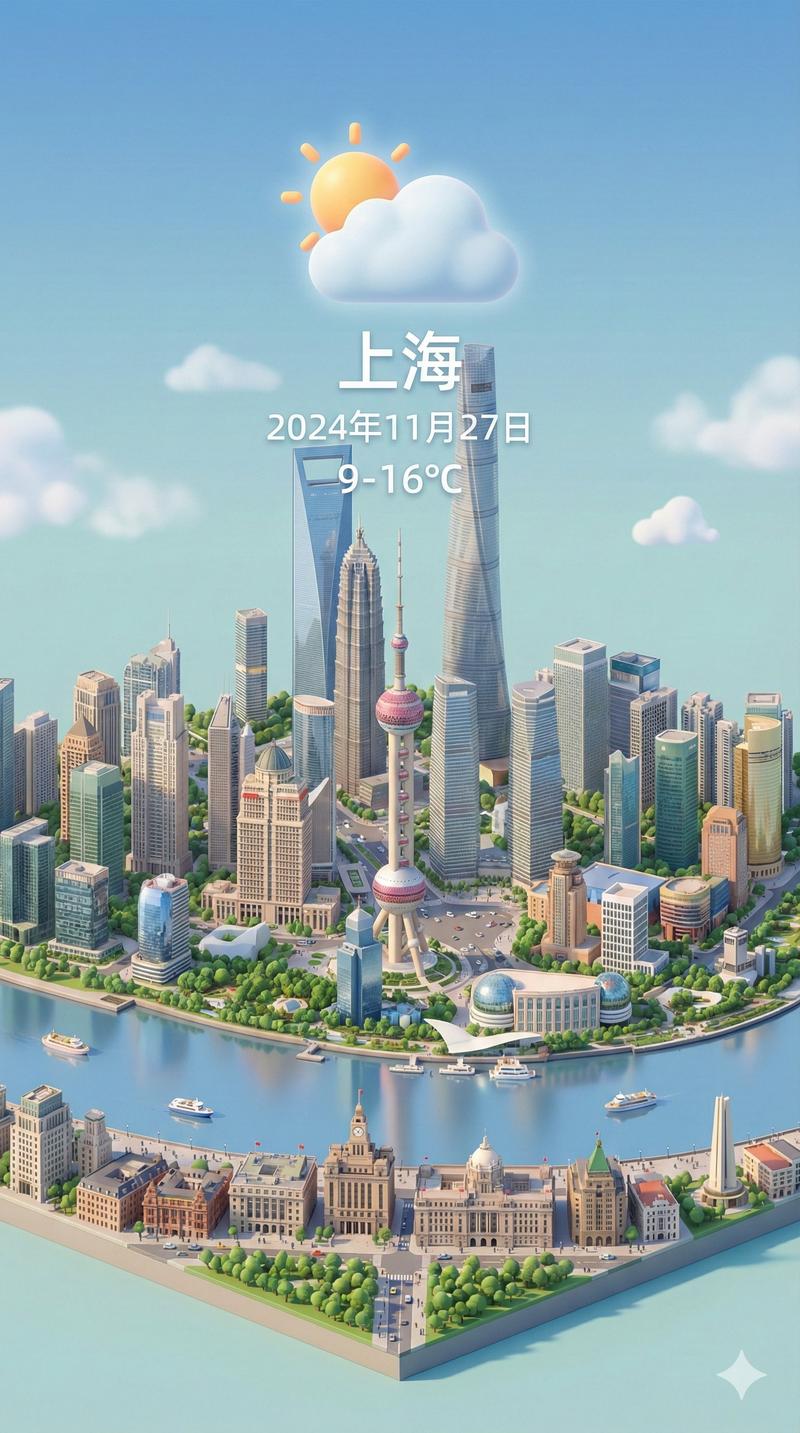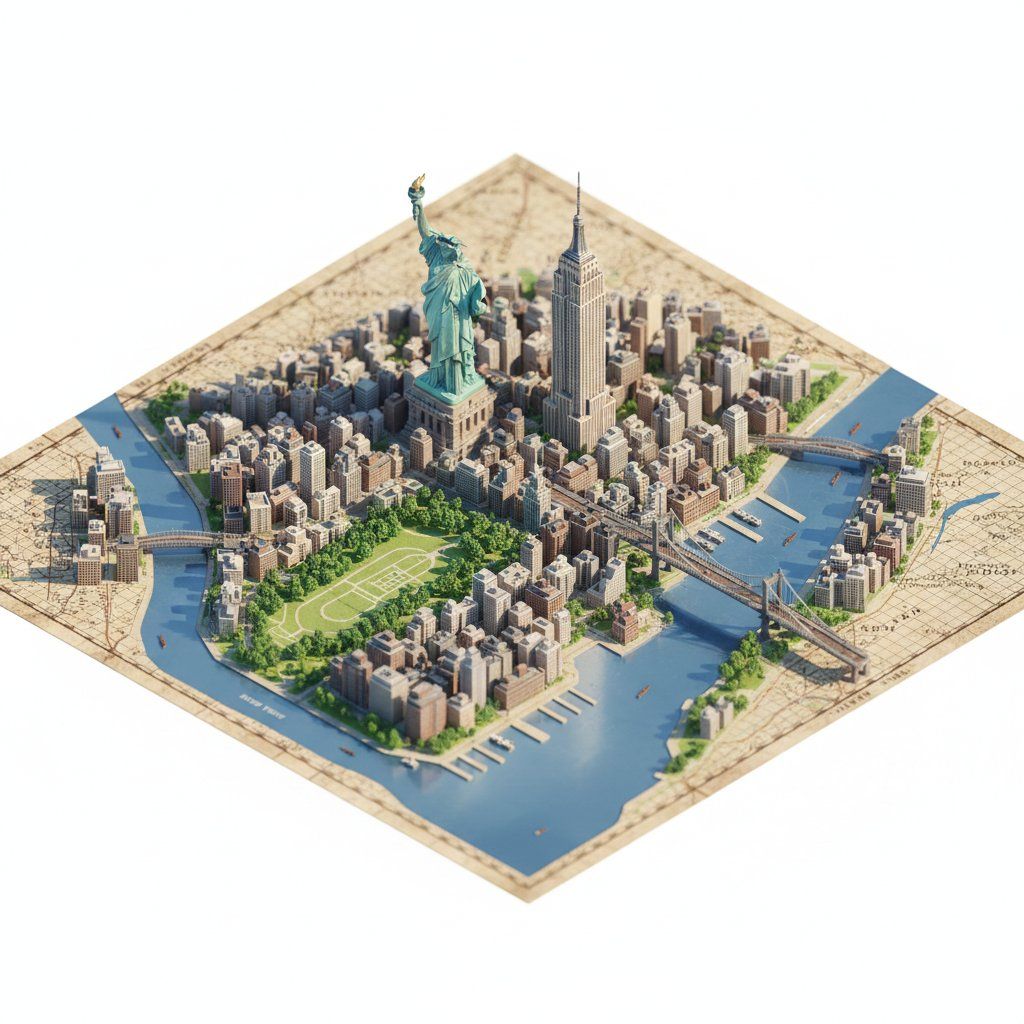
逼真立体透视等距地图提示
Prompt
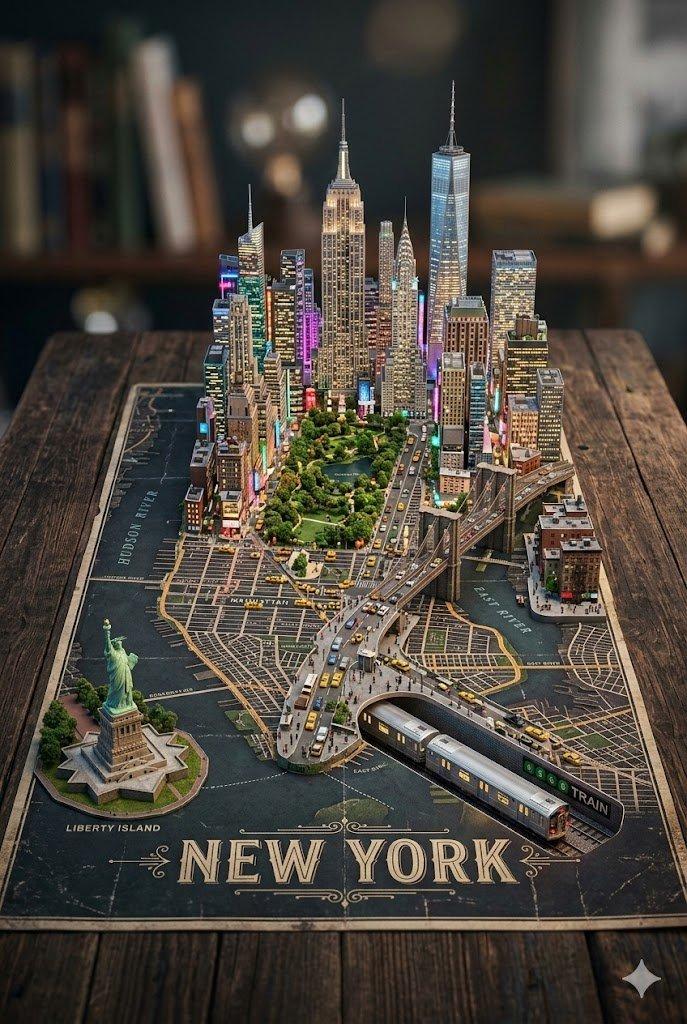
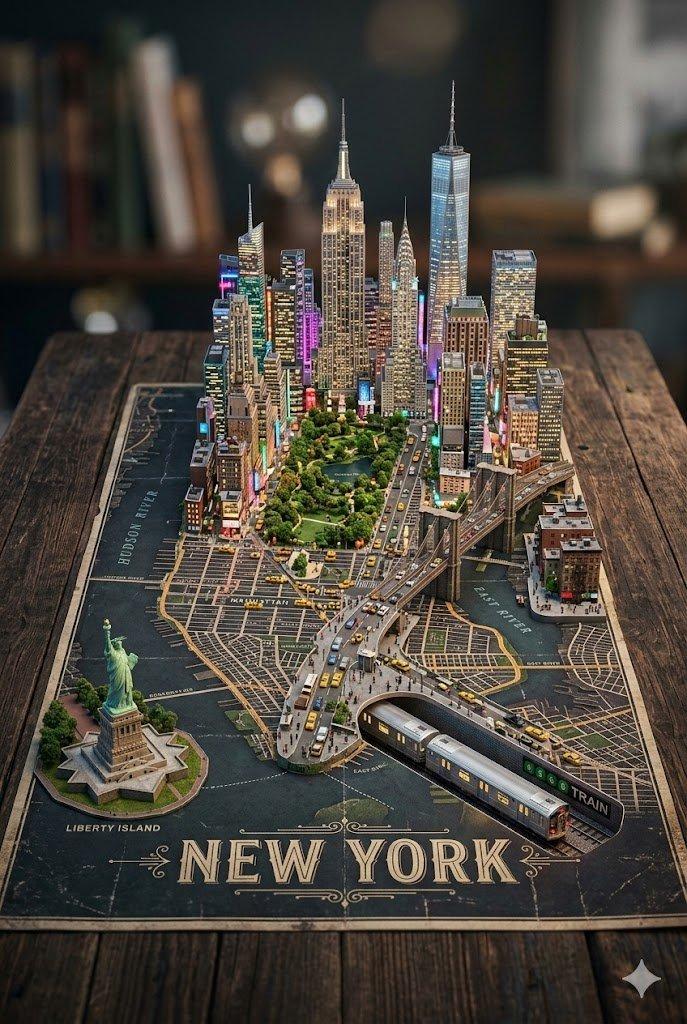
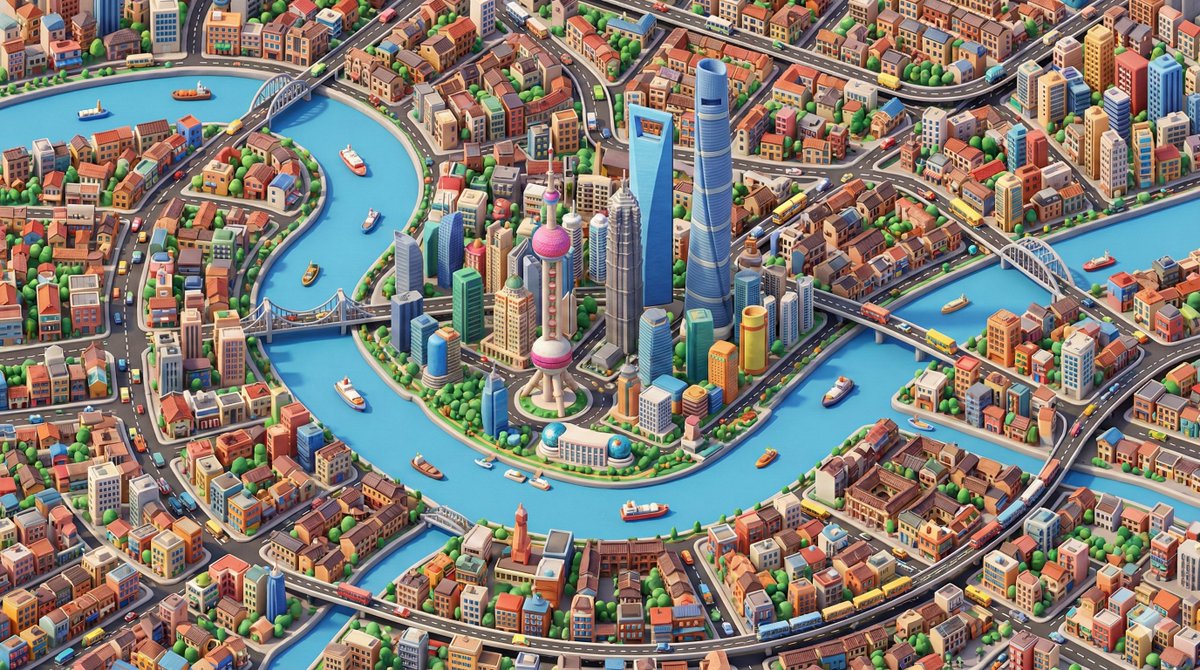
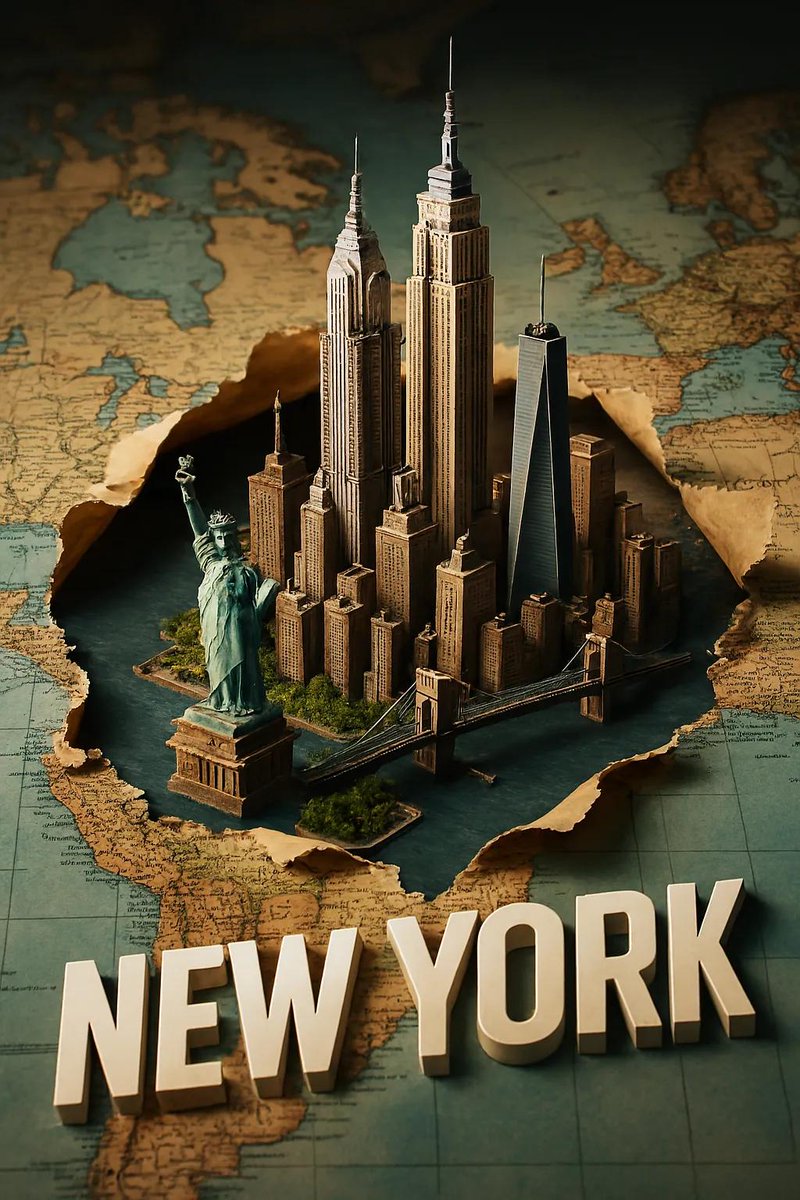
"description": "Create a highly detailed, photorealistic miniature diorama style isometric map of {argument name="city location" default="CITY/LOCATION"} placed on a vintage textured paper map.",
  "perspective": {
    "type": "isometric",
    "angle": "45 degree top down",
    "look": "macro photography with tilt-shift miniature effect"
  },
  "geography": {
    "shape": "follows real geographic shape of {argument name="city location" default="CITY/LOCATION"}",
    "landmarks": {
      "oversized": true,
      "dominant": true,
      "primary_focus": "monuments",
      "secondary_elements": "smaller and simplified"
    },
    "architecture": "ultra detailed miniature",
    "roads": "selective",
    "greenery": true,
    "water_bodies": true,
    "terrain": true,
    "materials": ["stone", "wood", "concrete", "glass", "foliage"]
  },
  "lighting": {
    "type": "soft cinematic daylight",
    "effects": ["natural shadows", "warm highlights", "subtle atmospheric depth"]
  },
  "water": {
    "rivers": true,
    "coastlines": true,
    "depth_gradients": "smooth",
    "reflections": "gentle"
  },
  "map_base": {
    "type": "old world cartographic paper",
    "features": ["visible grid lines", "paper grain", "printed place names"]
  },
  "focus": {
    "sharp_on_landmarks": true,
    "edge_falloff": "gentle"
  },
  "quality": {
    "museum_quality": true,
    "handcrafted_diorama_realism": true,
    "ultra_high_resolution": true
  },
  "background": {
    "color": "clean pure white",
    "restrictions": ["no floating text", "no logos", "no watermarks", "no futuristic or cartoon elements"]
  },
  "aspect_ratio": "4:5"
}- Category
- 创意图片
- Model
- Nano Banana Pro
- Creator
- Sharon Riley
- Source ID
- cecb2495-a7d8-4d3d-844d-909fdfebd9fb
- Published
- Mar 8, 2026
Views0