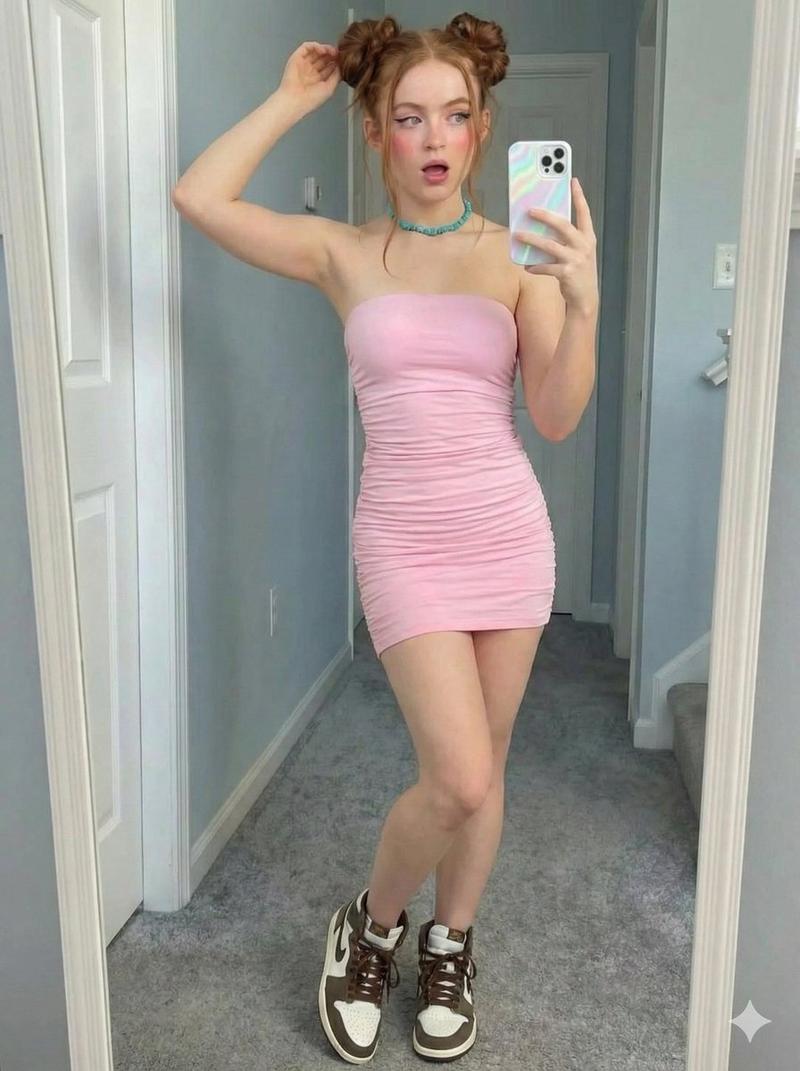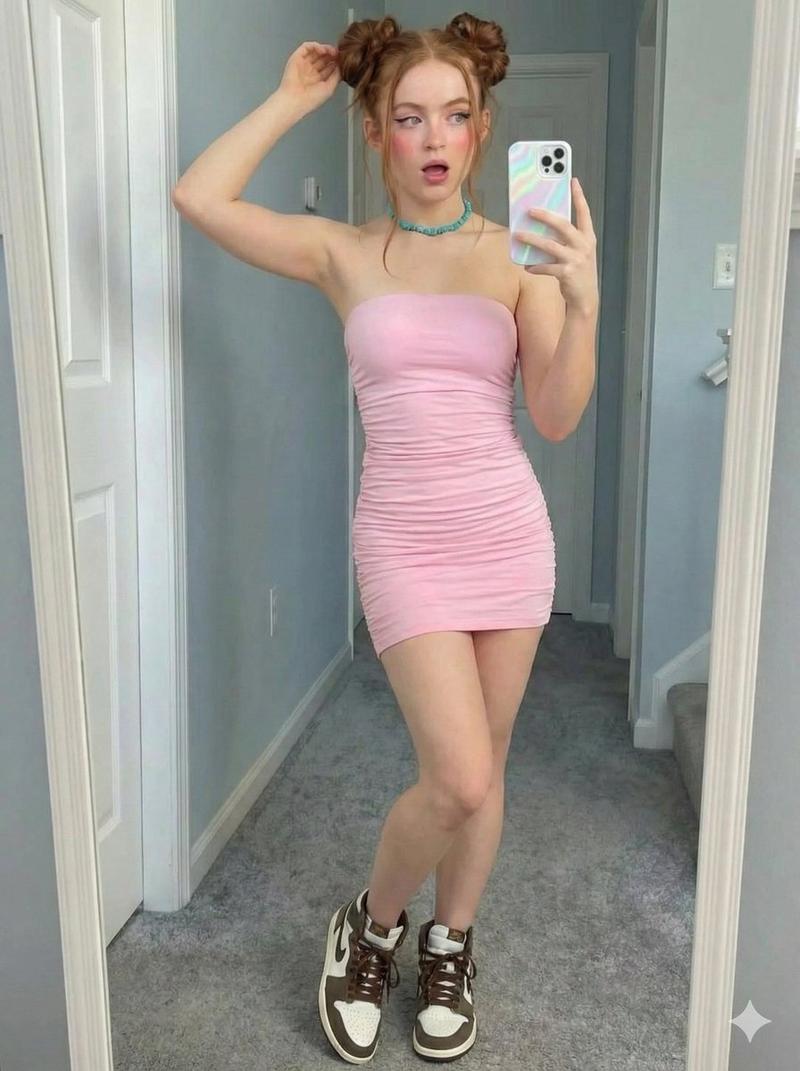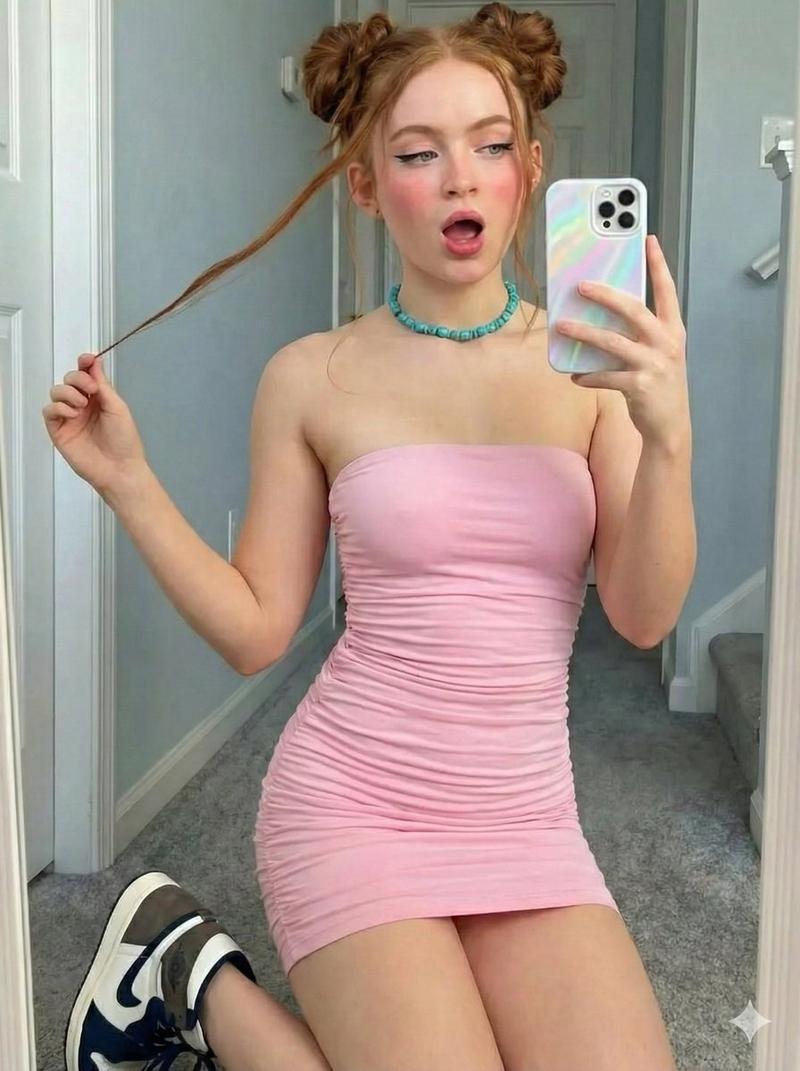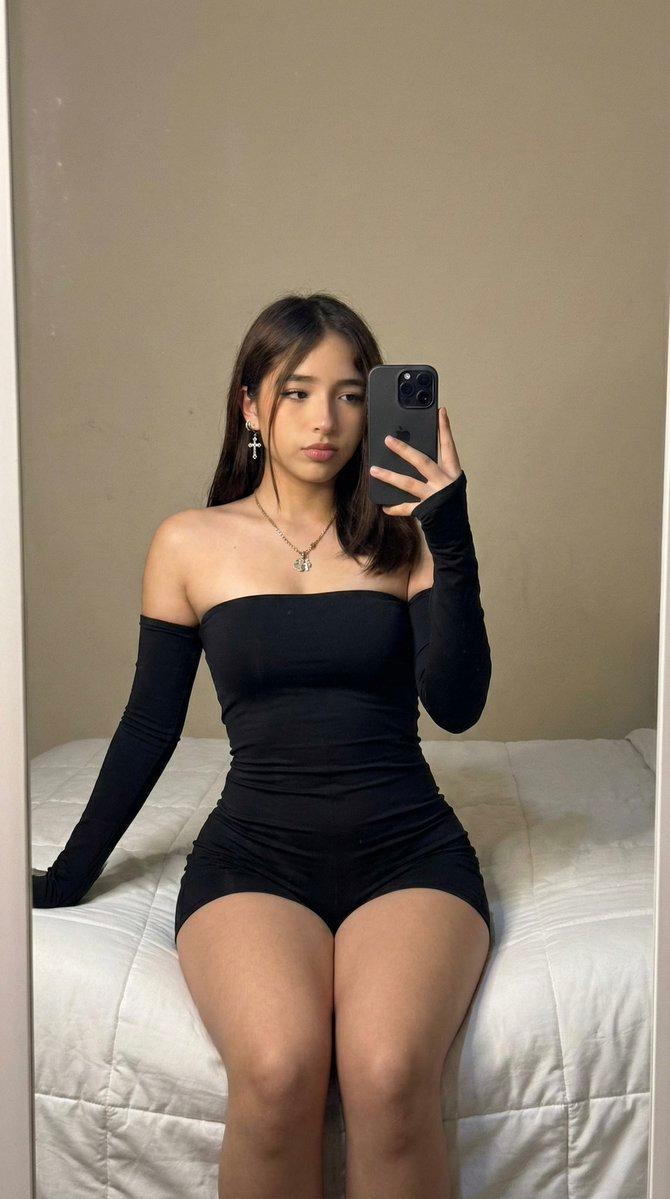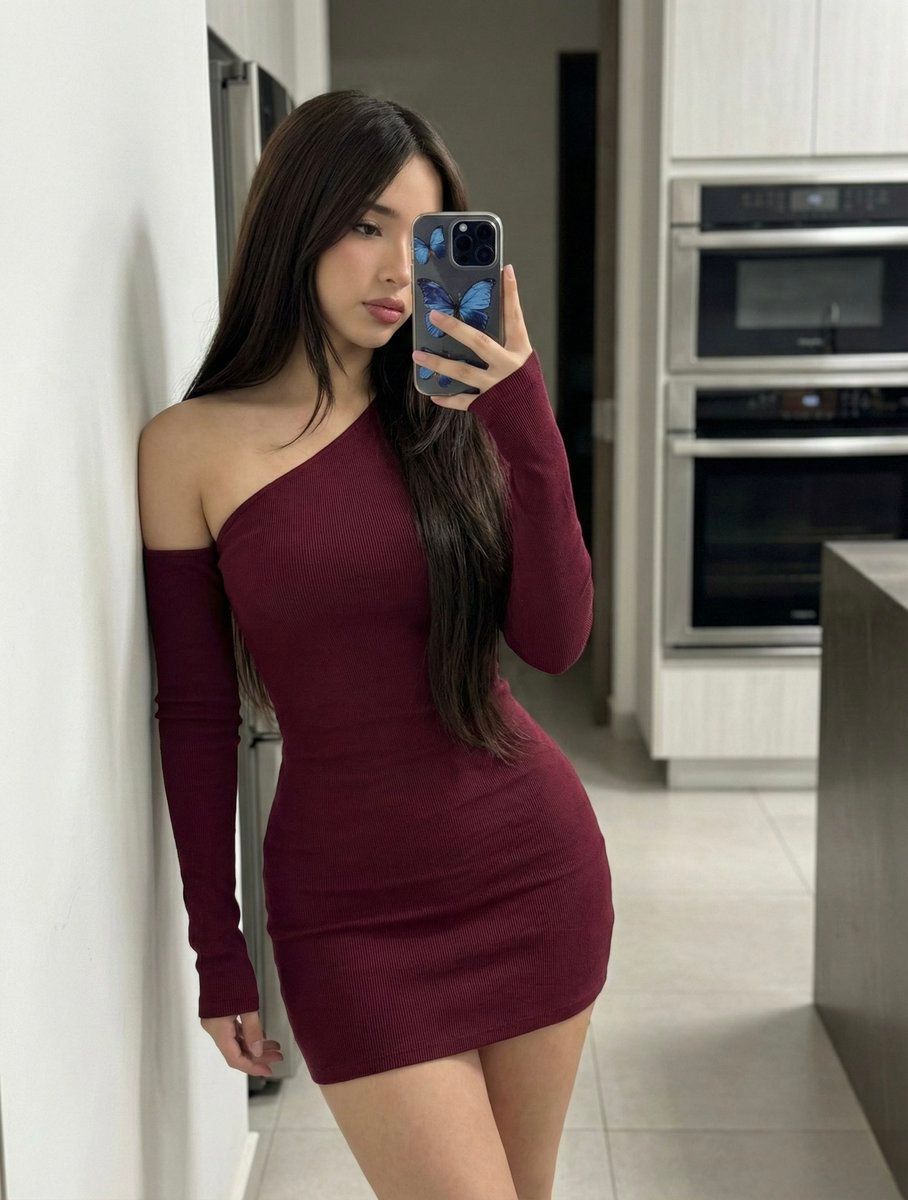
原始高保真镜面自拍模拟
Prompt
[Header] (9:16)
Raw high-fidelity photograph, iPhone 17 Pro sensor simulation, indoor ambient lighting, zero bokeh, SHARP focus from subject to background appliances, f/5.6 aperture for maximum structural clarity, subtle digital grain.
[Subject & Identity Locking]

Identity: Absolute preservation of Image A’s facial geometry (pixel-accurate chin shape and eye-spacing).
Hair Physics: Ultra-long layered straight hair with a high-gloss deep espresso finish. The hair must drape naturally over the shoulders and extend down the back, maintaining the strand-level detail and texture from Image A.
Bio-Fidelity: Detailed skin physics (visible micro-pores, satin-finish hydration). Clear rendering of the proximal limb geometry and upper-torso symmetry, emphasizing a realistic athletic-to-lean transition.
Expression: Mirror-selfie aesthetic; the face is partially obscured by the technical device to maintain the authentic composition of Image B.
[Outfit & Physicality]

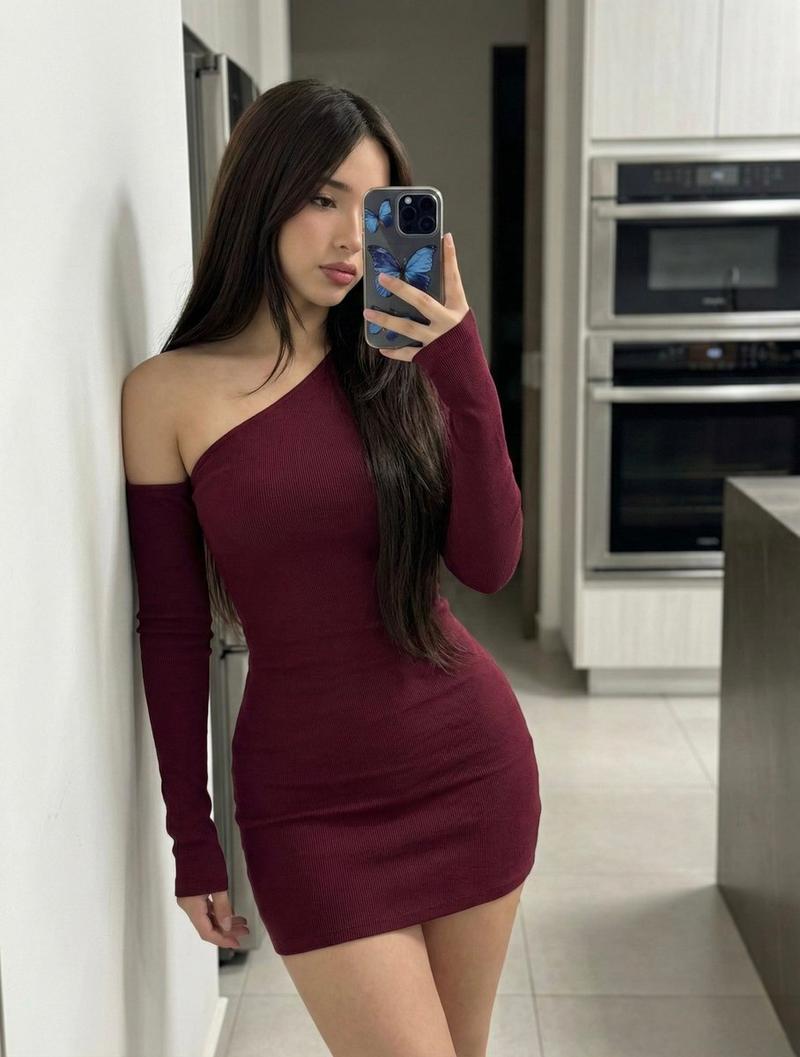
Technical Description: High-impact {argument name="dress color" default="burgundy"} technical-knit bodycon mini-dress.
Textile Geometry: Asymmetrical neckline architecture. The left side features an off-the-shoulder drop-sleeve design, while the right side transitions into a full-length compression-fit sleeve.
Surface Physics: High-tensile material-to-skin surface compression. The prompt must specify the "micro-ribbed knit texture" to ensure the fabric interacts realistically with the body’s S-curve silhouette.
Physicality: Confident self-assured posture. The torso is angled to highlight the waist-to-hip ratio, with physical tension lines visible where the fabric stretches over the gluteal proportions and hips.
[Pose & Composition]

Geometry: Mirror-reflection framing. The subject is leaning with the left arm against a neutral-toned vertical surface, creating a "torsion" effect in the midsection.
Framing: Full-body vertical orientation. The right hand holds a smartphone with a "blue butterfly graphic" protective case, held at eye level.
Interaction: Precise material interaction between the leaning arm and the wall, showing realistic shoulder-joint displacement.
[Environment & Lighting]

Atmosphere: Domestic interior setting (hallway/kitchen transition).
Lighting: Soft, diffused indoor lighting. Light sources are positioned to cast natural shadows along the right side of the subject, emphasizing the anatomical bust volume and garment texture.
Background Integrity: High-detail domestic background. To the left, a white wall with electrical cabling; in the background, professional-grade built-in kitchen ovens and neutral cabinetry. Background elements must remain sharp and non-distorted.
[Failure Prevention Rule]

Command: Use "Asymmetrical technical-knit bodice" to prevent the AI from defaulting to a standard symmetrical long-sleeve dress.
Constraint: Explicitly require "Zero blurring of the kitchen appliances" and "Perfect grid-alignment of the floor and wall seams" to ensure backgr- Category
- 创意图片
- Model
- Nano Banana Pro
- Creator
- Dan Reed
- Source ID
- 15791fc4-6147-4705-81eb-f09a63d3c6f0
- Published
- Mar 8, 2026
Views0