16

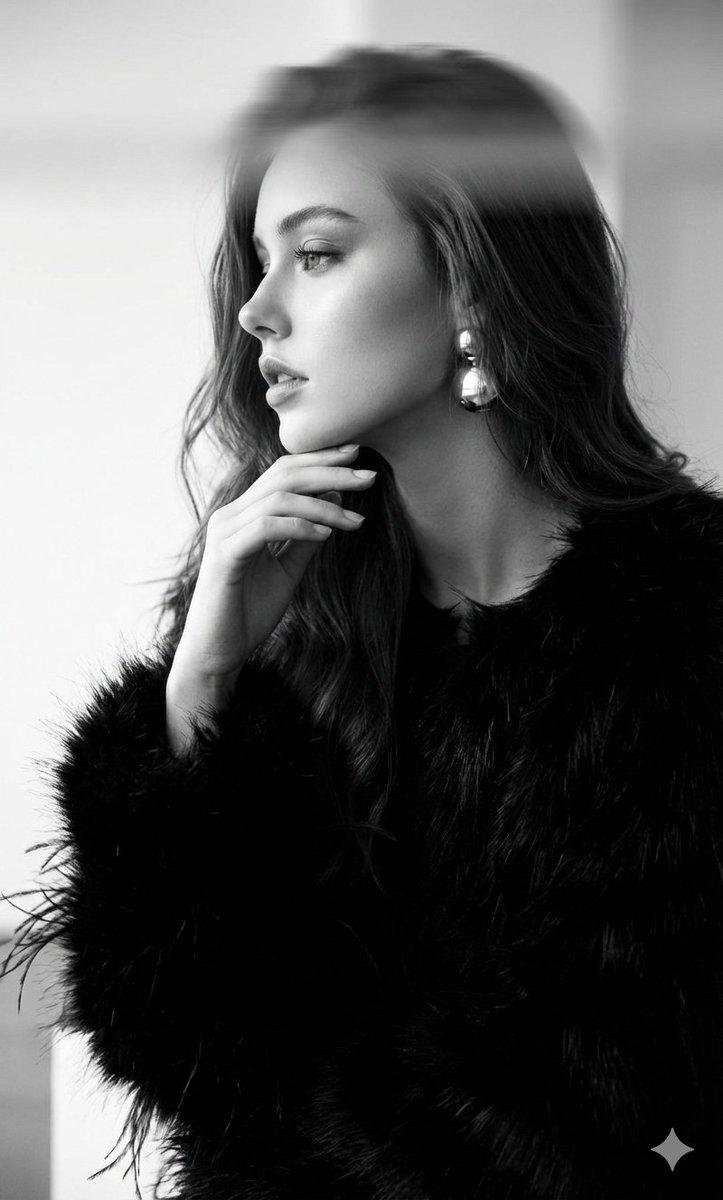
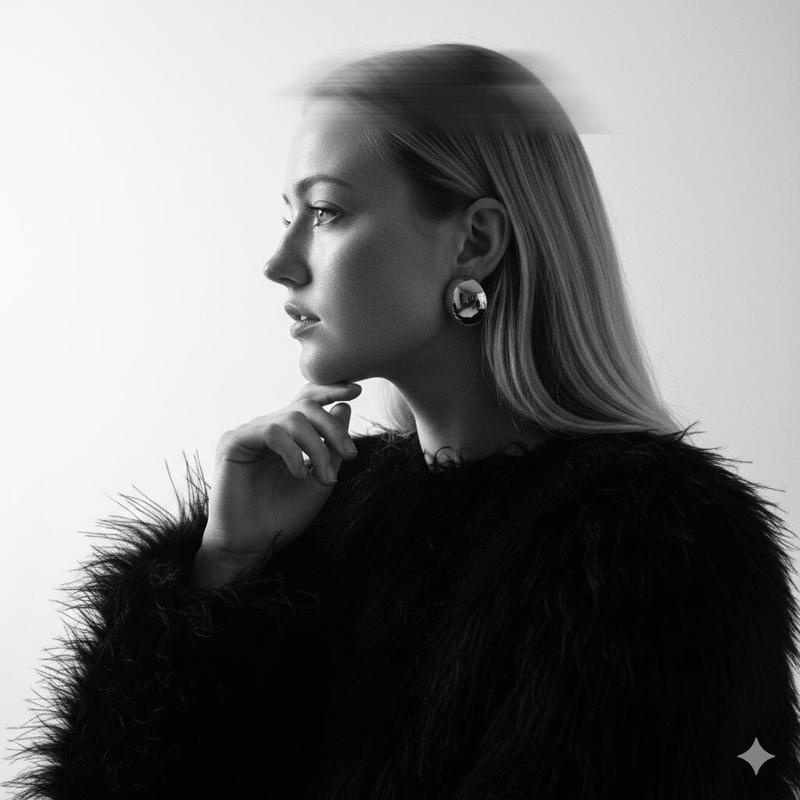
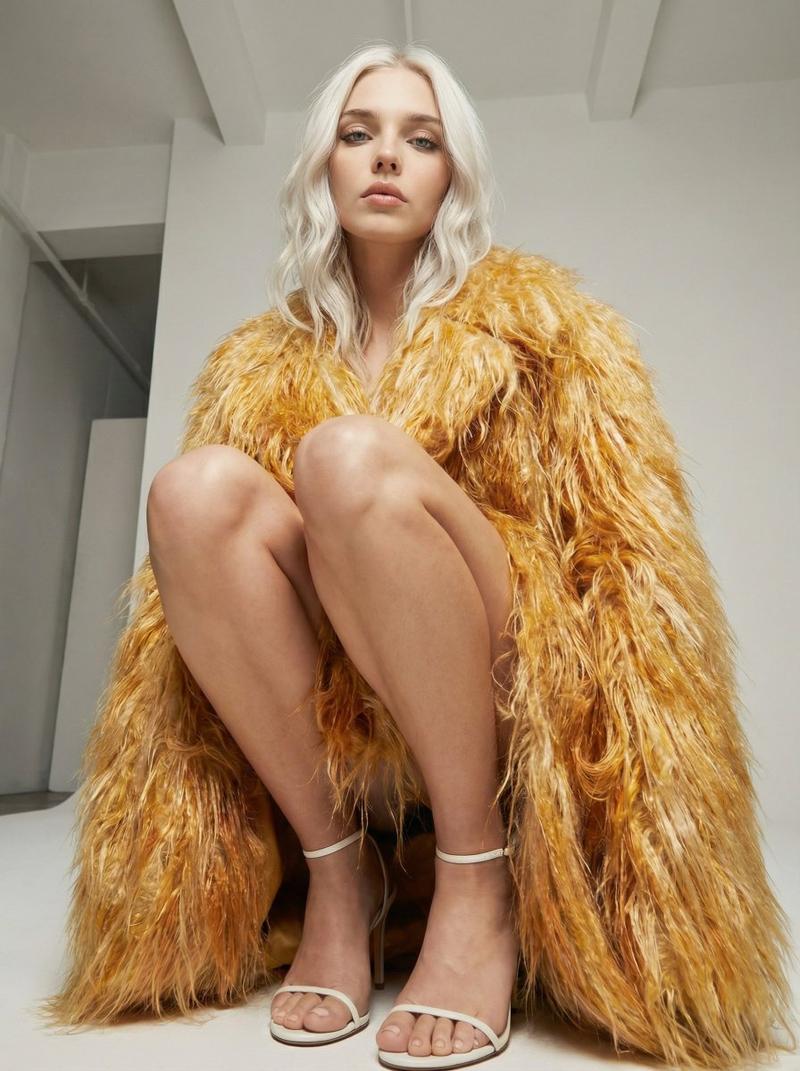
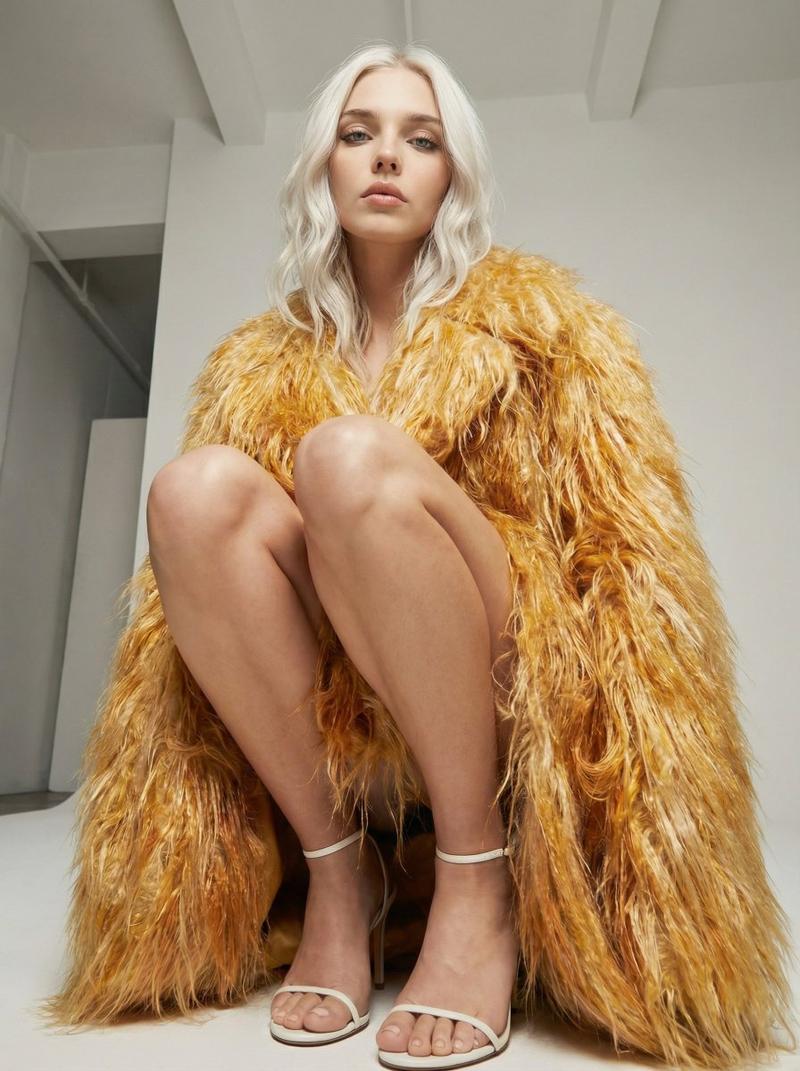
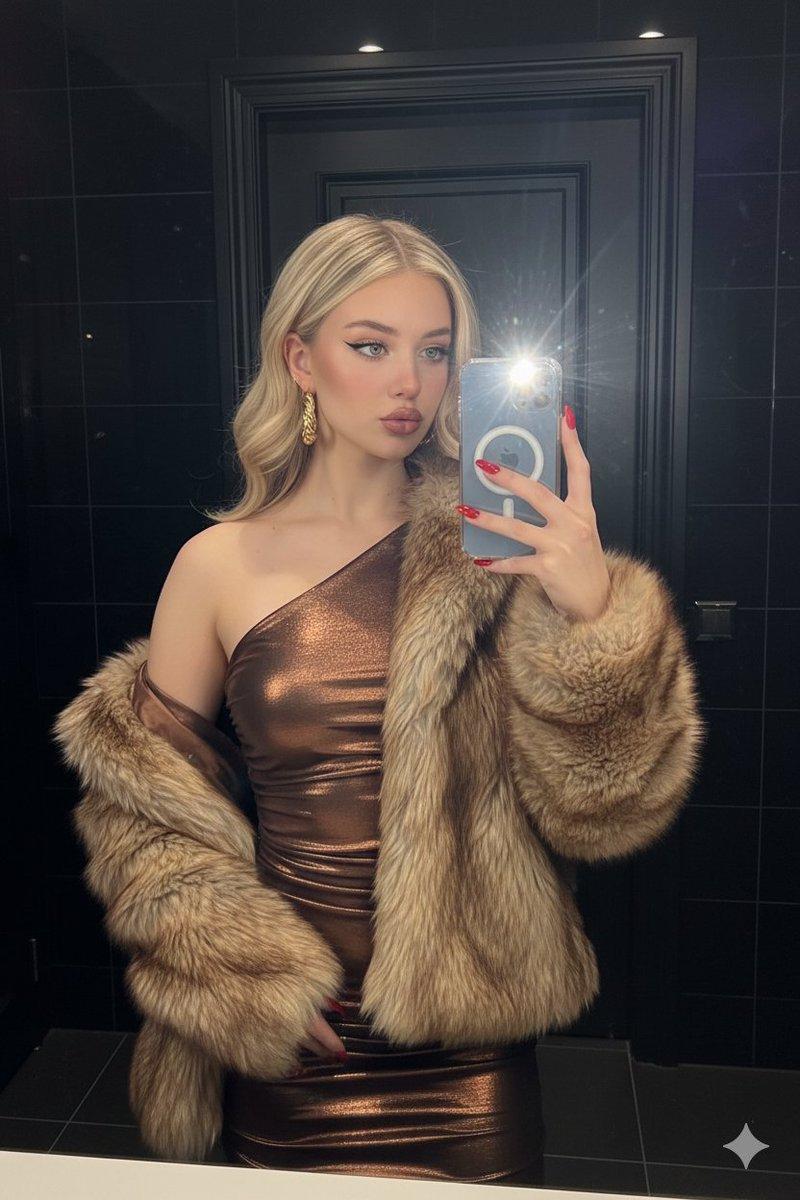
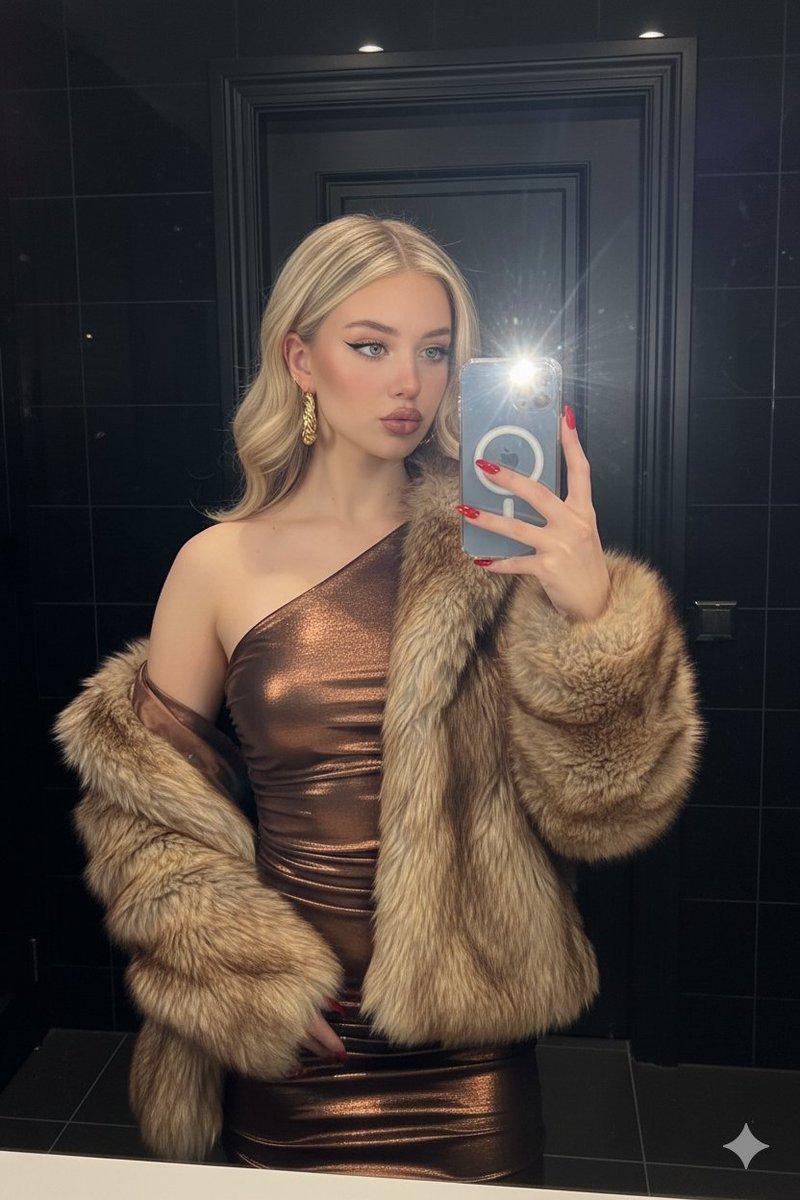
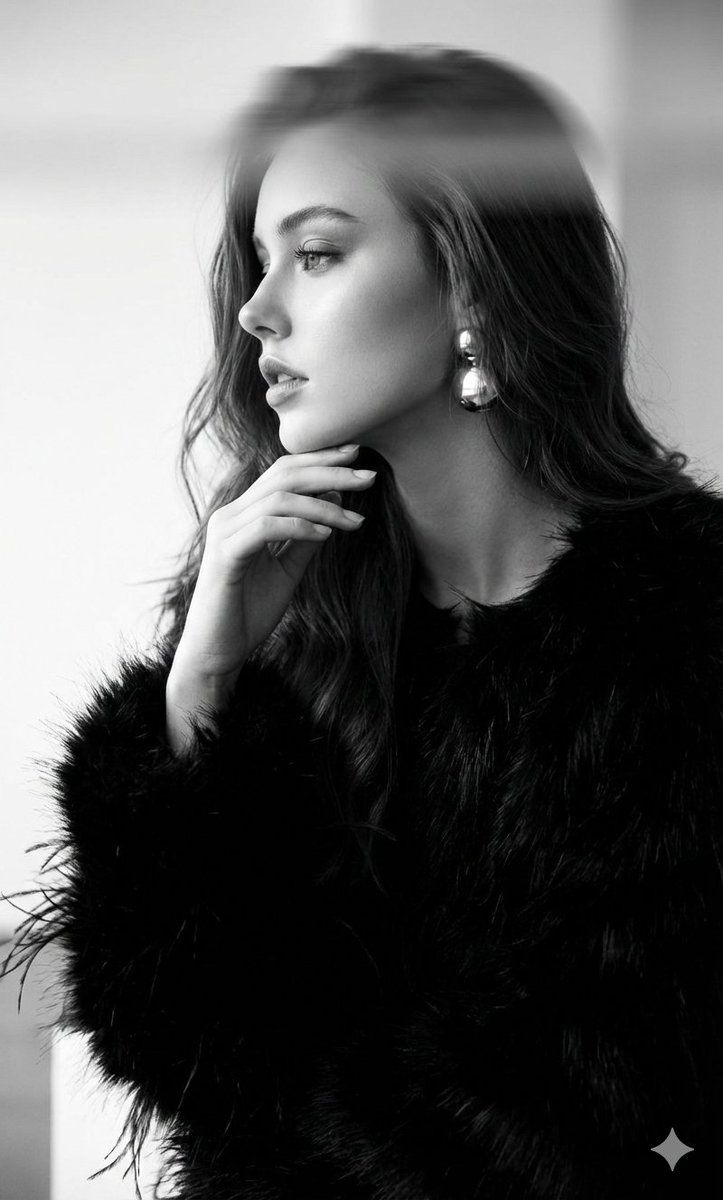
黑白超现实主义编辑肖像
Enlarge

黑白超现实主义编辑肖像

Prompt
Use the woman's exact face without altering it. Black-and-white surreal editorial portrait: clean profile. Hand at chin in an elegant gesture. She wears a black textured voluminous top with a fur/feather effect, her hair is loose, and round earrings catch the light. Subtle horizontal motion blur runs across the top of the frame. Soft, diffused, high-contrast light: the face is sharp, the rest of the frame is cast into shadow. The background is minimalist, white with gray transitions. Close-up angle, shallow depth of field, glossy fashion style, slight grain. Negative: anatomy distortions, extra hands, incorrect lighting, lack of motion blur, cartoonish look, low contrast, overexposure, artifacts.
Category
创意图片
Model
Nano Banana Pro
Creator
Harboriis
Views0
Source ID
5e5db753-f6ff-4d5c-8611-77985b800cd8
Published
Mar 8, 2026

Guide

About "黑白超现实主义编辑肖像"

What is this prompt for?

"黑白超现实主义编辑肖像" AI image prompt for Nano Banana Pro (创意图片). 生成黑白超现实主义编辑肖像的提示,重点是清晰的侧面轮廓、高对比度漫射照明以及特定的主体细节,例如蓬松的皮草/羽毛上衣和画面顶部细微的运动模糊。 --- 使用该女性的精确面部,不作任何改动。黑白超现实主义…

The full copyable prompt and example visuals above are ready for AI image generation or one-click recreate in Picva.

How to use this prompt

  1. Step 1

    Open the prompt detail

    Review the example visuals, category, and full prompt text for "黑白超现实主义编辑肖像".

  2. Step 2

    Copy the prompt

    Copy the prompt body from this page, or load it directly in Studio.

  3. Step 3

    Pick a model (Nano Banana Pro)

    Prefer Nano Banana Pro. If you switch models, keep subject and composition and tweak style terms.

  4. Step 4

    Generate and export

    Recreate the look in Picva, or export into your workflow for editing and publishing.

FAQ

What is the "黑白超现实主义编辑肖像" prompt?
It is an AI image-generation prompt for Nano Banana Pro in the 创意图片 category. This page includes the full prompt text, example visuals, and a one-click recreate path in Picva.
How do I use this prompt to generate an image?
Copy the prompt from this page, or use Generate / Studio. Paste it into a compatible image model, or recreate the look in Picva with optional reference images.
Which model is this prompt for?
This page lists Nano Banana Pro. Most descriptive prompts also transfer to nearby image models such as GPT Image, Flux, or Midjourney with light style tweaks.
Can I use the result commercially?
You can usually copy the prompt for creation, but commercial use of the final image depends on the model terms, reference-image rights, and the generated content. Follow the source author and platform rules.