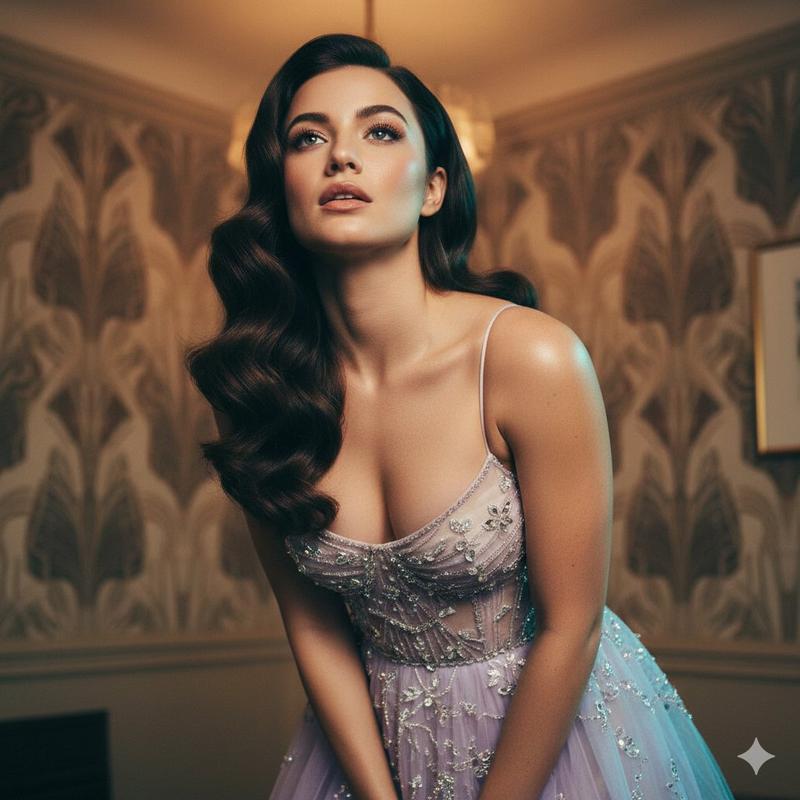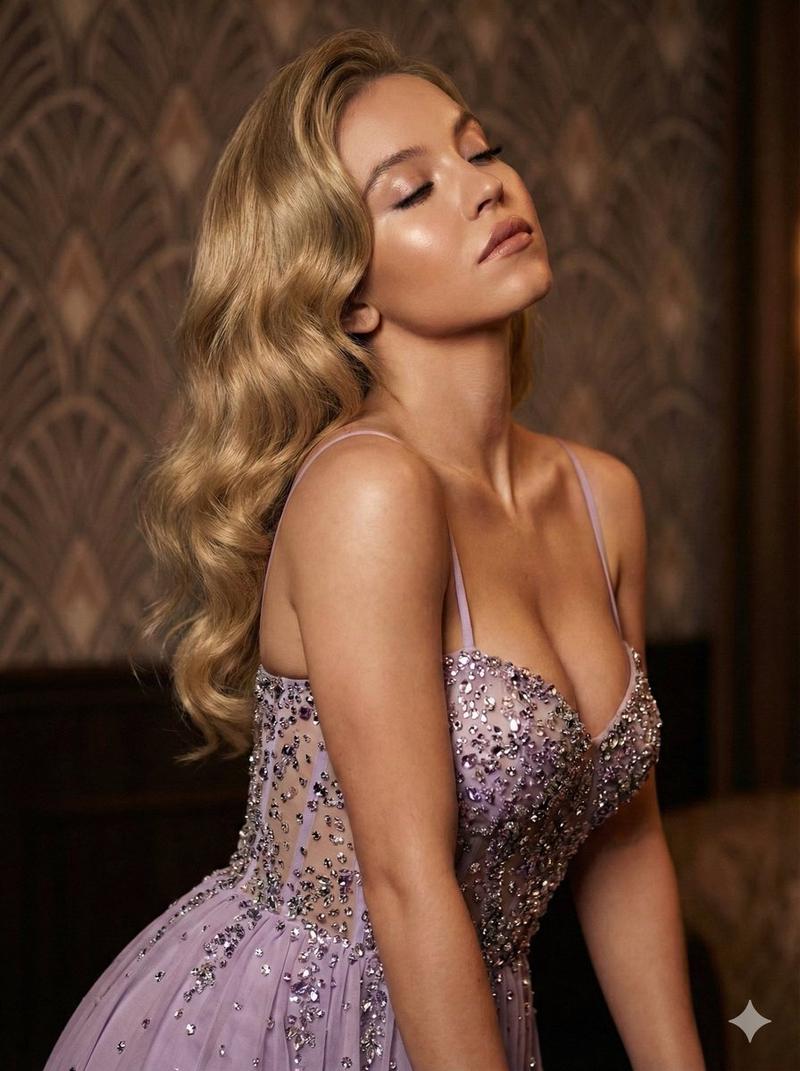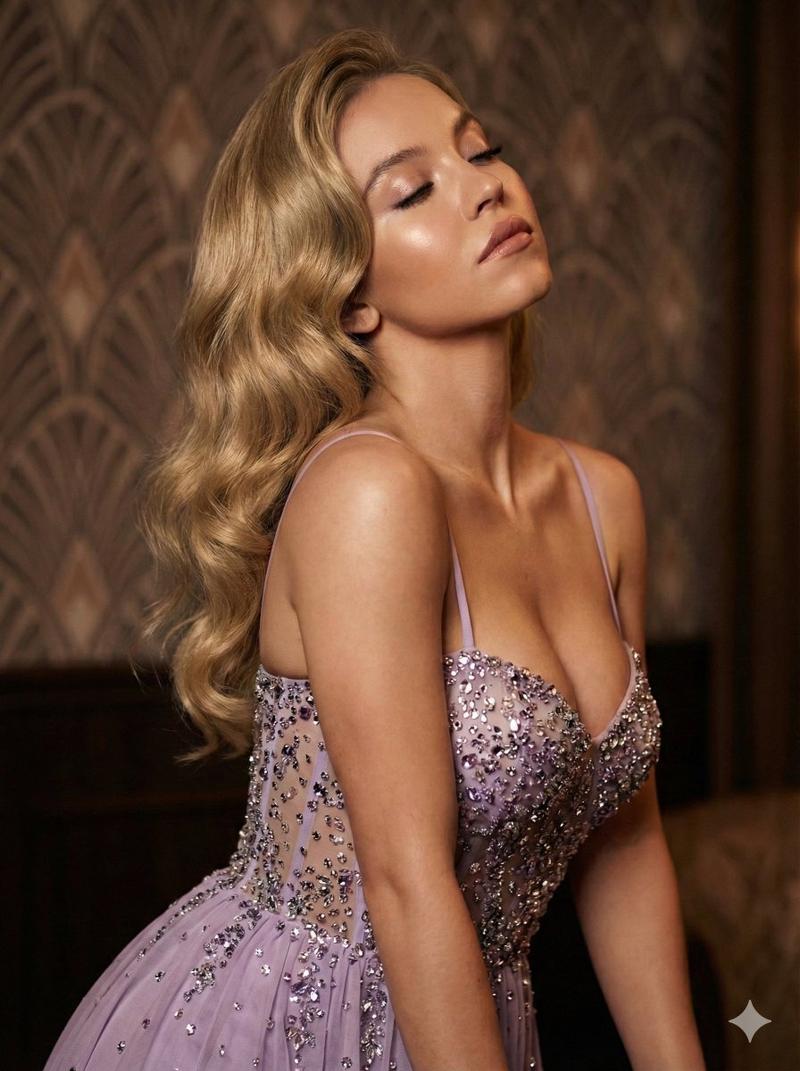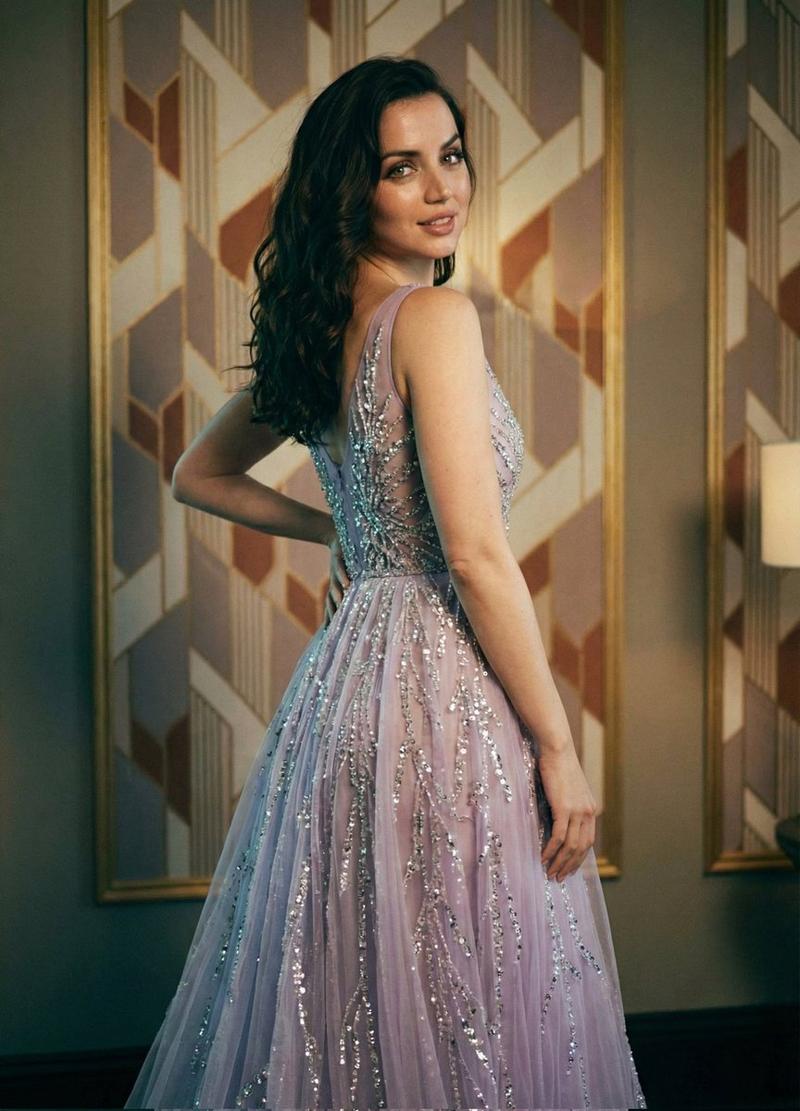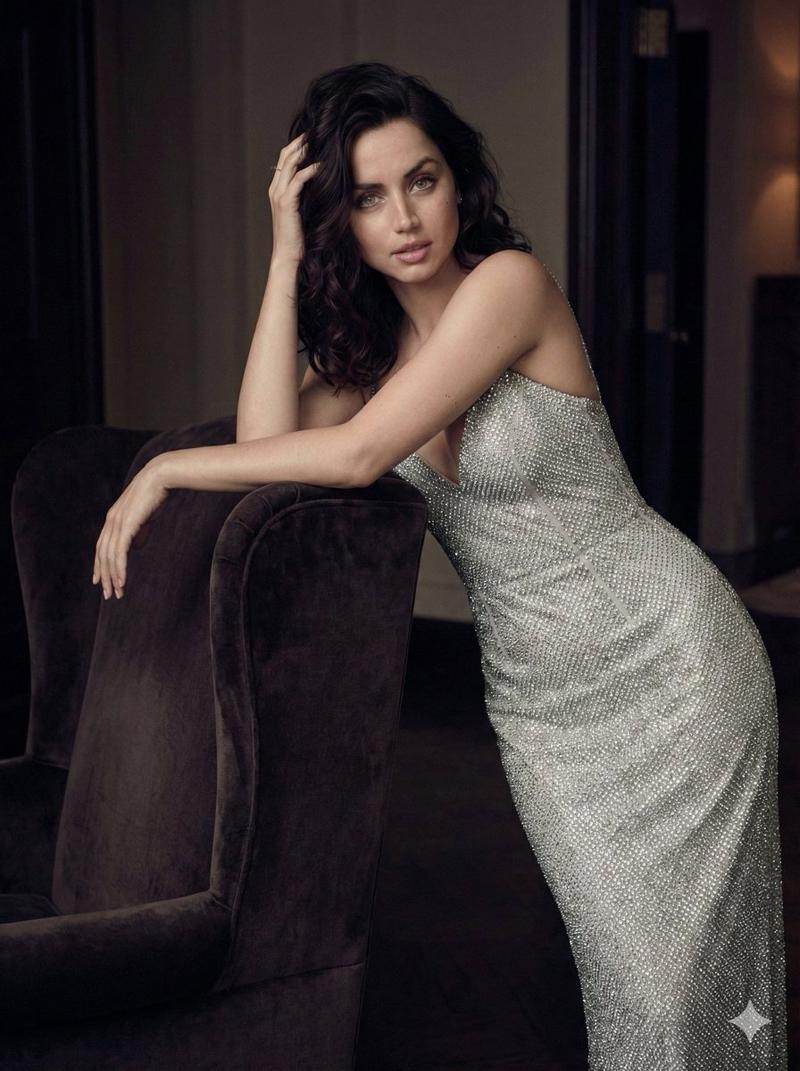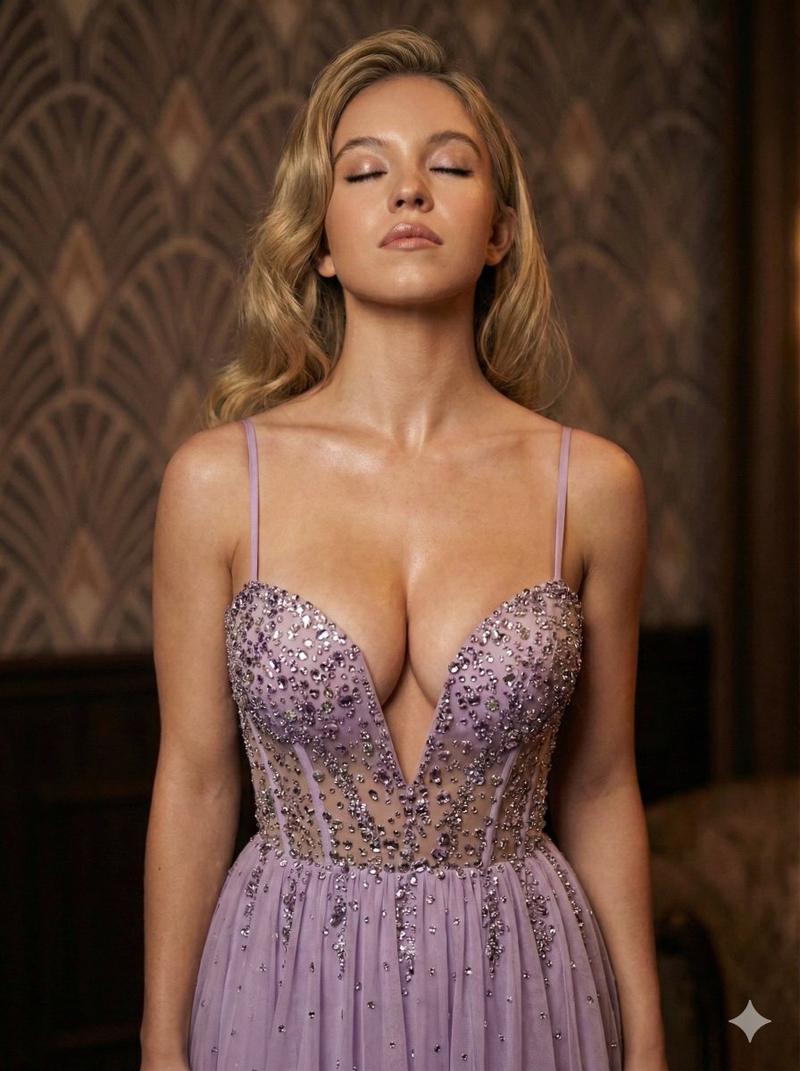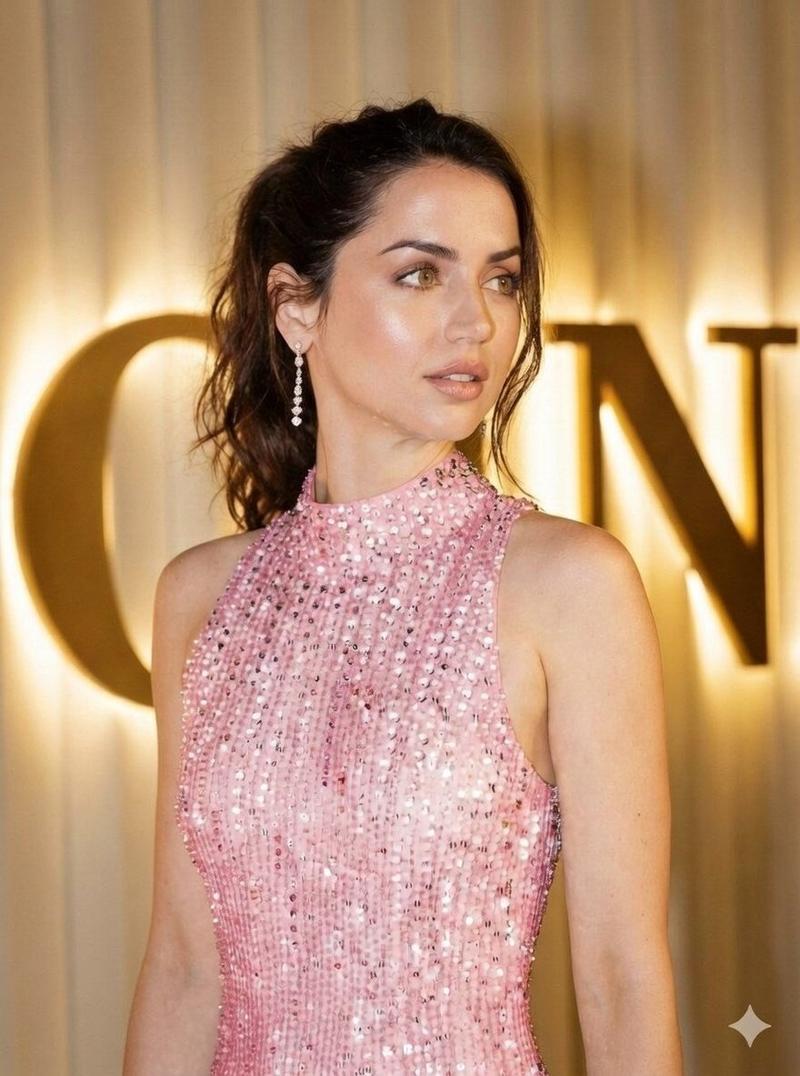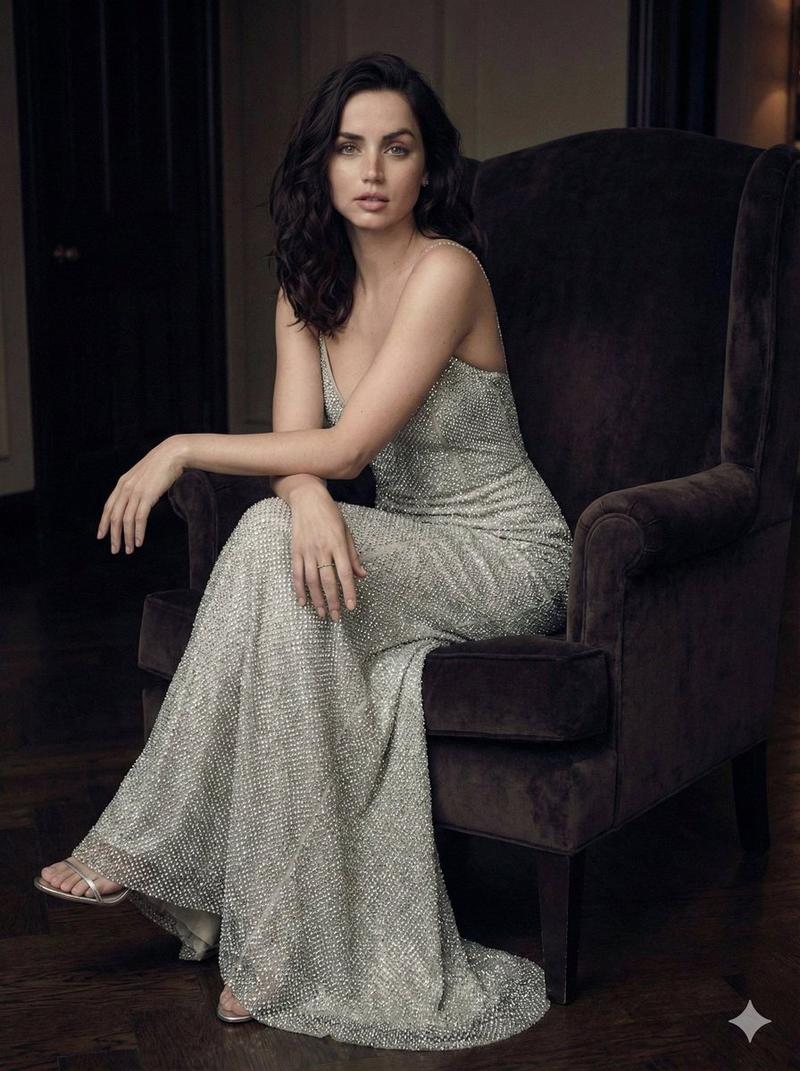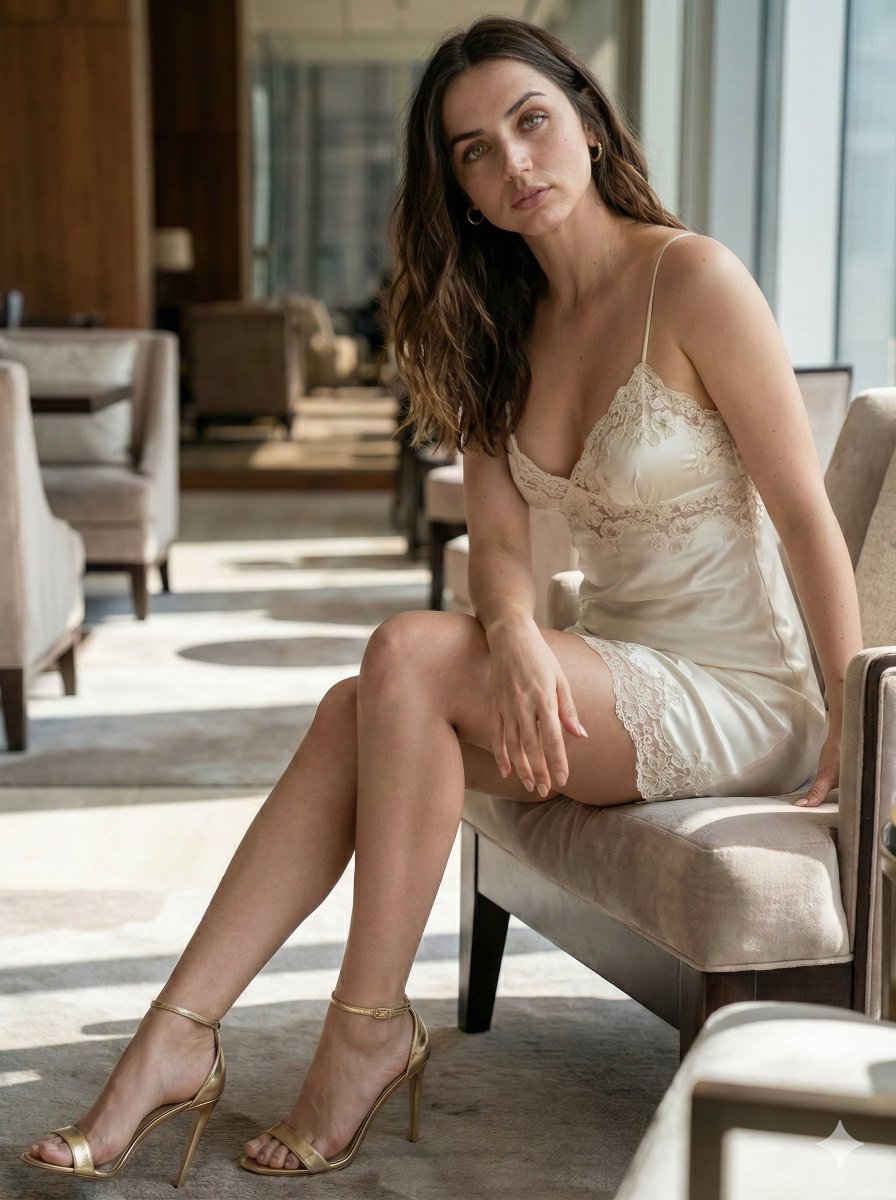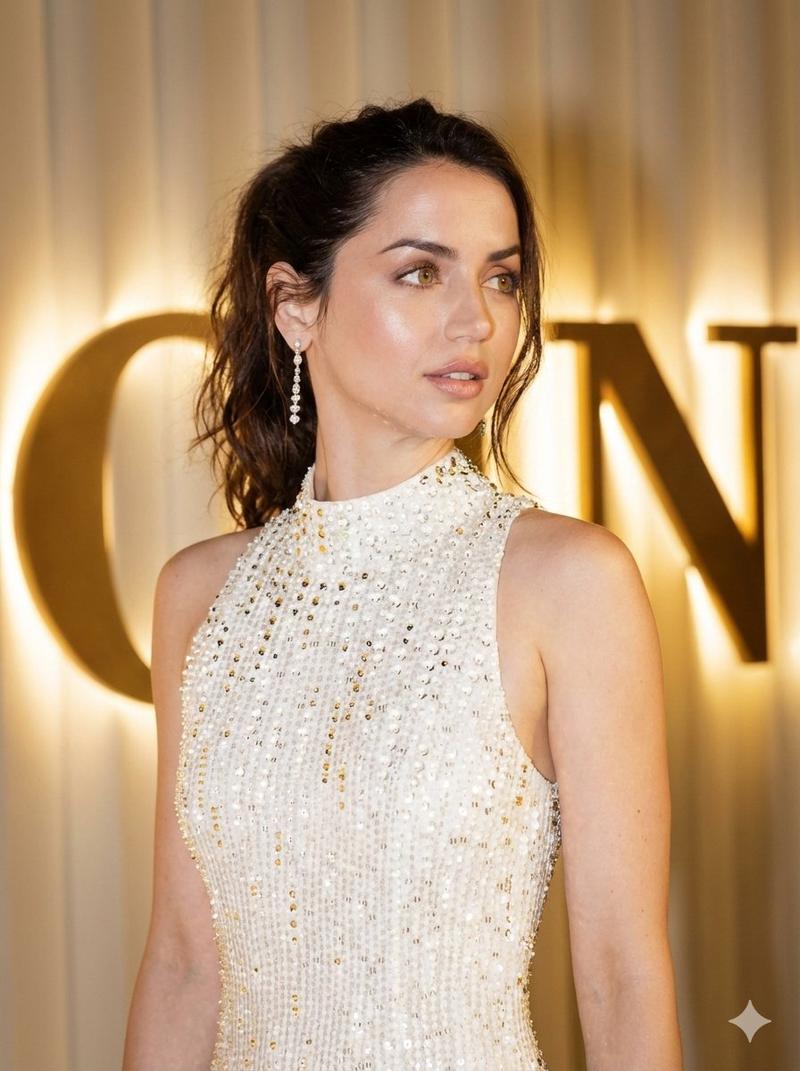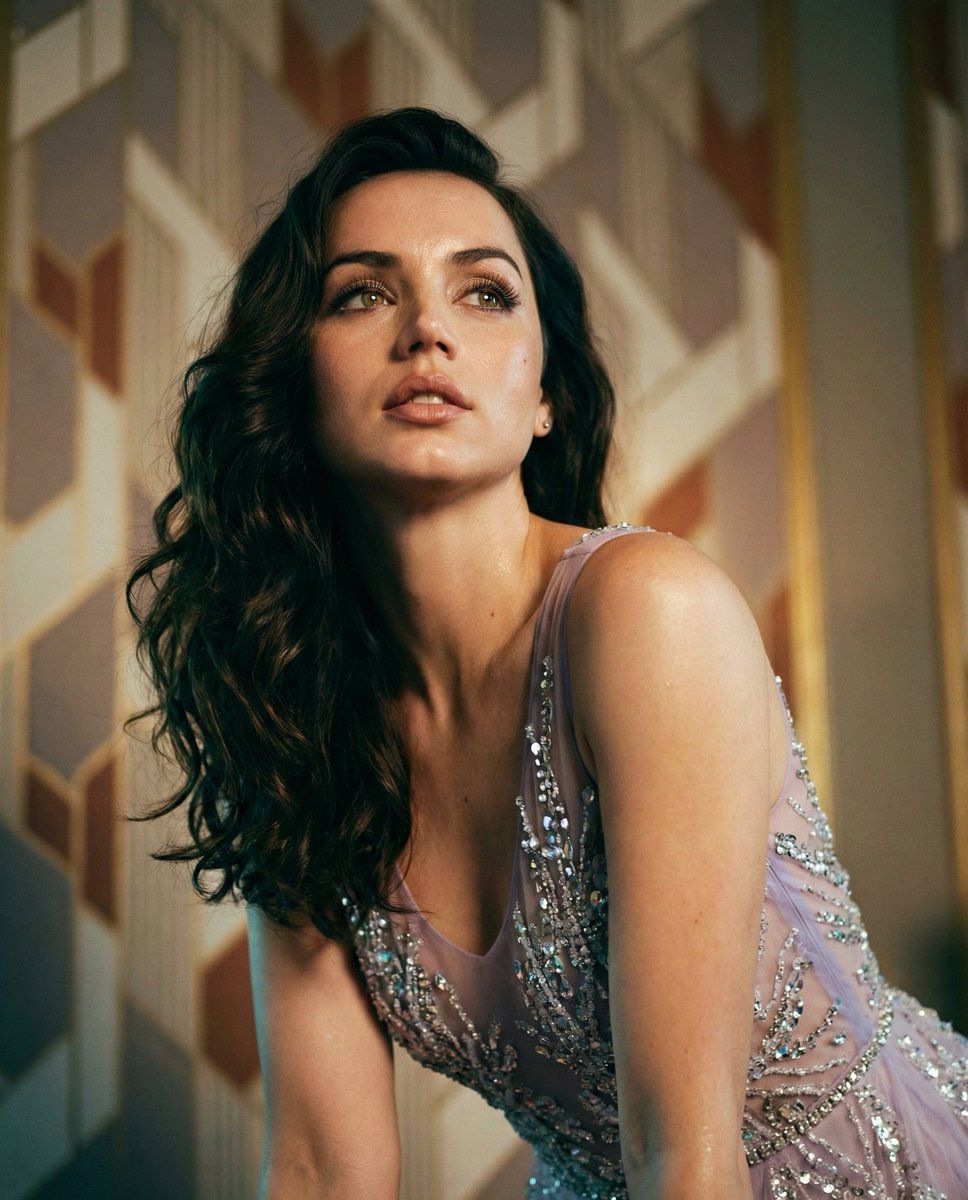
安娜·德·阿玛斯身着薰衣草色高级定制礼服的电影感编辑肖像
Prompt
{
  "scene_configuration": {
    "version": "2.0",
    "global_aesthetic": "Cinematic Editorial Fashion",
    "aspect_ratio": "3:4",
    "image_quality": "Masterpiece, Photorealistic, Subsurface Scattering"
  },
  "subject_specification": {
    "model": "{argument name="celebrity name" default="Ana De Armas"}",
    "physical_attributes": {
      "hair": {
        "color": "Deep espresso dark brown",
        "texture": "Voluminous, thick waves, high-gloss shine",
        "styling": "Cascading over left shoulder, Hollywood glamour style"
      },
      "complexion": {
        "skin_type": "Dewy, luminous, fine pores visible",
        "features": "Sharp jawline definition, elongated neck, soft sheen on collarbones"
      },
      "expression_and_pose": {
        "body_pose": "Leaning forward toward the camera, subtle arch in the back",
        "head_position": "Tilted back at a 15-degree angle, sensual posture",
        "eye_direction": "Gazing upward into the light source",
        "mouth": "Slightly parted, soft neutral lip tone"
      }
    }
  },
  "wardrobe_details": {
    "garment_type": "High-fashion Couture Gown",
    "color_palette": {
      "primary": "{argument name="primary color" default="Lavender"}",
      "secondary": "Pale Lilac",
      "accents": "Iridescent Silver"
    },
    "textile_physics": {
      "bodice": "Sheer organza and silk tulle",
      "embellishments": "High-density micro-sequins, hand-stitched glass beads, Swarovski crystal accents",
      "visual_effects": "Refractive light play, shimmering texture, intricate embroidery patterns"
    },
    "structural_details": ["Delicate spaghetti straps", "Form-fitting silhouette", "Translucent layering"]
  },
  "environment_architecture": {
    "setting": "Luxury Art-Deco Penthouse Interior",
    "background_elements": {
      "walls": "Vintage geometric art-deco wallpaper",
      "colors": ["Muted taupe", "Cream", "Burnt umber", "Gold leaf accents"],
      "depth": "Extreme bokeh, out-of-focus architectural depth"
    },
    "atmosphere": "Warm, sophisticated, intimate, slightly hazy"
  },
  "technical_direction": {
    "camera_gear": {
      "body": "Medium Format Digital (e.g., Hasselblad H6D)",
      "lens": "85mm Prime G-Master",
      "aperture": "f/1.2 for razor-thin depth of field"
    },
    "lighting_setup": {
      "primary_light": "Warm-toned softbox (Key Light) at 45 degrees",
      "secondary_light": "Cool-toned rim light to define the silhouette and hair",
      "effects": ["Cinematic shadows", "Chiaroscuro contrast", "Specular highlights on dress beads"]
    },
    "post_processing": {
      "color_grading": "Analog film aesthetic, slight teal-and-orange bias in shadows",
      "focus_point": "Eye lashes and iris sharp; dress texture in mid-ground sharp"
    }
  }
}- Category
- 创意图片
- Model
- Nano Banana Pro
- Creator
- Selena 🔥
- Source ID
- c74e42f3-1e09-4457-a037-6767115b0d02
- Published
- Mar 8, 2026
Views0