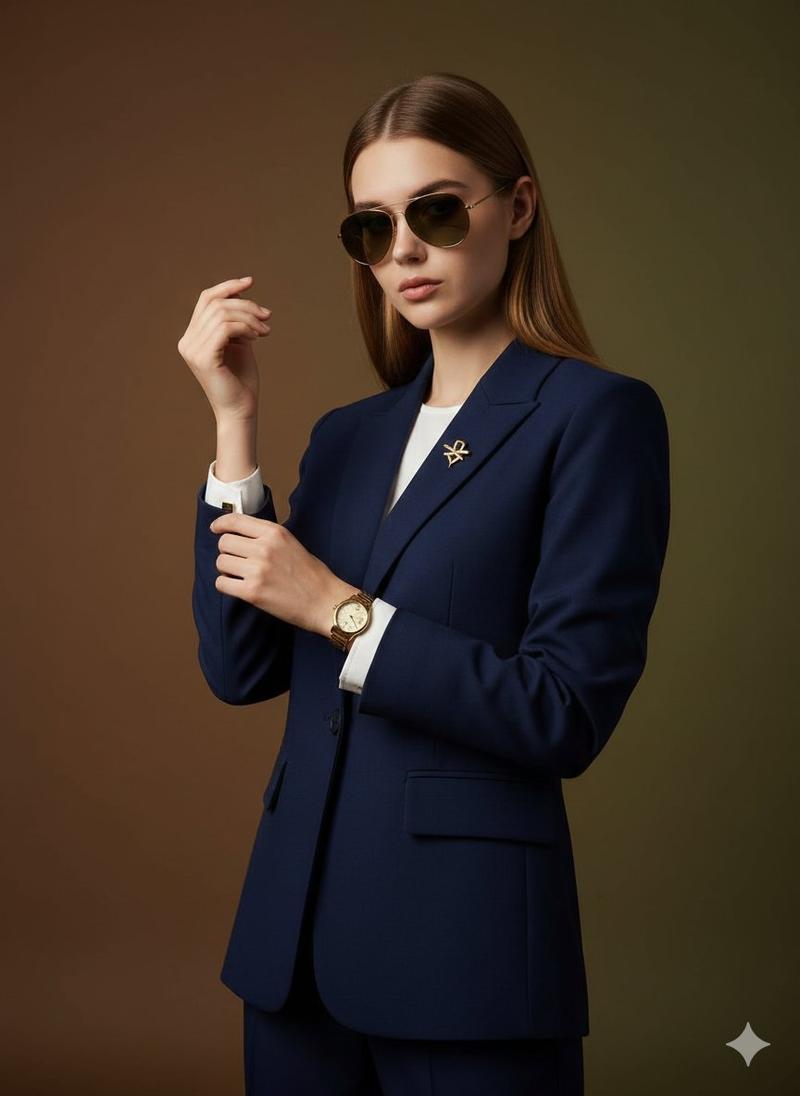
20

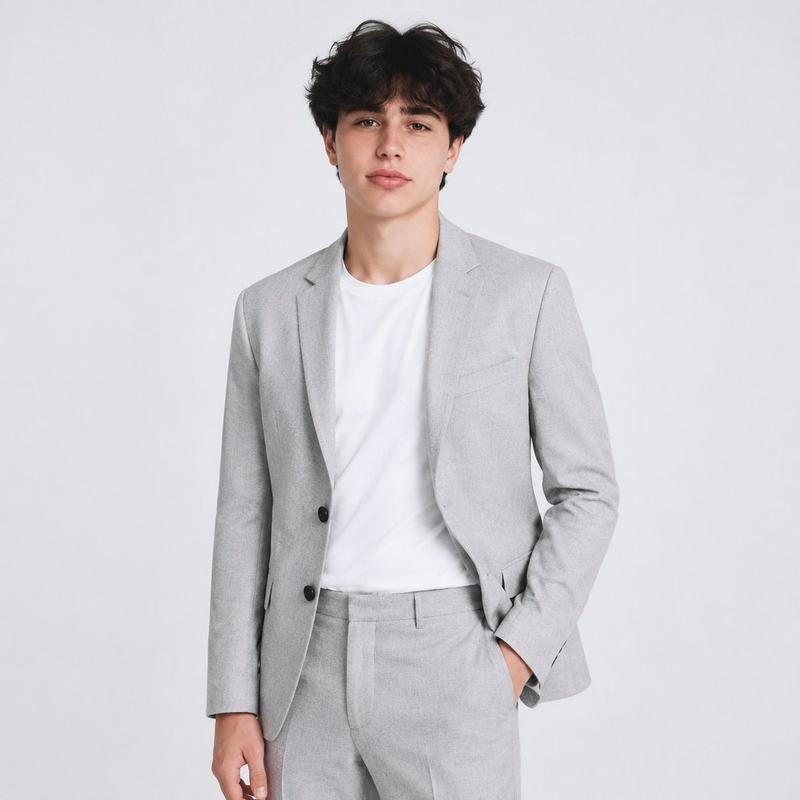
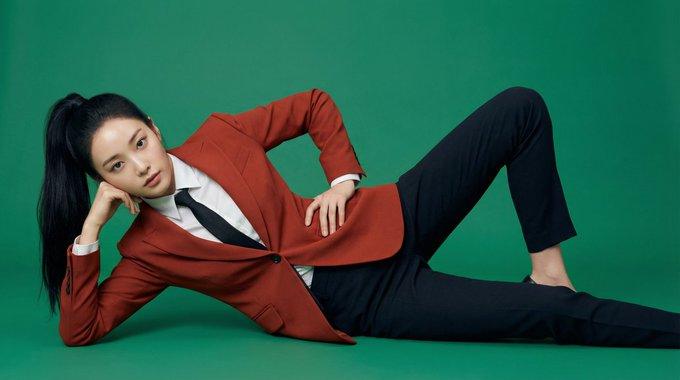
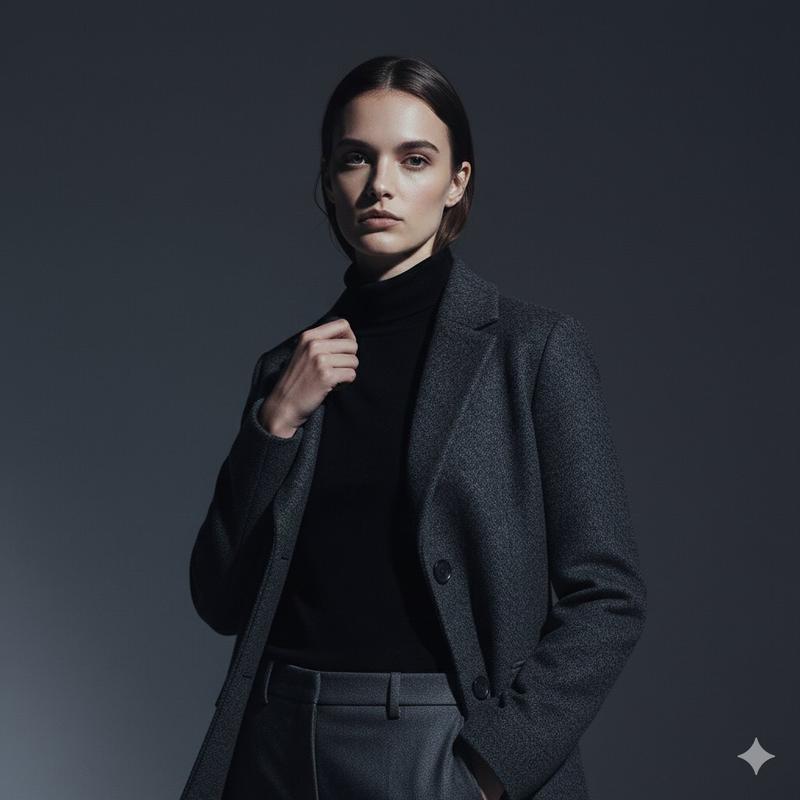
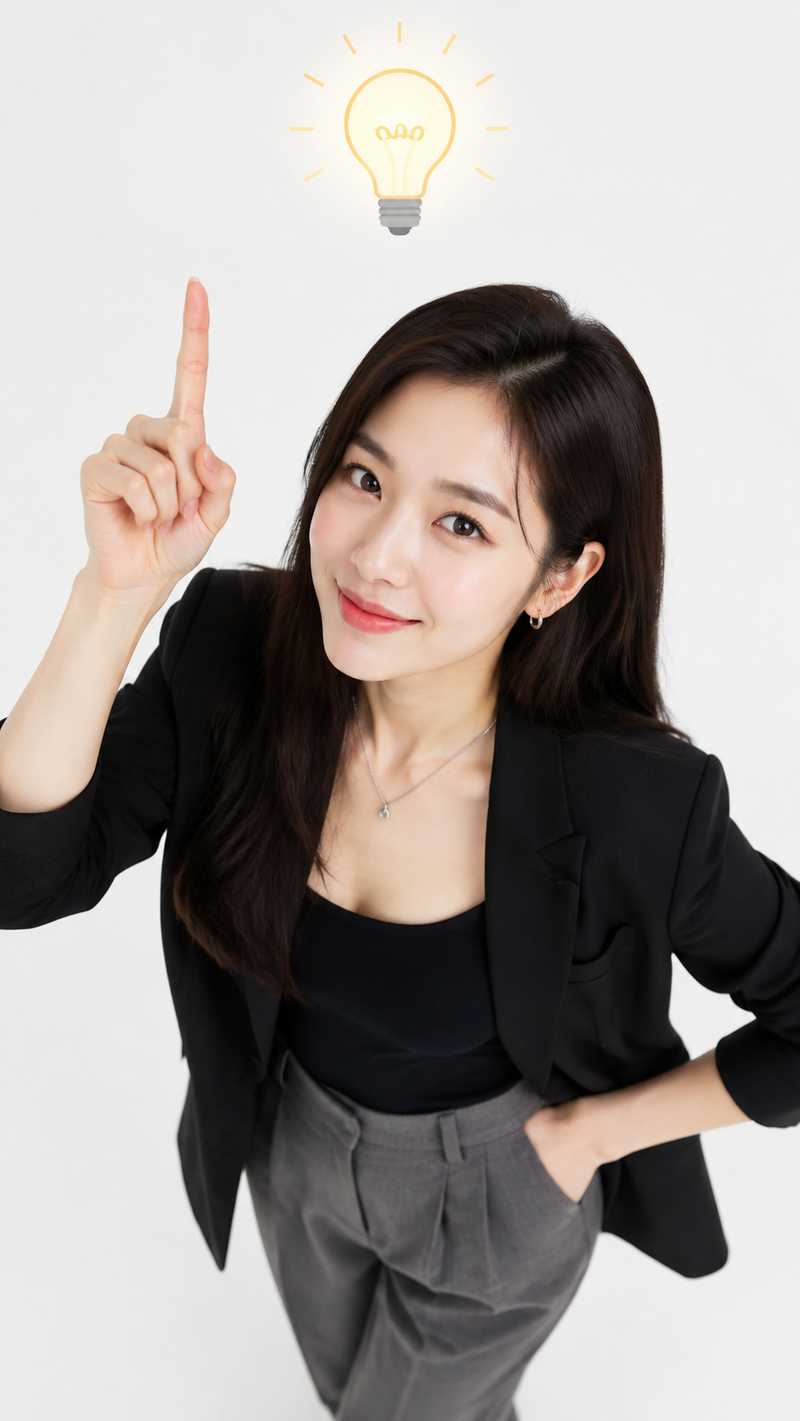
JSON 提示词,用于“萌”系角色姿势
Enlarge

JSON 提示词,用于“萌”系角色姿势

Prompt
"pose_and_framing": {
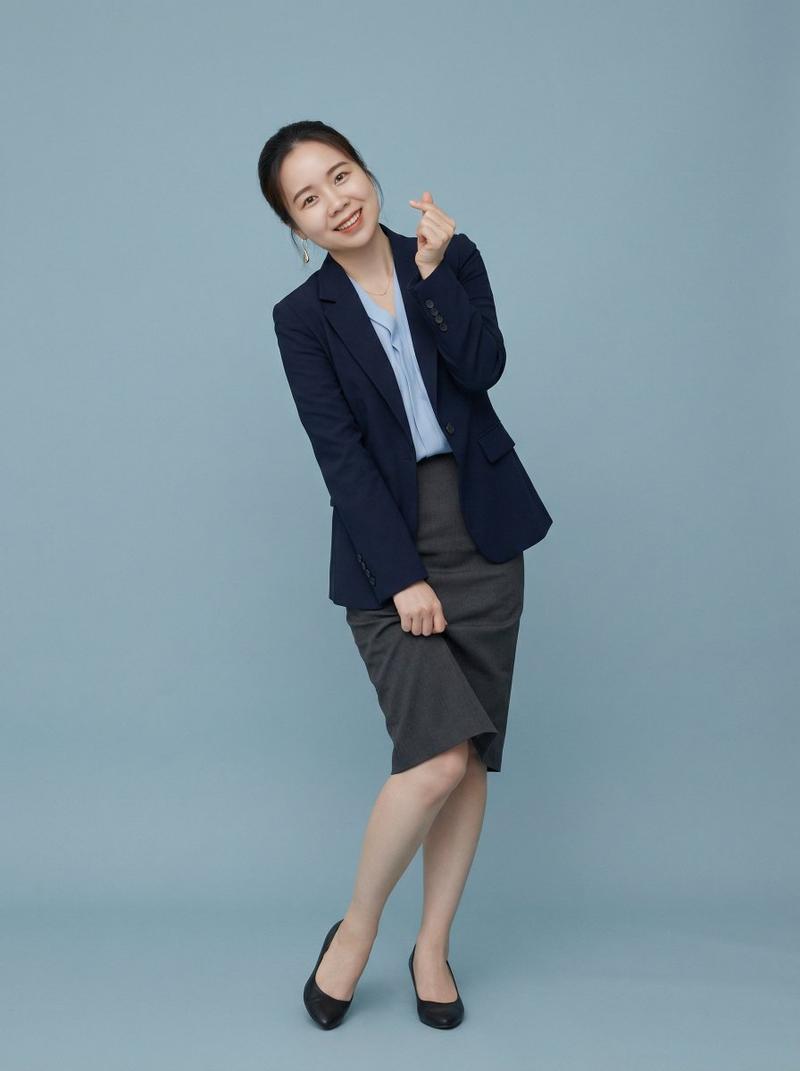
  "pose": "Standing with playful body twist to the side, one hand lightly lifting skirt hem as if showing off, the other hand forming a small finger-heart or peace sign near face, slight knee bend and toe-in for ultimate cuteness",
  "posture": "Soft S-curve with hip pop, shoulders forward and relaxed, head tilted 15 degrees with big sparkling eyes looking straight at camera, subtle cheek puff or tongue peek for{argument name="cuteness level" default="萌 overload"}",
  "framing": "Full-body to three-quarter portrait",
  "composition": "Centered subject with ample clean negative space, playful energy radiating outward"
}
Category
创意图片
Model
Nano Banana Pro
Creator
Arron2006
Views0
Source ID
e7c188fd-eb63-46d5-9367-ab508a7e46b8
Published
Mar 8, 2026

Guide

About "JSON 提示词,用于“萌”系角色姿势"

What is this prompt for?

"JSON 提示词,用于“萌”系角色姿势" AI image prompt for Nano Banana Pro (创意图片). 一个 JSON 提示片段,专注于生成“萌”(可爱/讨人喜欢)风格的角色姿势和构图。它详细说明了俏皮的身体扭动、提起裙摆、比心以及特定的面部表情(鼓起脸颊、吐舌头),以最大限度地提升可爱度…

The full copyable prompt and example visuals above are ready for AI image generation or one-click recreate in Picva.

How to use this prompt

  1. Step 1

    Open the prompt detail

    Review the example visuals, category, and full prompt text for "JSON 提示词,用于“萌”系角色姿势".

  2. Step 2

    Copy the prompt

    Copy the prompt body from this page, or load it directly in Studio.

  3. Step 3

    Pick a model (Nano Banana Pro)

    Prefer Nano Banana Pro. If you switch models, keep subject and composition and tweak style terms.

  4. Step 4

    Generate and export

    Recreate the look in Picva, or export into your workflow for editing and publishing.

FAQ

What is the "JSON 提示词,用于“萌”系角色姿势" prompt?
It is an AI image-generation prompt for Nano Banana Pro in the 创意图片 category. This page includes the full prompt text, example visuals, and a one-click recreate path in Picva.
How do I use this prompt to generate an image?
Copy the prompt from this page, or use Generate / Studio. Paste it into a compatible image model, or recreate the look in Picva with optional reference images.
Which model is this prompt for?
This page lists Nano Banana Pro. Most descriptive prompts also transfer to nearby image models such as GPT Image, Flux, or Midjourney with light style tweaks.
Can I use the result commercially?
You can usually copy the prompt for creation, but commercial use of the final image depends on the model terms, reference-image rights, and the generated content. Follow the source author and platform rules.