14

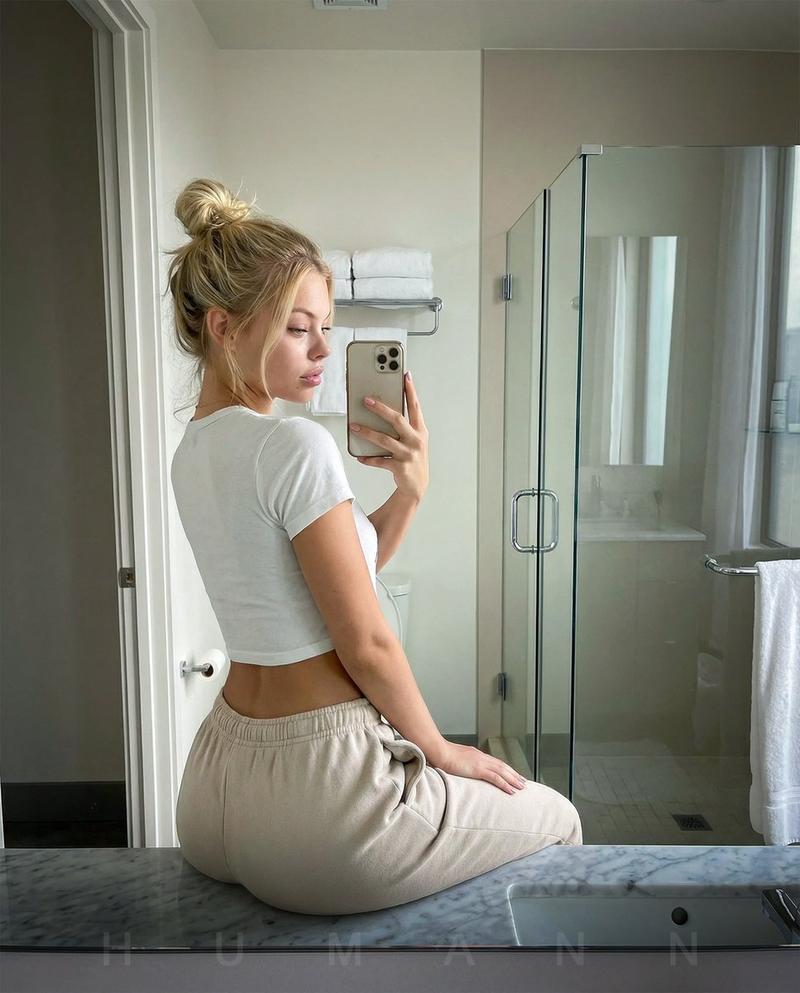
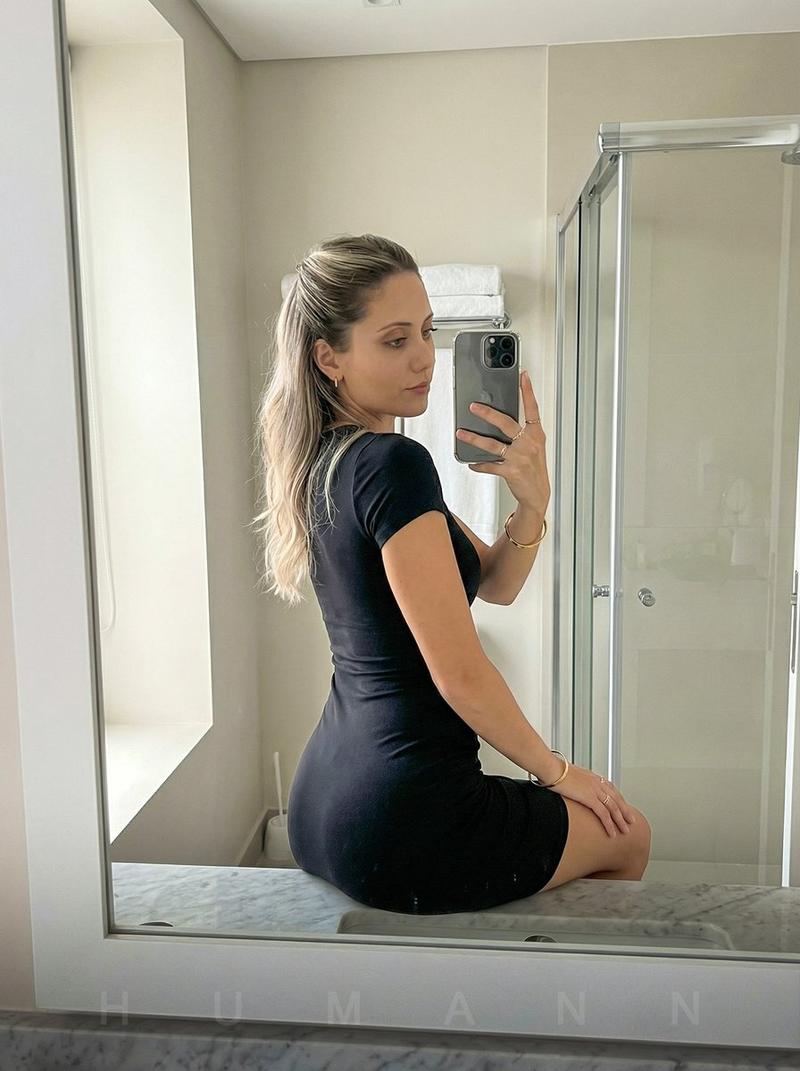
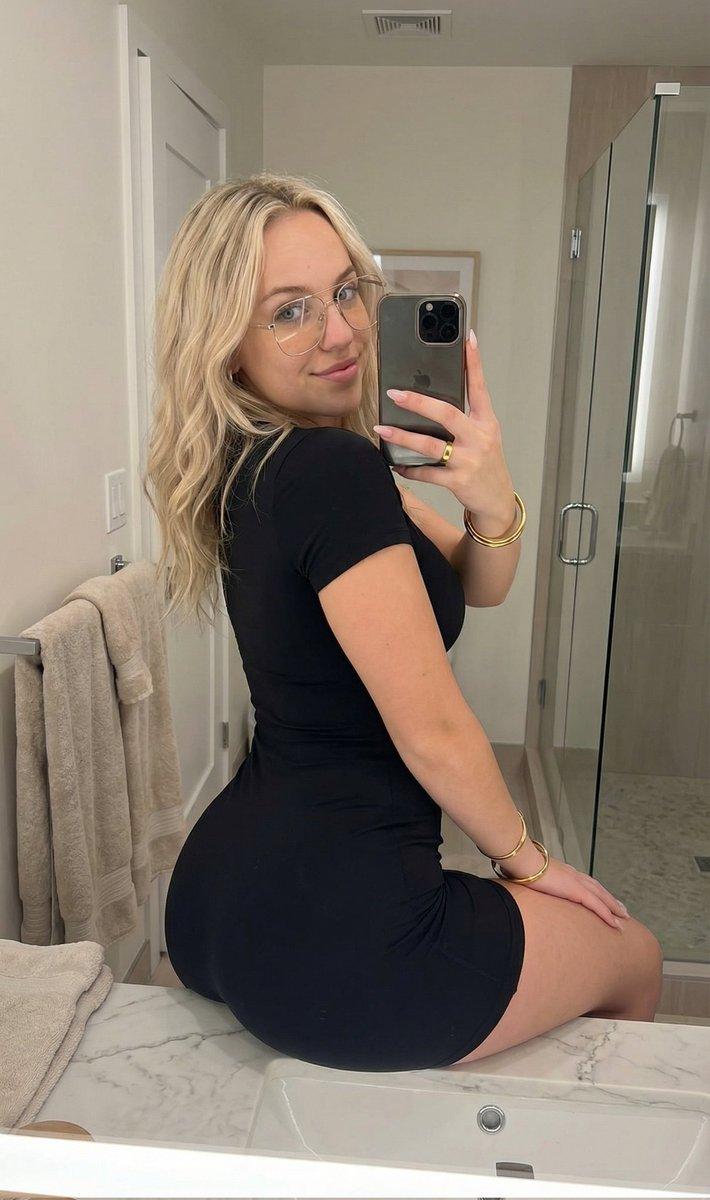
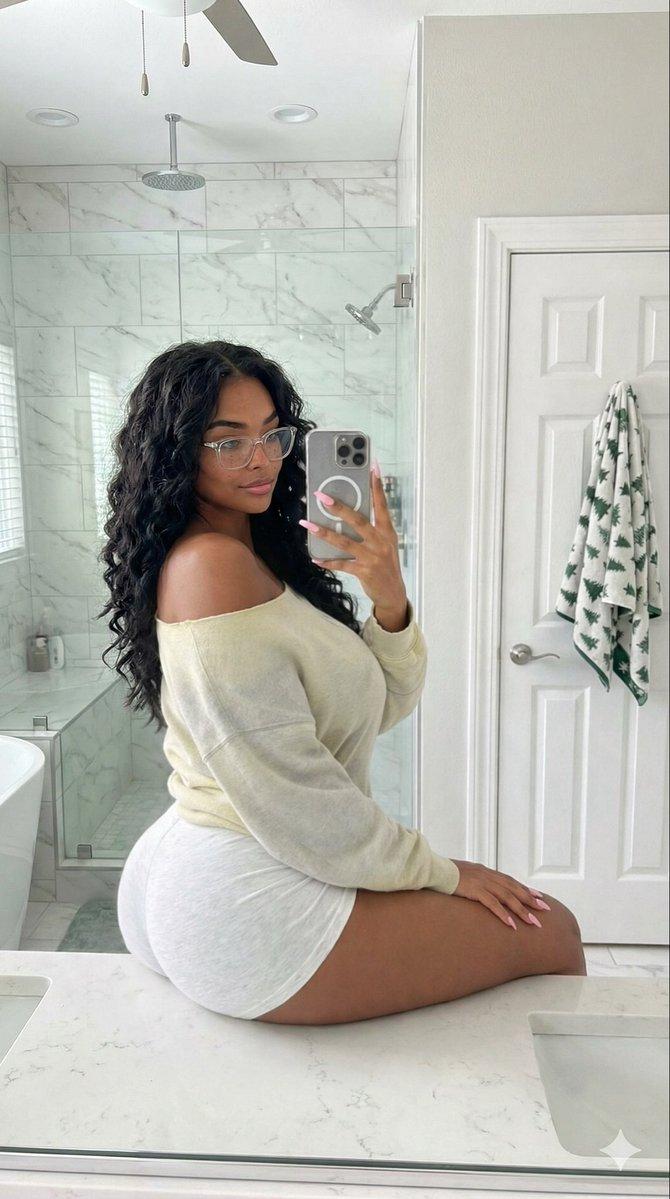
具有身份锁定的逼真镜面自拍
Enlarge

具有身份锁定的逼真镜面自拍

Prompt
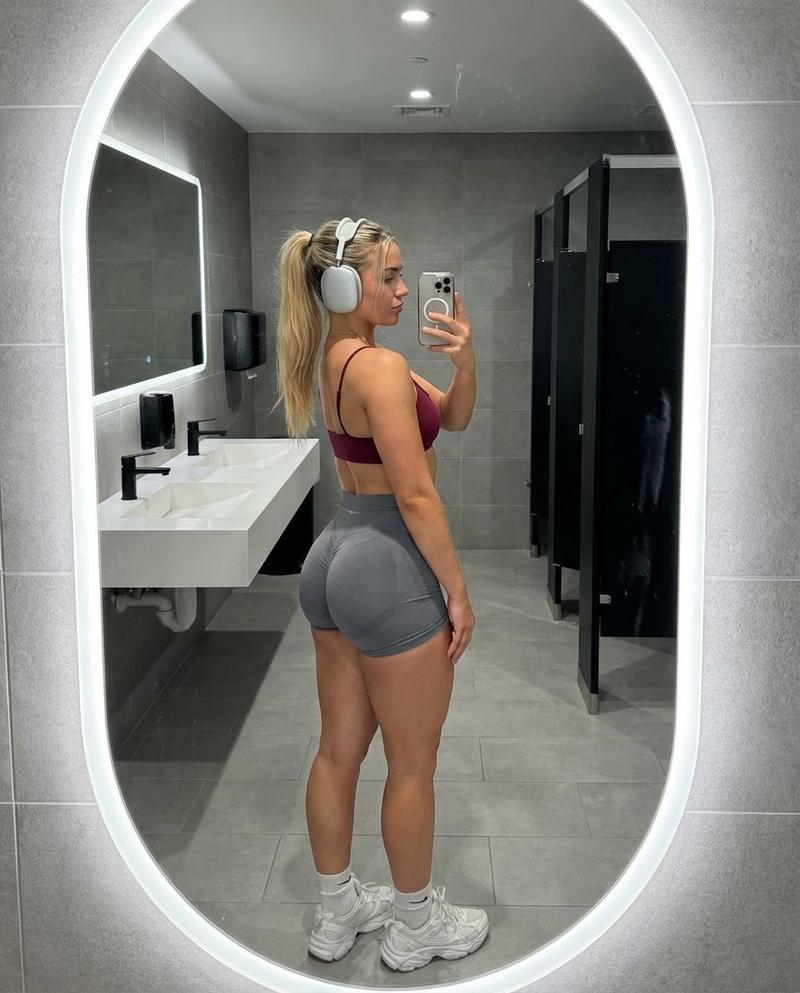
The main subject is the person in the attached photos (hereinafter referred to as THE_SUBJECT). Carefully and accurately replicate THE_SUBJECT’s facial features, hairstyle, skin tone, proportions, and overall appearance exactly as shown in the photo.

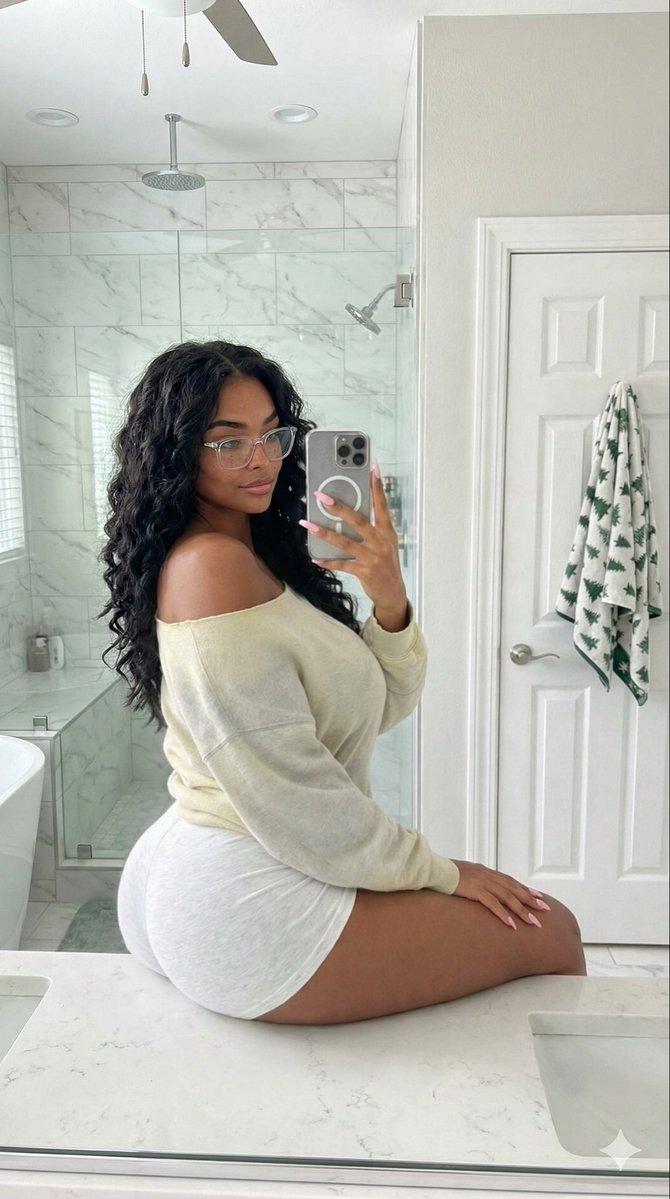
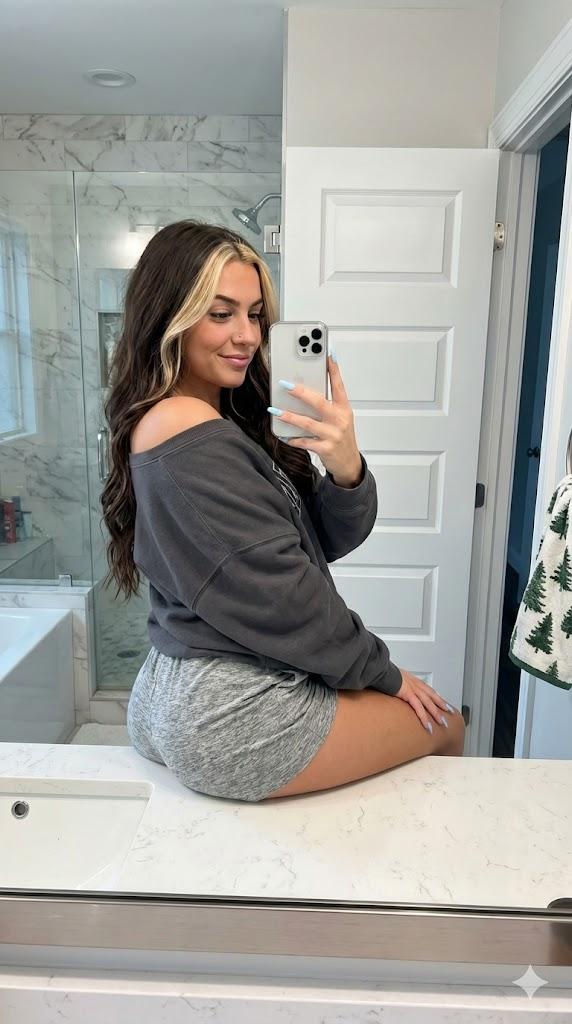
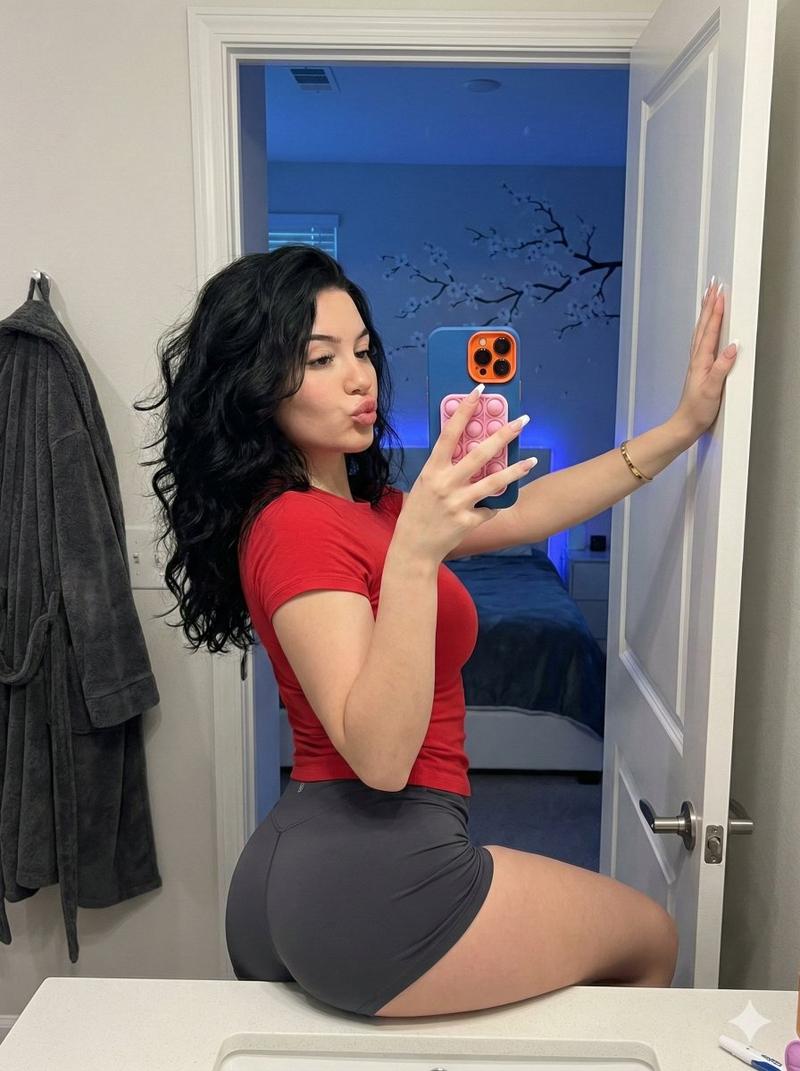
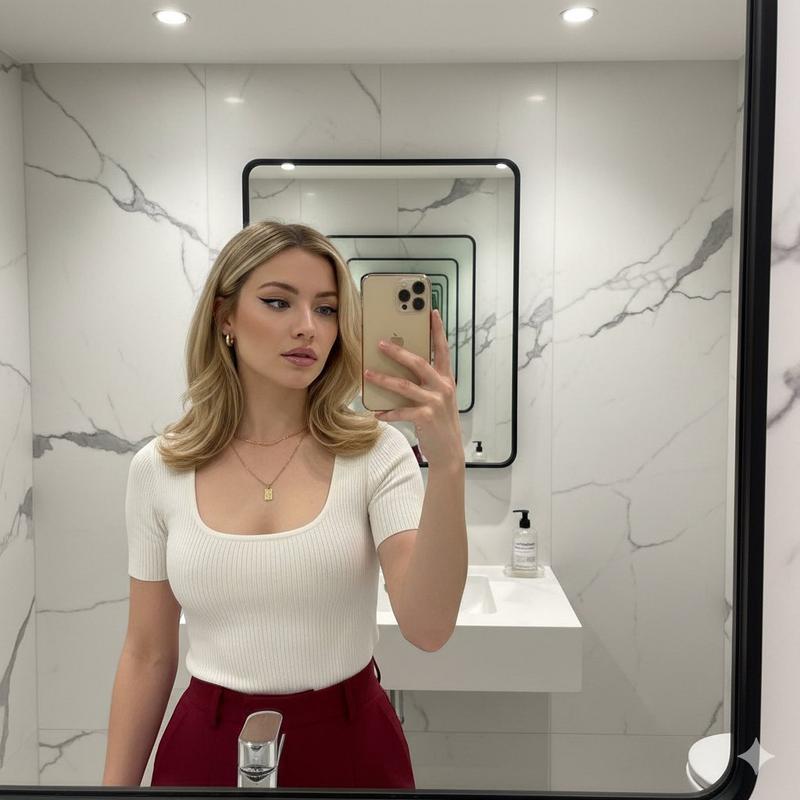
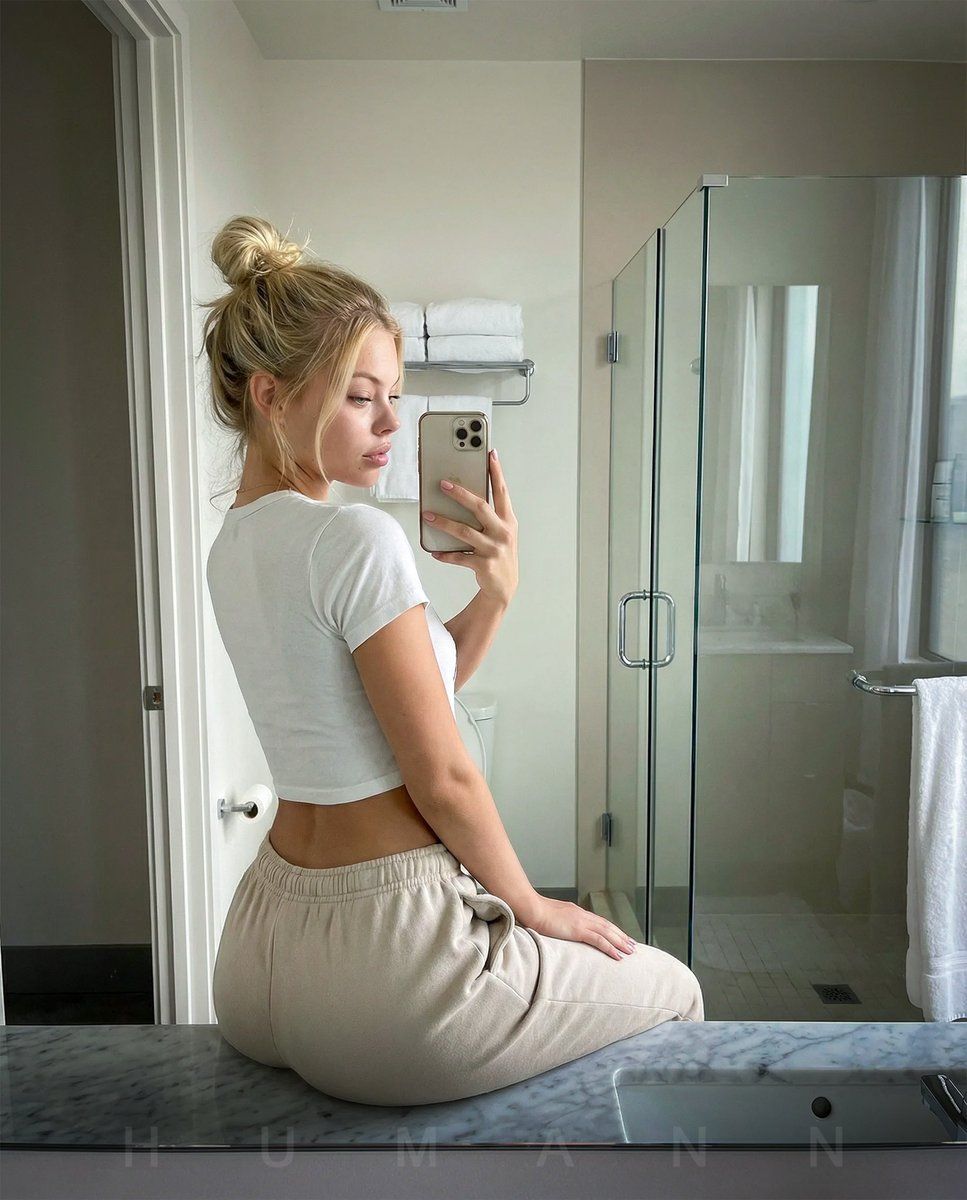
Create a photorealistic mirror-selfie of THE_SUBJECT sitting on the edge of a bathroom counter, slightly turned to the side while looking over her shoulder toward the mirror. She is holding her phone up with one hand to capture the photo.

The setting is a {argument name="bathroom style" default="modern, minimal bathroom"} with light neutral walls, a glass shower, folded towels, a marble countertop, and soft natural lighting. The photo should look exactly like a realistic phone selfie with accurate reflections, sharp detail, and natural skin texture. Create the image with perfect composition, lighting and photographic detail.
Category
创意图片
Model
Nano Banana Pro
Creator
D. Humann
Views0
Source ID
846f0f16-ce3a-46ae-9df2-474f131a70c9
Published
Mar 8, 2026

Guide

About "具有身份锁定的逼真镜面自拍"

What is this prompt for?

"具有身份锁定的逼真镜面自拍" AI image prompt for Nano Banana Pro (创意图片). 此提示旨在利用参考照片生成特定人物(THE_SUBJECT)的超逼真镜面自拍。它要求精确复制面部特征和外貌,将场景设置在现代简约的浴室中,并采用柔和的自然光线,确保最终图像看起来与真实的手机自拍完全…

The full copyable prompt and example visuals above are ready for AI image generation or one-click recreate in Picva.

How to use this prompt

  1. Step 1

    Open the prompt detail

    Review the example visuals, category, and full prompt text for "具有身份锁定的逼真镜面自拍".

  2. Step 2

    Copy the prompt

    Copy the prompt body from this page, or load it directly in Studio.

  3. Step 3

    Pick a model (Nano Banana Pro)

    Prefer Nano Banana Pro. If you switch models, keep subject and composition and tweak style terms.

  4. Step 4

    Generate and export

    Recreate the look in Picva, or export into your workflow for editing and publishing.

FAQ

What is the "具有身份锁定的逼真镜面自拍" prompt?
It is an AI image-generation prompt for Nano Banana Pro in the 创意图片 category. This page includes the full prompt text, example visuals, and a one-click recreate path in Picva.
How do I use this prompt to generate an image?
Copy the prompt from this page, or use Generate / Studio. Paste it into a compatible image model, or recreate the look in Picva with optional reference images.
Which model is this prompt for?
This page lists Nano Banana Pro. Most descriptive prompts also transfer to nearby image models such as GPT Image, Flux, or Midjourney with light style tweaks.
Can I use the result commercially?
You can usually copy the prompt for creation, but commercial use of the final image depends on the model terms, reference-image rights, and the generated content. Follow the source author and platform rules.