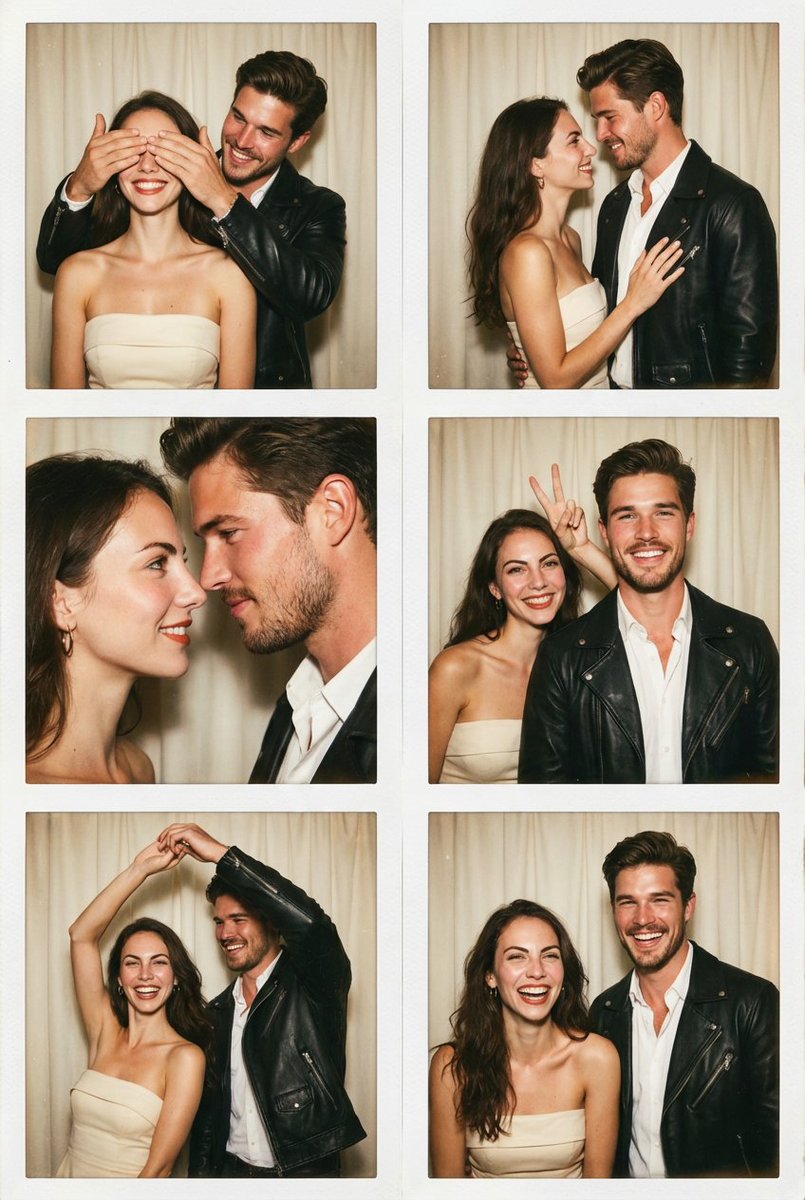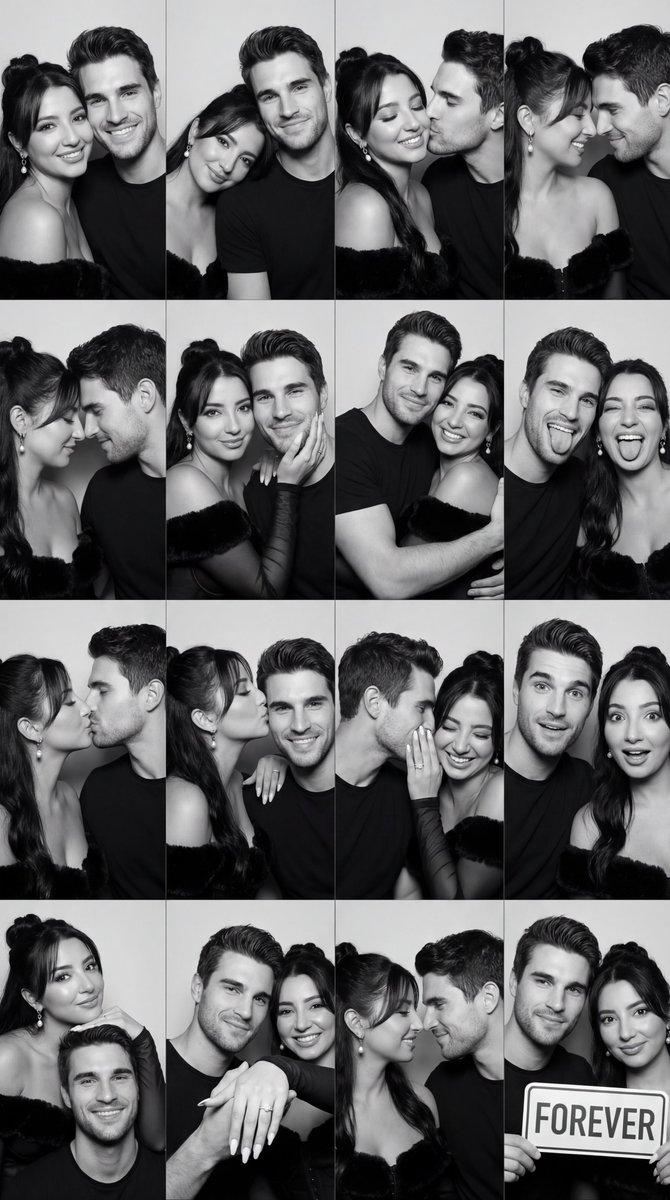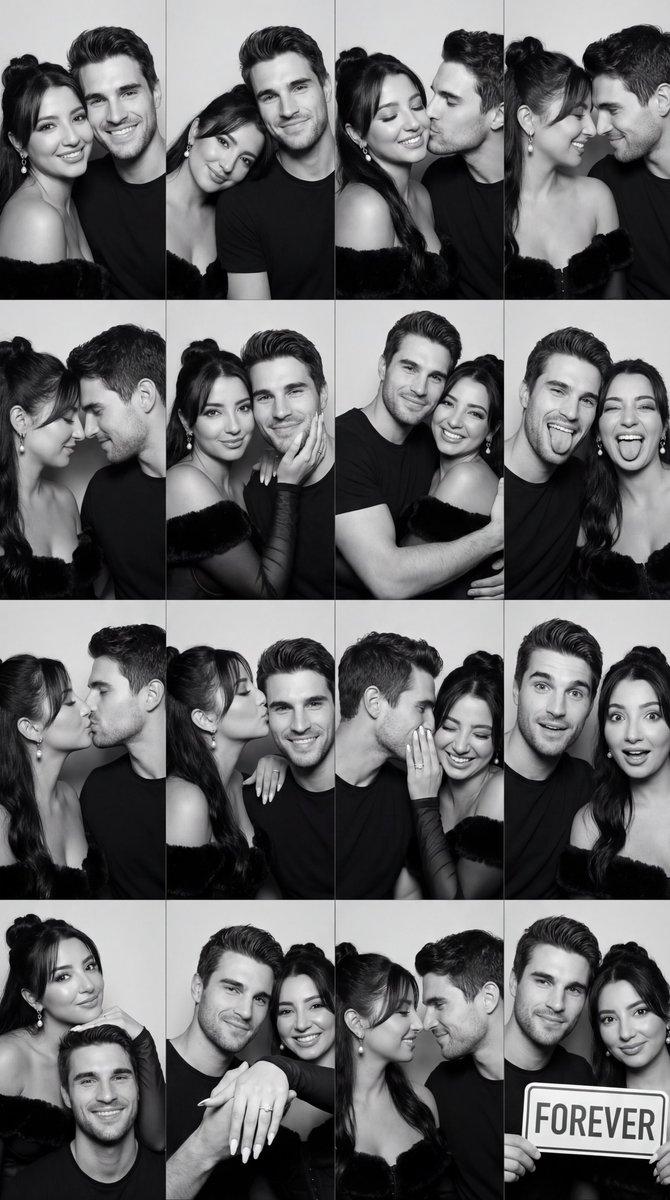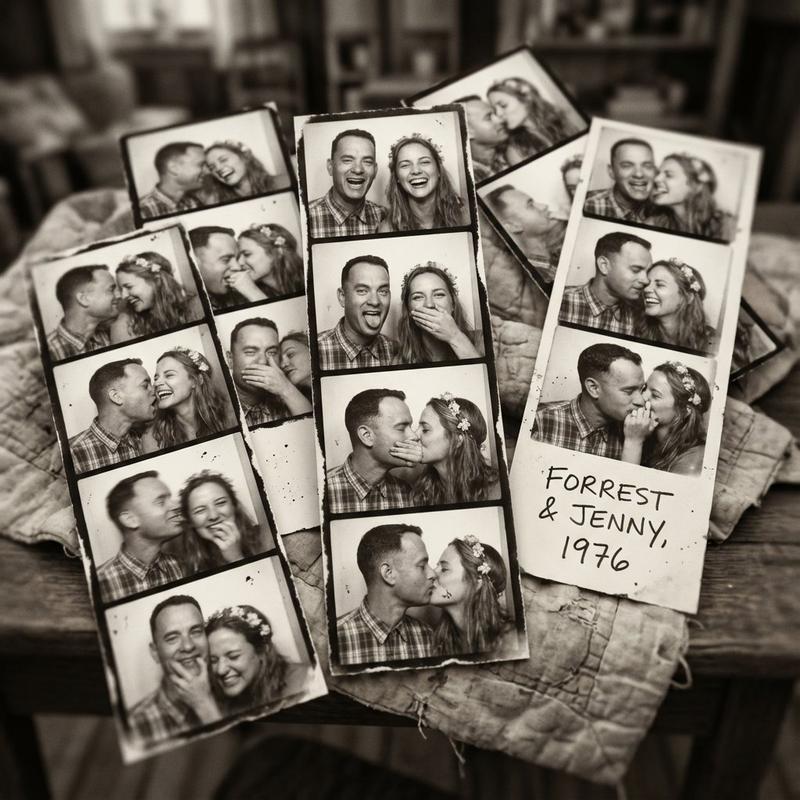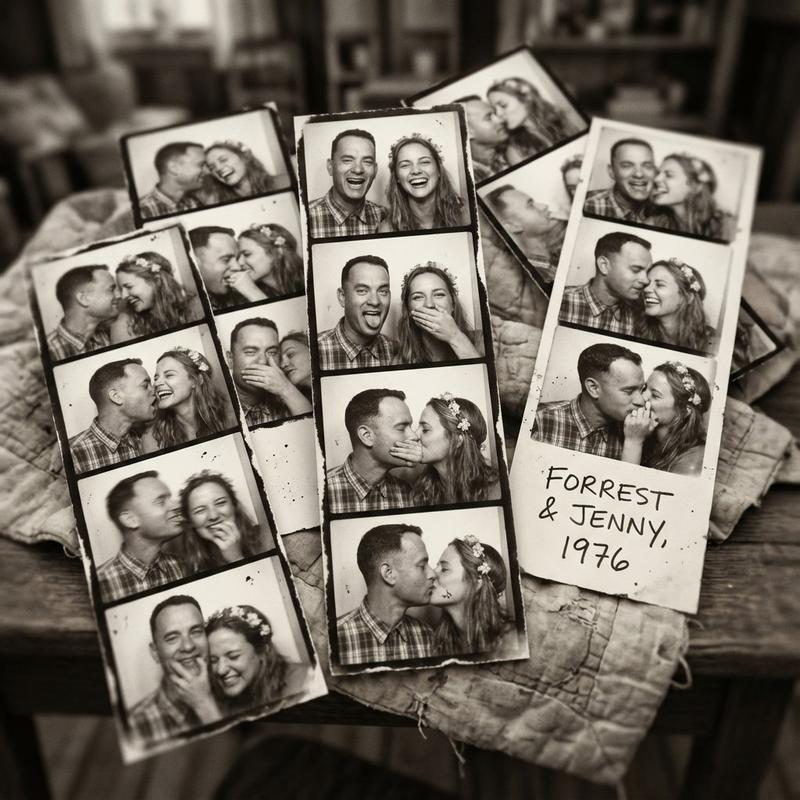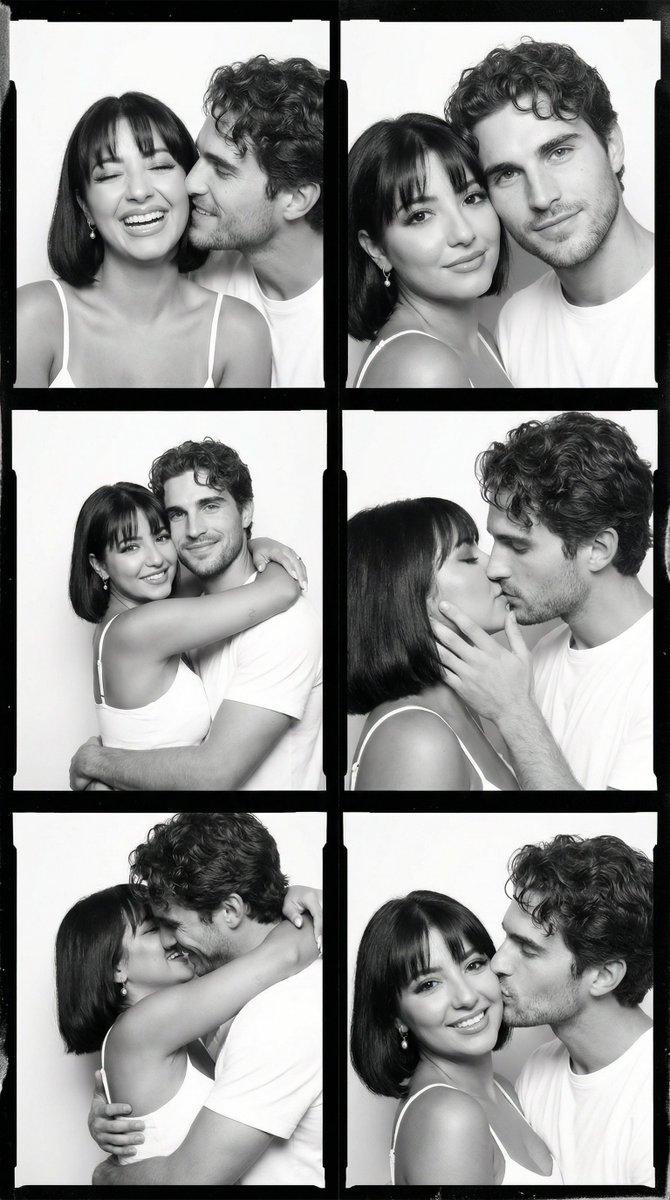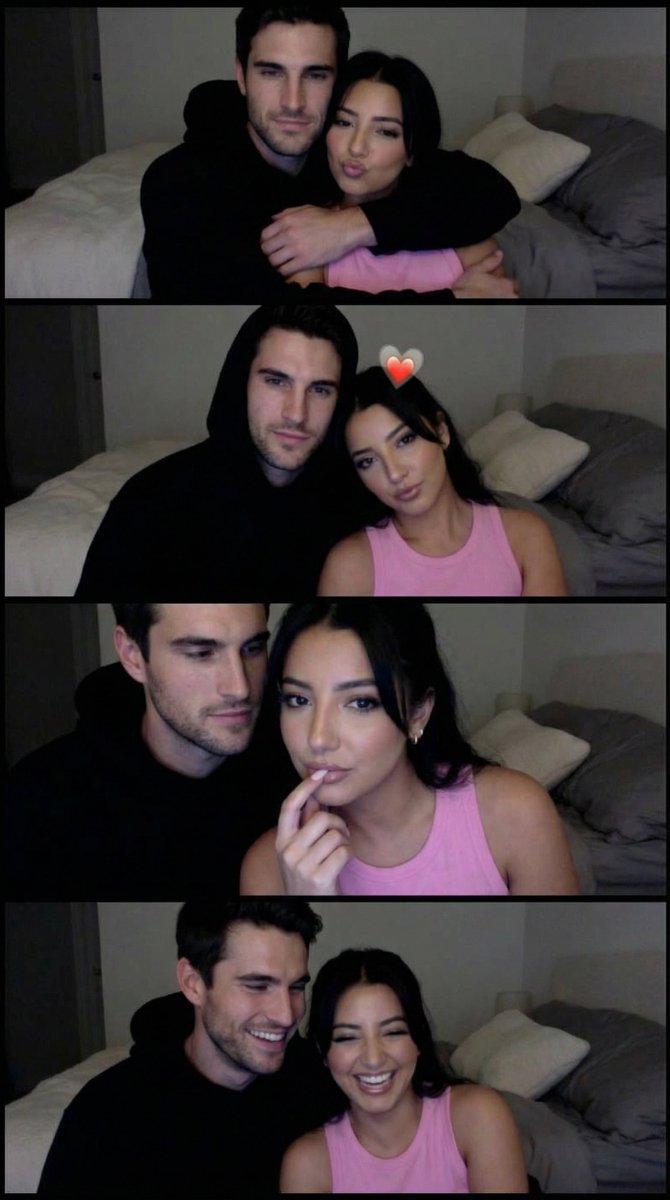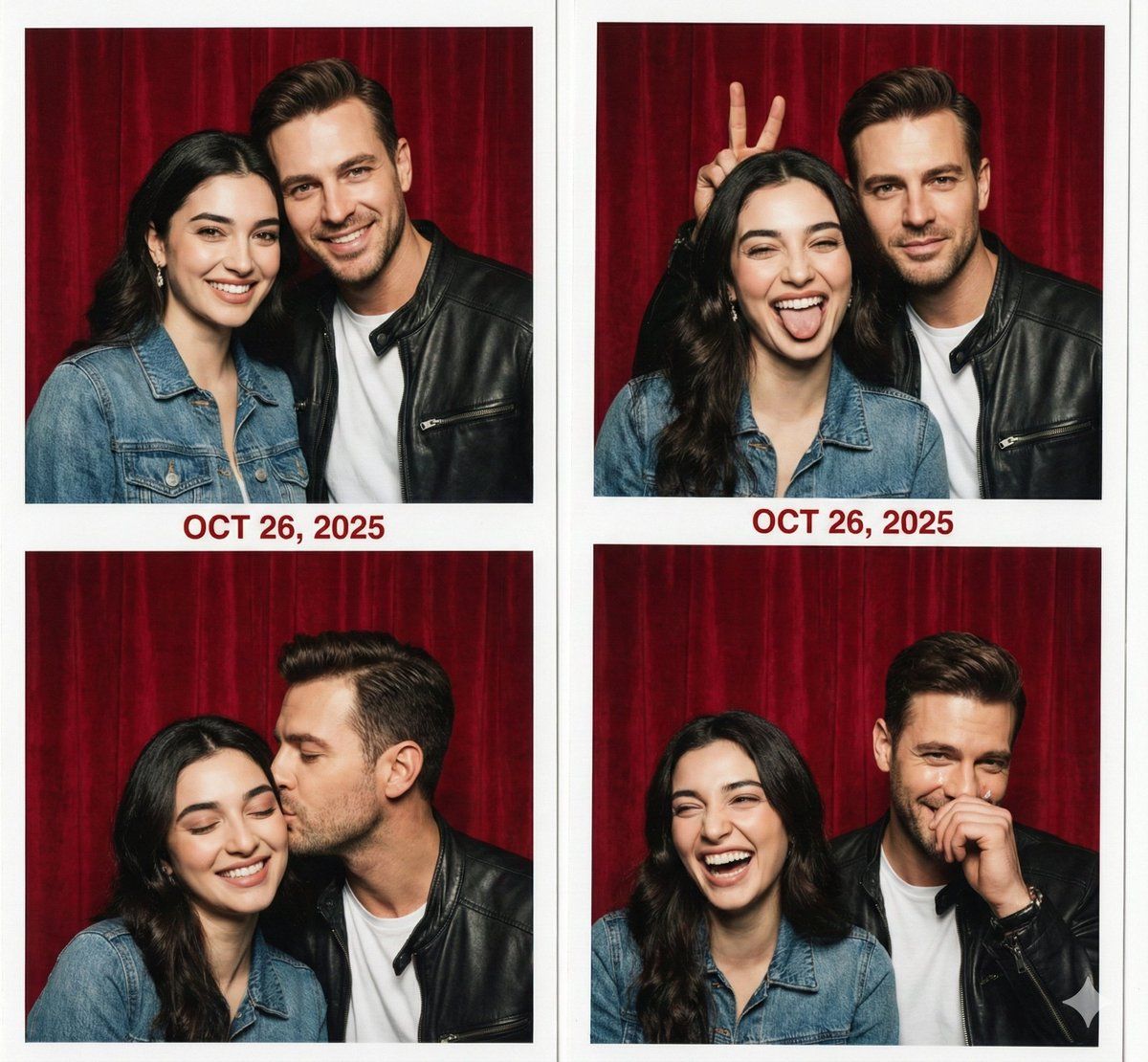
复古照相亭情侣照片条提示
Prompt
{
  "image_reference": {
    "source": "attached_female_photo",
    "weight": 0.85,
    "note": "Use the female reference for the woman in the couple"
  },
  "composition": {
    "type": "Vertical Photo Booth Strip (Collage)",
    "layout": "Four vertical frames arranged in a column with white borders",
    "framing": "Waist-up or Close-up shots, tight framing inside the booth",
    "aspect_ratio": "1:3"
  },
  "content": {
    "subjects": {
      "couple": "A young couple ({argument name="woman description" default="Woman from reference"} and a Man)",
      "attire": "{argument name="attire" default="Casual date night outfits, maybe a denim jacket or leather jacket"}"
    },
    "sequence_of_poses": {
      "frame_1": "{argument name="pose 1" default="Standard smiling pose, heads leaning together, looking at lens"}",
      "frame_2": "{argument name="pose 2" default="Funny faces, sticking tongues out or bunny ears, laughing"}",
      "frame_3": "{argument name="pose 3" default="Romantic moment, a kiss on the cheek or looking into each other's eyes"}",
      "frame_4": "{argument name="pose 4" default="Total chaos, laughing uncontrollably, maybe one person looking away or fixing hair"}"
    },
    "background": "{argument name="background" default="Red velvet curtain or metallic textured wall (typical photo booth interior)"}",
    "props": "Maybe holding a prop mustache or glasses in one frame (optional)"
  },
  "atmosphere": {
    "mood": "Romantic, playful, intimate, spontaneous",
    "lighting": "Direct harsh flash photography (front-facing), creating slight shadows on the curtain behind them",
    "aesthetics": "Retro photobooth style, slightly desaturated colors or high contrast black and white (optional), skin texture visible"
  },
  "technical_specs": {
    "camera_simulation": "Photobooth automated camera",
    "finish": "Glossy photo paper texture effect",
    "details": "Timestamp or 'Date' printed digitally in red/orange on the side or between frames (e.g., '2025')"
  },
  "negative_prompt": [
    "split screen issues",
    "distorted faces",
    "blurry",
    "modern studio lighting",
    "outdoor background",
    "more than 4 frames"
  ]
}- Category
- 创意图片
- Model
- Nano Banana Pro
- Creator
- Kaan
- Source ID
- 2b1dfef4-4af0-4908-85ae-f96fd969c03e
- Published
- Mar 8, 2026
Views0