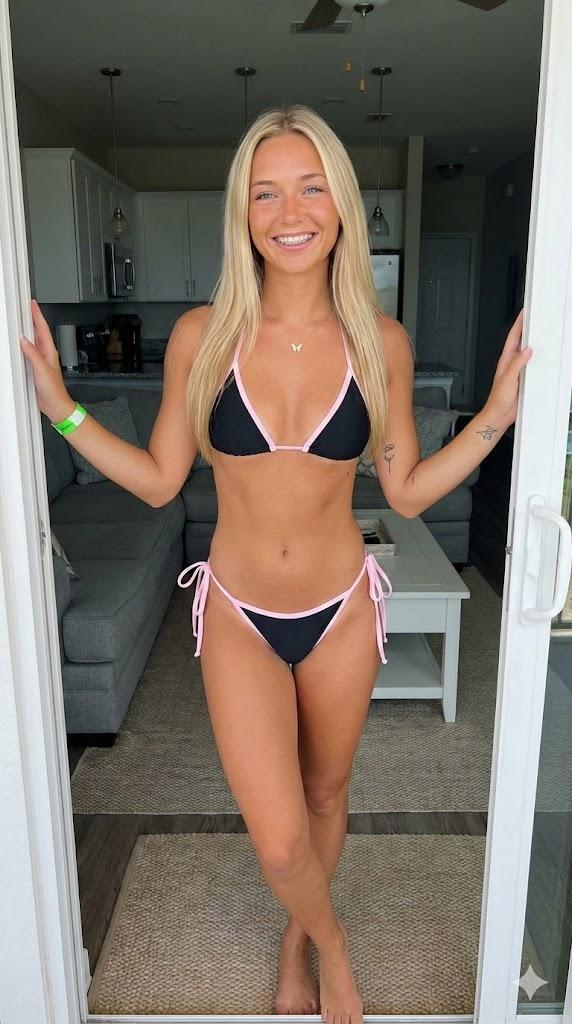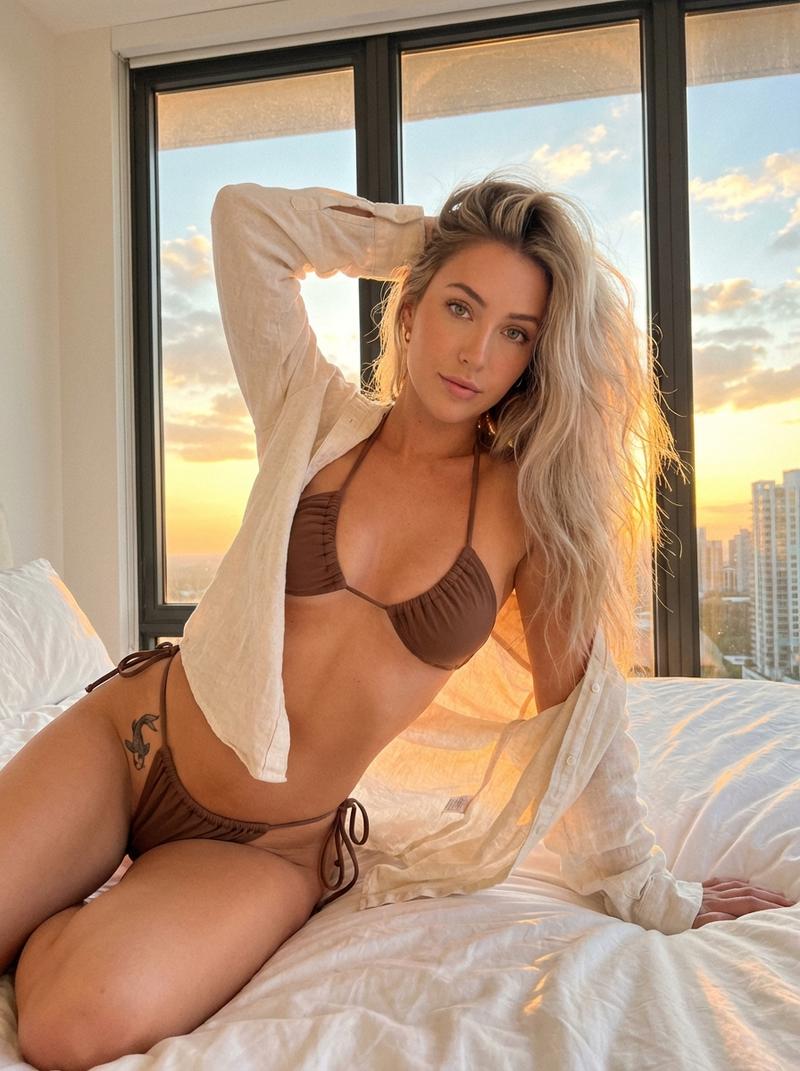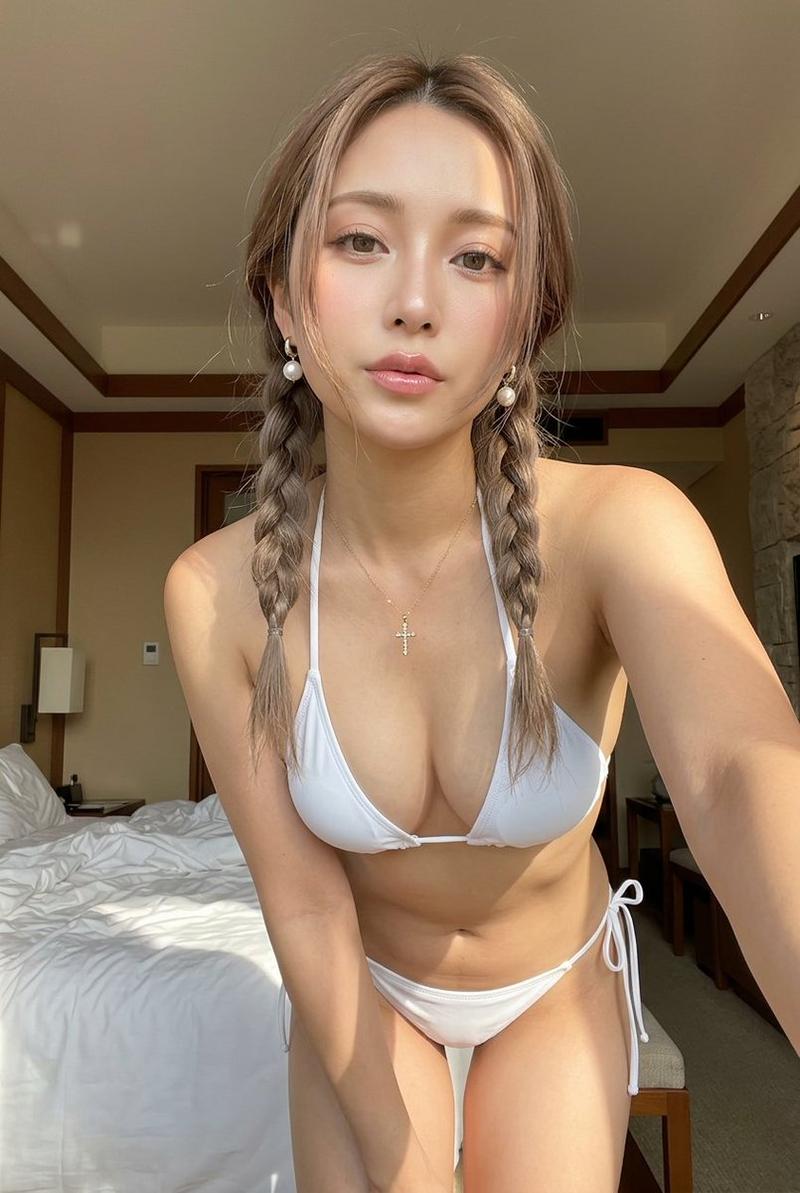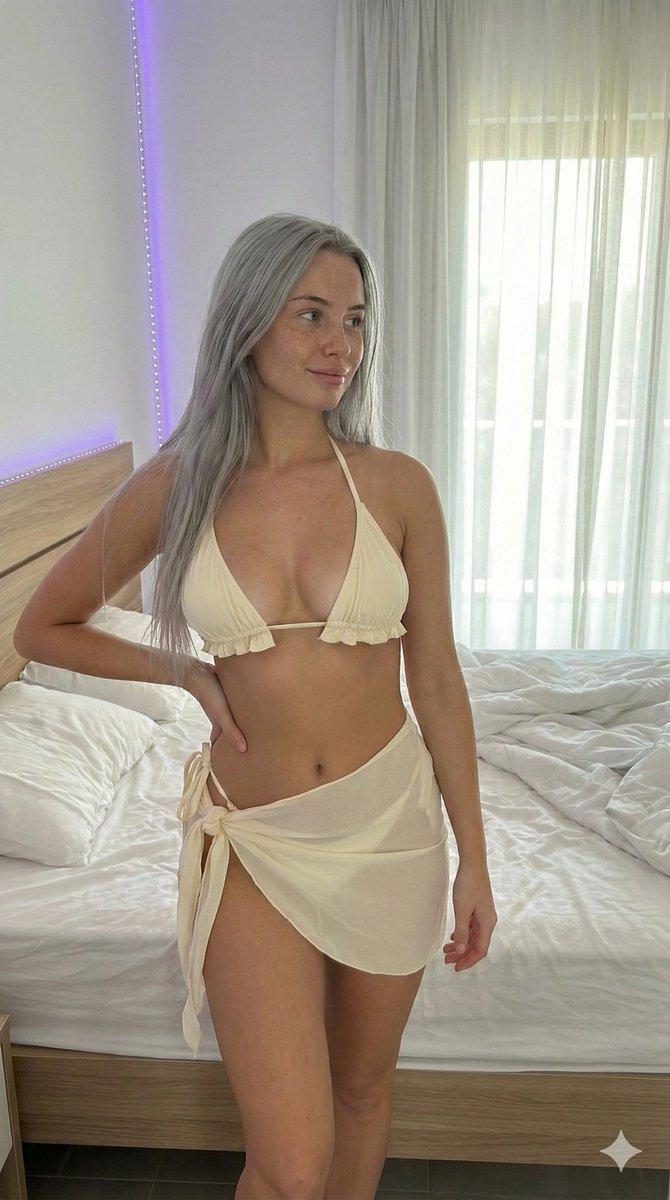
暖色调生活方式肖像与详细布光分析
Prompt
{
  "metadata": {
    "confidence_score": "high",
    "image_type": "photograph",
    "primary_purpose": "social media/lifestyle"
  },
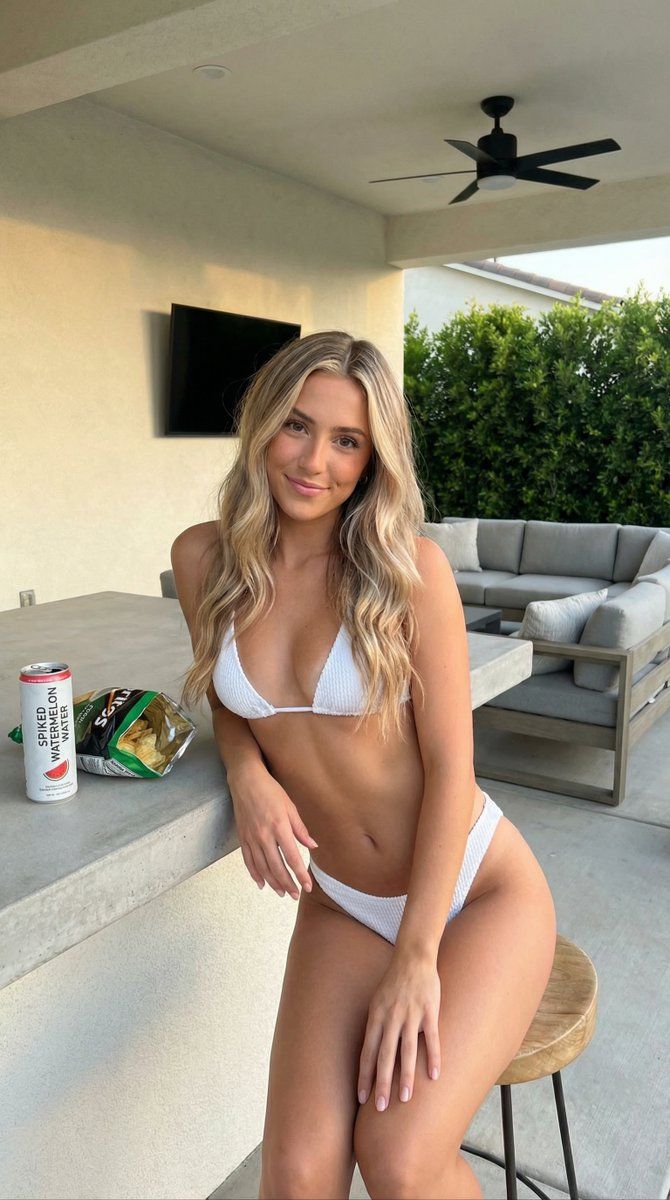
  "composition": {
    "rule_applied": "rule of thirds",
    "aspect_ratio": "4:5 portrait",
    "layout": "single subject with foreground elements",
    "focal_points": [
      "Subject's face and eyes",
      "Subject's torso/bikini"
    ],
    "visual_hierarchy": "Eye starts at face, moves down body curve, references product on table, then scans background environment",
    "balance": "asymmetric - heavy subject placement on right balanced by counter and greenery on left"
  },
  "color_profile": {
    "dominant_colors": [
      {
        "color": "Cream/Beige",
        "hex": "#E8E2D2",
        "percentage": "30%",
        "role": "background walls/furniture"
      },
      {
        "color": "Tan Skin Tone",
        "hex": "#D6A986",
        "percentage": "25%",
        "role": "primary subject"
      },
      {
        "color": "White",
        "hex": "#FFFFFF",
        "percentage": "10%",
        "role": "clothing/accent"
      },
      {
        "color": "Deep Green",
        "hex": "#2F4F2F",
        "percentage": "15%",
        "role": "foliage background"
      },
      {
        "color": "Concrete Grey",
        "hex": "#8C8C8C",
        "percentage": "10%",
        "role": "surfaces"
      }
    ],
    "color_palette": "natural/neutral with green accents",
    "temperature": "warm",
    "saturation": "moderate",
    "contrast": "medium contrast"
  },
  "lighting": {
    "type": "natural mixed",
    "source_count": "single source main with ambient fill",
    "direction": "front/45-degree side",
    "directionality": "moderately directional",
    "quality": "soft light/diffused",
    "intensity": "bright/daylight",
    "contrast_ratio": "medium contrast",
    "mood": "casual/relaxed/warm",
    "shadows": {
      "type": "soft gradual edges",
      "density": "gray/transparent",
      "placement": "under chair/under counter/under chin",
      "length": "short"
    },
    "highlights": {
      "treatment": "preserved/soft",
      "placement": "shoulders/forehead/cheekbones/shins"
    },
    "ambient_fill": "present",
    "light_temperature": "warm (golden hour influence)"
  },
  "technical_specs": {
    "medium": "digital photography",
    "style": "realistic/lifestyle/influencer style",
    "texture": "smooth skin/textured fabric/stucco walls",
    "sharpness": "tack sharp on subject",
    "grain": "none",
    "depth_of_field": "medium - background slightly soft but details distinguishable",
    "perspective": "straight on/eye level"
  },
  "artistic_elements": {
    "genre": "lifestyle portrait",
    "influences": [
      "Social media aesthetics",
      "Commercial lifestyle photography"
    ],
    "mood": "relaxed/confident/inviting/summery",
    "atmosphere": "Casual backyard hanging out, warm afternoon vibes",
    "visual_style": "clean/bright/polished"
  },
"typography":- Category
- 创意图片
- Model
- Nano Banana Pro
- Creator
- alec
- Source ID
- 9d48dc68-09a5-4036-870a-5d3698764e6b
- Published
- Mar 8, 2026
Views0