15

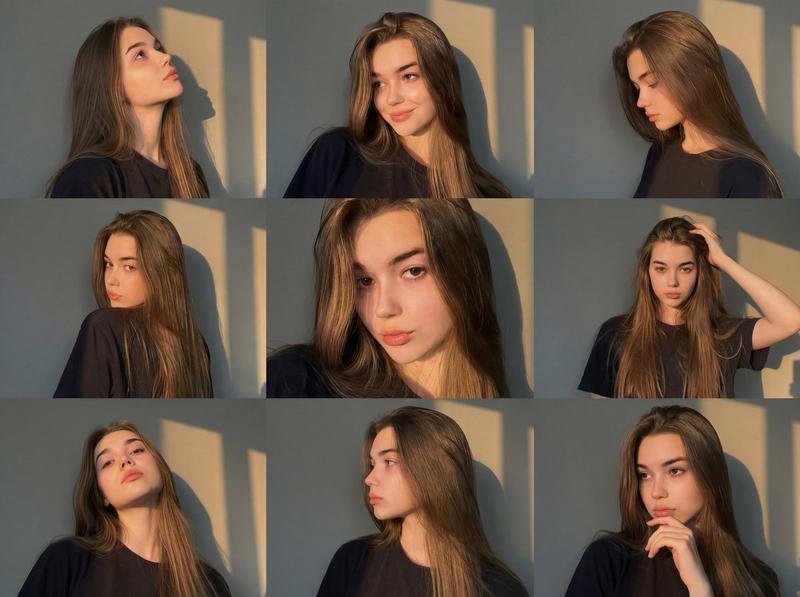
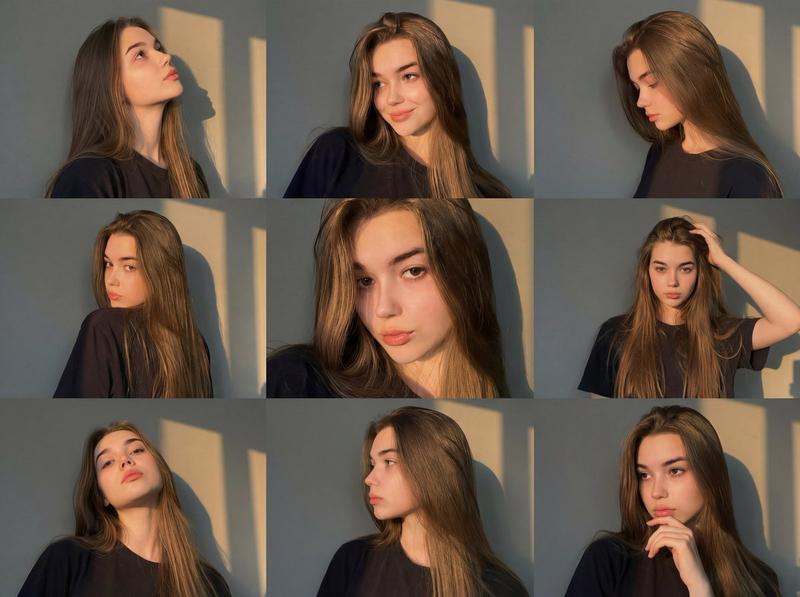
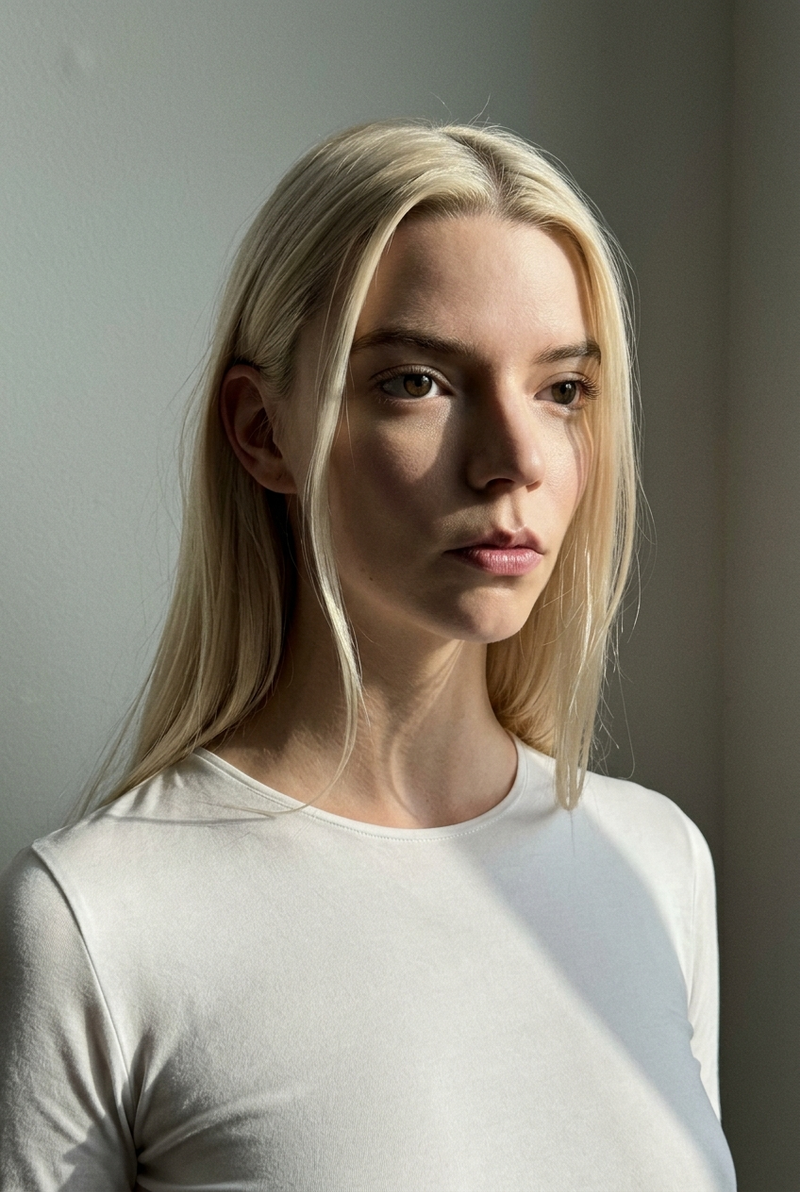
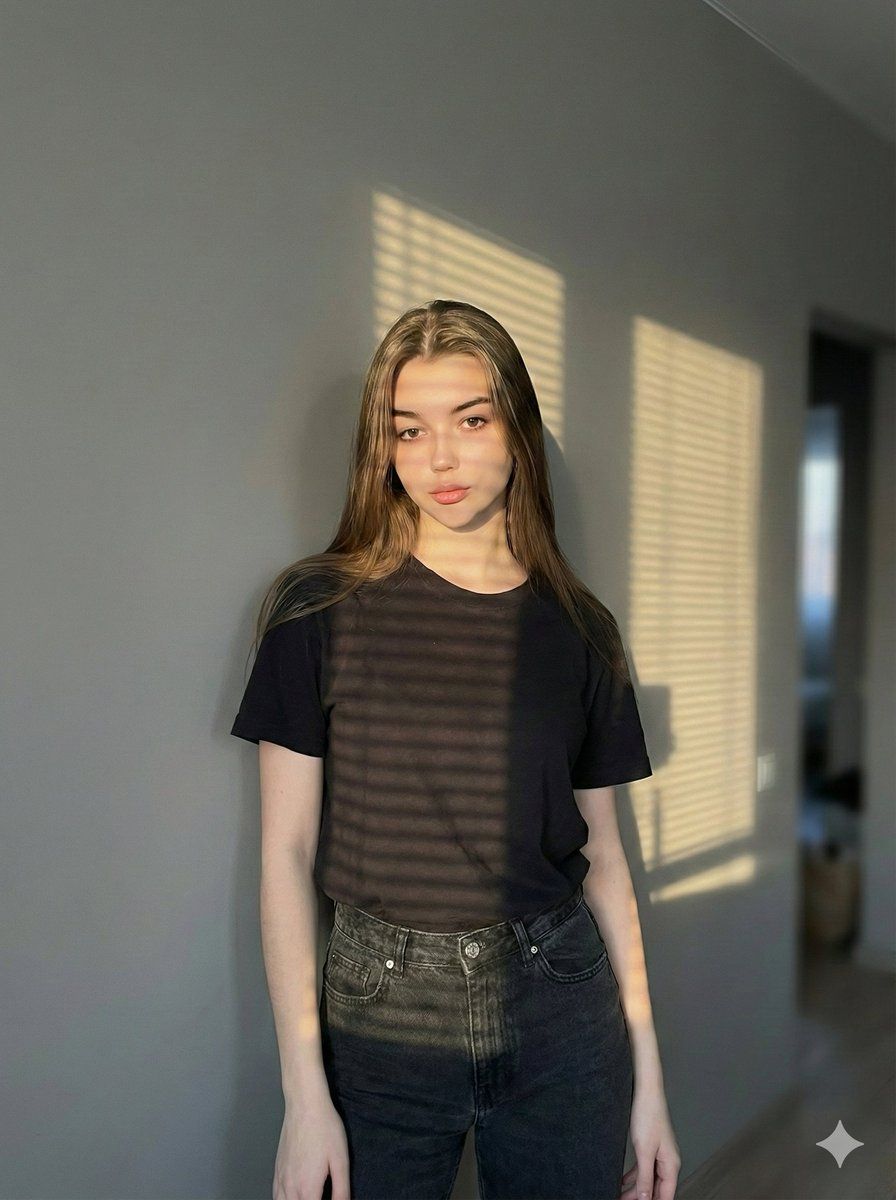
明暗对照窗户肖像提示词
Enlarge

明暗对照窗户肖像提示词

Prompt
{
  "prompt": {
    "subject": {
      "description": "Female figure with slender build, medium-sized breasts, and golden tan skin",
      "hair": "Long, voluminous, medium to dark brown, natural wavy texture, tousled appearance",
      "eyes": "Light brown/honey, shining brightly, intense and penetrating gaze",
      "expression": "Seductive, mysterious, looking directly at camera over shoulder, lips slightly parted"
    },
    "clothing": "Yellow garment with visible strap (sundress, swimsuit, or top)",
    "action": "Standing or posing sideways near a window, turning head back towards viewer",
    "framing": "Full body shot, capturing figure from head to toe",
    "environment": "Indoors, next to a window with white or beige horizontal Venetian blinds",
    "lighting": {
      "style": "Golden hour, Chiaroscuro",
      "details": "Strong direct natural sunlight, dramatic horizontal striped shadows from blinds cast across the entire body, high contrast between light and dark"
    },
    "technical_specs": {
      "lens": "50mm or 85mm prime lens",
      "aperture": "f/2.0",
      "quality": "8k resolution, photorealistic, cinematic texture"
    }
  }
}
Category
创意图片
Model
Nano Banana Pro
Views0
Source ID
9a7a4514-4bd2-4d0d-990e-f37294b3b179
Published
Mar 8, 2026

Guide

About "明暗对照窗户肖像提示词"

What is this prompt for?

"明暗对照窗户肖像提示词" AI image prompt for Nano Banana Pro (创意图片). 一个为 Nano Banana Pro 设计的详细 JSON 格式提示词,专注于使用戏剧性的明暗对比(Chiaroscuro)光线描绘女性肖像。它详细说明了主题的外观(苗条身材、古铜色肌肤、蓬松棕发、锐…

The full copyable prompt and example visuals above are ready for AI image generation or one-click recreate in Picva.

How to use this prompt

  1. Step 1

    Open the prompt detail

    Review the example visuals, category, and full prompt text for "明暗对照窗户肖像提示词".

  2. Step 2

    Copy the prompt

    Copy the prompt body from this page, or load it directly in Studio.

  3. Step 3

    Pick a model (Nano Banana Pro)

    Prefer Nano Banana Pro. If you switch models, keep subject and composition and tweak style terms.

  4. Step 4

    Generate and export

    Recreate the look in Picva, or export into your workflow for editing and publishing.

FAQ

What is the "明暗对照窗户肖像提示词" prompt?
It is an AI image-generation prompt for Nano Banana Pro in the 创意图片 category. This page includes the full prompt text, example visuals, and a one-click recreate path in Picva.
How do I use this prompt to generate an image?
Copy the prompt from this page, or use Generate / Studio. Paste it into a compatible image model, or recreate the look in Picva with optional reference images.
Which model is this prompt for?
This page lists Nano Banana Pro. Most descriptive prompts also transfer to nearby image models such as GPT Image, Flux, or Midjourney with light style tweaks.
Can I use the result commercially?
You can usually copy the prompt for creation, but commercial use of the final image depends on the model terms, reference-image rights, and the generated content. Follow the source author and platform rules.