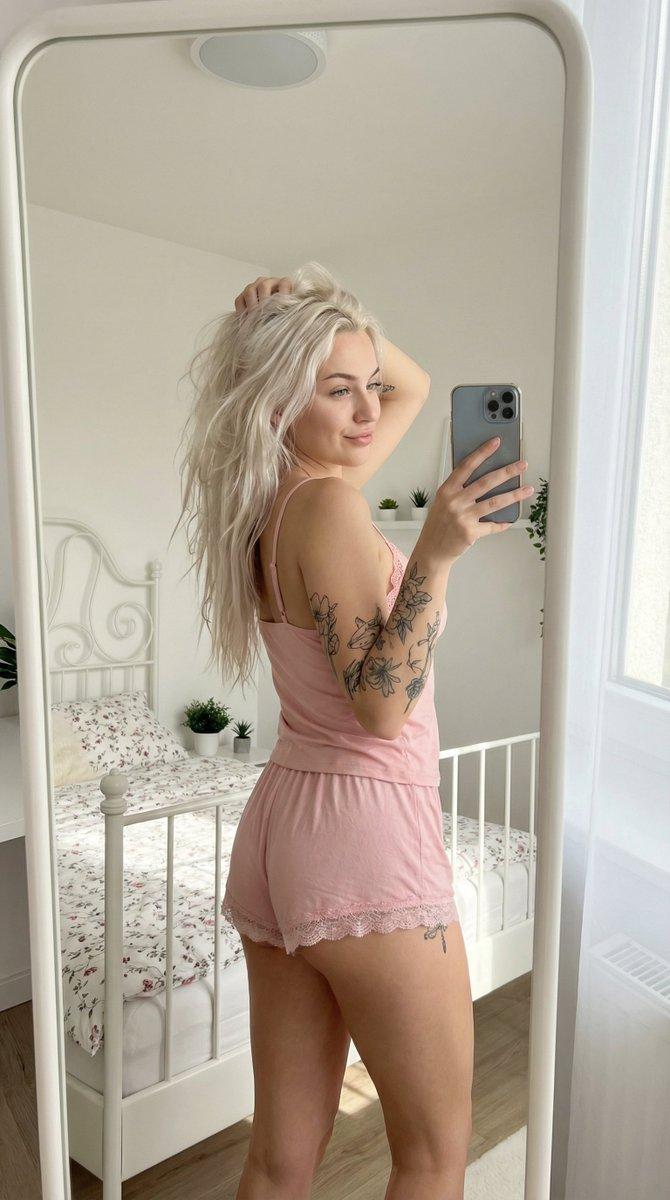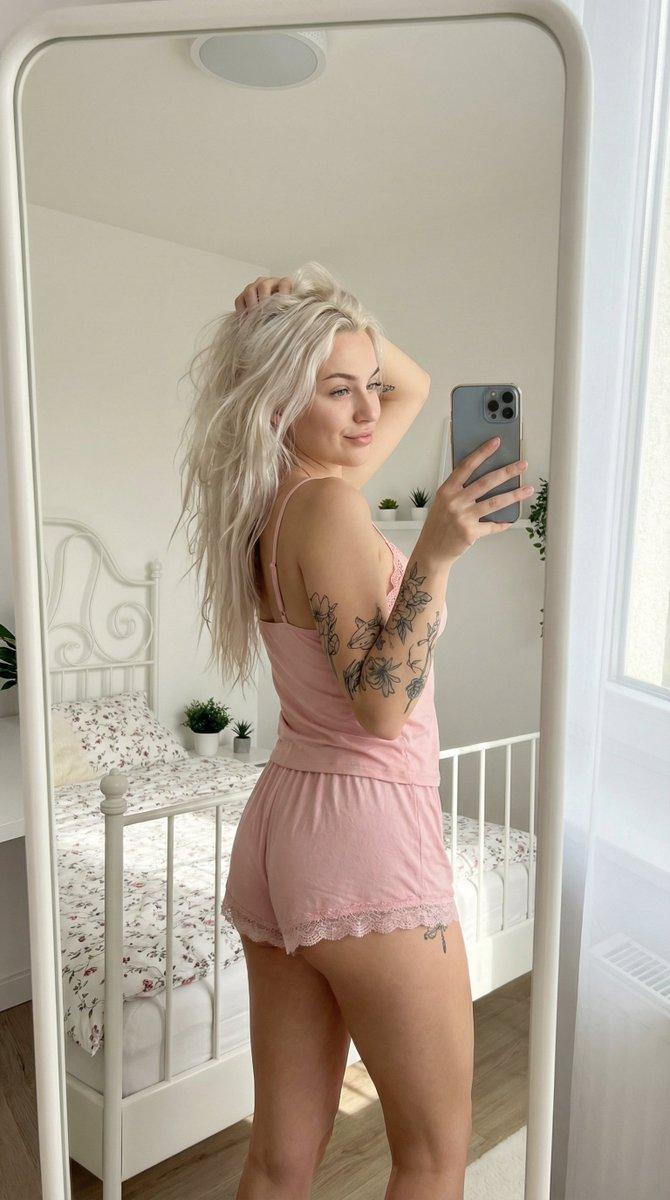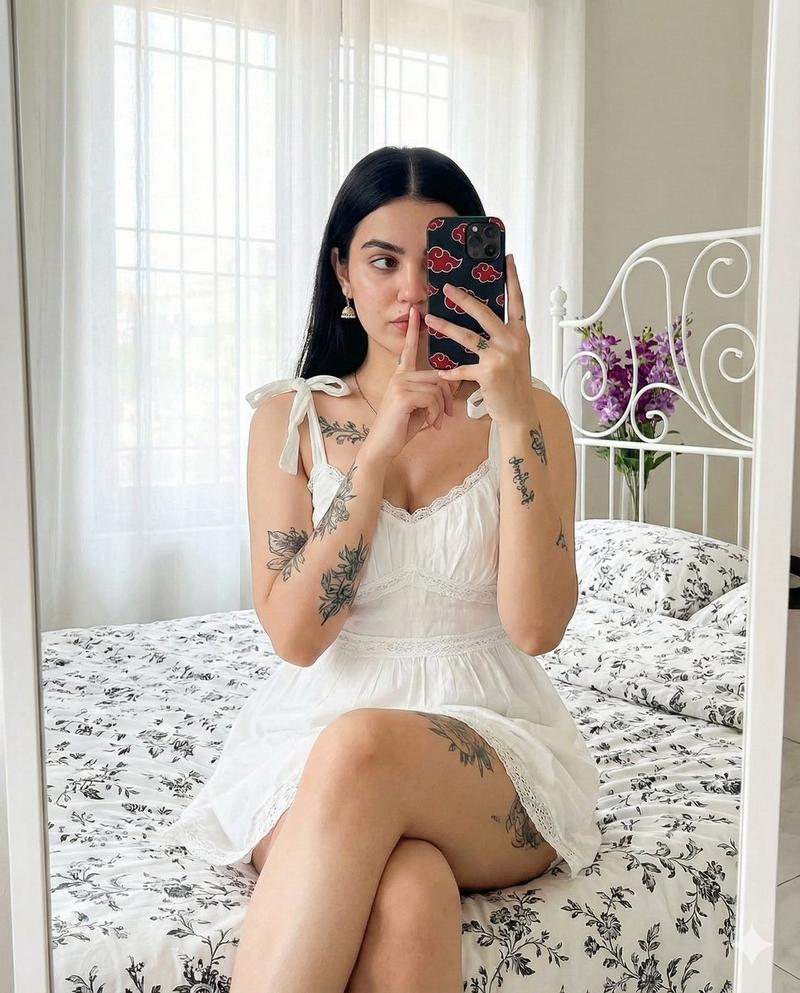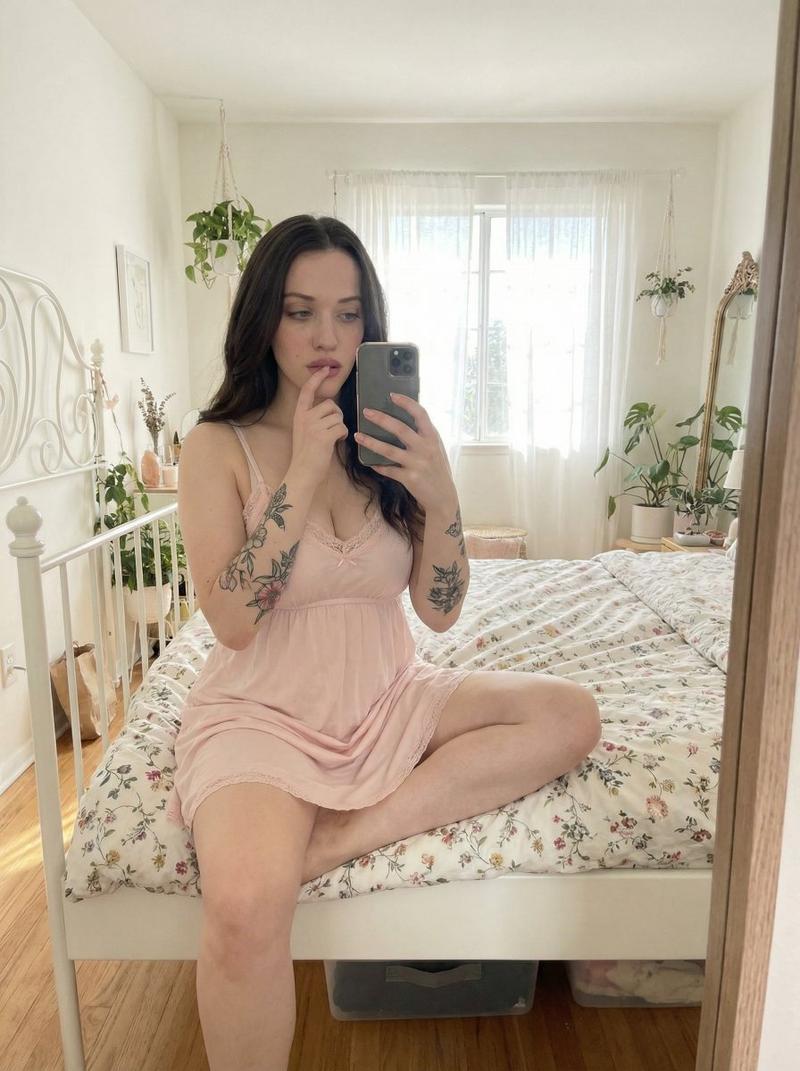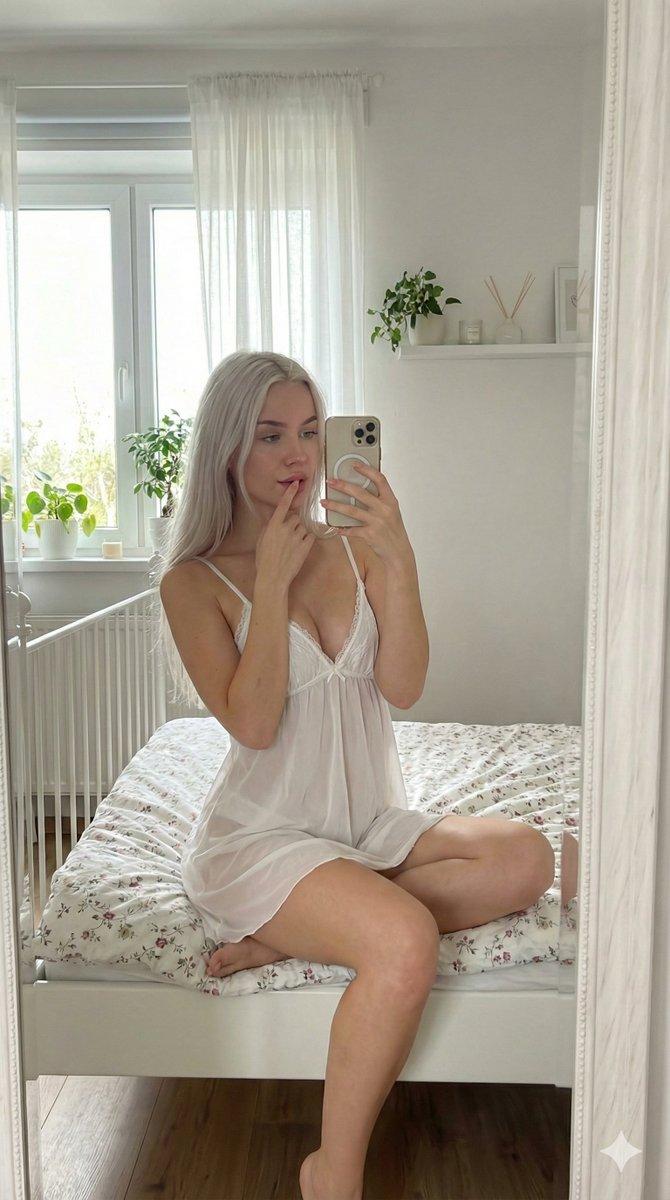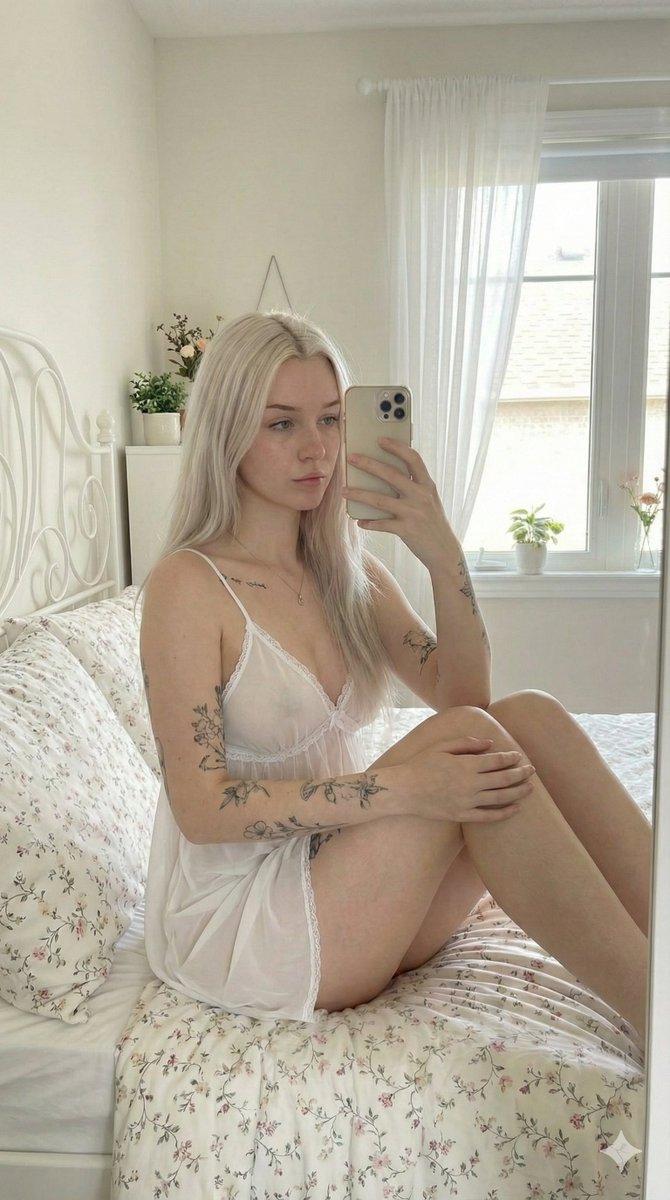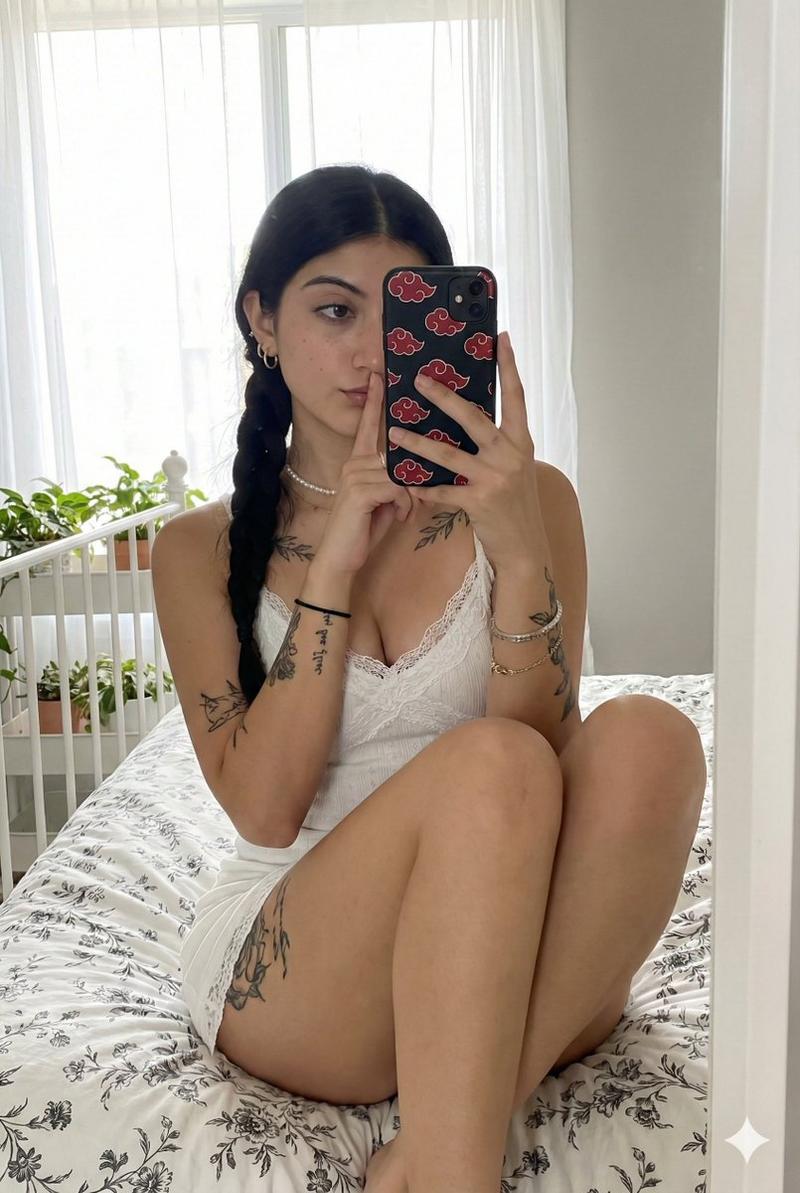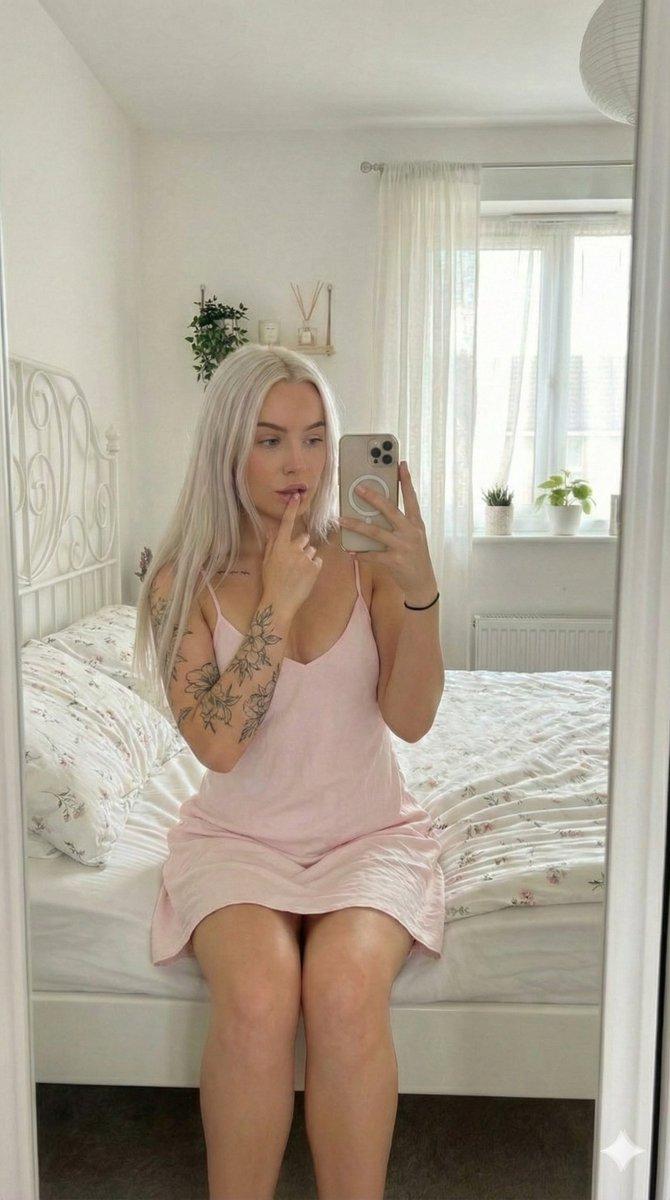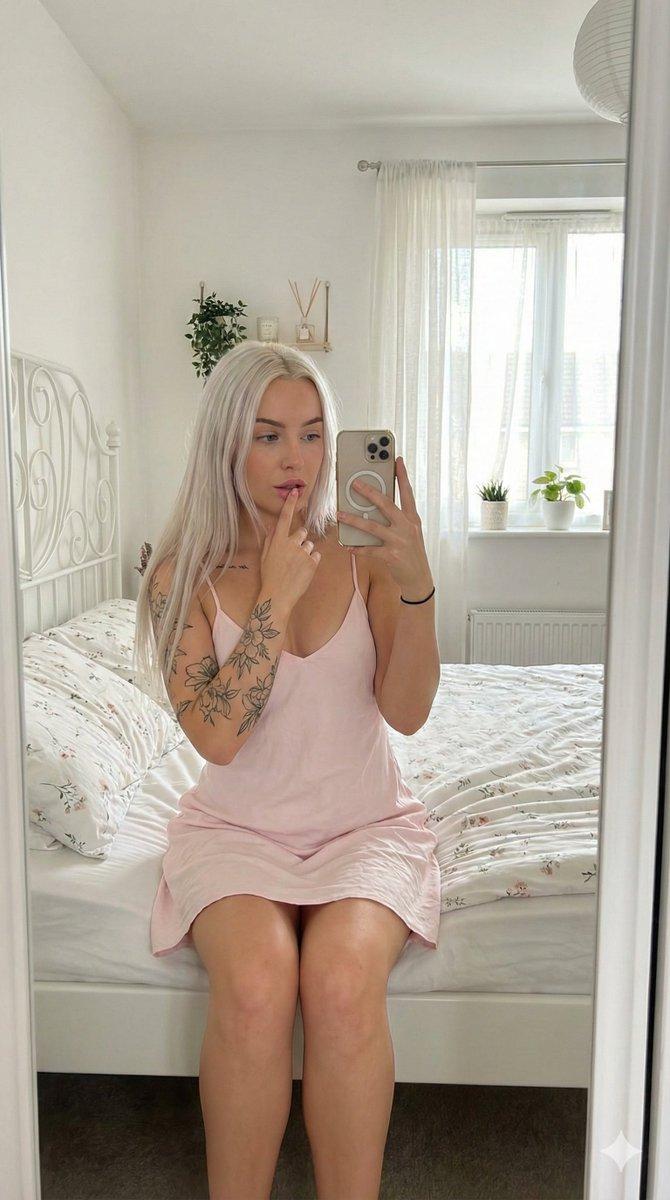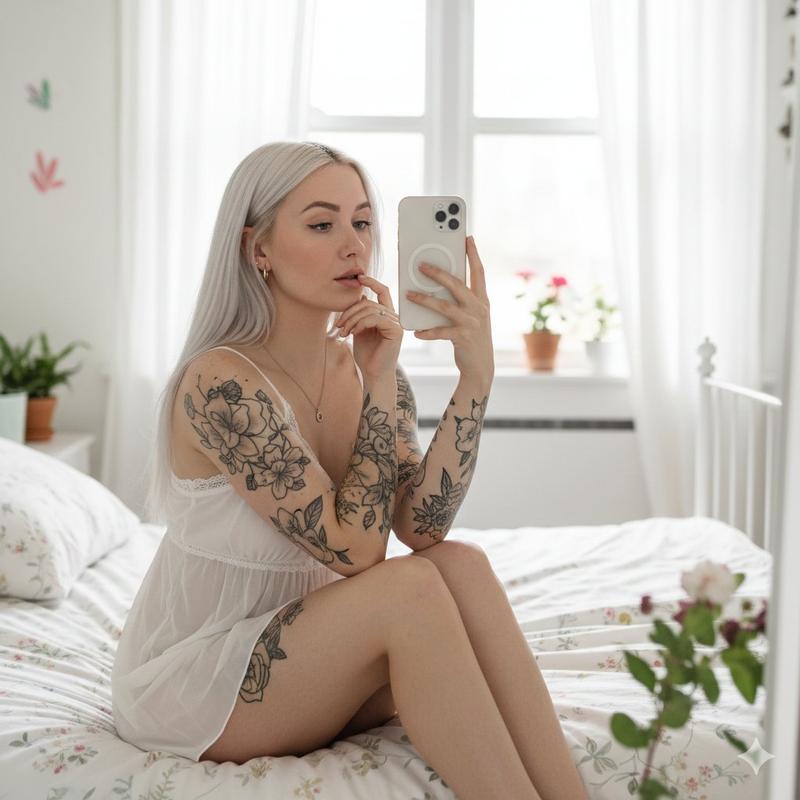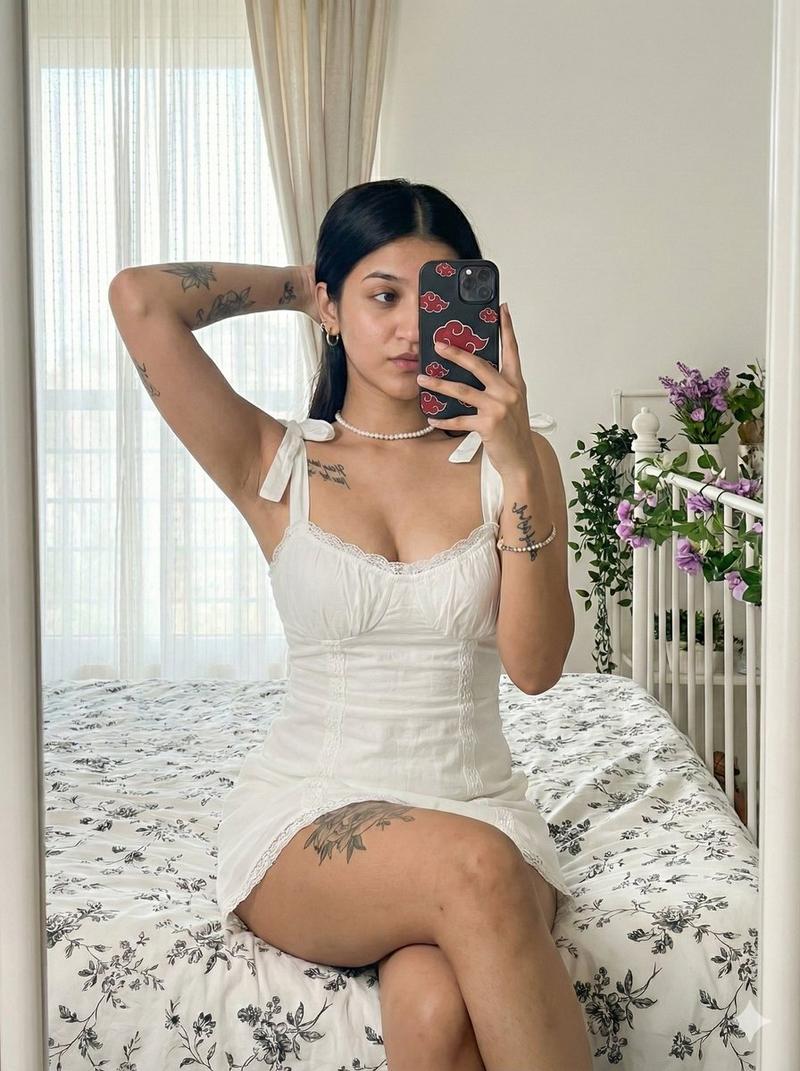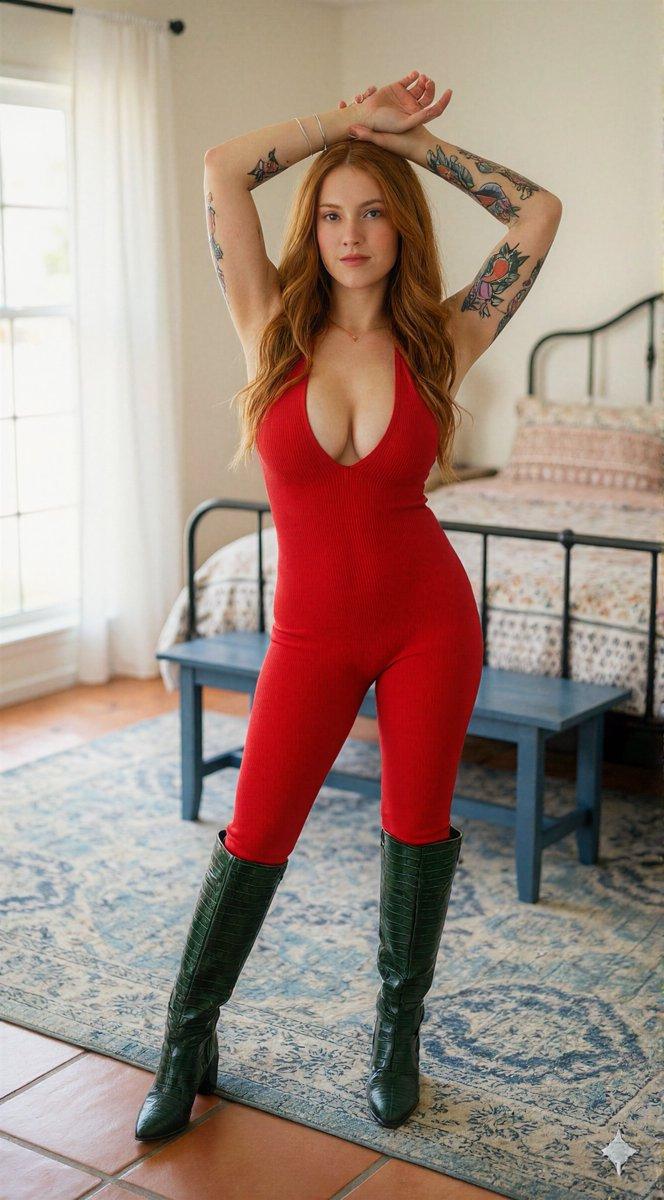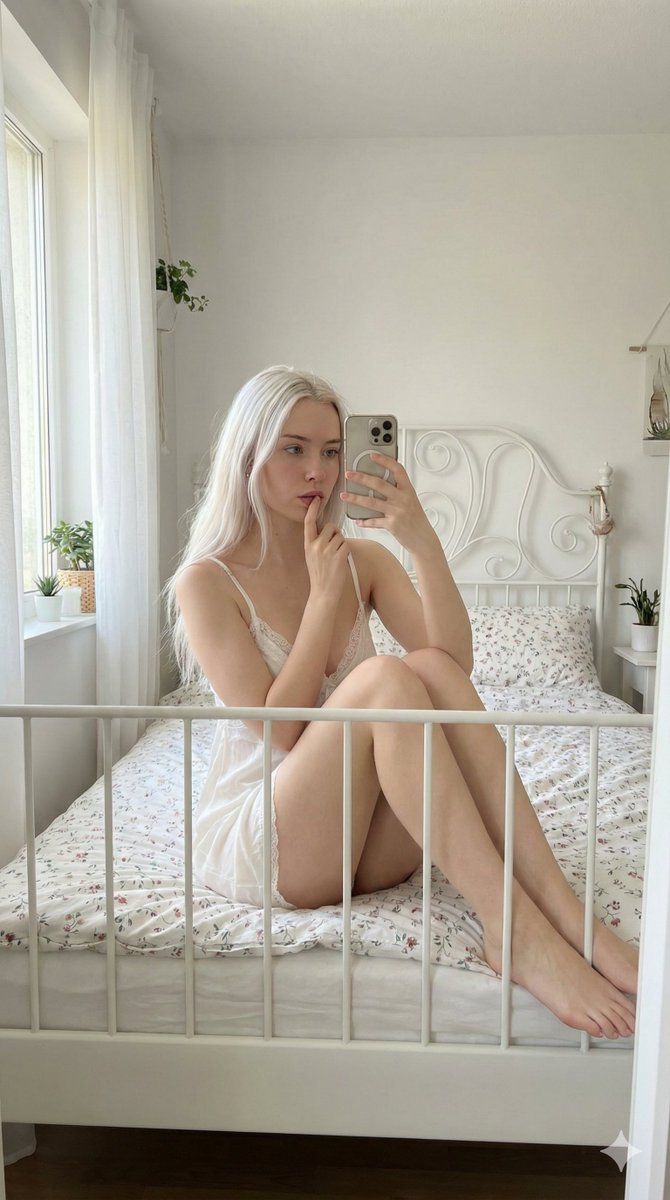
卧室柔和灯光下的私密镜面自拍
Prompt
{
  "scene_type": "Indoor lifestyle portrait",
  "environment": {
    "location": "Bright bedroom with soft natural daylight",
    "background": {
      "bed": "White metal-frame bed with delicate floral bedding",
      "decor": "Minimalistic decor with small potted plants and subtle floral accents",
      "windows": "Large window with sheer white curtains allowing diffused sunlight",
      "color_palette": "Soft whites, creams, light neutrals with subtle floral tones"
    },
    "atmosphere": "Calm, intimate, cozy, airy"
  },
  "subject": {
    "gender_presentation": "Feminine",
    "approximate_age_group": "Young adult",
    "skin_tone": "Fair with natural texture",
    "hair": {
      "color": "Platinum blonde",
      "style": "Long, straight, center-parted"
    },
    "facial_features": {
      "expression": "Soft, contemplative, relaxed",
      "makeup": "Minimal, natural look"
    },
    "body_details": {
      "build": "Slim to average",
      "visible_tattoos": []
    }
  },
  "pose": {
    "position": "Seated on a bed",
    "legs": "Bent and drawn close to the body",
    "hands": "One hand holding a phone in front of face, the other gently touching lips",
    "orientation": "Facing a mirror for a selfie-style composition"
  },
  "clothing": {
    "outfit_type": "Light, delicate sleepwear or lounge dress",
    "color": "Soft white",
    "material": "Soft, semi-sheer fabric",
    "details": "Thin shoulder straps, subtle lace trim"
  },
  "styling": {
    "accessories": [
      "Simple necklace",
      "Small hoop earrings"
    ],
    "nails": "Natural or lightly manicured",
    "overall_style": "Soft, feminine, intimate aesthetic"
  },
  "lighting": {
    "type": "Natural light",
    "source": "Window from the side",
    "quality": "Soft, diffused, even illumination",
    "shadows": "Gentle and minimal, enhancing natural contours"
  },
  "mood": {
    "emotional_tone": "Serene, introspective, warm",
    "visual_feel": "Peaceful, intimate, aesthetically soft"
  },
  "camera_details": {
    "camera_type": "Smartphone camera",
    "lens_equivalent": "Wide-angle (approx. 24–28mm)",
    "perspective": "Mirror selfie perspective",
    "focus": "Sharp focus on subject with natural depth",
    "aperture_simulation": "f/1.8 – f/2.2 look",
    "iso_simulation": "Low ISO for clean image",
    "shutter_speed_simulation": "Fast enough to avoid motion blur",
    "white_balance": "Neutral daylight"
  },
  "rendering_style": {
    "realism_level": "Ultra photorealistic",
    "detail_level": "High skin texture detail, realistic lighting falloff, natural fabric behavior",
    "post_processing": "Soft contrast, gentle highlights, natural color grading",
    "artifacts": "None, clean and crisp image quality"
  }
}- Category
- 创意图片
- Model
- Nano Banana Pro
- Creator
- Vivek HY
- Source ID
- 1af76131-8cdf-4dfd-9515-1c1ed3a4a03a
- Published
- Mar 8, 2026
Views0