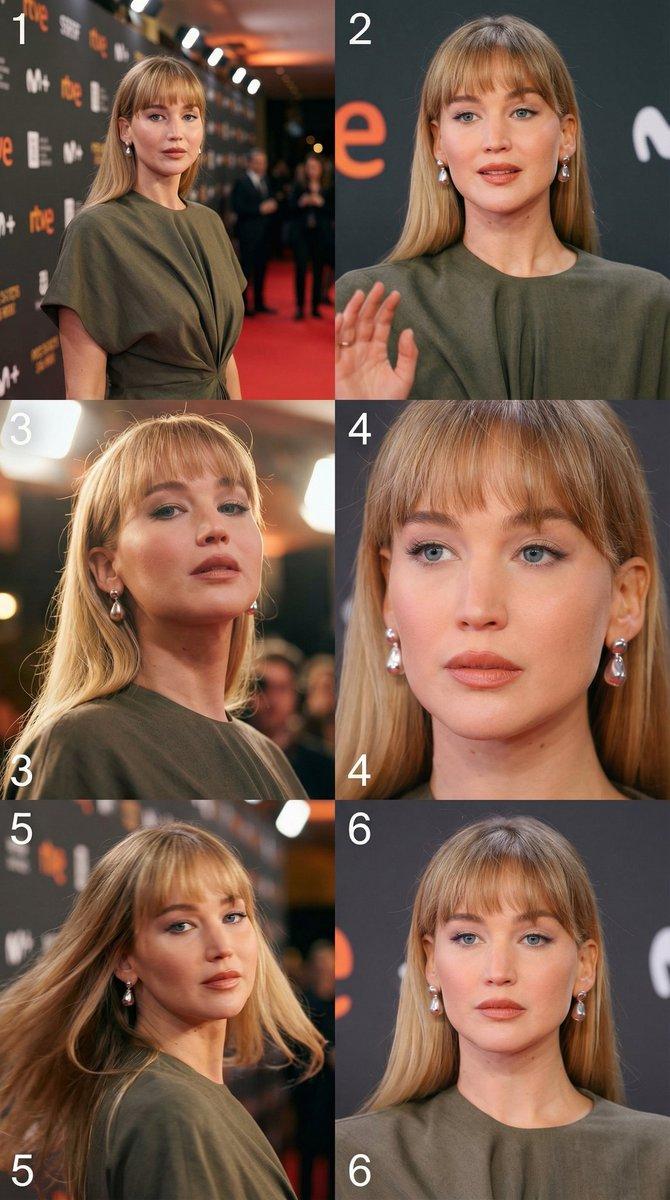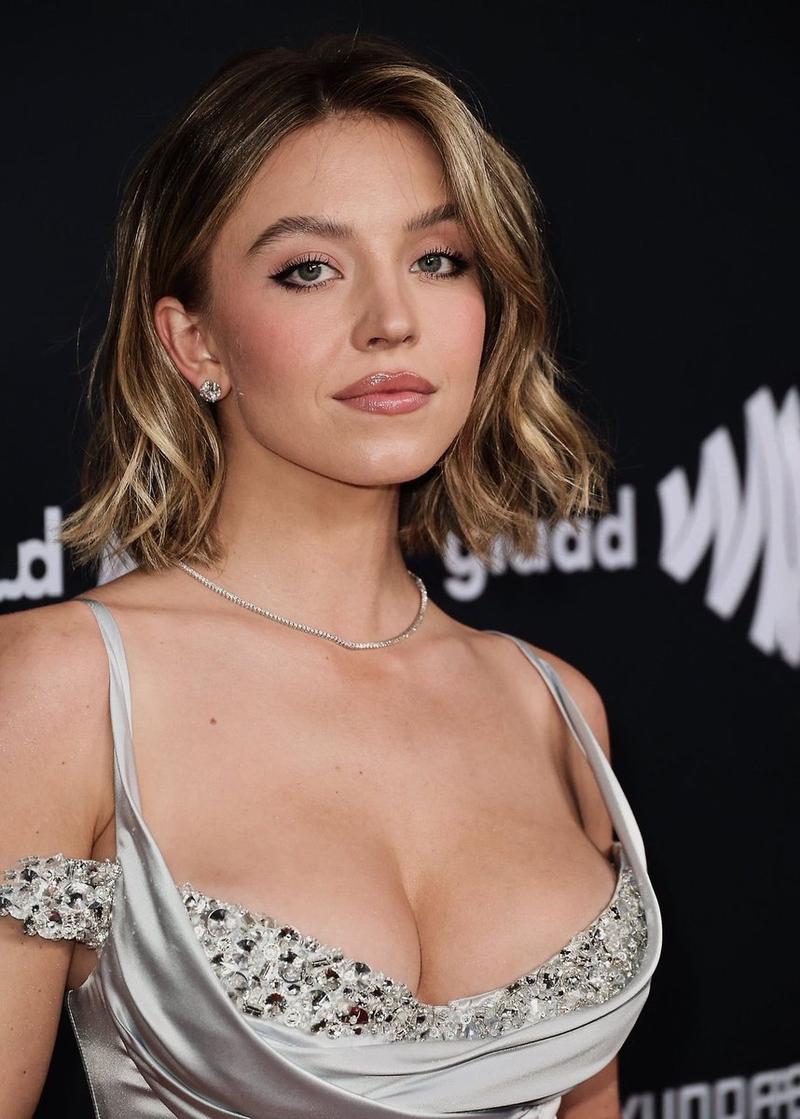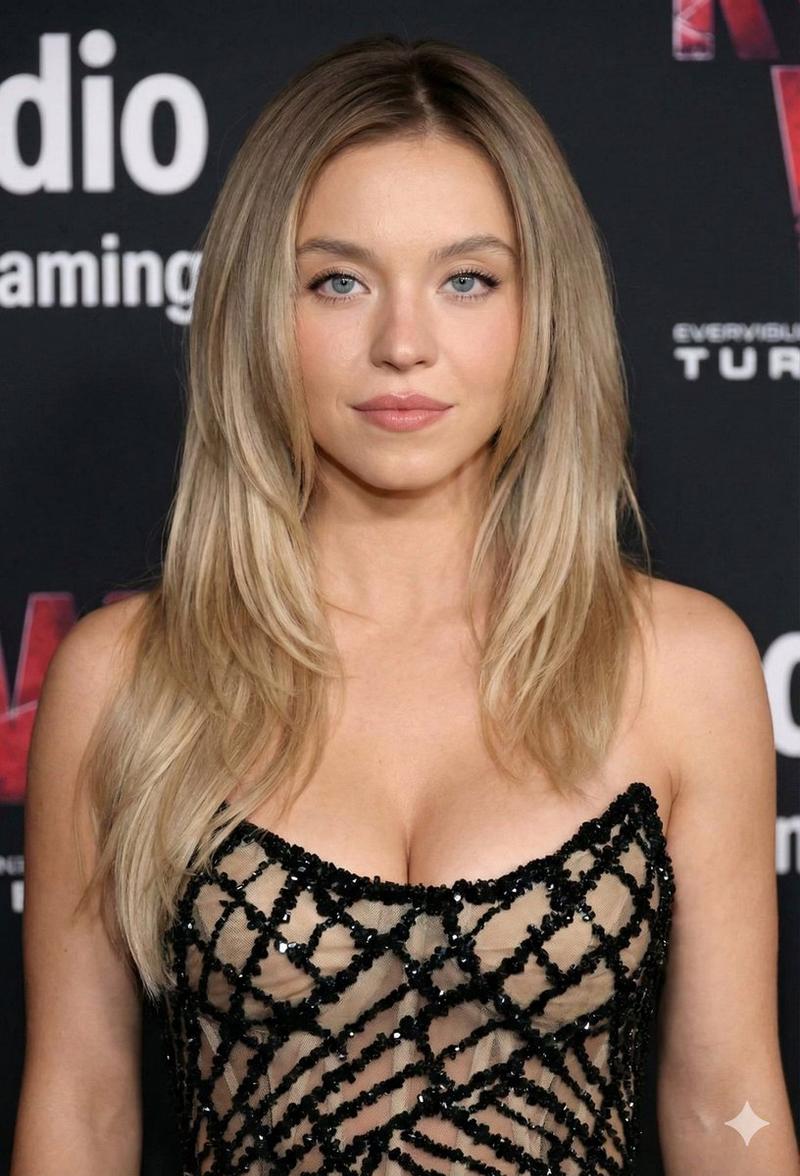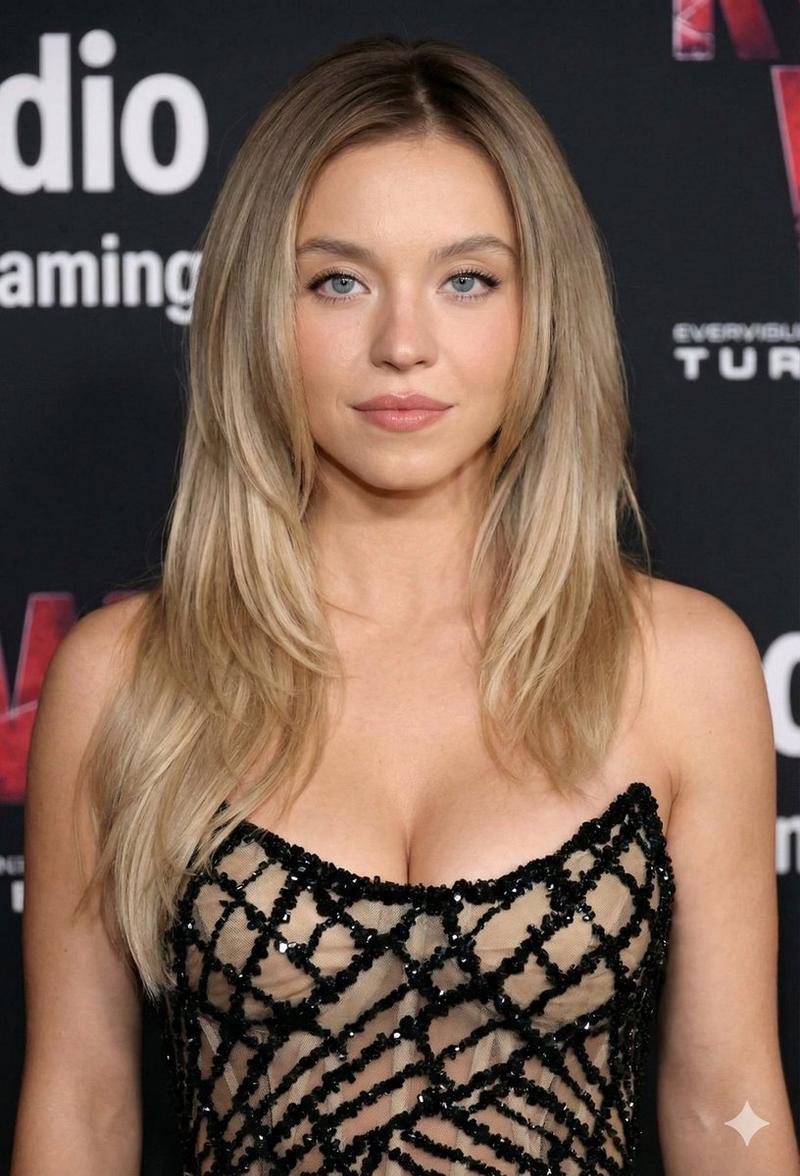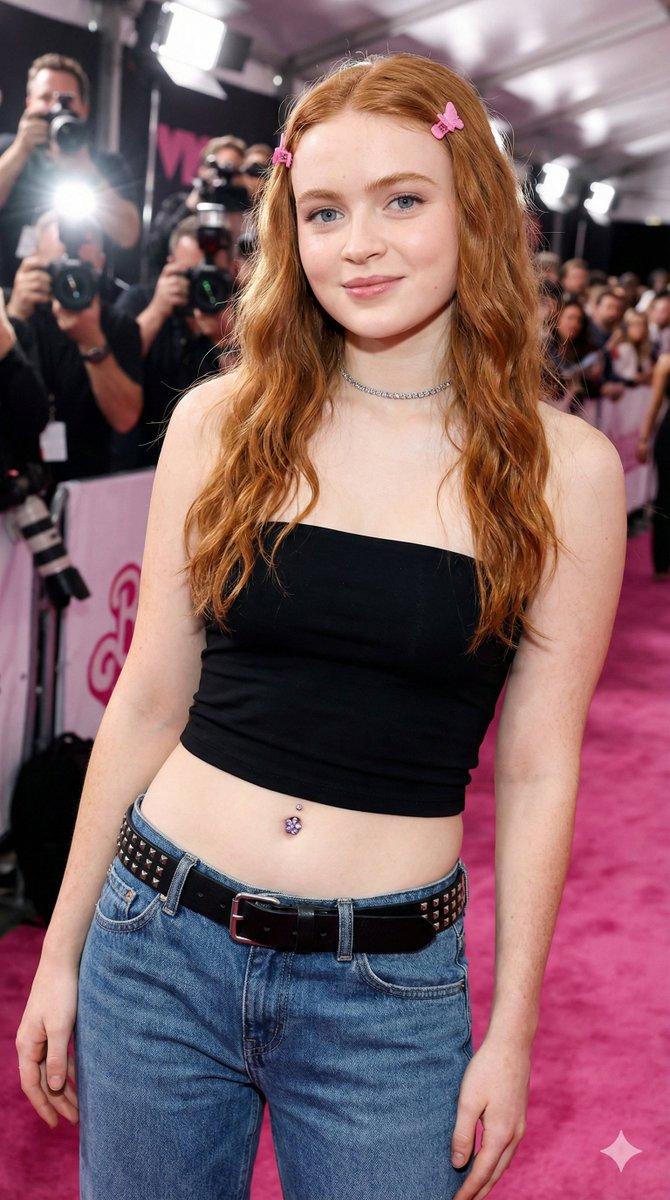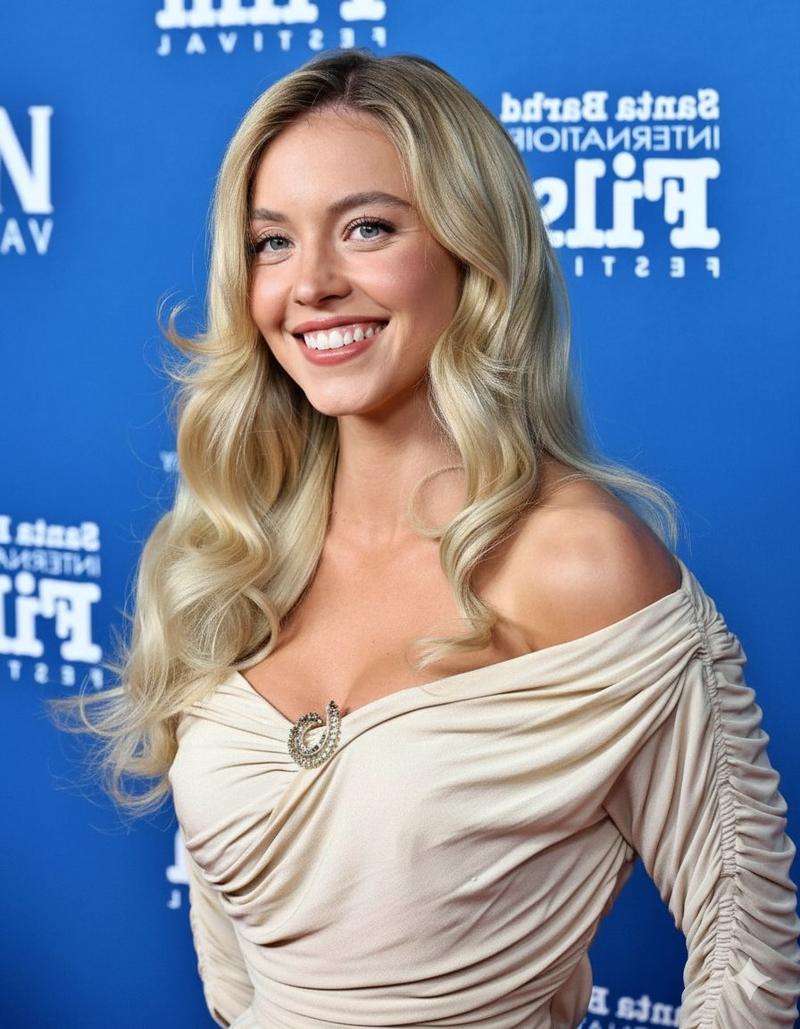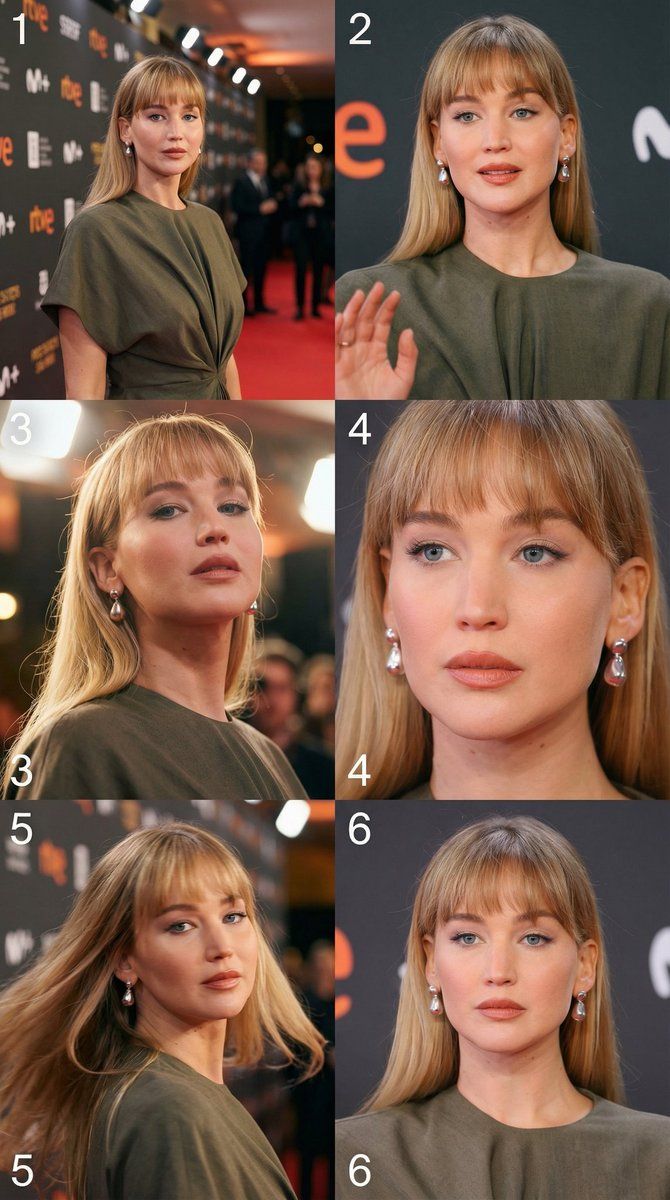
从单张图像参考生成电影级 3x2 故事板网格
Prompt
Use the uploaded photograph as the only visual reference.
The person’s identity must be preserved with maximum accuracy: face, facial features, age, gender, body proportions, and overall appearance must remain unchanged.
Do not invent or add anything that does not exist in the original image.

Step 1: Detailed visual analysis of the source image
First, perform a careful visual analysis of the uploaded image, including:
Who is in the image (person, number of people, position in frame)
Body pose and direction of gaze
Facial expression and emotional mood
Clothing and accessories
Lighting conditions, time of day, color temperature
Environment, background, and depth of space
Overall emotional tone of the scene

Step 2: Cinematic 3×2 storyboard grid
After the analysis, create a cinematic 3×2 grid (6 frames) from the single image, as if it were a sequence of shots from a film.

Global requirements for the entire grid:
Format: one image containing a 3×2 grid
All frames must be numbered 1–6, left to right, top to bottom
Visual style: realistic, cinematic, non-illustrative
One consistent character and environment with logical continuity
Each frame must differ by pose, camera angle, or camera distance
The sequence should feel like time is passing and the scene is developing
No facial distortion, no change in identity or appearance

Frame descriptions:

Frame 1 (No. 1)
Wide establishing shot.
The camera is farthest from the subject, showing the full environment and context.
The person feels like part of the surrounding space.

Frame 2 (No. 2)
Medium shot.
The camera moves closer.
The pose changes slightly, revealing inner emotion or state of mind.

Frame 3 (No. 3)
Low-angle or side-angle shot.
Adds drama or tension, emphasizing body shape and perspective.

Frame 4 (No. 4)
Close-up or medium close-up.
Focus on the face, eyes, and emotion.
Fine details are clearly visible.

Frame 5 (No. 5)
Dynamic angle: diagonal composition or camera movement.
The pose changes the most, creating a sense of action or momentum.

Frame 6 (No. 6)
Final shot.
Calm, reflective, or emotionally resolved.
The camera may be closer or farther, but the frame feels like a conclusion.

Lighting & cinematic consistency:
Lighting must remain logically consistent across all frames, as if filmed in one continuous scene.

Depth of field, lighting, and color grading should reinforce a cinematic look.

Final result:
The output should resemble a professional cinematic storyboard, captured in a single take and location, with strong realism and narrative flow.
- Category
- 创意图片
- Model
- Nano Banana Pro
- Creator
- WasifAI
- Source ID
- d1bc5432-1d53-4e14-a447-7b2af8666921
- Published
- Mar 8, 2026
Views0