16

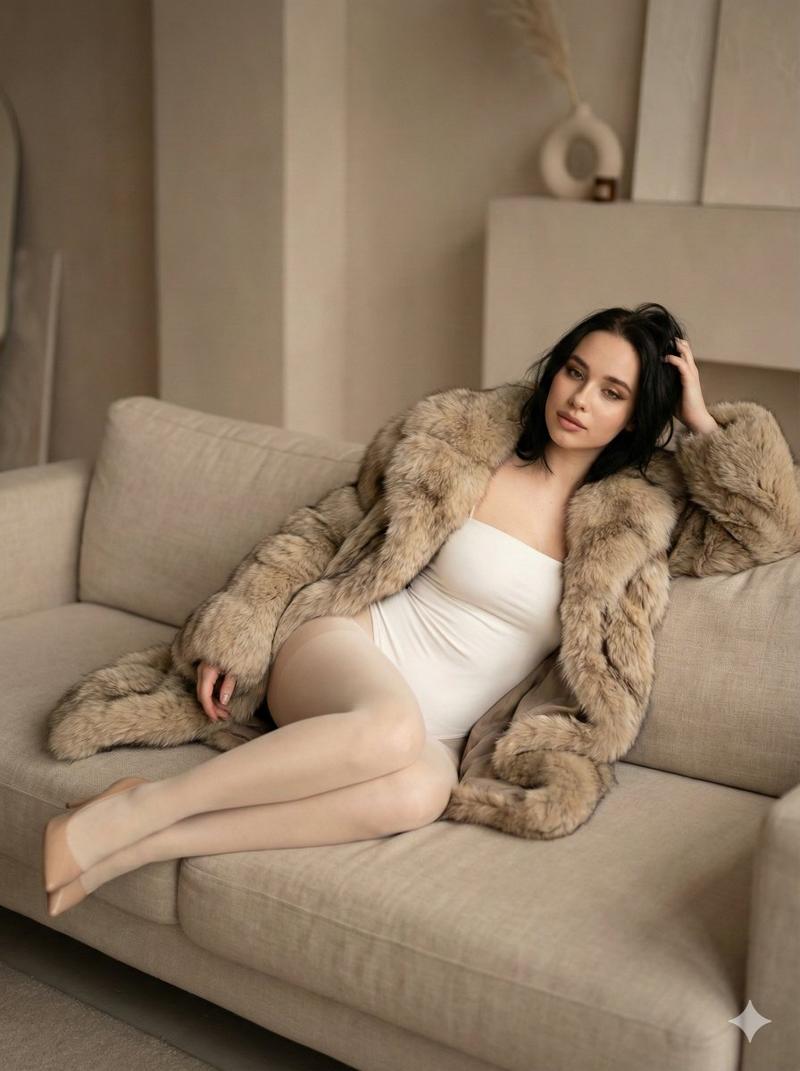
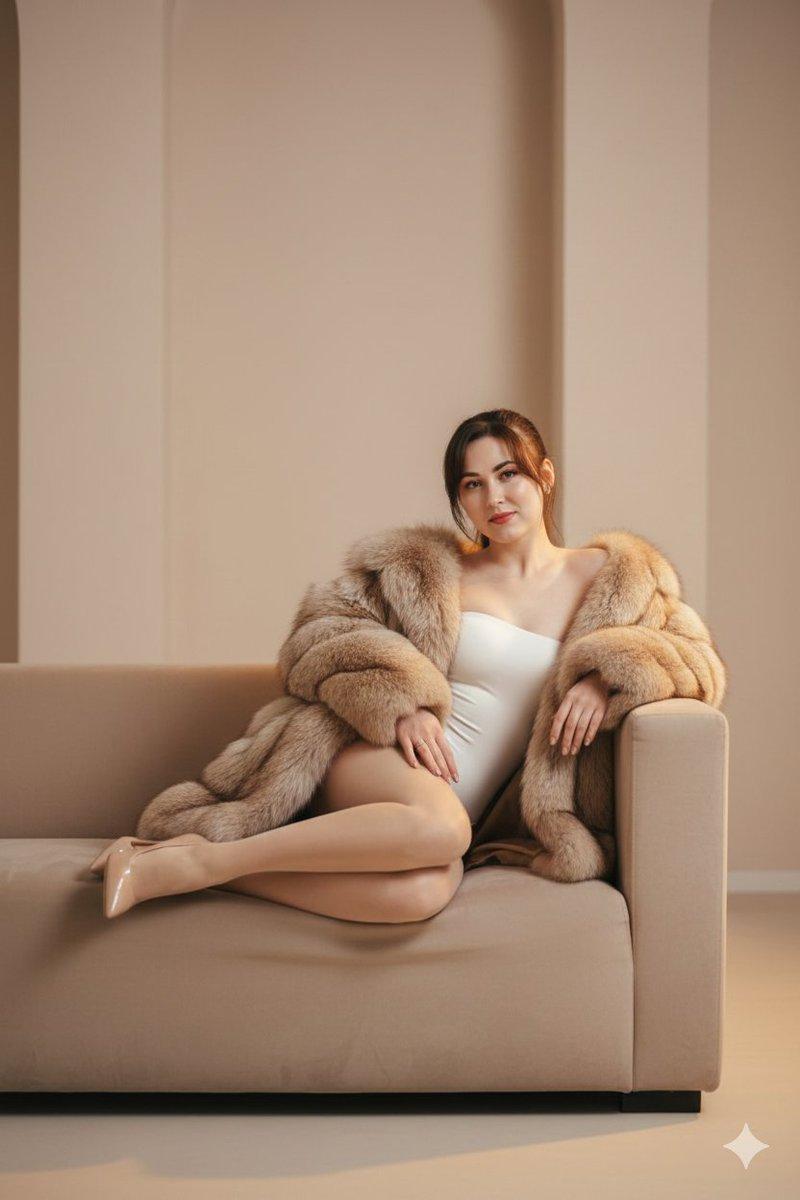
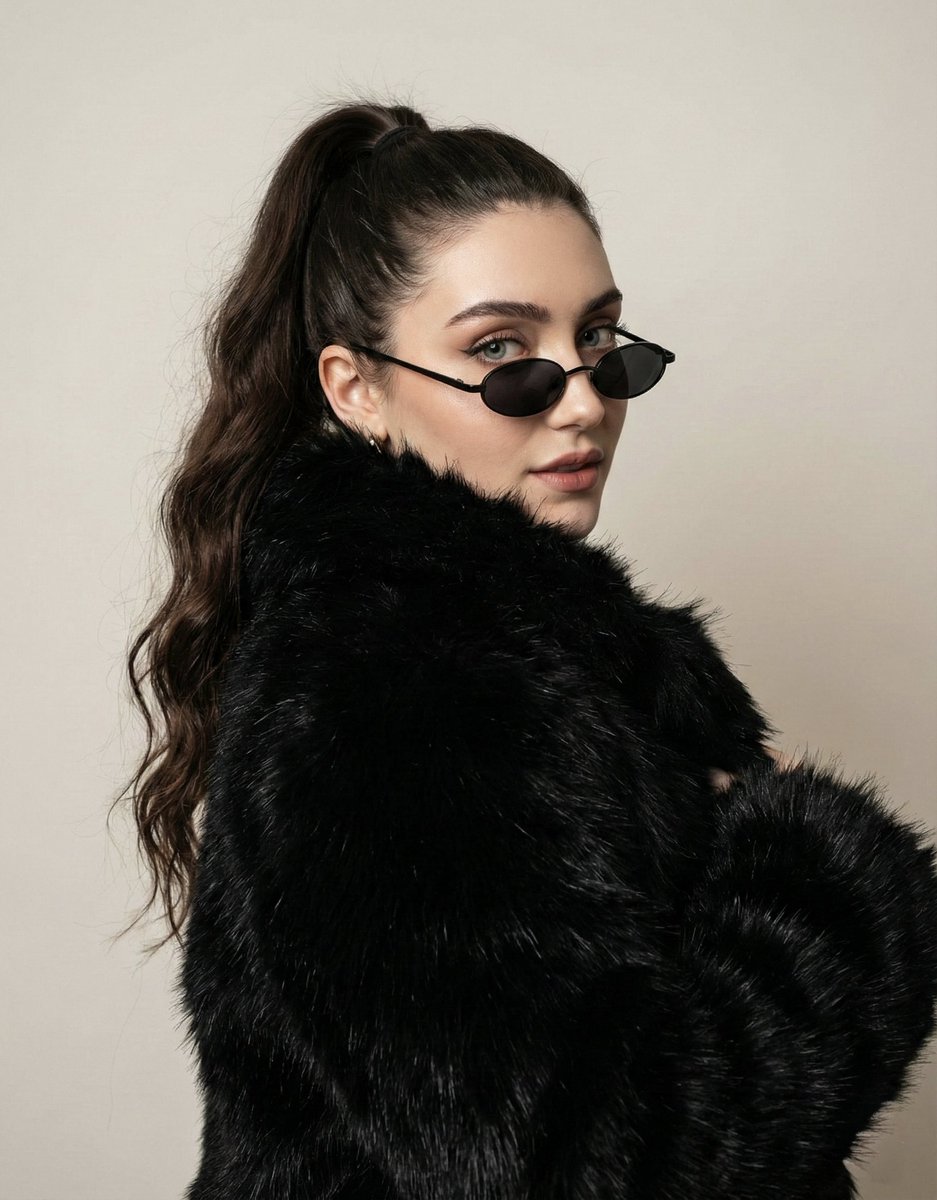
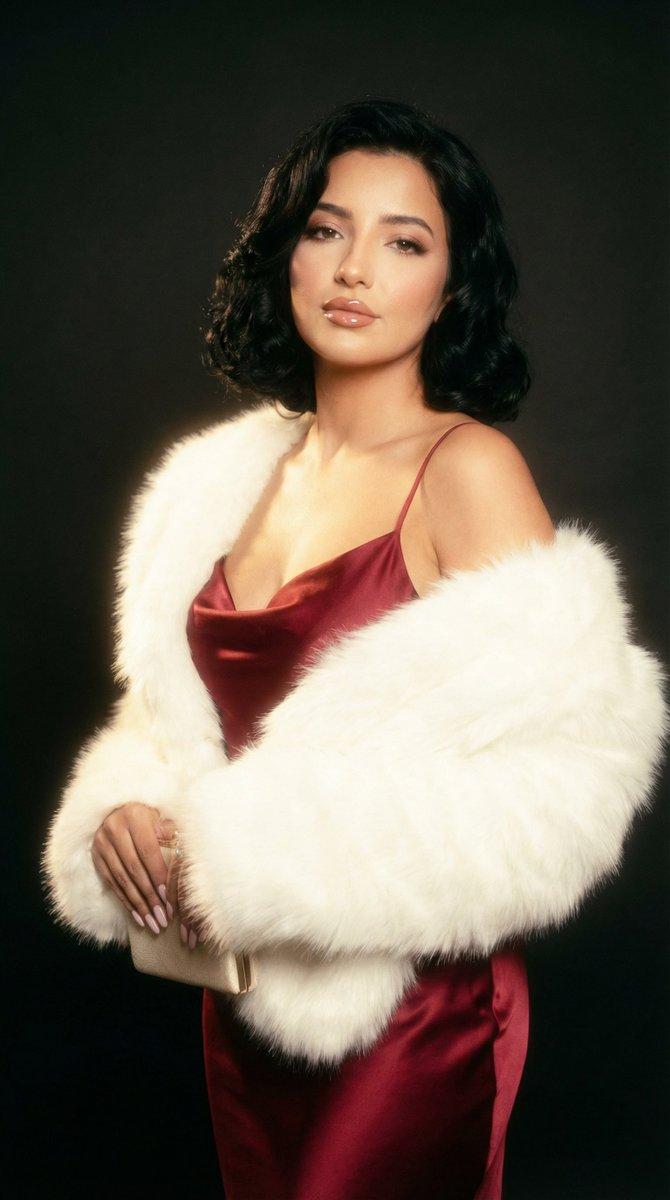
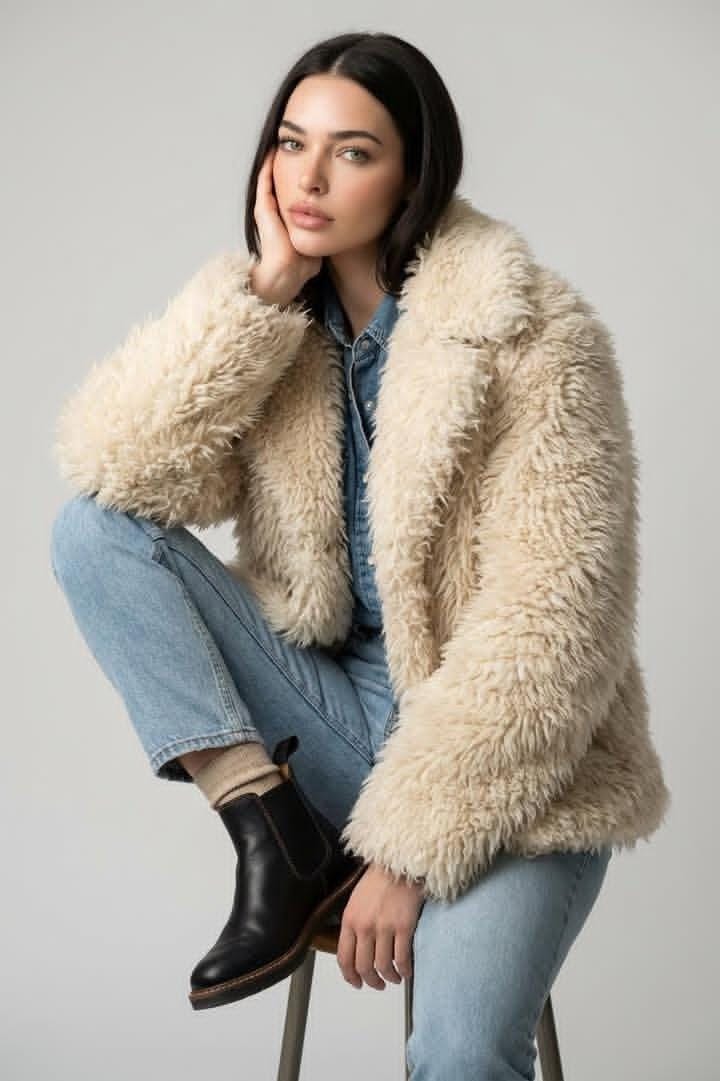
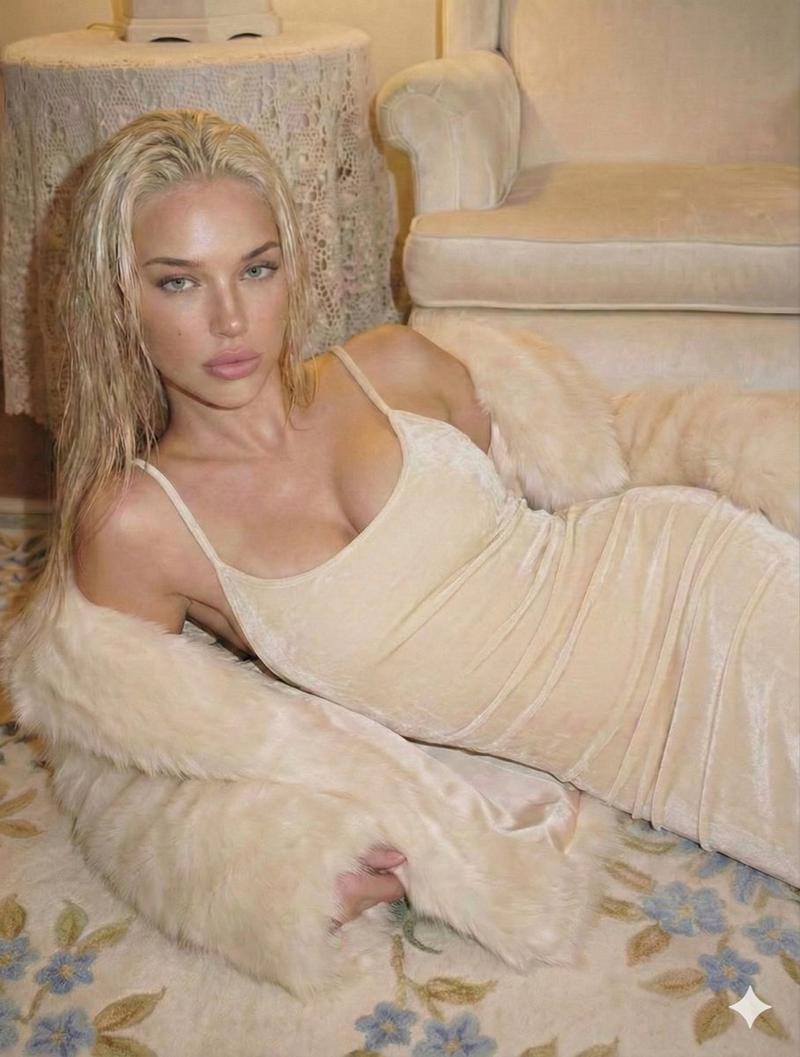
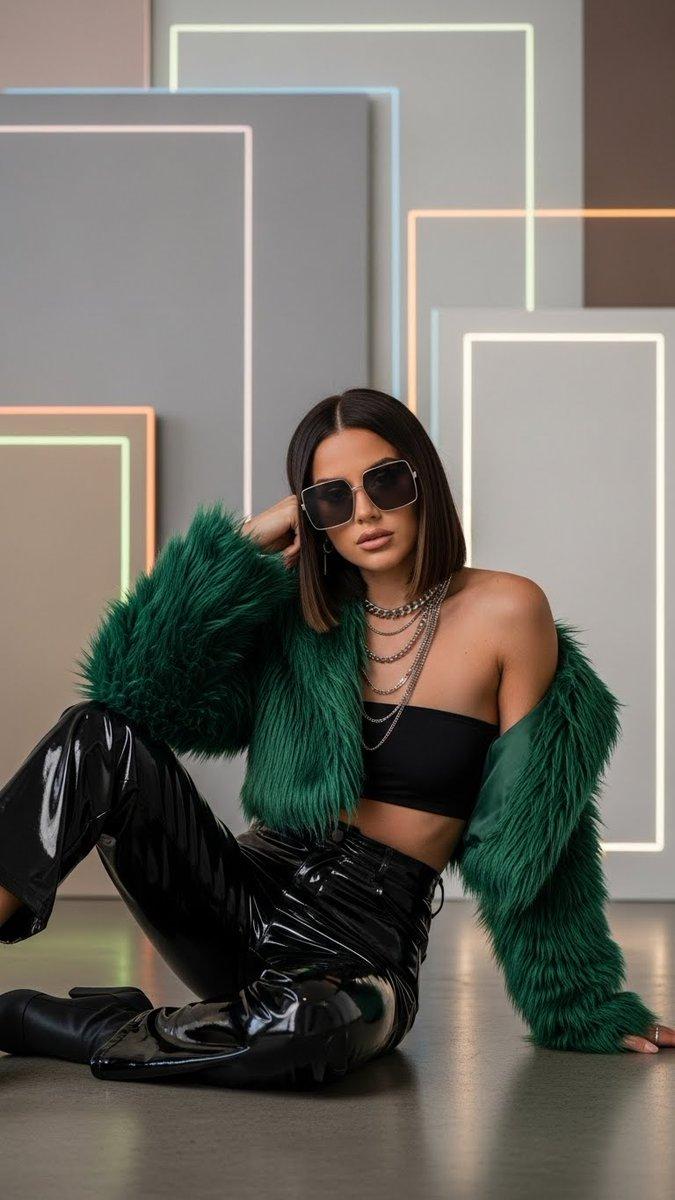
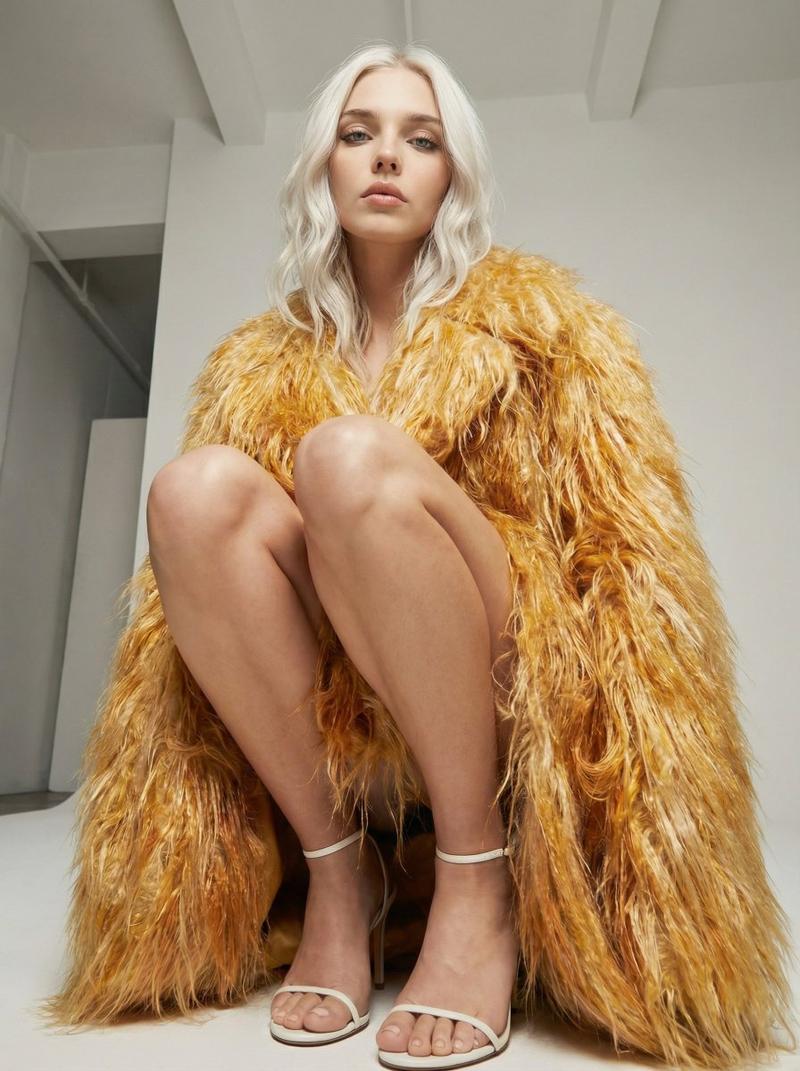
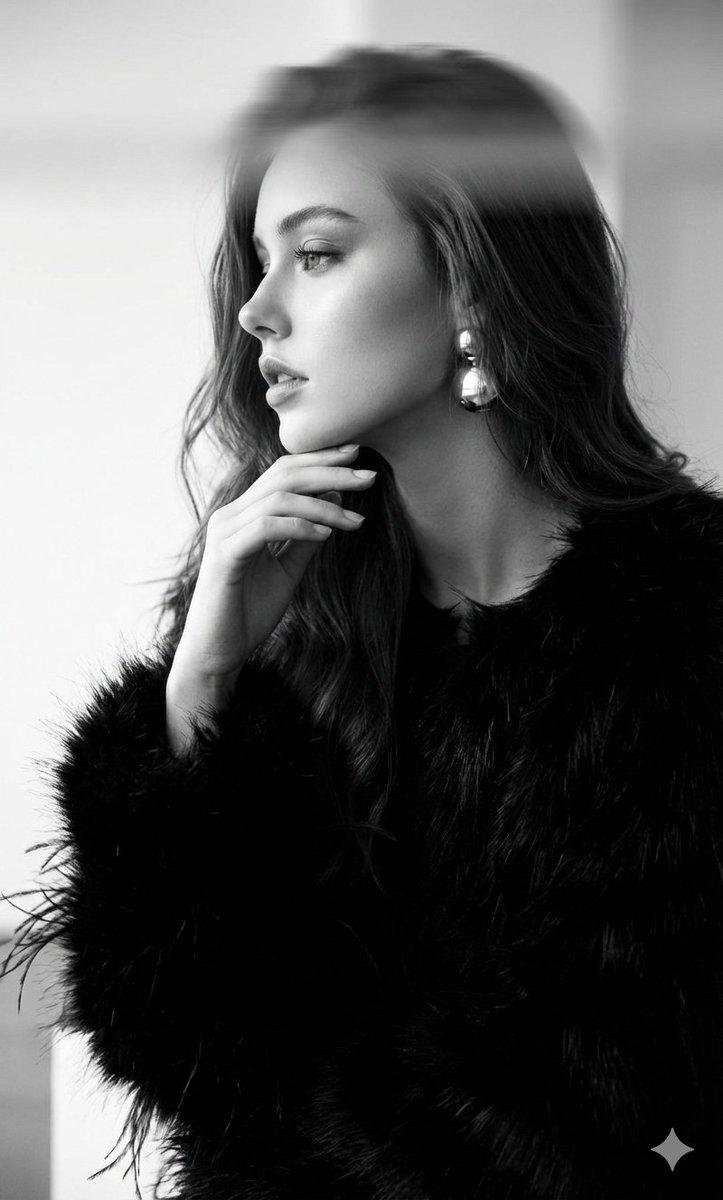
身穿人造皮草大衣的超时尚杂志肖像照
Enlarge

身穿人造皮草大衣的超时尚杂志肖像照

Prompt
Ultra-high fashion editorial portrait of a confident female model seated in an oversized textured fur armchair, wearing a luxurious {argument name="coat color" default="icy blue"} faux-fur coat over tailored black trousers and black pointed heels. Strong elegant pose with crossed legs, relaxed yet powerful body language, one hand resting on the armrest, the other near the chin. Slicked-back hair, minimal makeup, sharp cheekbones, calm and intense gaze toward camera. Dark moody studio background with subtle gradient, soft cinematic lighting emphasizing fabric texture and facial structure. Premium fashion magazine aesthetic, dramatic contrast, shallow depth of field, ultra-realistic, high detail, 85mm lens look, Vogue / Harper’s Bazaar style, editorial luxury photography.
Category
创意图片
Model
Nano Banana Pro
Creator
Kashberg
Views0
Source ID
37d6a69b-fdf7-4cb1-92c6-6d3a3074b63a
Published
Mar 8, 2026

Guide

About "身穿人造皮草大衣的超时尚杂志肖像照"

What is this prompt for?

"身穿人造皮草大衣的超时尚杂志肖像照" AI image prompt for Nano Banana Pro (创意图片). 生成一张超时尚的杂志肖像照的提示词:一位自信的女模特,身着奢华的冰蓝色仿皮草大衣,坐在一张超大号的纹理皮草扶手椅中。照片背景为深色、情绪化的影棚,采用柔和的电影级灯光,并以 85mm 镜头呈…

The full copyable prompt and example visuals above are ready for AI image generation or one-click recreate in Picva.

How to use this prompt

  1. Step 1

    Open the prompt detail

    Review the example visuals, category, and full prompt text for "身穿人造皮草大衣的超时尚杂志肖像照".

  2. Step 2

    Copy the prompt

    Copy the prompt body from this page, or load it directly in Studio.

  3. Step 3

    Pick a model (Nano Banana Pro)

    Prefer Nano Banana Pro. If you switch models, keep subject and composition and tweak style terms.

  4. Step 4

    Generate and export

    Recreate the look in Picva, or export into your workflow for editing and publishing.

FAQ

What is the "身穿人造皮草大衣的超时尚杂志肖像照" prompt?
It is an AI image-generation prompt for Nano Banana Pro in the 创意图片 category. This page includes the full prompt text, example visuals, and a one-click recreate path in Picva.
How do I use this prompt to generate an image?
Copy the prompt from this page, or use Generate / Studio. Paste it into a compatible image model, or recreate the look in Picva with optional reference images.
Which model is this prompt for?
This page lists Nano Banana Pro. Most descriptive prompts also transfer to nearby image models such as GPT Image, Flux, or Midjourney with light style tweaks.
Can I use the result commercially?
You can usually copy the prompt for creation, but commercial use of the final image depends on the model terms, reference-image rights, and the generated content. Follow the source author and platform rules.