16

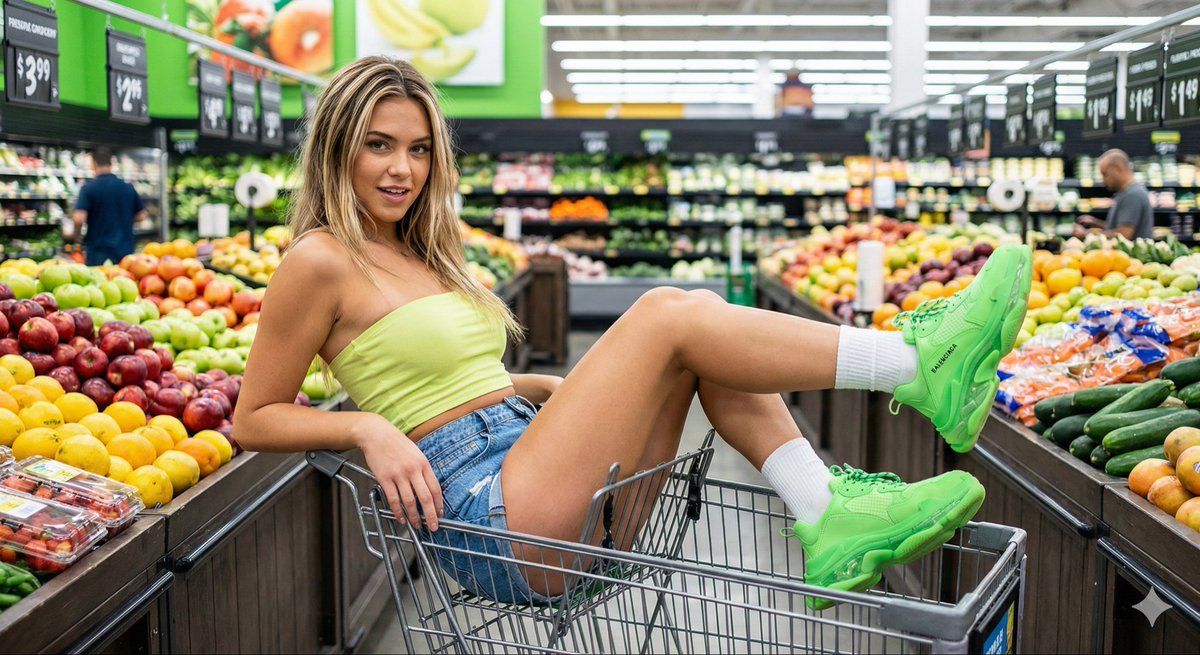
在杂货店里进行趣味时尚大片拍摄
Enlarge

在杂货店里进行趣味时尚大片拍摄

Prompt
{
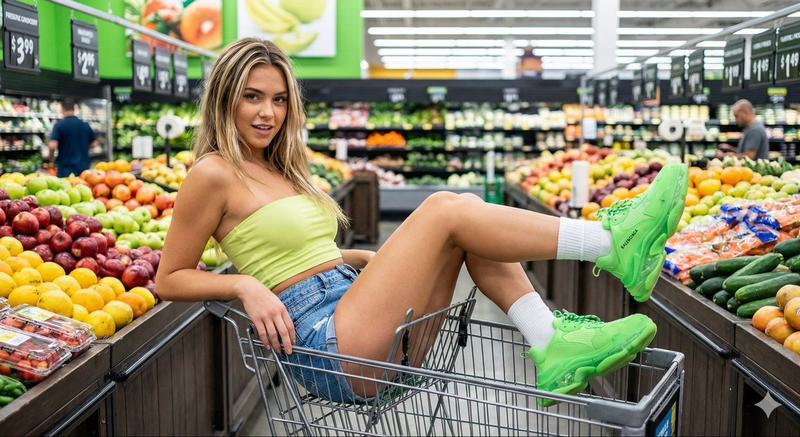
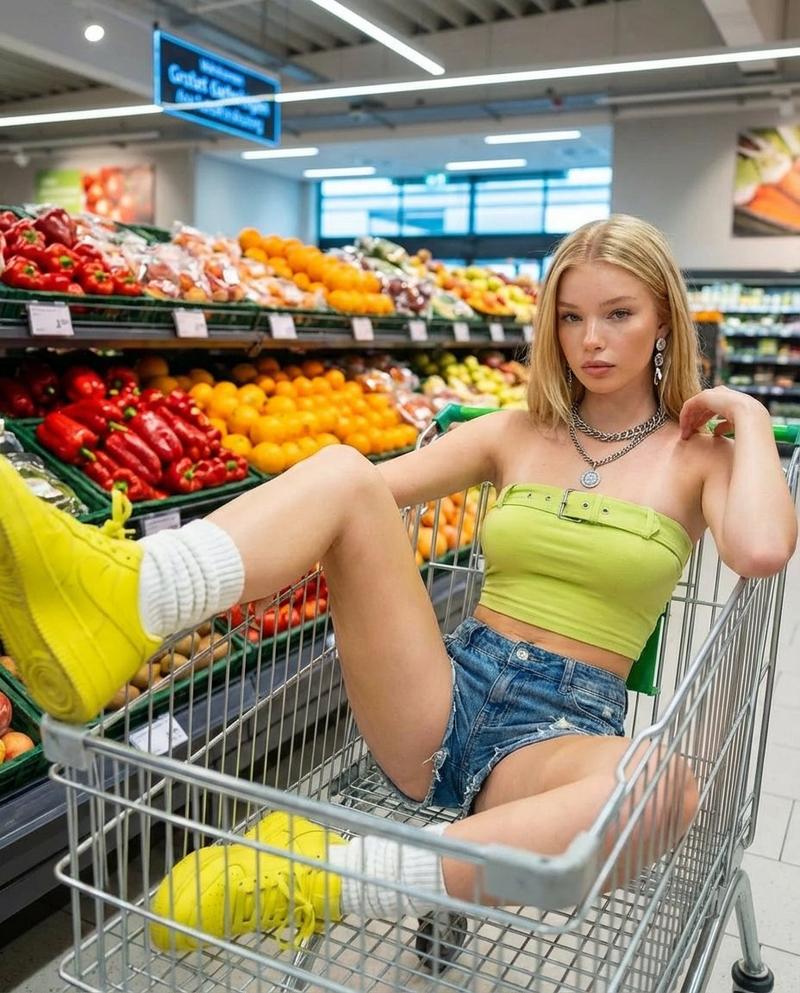
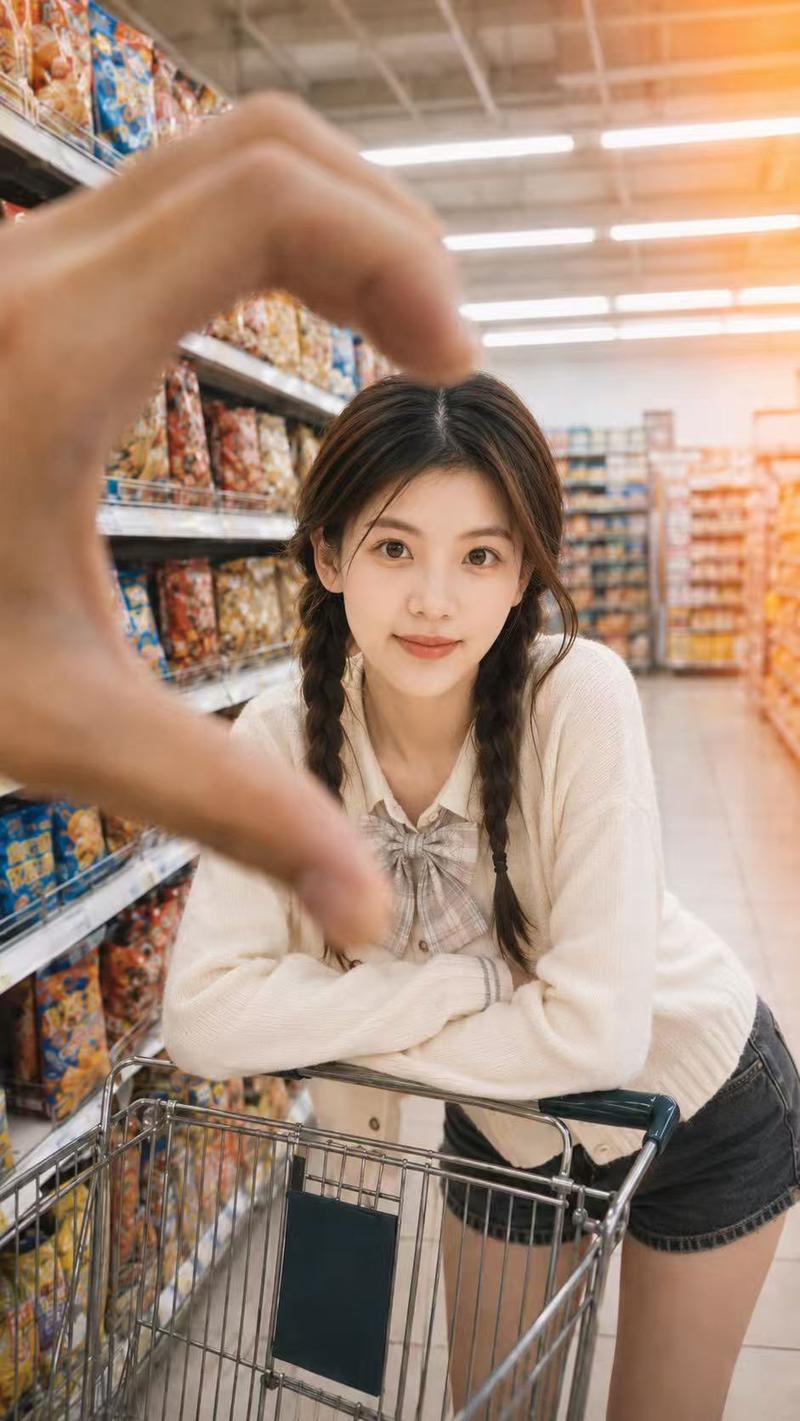
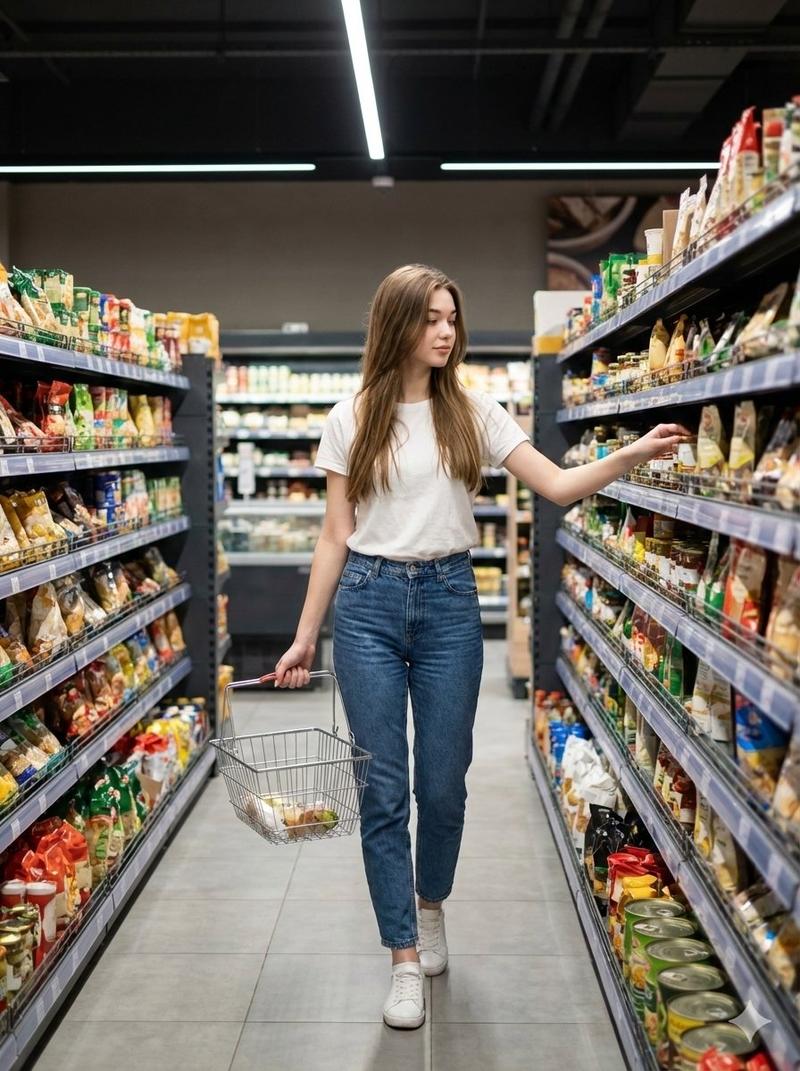
  "prompt": "A playful fashion photoshoot inside a modern grocery store. A young blonde woman sits confidently inside a metal shopping cart in the produce aisle, surrounded by colorful fruits and vegetables. She wears a {argument name="top color" default="lime green"} strapless crop top, high-waisted denim shorts, white socks, and bright {argument name="shoe color" default="neon green"} sneakers. Her pose is flirty and relaxed, one leg bent and lifted, with a teasing expression. Bright supermarket lighting, vibrant colors, shallow depth of field, high-detail, editorial photography style, ultra-realistic, 4k quality.",
  "style": "photorealistic",
  "lighting": "bright indoor commercial lighting",
  "mood": "playful, confident, bold",
  "camera": "DSLR, wide aperture, sharp focus",
  "quality": "high resolution, ultra-detailed"
}
Category
创意图片
Model
Nano Banana Pro
Views0
Source ID
d9fbb869-b222-4a53-85ce-7d68aff8c411
Published
Mar 8, 2026

Guide

About "在杂货店里进行趣味时尚大片拍摄"

What is this prompt for?

"在杂货店里进行趣味时尚大片拍摄" AI image prompt for Nano Banana Pro (创意图片). 生成一张俏皮时尚大片的超写实编辑摄影提示。画面中,一位金发女子坐在超市农产品区的购物车里,穿着亮霓虹绿运动鞋和石灰绿露脐上衣,在明亮的超市灯光下,强调鲜艳的色彩和浅景深。 --- { "prom…

The full copyable prompt and example visuals above are ready for AI image generation or one-click recreate in Picva.

How to use this prompt

  1. Step 1

    Open the prompt detail

    Review the example visuals, category, and full prompt text for "在杂货店里进行趣味时尚大片拍摄".

  2. Step 2

    Copy the prompt

    Copy the prompt body from this page, or load it directly in Studio.

  3. Step 3

    Pick a model (Nano Banana Pro)

    Prefer Nano Banana Pro. If you switch models, keep subject and composition and tweak style terms.

  4. Step 4

    Generate and export

    Recreate the look in Picva, or export into your workflow for editing and publishing.

FAQ

What is the "在杂货店里进行趣味时尚大片拍摄" prompt?
It is an AI image-generation prompt for Nano Banana Pro in the 创意图片 category. This page includes the full prompt text, example visuals, and a one-click recreate path in Picva.
How do I use this prompt to generate an image?
Copy the prompt from this page, or use Generate / Studio. Paste it into a compatible image model, or recreate the look in Picva with optional reference images.
Which model is this prompt for?
This page lists Nano Banana Pro. Most descriptive prompts also transfer to nearby image models such as GPT Image, Flux, or Midjourney with light style tweaks.
Can I use the result commercially?
You can usually copy the prompt for creation, but commercial use of the final image depends on the model terms, reference-image rights, and the generated content. Follow the source author and platform rules.