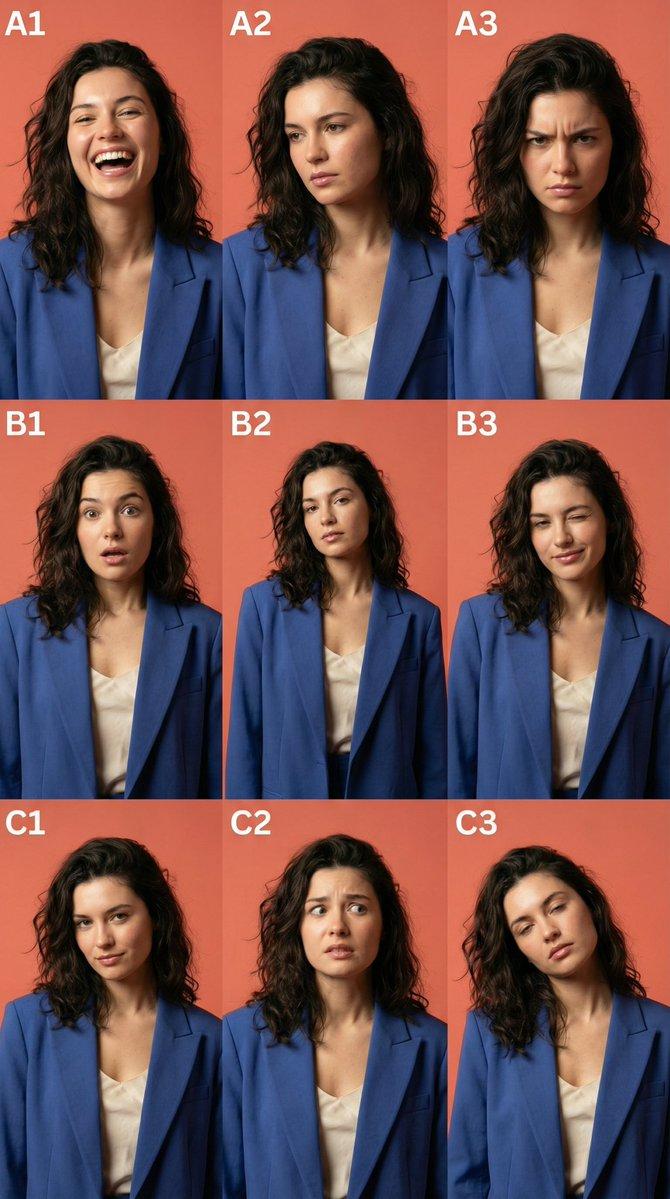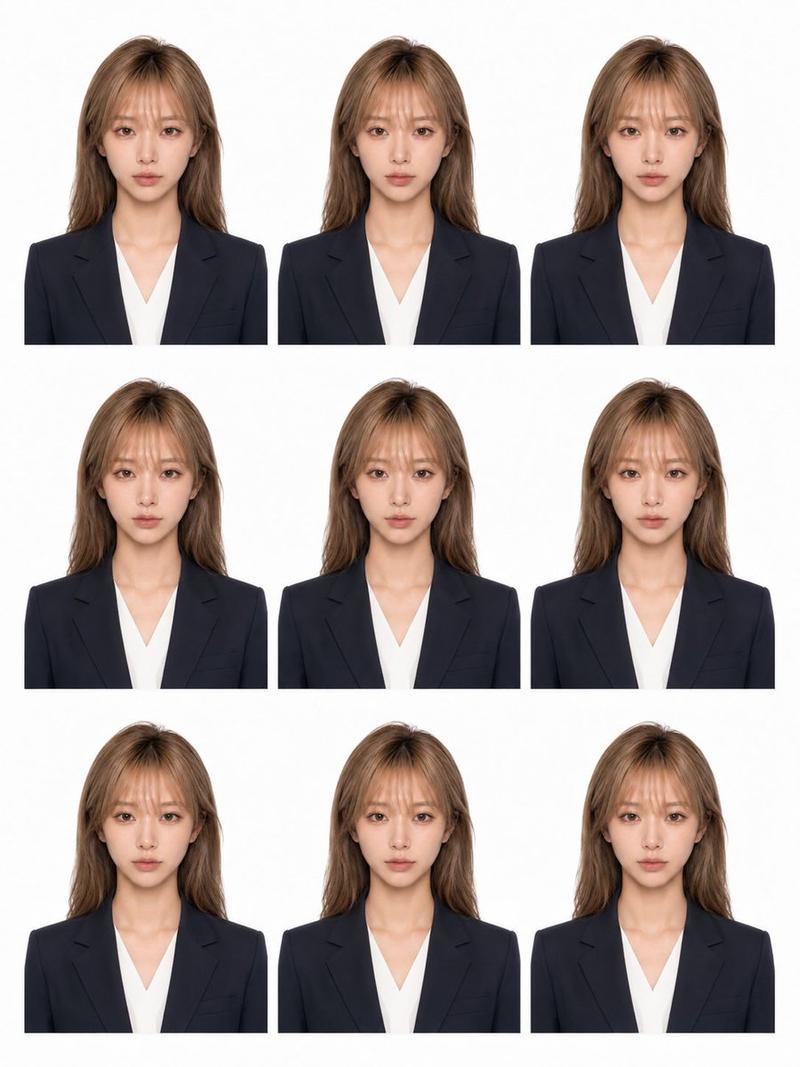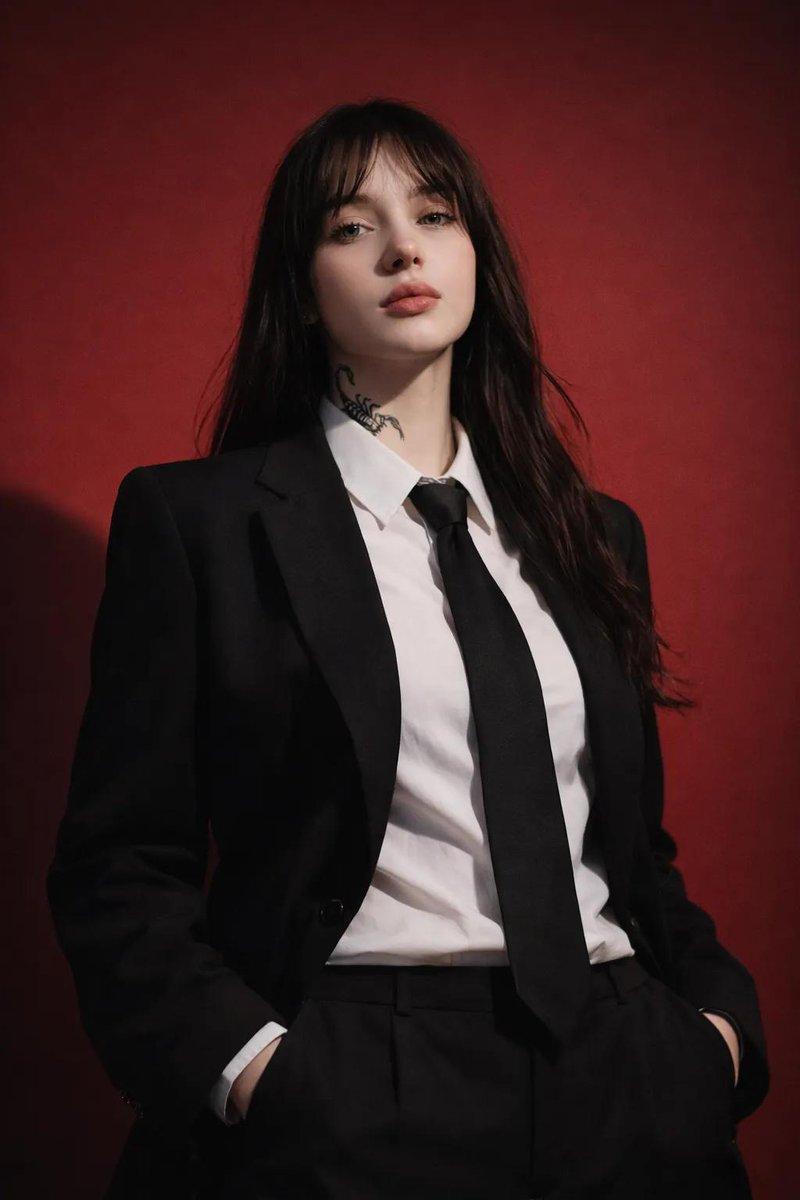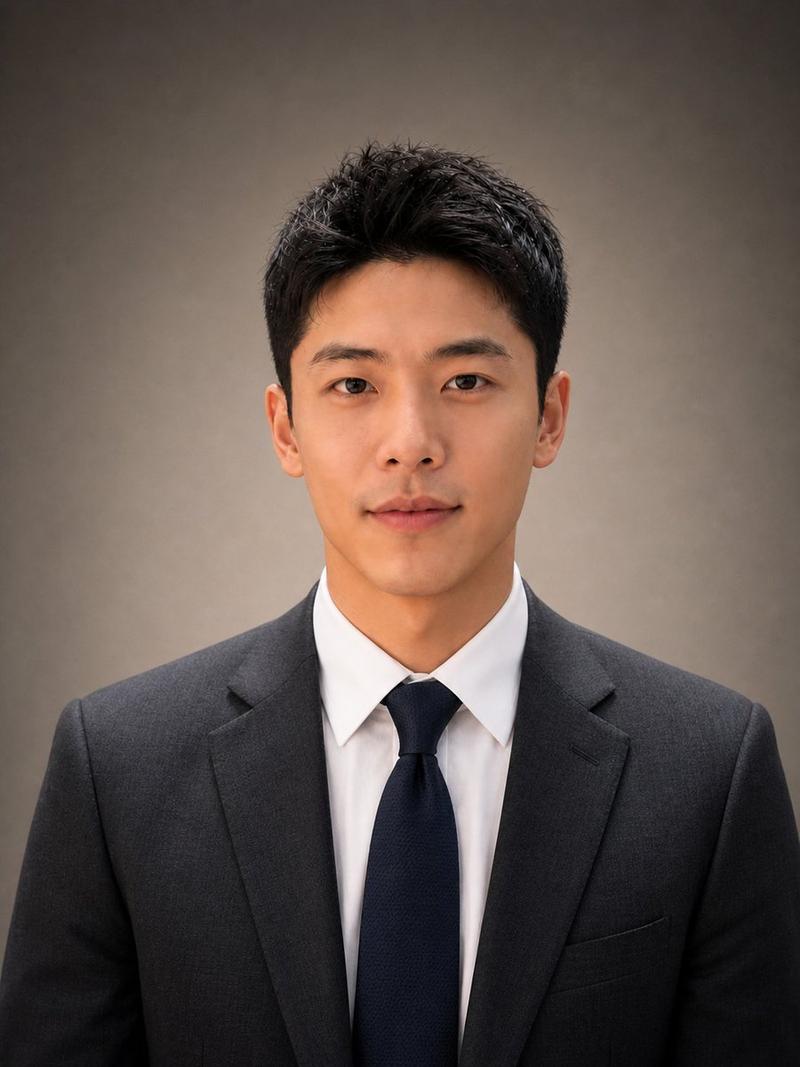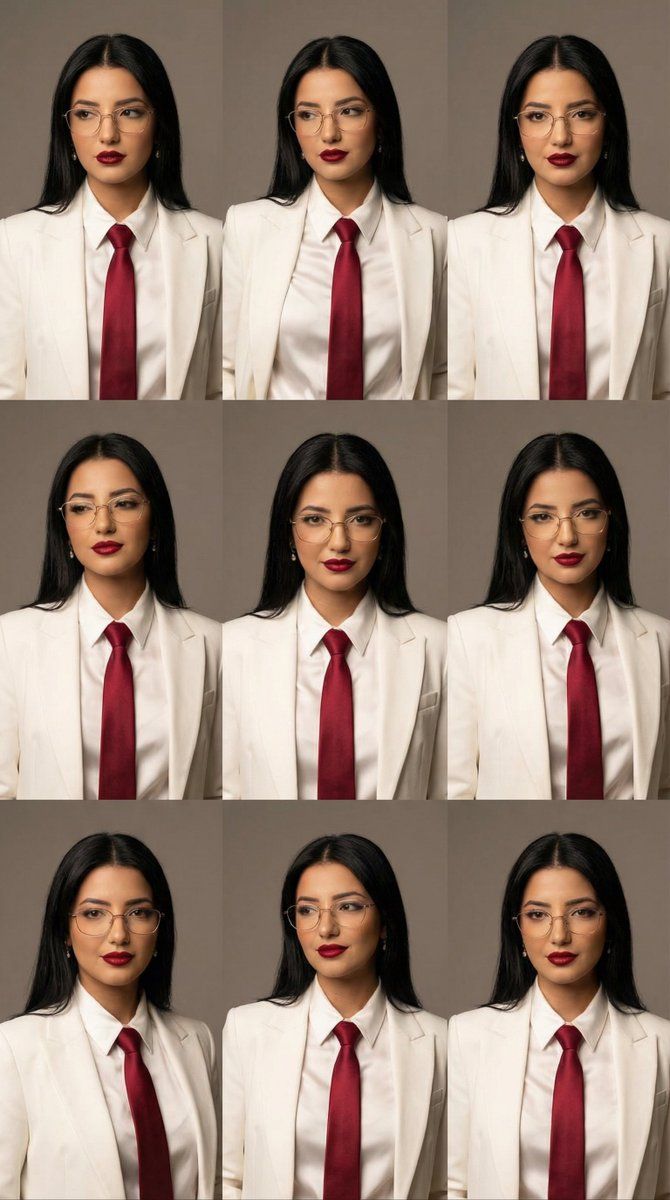
时尚社论肖像网格与眼镜
Prompt
{
  "generation_request": {
    "meta_data": {
      "task_type": "high_fashion_editorial_portrait_series",
      "priority": "highest",
      "language": "en",
      "style_version": "v1.0_modern_editorial_grid_glasses"
    },
    "output": {
      "aspect_ratio": "1:1",
      "resolution": "high",
      "num_images": 9
    },
    "scene": {
      "concept": "a minimalist high-fashion portrait series exploring subtle facial expressions and micro-movements",
      "environment": "clean neutral studio background in soft warm gray",
      "composition": "consistent framing, editorial grid layout, each frame with a slightly different pose and gaze"
    },
    "subject": {
      "gender": "female",
      "appearance": {
        "hair": "long straight black hair, natural volume, clean middle part",
        "makeup": {
          "skin": "natural matte skin with soft editorial finish",
          "lips": "deep ruby red lipstick, satin texture",
          "eyes": "minimal eye makeup, subtle definition"
        },
        "eyewear": {
          "type": "glasses",
          "style": "thin metal frame, elegant, fashion-forward",
          "color": "gold or silver",
          "lens": "clear lenses, minimal reflections"
        }
      },
      "expression": "calm, confident, intelligent, slightly enigmatic",
      "pose_variation": "small changes in head tilt, gaze direction, and facial tension across frames"
    },
    "wardrobe": {
      "outfit": {
        "suit": "tailored white suit jacket with structured shoulders",
        "shirt": "white satin button-up shirt with soft sheen",
        "accent": "ruby red clothing detail or tie-like element adding strong color contrast"
      },
      "styling": "clean, modern, high-fashion editorial styling"
    },
    "camera": {
      "camera_type": "digital medium format look",
      "lens": "85mm portrait lens",
      "aperture": "f/4",
      "focus": "sharp on eyes, controlled depth of field",
      "framing": "upper torso portrait, centered composition"
    },
    "lighting": {
      "type": "soft directional studio lighting",
      "key_light": "large softbox from front-left, slightly raised to reduce glasses glare",
      "fill_light": "gentle fill to preserve facial volume",
      "contrast": "medium contrast, fashion editorial balance",
      "shadows": "clean, controlled, no harsh edges",
      "reflection_control": "anti-glare setup, no harsh specular hotspots on lenses"
    },
    "color_grading": {
      "palette": "white, neutral gray, deep ruby red, natural skin tones",
      "white_balance": "neutral",
      "saturation": "moderate, emphasis on red accents",
      "look": "luxury fashion magazine color science"
    },
    "global_constraints": {
      "no_text": true,
      "no_logos": true,
      "no_watermark": true,
      "no_over_sharpening": true,
      "no_ai_plastic_skin": true,
      "no_distortion": true
    }
  }
}- Category
- 创意图片
- Model
- Nano Banana Pro
- Creator
- Özge Döner
- Source ID
- 396c65b9-f508-48cc-bb11-e706e6857fe5
- Published
- Mar 8, 2026
Views0