20

电影故事板生成提示
Enlarge

电影故事板生成提示

Prompt
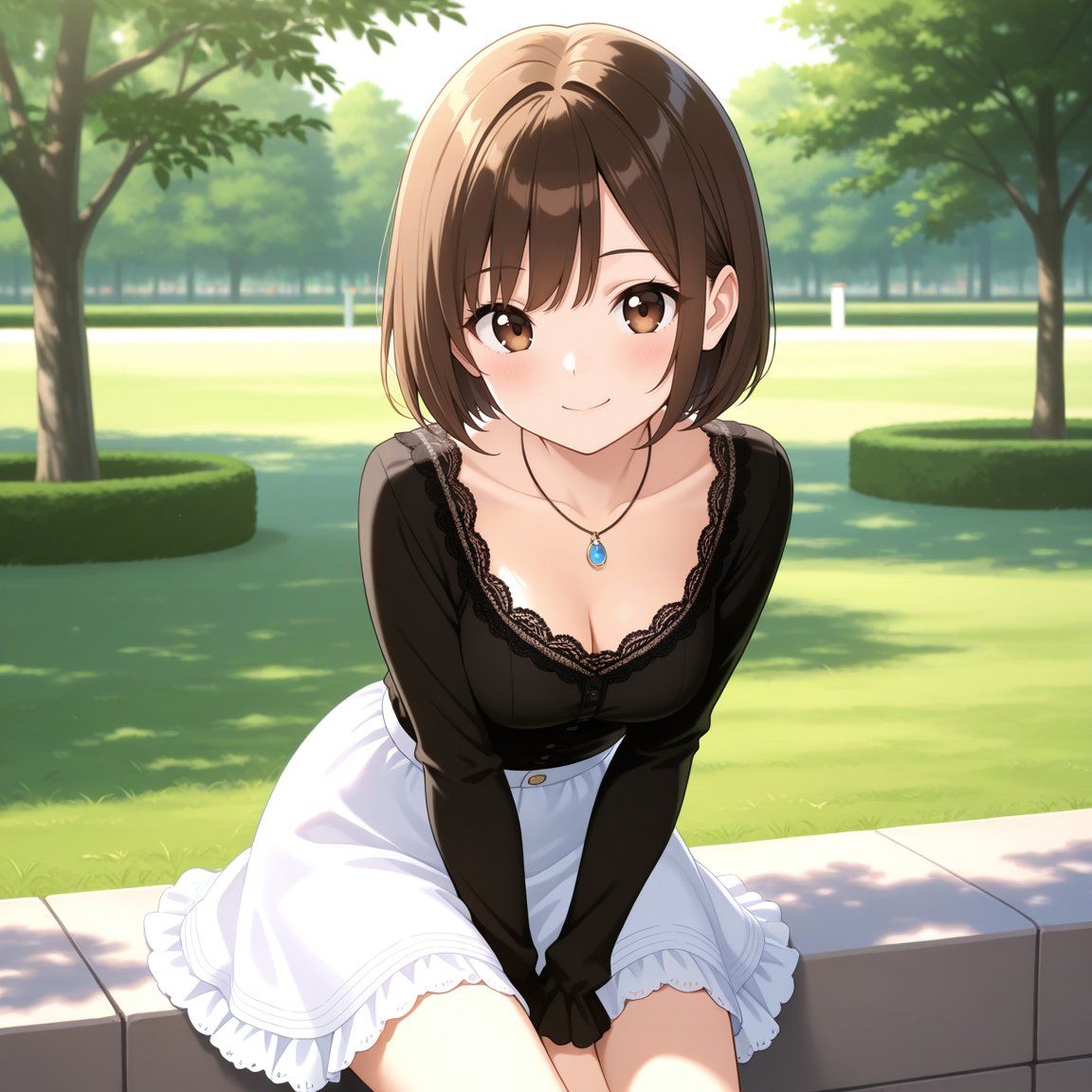
アップロードした画像からシーンに最適な絵コンテを作成、場面の雰囲気と物語の流れを捉える映画的なアングル、カメラワーク、構図で重要な瞬間と場面転換を強調してください。
場面の映像は右上から左下に向けて漫画のコマ割りで展開してください。

シーン:{argument name="シーン" default="画面の少女のもとにハトが舞い降りる"}
Category
创意图片
Model
Nano Banana Pro
Views0
Source ID
b6a251b7-0f59-44f2-a97e-1b9ebe1ffebe
Published
Mar 8, 2026

Guide

About "电影故事板生成提示"

What is this prompt for?

"电影故事板生成提示" AI image prompt for Nano Banana Pro (创意图片). 这是一个为 Nano Banana Pro 设计的提示,用于根据上传的图像和场景描述生成电影分镜脚本(E-Konte)。它指示 AI 分析场景,提出电影般的运镜和角度,并将生成的视觉效果以漫画分格布局从右上…

The full copyable prompt and example visuals above are ready for AI image generation or one-click recreate in Picva.

How to use this prompt

  1. Step 1

    Open the prompt detail

    Review the example visuals, category, and full prompt text for "电影故事板生成提示".

  2. Step 2

    Copy the prompt

    Copy the prompt body from this page, or load it directly in Studio.

  3. Step 3

    Pick a model (Nano Banana Pro)

    Prefer Nano Banana Pro. If you switch models, keep subject and composition and tweak style terms.

  4. Step 4

    Generate and export

    Recreate the look in Picva, or export into your workflow for editing and publishing.

FAQ

What is the "电影故事板生成提示" prompt?
It is an AI image-generation prompt for Nano Banana Pro in the 创意图片 category. This page includes the full prompt text, example visuals, and a one-click recreate path in Picva.
How do I use this prompt to generate an image?
Copy the prompt from this page, or use Generate / Studio. Paste it into a compatible image model, or recreate the look in Picva with optional reference images.
Which model is this prompt for?
This page lists Nano Banana Pro. Most descriptive prompts also transfer to nearby image models such as GPT Image, Flux, or Midjourney with light style tweaks.
Can I use the result commercially?
You can usually copy the prompt for creation, but commercial use of the final image depends on the model terms, reference-image rights, and the generated content. Follow the source author and platform rules.














