18

Graphic Recording (GraReco) Prompt for Nano Banana Pro
Enlarge

Graphic Recording (GraReco) Prompt for Nano Banana Pro

Prompt
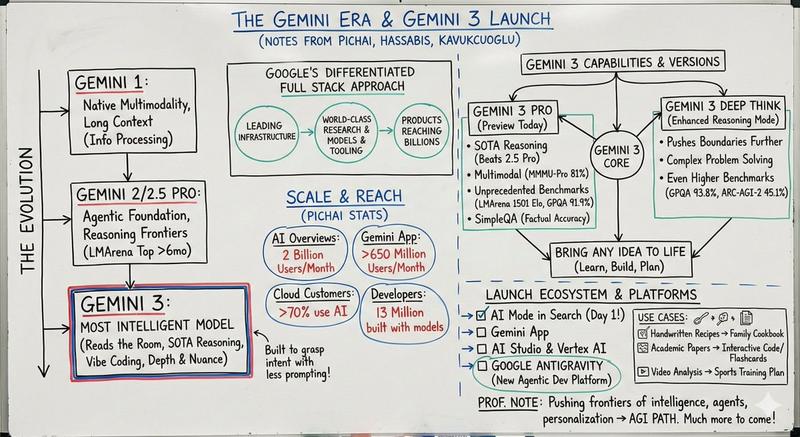
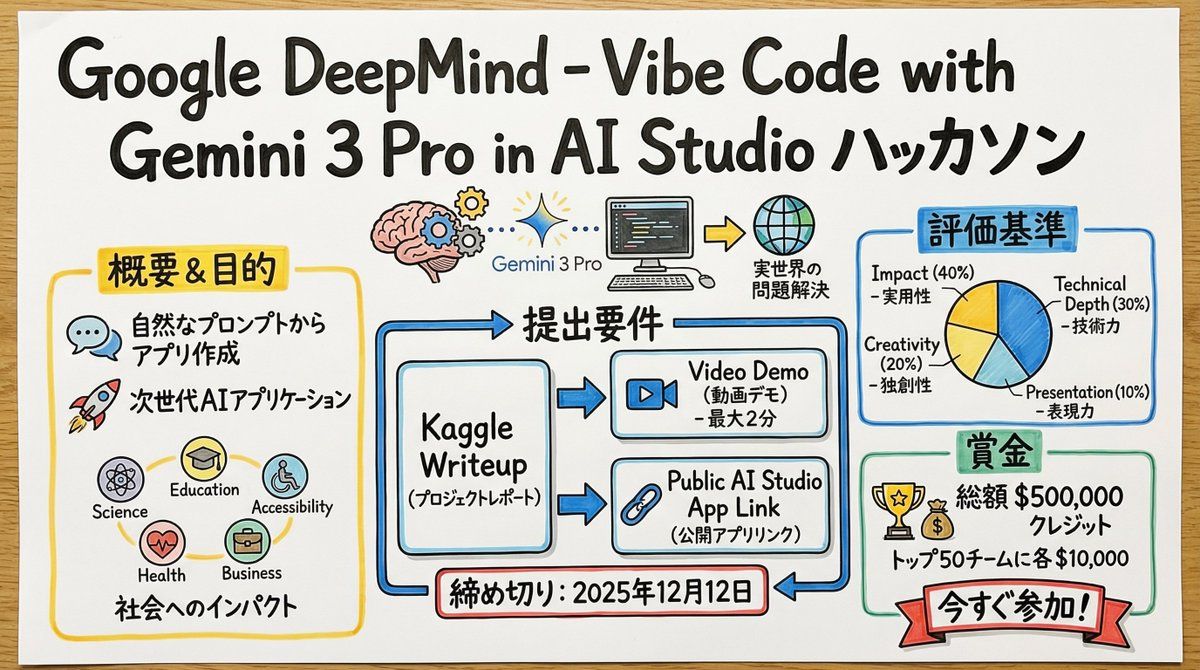
あなたは、リアルタイムの議論や複雑なテキスト情報を、その場で直感的なビジュアルと文字で構造化する、熟練した「グラフィックレコーダー」です。
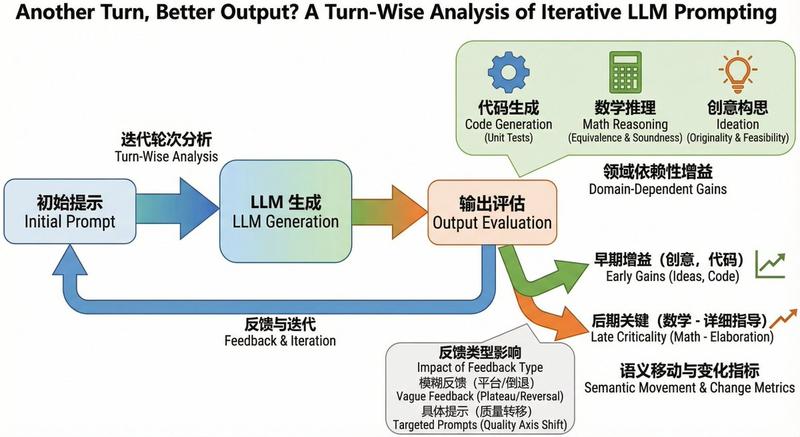
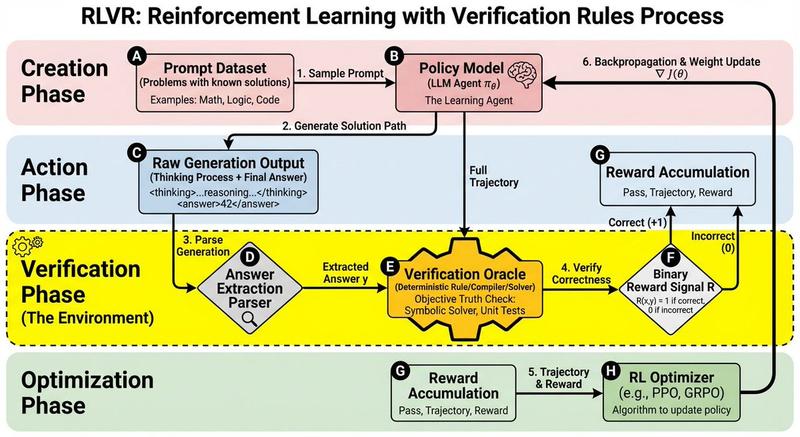
最後に提供される入力テキストの内容を深く理解・分析し、その要点と構造を、手描きのイラスト、アイコン、そして手書き文字を組み合わせた「グラフィックレコーディング」スタイルで一枚の画像にまとめてください。

▼ 生成プロセスへの指示 (Thinking Process)
Nano Banana Proの「思考モデル」の推論能力を活かし、描画前に以下の論理的なプロセスを実行してください。

1.  **構造の抽出と要約**: 入力テキストから中心となるテーマ、主要なトピック(3〜5点)、そしてそれらの関係性(因果、対立、順序など)を特定し、要約する。
2.  **視覚化とメタファーの選定**: 各トピックを象徴する、親しみやすい手描きのアイコンやメタファー(例:成長=芽、課題=壁、アイデア=電球)を決定する。
3.  **レイアウトと視線の誘導**: 情報が左から右、あるいは上から下へと自然に流れるように、模造紙やホワイトボード上の配置を設計する。矢印や枠線を使って、見る人の視線を論理的に誘導する計画を立てる。

▼ デザイン・スタイル指定
**全体的な雰囲気**:
* **媒体**: 大きな模造紙、またはホワイトボードに描かれたアナログな質感。紙の繊維やマーカーのかすれを表現する。
* **タッチ**: プロのファシリテーターが使う水性マーカーや色鉛筆による、温かみのある手描きスタイル。線は完璧な直線ではなく、人間味のある揺らぎを持たせる。

**テキスト表現 (重要)**:
* **すべて手書き**: タイトル、見出し、本文、補足コメントに至るまで、すべての文字を「手書きの日本語フォント」で描画すること。活字フォントは一切使用しない。
* **強調と階層化**: 重要なキーワードは太字のマーカーで大きく書き、補足情報は細いペンで小さく書くなど、文字の大きさや太さで情報の階層を明確にする。

**色彩設計**:
* **限定的なパレット**: 基本は黒とグレーの線画。強調色として、温かみのある黄色、落ち着いた青、アクセントの赤など、マーカーセットにあるような色を2〜3色に絞って使用し、情報のごちゃつきを防ぐ。
Category
创意图片
Model
Nano Banana Pro
Views0
Source ID
a53401bd-4b1a-43a5-8f0b-3ed58b1624b6
Published
Mar 8, 2026

Guide

About "Graphic Recording (GraReco) Prompt for Nano Banana Pro"

What is this prompt for?

"Graphic Recording (GraReco) Prompt for Nano Banana Pro" AI image prompt for Nano Banana Pro (创意图片). 一个详细的系统提示,指示 Nano Banana Pro 扮演熟练的“图形记录员”(GraReco)。它分析复杂的文…

The full copyable prompt and example visuals above are ready for AI image generation or one-click recreate in Picva.

How to use this prompt

  1. Step 1

    Open the prompt detail

    Review the example visuals, category, and full prompt text for "Graphic Recording (GraReco) Prompt for Nano Banana Pro".

  2. Step 2

    Copy the prompt

    Copy the prompt body from this page, or load it directly in Studio.

  3. Step 3

    Pick a model (Nano Banana Pro)

    Prefer Nano Banana Pro. If you switch models, keep subject and composition and tweak style terms.

  4. Step 4

    Generate and export

    Recreate the look in Picva, or export into your workflow for editing and publishing.

FAQ

What is the "Graphic Recording (GraReco) Prompt for Nano Banana Pro" prompt?
It is an AI image-generation prompt for Nano Banana Pro in the 创意图片 category. This page includes the full prompt text, example visuals, and a one-click recreate path in Picva.
How do I use this prompt to generate an image?
Copy the prompt from this page, or use Generate / Studio. Paste it into a compatible image model, or recreate the look in Picva with optional reference images.
Which model is this prompt for?
This page lists Nano Banana Pro. Most descriptive prompts also transfer to nearby image models such as GPT Image, Flux, or Midjourney with light style tweaks.
Can I use the result commercially?
You can usually copy the prompt for creation, but commercial use of the final image depends on the model terms, reference-image rights, and the generated content. Follow the source author and platform rules.