15

超快、高能的产品视频生成提示
Enlarge

超快、高能的产品视频生成提示

Prompt
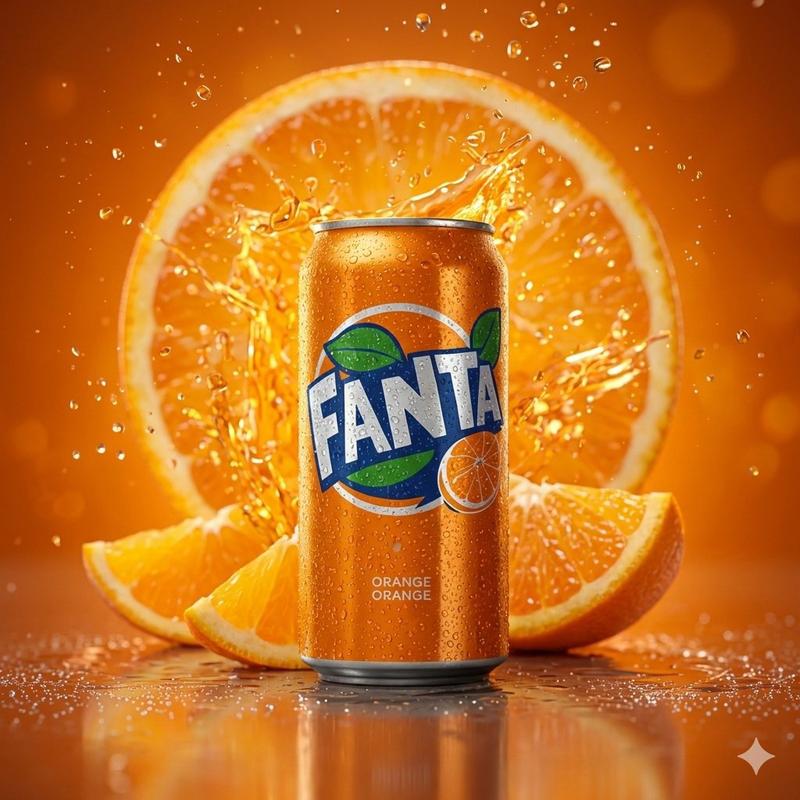
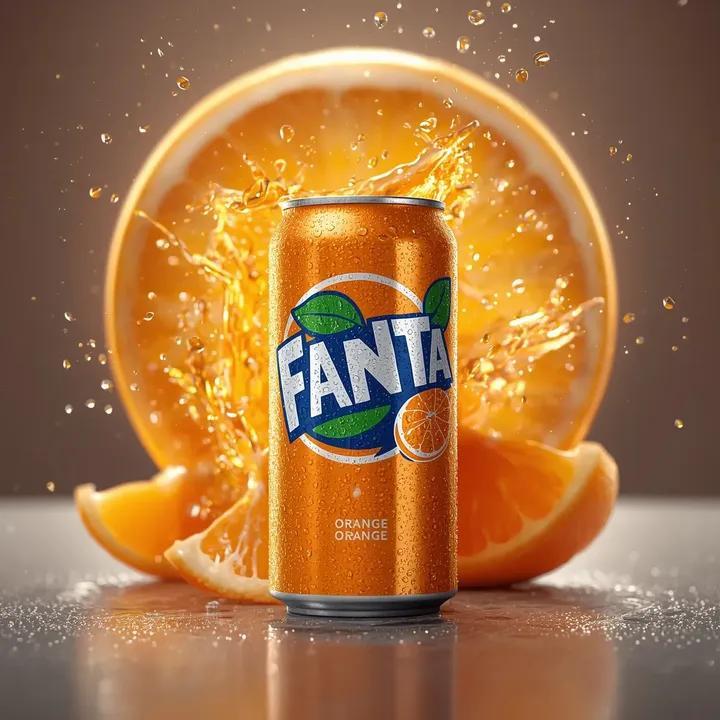
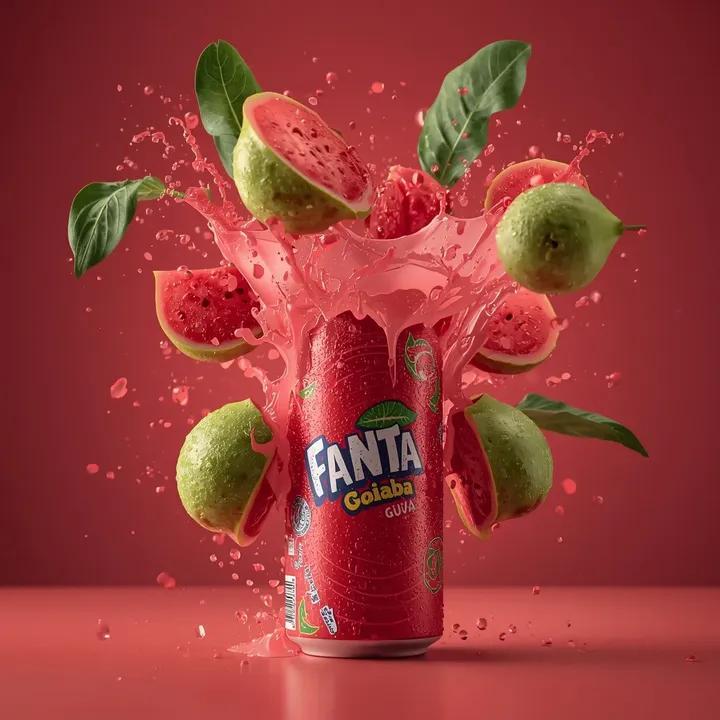
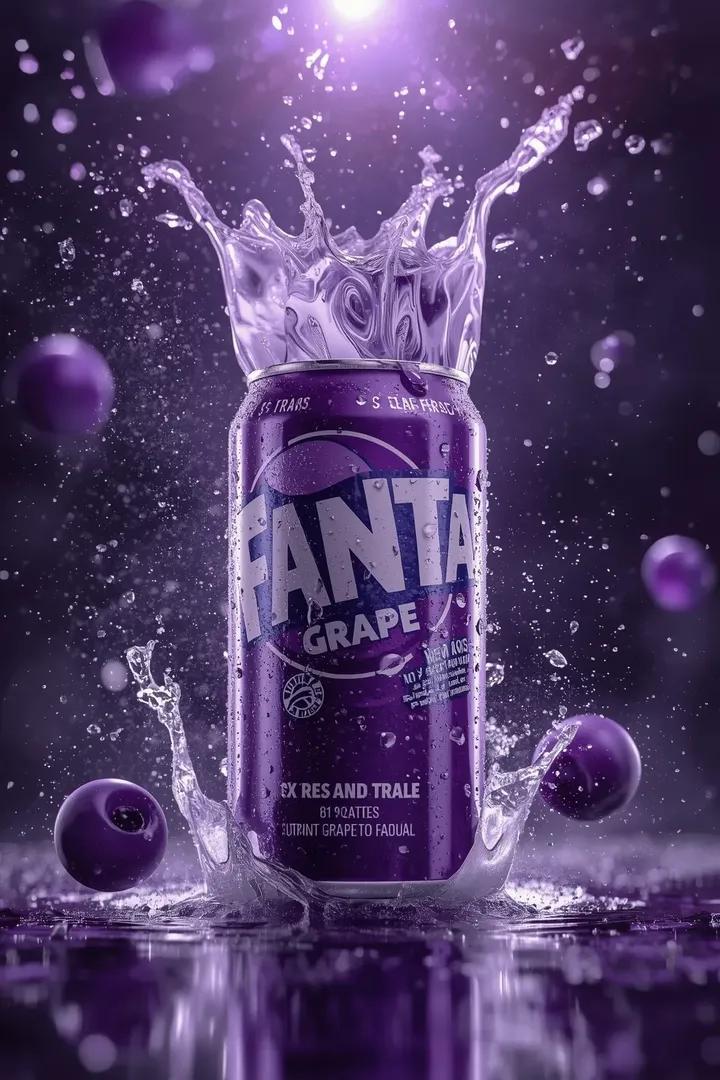
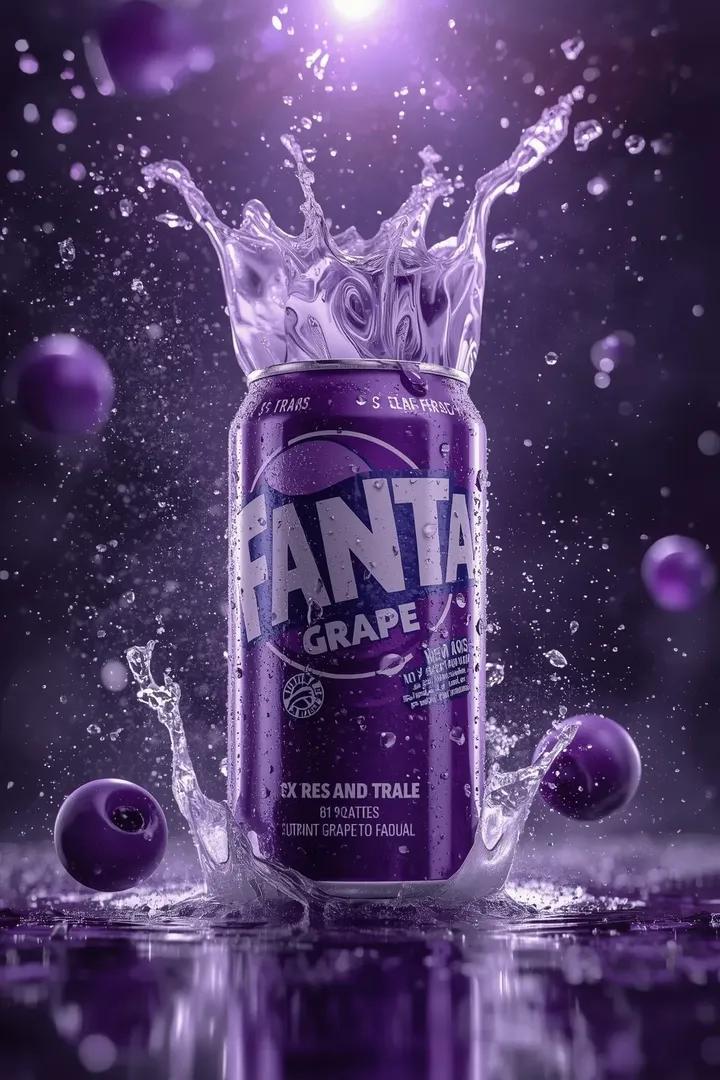
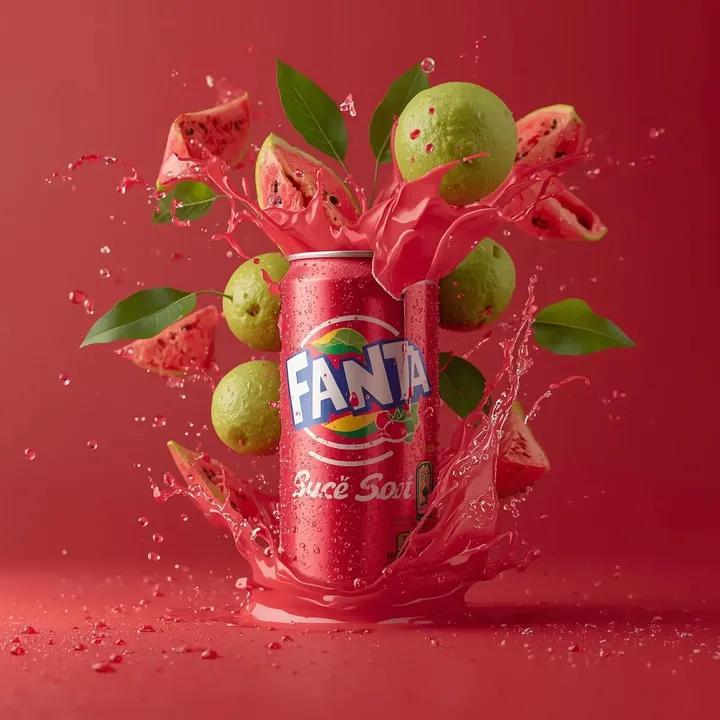
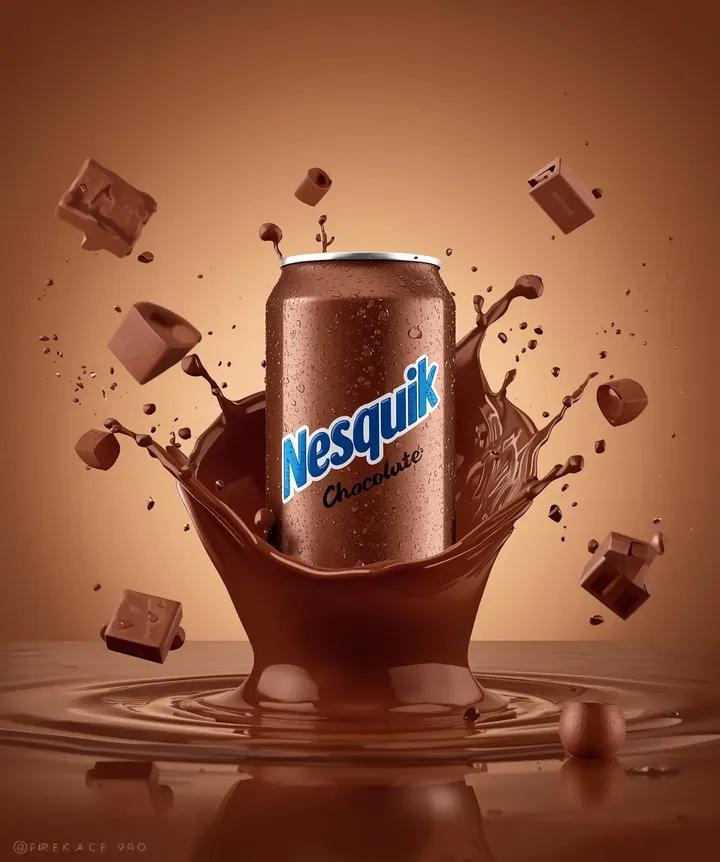
Create an extreme fast-paced product video using the uploaded image as the visual reference.

STYLE:
Ultra-fast
High-energy
Raw
No cinematic look
No dramatic lighting
No slow motion
No soft transitions
No glow, no flares, no mood lighting

CAMERA:
Camera is completely static.
No zoom.
No pan.
No rotation.
Single locked shot.

ACTION:
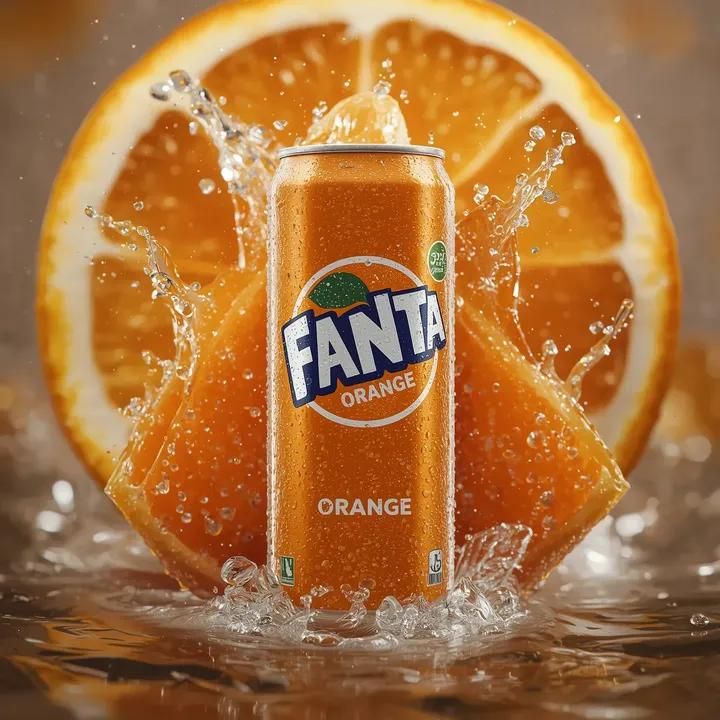
The scene starts with the can perfectly still.

Suddenly:
– {argument name="action element" default="Orange slices lift sharply upward into mid-air"}.
Category
创意图片
Model
Nano Banana Pro
Creator
𝐌
Views0
Source ID
0b99440f-244a-45f8-bab0-371ff176cb6c
Published
Mar 8, 2026

Guide

About "超快、高能的产品视频生成提示"

What is this prompt for?

"超快、高能的产品视频生成提示" AI image prompt for Nano Banana Pro (创意图片). 一个旨在根据上传的罐头图片生成极快节奏产品视频的提示。该提示严格定义了风格(原始、高能量、无电影特效)和摄像机工作(静态、单一锁定镜头),并指定了一个突然的动作序列,其中橙子片迅速向上飞入半空中。…

The full copyable prompt and example visuals above are ready for AI image generation or one-click recreate in Picva.

How to use this prompt

  1. Step 1

    Open the prompt detail

    Review the example visuals, category, and full prompt text for "超快、高能的产品视频生成提示".

  2. Step 2

    Copy the prompt

    Copy the prompt body from this page, or load it directly in Studio.

  3. Step 3

    Pick a model (Nano Banana Pro)

    Prefer Nano Banana Pro. If you switch models, keep subject and composition and tweak style terms.

  4. Step 4

    Generate and export

    Recreate the look in Picva, or export into your workflow for editing and publishing.

FAQ

What is the "超快、高能的产品视频生成提示" prompt?
It is an AI image-generation prompt for Nano Banana Pro in the 创意图片 category. This page includes the full prompt text, example visuals, and a one-click recreate path in Picva.
How do I use this prompt to generate an image?
Copy the prompt from this page, or use Generate / Studio. Paste it into a compatible image model, or recreate the look in Picva with optional reference images.
Which model is this prompt for?
This page lists Nano Banana Pro. Most descriptive prompts also transfer to nearby image models such as GPT Image, Flux, or Midjourney with light style tweaks.
Can I use the result commercially?
You can usually copy the prompt for creation, but commercial use of the final image depends on the model terms, reference-image rights, and the generated content. Follow the source author and platform rules.