11

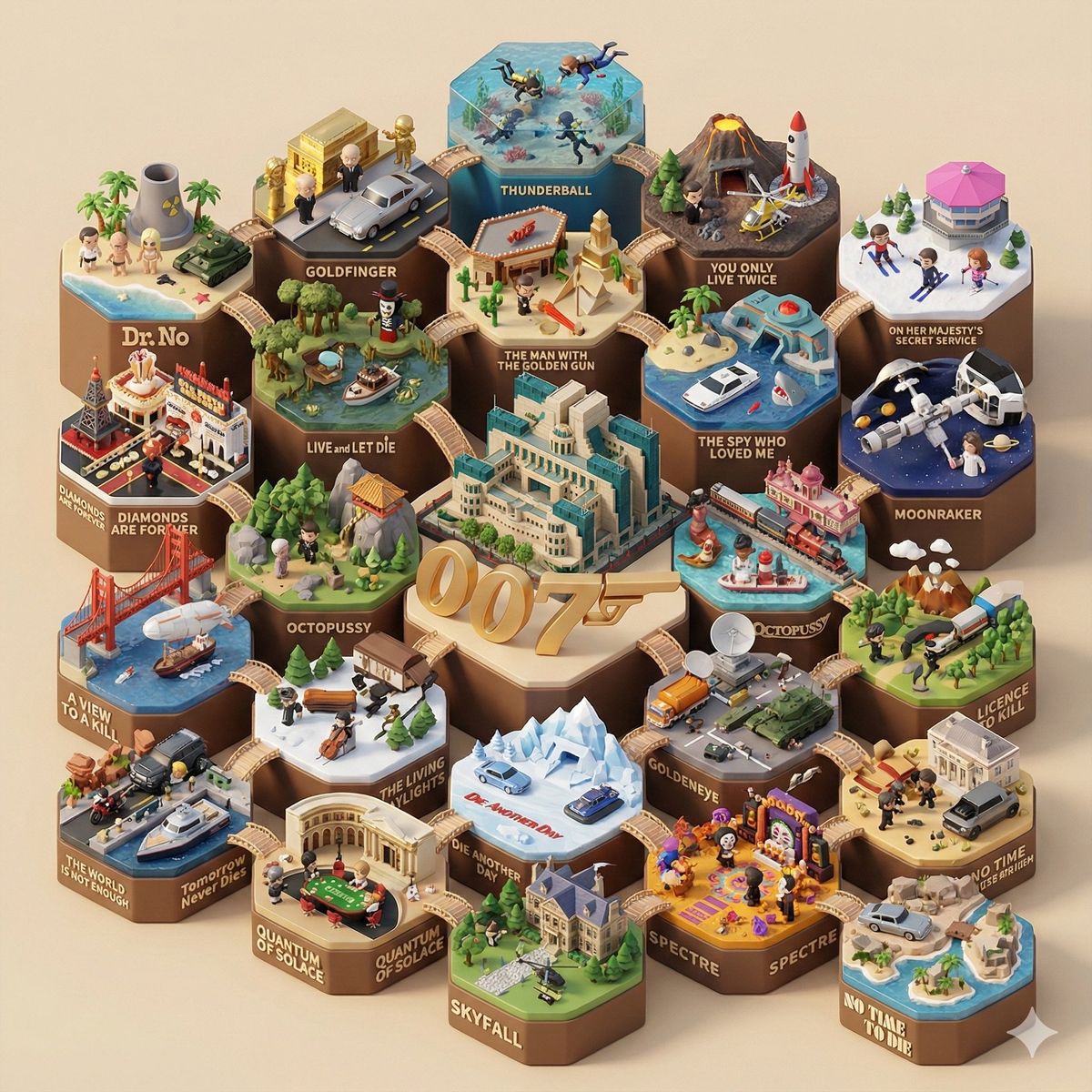
创建 3D 风格的电影场景
Enlarge

创建 3D 风格的电影场景

Prompt
[电影系列名称]:{argument name="电影系列名称" default="007"}
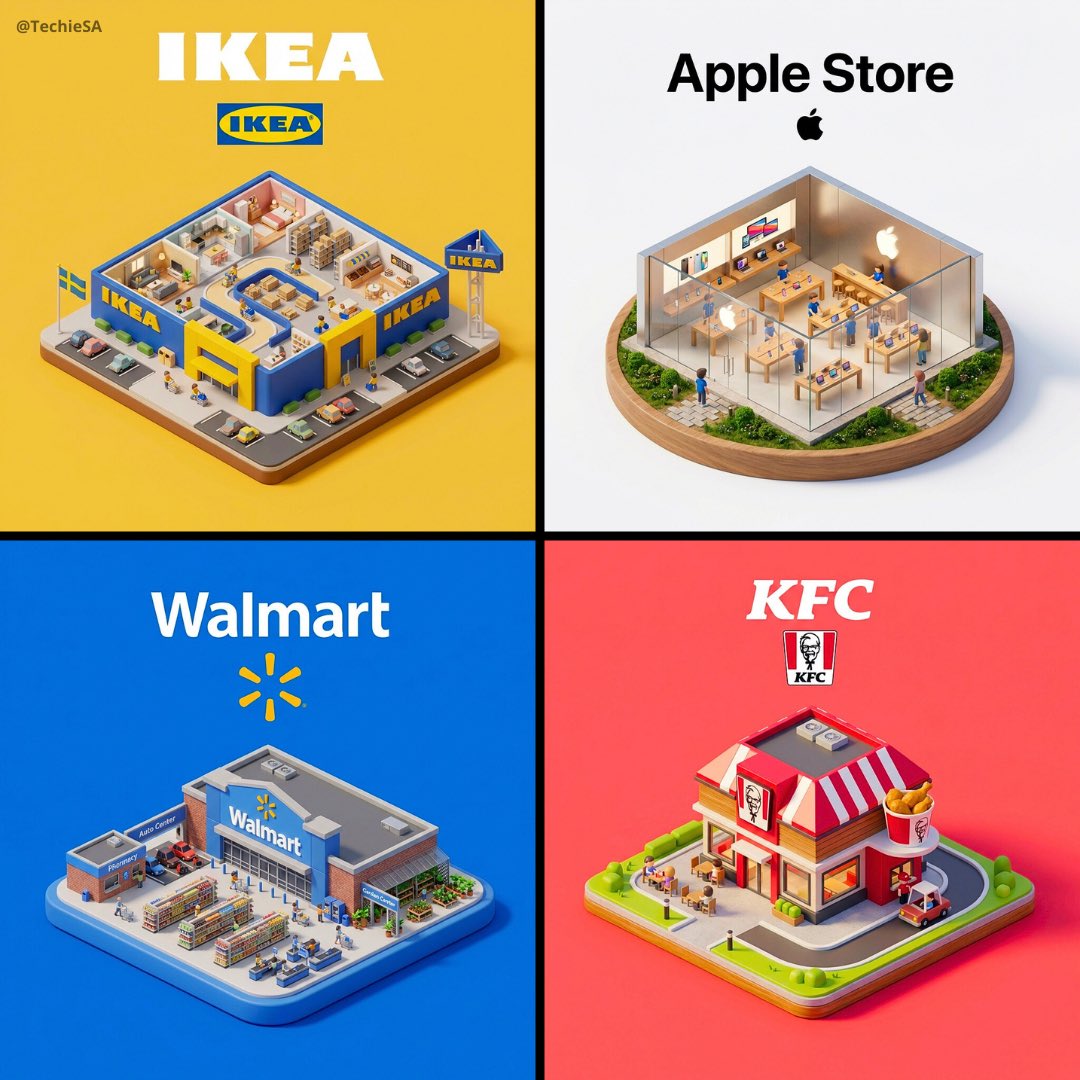
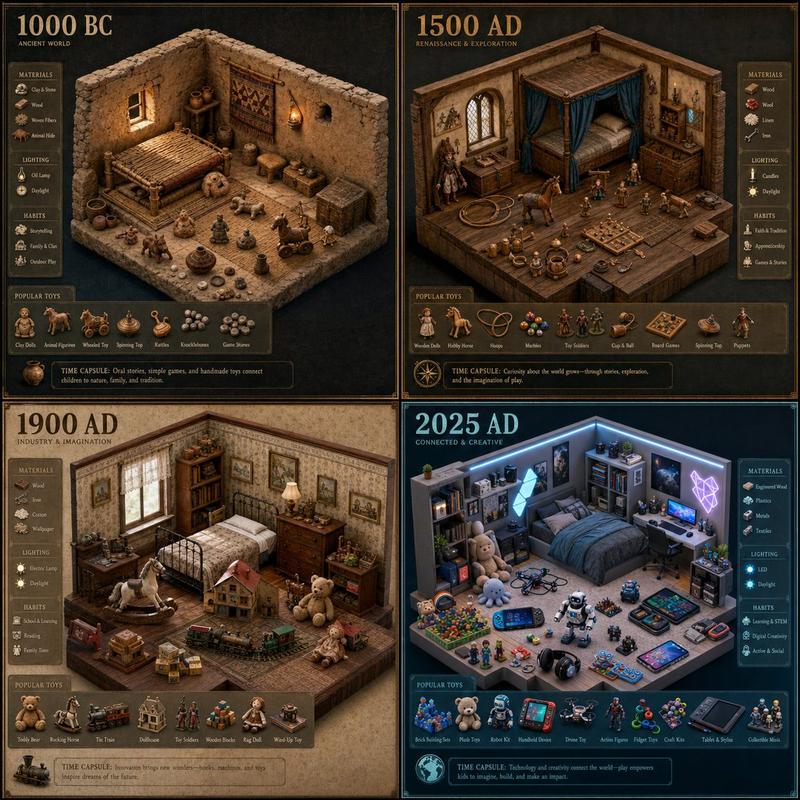
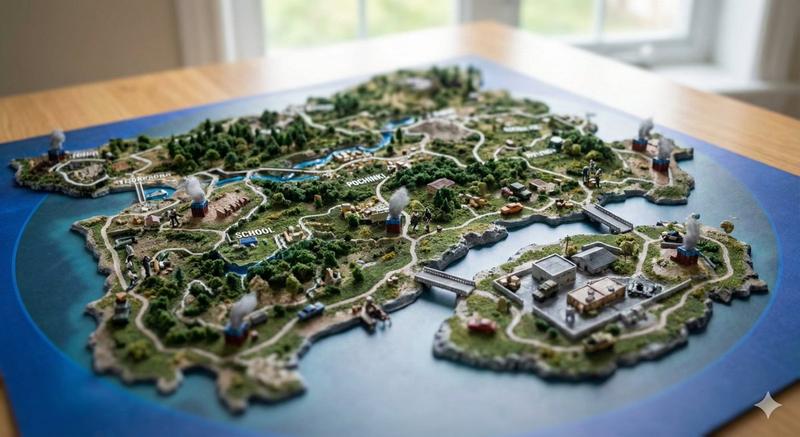
一张细节丰富、45度等轴侧视角的3D Q版微缩景观模型图,生动呈现完整的 [电影系列名称] 系列,采用 C4D (Cinema 4D) 的独特的渲染风格。

整个场景构建为一组相互连接的六边形景观地台。六边形地台的总数量必须准确对应 [电影系列名称] 系列中主要电影(或剧集)的数量。

视觉中心 (Central Focus)
在模型的几何中心,放置该系列中最具标志性、最能代表整体的世界观地标或核心建筑(例如:哈利波特的霍格沃茨城堡、星球大战的死星、漫威的复仇者大厦)。围绕着这个中心建筑,悬浮着巨大的、风格化的 3D 英文总标题 "[电影系列名称]"。

独立地台 (动态内容)
围绕中心的每一个六边形地台分别代表该系列中的一部具体电影,必须包含以下要素:

经典名场面 (Famous Scenes): 每一个地台都要复刻该部电影中最具特色、一眼即识的经典“名场面”或核心场景布局。 关键人物 (Key Characters): 在地台上必须出现清晰可见的、最具代表性的主角和反派的Q版公仔形象,人物姿态生动,正在演绎剧情。

关键物品: 每一个地台都要复刻该部电影中最具特色、一眼即识的经典“名场面”或核心场景布局。 关键人物 (Key Characters): 在地台上必须出现清晰可见的、最具代表性的主角和反派的Q版公仔形象,人物姿态生动,正在演绎剧情。 散落在场景中的微小但可识别的神器、载具或生物,呼应电影情节。

环境氛围: 符合该部电影主题的独特地形、植被和天气效果。

独立标题: 在每个六边形底座的前端边缘,用风格化的3D字体展示该部电影的 具体英文片名 (例如 "Harry Potter and the Sorcerer's Stone")。

整体氛围: 所有元素通过可爱的桥梁、小径或主题过渡(如能量束、魔法轨迹)相互连接。模型采用丰富逼真的 PBR 材质(风格化的木材、石头、金属、布料),边缘处理圆润柔和。场景由温暖、柔和的自然光照亮,投射出柔和的阴影,在干净、统一的纯米色背景下,呈现出一种舒适、高级的盲盒玩具质感。
保证
图中所有出现的单词拼写正确

确保电影的系列名准确

确保演员的名字和电影确实有关联
Category
创意图片
Model
Nano Banana Pro
Creator
Aisukora
Views0
Source ID
0a1c5668-d9ee-43fe-bf11-2e70e00629ca
Published
Mar 8, 2026

Guide

About "创建 3D 风格的电影场景"

What is this prompt for?

"创建 3D 风格的电影场景" AI image prompt for Nano Banana Pro (创意图片). 输入电影系列名称或演员姓名以开始此过程 --- [电影系列名称]:{argument name="Film Series Name" default="007"} 一个高度精细、45 度等距 3D…

The full copyable prompt and example visuals above are ready for AI image generation or one-click recreate in Picva.

How to use this prompt

  1. Step 1

    Open the prompt detail

    Review the example visuals, category, and full prompt text for "创建 3D 风格的电影场景".

  2. Step 2

    Copy the prompt

    Copy the prompt body from this page, or load it directly in Studio.

  3. Step 3

    Pick a model (Nano Banana Pro)

    Prefer Nano Banana Pro. If you switch models, keep subject and composition and tweak style terms.

  4. Step 4

    Generate and export

    Recreate the look in Picva, or export into your workflow for editing and publishing.

FAQ

What is the "创建 3D 风格的电影场景" prompt?
It is an AI image-generation prompt for Nano Banana Pro in the 创意图片 category. This page includes the full prompt text, example visuals, and a one-click recreate path in Picva.
How do I use this prompt to generate an image?
Copy the prompt from this page, or use Generate / Studio. Paste it into a compatible image model, or recreate the look in Picva with optional reference images.
Which model is this prompt for?
This page lists Nano Banana Pro. Most descriptive prompts also transfer to nearby image models such as GPT Image, Flux, or Midjourney with light style tweaks.
Can I use the result commercially?
You can usually copy the prompt for creation, but commercial use of the final image depends on the model terms, reference-image rights, and the generated content. Follow the source author and platform rules.