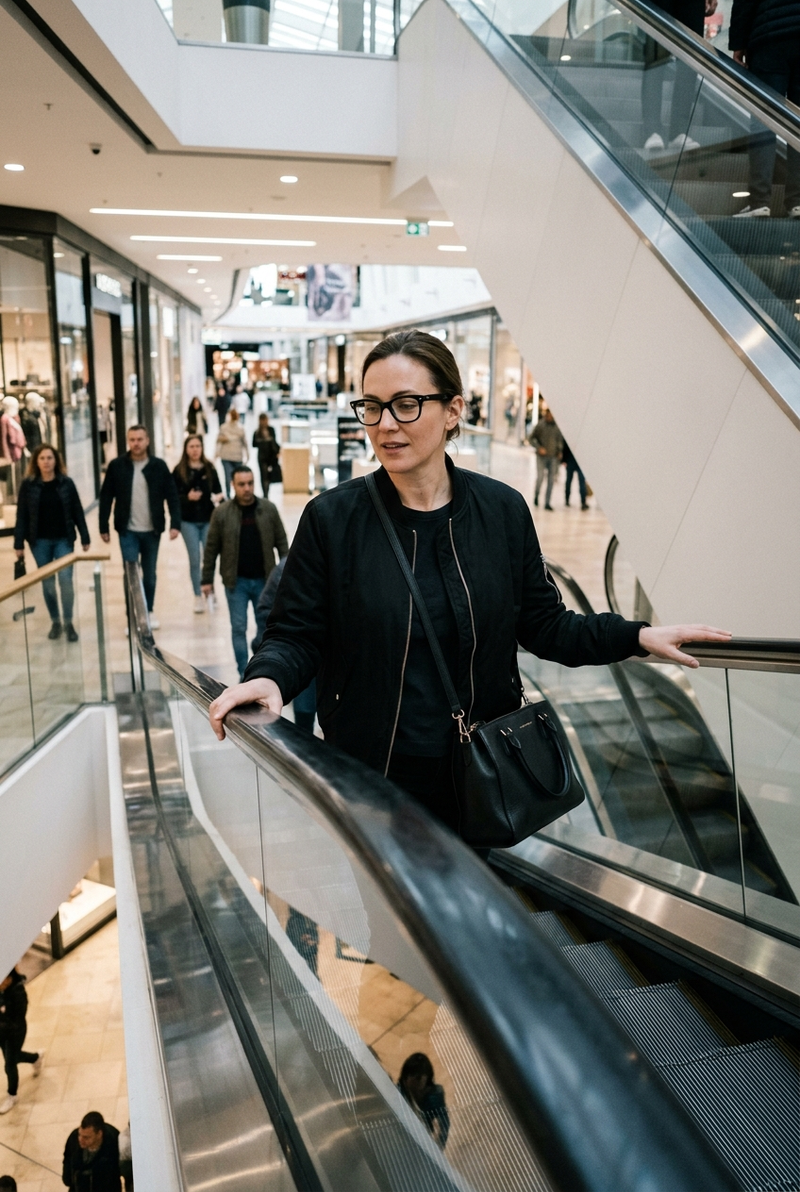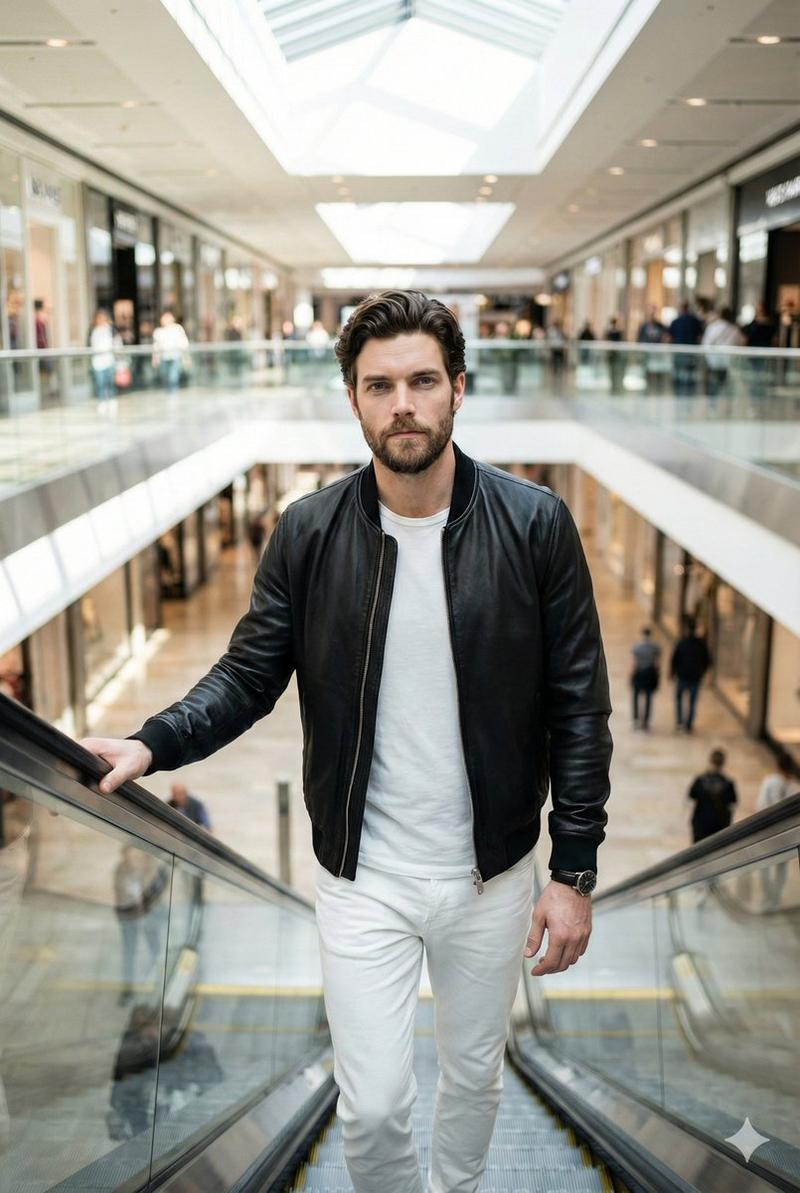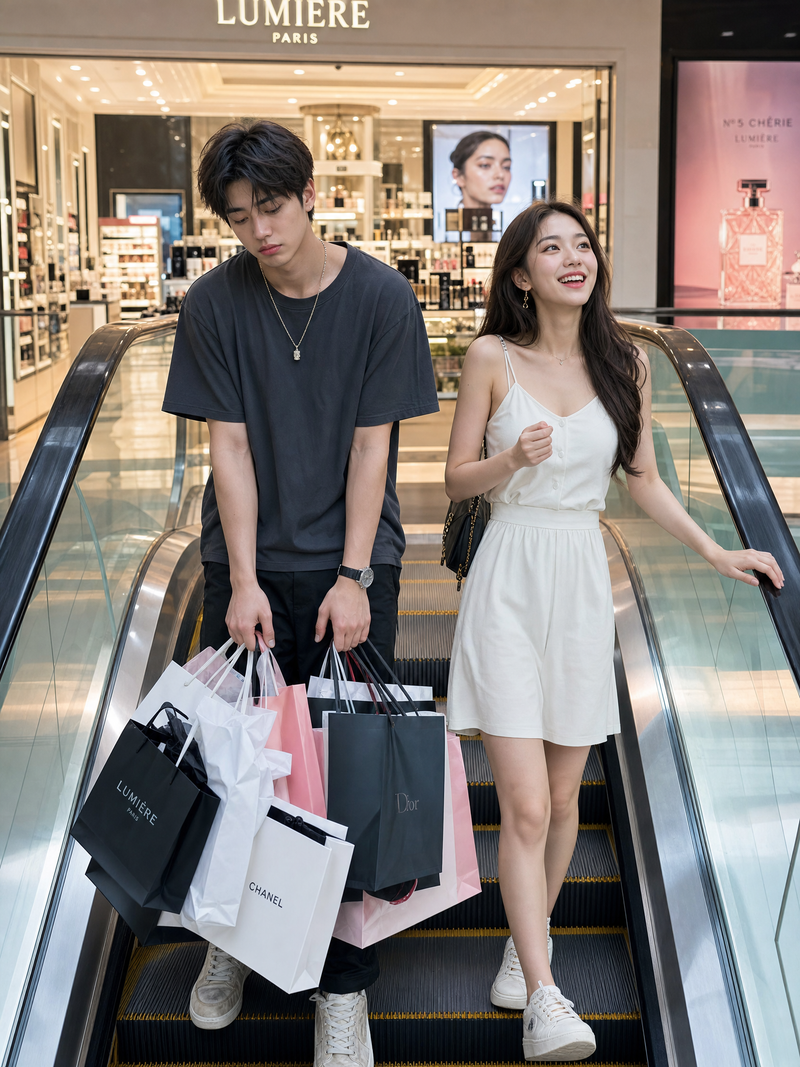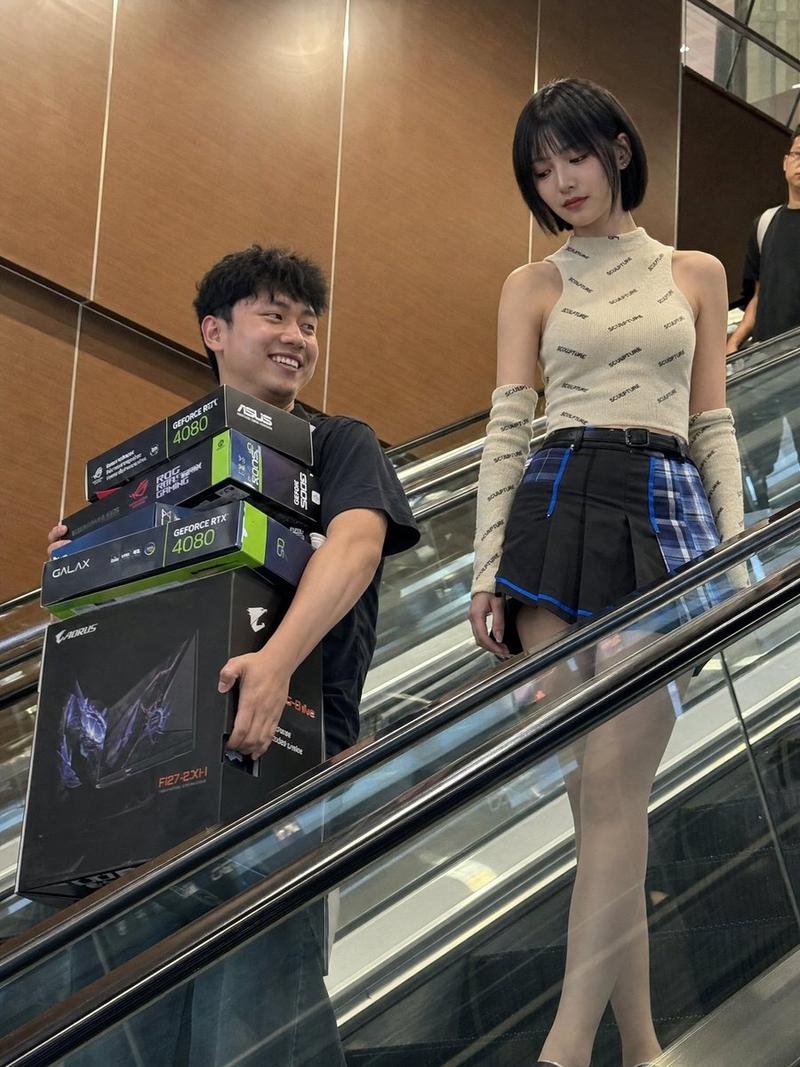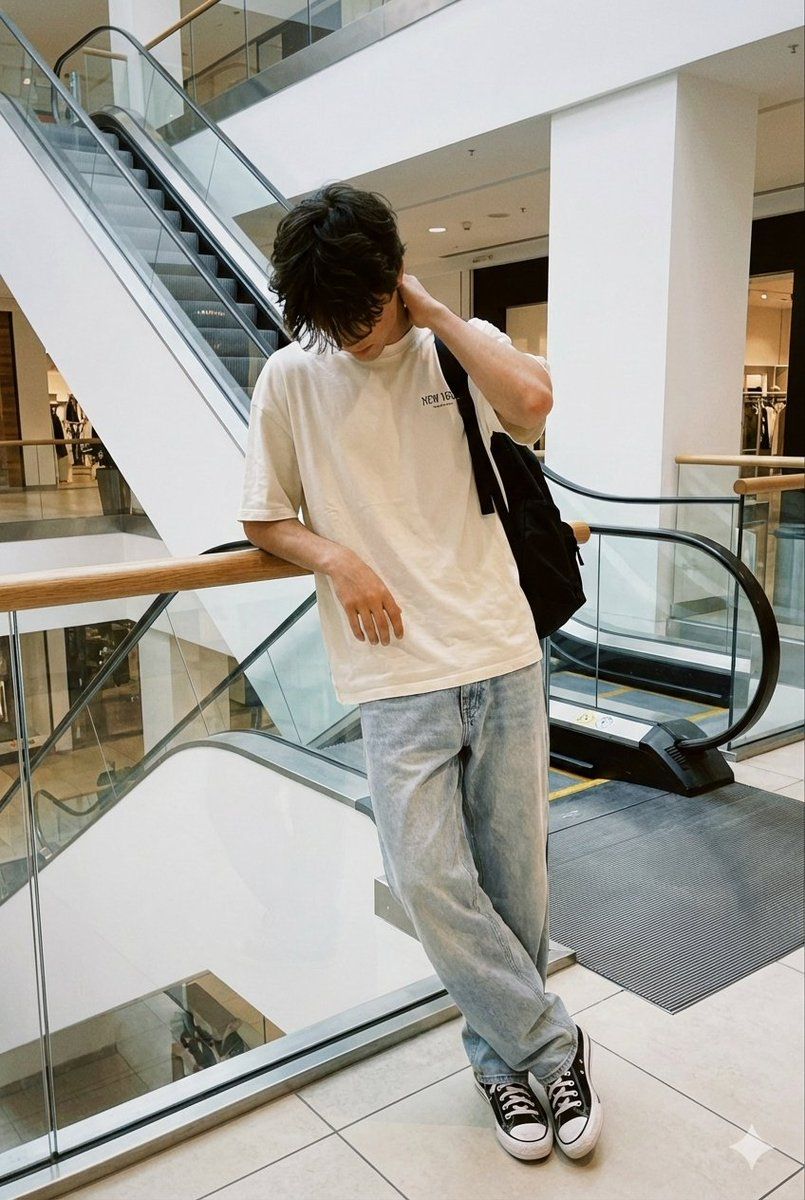
商场扶梯旁人物的逼真抓拍智能手机照片
Prompt
Realistic indoor daytime smartphone photo, candid and unposed, captured like a random accidental click. FACE LOCK — HIGHEST PRIORITY Use the uploaded reference image as the only and exclusive facial identity source. Preserve the face exactly 1:1 with zero deviation: same identity same facial structure and proportions same skin tone same eyes, brows, nose, lips, jawline same hairline and facial hair No reinterpretation, no beautification, no regeneration, no face drift. Facial accuracy overrides lighting, pose, motion blur, and realism. POSE & BODY (LOCKED — EXACT) The subject is standing at the top landing / exit of an indoor escalator inside a modern shopping mall. Leaning against a glass railing with a wooden hand rest. Right elbow resting on the wooden railing Right hand touching the back of the head near the neck Head tilted downward Chin slightly tucked Face mostly hidden by falling hair Eyes looking toward the floor, not at the camera Shoulders slightly slouched Torso leaning subtly forward Legs relaxed, lightly crossed at the ankles The posture feels tired, introspective, accidental — not posed. OUTFIT (LOCKED — EXACT) Oversized off-white / cream T-shirt loose fit short sleeves very small, subtle chest text (not bold, not decorative) Light-wash baggy-fit jeans loose through the legs natural folds and creases Black-and-white low-top sneakers Black backpack worn on one shoulder, hanging naturally down the back single strap visible No jewelry. No accessories. No sunglasses. HAIR & SKIN Medium-length black hair Naturally messy, textured, lived-in Hair falling forward, partially covering the face Expression calm and unreadable Real skin texture with visible pores No smoothing, no beautification BACKGROUND (LOCKED) Modern shopping mall interior Glass railing with vertical metal supports Wooden handrail on top of the glass Escalator ending immediately beside the subject black escalator belt visible Clean white walls Minimal architectural design Neutral tiled flooring Open mall space visible behind the glass Quiet, spacious, real environment No decorative staging, no crowd emphasis LIGHTING (LOCKED) Soft indoor mall lighting Even illumination No flash No dramatic shadows Natural reflections on glass and metal Neutral white balance CAMERA & FRAMING Handheld smartphone photo Eye-level framing Full body visible Slight real-world imperfection No portrait mode No background blur No cinematic depth Natural sharpness with mild softness OVERALL FEEL A real, unplanned moment captured while pausing near an escalator. Quiet Gen-Z aesthetic. Minimal, human, Pinterest-worthy without trying. Believable and unstaged. NEGATIVE PROMPT studio lighting, cinematic grading, fashion posing, beauty filter, smooth skin, AI look, CGI, portrait blur, dramatic lighting, exaggerated expressions, oversharpening.
- Category
- 创意图片
- Model
- Nano Banana Pro
- Creator
- Harboriis
- Source ID
- 11b6589b-62a9-4486-8fca-ee40e9366dcb
- Published
- Mar 8, 2026
Views0