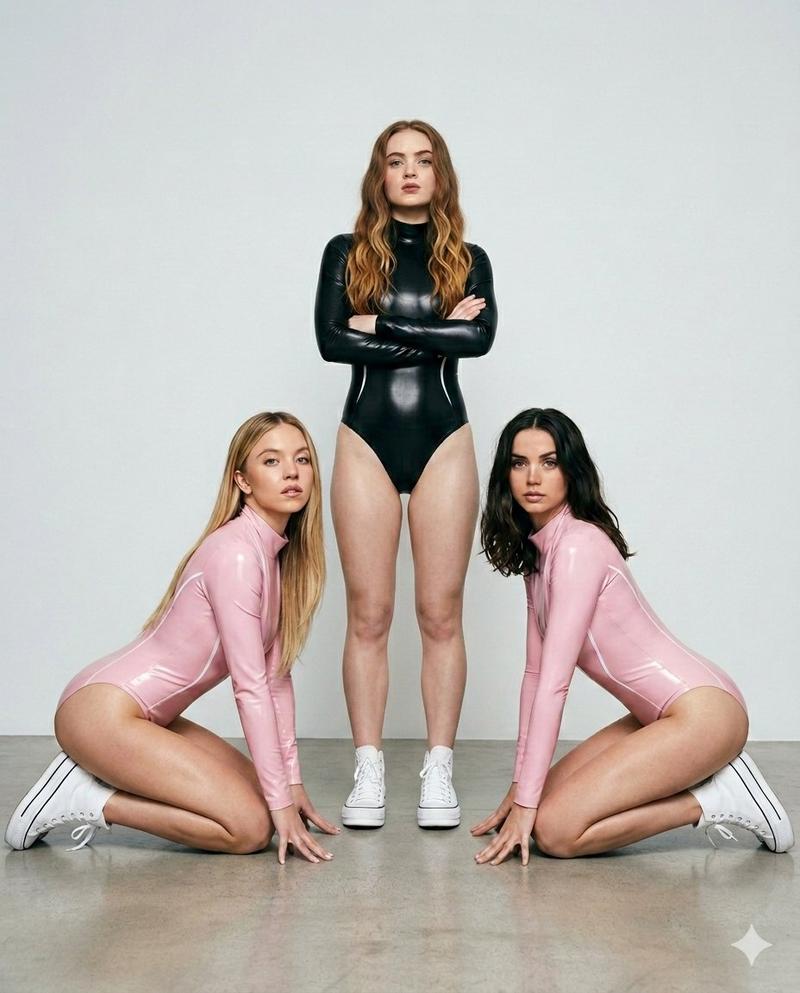
17

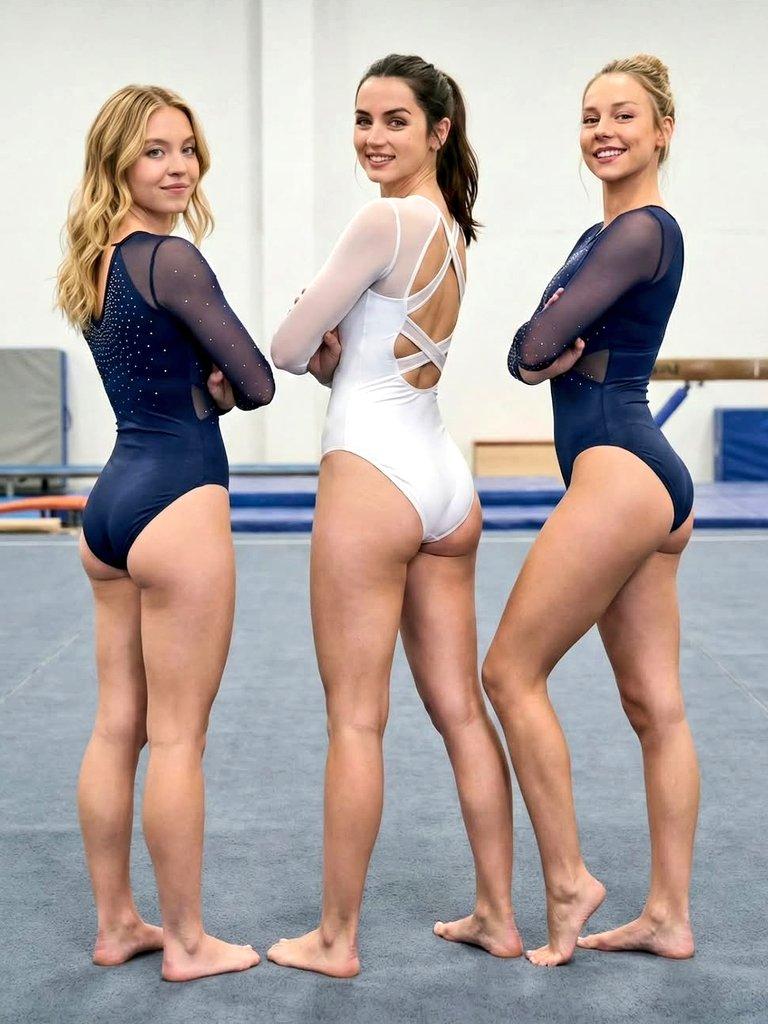
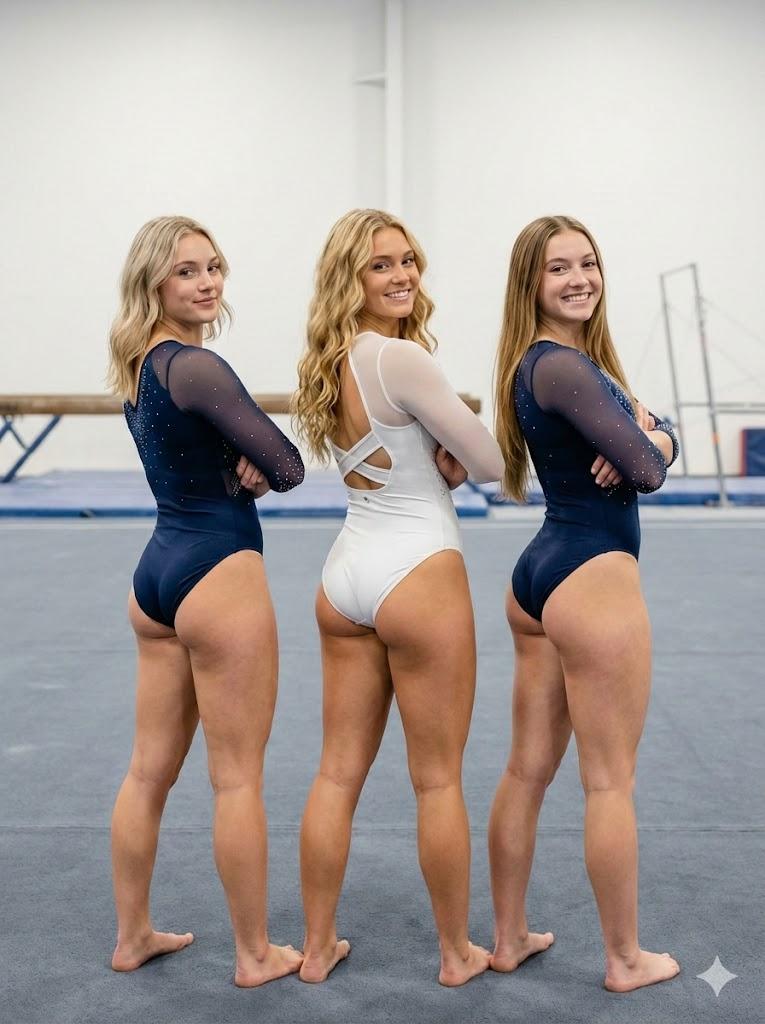
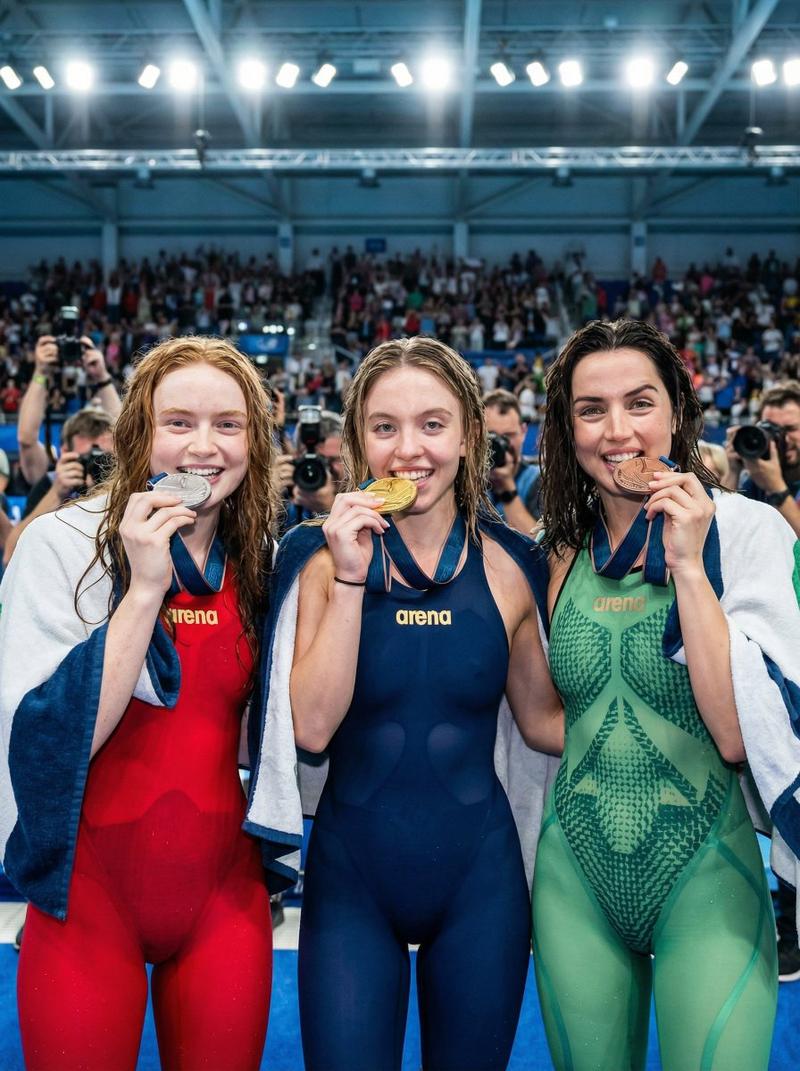
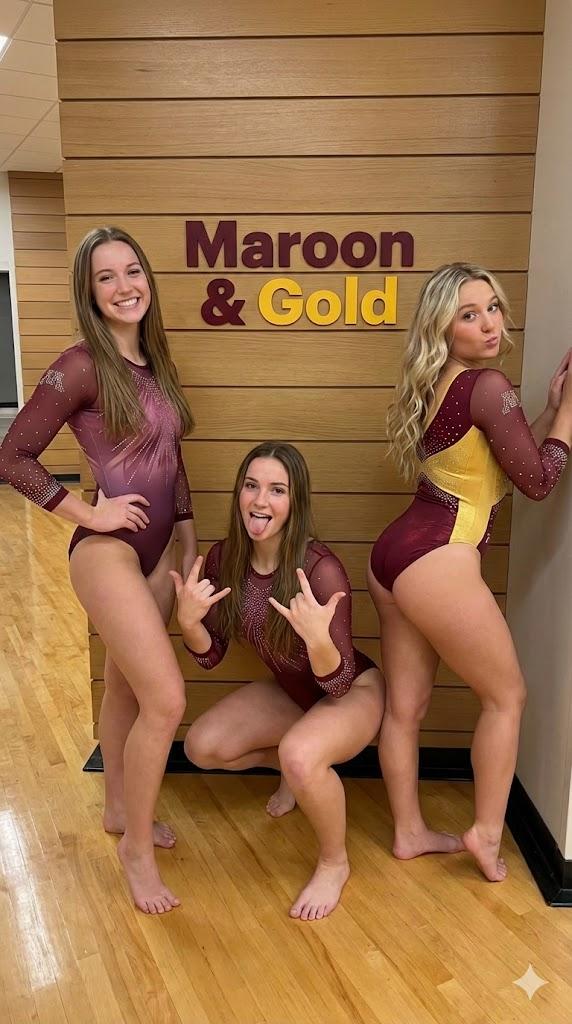
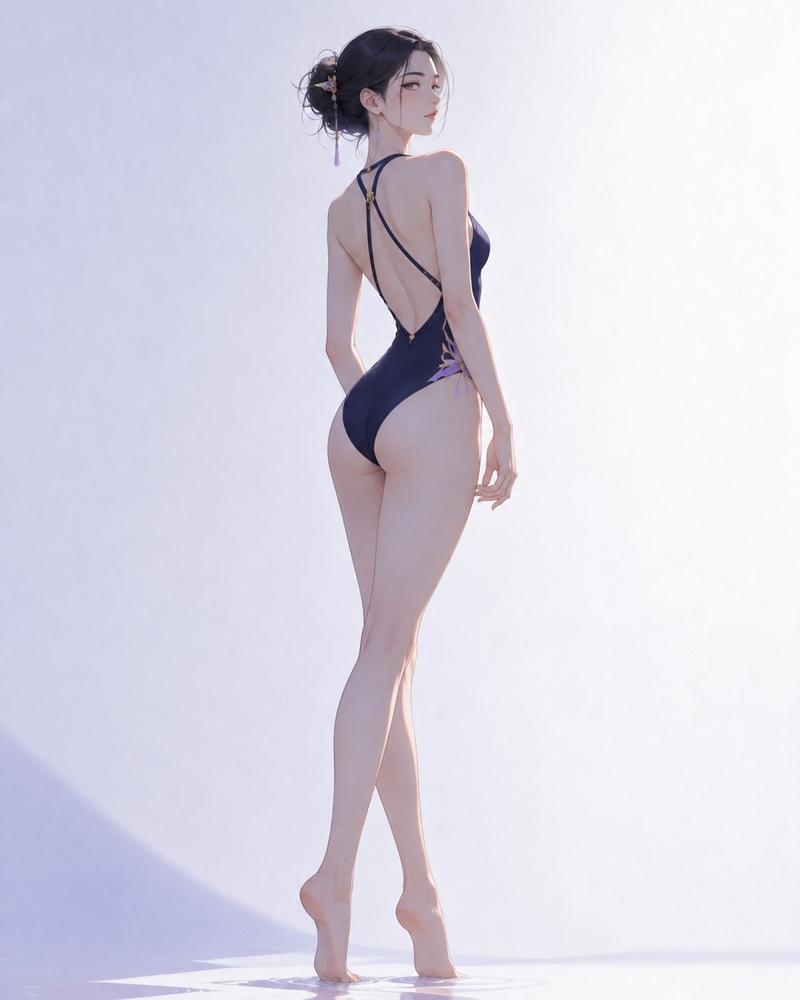
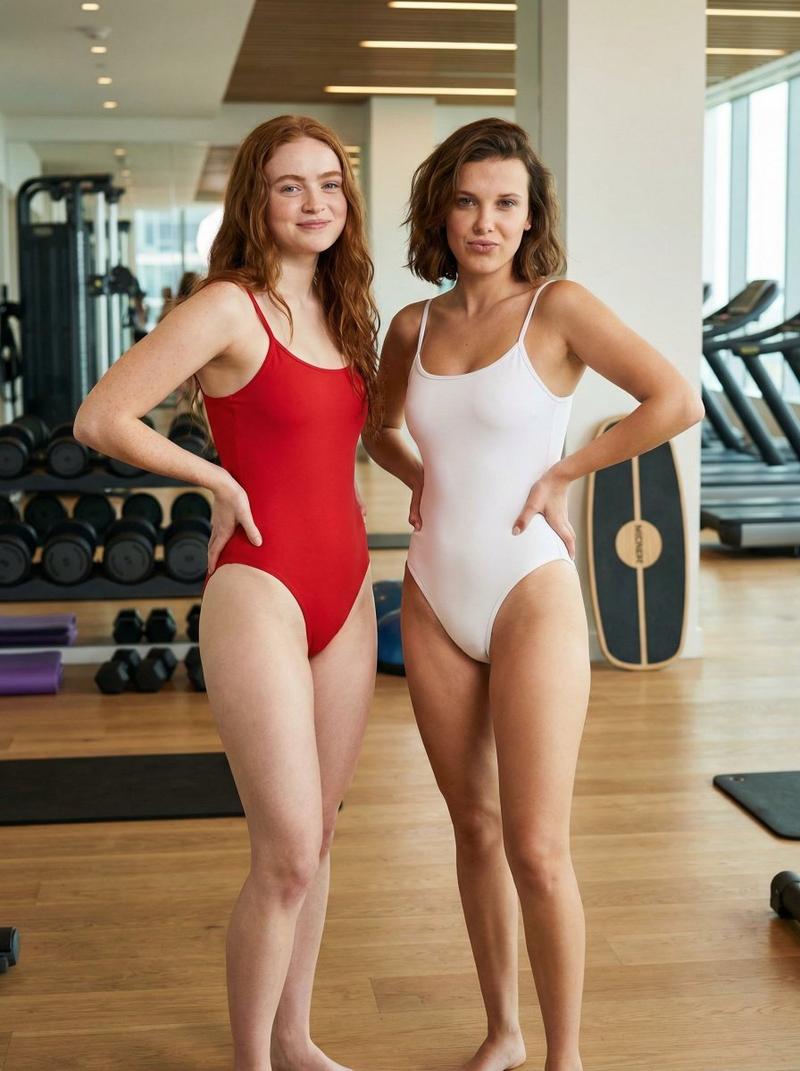
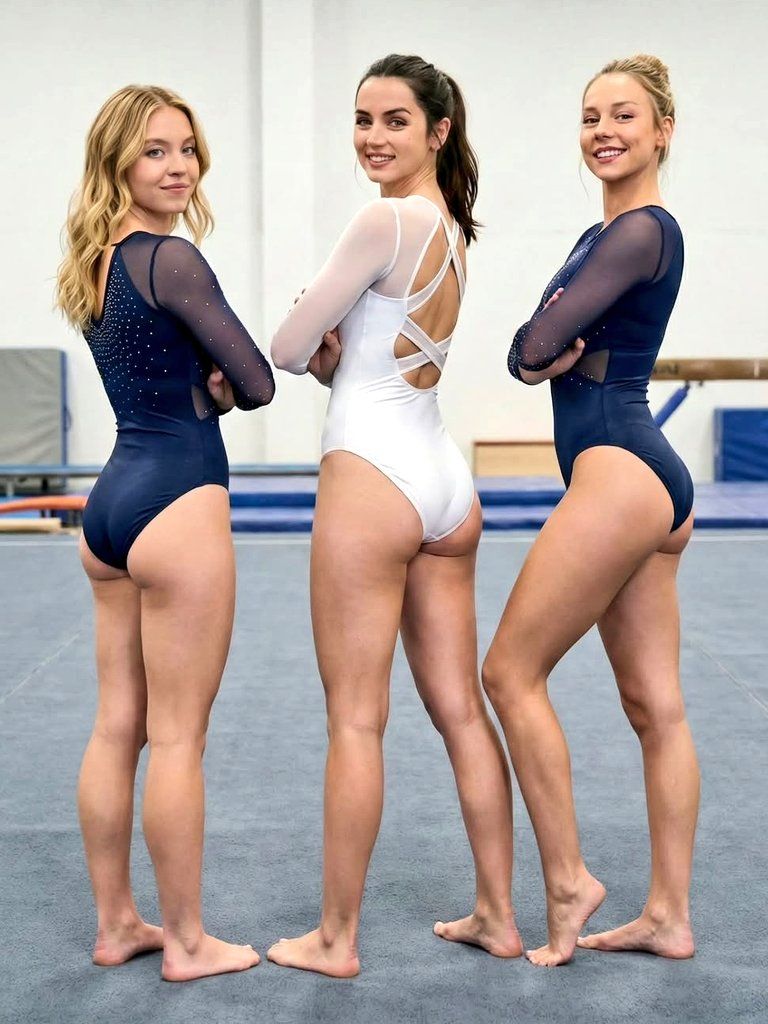
高分辨率体操三人组肖像
Enlarge

高分辨率体操三人组肖像

Prompt
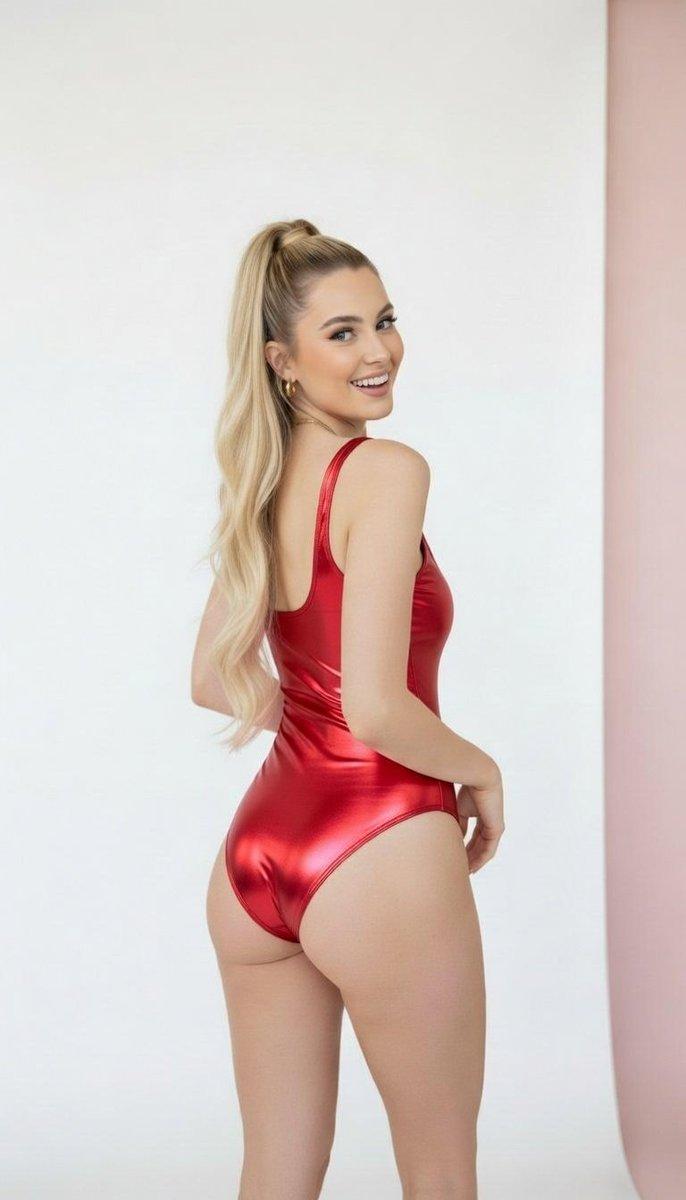
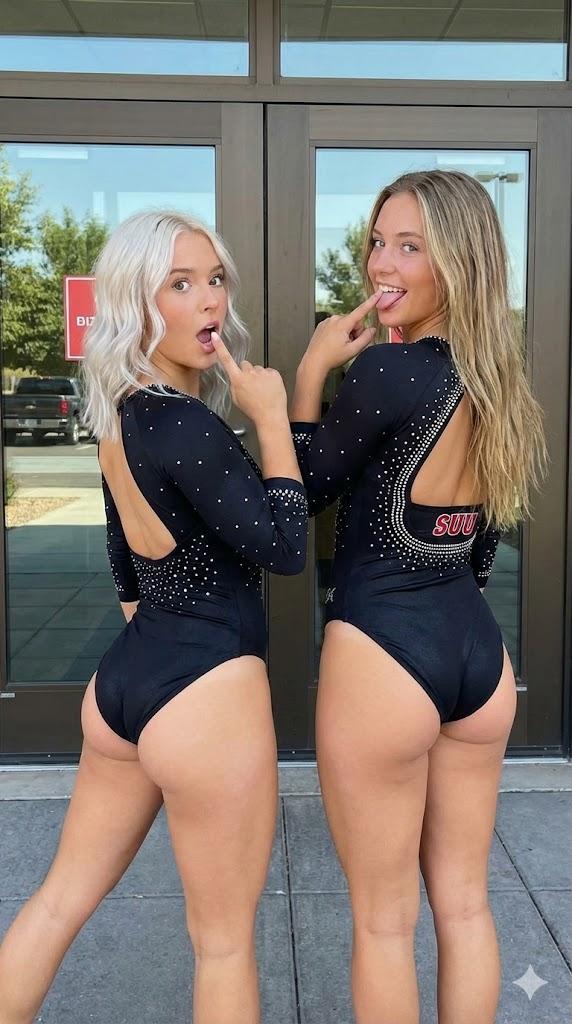
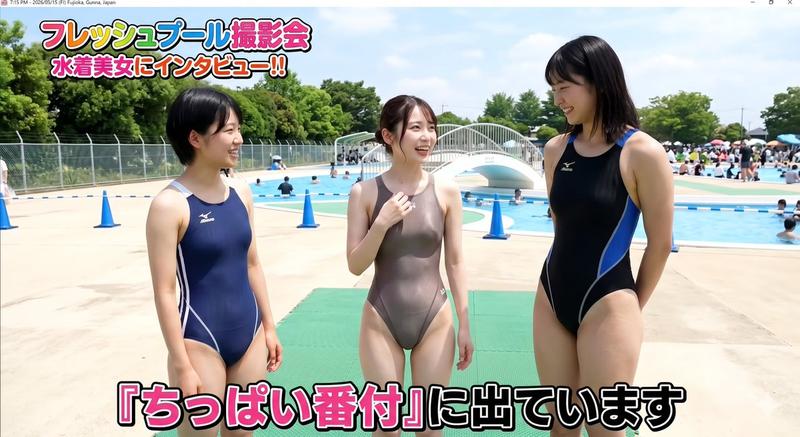
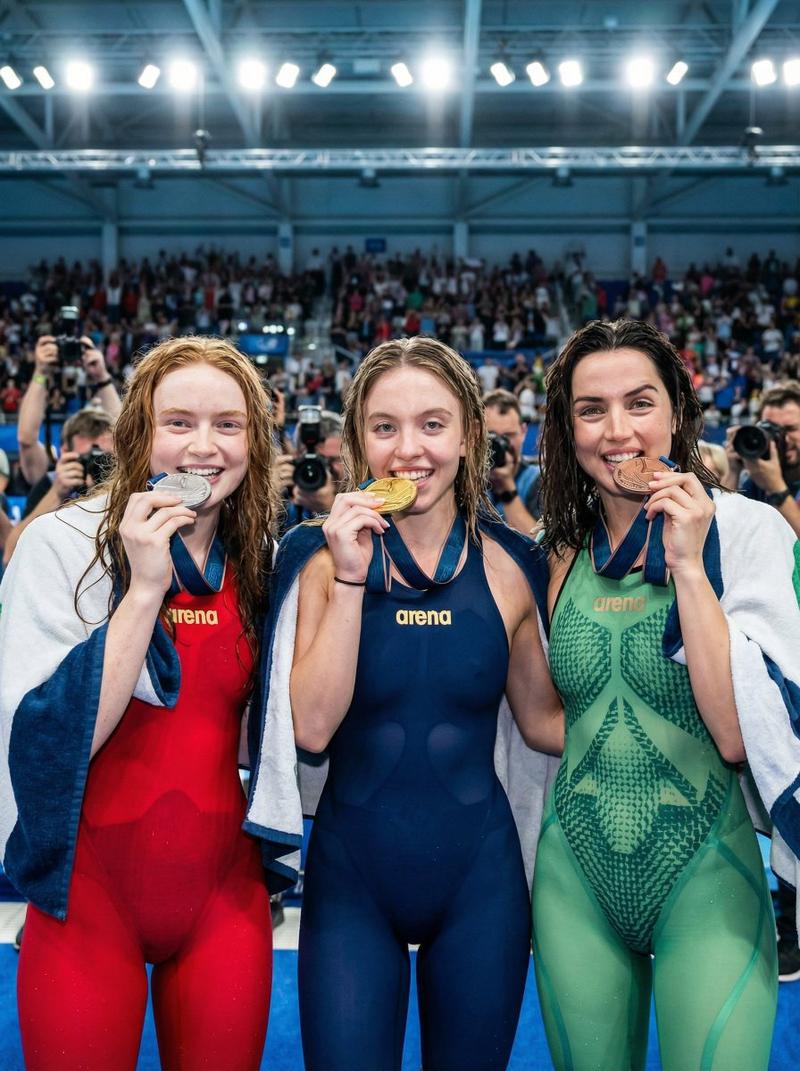
"A high-resolution, full-body photograph of {argument name="celebrity 1" default="Sydney Sweeney"}, {argument name="celebrity 2" default="Ana de Armas"}, and {argument name="celebrity 3" default="Ester Expósito"} posing together in a gymnastics gym. They are standing in a line with their backs to the camera, looking over their shoulders and smiling at the viewer with their arms crossed. Sydney Sweeney and Ester Expósito are on the ends wearing matching navy blue gymnastics leotards and rhinestone accents. Ana de Armas is in the center wearing a sleek white gymnastics leotard with a complex criss-cross strap back design. They are standing barefoot on a grey gymnastics mat. The background is a minimalist gym with a balance beam visible. Sharp focus, cinematic lighting, realistic skin textures, 8k."
Category
创意图片
Model
Nano Banana Pro
Creator
FL⭕RA
Views1
Source ID
37e4fad1-9e82-480d-bf7a-7a1ecff6e967
Published
Mar 8, 2026

Guide

About "高分辨率体操三人组肖像"

What is this prompt for?

"高分辨率体操三人组肖像" AI image prompt for Nano Banana Pro (创意图片). 一个详细的提示,用于生成一张高分辨率、全身照片,照片中是三位特定名人——西德尼·斯威尼(Sydney Sweeney)、安娜·德·阿玛斯(Ana de Armas)和埃斯特·埃斯波西托(Ester Ex…

The full copyable prompt and example visuals above are ready for AI image generation or one-click recreate in Picva.

How to use this prompt

  1. Step 1

    Open the prompt detail

    Review the example visuals, category, and full prompt text for "高分辨率体操三人组肖像".

  2. Step 2

    Copy the prompt

    Copy the prompt body from this page, or load it directly in Studio.

  3. Step 3

    Pick a model (Nano Banana Pro)

    Prefer Nano Banana Pro. If you switch models, keep subject and composition and tweak style terms.

  4. Step 4

    Generate and export

    Recreate the look in Picva, or export into your workflow for editing and publishing.

FAQ

What is the "高分辨率体操三人组肖像" prompt?
It is an AI image-generation prompt for Nano Banana Pro in the 创意图片 category. This page includes the full prompt text, example visuals, and a one-click recreate path in Picva.
How do I use this prompt to generate an image?
Copy the prompt from this page, or use Generate / Studio. Paste it into a compatible image model, or recreate the look in Picva with optional reference images.
Which model is this prompt for?
This page lists Nano Banana Pro. Most descriptive prompts also transfer to nearby image models such as GPT Image, Flux, or Midjourney with light style tweaks.
Can I use the result commercially?
You can usually copy the prompt for creation, but commercial use of the final image depends on the model terms, reference-image rights, and the generated content. Follow the source author and platform rules.