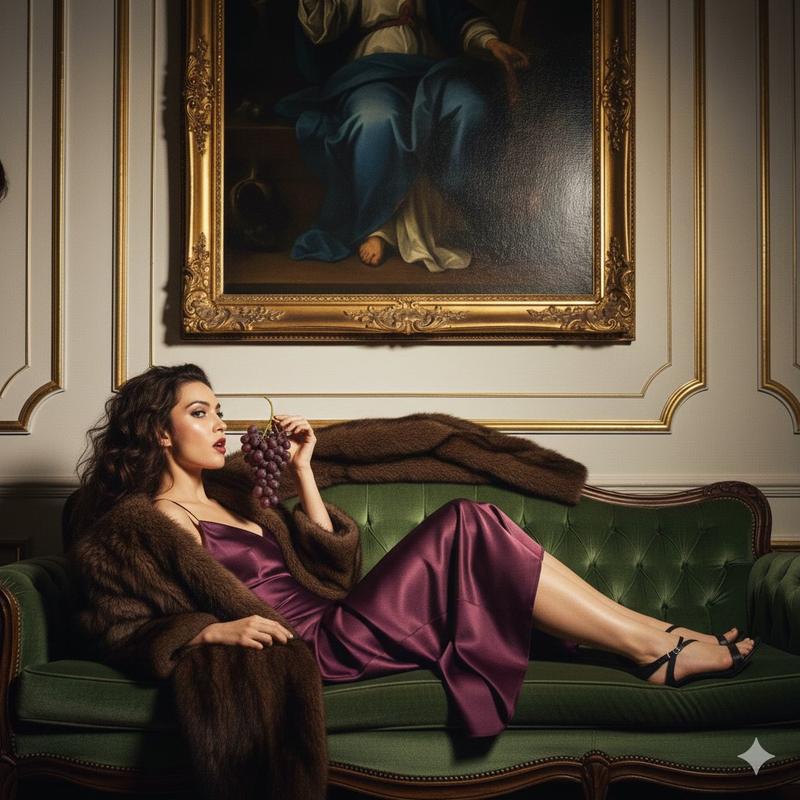
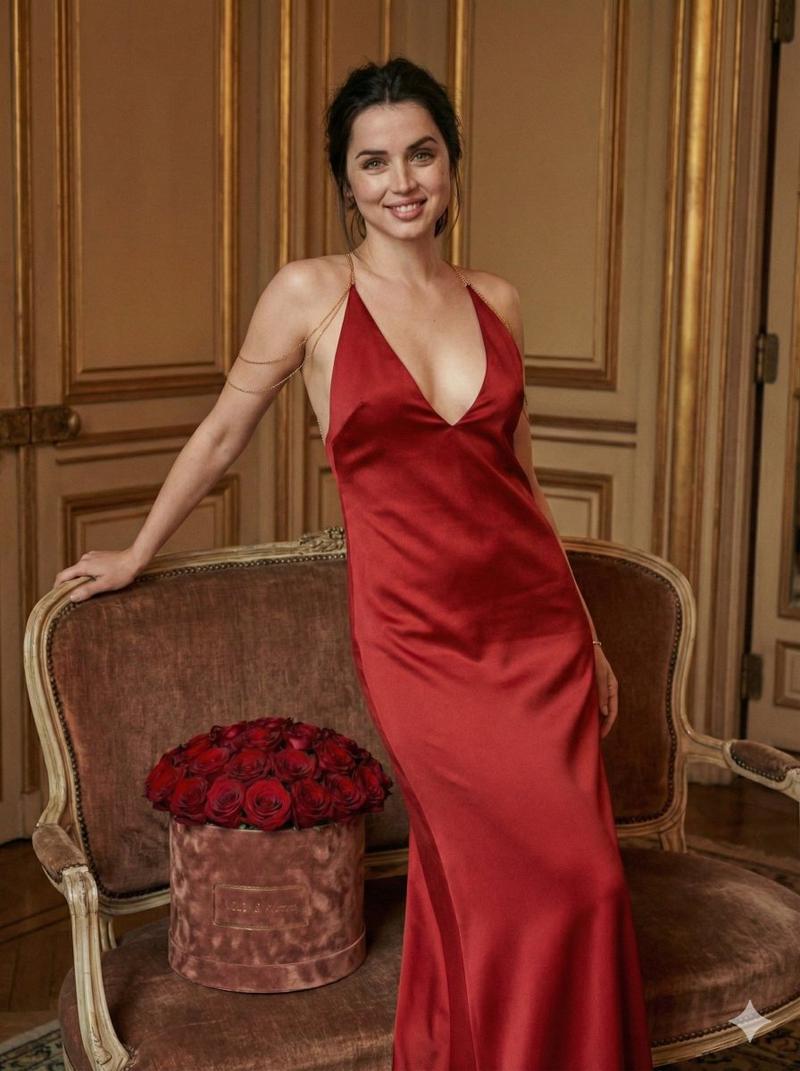
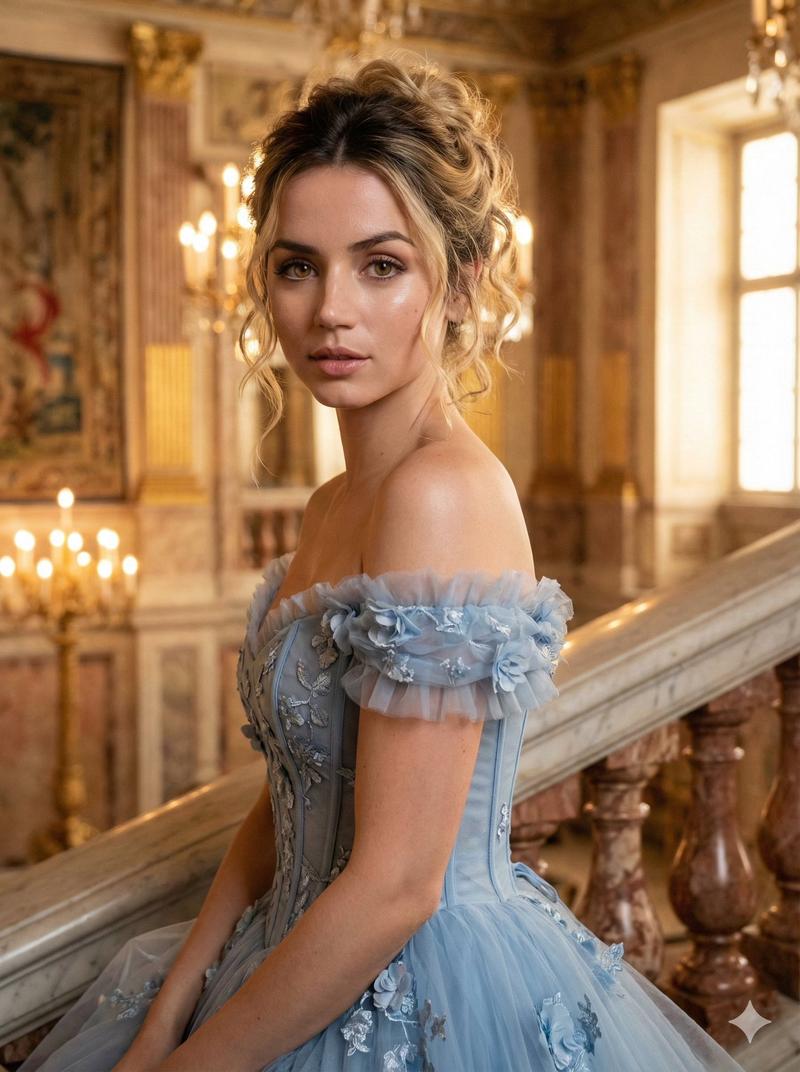
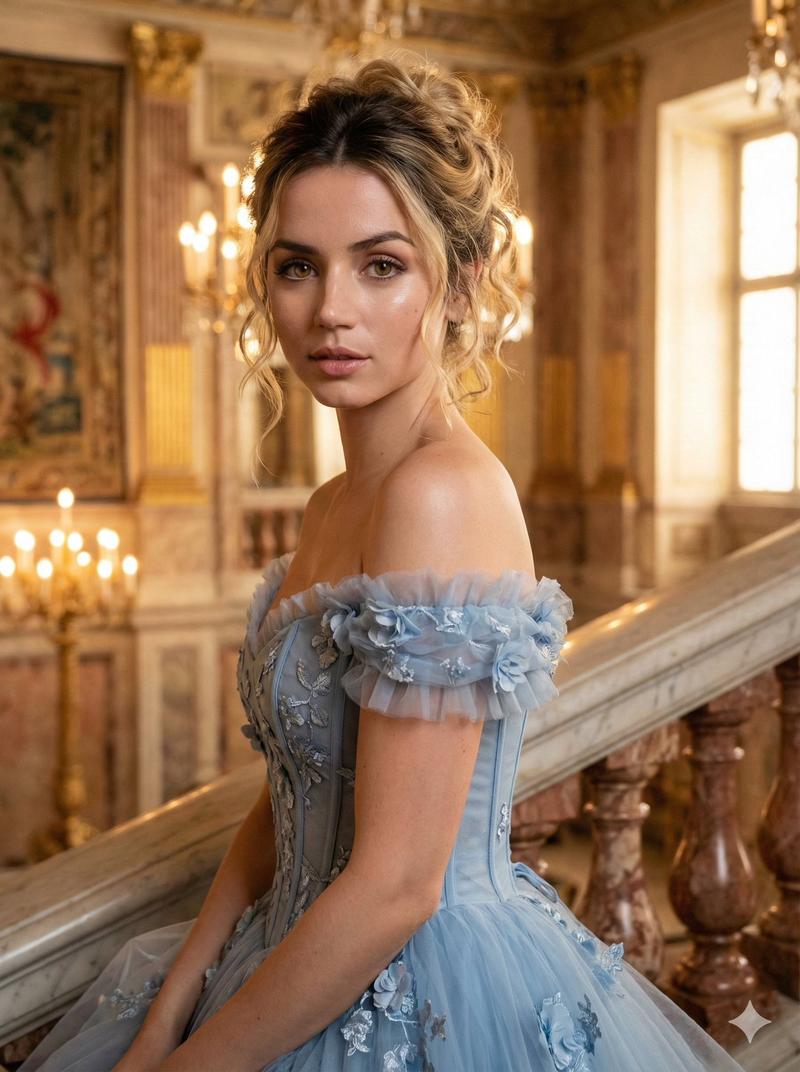
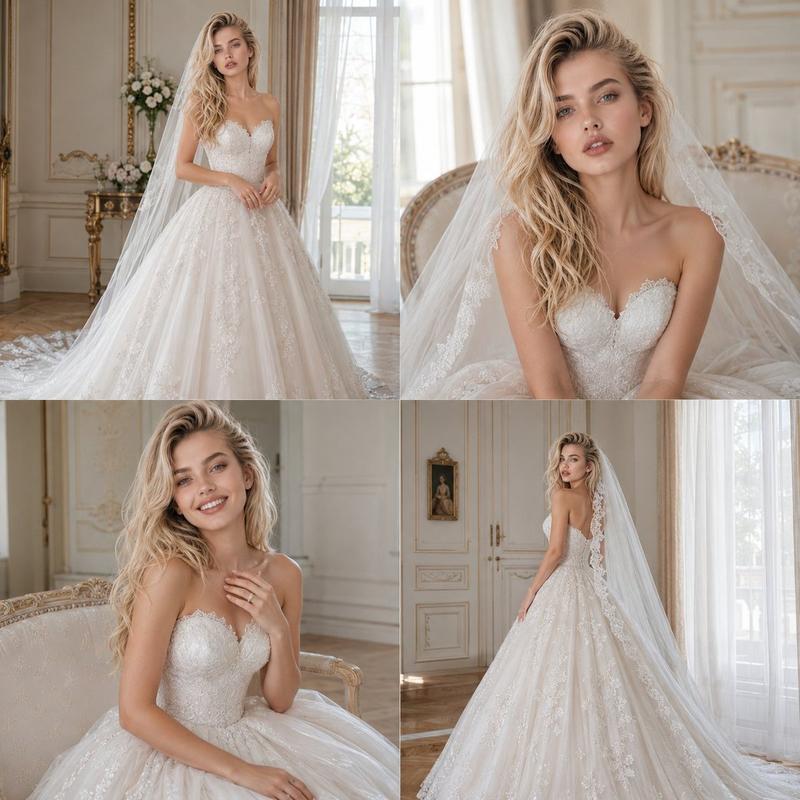
巴洛克婚礼专题拍摄:直射闪光灯运用
Prompt
{
  "generation_request": {
    "meta_data": {
      "task_type": "photoreal_cinematic_editorial_couple_portrait",
      "language": "en",
      "priority": "highest",
      "version": "v1.0_BAROQUE_WEDDING_FLASH_EDITORIAL"
    },
    "output": {
      "aspect_ratio": "3:4",
      "resolution": "high",
      "num_images": 4
    },
    "scene": {
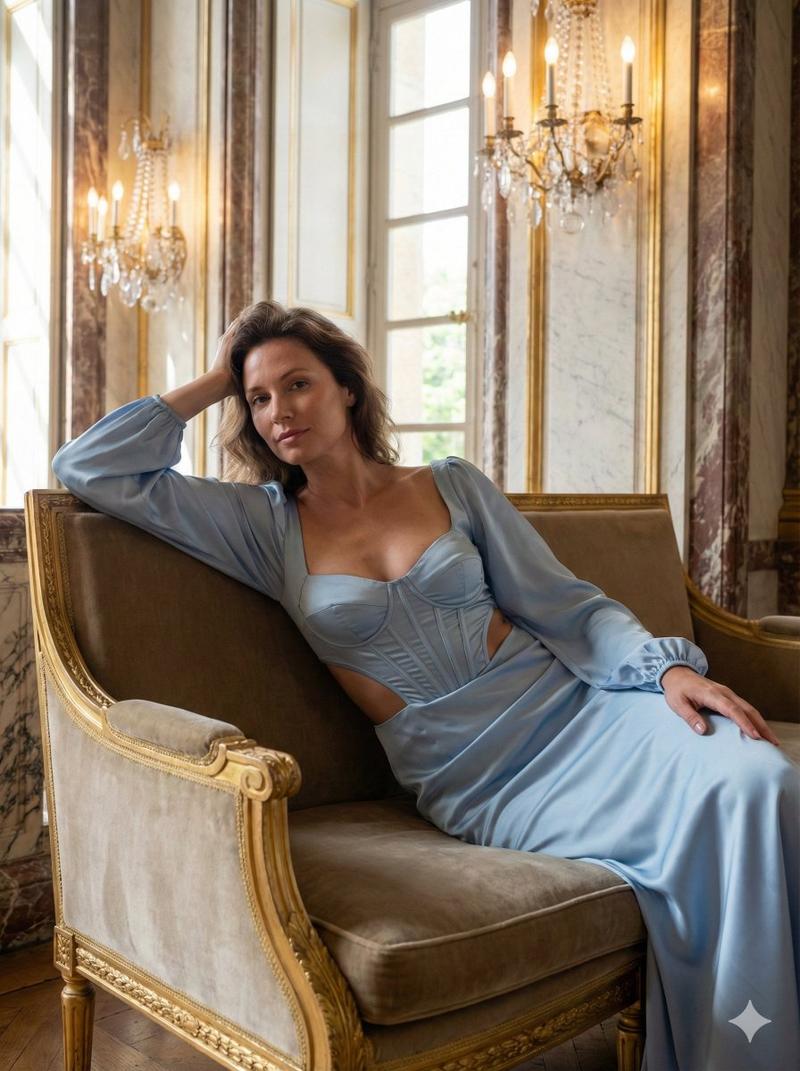
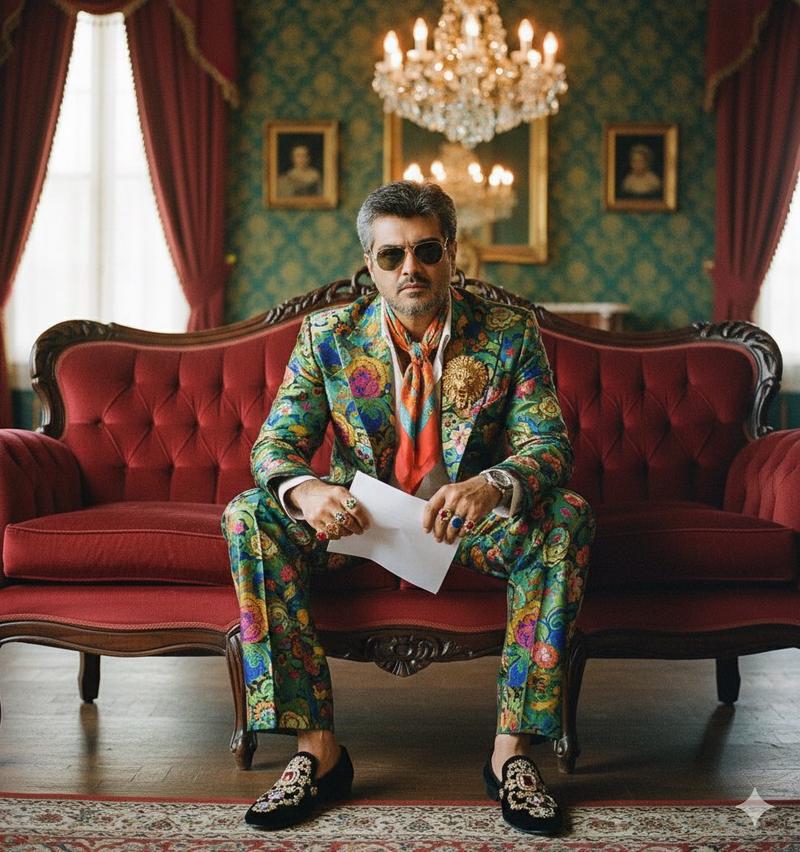
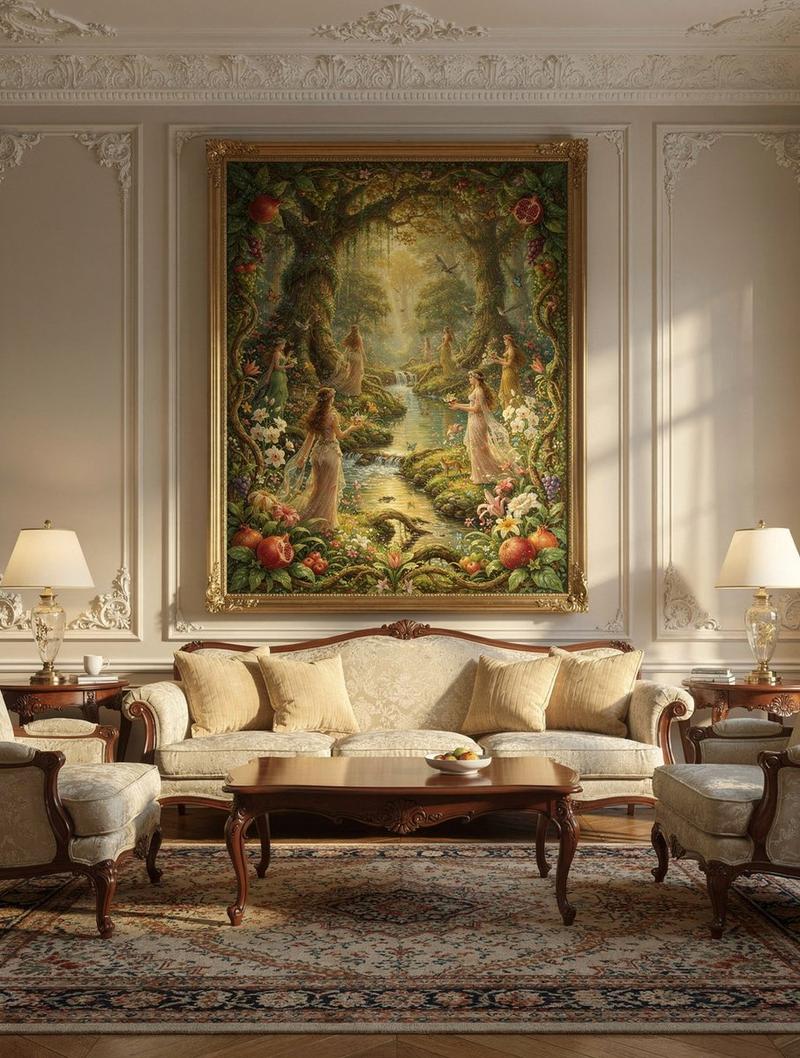
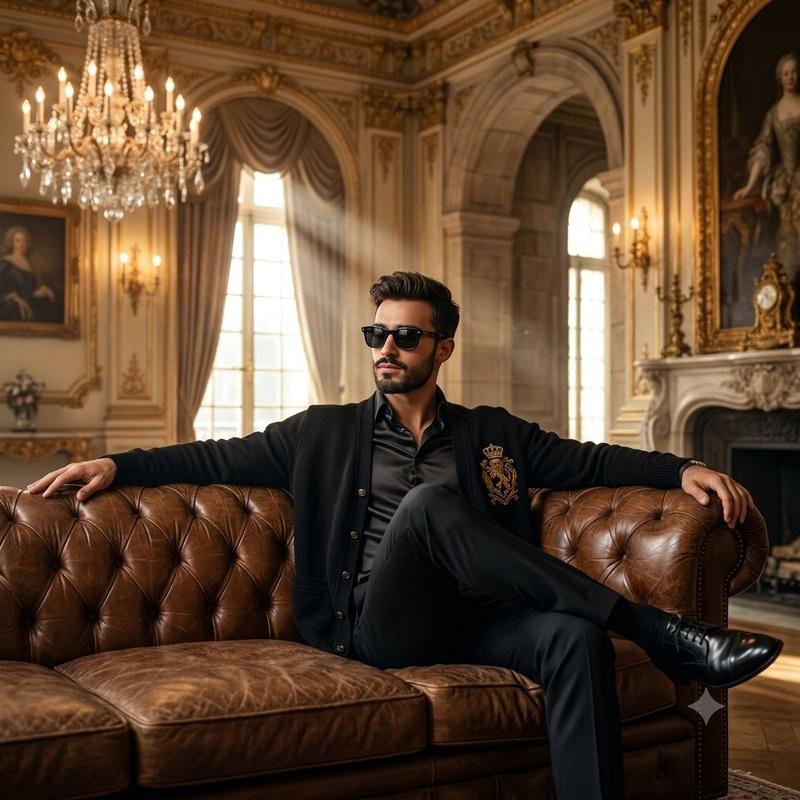
      "concept": "high-fashion editorial wedding couple portrait with baroque interior drama and direct flash photography",
      "environment": "luxurious baroque hotel lounge: deep red marbled wallpaper with gold veining, ornate gilded rococo sofa with cream damask upholstery, Persian carpet, two classical oil portrait paintings on the wall, tall floor lamp on the right",
      "composition": "full-body couple shot, sofa centered, bride seated on sofa, groom seated on the floor leaning against sofa, balanced negative space above with wall portraits visible"
    },
    "subject": {
      "couple": "adult bride and adult groom",
      "wardrobe": {
        "bride": "strapless embellished white wedding gown with subtle sparkle texture, elegant updo or sleek hair, minimal jewelry",
        "groom": "black tuxedo with white shirt and black bow tie, polished shoes"
      },
      "pose": "bride seated elegantly with composed expression; groom relaxed on floor leaning on sofa, one arm resting, confident gaze",
      "styling_notes": "luxury editorial, old-money wedding mood, tasteful and cinematic"
    },
    "camera": {
      "shot": "full-body editorial portrait",
      "lens_mm": 35,
      "aperture": 4.0,
      "focus": "sharp on both faces and outfits, crisp furniture details, readable room texture",
      "quality_tags": "ultra-photoreal, crisp detail, realistic skin texture, clean edges, subtle film grain"
    },
    "lighting": {
      "style": "direct on-camera flash + ambient room fill",
      "key_light": "hard direct flash from camera position producing crisp shadows",
      "ambient": "soft warm ambient fill to keep background visible",
      "notes": "avoid blown highlights on dress; preserve texture in white fabric; keep gold sofa details sharp"
    },
    "color_grade": {
      "palette": "deep red + gold + cream + black/white formalwear",
      "contrast": "editorial flash contrast, clean whites, rich reds",
      "tone": "slightly warm, filmic"
    },
    "negative_prompt": "text, logo, watermark, blur, lowres, cartoon, CGI, plastic skin, over-smoothed faces, bad anatomy, extra fingers, deformed hands, warped eyes, duplicate limbs, melted furniture, illegible faces, messy clothing folds"
  }
}- Category
- 创意图片
- Model
- Nano Banana Pro
- Creator
- Özge Döner
- Source ID
- 92b71124-40d0-4ccb-a87c-879bb30d6df5
- Published
- Mar 8, 2026
Views0