20

电影级美食信息图,搭配漂浮食材
Enlarge

电影级美食信息图,搭配漂浮食材

Prompt
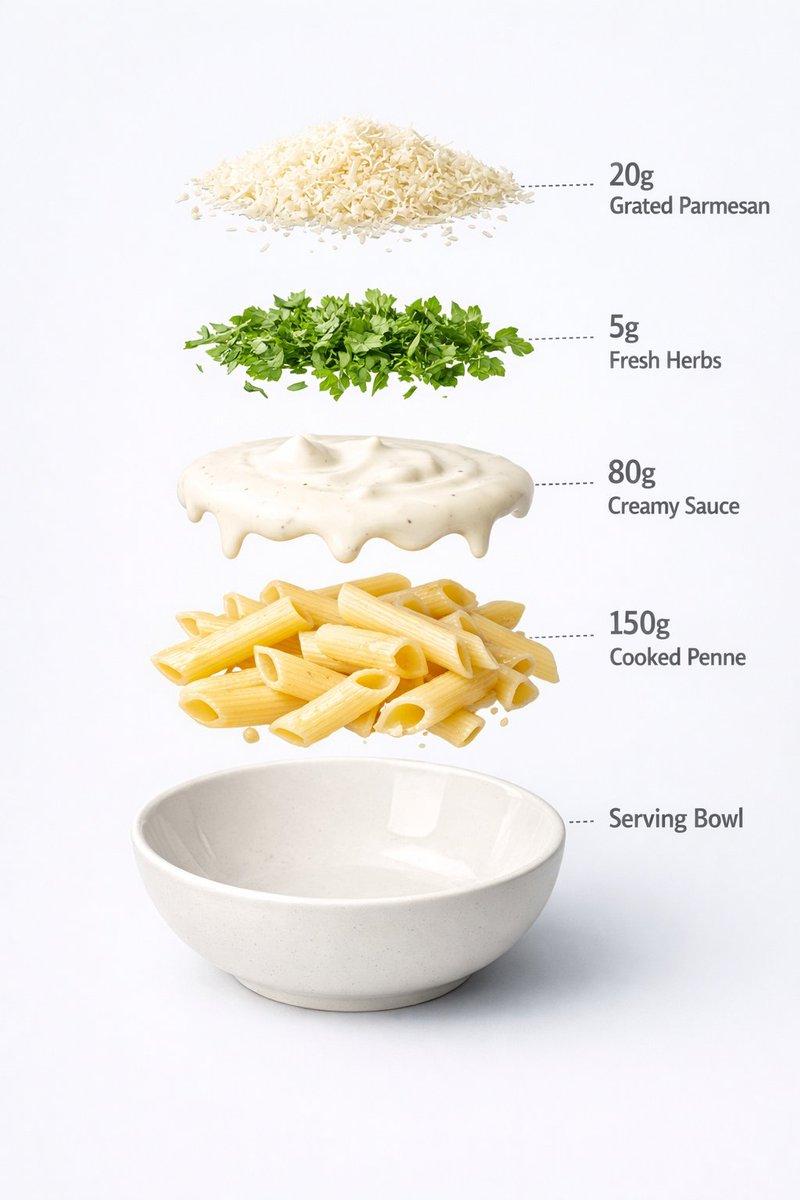
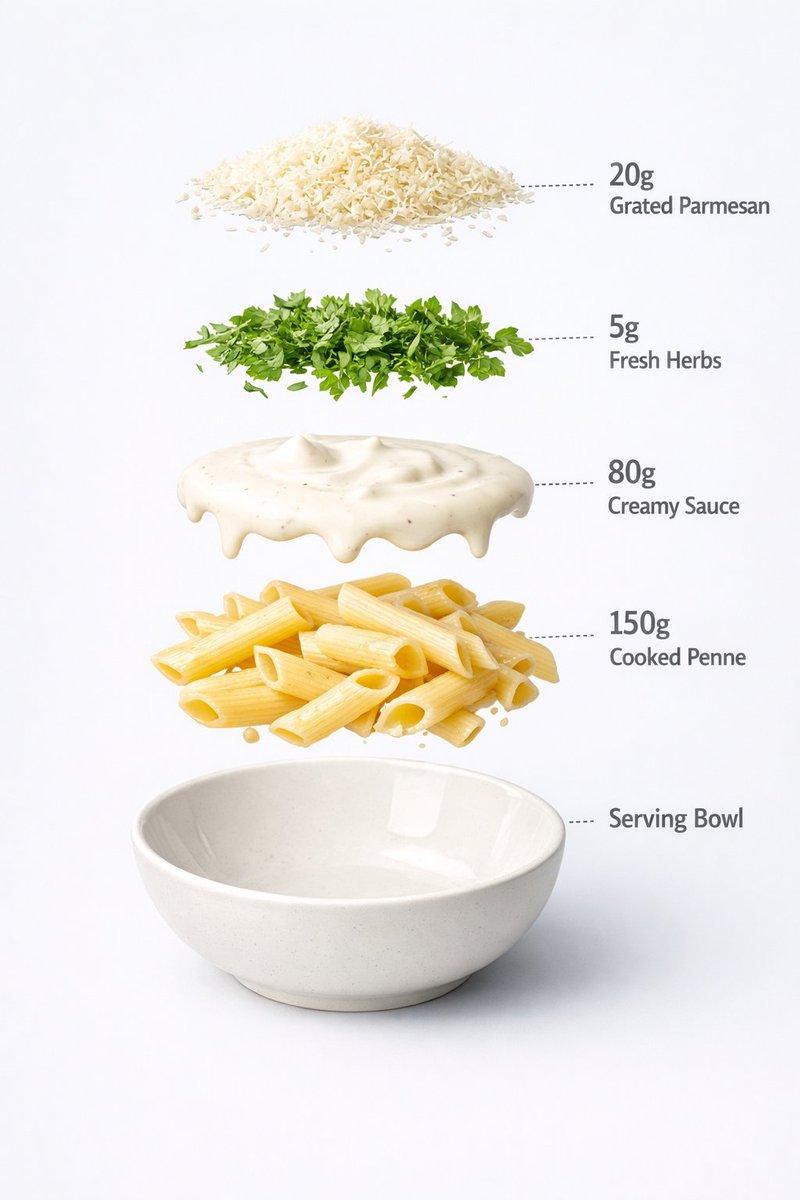
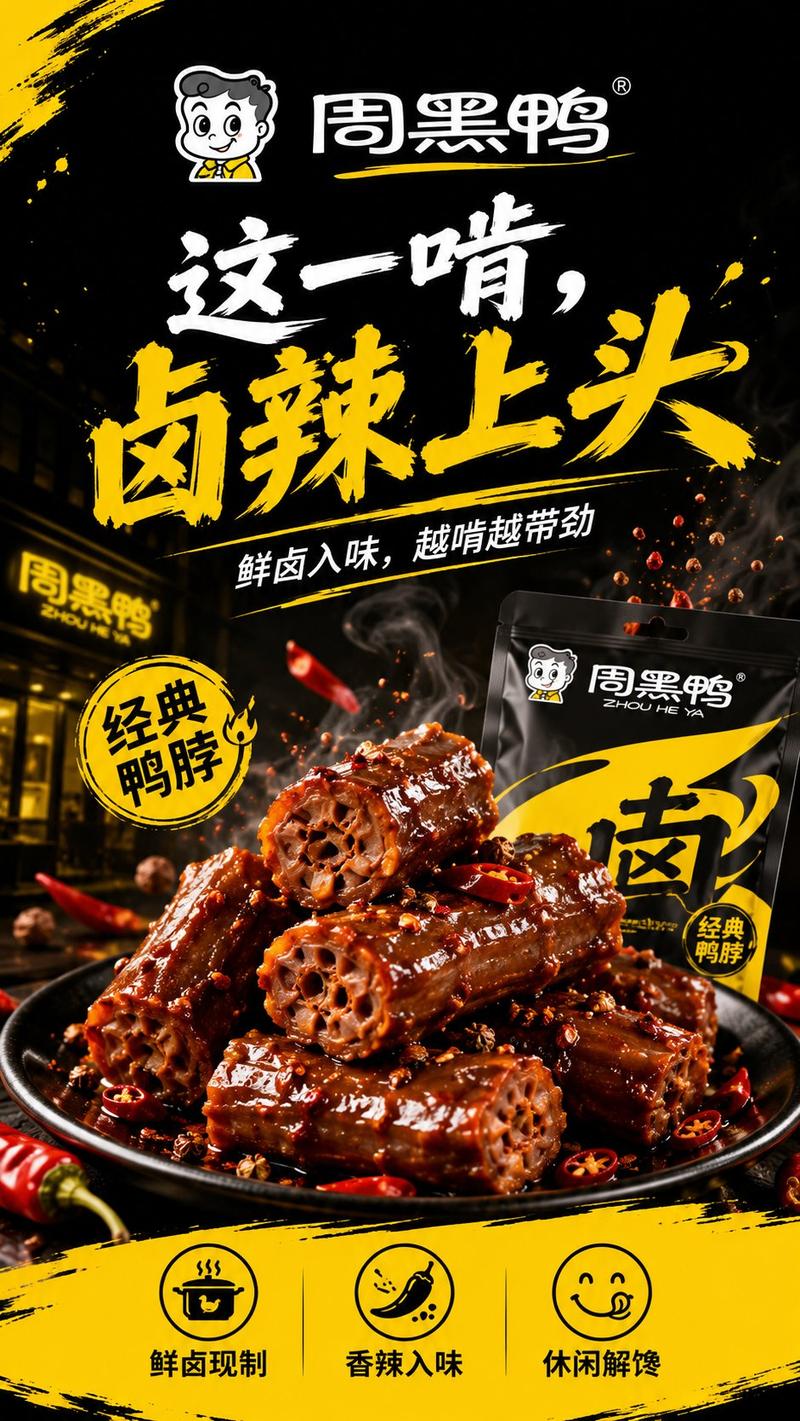
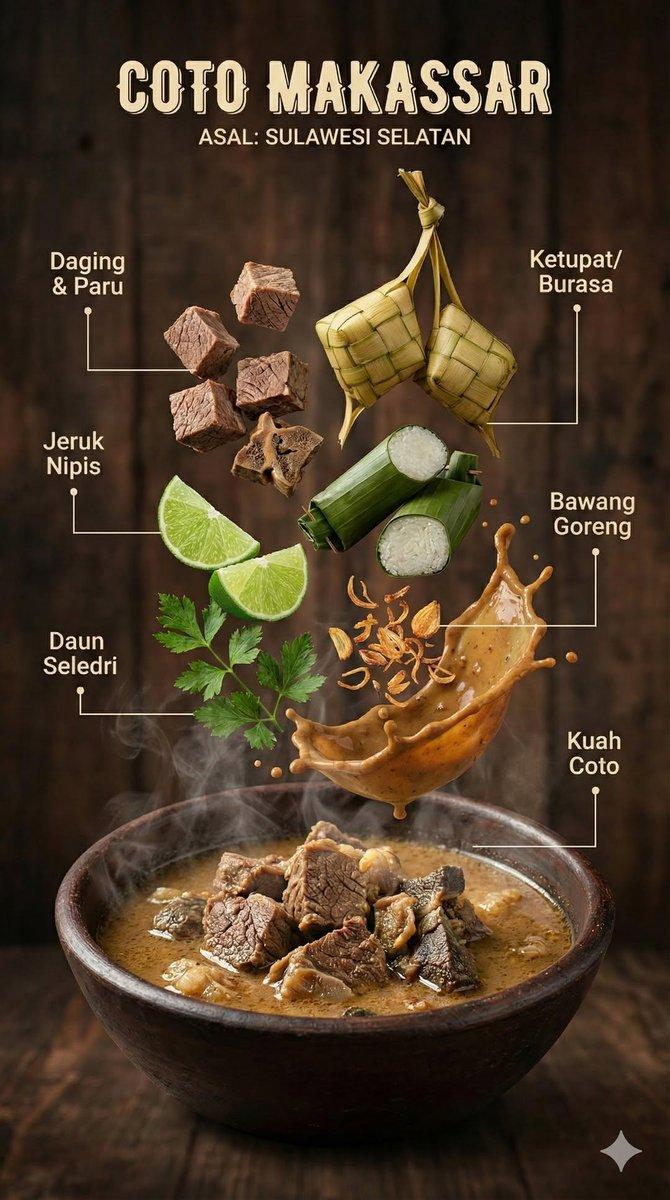
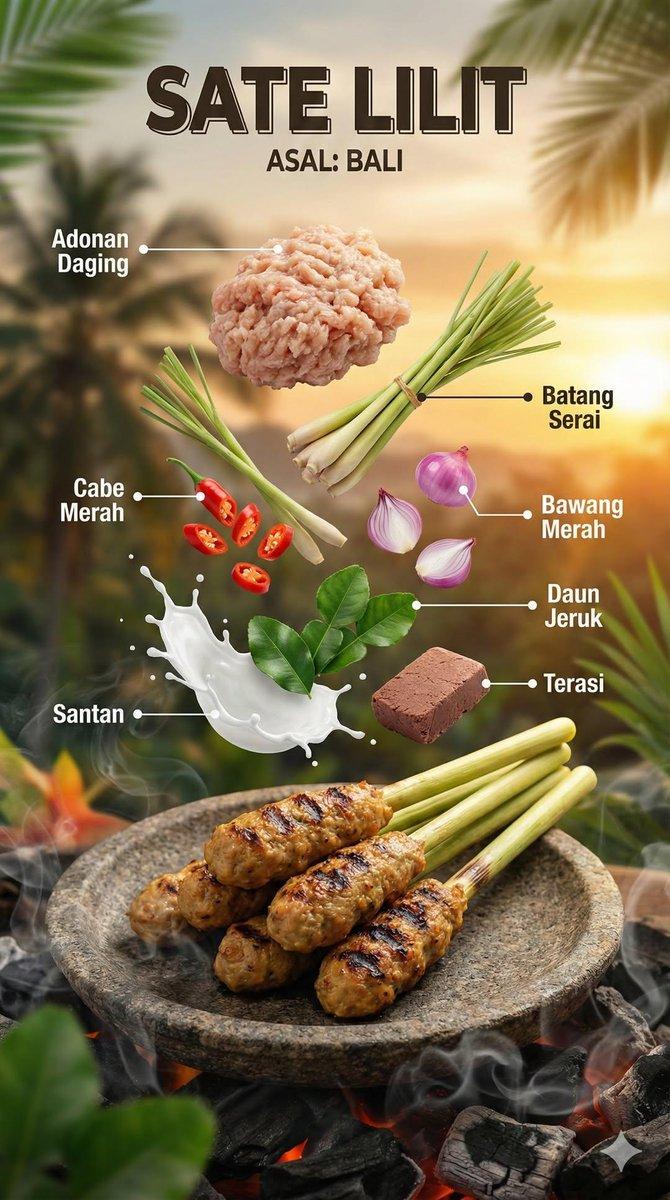
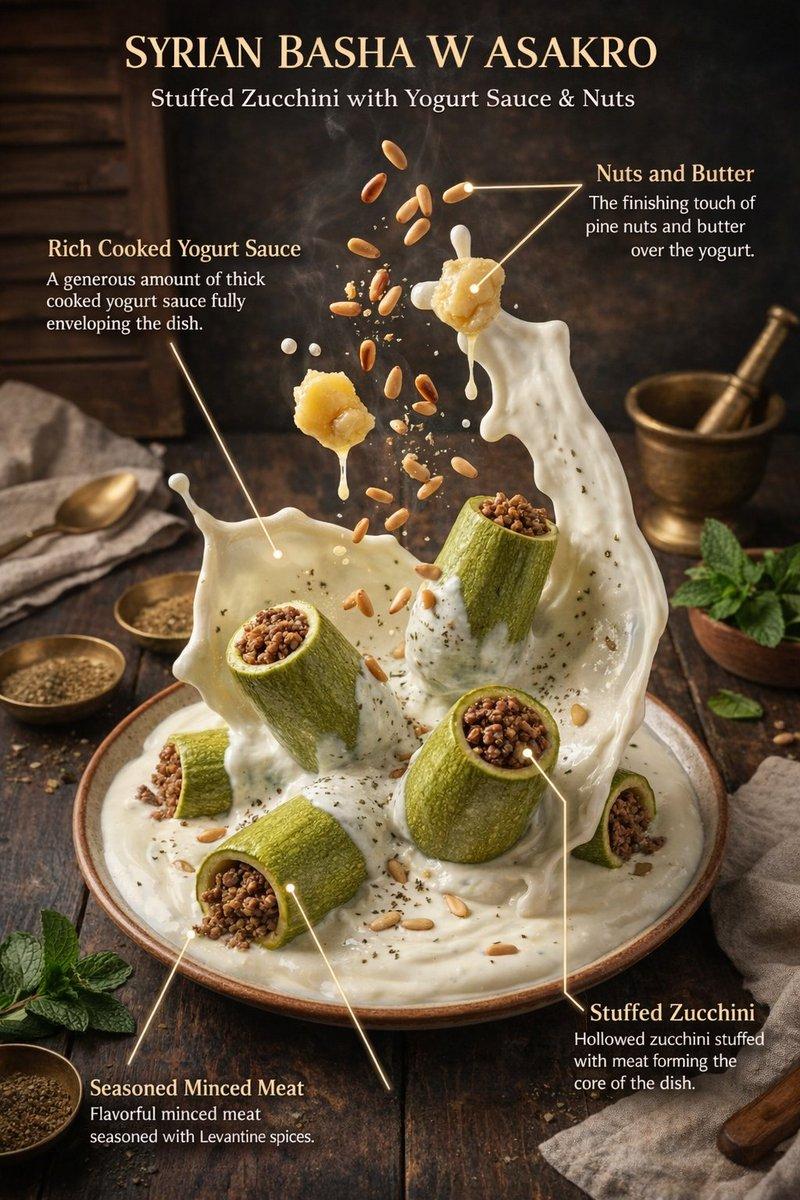
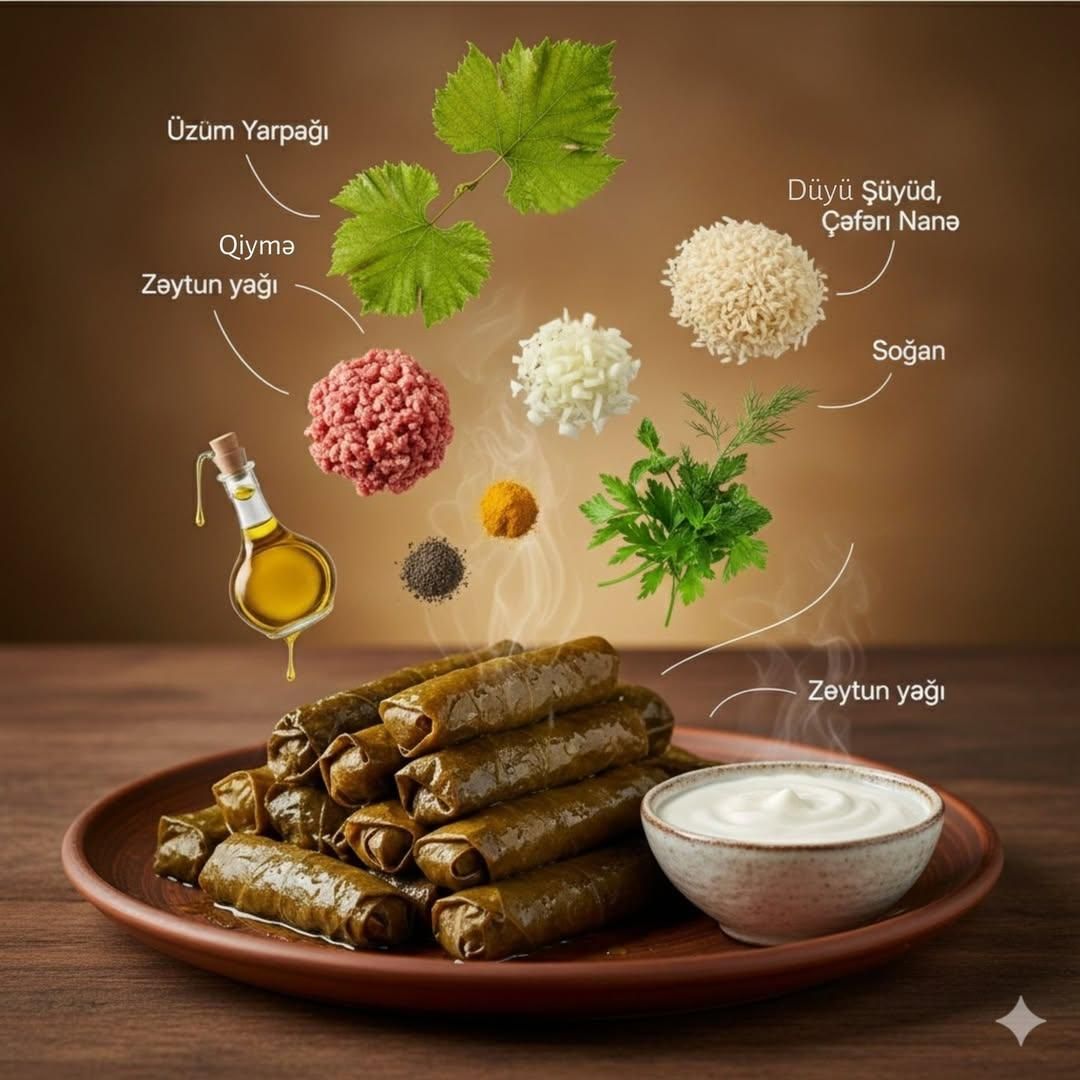
Ultra-realistic cinematic food photography of a traditional dish presented on a rustic wooden table. Finished dish placed in the foreground grape-leaf rolls soup with meatballs with steam rising naturally. Ingredients floating above the dish in a clean, organized layout fresh herbs, rice, minced meat, onion, spices, olive oil, potato, chickpeas, saffron each ingredient isolated and clearly visible. Subtle curved infographic lines and minimal labels pointing to each ingredient. Warm studio lighting with soft shadows, shallow depth of field, earthy color palette, premium cookbook and food-education style. Hyper-detailed textures, realistic food surfaces, editorial culinary infographic, photorealistic, ultra-detailed, 8K quality.
Category
创意图片
Model
Nano Banana Pro
Creator
Taaruk
Views0
Source ID
9833351f-b876-4342-86c4-be90b750d5d3
Published
Mar 8, 2026

Guide

About "电影级美食信息图,搭配漂浮食材"

What is this prompt for?

"电影级美食信息图,搭配漂浮食材" AI image prompt for Nano Banana Pro (创意图片). 一个用于生成超逼真电影级美食摄影的提示,内容为一道传统菜肴(葡萄叶卷肉丸汤)。它以食材在菜肴上方有序漂浮的布局为特色,并结合了微妙的信息图线条和标签,风格旨在呈现高端食谱或美食教育的美感。 --…

The full copyable prompt and example visuals above are ready for AI image generation or one-click recreate in Picva.

How to use this prompt

  1. Step 1

    Open the prompt detail

    Review the example visuals, category, and full prompt text for "电影级美食信息图,搭配漂浮食材".

  2. Step 2

    Copy the prompt

    Copy the prompt body from this page, or load it directly in Studio.

  3. Step 3

    Pick a model (Nano Banana Pro)

    Prefer Nano Banana Pro. If you switch models, keep subject and composition and tweak style terms.

  4. Step 4

    Generate and export

    Recreate the look in Picva, or export into your workflow for editing and publishing.

FAQ

What is the "电影级美食信息图,搭配漂浮食材" prompt?
It is an AI image-generation prompt for Nano Banana Pro in the 创意图片 category. This page includes the full prompt text, example visuals, and a one-click recreate path in Picva.
How do I use this prompt to generate an image?
Copy the prompt from this page, or use Generate / Studio. Paste it into a compatible image model, or recreate the look in Picva with optional reference images.
Which model is this prompt for?
This page lists Nano Banana Pro. Most descriptive prompts also transfer to nearby image models such as GPT Image, Flux, or Midjourney with light style tweaks.
Can I use the result commercially?
You can usually copy the prompt for creation, but commercial use of the final image depends on the model terms, reference-image rights, and the generated content. Follow the source author and platform rules.