20

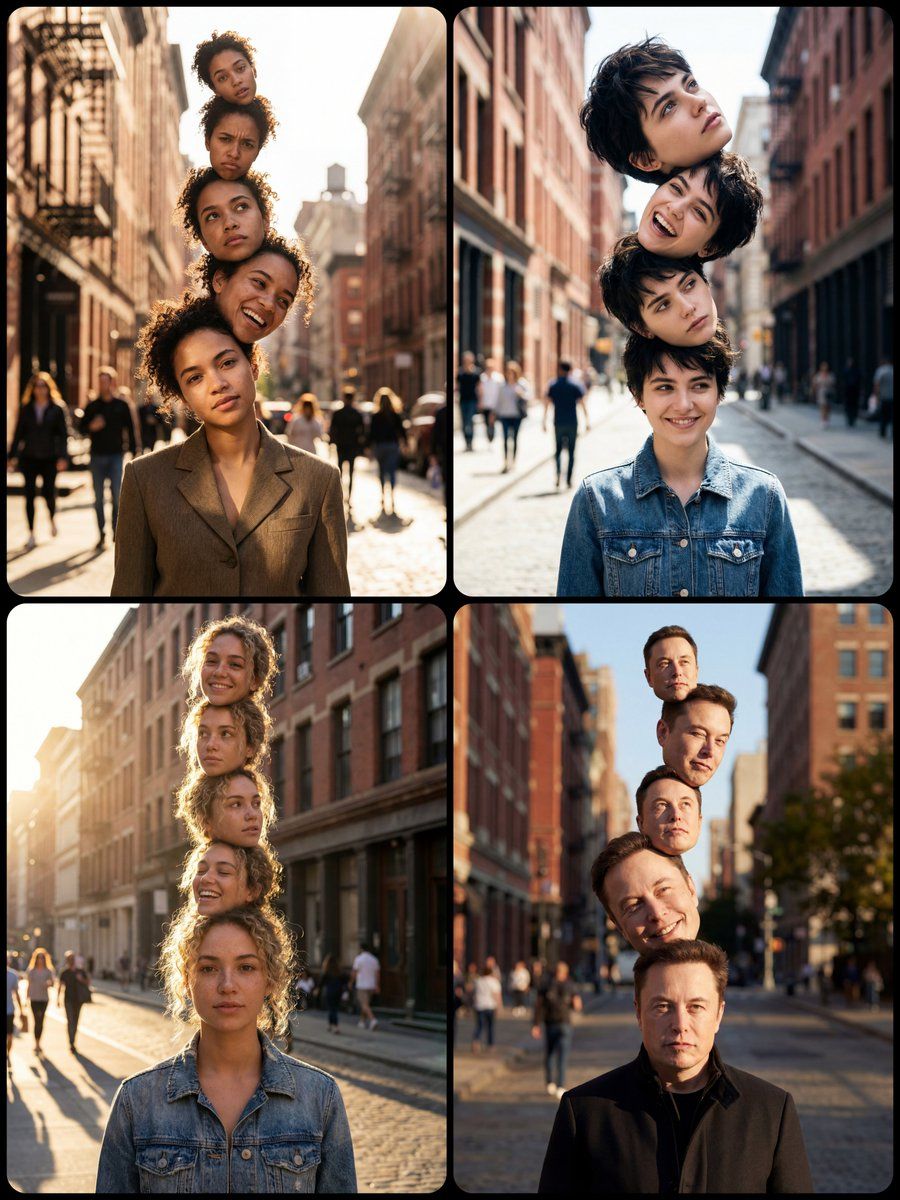
城市街道上堆叠人头的超现实肖像
Enlarge

城市街道上堆叠人头的超现实肖像

Prompt
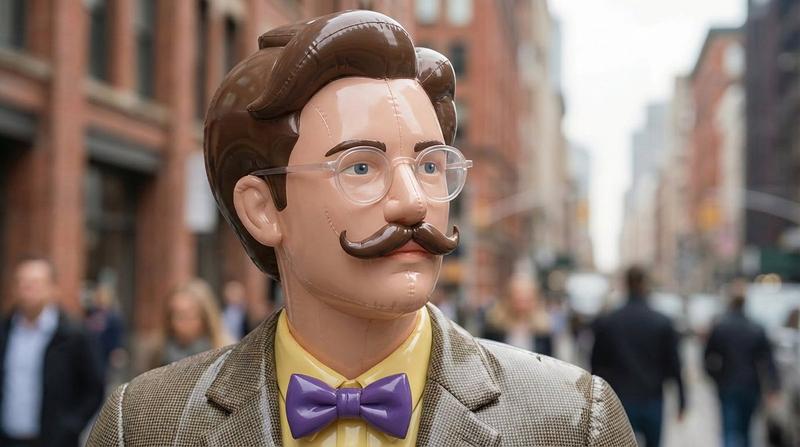
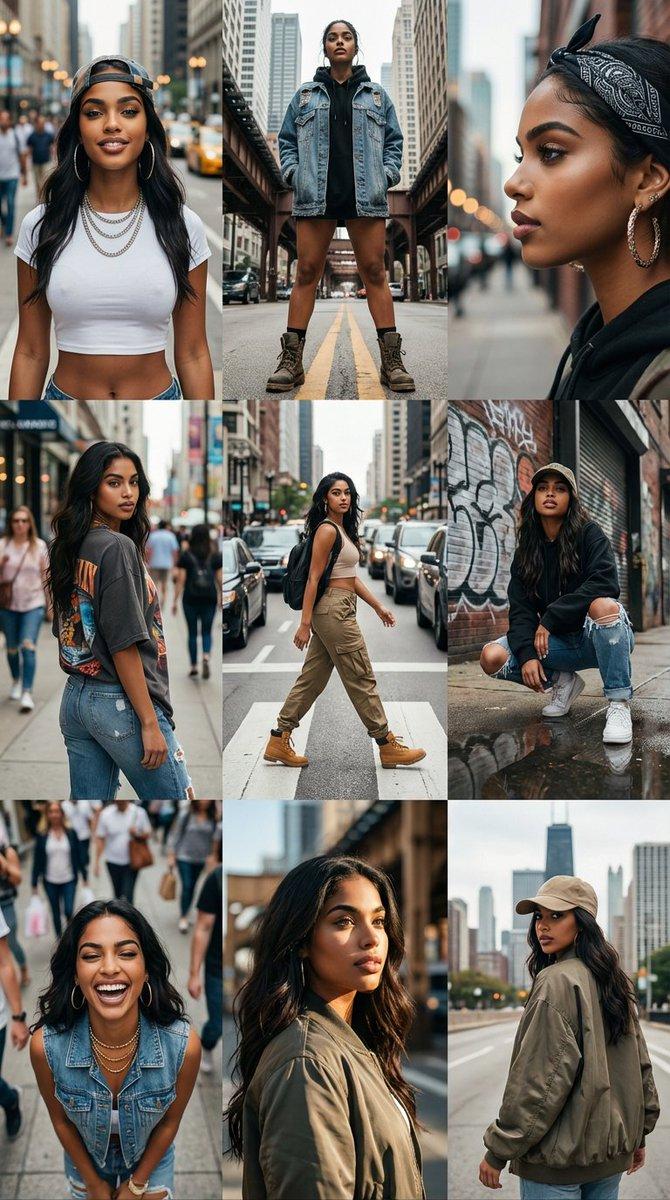
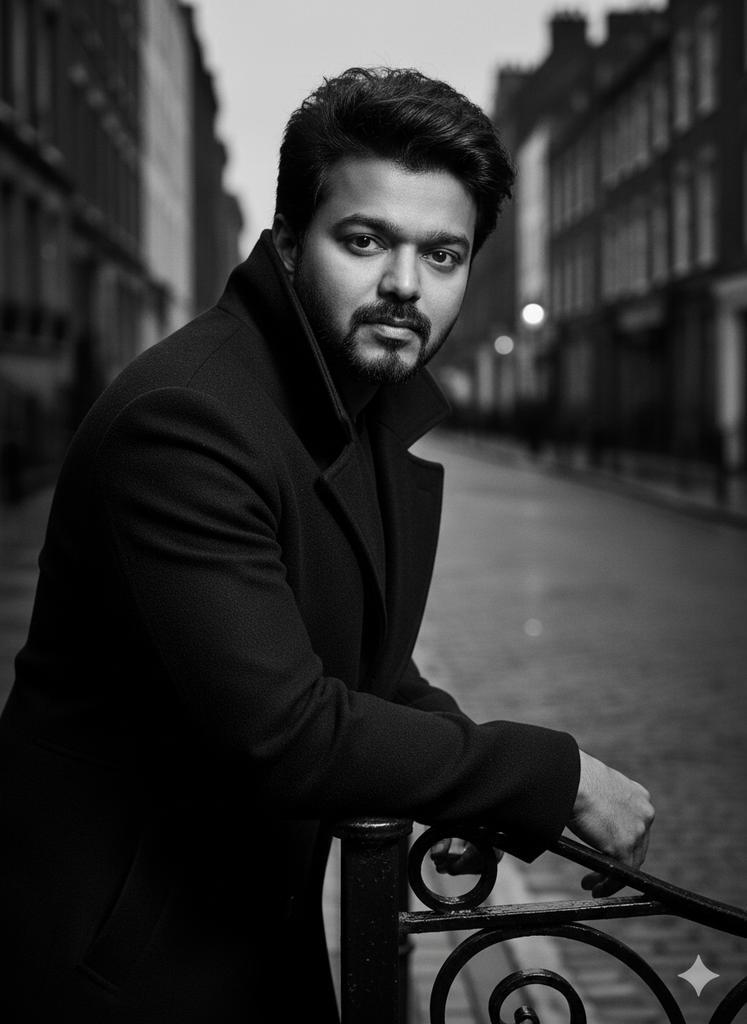
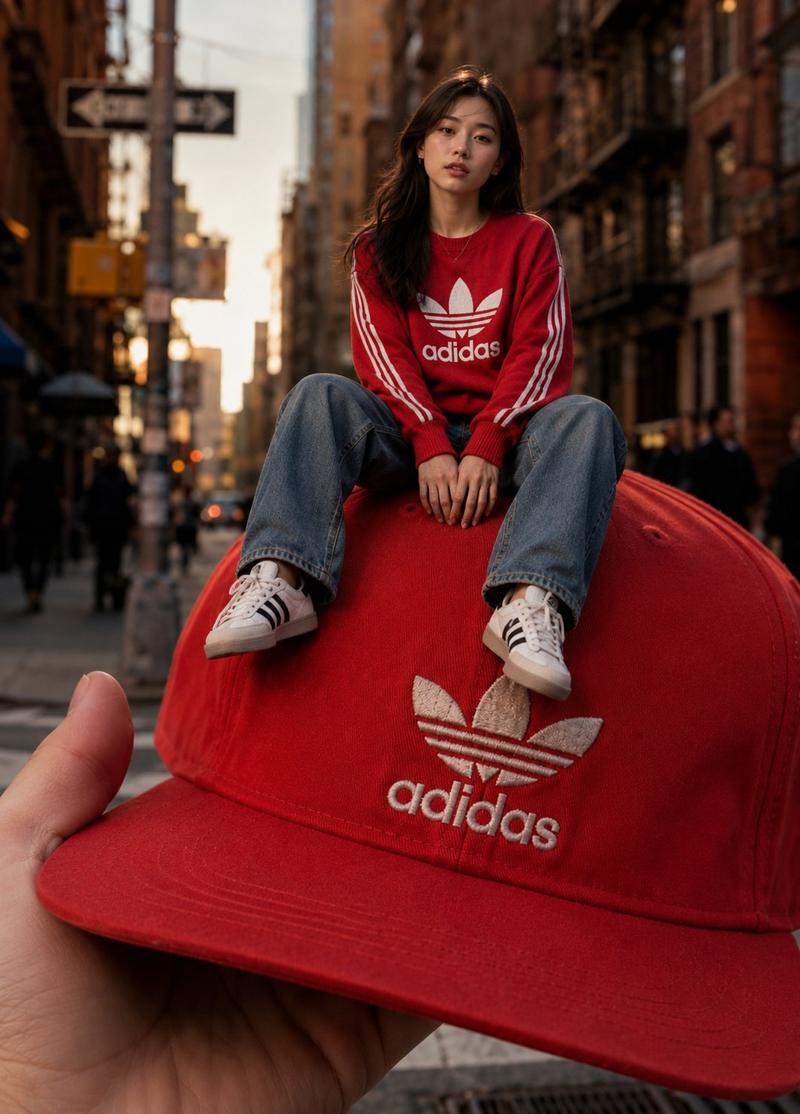
A surrealist, highly photorealistic upper body portrait of {argument name="subject" default="a young man/woman with specific features"}, standing in a sunny city street. Five identical heads of the same person are stacked vertically like a tall totem pole rising from the shoulders. Each head has a different size, unique facial expression, and is tilted at a different angle. Strong, directional sunlight hits the figures from the side, casting deep, realistic volumetric shadows between the stacked heads and onto the torso, defining their three-dimensional form. Highly detailed skin texture is visible, avoiding a plastic look. The urban architectural background is slightly blurred with realistic bokeh, showing depth. Cinematic lighting, high-end fashion photography aesthetic, believable environmental integration.
Category
创意图片
Model
Nano Banana Pro
Views0
Source ID
15cca9ee-dc4f-47fd-afee-1e8525f976b9
Published
Mar 8, 2026

Guide

About "城市街道上堆叠人头的超现实肖像"

What is this prompt for?

"城市街道上堆叠人头的超现实肖像" AI image prompt for Nano Banana Pro (创意图片). 一个高度具体、照片级的超现实主义图像提示。它描述了一个人在阳光明媚的城市街道上的上半身肖像,此人有五个相同的头部像图腾柱一样垂直堆叠,每个头部都有不同的表情和倾斜角度。该提示强调强烈的定向阳光、…

The full copyable prompt and example visuals above are ready for AI image generation or one-click recreate in Picva.

How to use this prompt

  1. Step 1

    Open the prompt detail

    Review the example visuals, category, and full prompt text for "城市街道上堆叠人头的超现实肖像".

  2. Step 2

    Copy the prompt

    Copy the prompt body from this page, or load it directly in Studio.

  3. Step 3

    Pick a model (Nano Banana Pro)

    Prefer Nano Banana Pro. If you switch models, keep subject and composition and tweak style terms.

  4. Step 4

    Generate and export

    Recreate the look in Picva, or export into your workflow for editing and publishing.

FAQ

What is the "城市街道上堆叠人头的超现实肖像" prompt?
It is an AI image-generation prompt for Nano Banana Pro in the 创意图片 category. This page includes the full prompt text, example visuals, and a one-click recreate path in Picva.
How do I use this prompt to generate an image?
Copy the prompt from this page, or use Generate / Studio. Paste it into a compatible image model, or recreate the look in Picva with optional reference images.
Which model is this prompt for?
This page lists Nano Banana Pro. Most descriptive prompts also transfer to nearby image models such as GPT Image, Flux, or Midjourney with light style tweaks.
Can I use the result commercially?
You can usually copy the prompt for creation, but commercial use of the final image depends on the model terms, reference-image rights, and the generated content. Follow the source author and platform rules.