19

Millie Bobby Brown 豪车肖像提示词
Enlarge

Millie Bobby Brown 豪车肖像提示词

Prompt
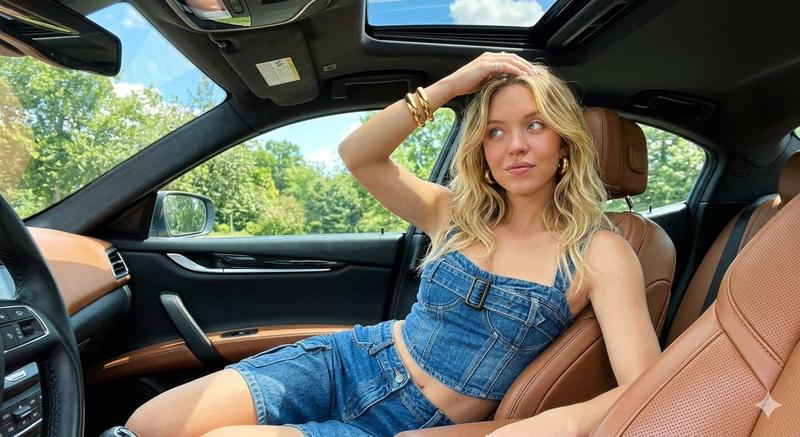
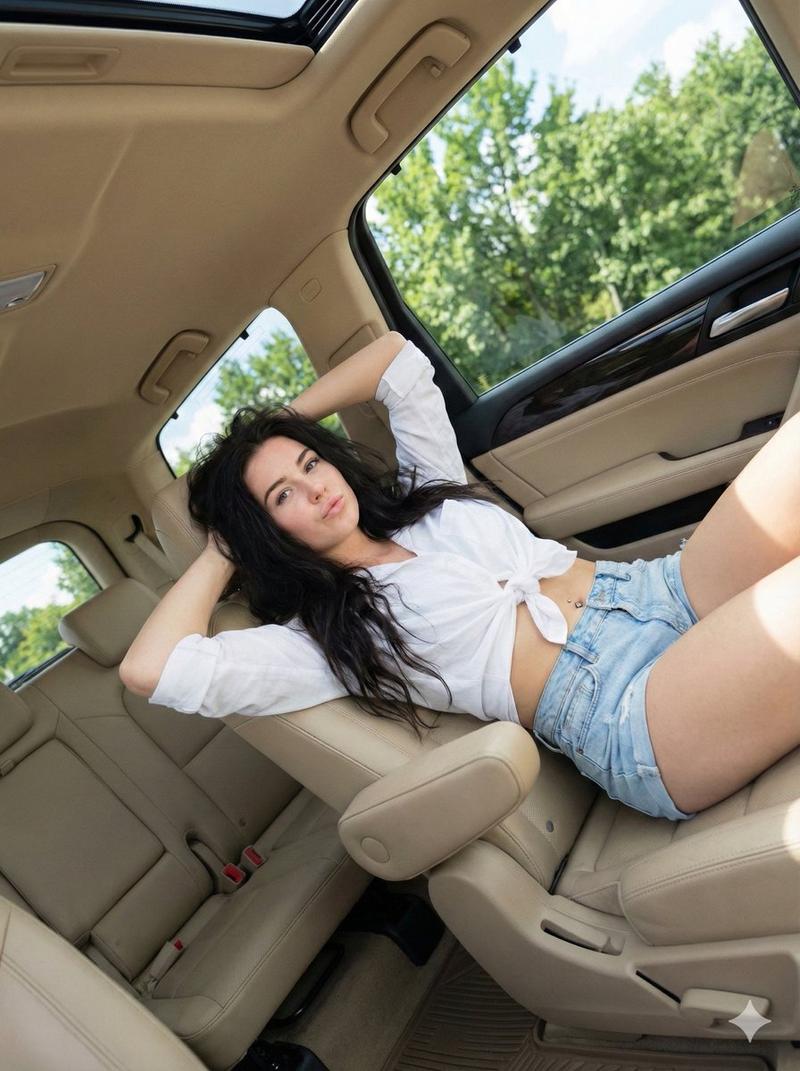
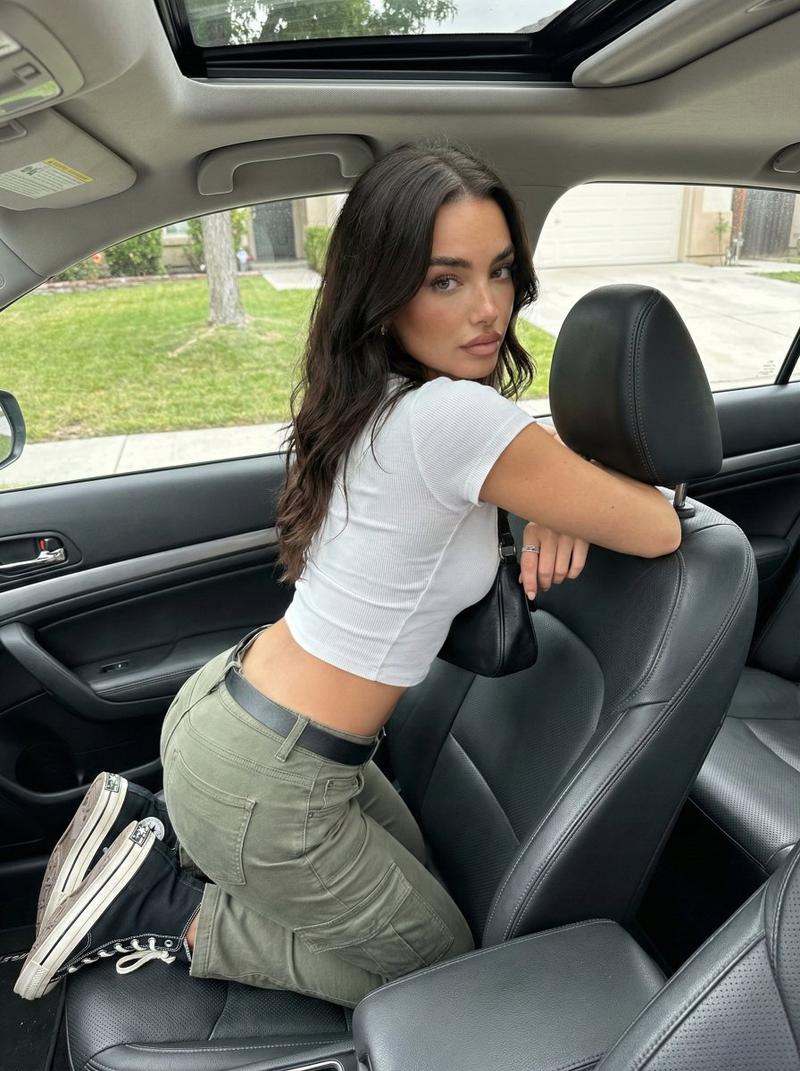
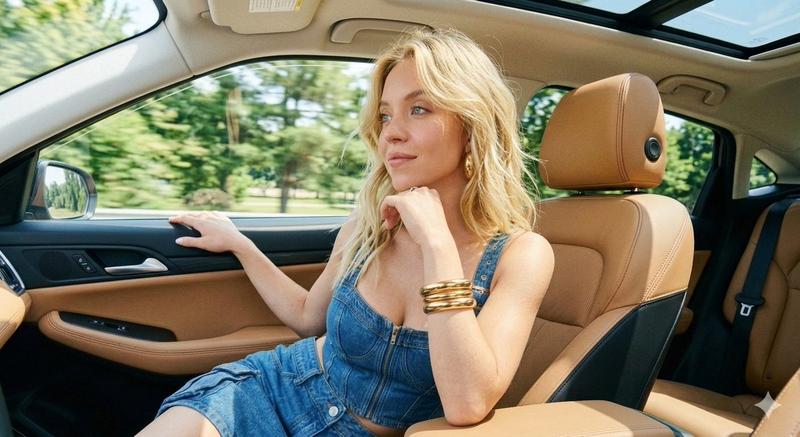
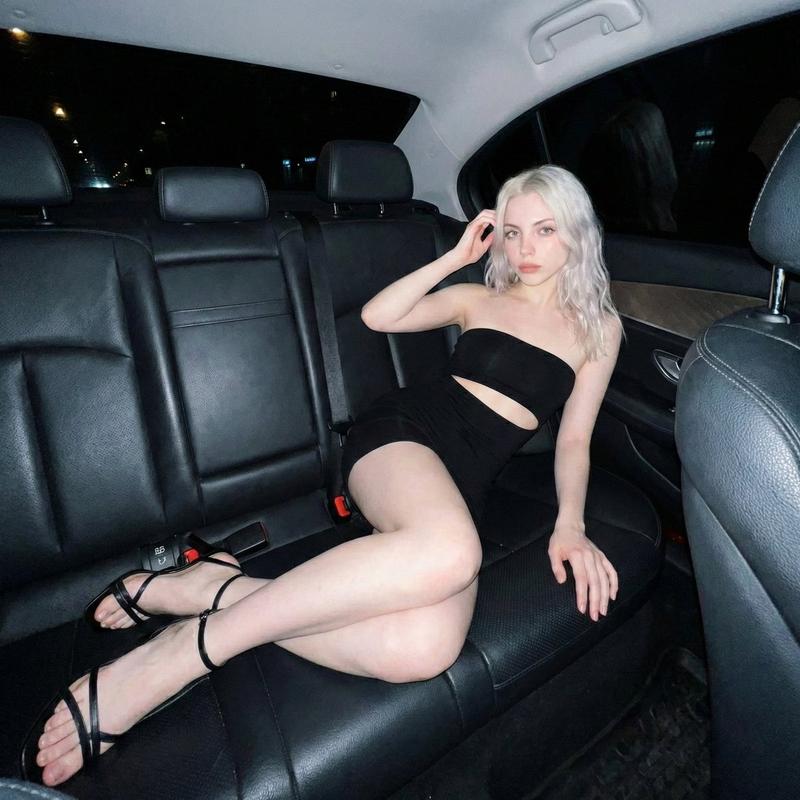
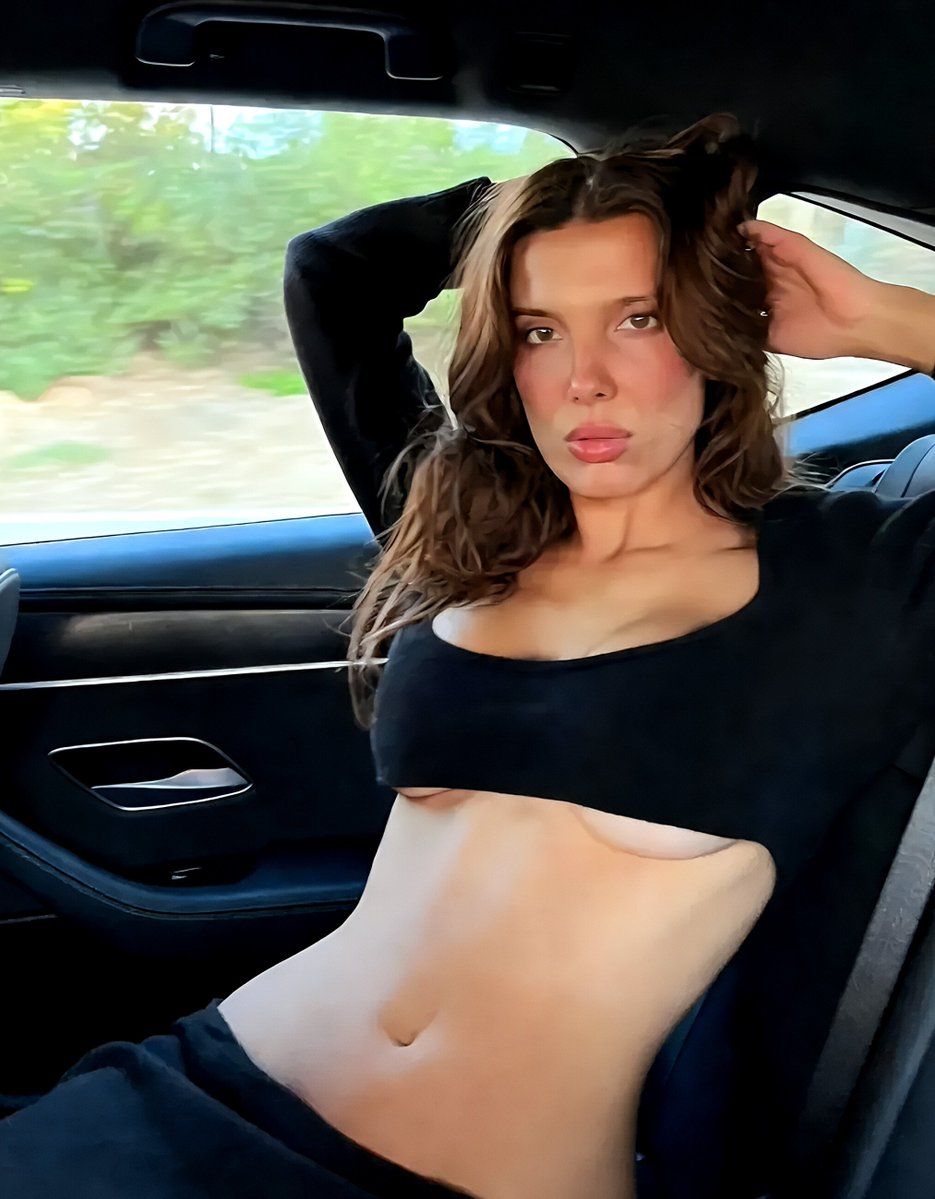
"A high-resolution, professional portrait photograph of a young woman with long, wavy brown hair styled naturally, sitting in the back seat of a modern luxury car with dark leather interior. In the first image, she is positioned facing forward, wearing a tight-fitting black crop top that reveals her midriff, with both arms raised behind her head, looking directly at the camera with a serious and intense expression while sunlight streams in through the car window. The second image shows a rear-view angle as she looks over her shoulder towards the camera, emphasizing the car's interior details and the dynamic pose, both images captured with a shallow depth of field, highlighting the subject while softly blurring the passing scenery outside the window."
Category
创意图片
Model
Nano Banana Pro
Creator
FL⭕RA
Views0
Source ID
35c37a1f-4442-4810-87cb-5bd1dbf59fae
Published
Mar 8, 2026

Guide

About "Millie Bobby Brown 豪车肖像提示词"

What is this prompt for?

"Millie Bobby Brown 豪车肖像提示词" AI image prompt for Nano Banana Pro (创意图片). 生成两张高分辨率、专业的年轻女性(米莉·芭比·布朗)肖像照片的提示,背景是一辆豪华轿车的后座,重点突出动感的姿势、深色皮革内饰和阳光营造的电影感光线。 --- 一张高分辨率…

The full copyable prompt and example visuals above are ready for AI image generation or one-click recreate in Picva.

How to use this prompt

  1. Step 1

    Open the prompt detail

    Review the example visuals, category, and full prompt text for "Millie Bobby Brown 豪车肖像提示词".

  2. Step 2

    Copy the prompt

    Copy the prompt body from this page, or load it directly in Studio.

  3. Step 3

    Pick a model (Nano Banana Pro)

    Prefer Nano Banana Pro. If you switch models, keep subject and composition and tweak style terms.

  4. Step 4

    Generate and export

    Recreate the look in Picva, or export into your workflow for editing and publishing.

FAQ

What is the "Millie Bobby Brown 豪车肖像提示词" prompt?
It is an AI image-generation prompt for Nano Banana Pro in the 创意图片 category. This page includes the full prompt text, example visuals, and a one-click recreate path in Picva.
How do I use this prompt to generate an image?
Copy the prompt from this page, or use Generate / Studio. Paste it into a compatible image model, or recreate the look in Picva with optional reference images.
Which model is this prompt for?
This page lists Nano Banana Pro. Most descriptive prompts also transfer to nearby image models such as GPT Image, Flux, or Midjourney with light style tweaks.
Can I use the result commercially?
You can usually copy the prompt for creation, but commercial use of the final image depends on the model terms, reference-image rights, and the generated content. Follow the source author and platform rules.