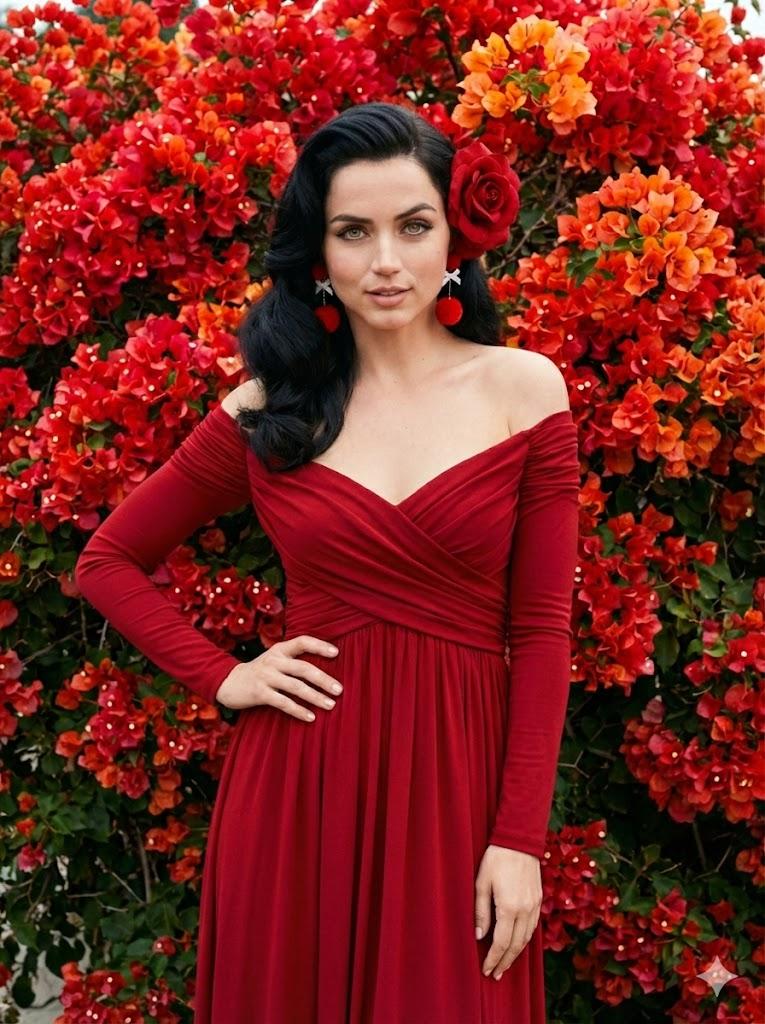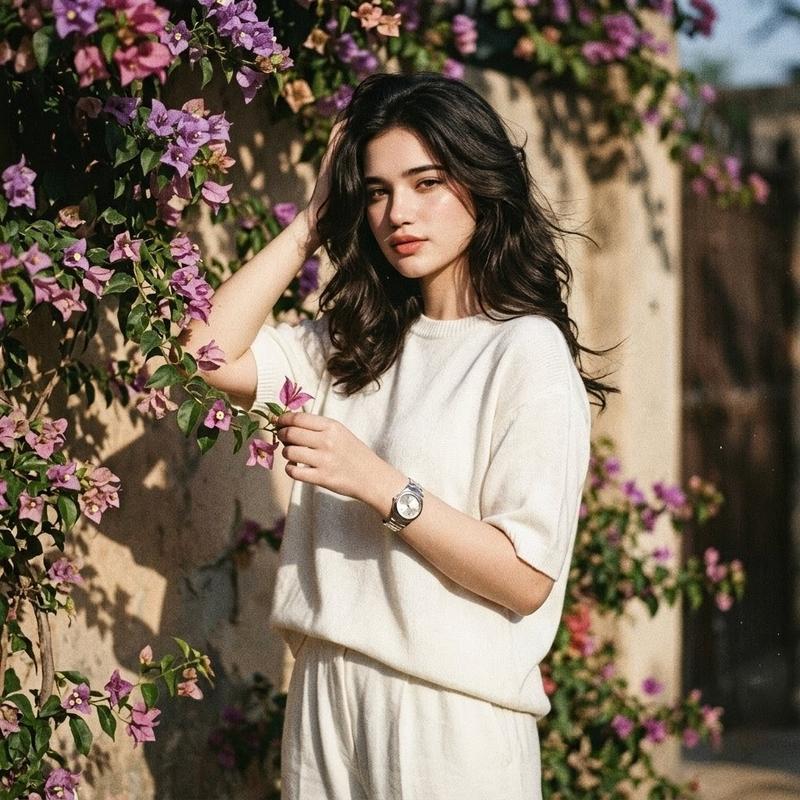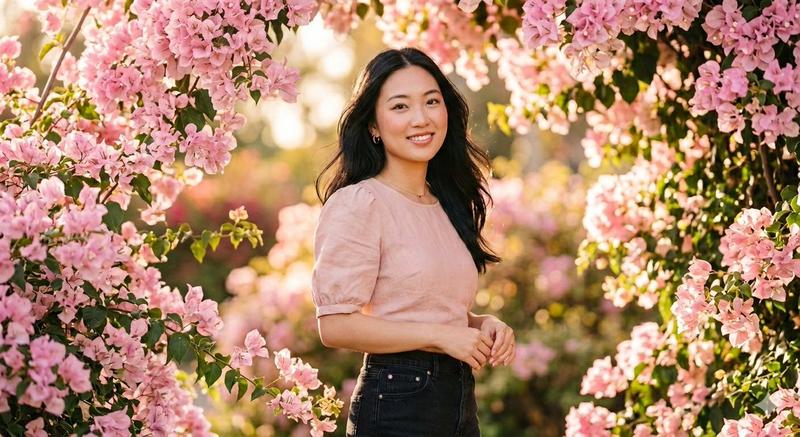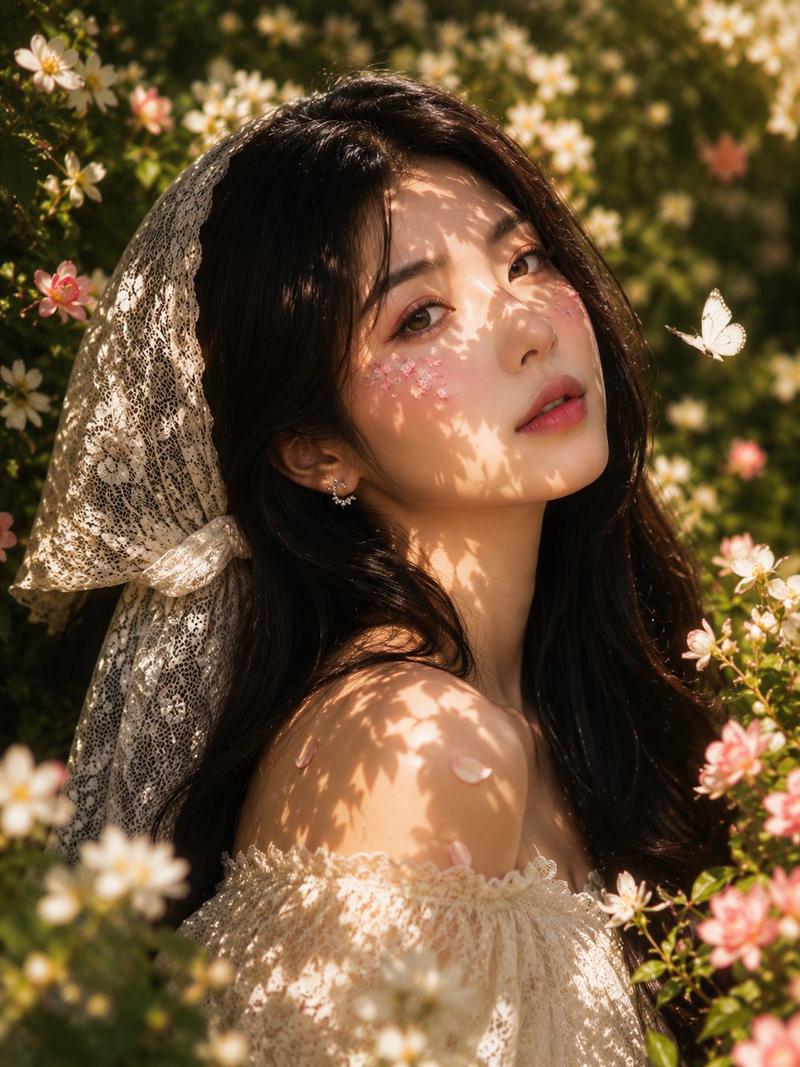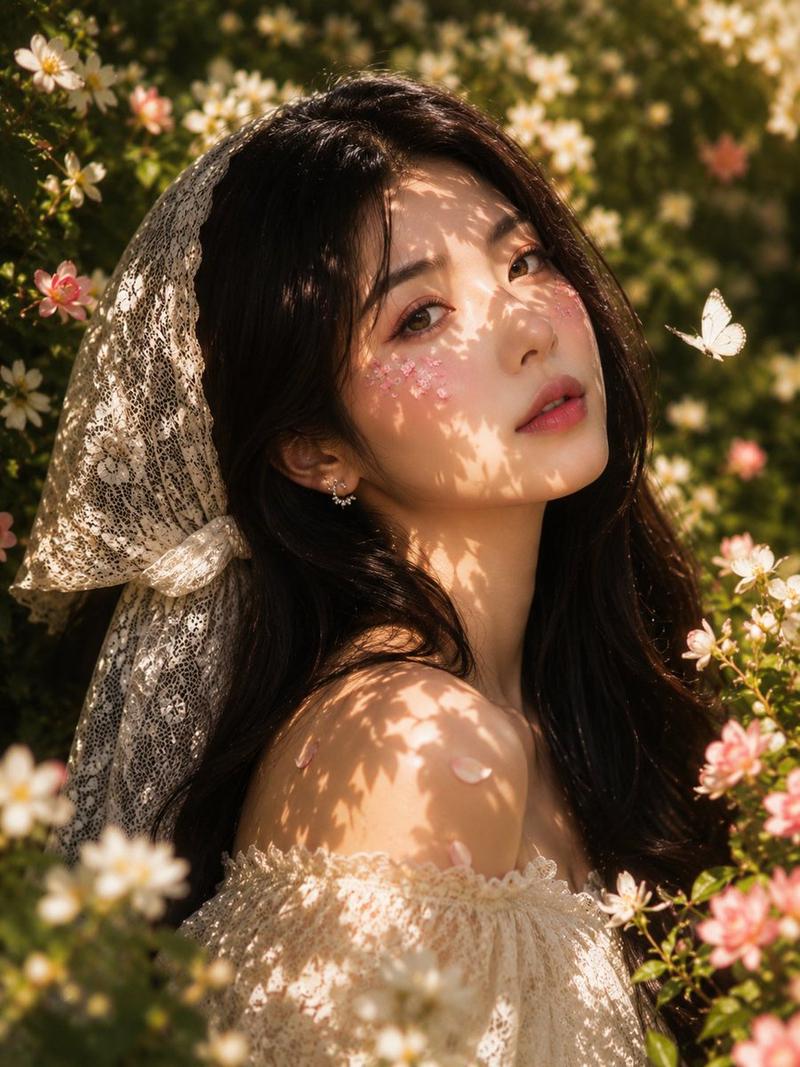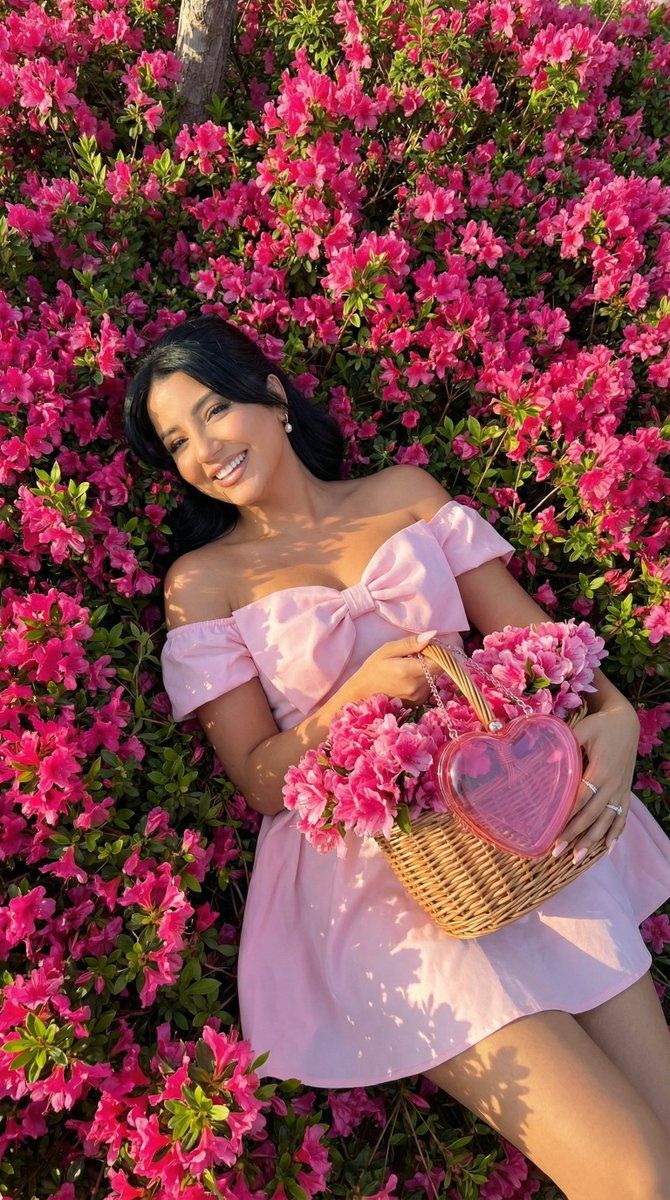
花海中的浪漫时尚大片
Prompt
{
  "generation_request": {
    "meta_data": {
      "task_type": "photoreal_fashion_editorial_flower_field_overhead",
      "language": "en",
      "priority": "highest",
      "version": "v1.0_PINK_DRESS_FLOWER_BED_HEART_BAG"
    },
    "output": {
      "aspect_ratio": "4:5",
      "resolution": "ultra_high",
      "num_images": 4,
      "sharpness": "high",
      "grain": "subtle_analog"
    },
    "scene": {
      "concept": "overhead romantic fashion editorial of a woman lying in a dense flower bed",
      "environment": "lush ground cover packed with small hot-pink blossoms and green leaves, hints of purple flowers in corners, full-frame botanical texture",
      "composition": "top-down overhead shot, full-body diagonal pose, subject centered, floral carpet filling entire background, basket of pink flowers near chest/shoulder",
      "mood": "spring romance, dreamy, joyful, vibrant"
    },
    "subject": {
      "person": "adult woman",
      "expression": "bright joyful smile, relaxed eyes, confident and warm",
      "pose": "lying on her back in the flowers, one leg bent slightly, arms hugging a wicker basket of flowers close to the chest",
      "hair": "dark brown hair, styled neatly with soft volume, swept back from face",
      "makeup": "fresh glam: soft blush, glossy pink lips, subtle highlight, defined lashes",
      "wardrobe": {
        "dress": "light pink off-shoulder mini dress with a large bow detail on the bodice, structured waist, soft skirt folds, crisp fabric texture and highlights"
      },
      "shoes": "light pastel heels or sandals, elegant and minimal",
      "accessories": "delicate ring on finger, minimal jewelry"
    },
    "props": {
      "basket": "wicker basket overflowing with pink flowers (carnations/roses mix), placed near the subject’s upper torso",
      "handbag": "transparent pink heart-shaped clutch placed on top of the flowers in the basket, glossy plastic texture with realistic reflections"
    },
    "camera": {
      "shot_type": "overhead fashion editorial",
      "lens": "35mm",
      "aperture": "f/4",
      "focus": "subject face and dress sharp, flowers crisp with slight natural falloff",
      "framing": "4:5 vertical, full-body top-down"
    },
    "lighting": {
      "time_of_day": "golden hour or late afternoon",
      "key_light": "strong warm sunlight with natural leaf shadows across the scene",
      "contrast": "medium-high with crisp sunlit highlights on skin and dress",
      "skin_tone": "realistic, warm glow, visible natural texture"
    },
    "color_grading": {
      "palette": "hot pink flowers + fresh greens + pastel pink dress",
      "look": "bright editorial, clean whites, punchy florals, warm sun tone",
      "contrast": "medium-high",
      "saturation": "vivid but controlled (no neon clipping)"
    },
    "quality_rules": {
      "anatomy_accuracy": "strict",
"hands": "correct fingers, natural joints, no extra digits",- Category
- 创意图片
- Model
- Nano Banana Pro
- Creator
- Özge Döner
- Source ID
- 6e924907-a7c0-43dd-8681-e597dc7a0d8e
- Published
- Mar 8, 2026
Views0