15

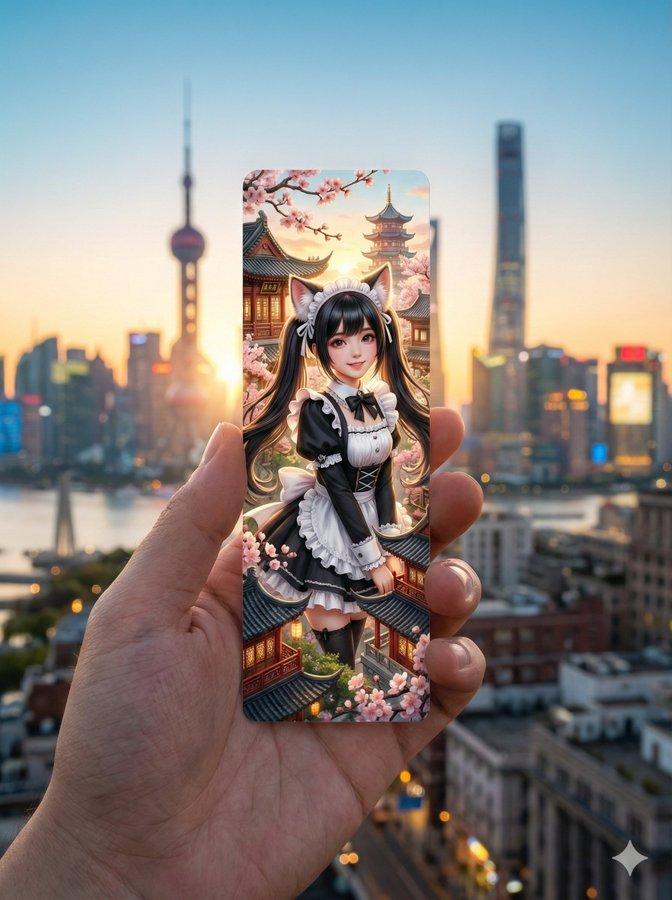
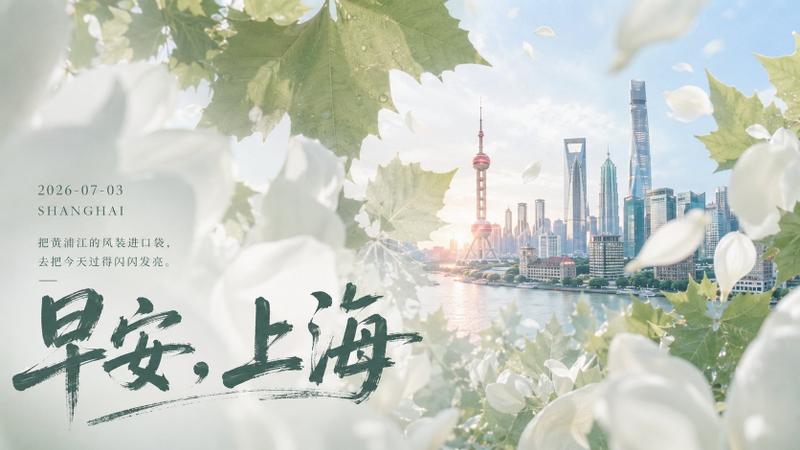
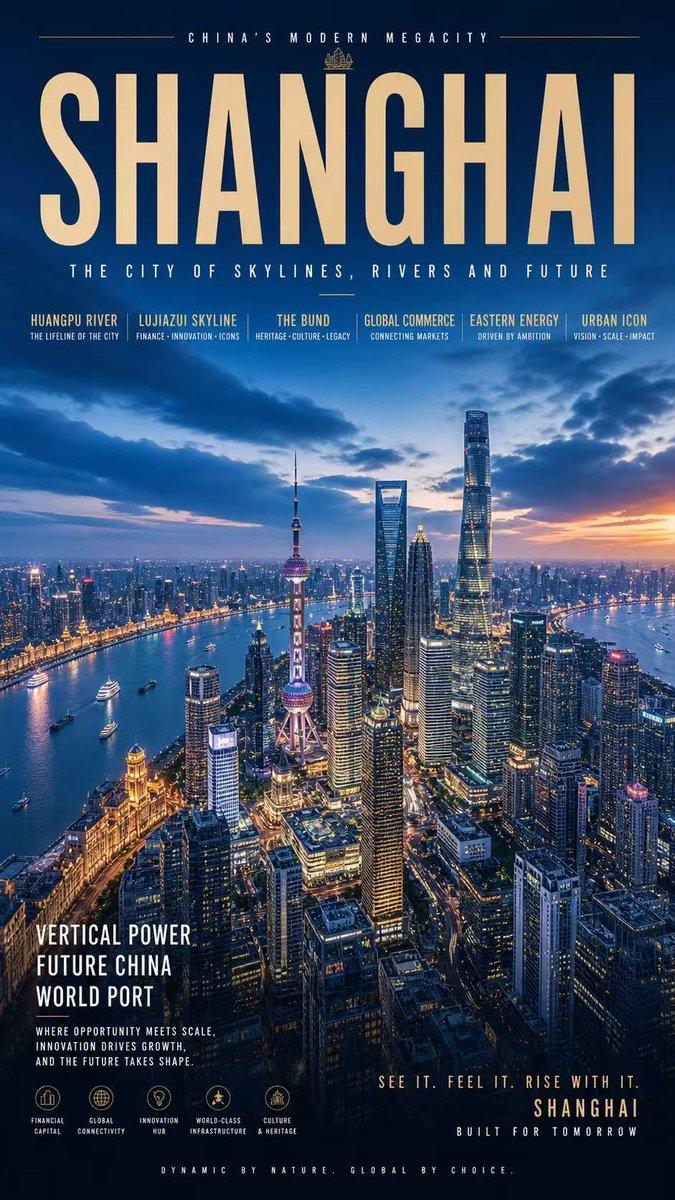
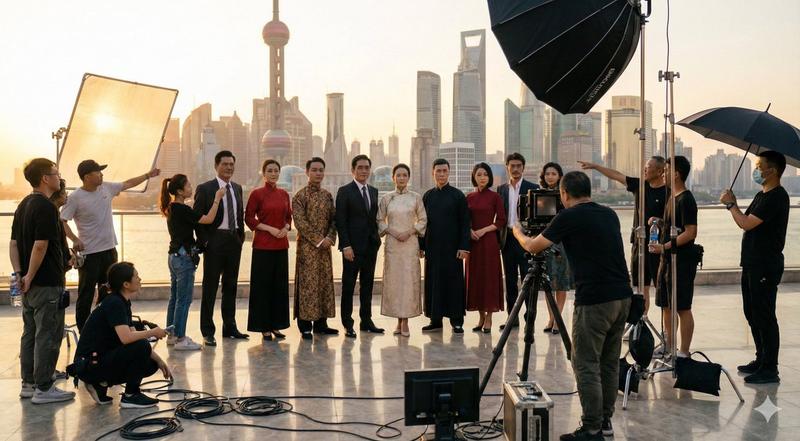
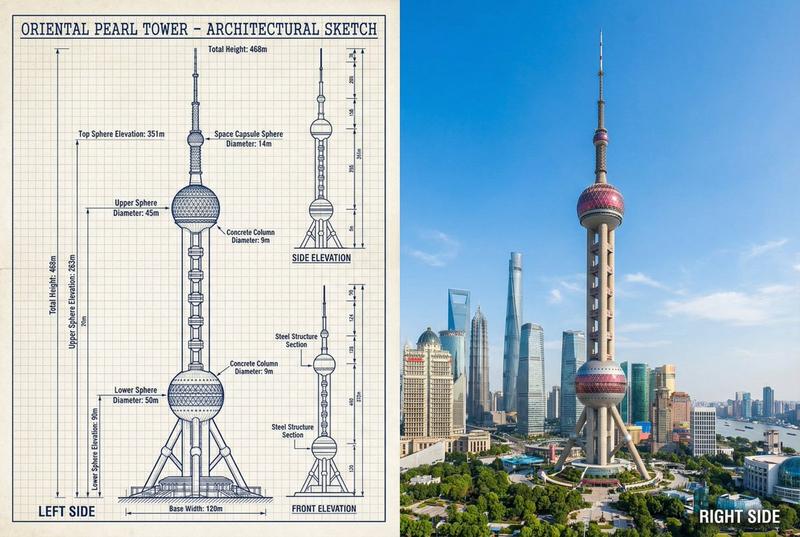
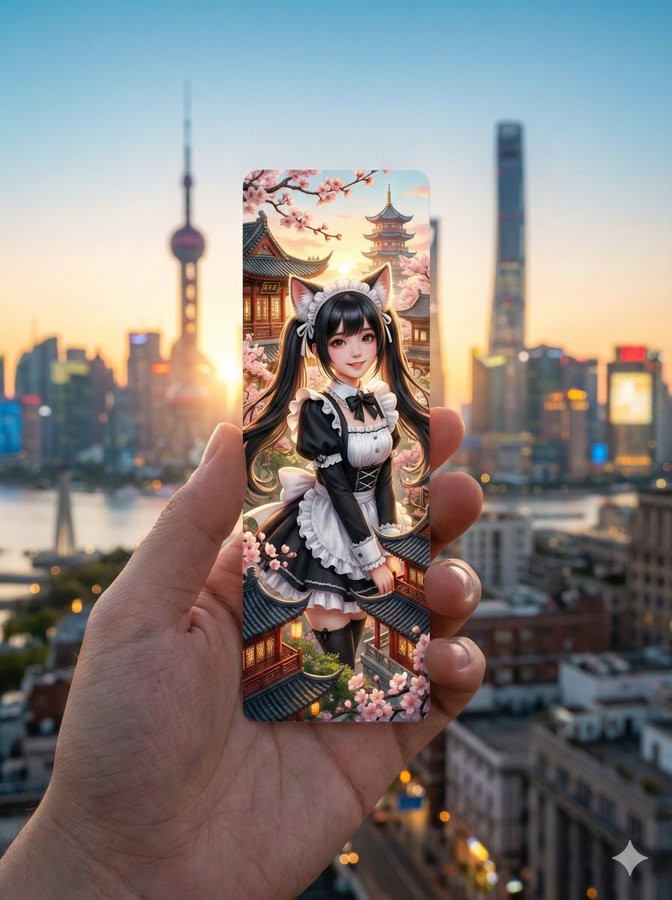
一只人的手握着一枚细长狭长的竖版模切书签
Enlarge

Example images

一只人的手握着一枚细长狭长的竖版模切书签

Prompt
{
  "image_request": {
    "subject": "一只人的手握着一枚细长、狭长的竖版模切书签",
    "bookmark_design": {
      "style": "超现实风格",
      "content": "一张超现实的中景镜头:一位可爱亚洲女孩,长长的黑色双马尾,穿着黑白荷叶边女仆装,戴着蓬松逼真的猫耳",
      "artistic_elements": "细腻的纹理,鲜艳的色彩,微型建筑细节"
    },
    "background": {
      "setting": "浪漫的、电影感宽景镜头,真实{{location}}的天际线与风景",
      "depth_of_field": "柔和的虚化背景,突出聚焦的书签",
      "time_of_day": "{{time_of_day}}",
      "lighting_effects": "与{{time_of_day}}相匹配的大气光效,金色时刻的辉光、城市灯火,或柔和的日光"
    },
    "composition": {
      "framing": "手和书签的特写,垂直居中构图",
      "vibe": "怀旧、美学、旅行灵感、诗意",
      "color_palette": "书签艺术与现实背景之间的和谐配色"
    },
    "technical_specs": {
      "quality": "8K分辨率,高度细节,照片级真实的手部,书签锐利对焦",
      "aspect_ratio": "3:4"
    }
  },
  "variables": {
    "location": ["上海"],
    "time_of_day": ["日出"]
  }
}
Category
创意图片
Model
Nano Banana Pro
Creator
Pixshop
Views8
Source ID
02d80f9a-2d10-4a07-b124-985a6fbbfc6b
Published
Jan 7, 2026

Guide

About "一只人的手握着一枚细长狭长的竖版模切书签"

What is this prompt for?

"一只人的手握着一枚细长狭长的竖版模切书签" AI image prompt for Nano Banana Pro (创意图片). 创意图片 Copy it on Picva and recreate the look in one click.

The full copyable prompt and example visuals above are ready for AI image generation or one-click recreate in Picva.

How to use this prompt

  1. Step 1

    Open the prompt detail

    Review the example visuals, category, and full prompt text for "一只人的手握着一枚细长狭长的竖版模切书签".

  2. Step 2

    Copy the prompt

    Copy the prompt body from this page, or load it directly in Studio.

  3. Step 3

    Pick a model (Nano Banana Pro)

    Prefer Nano Banana Pro. If you switch models, keep subject and composition and tweak style terms.

  4. Step 4

    Generate and export

    Recreate the look in Picva, or export into your workflow for editing and publishing.

FAQ

What is the "一只人的手握着一枚细长狭长的竖版模切书签" prompt?
It is an AI image-generation prompt for Nano Banana Pro in the 创意图片 category. This page includes the full prompt text, example visuals, and a one-click recreate path in Picva.
How do I use this prompt to generate an image?
Copy the prompt from this page, or use Generate / Studio. Paste it into a compatible image model, or recreate the look in Picva with optional reference images.
Which model is this prompt for?
This page lists Nano Banana Pro. Most descriptive prompts also transfer to nearby image models such as GPT Image, Flux, or Midjourney with light style tweaks.
Can I use the result commercially?
You can usually copy the prompt for creation, but commercial use of the final image depends on the model terms, reference-image rights, and the generated content. Follow the source author and platform rules.