黑白肖像里的静谧思绪
Prompt
{
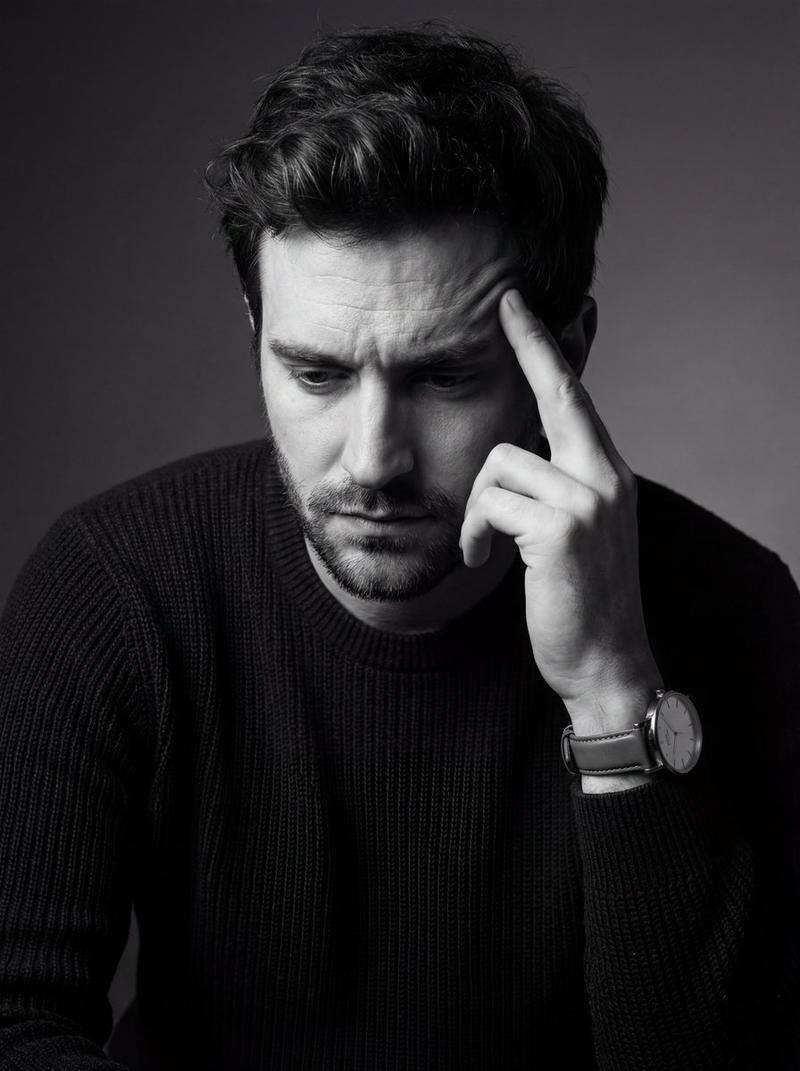
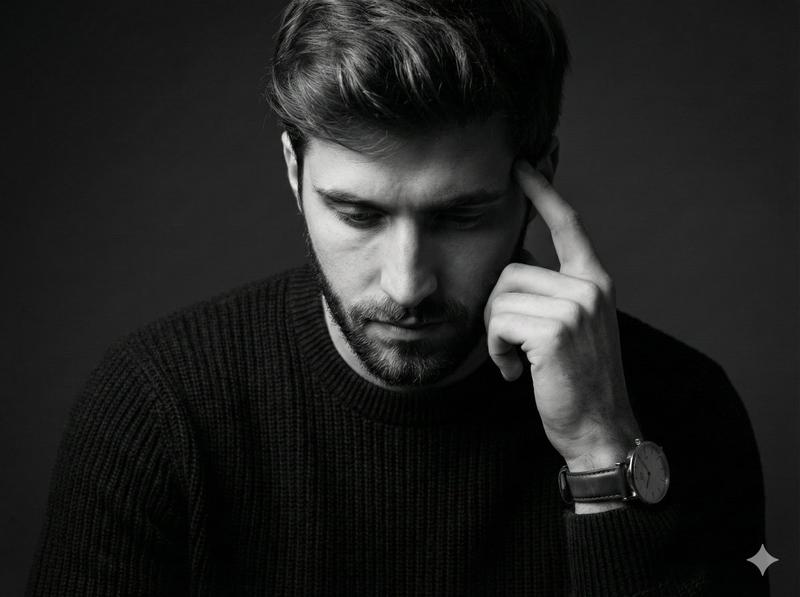
"image_type": "photographic portrait",
"orientation": "vertical",
"composition": {
"framing": "tight medium close-up",
"crop": "subject cropped at mid-torso with head and hand dominating frame",
"angle": "three-quarter profile",
"camera_position": "slightly above eye level",
"subject_placement": "subject positioned slightly off-center to the right",
"negative_space": "minimal, concentrated on left background"
},
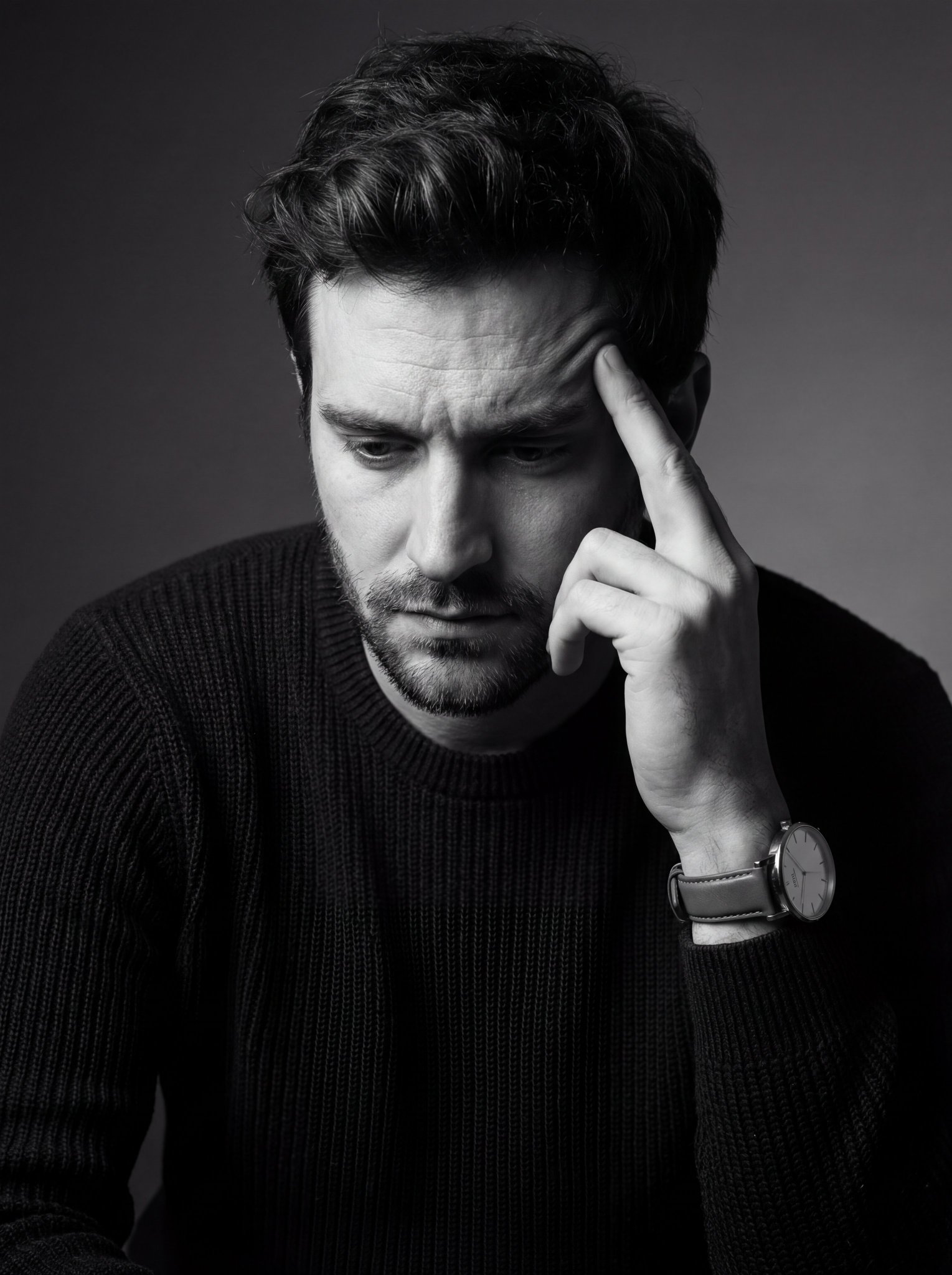
"subject": {
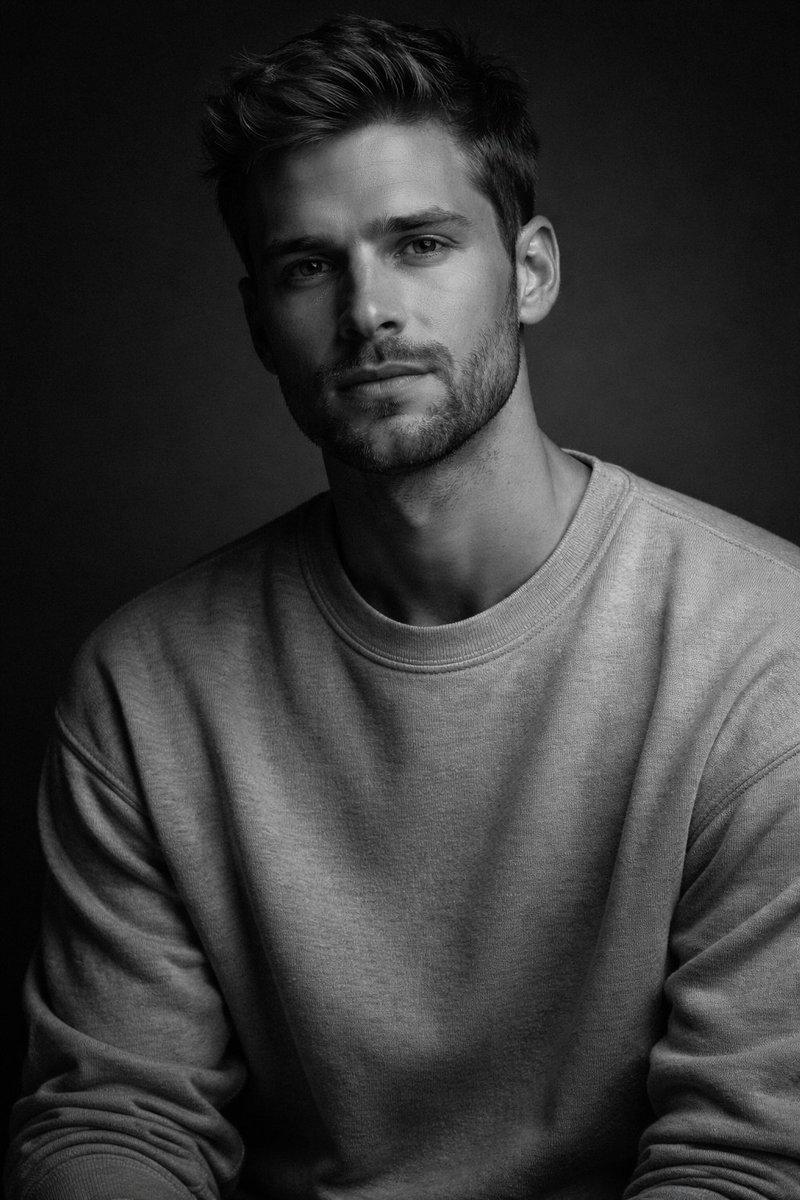
"gender_presentation": "male",
"approximate_age_range": "late 20s to mid 30s",
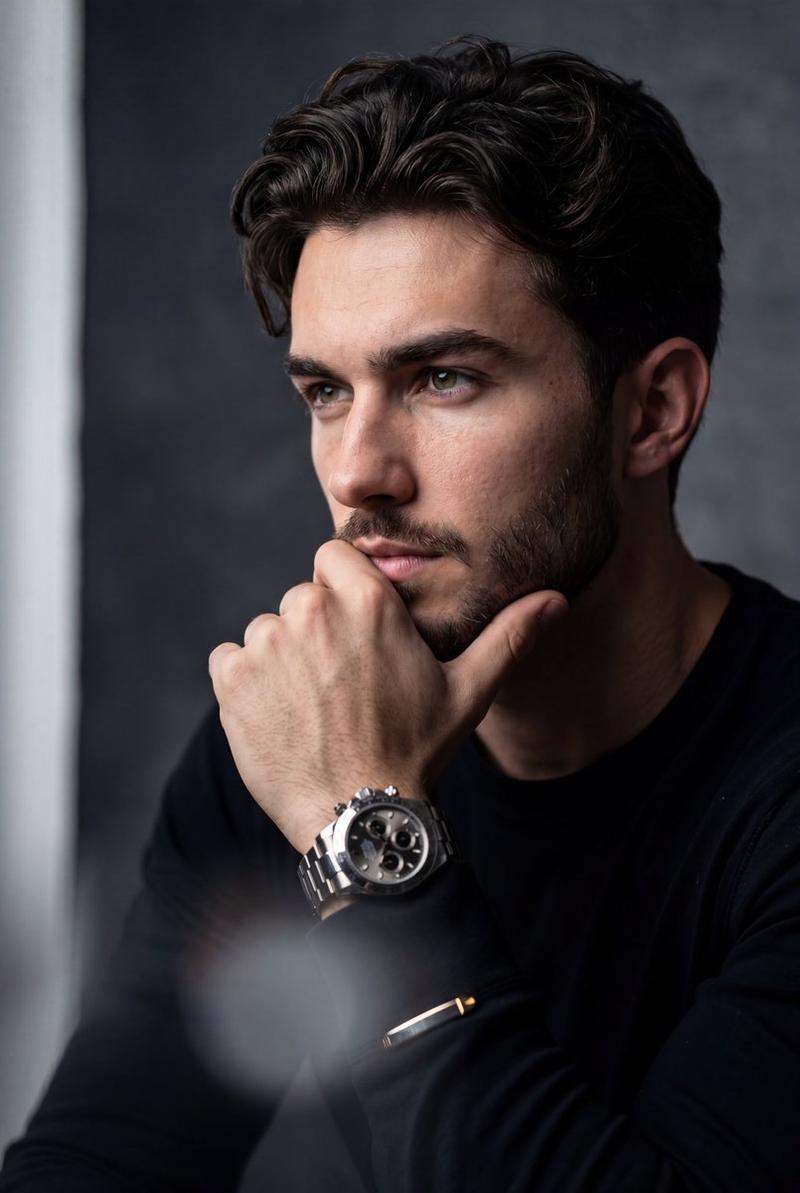
"pose": "head tilted downward, hand raised to temple in contemplative gesture",
"facial_expression": "pensive, introspective, serious",
"gaze_direction": "downward, unfocused",
"hair": {
"style": "short, tousled, textured",
"tone": "dark"
},
"facial_hair": {
"type": "short stubble beard",
"density": "medium"
},
"clothing": {
"upper_garment": "long-sleeve knit sweater",
"texture": "ribbed or woven fabric",
"tone": "dark"
},
"accessories": {
"watch": {
"type": "analog wristwatch",
"band": "leather strap",
"dial": "minimalist, light-colored face",
"style": "classic, understated"
}
}
},
"lighting": {
"type": "studio lighting",
"style": "low-key",
"direction": "side lighting from upper left",
"contrast": "high contrast with deep shadows",
"highlights": "strong highlights on forehead, nose, cheekbone, and hand",
"shadow_falloff": "soft but pronounced on right side of face and body"
},
"color": {
"palette": "monochrome",
"dominant_tones": [
"black",
"charcoal gray",
"soft gray",
"off-white highlights"
],
"saturation": "none",
"contrast_level": "high"
},
"background": {
"type": "studio backdrop",
"texture": "smooth with subtle gradient",
"tone": "dark gray to near black",
"detail_level": "minimal, distraction-free"
},
"focus_and_depth": {
"focus": "sharp on face and hand",
"depth_of_field": "shallow to moderate",
"background_blur": "soft, unobtrusive"
},
"technical_characteristics": {
"photographic_style": "fine art portrait",
"likely_lens": "short telephoto (approx. 85mm equivalent)",
"aperture_character": "wide aperture look",
"grain": "very fine, minimal noise",
"sharpness": "high subject clarity with smooth tonal transitions"
},
"mood_and_tone": {
"emotional_quality": "introspective, somber, reflective",
"aesthetic": "minimalist, dramatic, cinematic",
"visual_narrative": "moment of private thought or emotional weight"
},
"post_processing": {
"black_and_white_conversion": "high quality monochrome conversion",
"contrast_adjustment": "enhanced contrast",
"clarity": "moderate clarity applied to facial features",
"vignette": "subtle edge darkening"
},
"artistic_references": {
"style_influences": [
"classic black-and-white portrait photography",
"cinematic character studies",
"editorial fashion portraiture"
]
}
}- Category
- 创意图片
- Model
- Nano Banana Pro
- Creator
- Pixshop
- Source ID
- 5582221c-4f54-455f-bd1b-90d43a82a2dc
- Published
- Jan 7, 2026
Views14