16

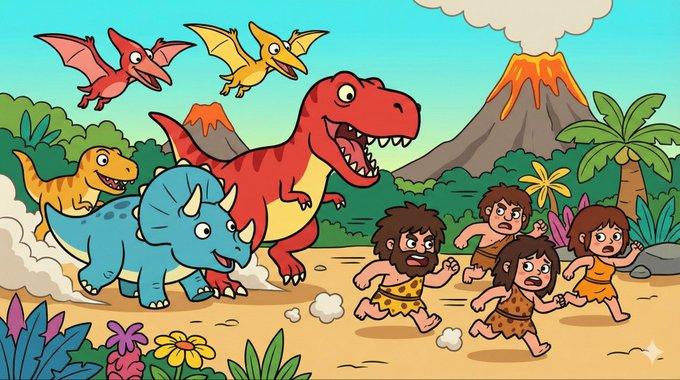
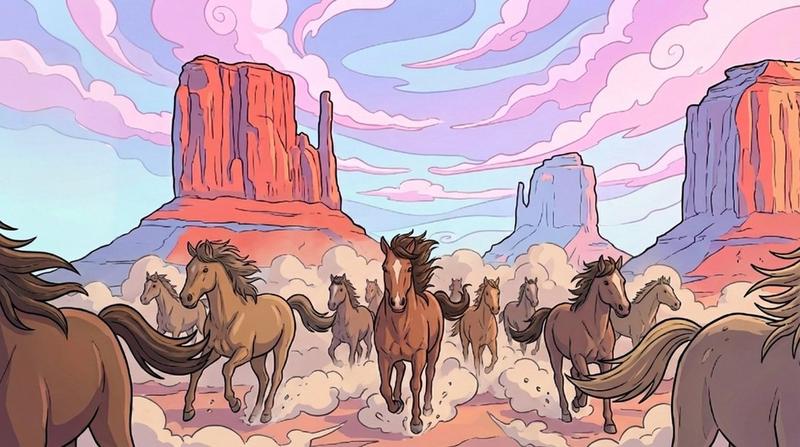
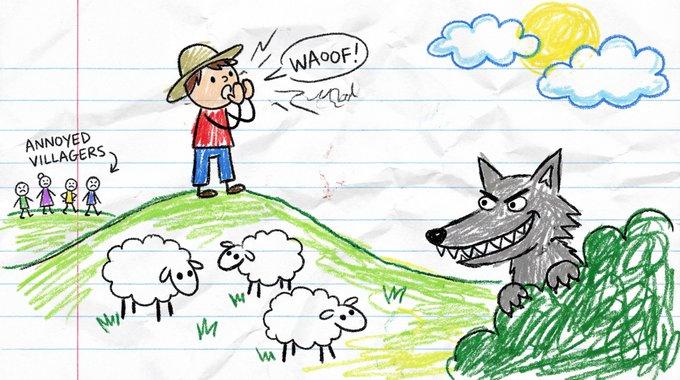
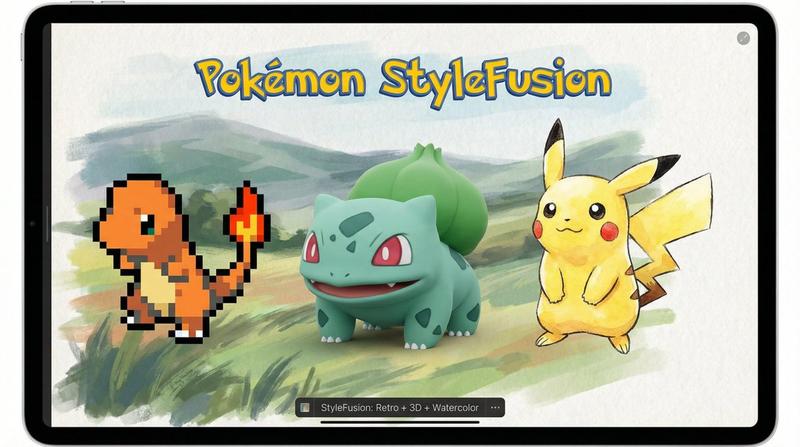
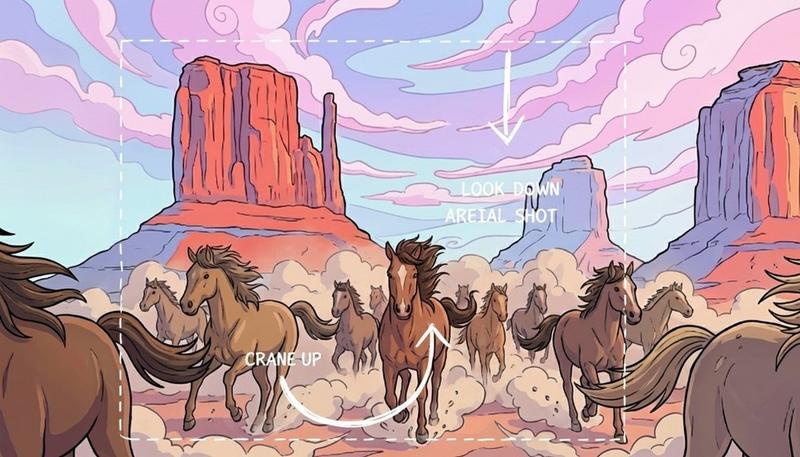
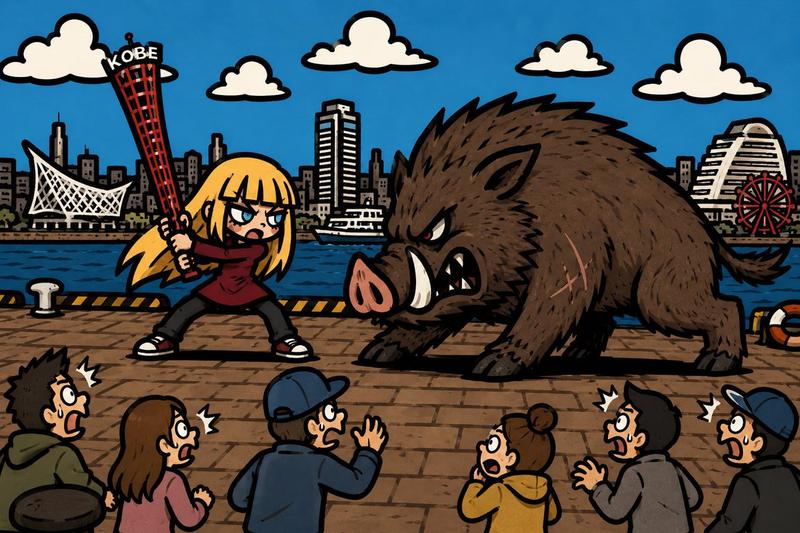
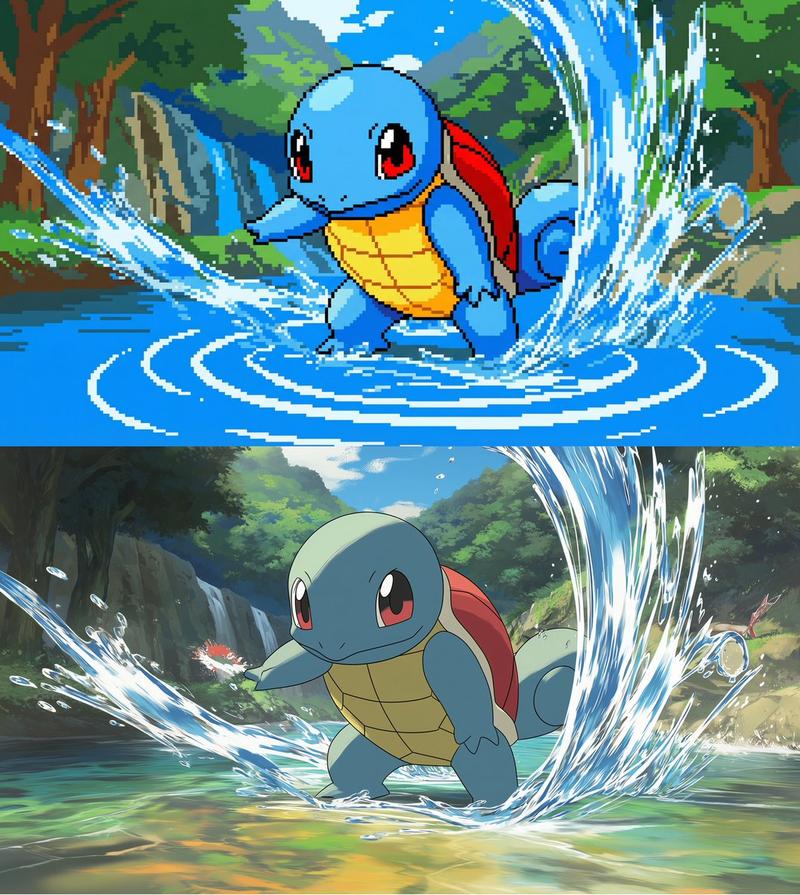
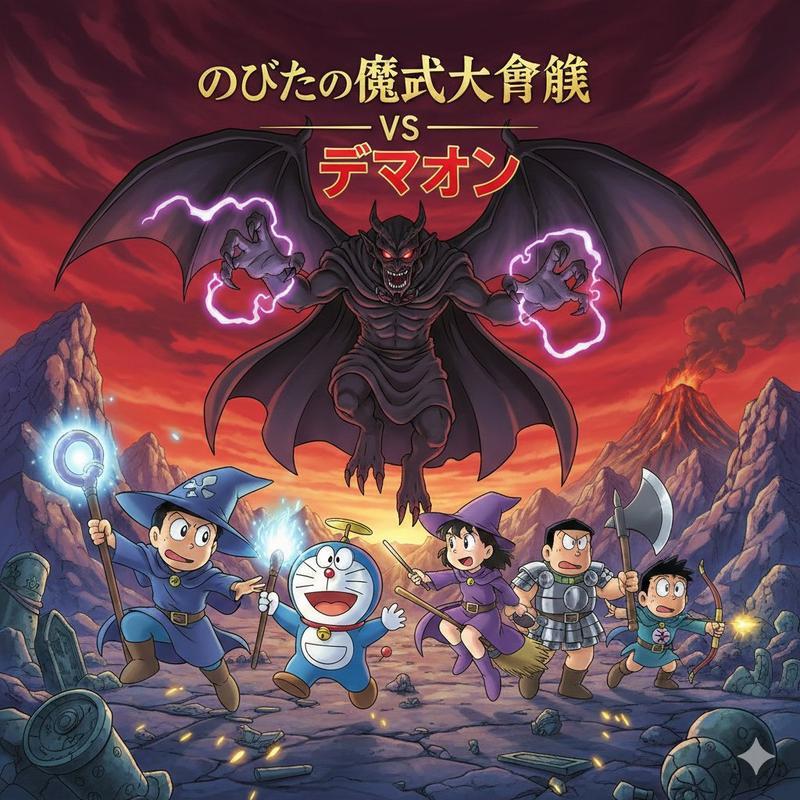
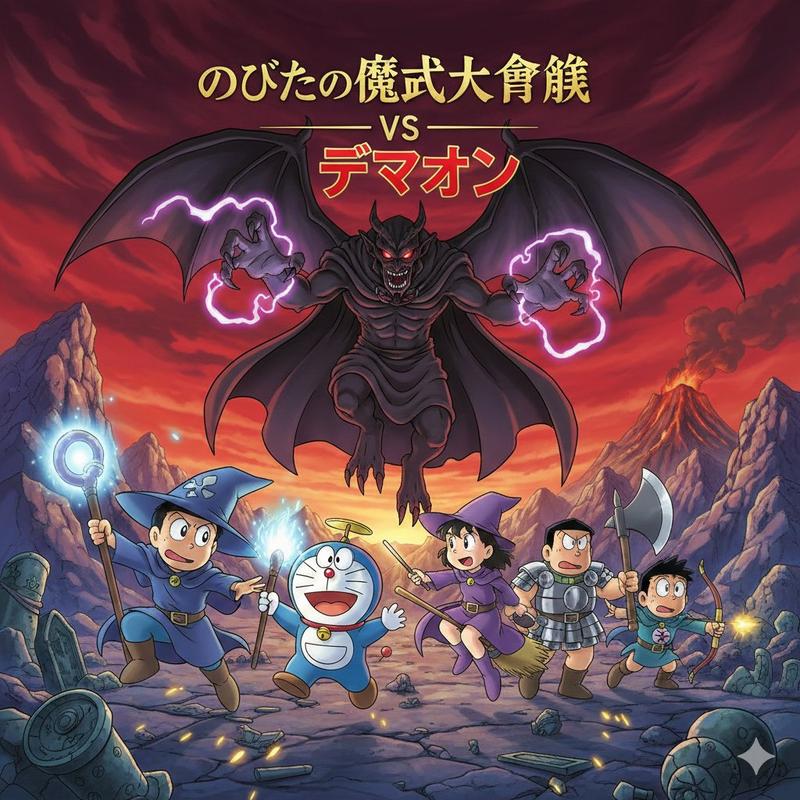
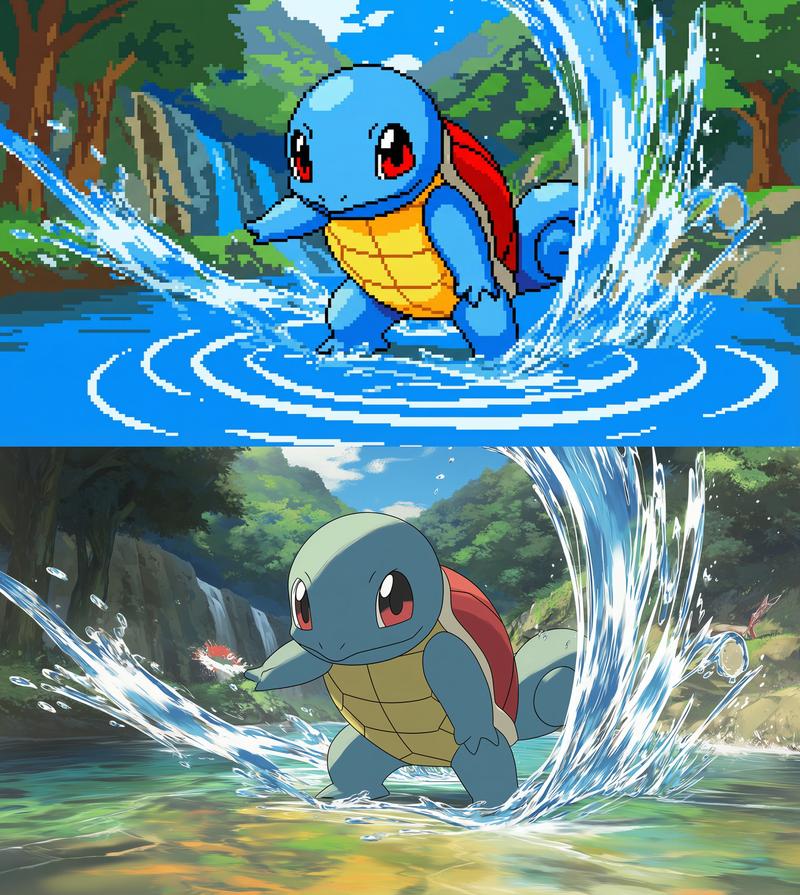
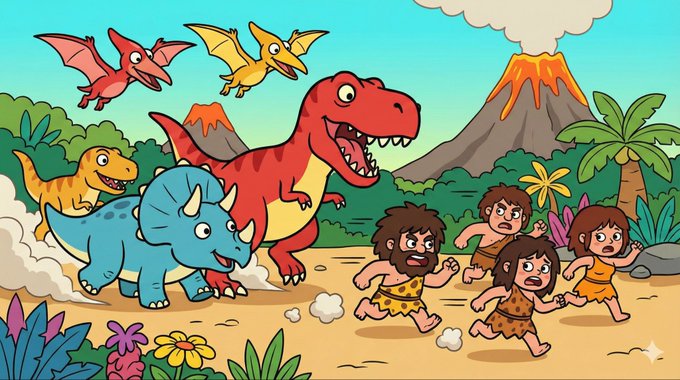
2D扁平卡通插画风格
Enlarge

Example images

2D扁平卡通插画风格

Prompt
(比例: 16:9),[详细内容]。极具辨识度的2D扁平卡通插画风格,极粗的黑色轮廓线描边,手绘矢量感,Q版可爱人物造型,赛璐珞平涂上色(大色块,无渐变),高对比度配色。纯粹的插画作品,无任何游戏UI界面。
Category
创意图片
Model
Nano Banana Pro
Creator
Pixshop
Views10
Source ID
48a39d77-2307-456f-ab6f-01355863617f
Published
Jan 7, 2026

Guide

About "2D扁平卡通插画风格"

What is this prompt for?

"2D扁平卡通插画风格" AI image prompt for Nano Banana Pro (创意图片). 创意图片 Copy it on Picva and recreate the look in one click.

The full copyable prompt and example visuals above are ready for AI image generation or one-click recreate in Picva.

How to use this prompt

  1. Step 1

    Open the prompt detail

    Review the example visuals, category, and full prompt text for "2D扁平卡通插画风格".

  2. Step 2

    Copy the prompt

    Copy the prompt body from this page, or load it directly in Studio.

  3. Step 3

    Pick a model (Nano Banana Pro)

    Prefer Nano Banana Pro. If you switch models, keep subject and composition and tweak style terms.

  4. Step 4

    Generate and export

    Recreate the look in Picva, or export into your workflow for editing and publishing.

FAQ

What is the "2D扁平卡通插画风格" prompt?
It is an AI image-generation prompt for Nano Banana Pro in the 创意图片 category. This page includes the full prompt text, example visuals, and a one-click recreate path in Picva.
How do I use this prompt to generate an image?
Copy the prompt from this page, or use Generate / Studio. Paste it into a compatible image model, or recreate the look in Picva with optional reference images.
Which model is this prompt for?
This page lists Nano Banana Pro. Most descriptive prompts also transfer to nearby image models such as GPT Image, Flux, or Midjourney with light style tweaks.
Can I use the result commercially?
You can usually copy the prompt for creation, but commercial use of the final image depends on the model terms, reference-image rights, and the generated content. Follow the source author and platform rules.