18

创意广告
Enlarge

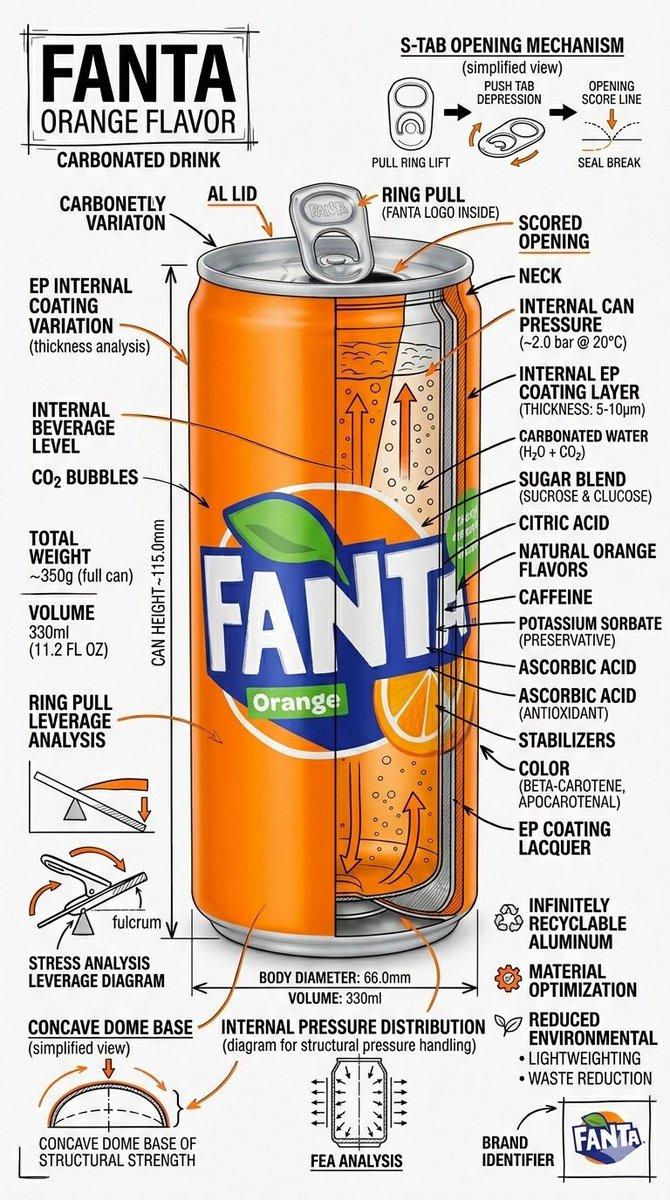
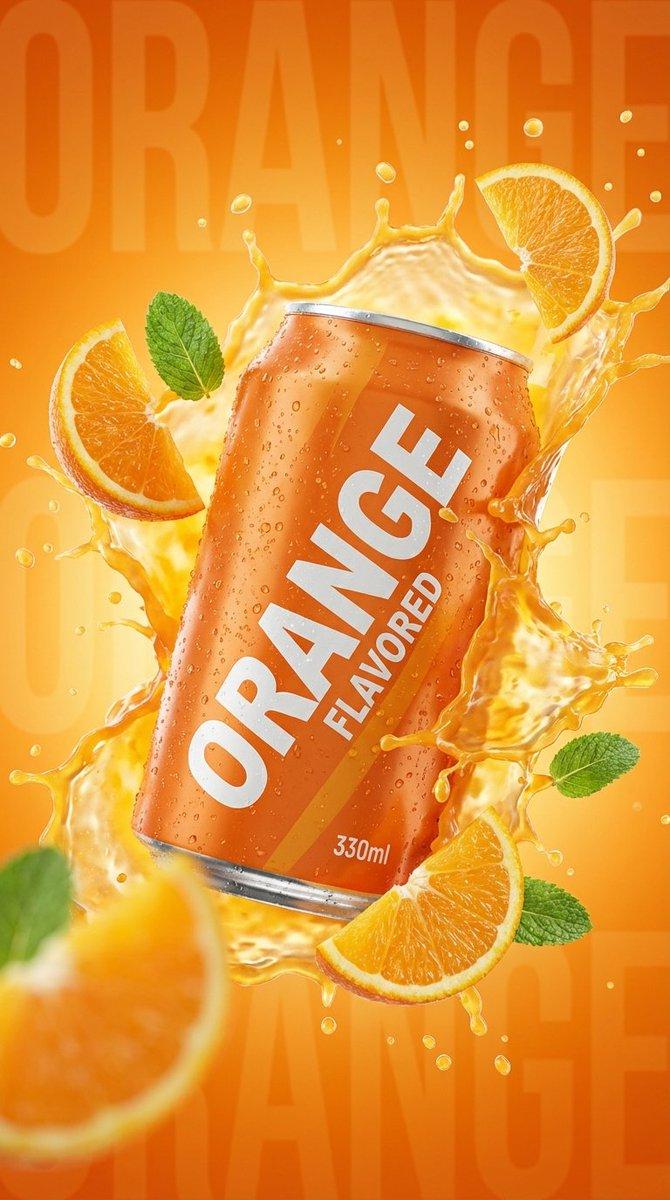
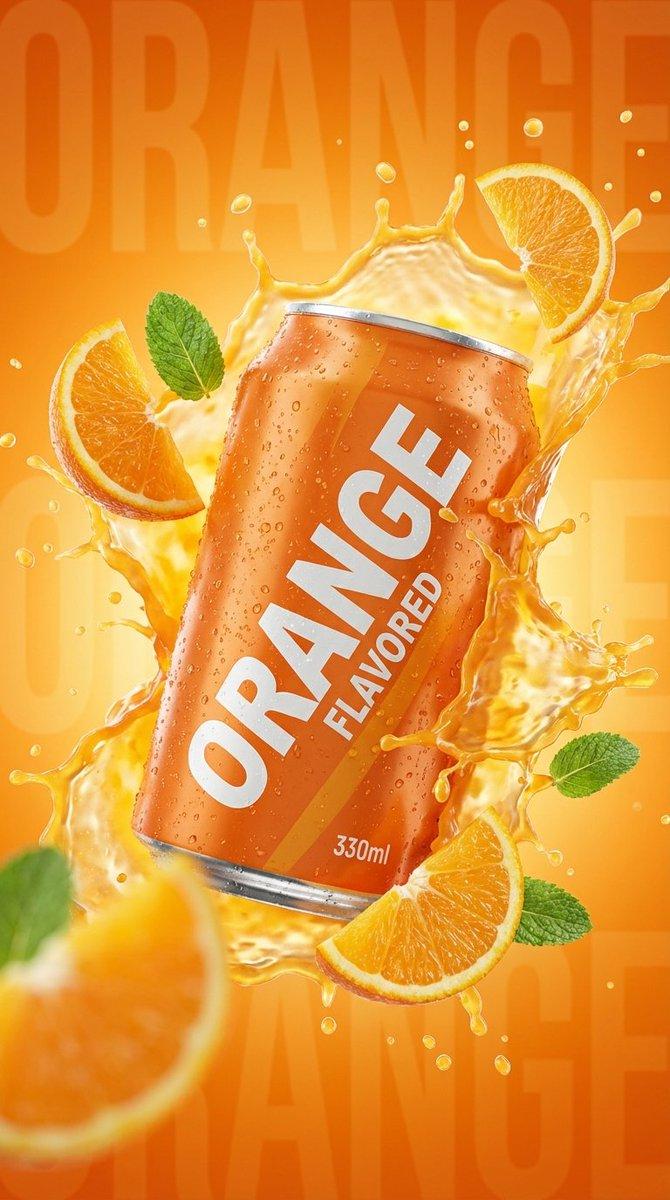
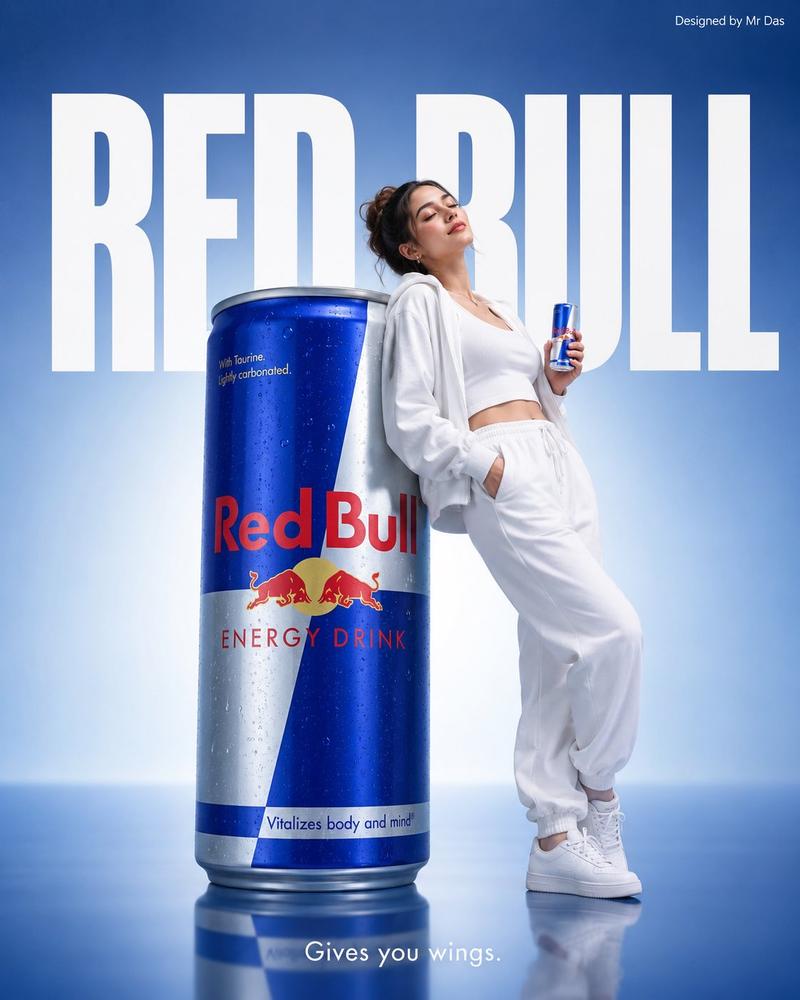
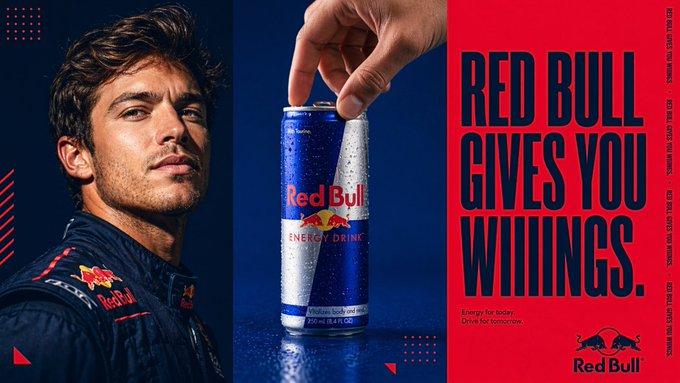
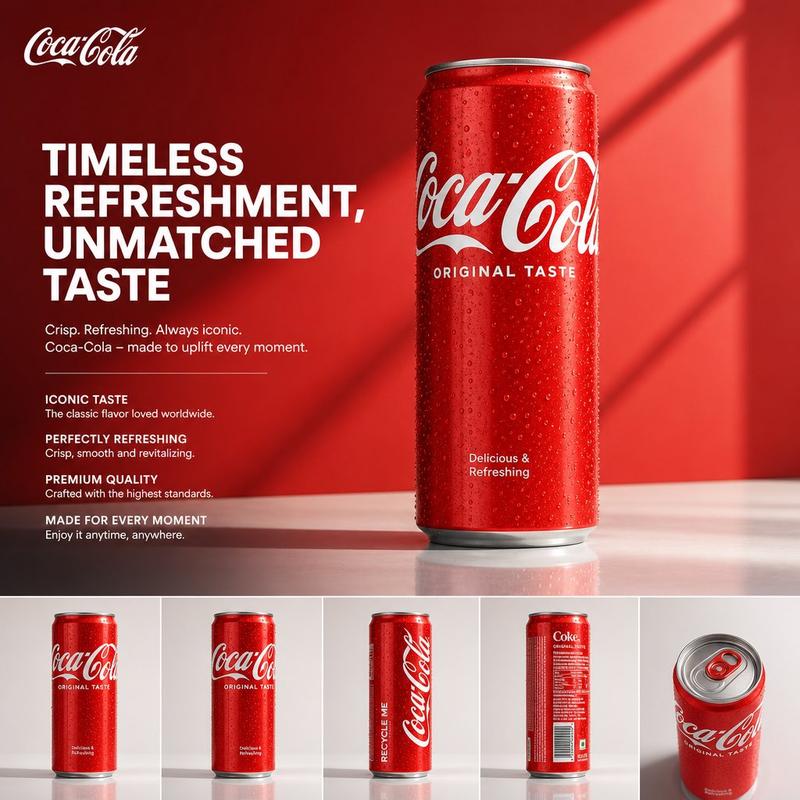
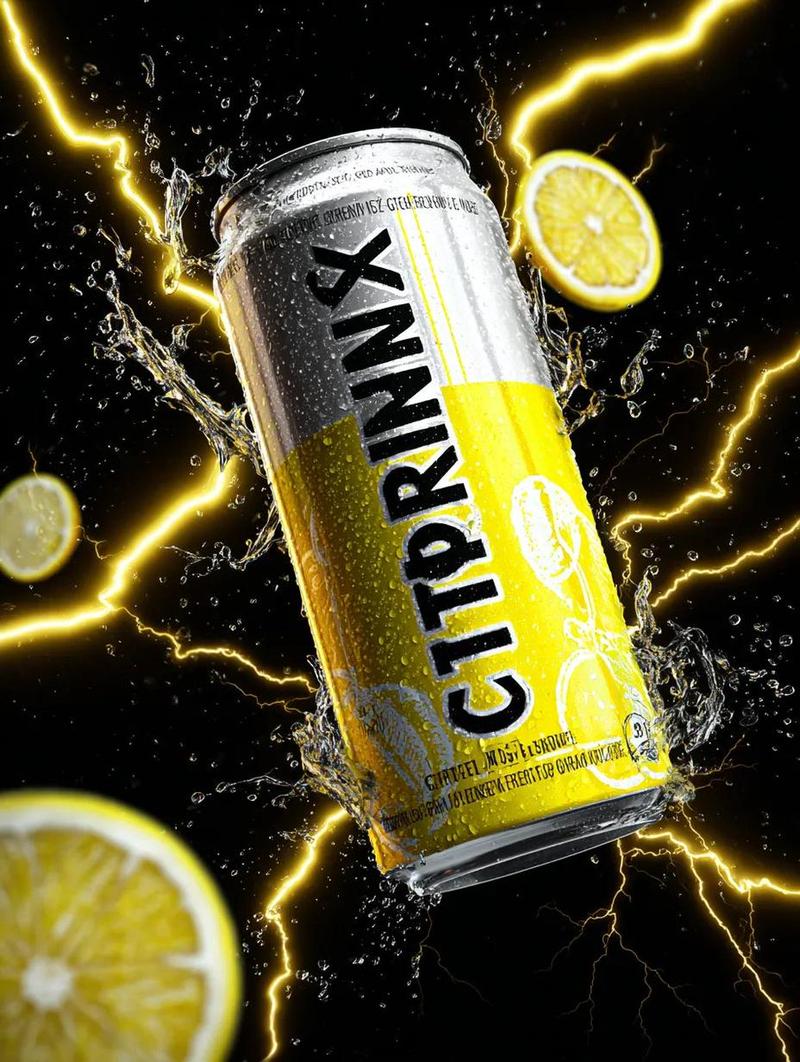
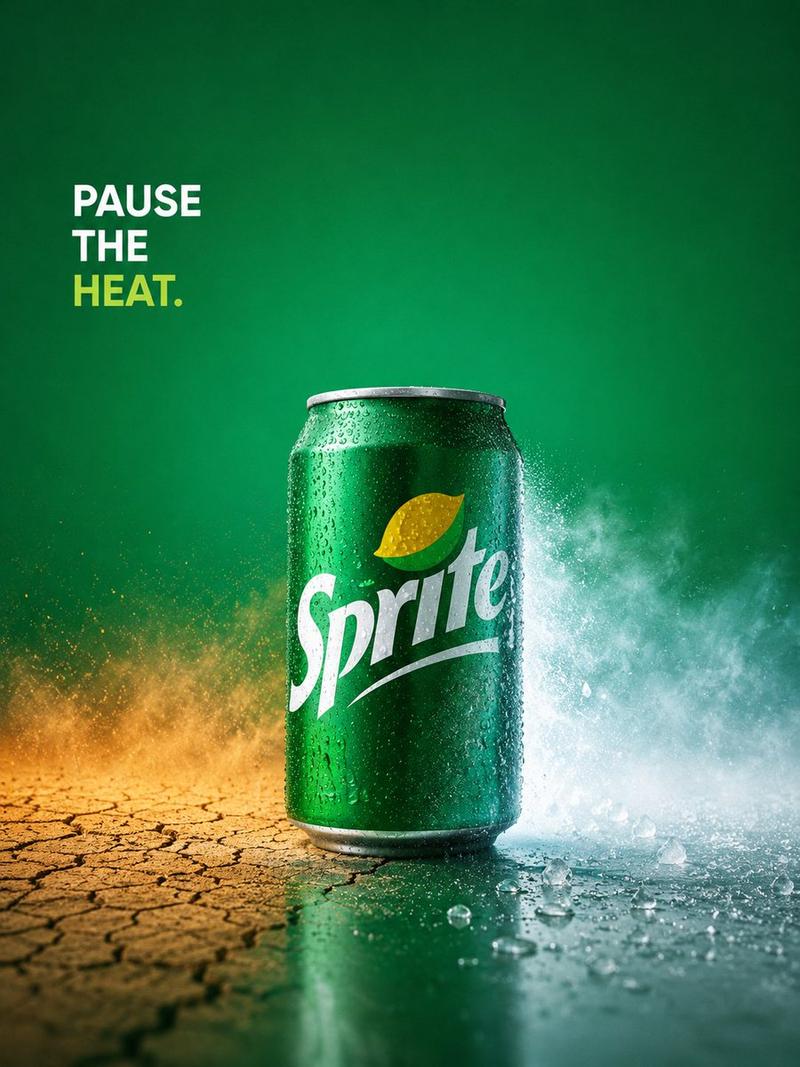
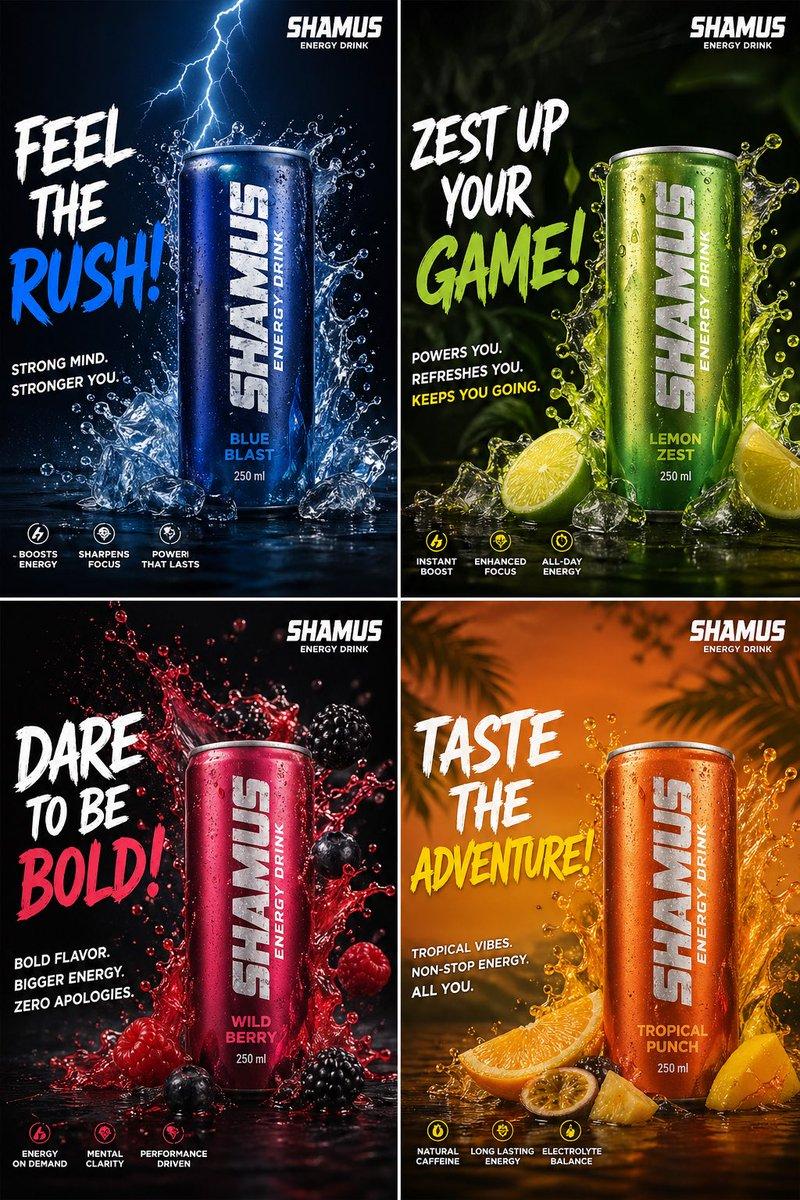
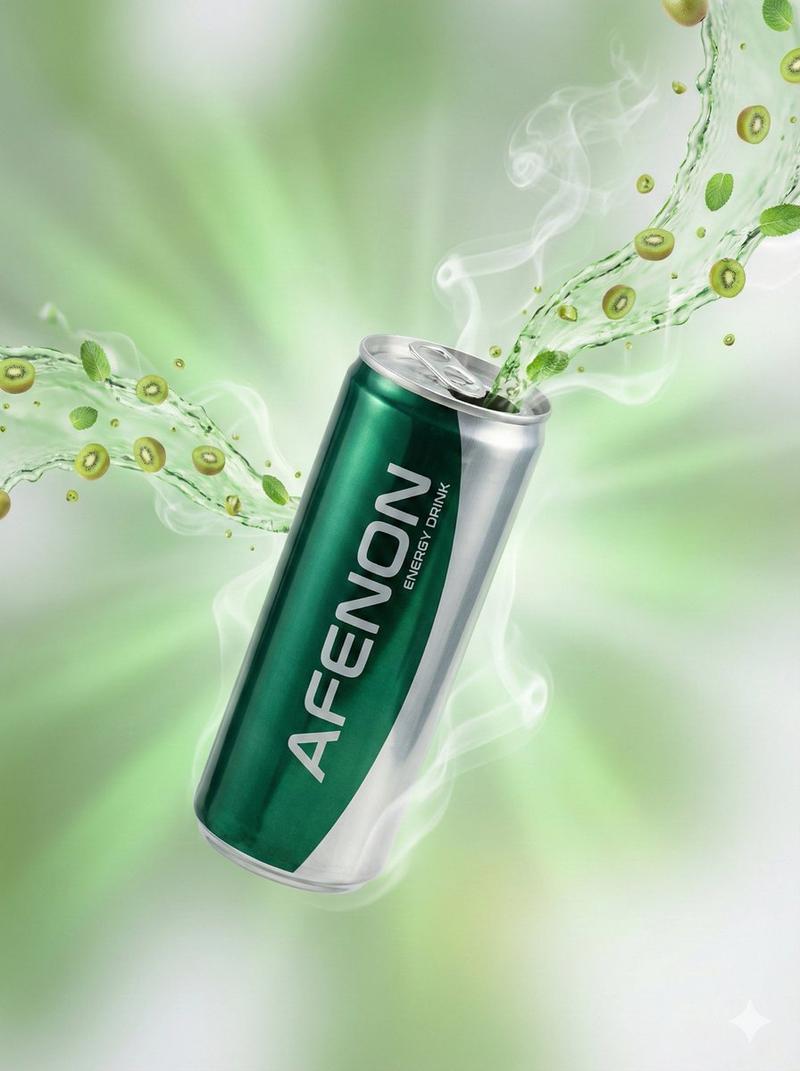
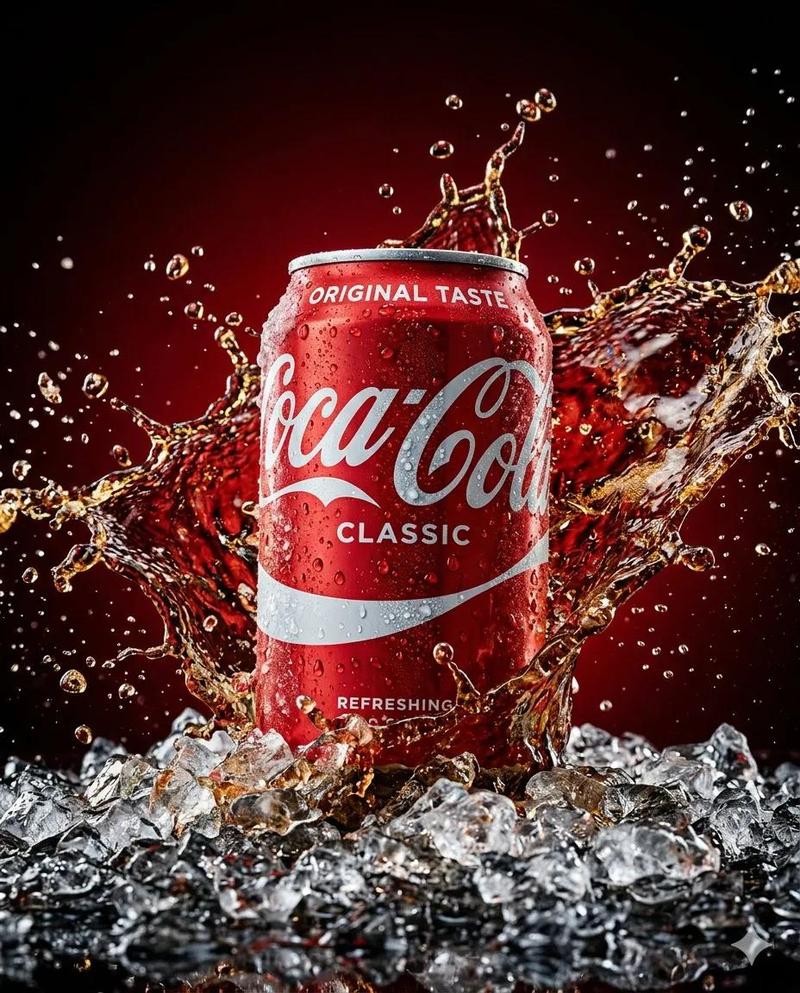
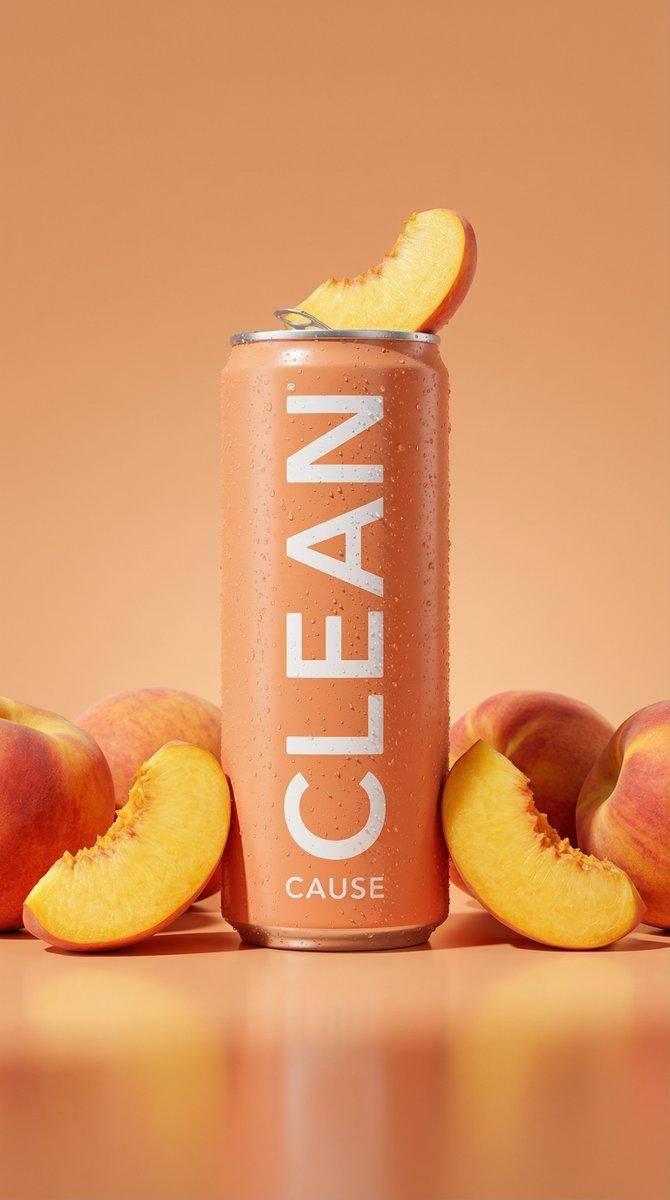
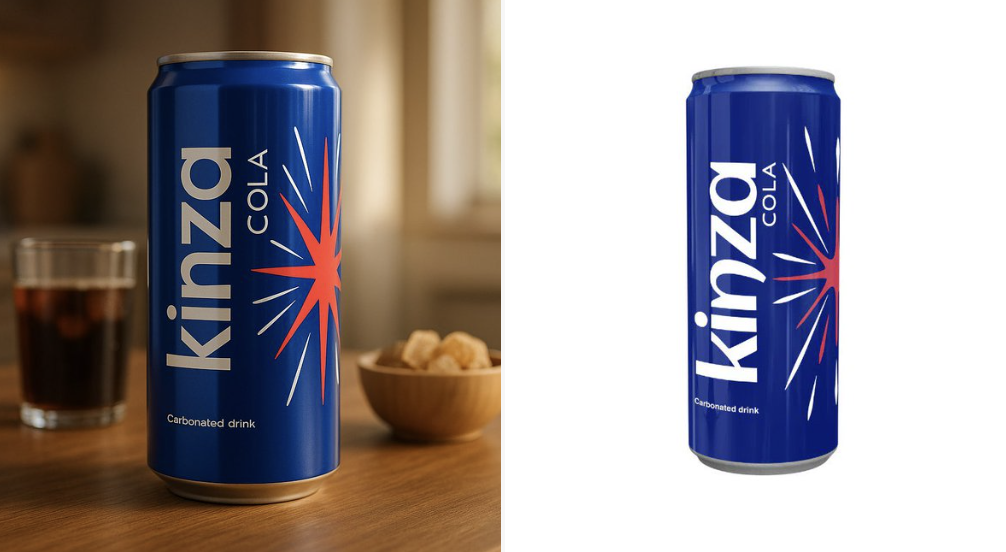
Example images

创意广告

Prompt
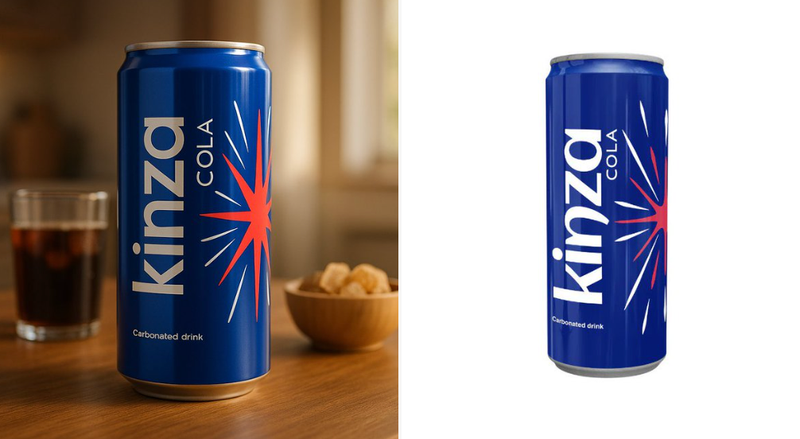
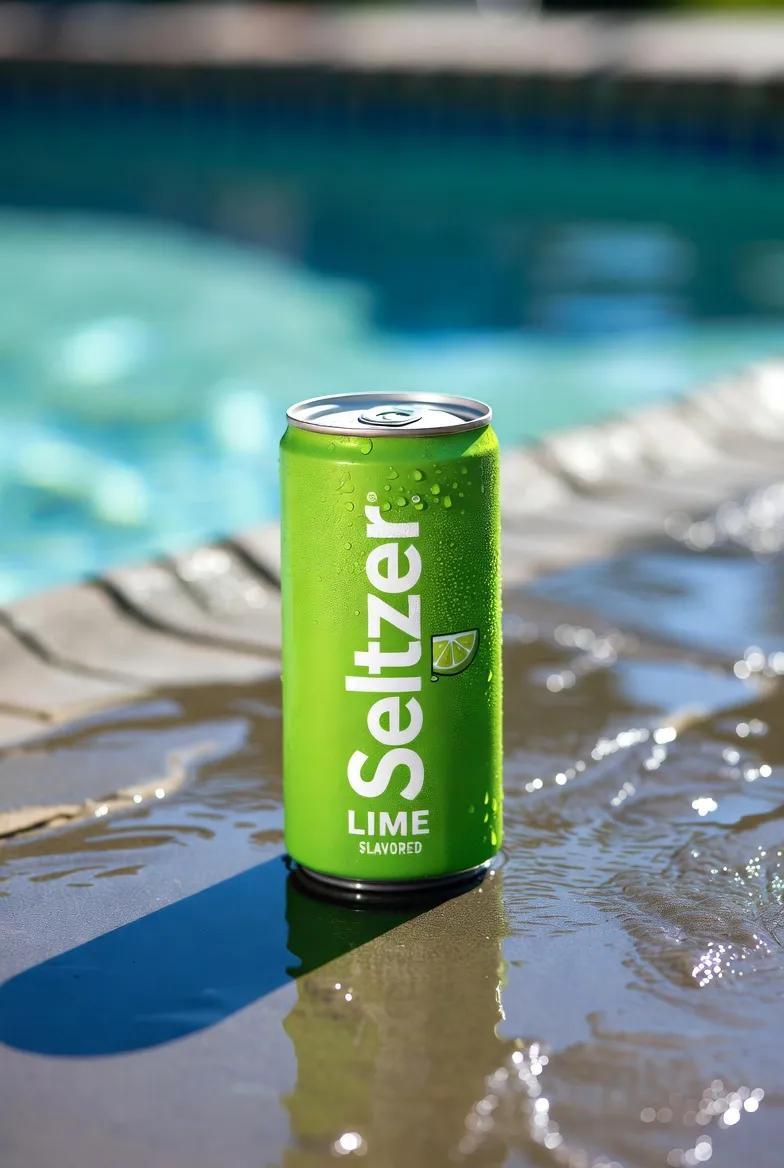
Use the uploaded product image exactly as it is — do not alter, redraw, or reinterpret any part of it. Follow the guidelines below to create a high-quality, cinematic product presentation:

• Keep the product fully intact — all text, labels, proportions, packaging, and colors must remain exactly the same.
• Use natural or cinematic lighting to enhance the product’s appeal.
• Place the product on a realistic surface that matches its category (e.g. wooden kitchen table for bread, bathroom shelf for skincare, desk for tech gadgets).
• Add complementary props if appropriate (e.g. toast and coffee for bread, leaves and water droplets for skincare) — but do not let them touch or cover the product.
• Use a softly blurred or ambient background (e.g. kitchen, morning window light, minimal interior).
• Include soft shadows and subtle reflections for a grounded, photo-realistic effect.
• Final result should feel premium, natural, and visually appealing — with 100% fidelity to the uploaded product image.
Category
创意图片
Model
Nano Banana Pro
Creator
@aziz4ai
Views15
Source ID
3543227f-2521-4b5d-b8f3-379725938d07
Published
Dec 27, 2025

Guide

About "创意广告"

What is this prompt for?

"创意广告" AI image prompt for Nano Banana Pro (创意图片). 创意图片 Copy it on Picva and recreate the look in one click.

The full copyable prompt and example visuals above are ready for AI image generation or one-click recreate in Picva.

How to use this prompt

  1. Step 1

    Open the prompt detail

    Review the example visuals, category, and full prompt text for "创意广告".

  2. Step 2

    Copy the prompt

    Copy the prompt body from this page, or load it directly in Studio.

  3. Step 3

    Pick a model (Nano Banana Pro)

    Prefer Nano Banana Pro. If you switch models, keep subject and composition and tweak style terms.

  4. Step 4

    Generate and export

    Recreate the look in Picva, or export into your workflow for editing and publishing.

FAQ

What is the "创意广告" prompt?
It is an AI image-generation prompt for Nano Banana Pro in the 创意图片 category. This page includes the full prompt text, example visuals, and a one-click recreate path in Picva.
How do I use this prompt to generate an image?
Copy the prompt from this page, or use Generate / Studio. Paste it into a compatible image model, or recreate the look in Picva with optional reference images.
Which model is this prompt for?
This page lists Nano Banana Pro. Most descriptive prompts also transfer to nearby image models such as GPT Image, Flux, or Midjourney with light style tweaks.
Can I use the result commercially?
You can usually copy the prompt for creation, but commercial use of the final image depends on the model terms, reference-image rights, and the generated content. Follow the source author and platform rules.