12

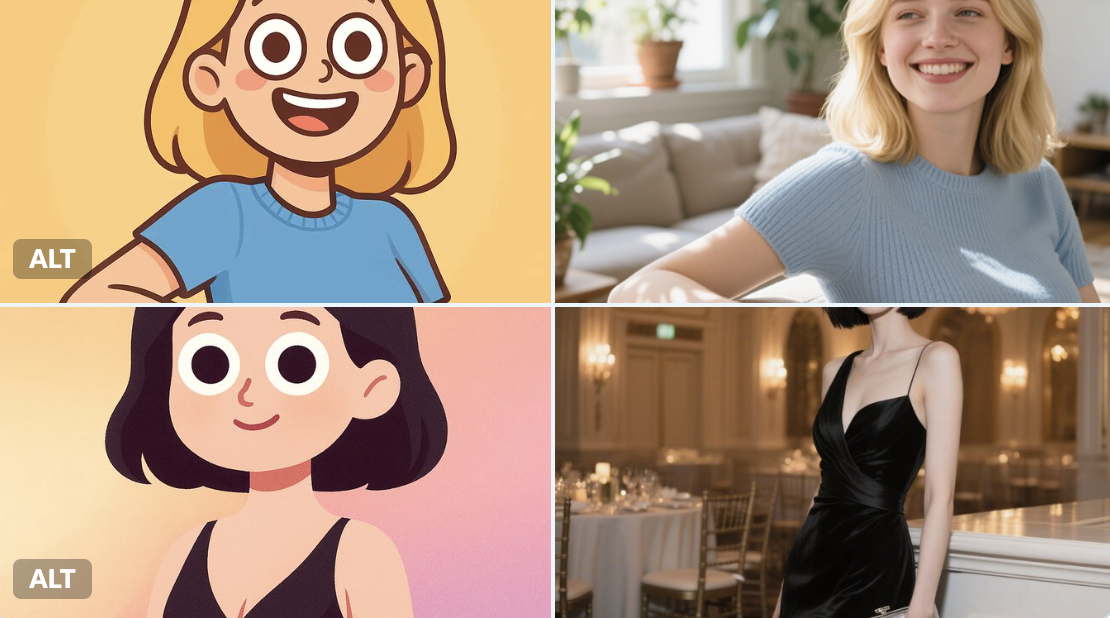
卡通照片转换
Enlarge

Example images

卡通照片转换

Prompt
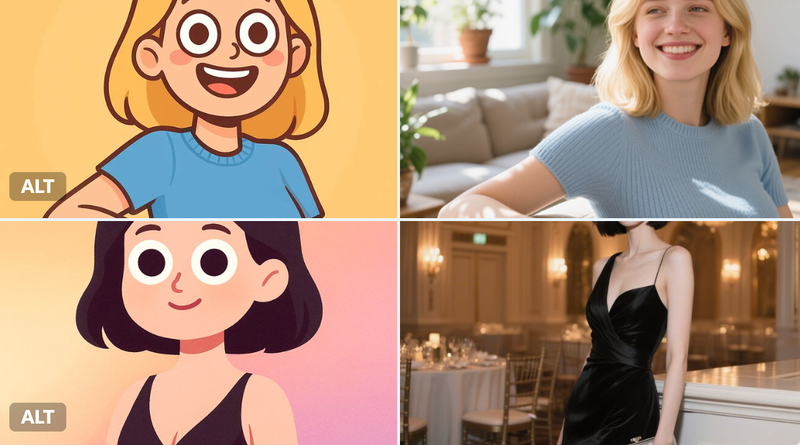
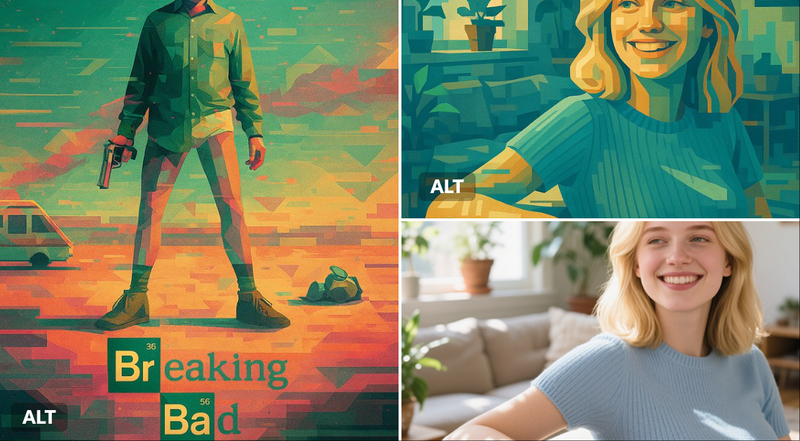
Transform the character into a digital, half-body cartoon-style portrait. Use a playful, vector-friendly style with clean solid lines, rounded face, oversized googly eyes, and minimal facial details. Show the character from chest up, including shoulders and upper torso. Apply smooth gradient fills to both the character and background for a colorful, soft look. Square format.
Category
portrait_stylization
Model
Nano Banana Pro
Creator
@fy360593
Views6
Source ID
31ad921f-bf8c-4593-a1fc-34299b8353ac
Published
Dec 27, 2025

Guide

About "卡通照片转换"

What is this prompt for?

"卡通照片转换" AI image prompt for Nano Banana Pro (portrait_stylization). portrait_stylization Copy it on Picva and recreate the look in one click.

The full copyable prompt and example visuals above are ready for AI image generation or one-click recreate in Picva.

How to use this prompt

  1. Step 1

    Open the prompt detail

    Review the example visuals, category, and full prompt text for "卡通照片转换".

  2. Step 2

    Copy the prompt

    Copy the prompt body from this page, or load it directly in Studio.

  3. Step 3

    Pick a model (Nano Banana Pro)

    Prefer Nano Banana Pro. If you switch models, keep subject and composition and tweak style terms.

  4. Step 4

    Generate and export

    Recreate the look in Picva, or export into your workflow for editing and publishing.

FAQ

What is the "卡通照片转换" prompt?
It is an AI image-generation prompt for Nano Banana Pro in the portrait_stylization category. This page includes the full prompt text, example visuals, and a one-click recreate path in Picva.
How do I use this prompt to generate an image?
Copy the prompt from this page, or use Generate / Studio. Paste it into a compatible image model, or recreate the look in Picva with optional reference images.
Which model is this prompt for?
This page lists Nano Banana Pro. Most descriptive prompts also transfer to nearby image models such as GPT Image, Flux, or Midjourney with light style tweaks.
Can I use the result commercially?
You can usually copy the prompt for creation, but commercial use of the final image depends on the model terms, reference-image rights, and the generated content. Follow the source author and platform rules.