20

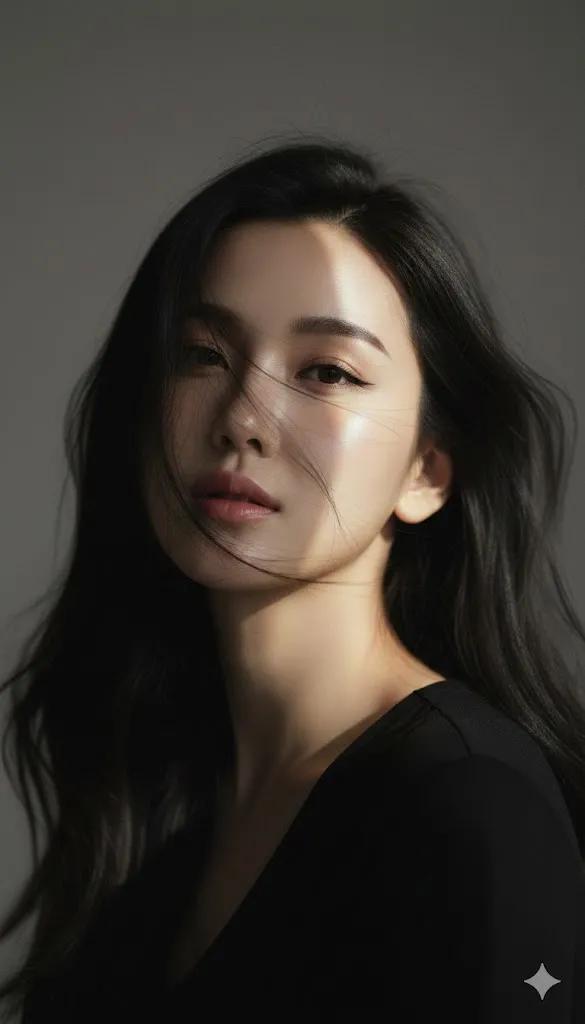
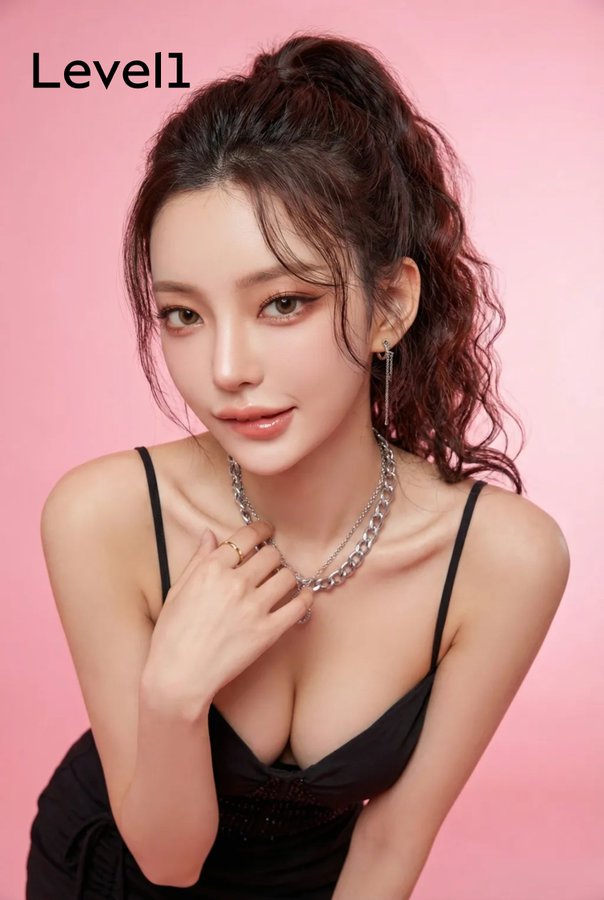
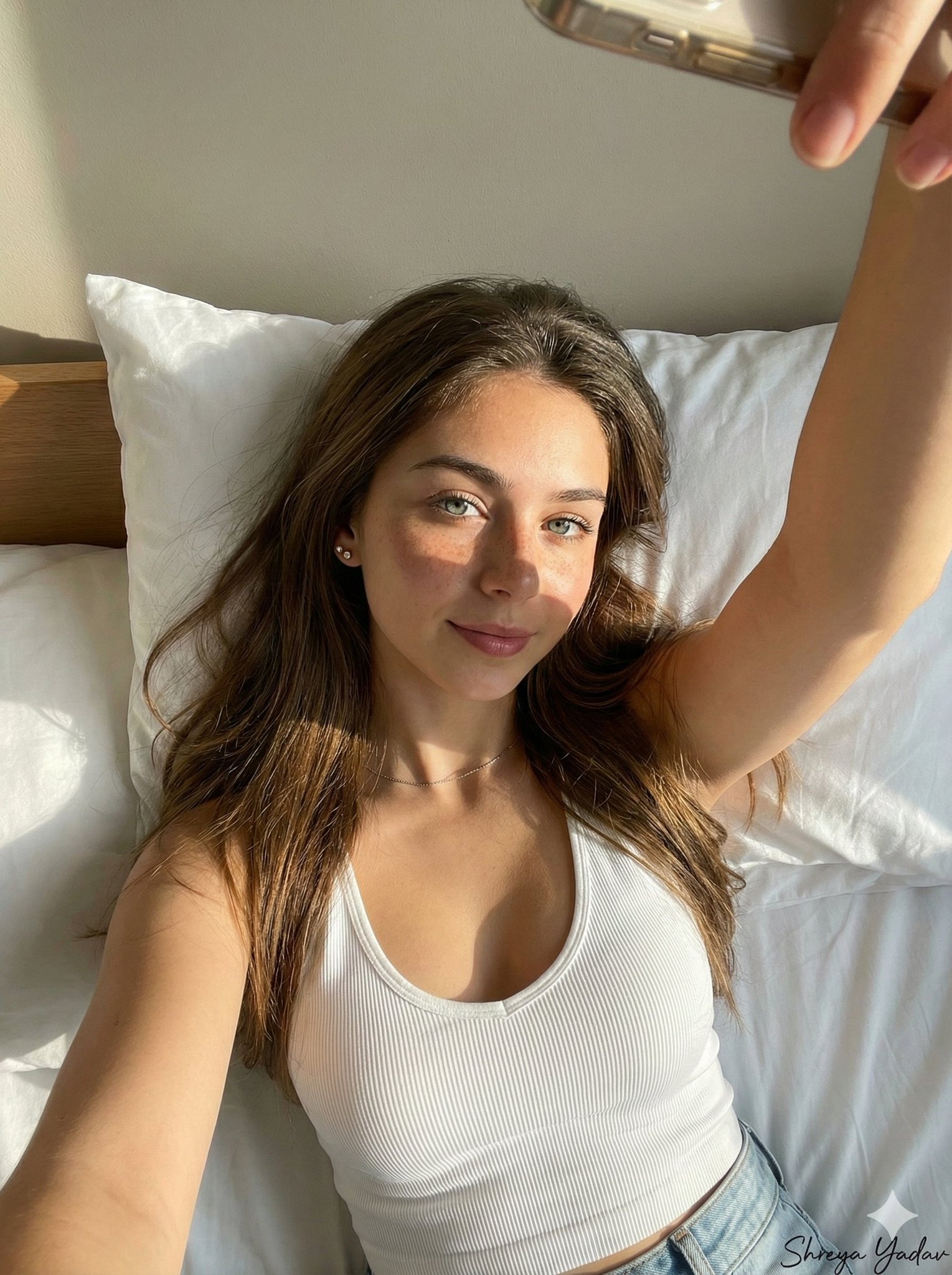
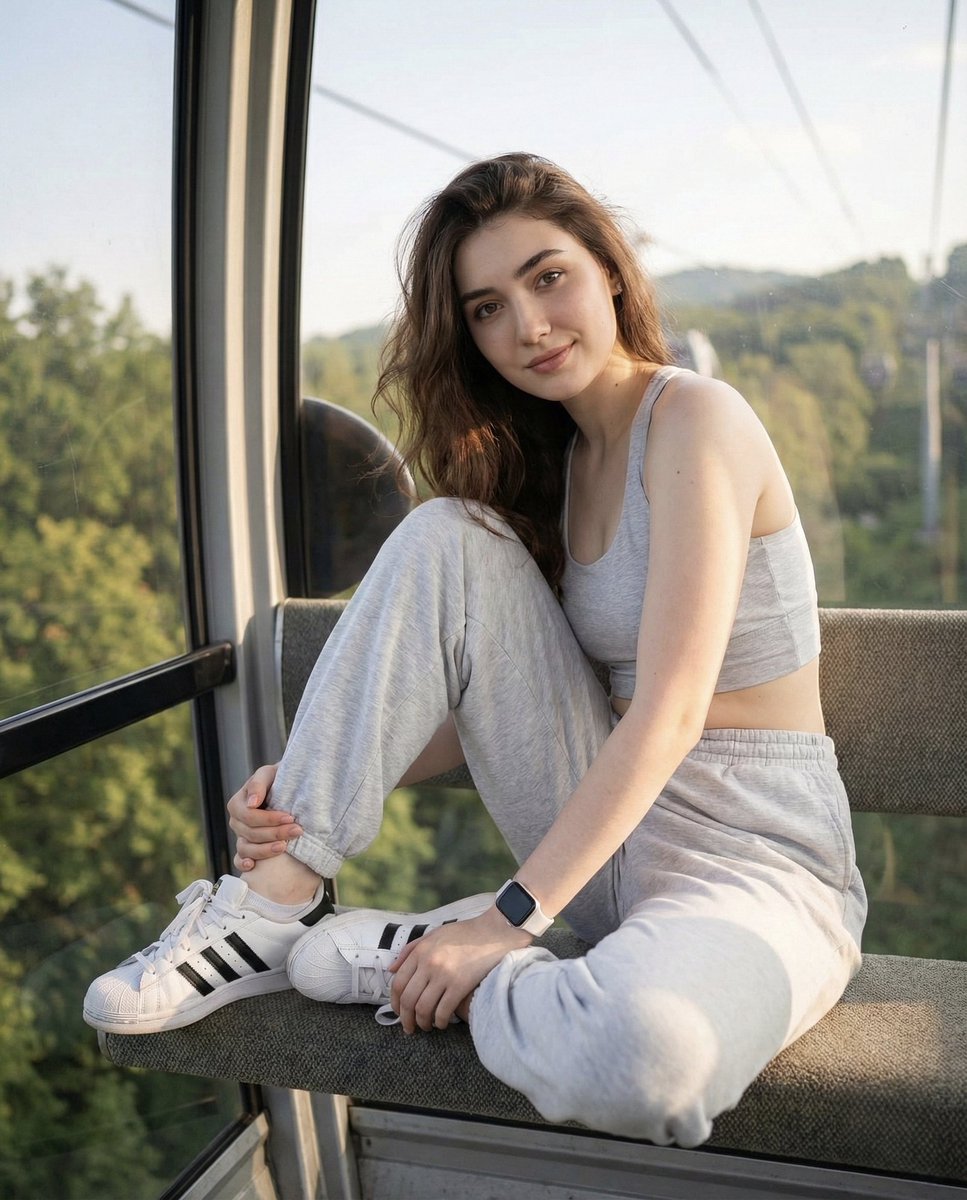
同一张脸的柔和模糊的侧面特写 (变体 2)
Enlarge

同一张脸的柔和模糊的侧面特写 (变体 2)

Prompt
{
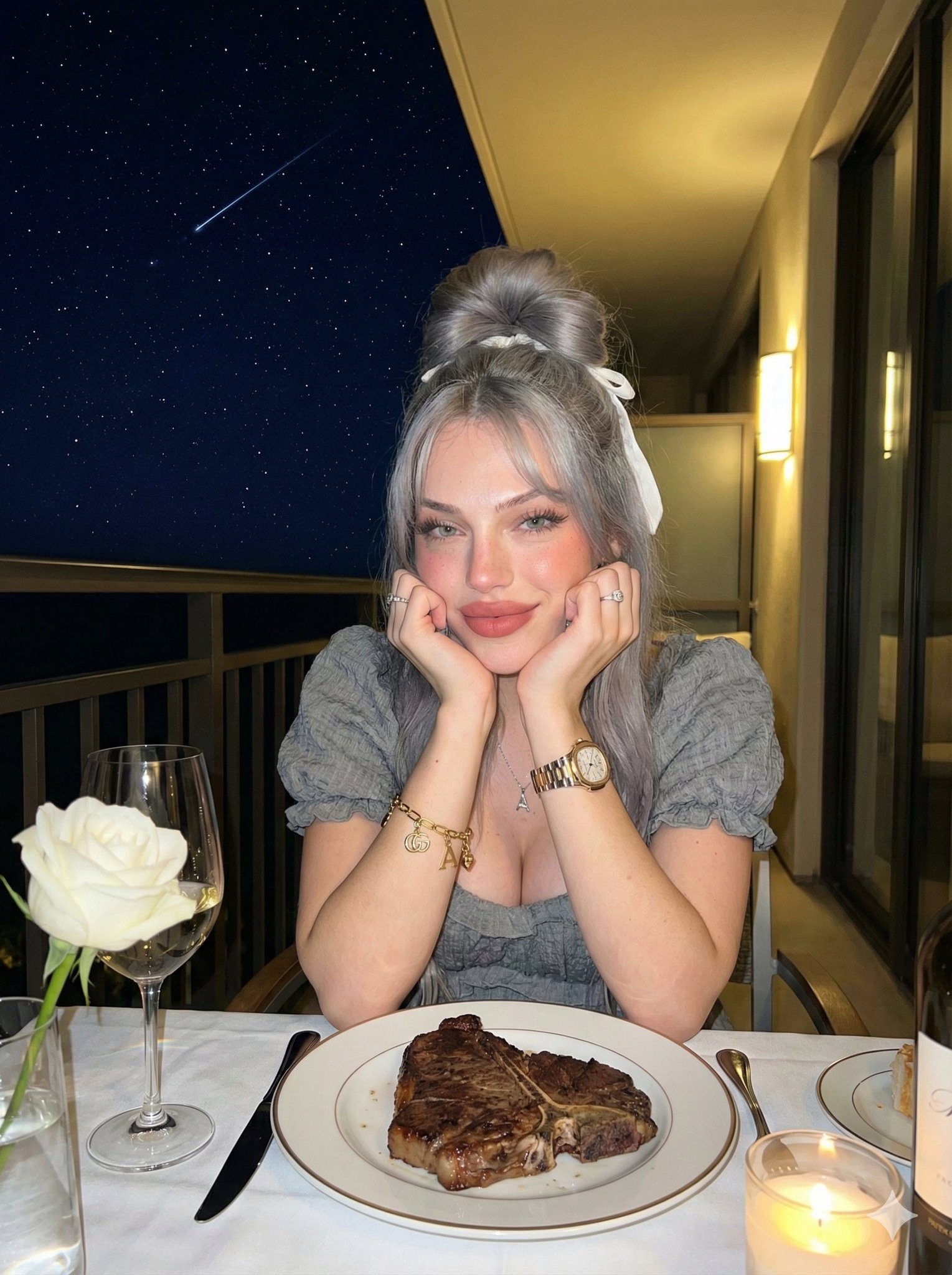
“提示”:“根据参考图片,绘制一位女士的全身艺术肖像,保留其面部特征。她优雅地坐在地板上,身着现代感十足的黑色上衣、宽松的灰色牛仔裤和厚底灰白运动鞋。她及腰的乳棕色长发自然垂落,一半编成精美的辫子。她仰望天空,笑容灿烂,展现出自信而真挚的神态。背景采用艺术化的黑白构图,柔和模糊的侧脸特写营造出时尚的双层美感。画面运用了高质量的柔光、逼真的纹理、电影般的写实感以及艺术肖像的氛围。”

“风格”: {
“照明”:“柔和、高质量、逼真”,
"color_palette": "单色背景,自然肤色",
“情绪”:“自信、坦率、有艺术气息”
“质量”:“超精细,高分辨率”
},

“相机”: {
“拍摄”: “全身肖像”
“角度”:“略低的角度,向上凝视的感觉”,
“焦点”: “主体清晰,背景虚化,富有艺术感”
},

“特点”: {
“脸部”:“与参考图像相同”,
“表情”:“笑着,自信的笑容”,
“头发”:“长长的波浪状乳棕色头发,一半编成辫子”,
“全套服装”: {
“上衣”: “现代黑色上衣”,
下装:柔软宽松的灰色牛仔裤,
“鞋子”: “厚底灰白运动鞋”
}
},

“背景”: {
"type": "艺术单色",
“图层”: “同一张脸的柔和模糊的侧面特写”,
“效果”:“时尚的双层美感”
}
}
Category
creative_scene
Model
Grok
Views0
Source ID
aaed897f-8919-4413-9021-2217f9115ea1
Published
Dec 27, 2025

Guide

About "同一张脸的柔和模糊的侧面特写 (变体 2)"

What is this prompt for?

"同一张脸的柔和模糊的侧面特写 (变体 2)" AI image prompt for Grok (creative_scene). creative_scene Copy it on Picva and recreate the look in one click.

The full copyable prompt and example visuals above are ready for AI image generation or one-click recreate in Picva.

How to use this prompt

  1. Step 1

    Open the prompt detail

    Review the example visuals, category, and full prompt text for "同一张脸的柔和模糊的侧面特写 (变体 2)".

  2. Step 2

    Copy the prompt

    Copy the prompt body from this page, or load it directly in Studio.

  3. Step 3

    Pick a model (Grok)

    Prefer Grok. If you switch models, keep subject and composition and tweak style terms.

  4. Step 4

    Generate and export

    Recreate the look in Picva, or export into your workflow for editing and publishing.

FAQ

What is the "同一张脸的柔和模糊的侧面特写 (变体 2)" prompt?
It is an AI image-generation prompt for Grok in the creative_scene category. This page includes the full prompt text, example visuals, and a one-click recreate path in Picva.
How do I use this prompt to generate an image?
Copy the prompt from this page, or use Generate / Studio. Paste it into a compatible image model, or recreate the look in Picva with optional reference images.
Which model is this prompt for?
This page lists Grok. Most descriptive prompts also transfer to nearby image models such as GPT Image, Flux, or Midjourney with light style tweaks.
Can I use the result commercially?
You can usually copy the prompt for creation, but commercial use of the final image depends on the model terms, reference-image rights, and the generated content. Follow the source author and platform rules.