16

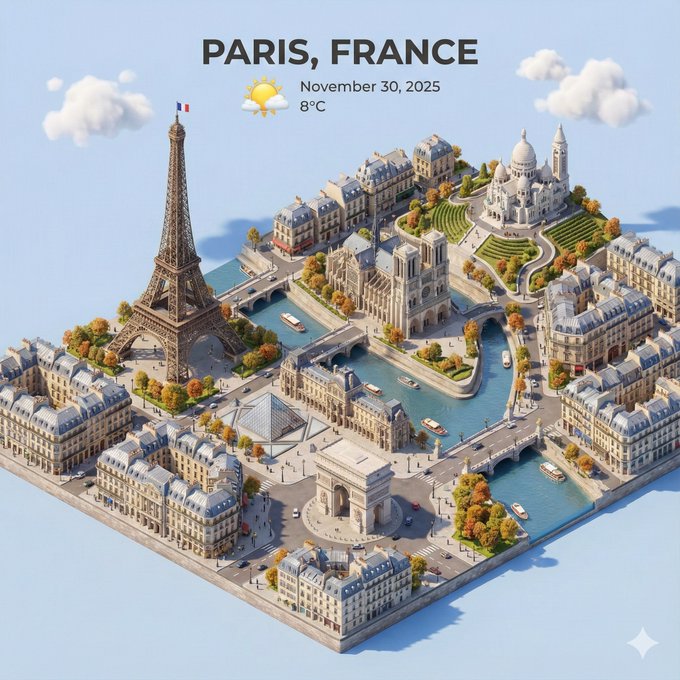
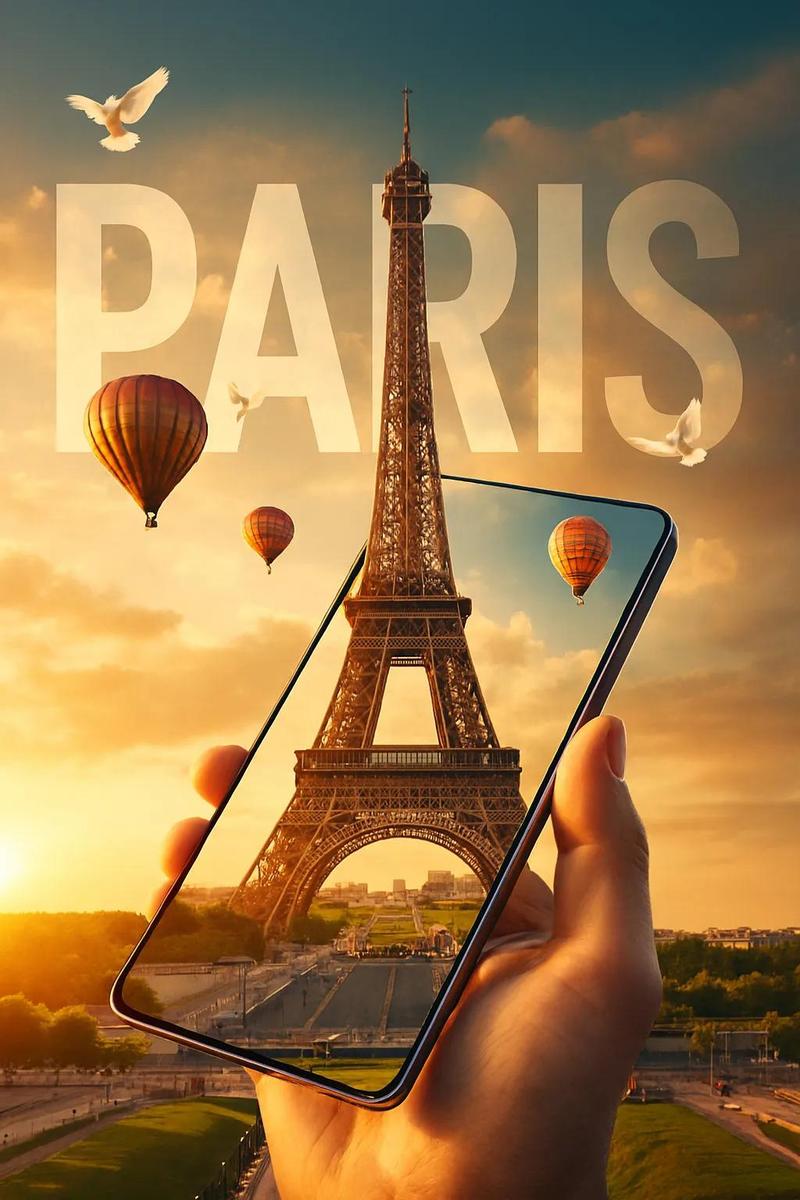
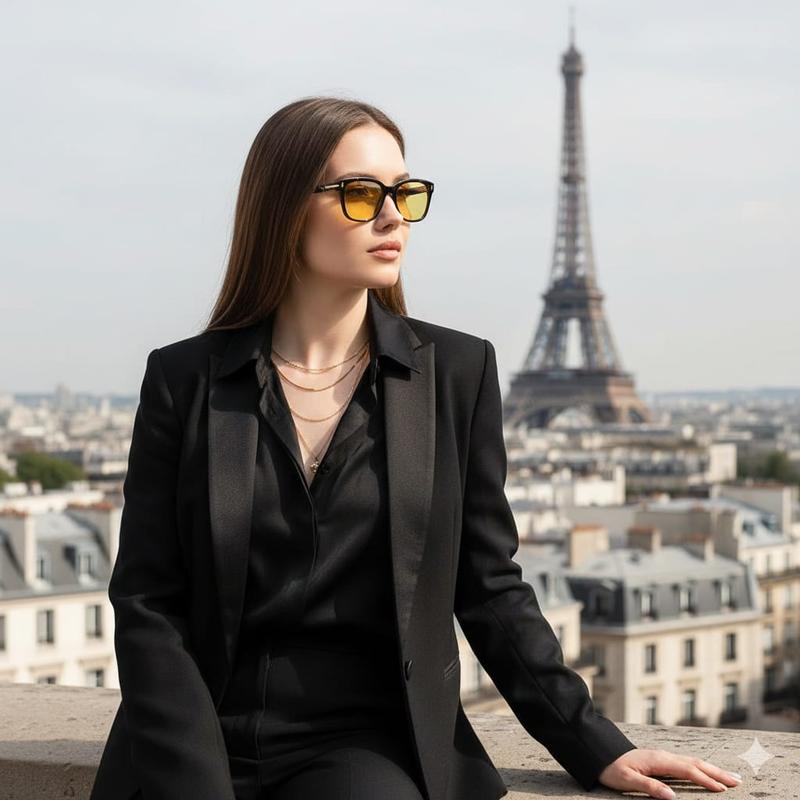
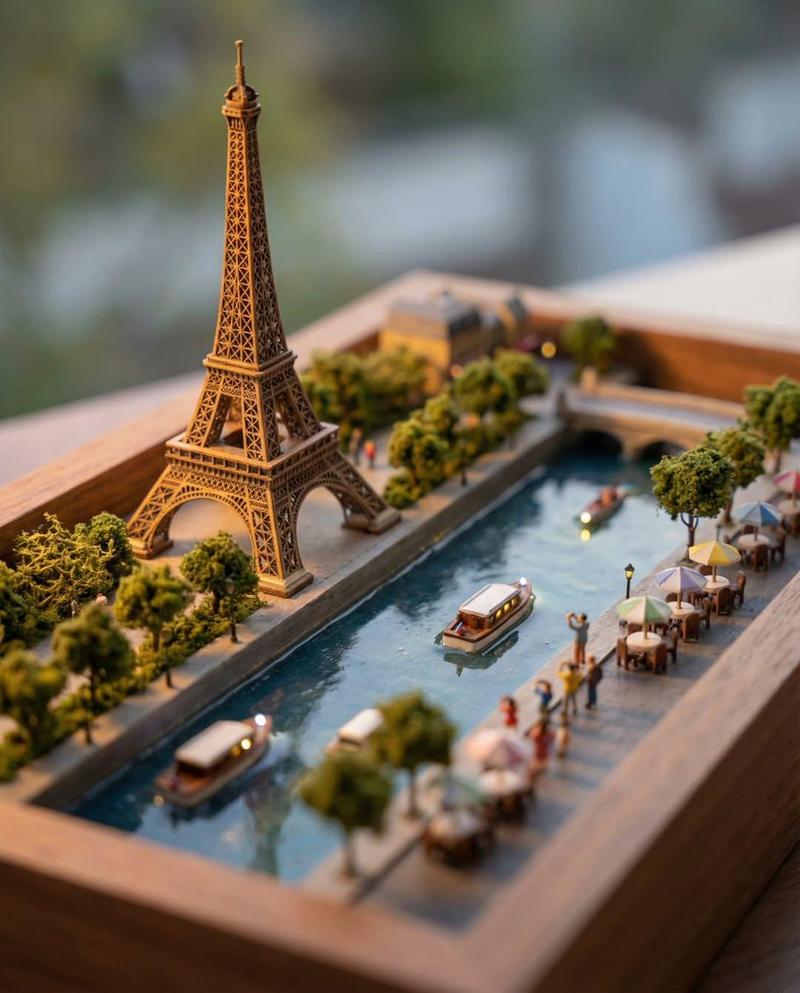
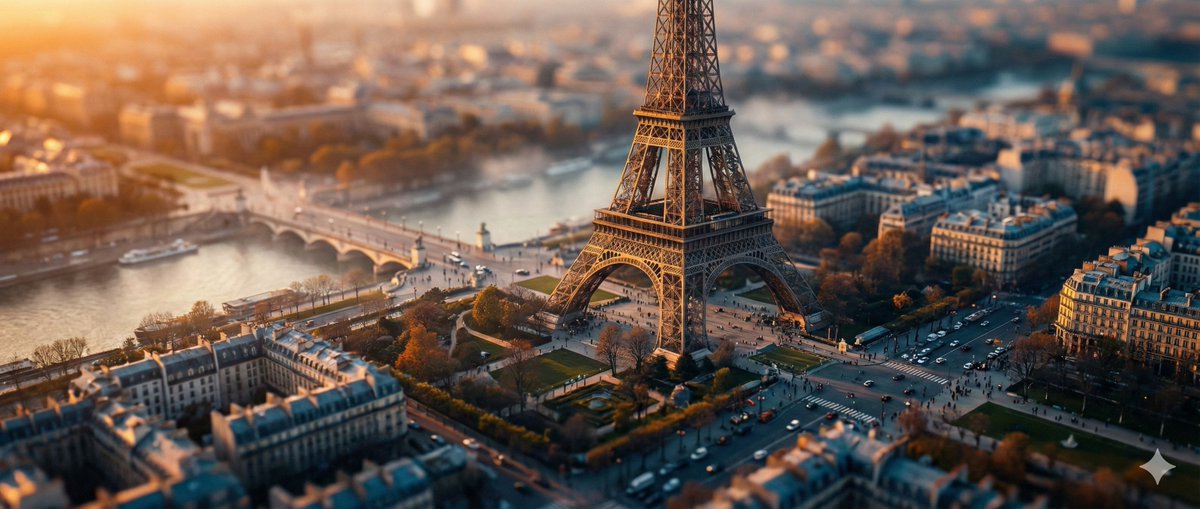
真实世界移轴摄影
Enlarge

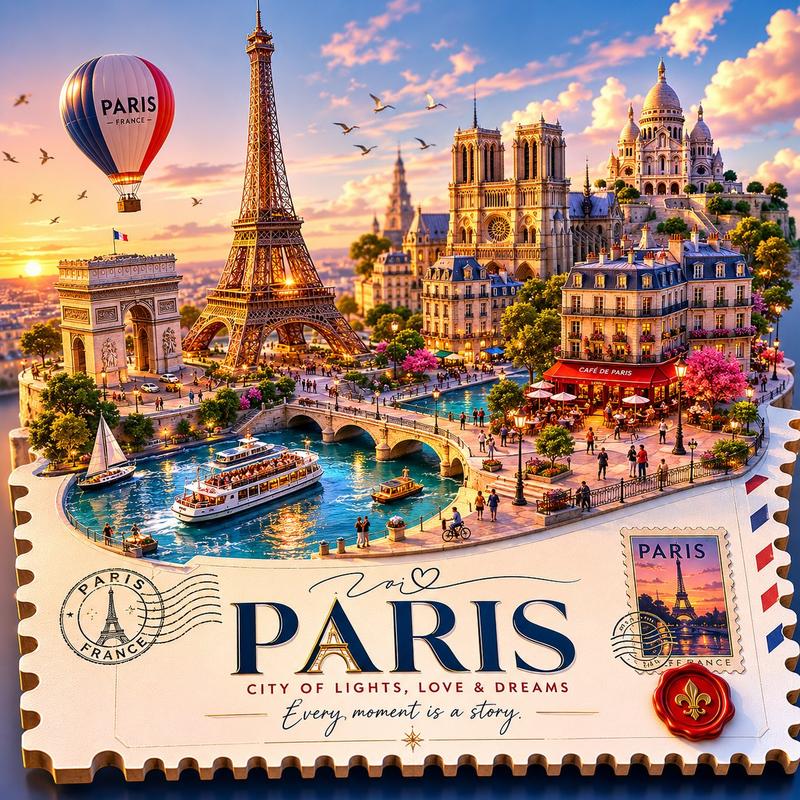
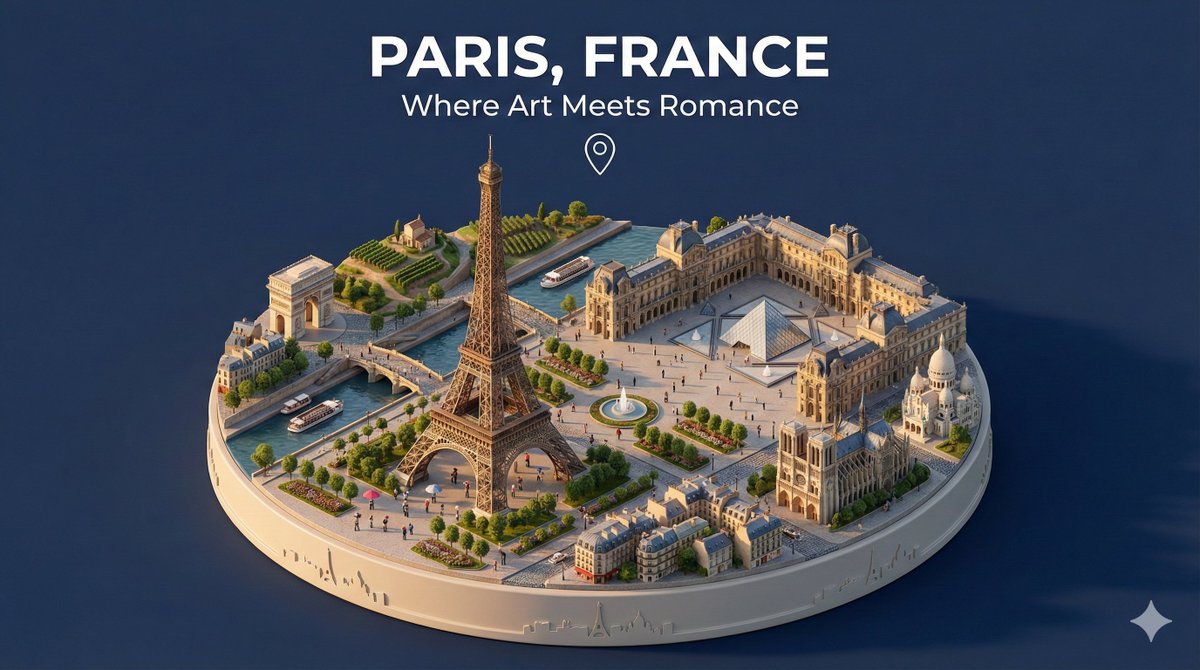
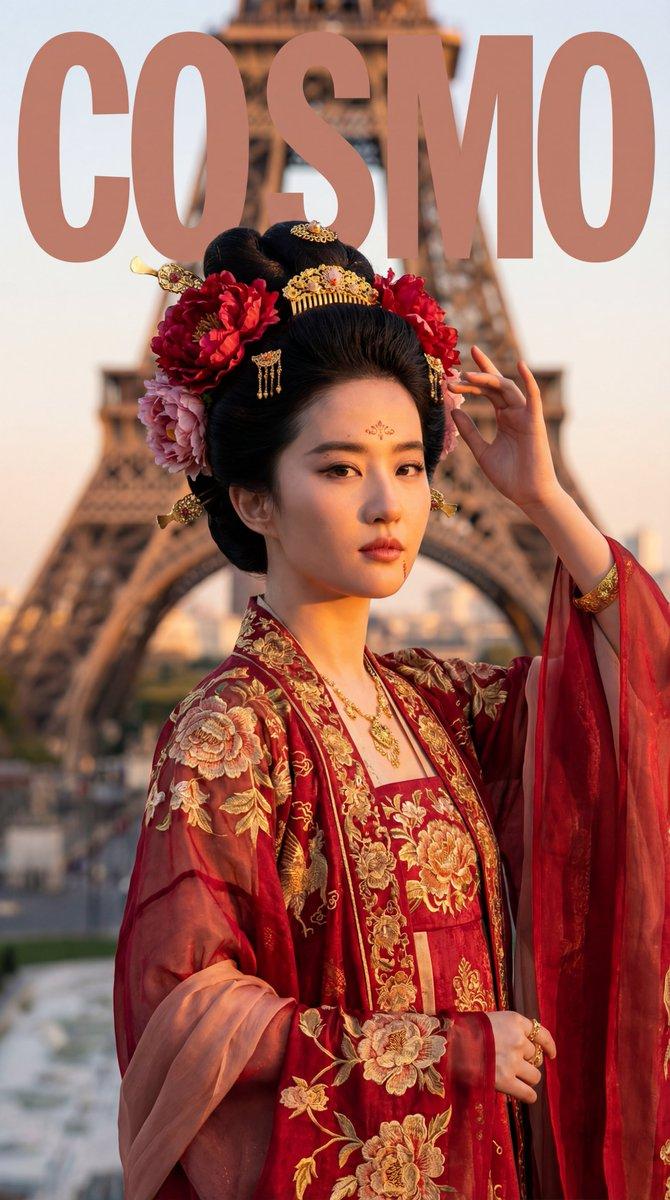
Example images

真实世界移轴摄影

Prompt
A highly detailed tilt-shift photography of [LOCATION] captured from a high vantage point at [TIME OF DAY, e.g., golden hour sunset], transforming the iconic structure and surrounding landscape into a whimsical miniature toy model scene, with pinpoint sharp focus on the central elements like buildings, pathways, and key landmarks, gradually blurring into soft bokeh towards the edges and foreground/background for an exaggerated shallow depth of field effect; vibrant color palette featuring [COLOR SCHEME, e.g., warm oranges and deep blues], intricate textures on surfaces such as stone, foliage, or water reflections, subtle atmospheric haze or mist adding depth and realism, photorealistic rendering with high dynamic range lighting casting long dramatic shadows, ultra-high resolution 8K, cinematic composition emphasizing symmetry and leading lines, in the style of professional architectural miniature photography.
Category
创意图片
Model
Nano Banana Pro
Creator
@XianyuLi
Views6
Source ID
a6cffa3f-d410-40e7-a748-5267600be911
Published
Dec 27, 2025

Guide

About "真实世界移轴摄影"

What is this prompt for?

"真实世界移轴摄影" AI image prompt for Nano Banana Pro (创意图片). 创意图片 Copy it on Picva and recreate the look in one click.

The full copyable prompt and example visuals above are ready for AI image generation or one-click recreate in Picva.

How to use this prompt

  1. Step 1

    Open the prompt detail

    Review the example visuals, category, and full prompt text for "真实世界移轴摄影".

  2. Step 2

    Copy the prompt

    Copy the prompt body from this page, or load it directly in Studio.

  3. Step 3

    Pick a model (Nano Banana Pro)

    Prefer Nano Banana Pro. If you switch models, keep subject and composition and tweak style terms.

  4. Step 4

    Generate and export

    Recreate the look in Picva, or export into your workflow for editing and publishing.

FAQ

What is the "真实世界移轴摄影" prompt?
It is an AI image-generation prompt for Nano Banana Pro in the 创意图片 category. This page includes the full prompt text, example visuals, and a one-click recreate path in Picva.
How do I use this prompt to generate an image?
Copy the prompt from this page, or use Generate / Studio. Paste it into a compatible image model, or recreate the look in Picva with optional reference images.
Which model is this prompt for?
This page lists Nano Banana Pro. Most descriptive prompts also transfer to nearby image models such as GPT Image, Flux, or Midjourney with light style tweaks.
Can I use the result commercially?
You can usually copy the prompt for creation, but commercial use of the final image depends on the model terms, reference-image rights, and the generated content. Follow the source author and platform rules.