12

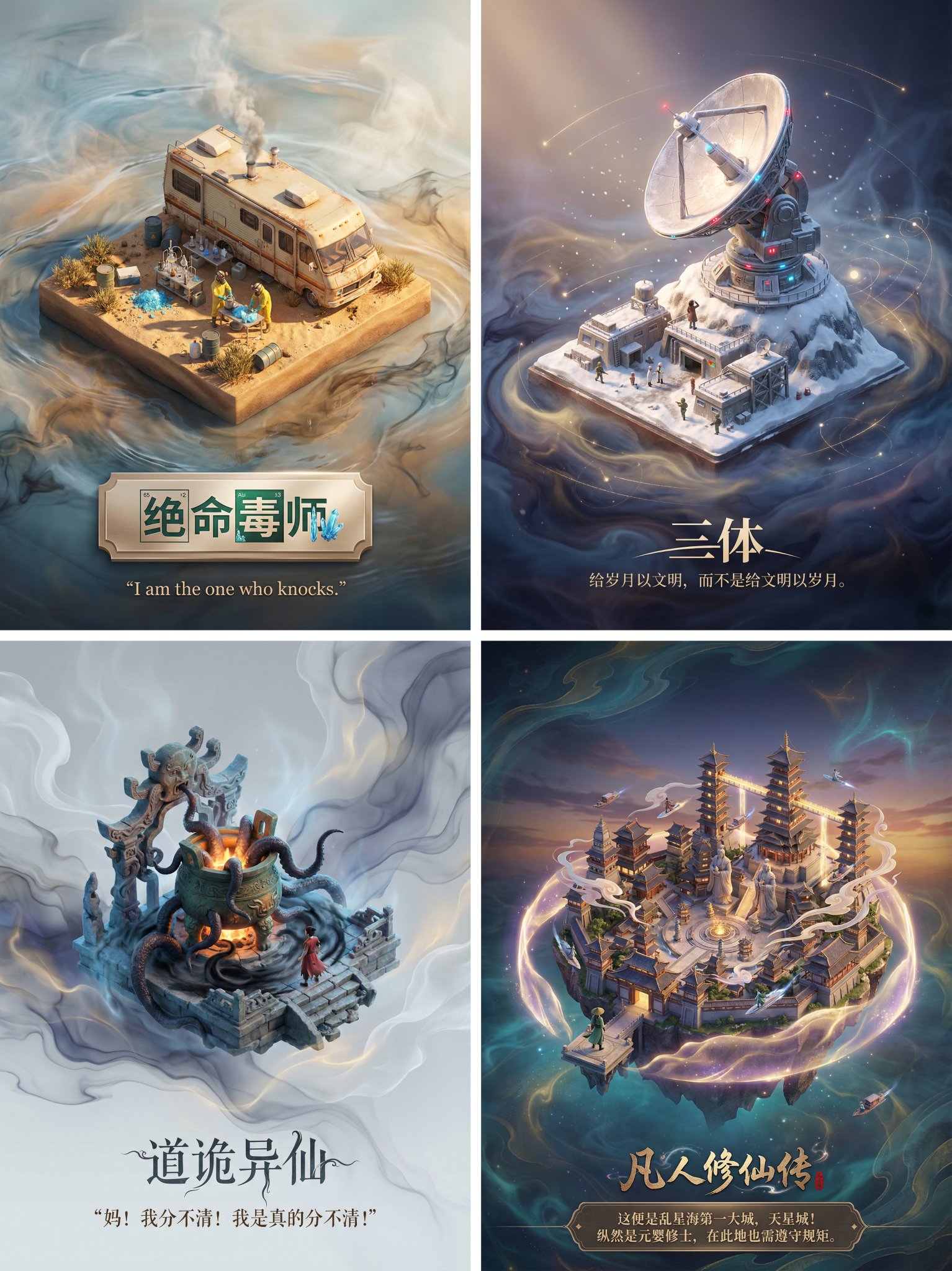
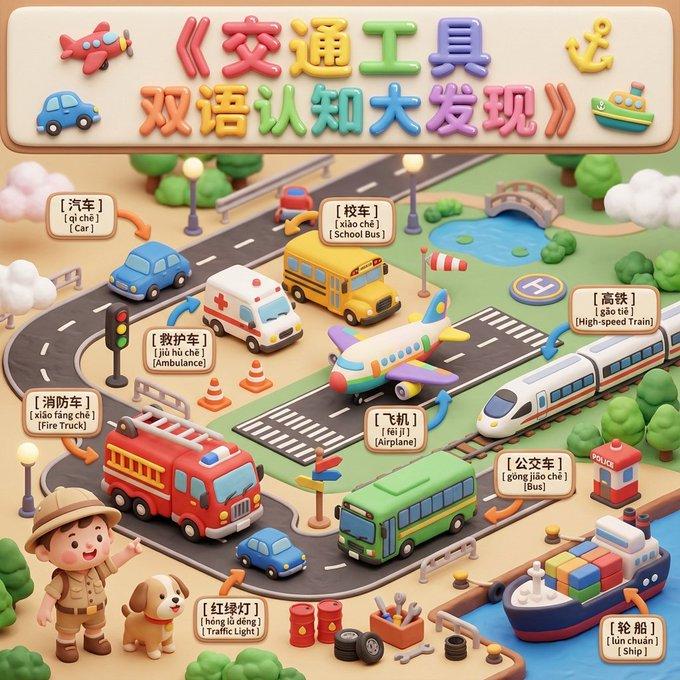
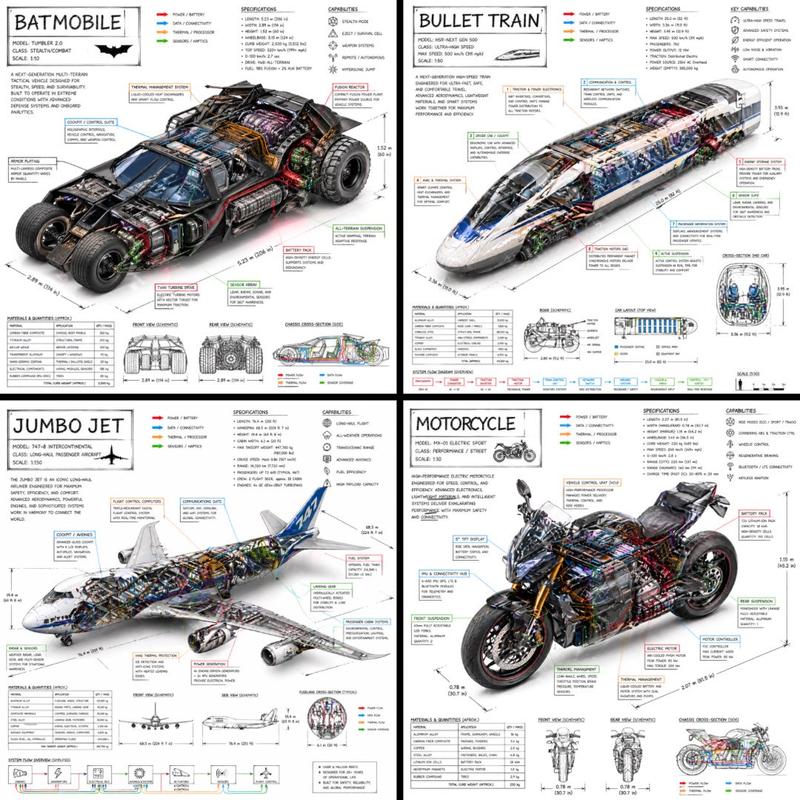
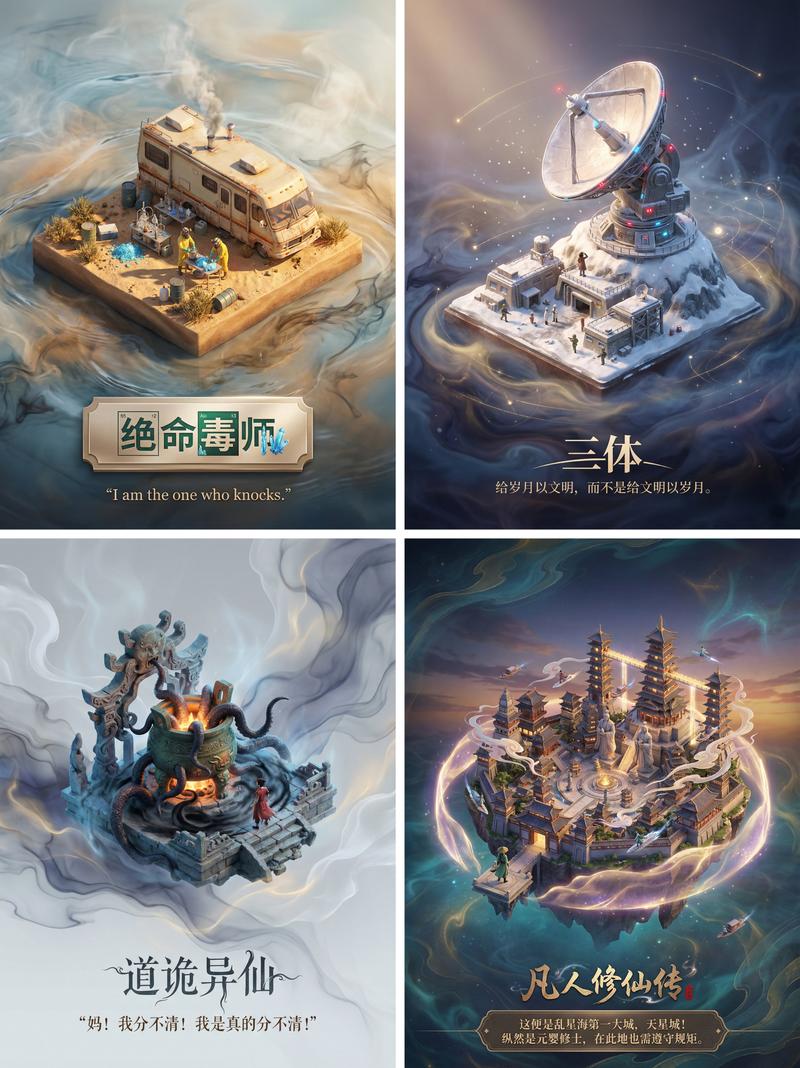
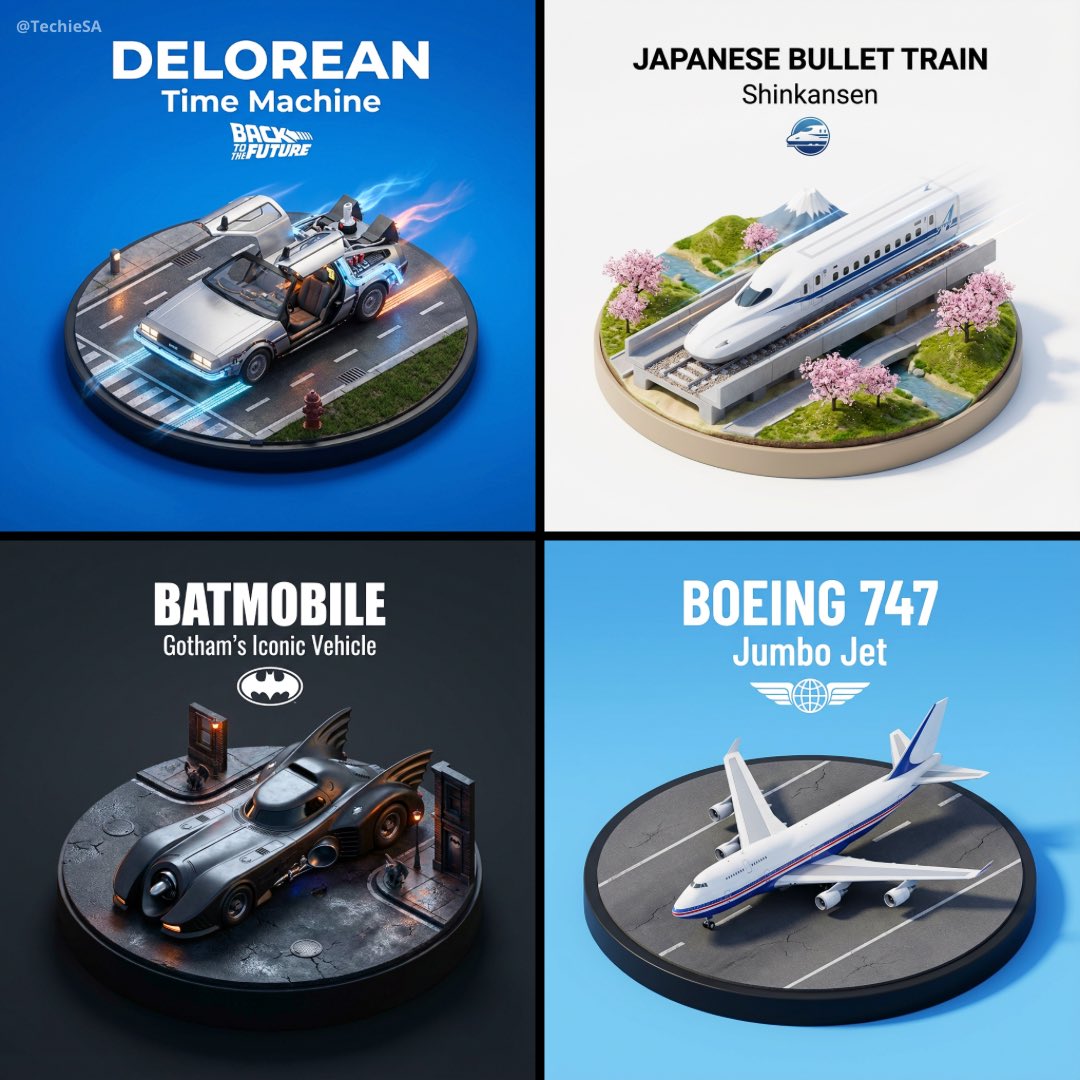
微缩3D立体模型
Enlarge

Example images

微缩3D立体模型

Prompt
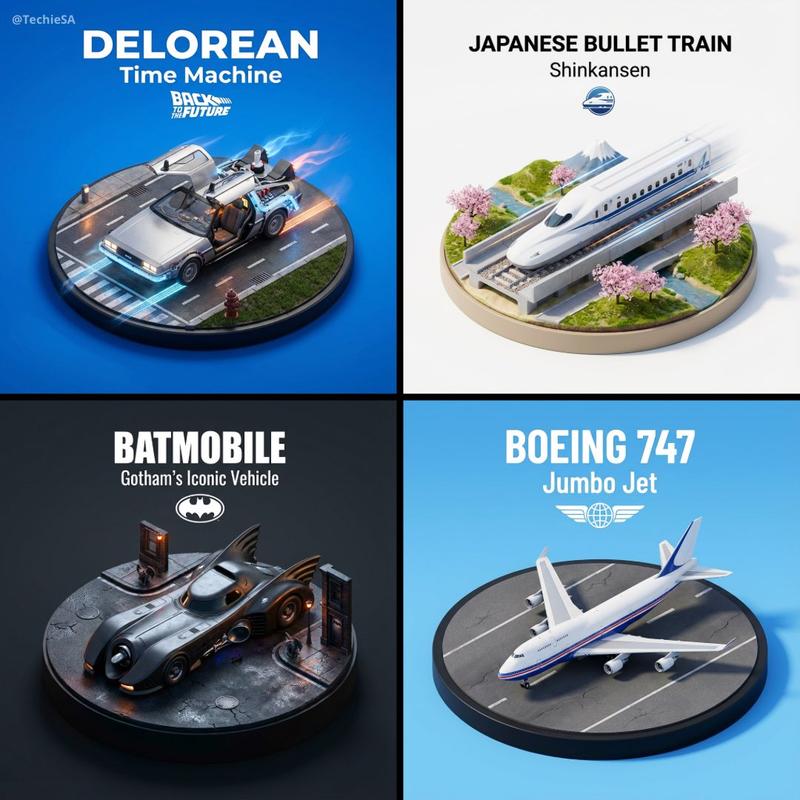
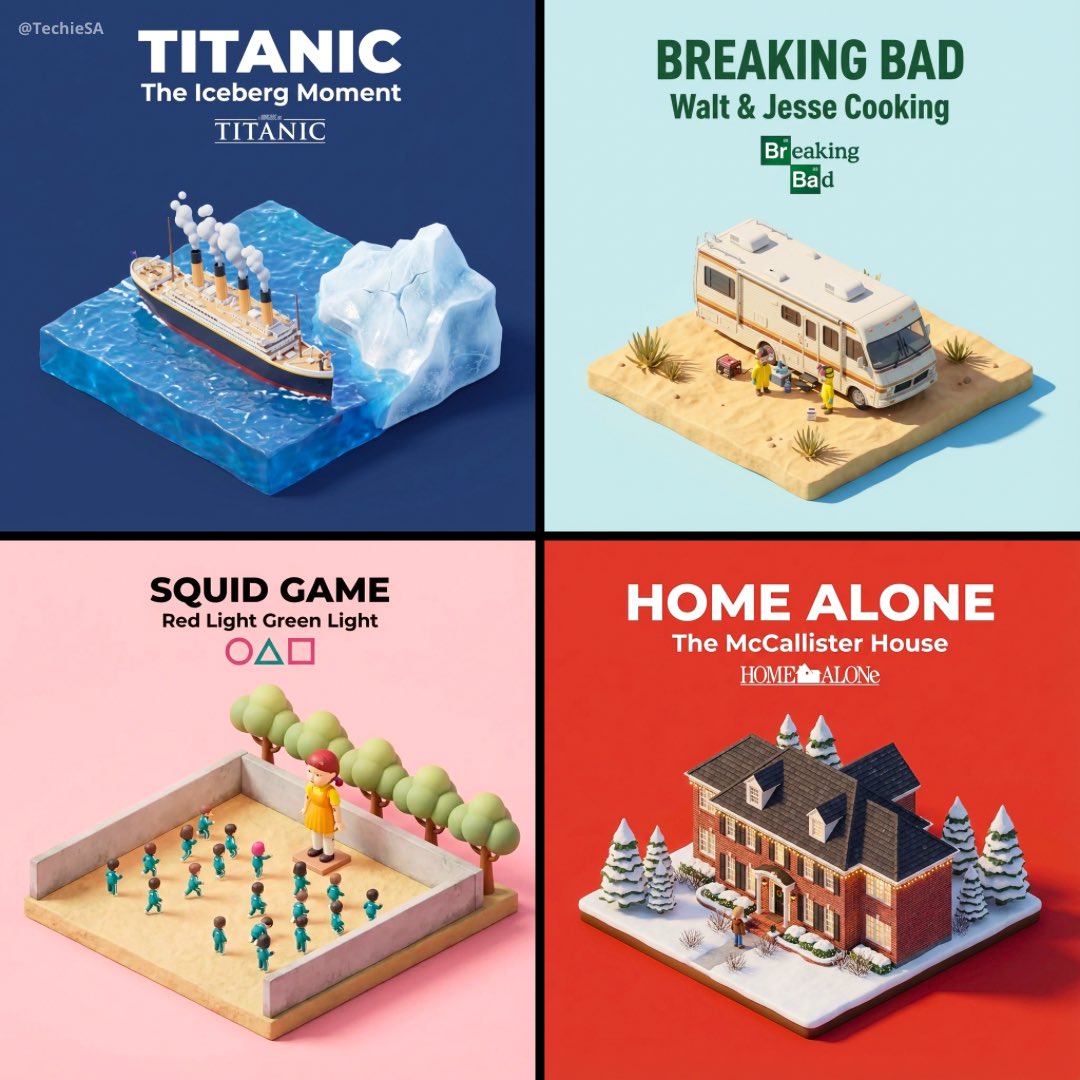
Present a clear, 45° top-down isometric miniature 3D diorama of the iconic vehicle [VEHICLE NAME].

The vehicle is the main focus, placed on a small raised diorama-style base that reflects its most recognizable environment
(e.g. road, runway, ocean, space, racetrack), with subtle contextual details and tiny stylized figures if appropriate.

Use soft refined textures, realistic PBR materials, and gentle cinematic lighting.
The vehicle should feel premium, collectible, and instantly recognizable at a glance.

Use a clean solid [BACKGROUND COLOR] background with no gradients.

At the top-center, display “[VEHICLE NAME]” in large bold text.
Directly beneath it, display a short descriptor in medium text (e.g. “Iconic Movie Car”, “World’s Fastest Train”).
Optionally place an official logo or emblem below the text.

All text must automatically match background contrast (white or black).
Composition: perfectly centered, square 1080x1080, ultra-clean high-clarity diorama aesthetic.
Category
创意图片
Model
Nano Banana Pro
Views4
Source ID
bba15a22-d867-436f-8f43-c7758241aadc
Published
Dec 27, 2025

Guide

About "微缩3D立体模型"

What is this prompt for?

"微缩3D立体模型" AI image prompt for Nano Banana Pro (创意图片). 创意图片 Copy it on Picva and recreate the look in one click.

The full copyable prompt and example visuals above are ready for AI image generation or one-click recreate in Picva.

How to use this prompt

  1. Step 1

    Open the prompt detail

    Review the example visuals, category, and full prompt text for "微缩3D立体模型".

  2. Step 2

    Copy the prompt

    Copy the prompt body from this page, or load it directly in Studio.

  3. Step 3

    Pick a model (Nano Banana Pro)

    Prefer Nano Banana Pro. If you switch models, keep subject and composition and tweak style terms.

  4. Step 4

    Generate and export

    Recreate the look in Picva, or export into your workflow for editing and publishing.

FAQ

What is the "微缩3D立体模型" prompt?
It is an AI image-generation prompt for Nano Banana Pro in the 创意图片 category. This page includes the full prompt text, example visuals, and a one-click recreate path in Picva.
How do I use this prompt to generate an image?
Copy the prompt from this page, or use Generate / Studio. Paste it into a compatible image model, or recreate the look in Picva with optional reference images.
Which model is this prompt for?
This page lists Nano Banana Pro. Most descriptive prompts also transfer to nearby image models such as GPT Image, Flux, or Midjourney with light style tweaks.
Can I use the result commercially?
You can usually copy the prompt for creation, but commercial use of the final image depends on the model terms, reference-image rights, and the generated content. Follow the source author and platform rules.