19

Seedance 2.0 电影场景详细提示

Prompt
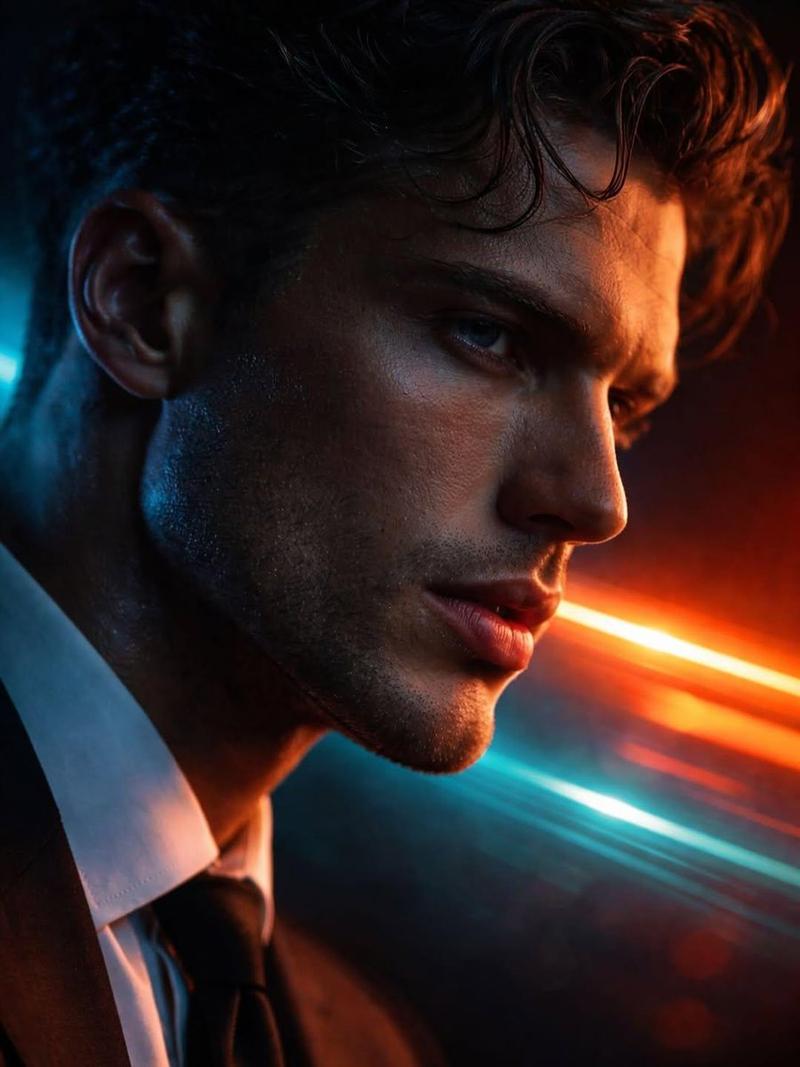
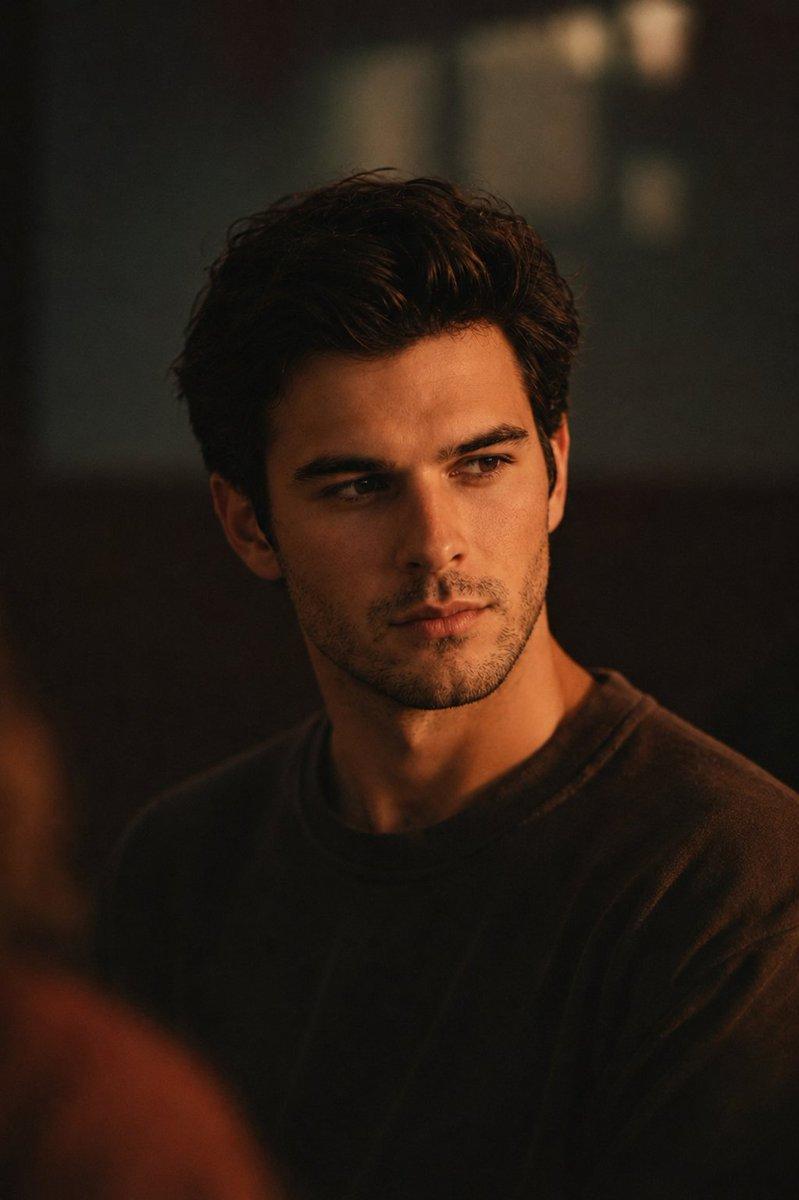
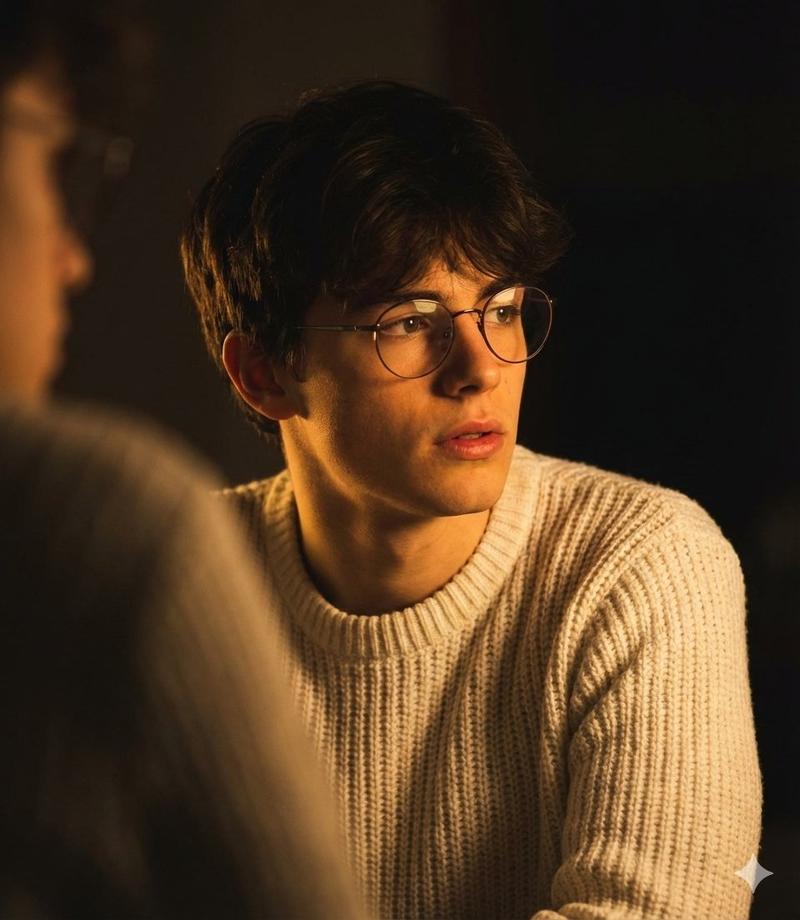
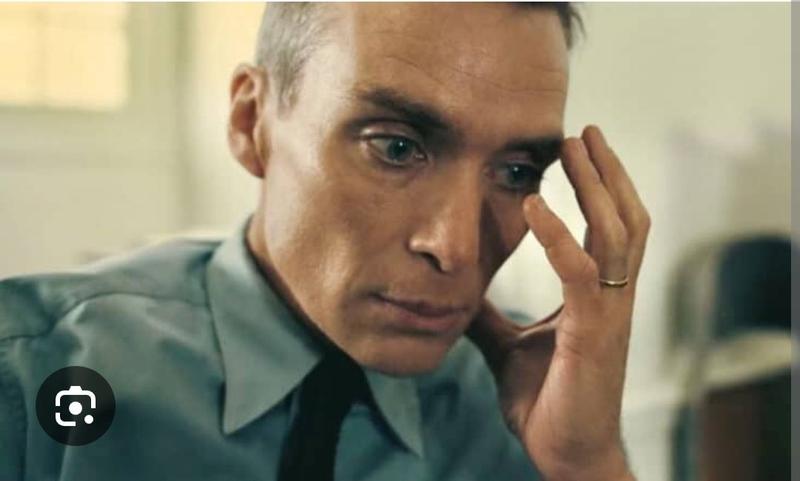
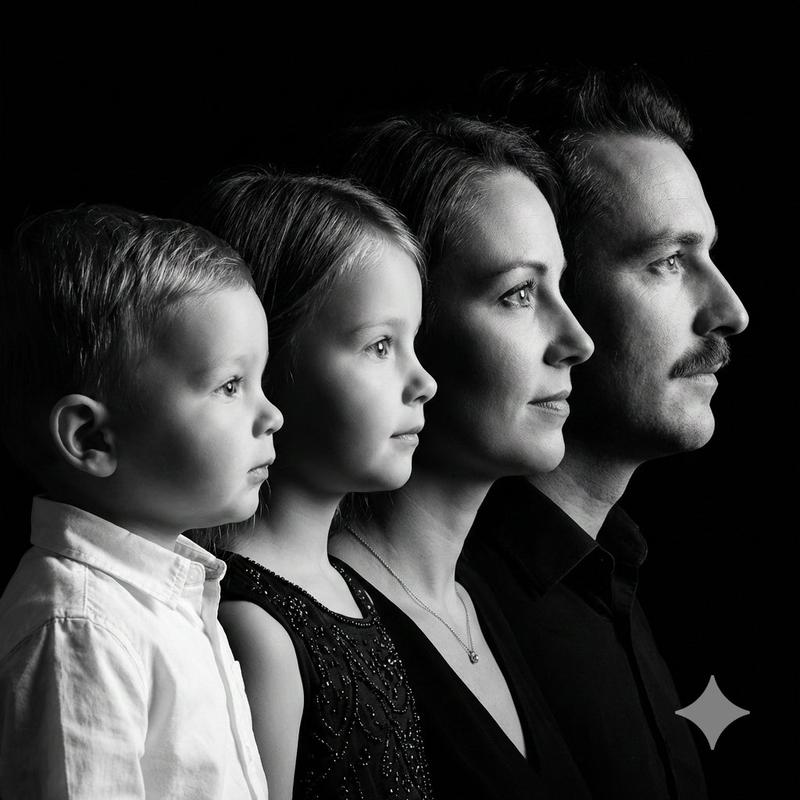
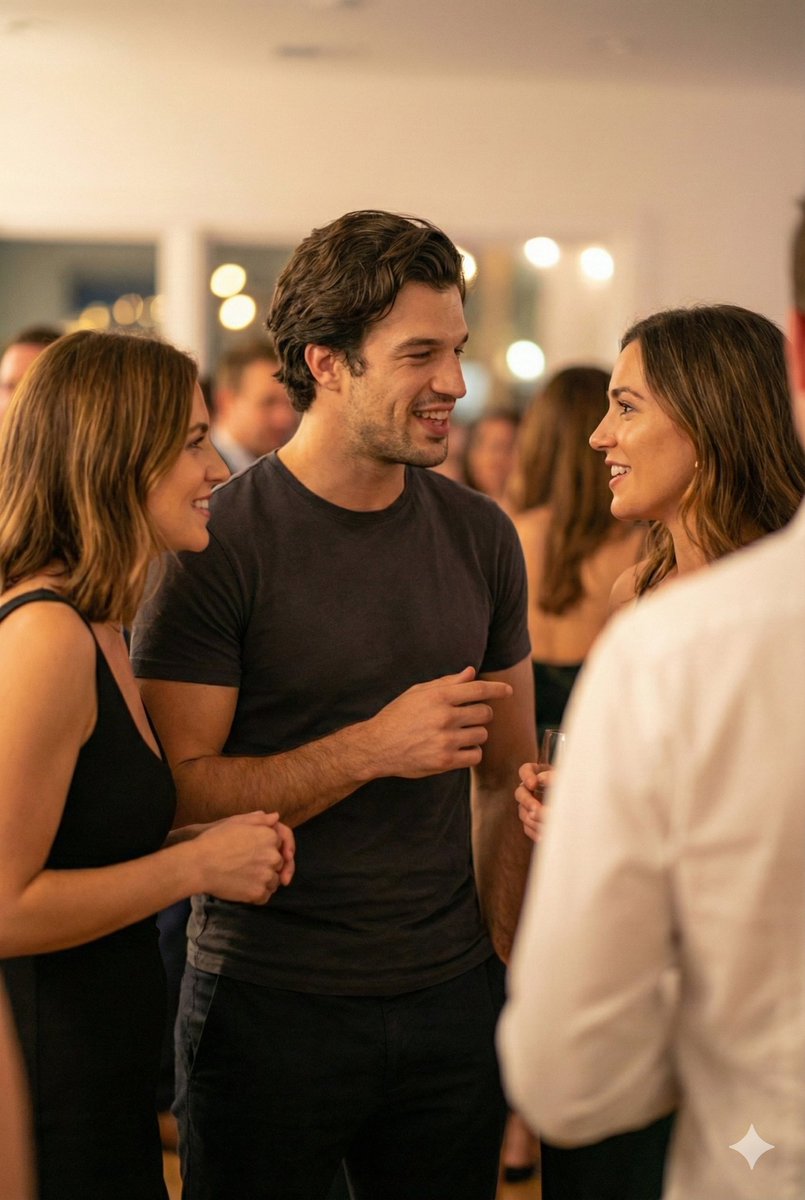
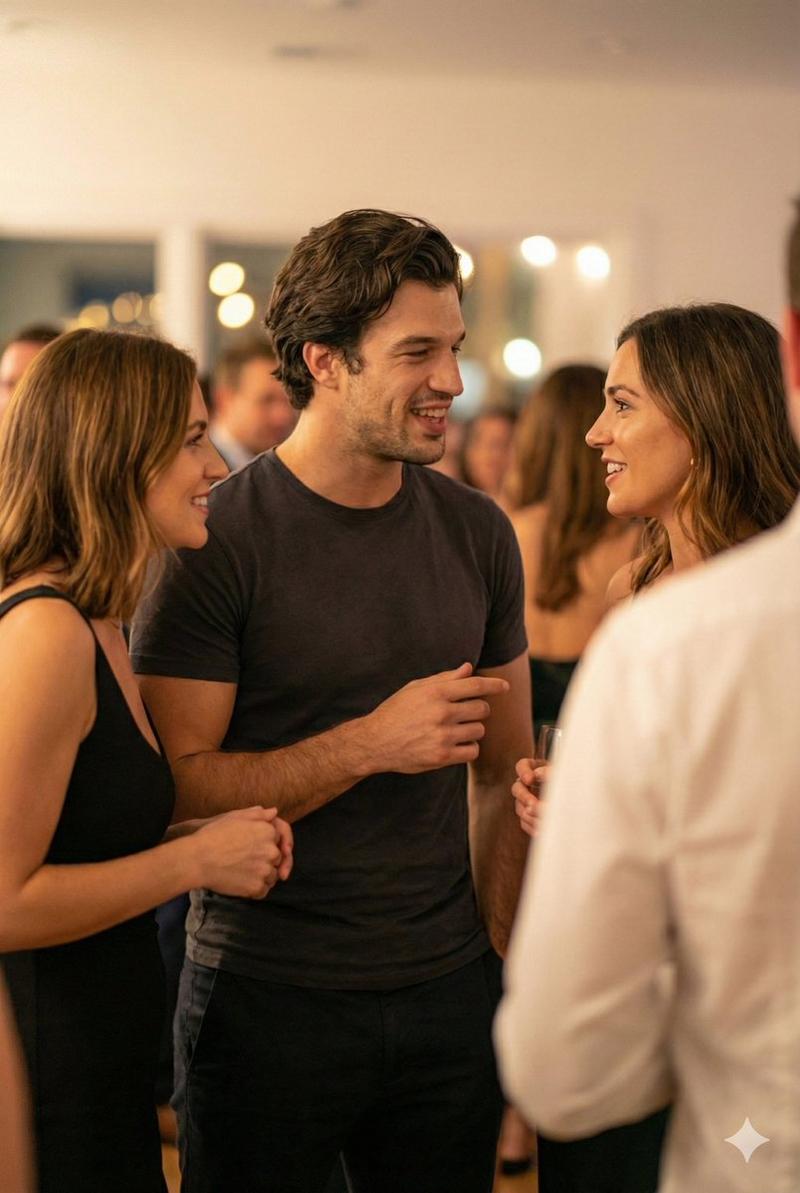
Scene setup (0–5 sec) Backstage of a small theater. Warm practical lights. Close-up of three actors standing in a tight circle, nervous energy. Camera handheld, intimate. Soft ambient crowd noise in distance. Actor 1 (whispering): “This isn’t just another audition.” Actor 2 (half-smile): “No. This one sees everything.” Mid shot (5–10 sec) Stage lights flare on. Curtains slowly part. The three step forward into a bright, cinematic spotlight. Camera shifts to smooth dolly-in. Actor 3 (steady, confident): “Seedance Two… record this.” Final beat (10–15 sec) Quick cuts: intense eye contact, subtle emotion shift, one tear forming, one restrained laugh, one sharp breath. Ultra-detailed facial expressions. Dramatic score rises. Actor 1 (softly, to camera): “Let’s show it what real feels like.” Cut to black. Low bass hit. Title card: SEEDANCE 2.
Category
创意图片
Model
seedance-2.0
Creator
CREACAS
Views0
Source ID
bb267bac-d272-4642-a6cc-cab7f9b0a765
Published
Mar 8, 2026

Guide

About "Seedance 2.0 电影场景详细提示"

What is this prompt for?

"Seedance 2.0 电影场景详细提示" AI image prompt for seedance-2.0 (创意图片). 一个高度详细、多部分的电影式提示,旨在测试 Seedance 2.0 的依从性和复杂性处理能力。它详细说明了场景设置、摄影、对话、情感节拍和最后的片名卡。 --- 场景设置(0–5 秒)小…

The full copyable prompt and example visuals above are ready for AI image generation or one-click recreate in Picva.

How to use this prompt

  1. Step 1

    Open the prompt detail

    Review the example visuals, category, and full prompt text for "Seedance 2.0 电影场景详细提示".

  2. Step 2

    Copy the prompt

    Copy the prompt body from this page, or load it directly in Studio.

  3. Step 3

    Pick a model (seedance-2.0)

    Prefer seedance-2.0. If you switch models, keep subject and composition and tweak style terms.

  4. Step 4

    Generate and export

    Recreate the look in Picva, or export into your workflow for editing and publishing.

FAQ

What is the "Seedance 2.0 电影场景详细提示" prompt?
It is an AI image-generation prompt for seedance-2.0 in the 创意图片 category. This page includes the full prompt text, example visuals, and a one-click recreate path in Picva.
How do I use this prompt to generate an image?
Copy the prompt from this page, or use Generate / Studio. Paste it into a compatible image model, or recreate the look in Picva with optional reference images.
Which model is this prompt for?
This page lists seedance-2.0. Most descriptive prompts also transfer to nearby image models such as GPT Image, Flux, or Midjourney with light style tweaks.
Can I use the result commercially?
You can usually copy the prompt for creation, but commercial use of the final image depends on the model terms, reference-image rights, and the generated content. Follow the source author and platform rules.