18

多镜头动漫打斗编排提示词

Prompt
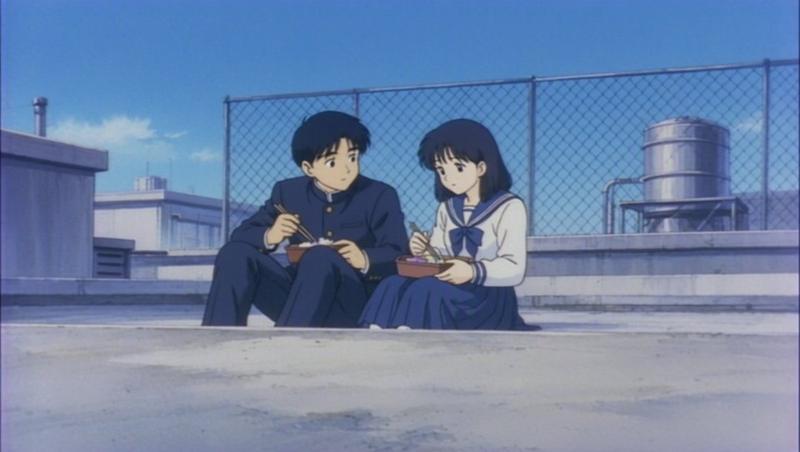
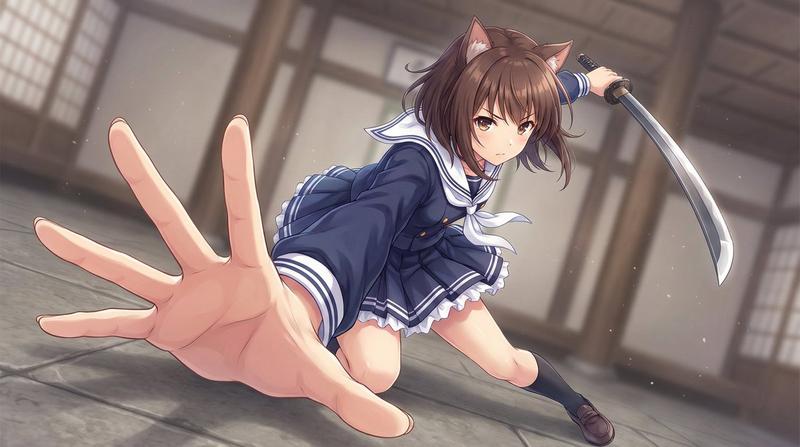
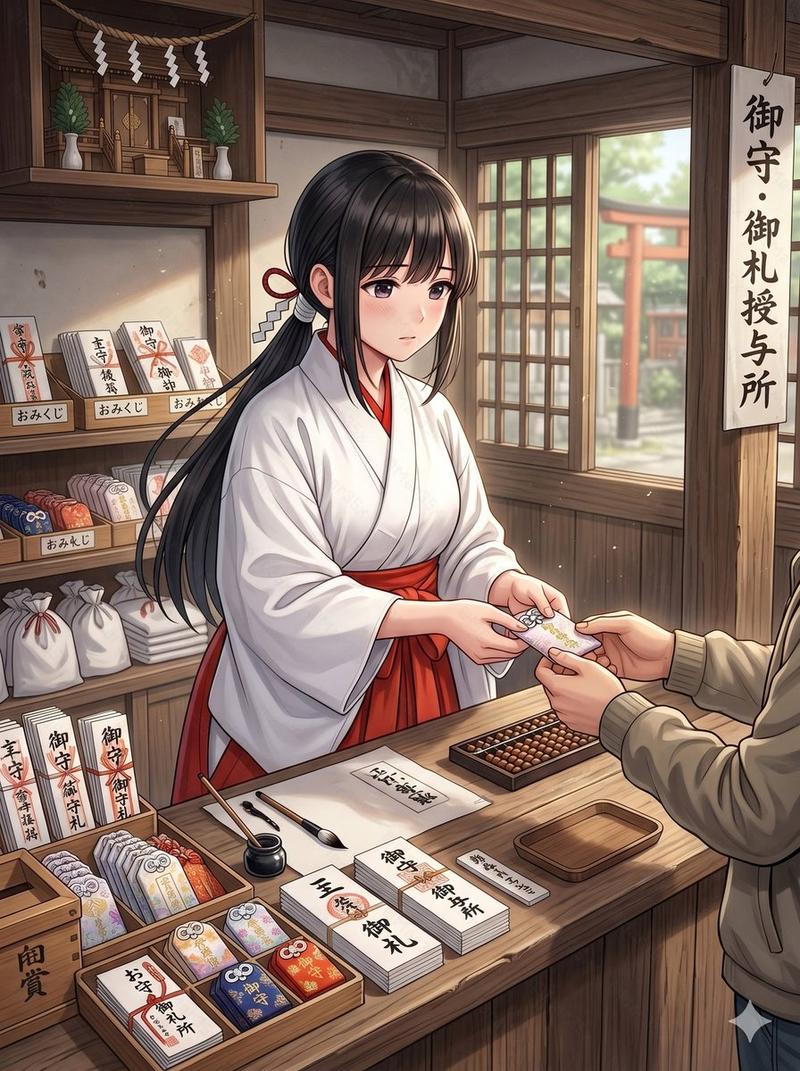
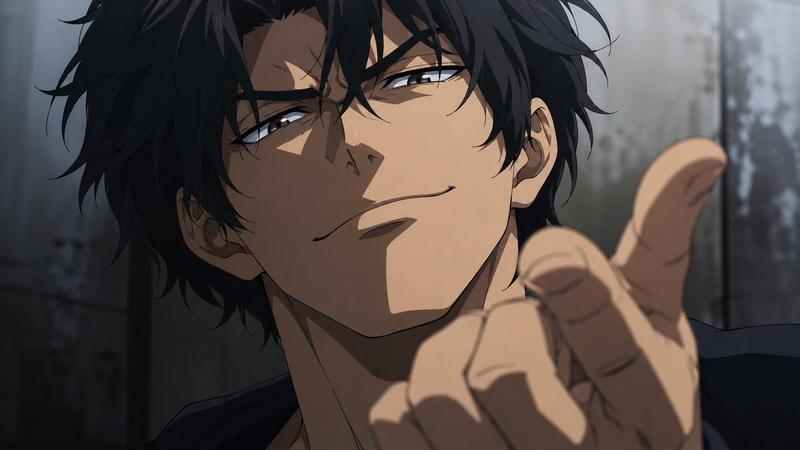
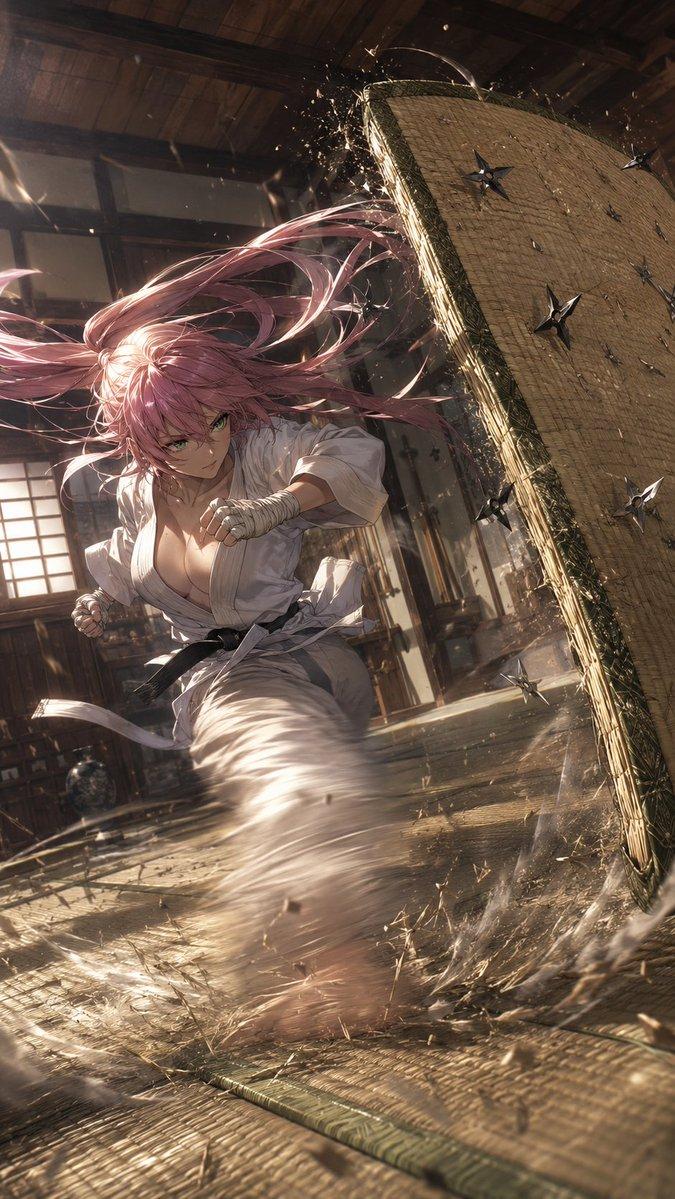
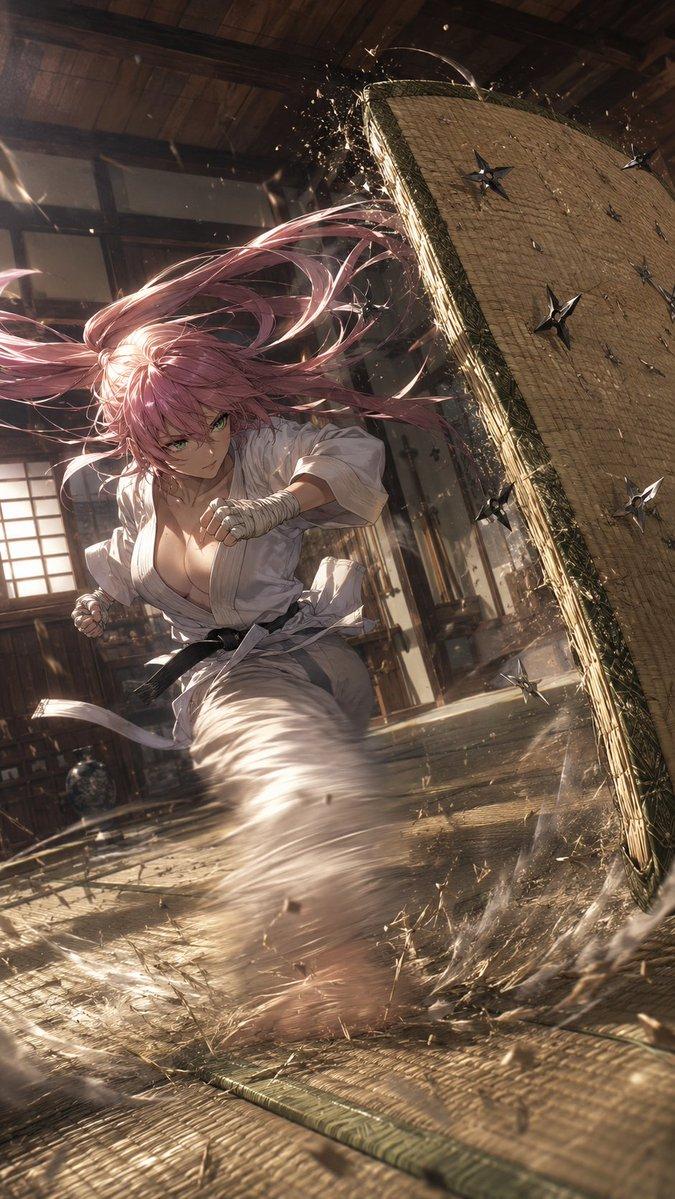
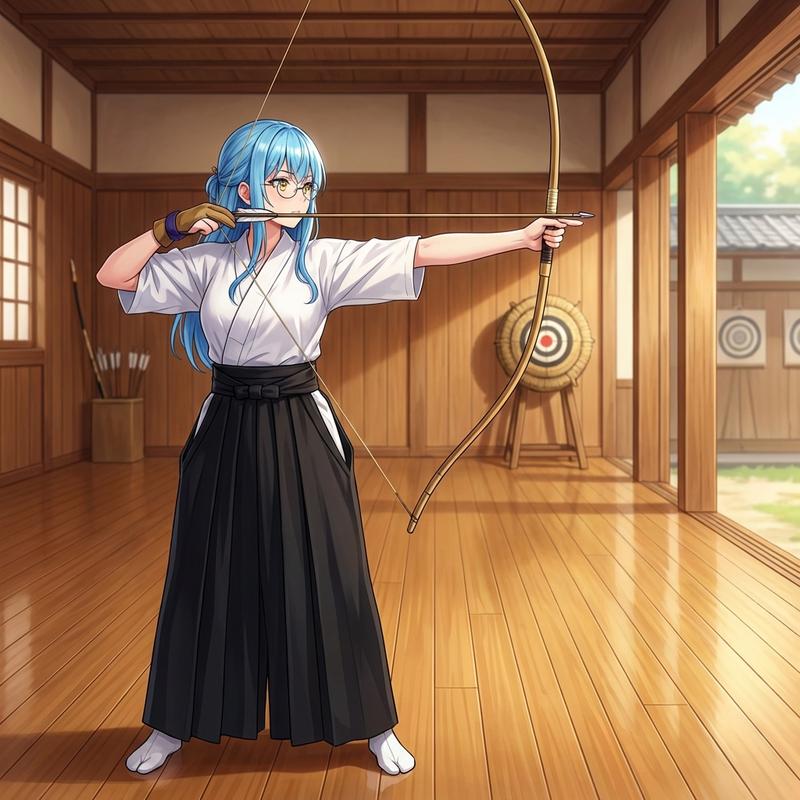
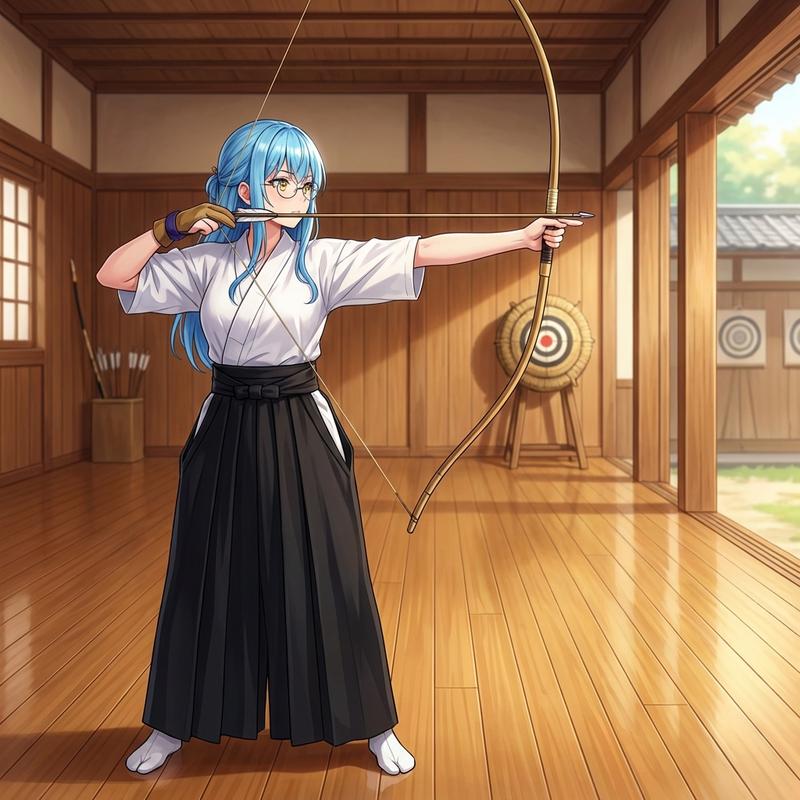
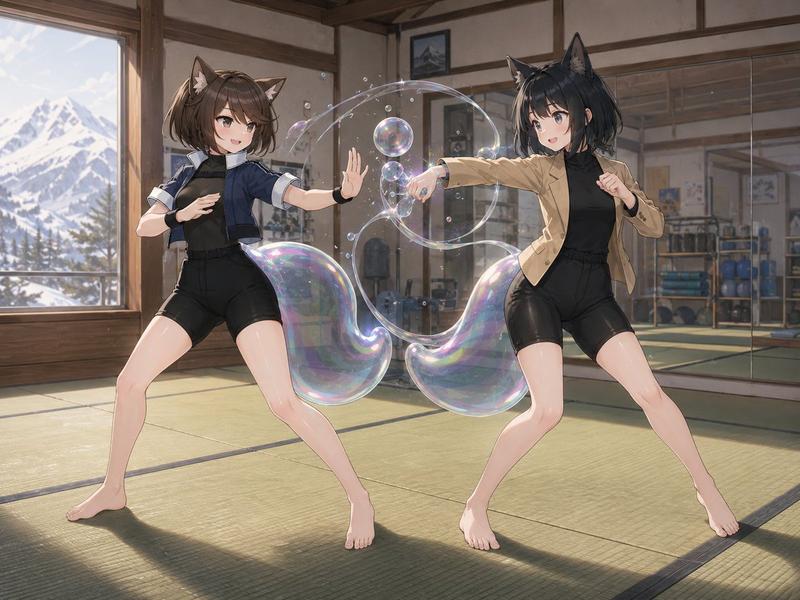
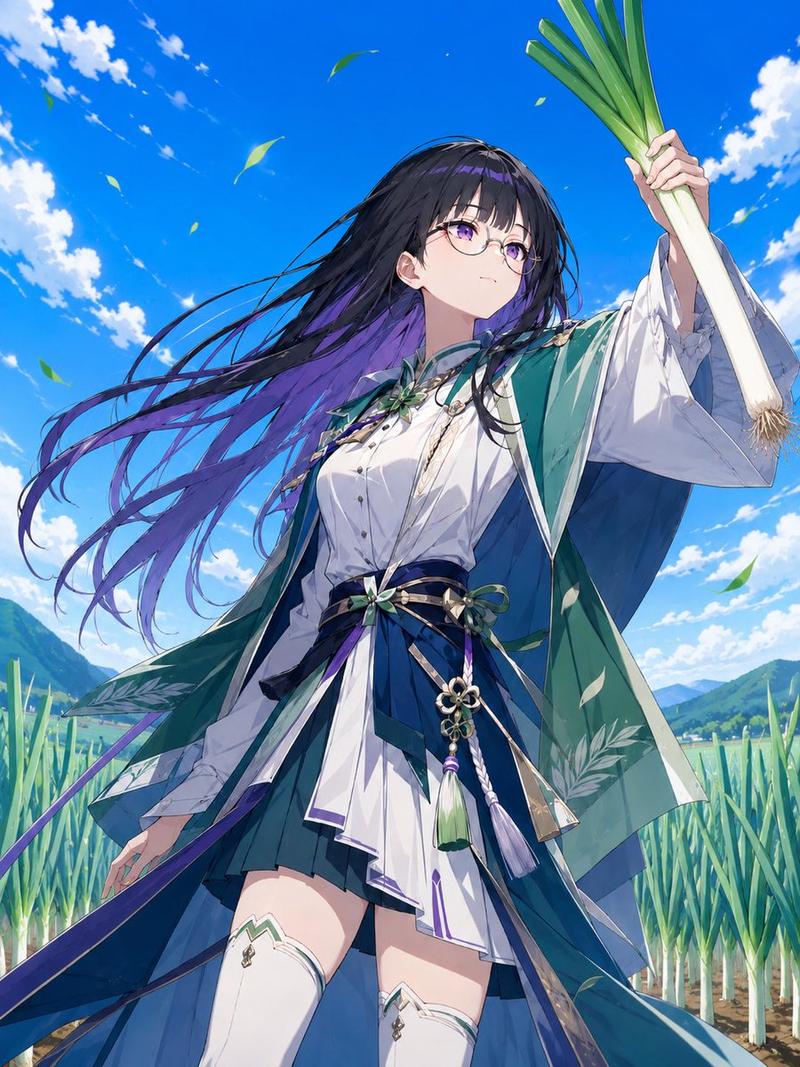
@Image1's character Kai attacks @Image2's character Master Tanaka in the @Image3 dojo. anime with motion blur on Kai's kicks and crisp movement for Tanaka. Choreography: Shot 1 (0.0-2.0s): Medium shot. Kai attacks with a high roundhouse kick. Tanaka blocks with his forearm, barely shifting. Shot 2 (2.0-3.5s): CU. Kai throws a mid-level side kick. Tanaka deflects it with a small circular hand movement. Shot 3 (3.5-5.0s): Low angle. Kai attempts a low sweep. Tanaka lifts his foot as it passes under. Shot 4 (5.0-7.0s): CU on Kai's confused face. Sound is three taiko beats, a loud THUD, a WHOOSH, a SWISH, then silence. Constraints: Contrast between speed and economy of motion is critical.
Category
创意图片
Model
seedance-2.0
Creator
SYD
Views0
Source ID
6a70cc6d-f3d9-4ae9-8b95-d6491ed583ec
Published
Mar 8, 2026

Guide

About "多镜头动漫打斗编排提示词"

What is this prompt for?

"多镜头动漫打斗编排提示词" AI image prompt for seedance-2.0 (创意图片). 一个详细的多镜头提示,旨在确保不同 AI 视频模型(Sora 2、Kling AI、Seedance)之间的一致性,该提示精心编排了两个角色之间的动漫武术打斗,并详细说明了摄像机角度、时间、动作风格和音效。…

The full copyable prompt and example visuals above are ready for AI image generation or one-click recreate in Picva.

How to use this prompt

  1. Step 1

    Open the prompt detail

    Review the example visuals, category, and full prompt text for "多镜头动漫打斗编排提示词".

  2. Step 2

    Copy the prompt

    Copy the prompt body from this page, or load it directly in Studio.

  3. Step 3

    Pick a model (seedance-2.0)

    Prefer seedance-2.0. If you switch models, keep subject and composition and tweak style terms.

  4. Step 4

    Generate and export

    Recreate the look in Picva, or export into your workflow for editing and publishing.

FAQ

What is the "多镜头动漫打斗编排提示词" prompt?
It is an AI image-generation prompt for seedance-2.0 in the 创意图片 category. This page includes the full prompt text, example visuals, and a one-click recreate path in Picva.
How do I use this prompt to generate an image?
Copy the prompt from this page, or use Generate / Studio. Paste it into a compatible image model, or recreate the look in Picva with optional reference images.
Which model is this prompt for?
This page lists seedance-2.0. Most descriptive prompts also transfer to nearby image models such as GPT Image, Flux, or Midjourney with light style tweaks.
Can I use the result commercially?
You can usually copy the prompt for creation, but commercial use of the final image depends on the model terms, reference-image rights, and the generated content. Follow the source author and platform rules.