19

第一人称视角情侣互动:沙发惊喜

Prompt
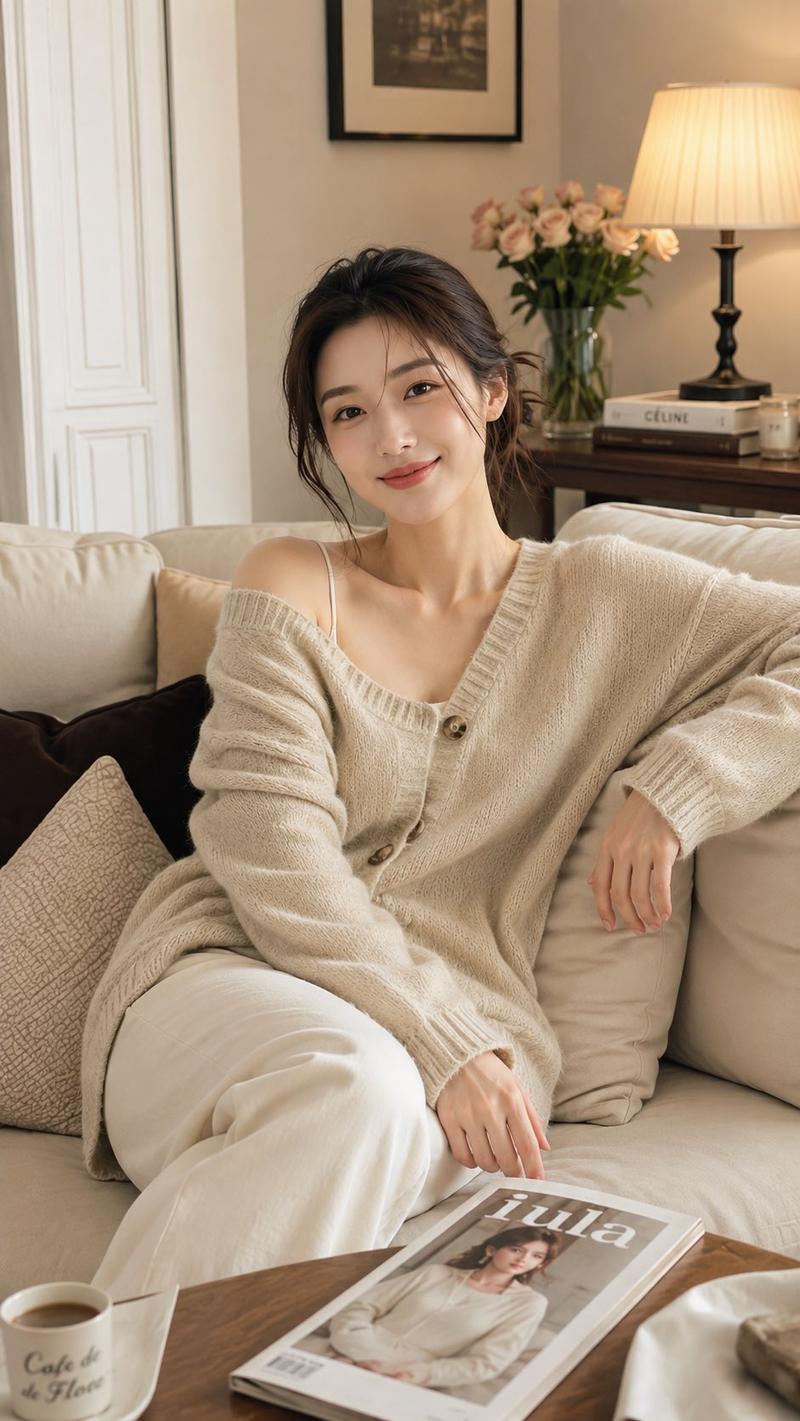
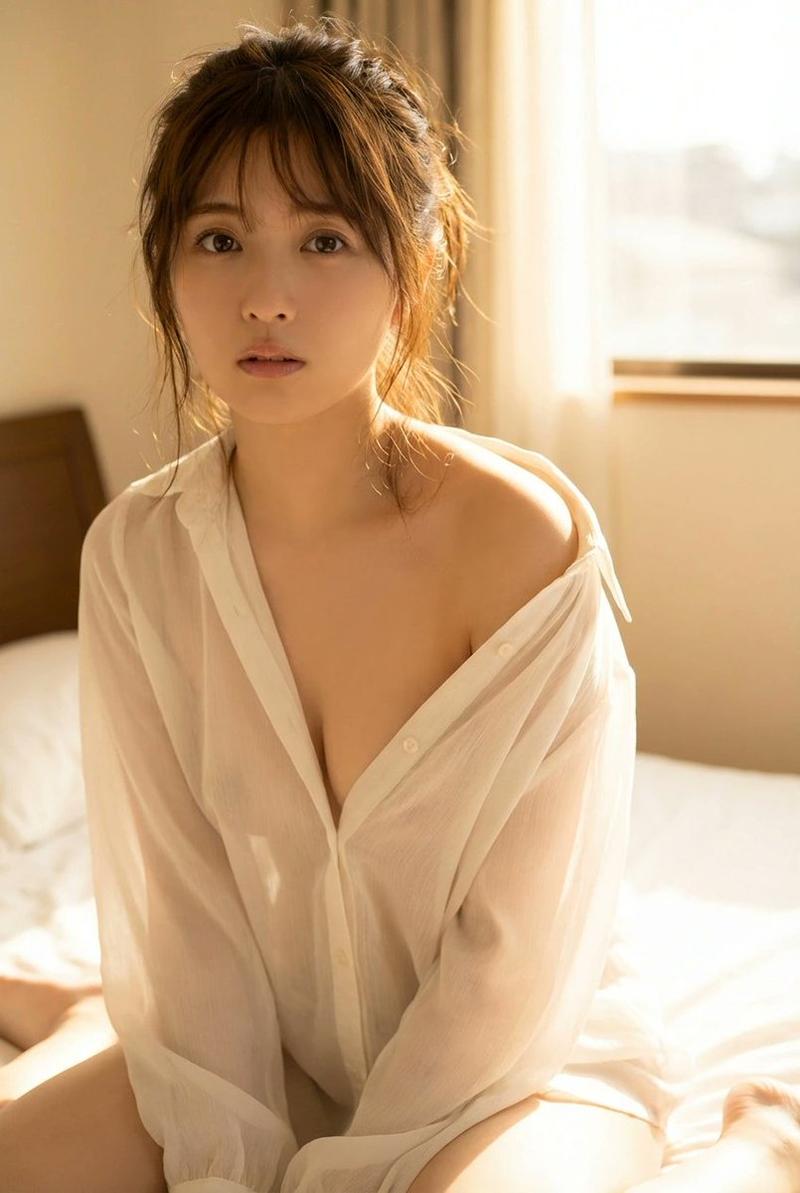
第一人称男生视角,客厅沙发上,一位年轻女性(面部形象参考@【@图1】)穿着宽松白色睡衣侧躺,一只手撑着脑袋,另一只手拿着手机刷视频,两条腿随意搭在沙发扶手上,露出白皙的小腿和脚踝。她专注盯着屏幕,偶尔笑一下。

主视角坐在她身旁,看着她放松的样子,忍不住伸手轻轻碰了碰她的小腿,指尖刚触到皮肤——

她瞬间浑身一颤,手机差点掉落,猛地转过头瞪大眼睛看向观看者,眼神中闪过一丝惊慌和意外,嘴巴微微张开,像是被吓到。

然而下一秒,她表情骤然变化。嘴角慢慢勾起,眼睛微微眯起,露出一抹意味深长的邪笑。她缓缓放下手机,坐直身体,盯着观看者的眼神像是发现了什么有趣的事。

还没等主视角反应,她突然身体前倾,直接朝观看者身上扑了过来。双手按在观看者胸口,整个人压了上来,将观看者推倒在沙发靠背上。她近距离盯着观看者的眼睛,笑意更深。

主视角被这突如其来的动作弄得手足无措,身体僵住,双手悬在半空不敢碰她,慌乱地开口:“等、等一下……你误会了,我没那个意思……”

她只是笑着凑近,一言不发。

场景是客厅,暖色调家居灯光,浅景深,焦点集中在她的表情变化和扑过来的动作上,使用写实风的画面风格生成素材。胶片颗粒感, 增强光影对比度, 画面细节重塑, 消除数码噪声。
Category
创意图片
Model
seedance-2.0
Views2
Source ID
6c7b0df4-ffb2-4331-b19b-3829e3c542ff
Published
Mar 8, 2026

Guide

About "第一人称视角情侣互动:沙发惊喜"

What is this prompt for?

"第一人称视角情侣互动:沙发惊喜" AI image prompt for seedance-2.0 (创意图片). A highly detailed, narrative Seedance 2.0 prompt for generating a video of a couple's intimate inter…

The full copyable prompt and example visuals above are ready for AI image generation or one-click recreate in Picva.

How to use this prompt

  1. Step 1

    Open the prompt detail

    Review the example visuals, category, and full prompt text for "第一人称视角情侣互动:沙发惊喜".

  2. Step 2

    Copy the prompt

    Copy the prompt body from this page, or load it directly in Studio.

  3. Step 3

    Pick a model (seedance-2.0)

    Prefer seedance-2.0. If you switch models, keep subject and composition and tweak style terms.

  4. Step 4

    Generate and export

    Recreate the look in Picva, or export into your workflow for editing and publishing.

FAQ

What is the "第一人称视角情侣互动:沙发惊喜" prompt?
It is an AI image-generation prompt for seedance-2.0 in the 创意图片 category. This page includes the full prompt text, example visuals, and a one-click recreate path in Picva.
How do I use this prompt to generate an image?
Copy the prompt from this page, or use Generate / Studio. Paste it into a compatible image model, or recreate the look in Picva with optional reference images.
Which model is this prompt for?
This page lists seedance-2.0. Most descriptive prompts also transfer to nearby image models such as GPT Image, Flux, or Midjourney with light style tweaks.
Can I use the result commercially?
You can usually copy the prompt for creation, but commercial use of the final image depends on the model terms, reference-image rights, and the generated content. Follow the source author and platform rules.