15

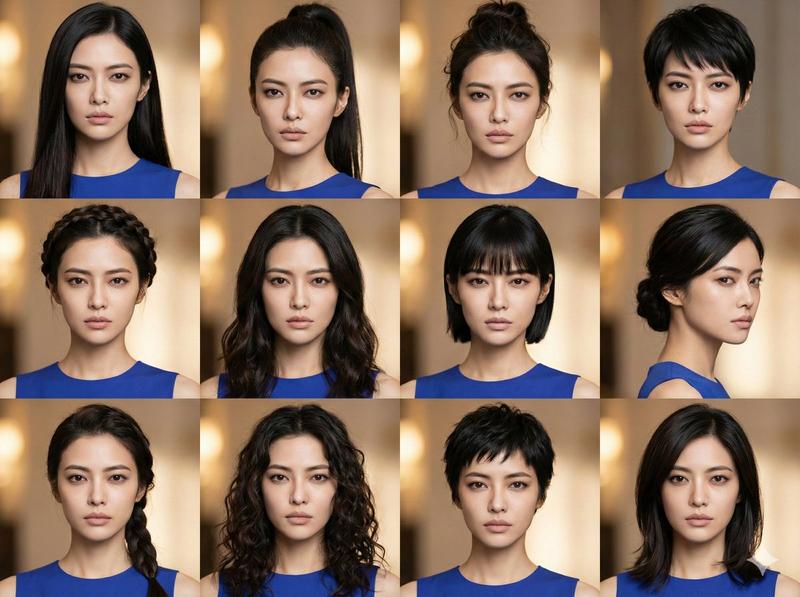
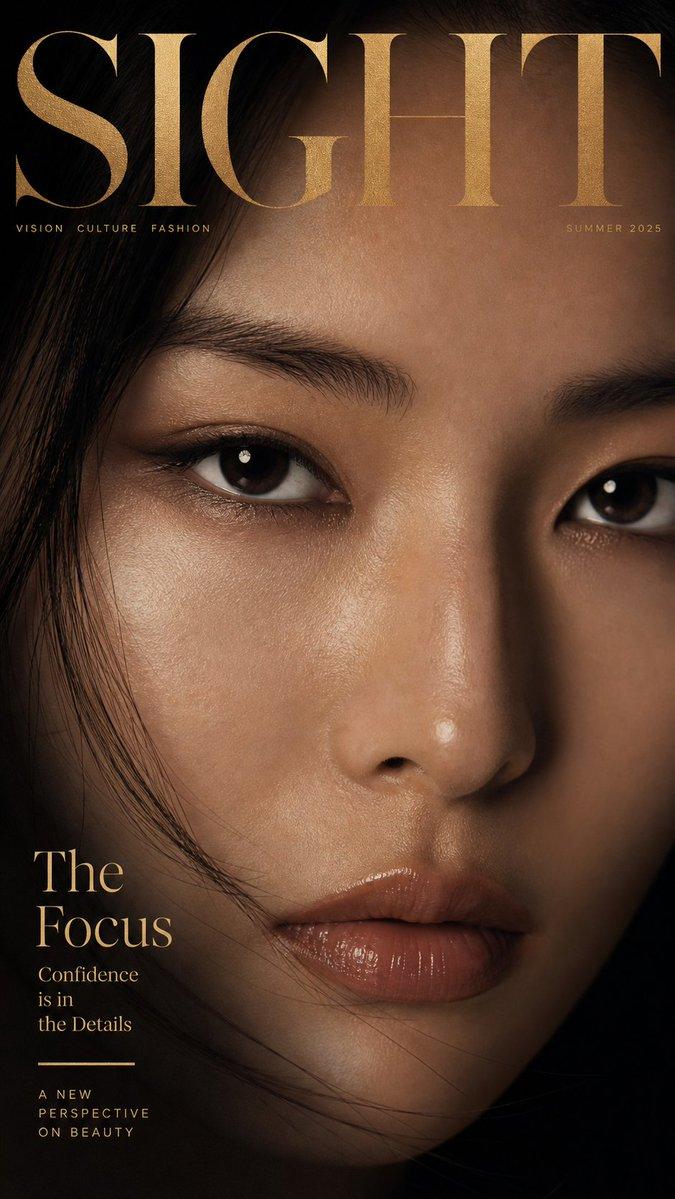
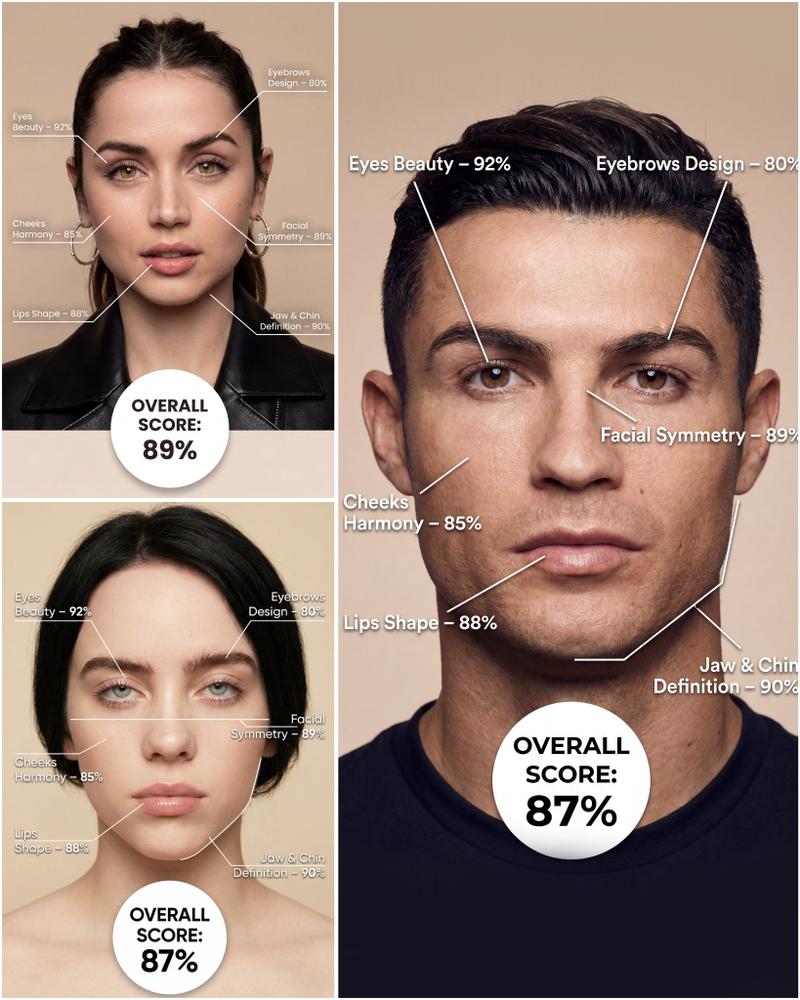
that 'plasticy' look you see in AI videos will instantly turn anything cool to A
Enlarge

that 'plasticy' look you see in AI videos will instantly turn anything cool to A

Prompt
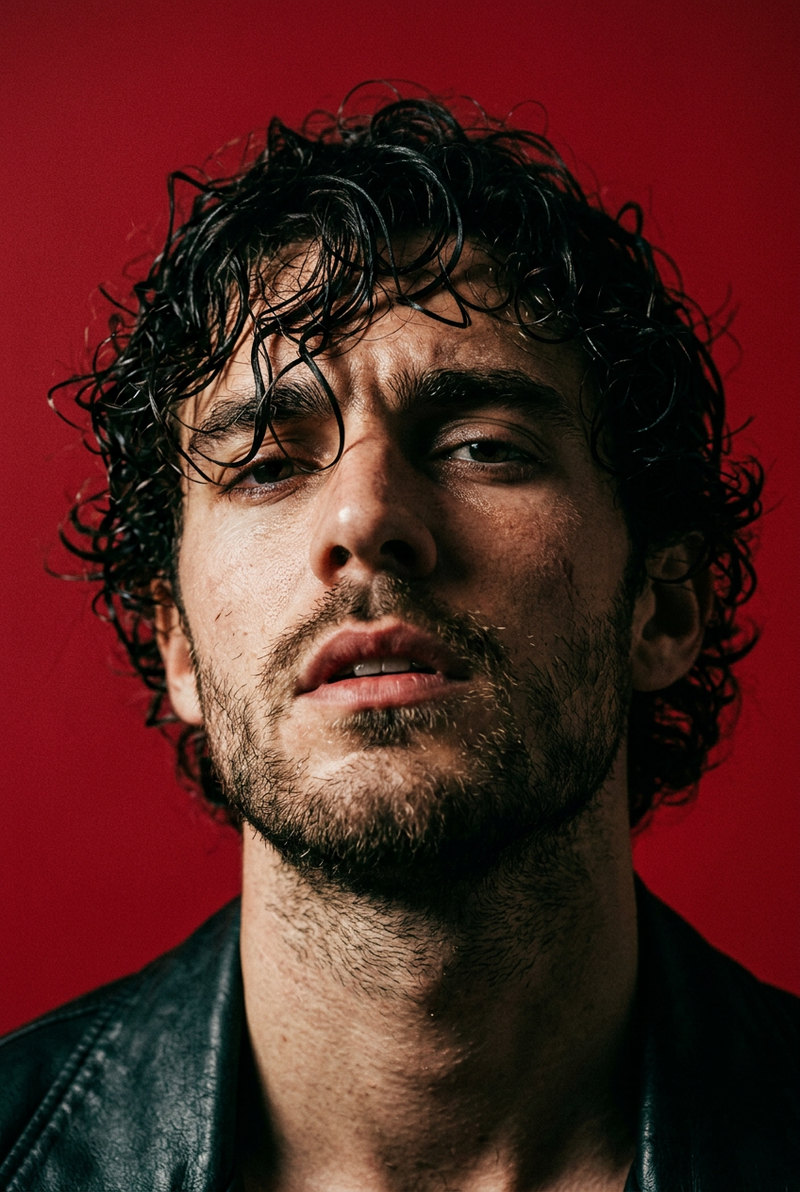
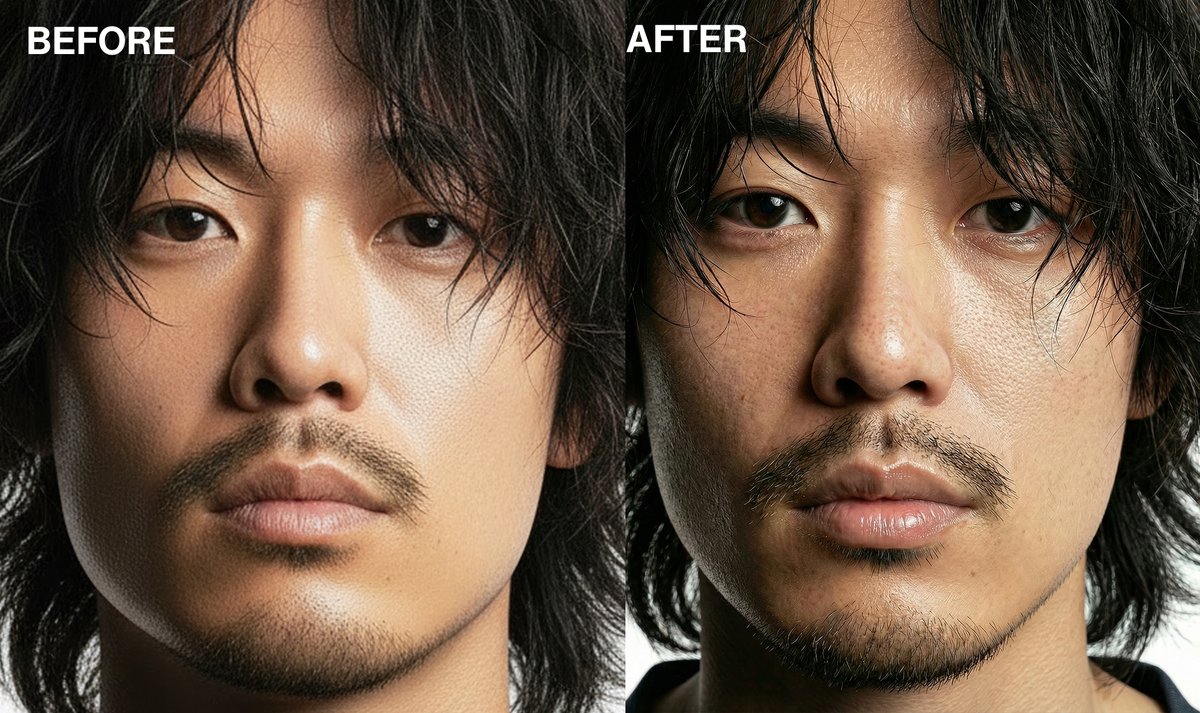
that 'plasticy' look you see in AI videos will instantly turn anything cool to AI slop

thanks to nano banana pro, you can now completely bypass this by using detailed keywords

here are some i've found success with:
- vellus hair
- cracked/chapped lip texture
- iris striations
- wet waterline
- capillary visibility
- subdermal vascularity
- melanin variance

to take it a step further, i made a JSON prompt that you can attach to any of your usual prompts to ensure 10/10 skin texture

reply "skin" + RT and i'll send it over
(must be following so i can dm)
Category
创意图片
Model
Nano Banana Pro
Creator
Pixshop
Views4
Source ID
79402018-8fa1-4108-9ab0-bbe1ab8ae1a0
Published
Jan 10, 2026

Guide

About "that 'plasticy' look you see in AI videos will instantly turn anything cool to A"

What is this prompt for?

"that 'plasticy' look you see in AI videos will instantly turn anything cool to A" AI image prompt for Nano Banana Pro (创意图片). 创意图片 Copy it on Picva and recrea…

The full copyable prompt and example visuals above are ready for AI image generation or one-click recreate in Picva.

How to use this prompt

  1. Step 1

    Open the prompt detail

    Review the example visuals, category, and full prompt text for "that 'plasticy' look you see in AI videos will instantly turn anything cool to A".

  2. Step 2

    Copy the prompt

    Copy the prompt body from this page, or load it directly in Studio.

  3. Step 3

    Pick a model (Nano Banana Pro)

    Prefer Nano Banana Pro. If you switch models, keep subject and composition and tweak style terms.

  4. Step 4

    Generate and export

    Recreate the look in Picva, or export into your workflow for editing and publishing.

FAQ

What is the "that 'plasticy' look you see in AI videos will instantly turn anything cool to A" prompt?
It is an AI image-generation prompt for Nano Banana Pro in the 创意图片 category. This page includes the full prompt text, example visuals, and a one-click recreate path in Picva.
How do I use this prompt to generate an image?
Copy the prompt from this page, or use Generate / Studio. Paste it into a compatible image model, or recreate the look in Picva with optional reference images.
Which model is this prompt for?
This page lists Nano Banana Pro. Most descriptive prompts also transfer to nearby image models such as GPT Image, Flux, or Midjourney with light style tweaks.
Can I use the result commercially?
You can usually copy the prompt for creation, but commercial use of the final image depends on the model terms, reference-image rights, and the generated content. Follow the source author and platform rules.