12

nobody is talking about the hidden camera controls in nano banana pro. digging t
Enlarge

nobody is talking about the hidden camera controls in nano banana pro. digging t

Prompt
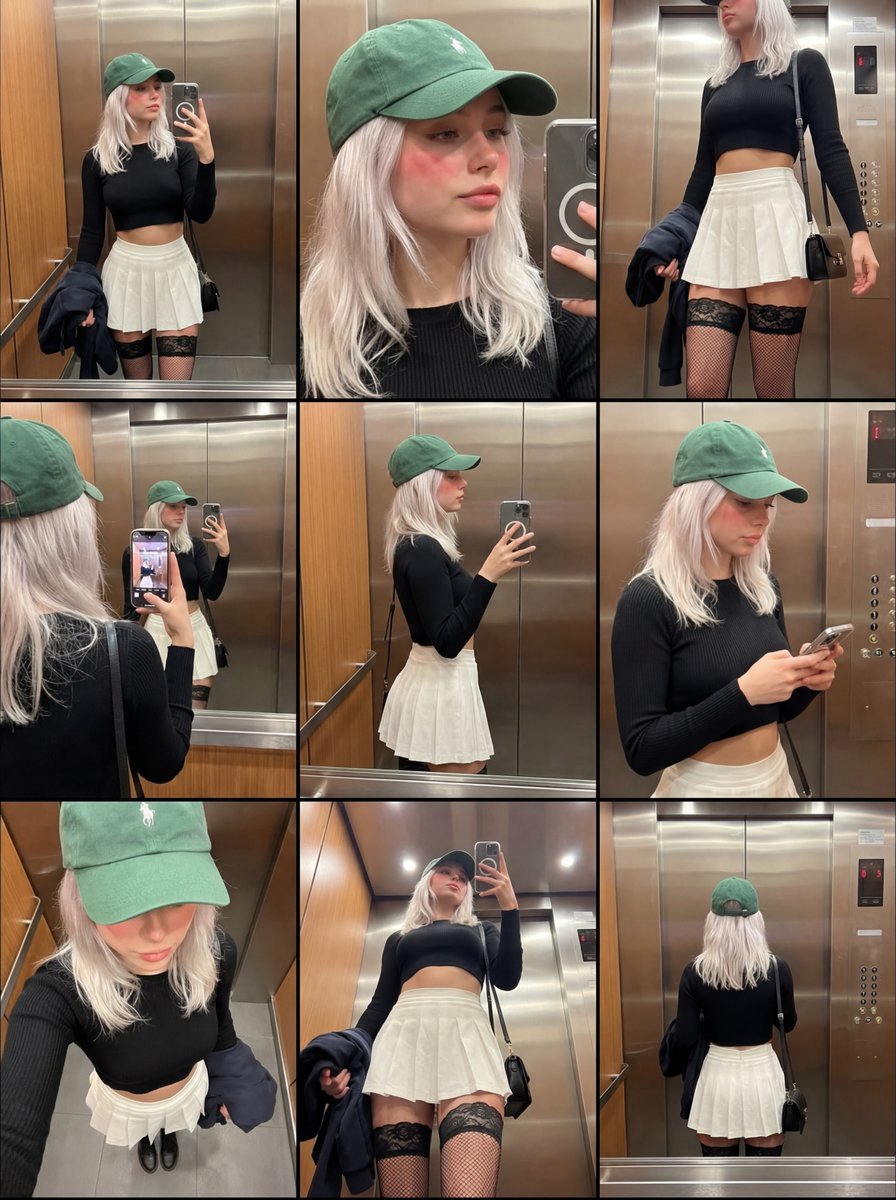
nobody is talking about the hidden camera controls in nano banana pro.

digging through the api docs, i found parameters that aren't in the main ui. you can control focal length and aperture values with mathematical precision if you use the json input mode. most users are stuck with the default medium shot look.

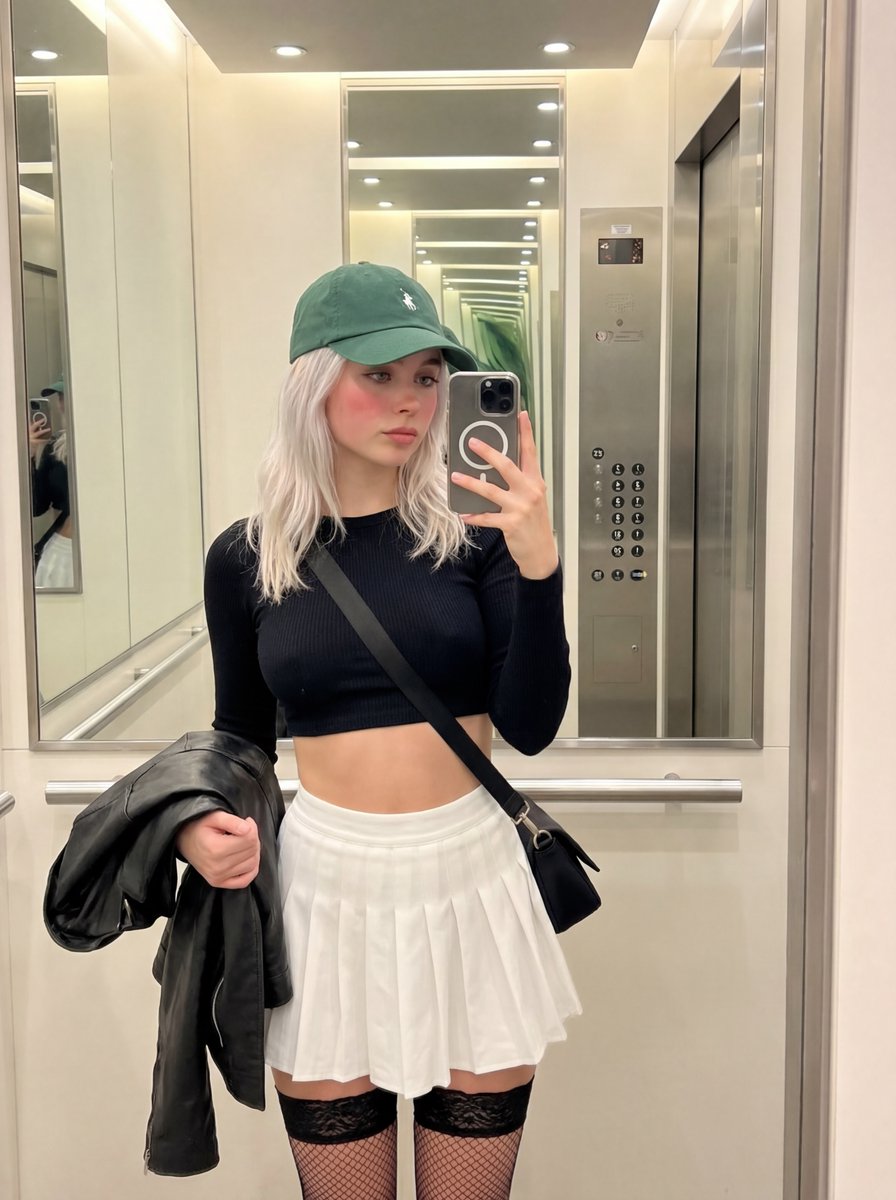
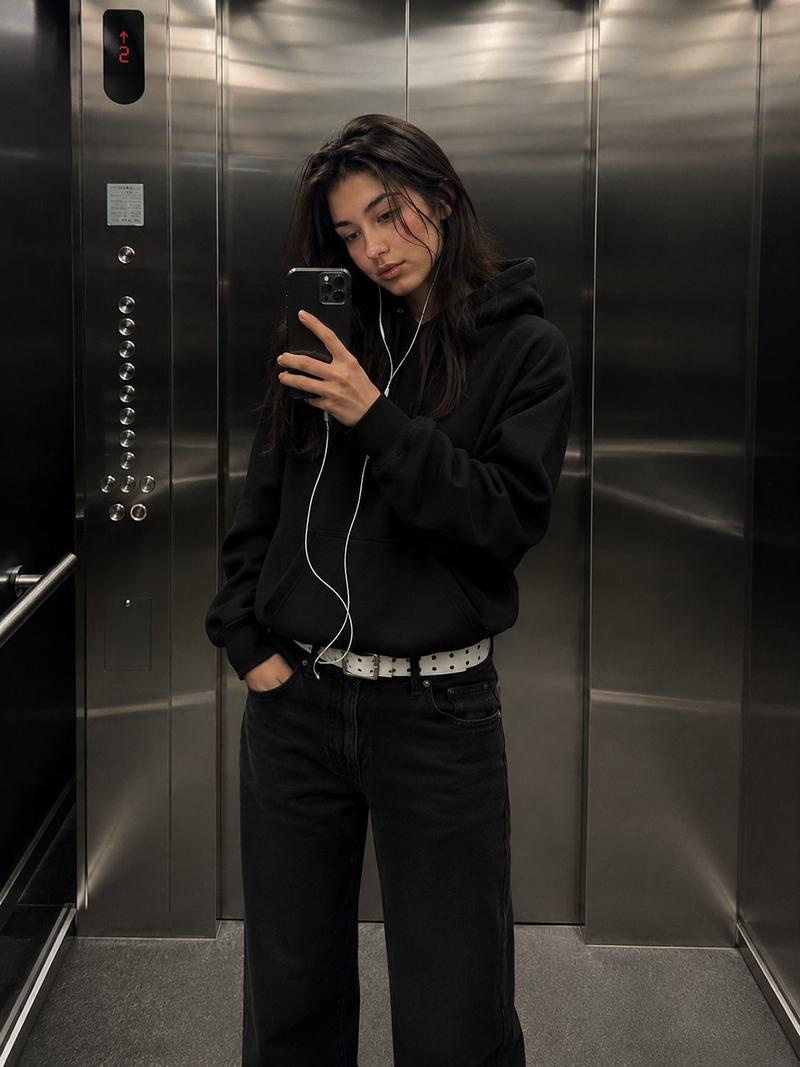
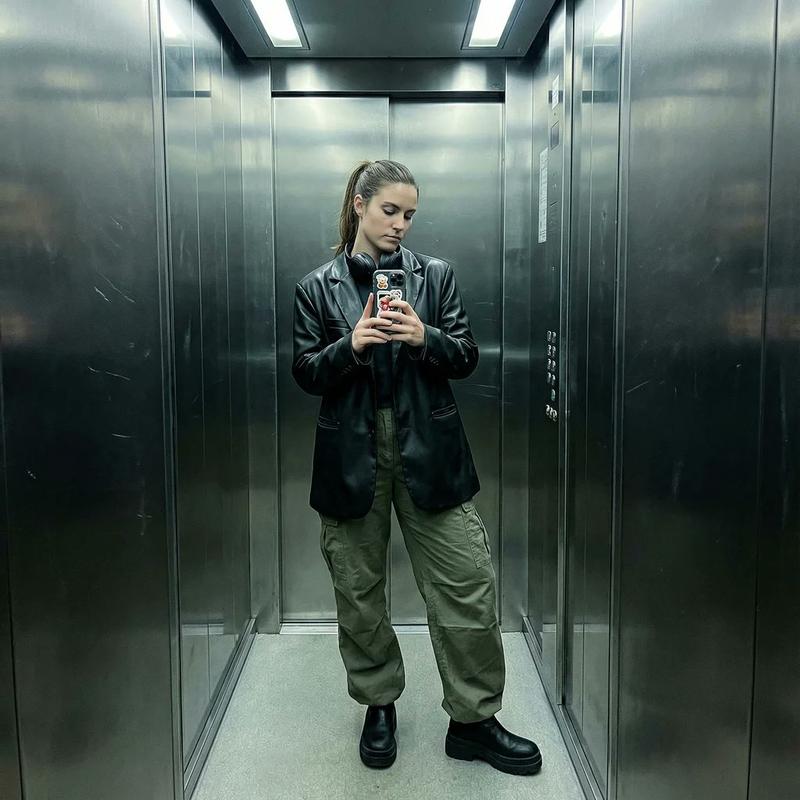
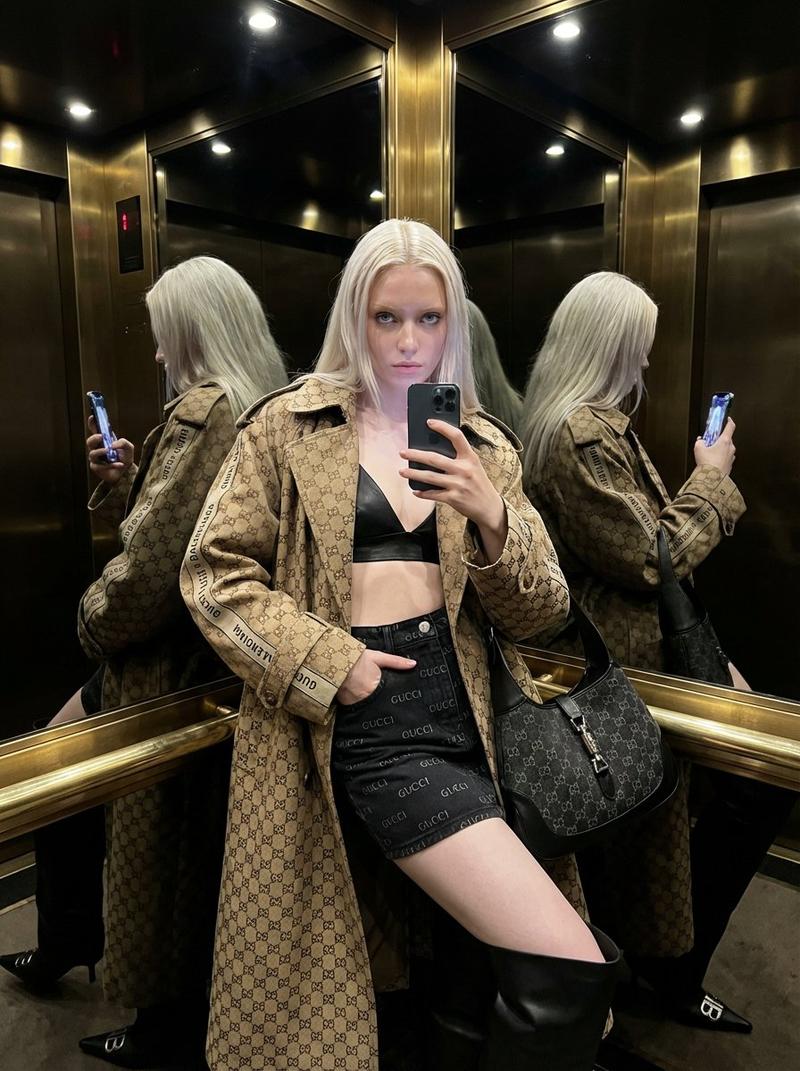
i set the lens_focal_length to 85mm and f_stop to 1.2 in the code. the bokeh effect is physically accurate. standard prompts just blur the background randomly. this calculates depth based on the subject distance. it changes the compression of the face completely.

a 35mm lens makes the face look wider. an 85mm lens flattens it out. artists know this. photographers know this. but prompters are ignoring it. if you want your generations to look like cinema, you need to stop thinking in words and start thinking in optics.

manual mode for ai.
Category
创意图片
Model
Nano Banana Pro
Creator
Pixshop
Views11
Source ID
0f7382c9-832a-446e-91ce-425e454dc8dd
Published
Jan 11, 2026

Guide

About "nobody is talking about the hidden camera controls in nano banana pro. digging t"

What is this prompt for?

"nobody is talking about the hidden camera controls in nano banana pro. digging t" AI image prompt for Nano Banana Pro (创意图片). 创意图片 Copy it on Picva and recrea…

The full copyable prompt and example visuals above are ready for AI image generation or one-click recreate in Picva.

How to use this prompt

  1. Step 1

    Open the prompt detail

    Review the example visuals, category, and full prompt text for "nobody is talking about the hidden camera controls in nano banana pro. digging t".

  2. Step 2

    Copy the prompt

    Copy the prompt body from this page, or load it directly in Studio.

  3. Step 3

    Pick a model (Nano Banana Pro)

    Prefer Nano Banana Pro. If you switch models, keep subject and composition and tweak style terms.

  4. Step 4

    Generate and export

    Recreate the look in Picva, or export into your workflow for editing and publishing.

FAQ

What is the "nobody is talking about the hidden camera controls in nano banana pro. digging t" prompt?
It is an AI image-generation prompt for Nano Banana Pro in the 创意图片 category. This page includes the full prompt text, example visuals, and a one-click recreate path in Picva.
How do I use this prompt to generate an image?
Copy the prompt from this page, or use Generate / Studio. Paste it into a compatible image model, or recreate the look in Picva with optional reference images.
Which model is this prompt for?
This page lists Nano Banana Pro. Most descriptive prompts also transfer to nearby image models such as GPT Image, Flux, or Midjourney with light style tweaks.
Can I use the result commercially?
You can usually copy the prompt for creation, but commercial use of the final image depends on the model terms, reference-image rights, and the generated content. Follow the source author and platform rules.