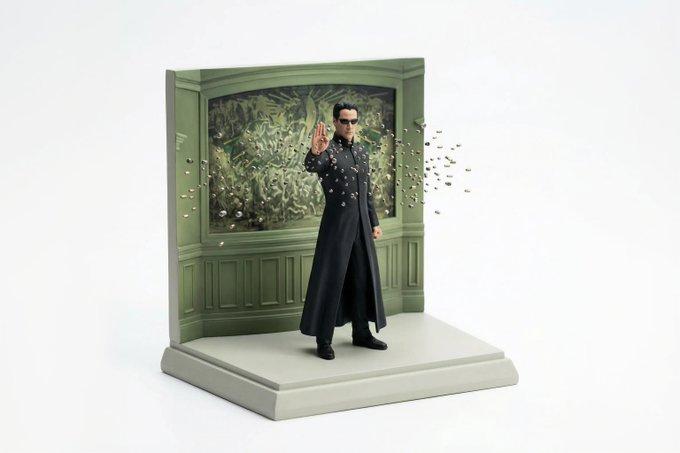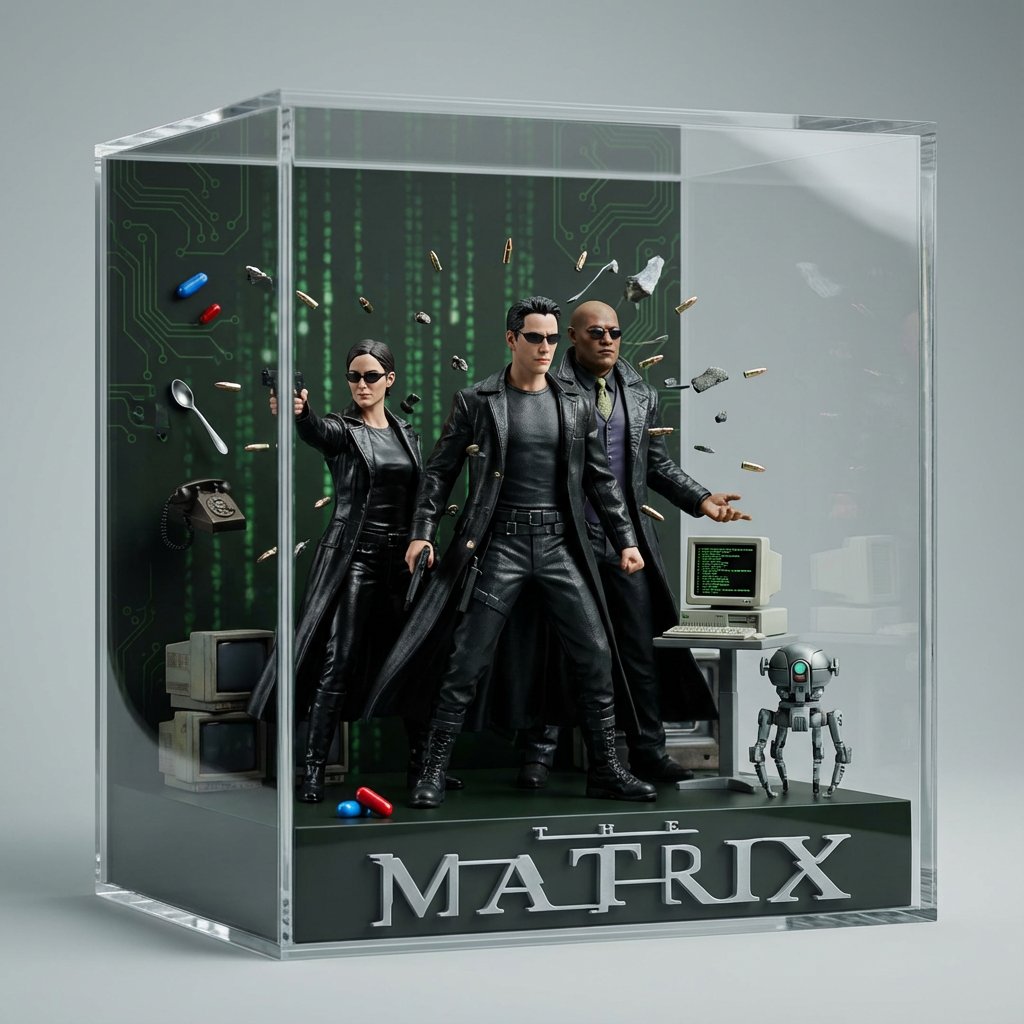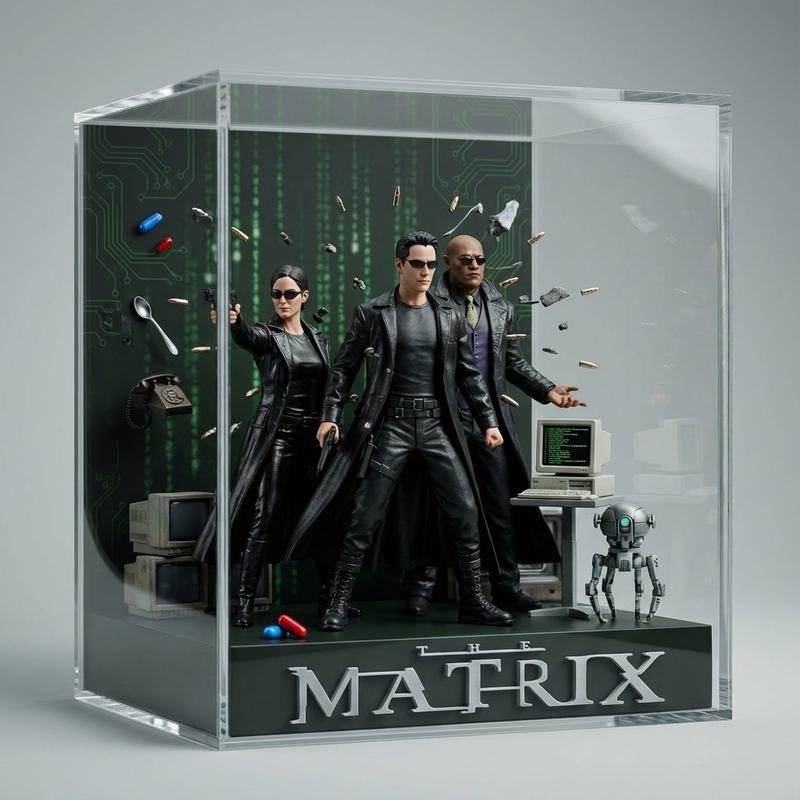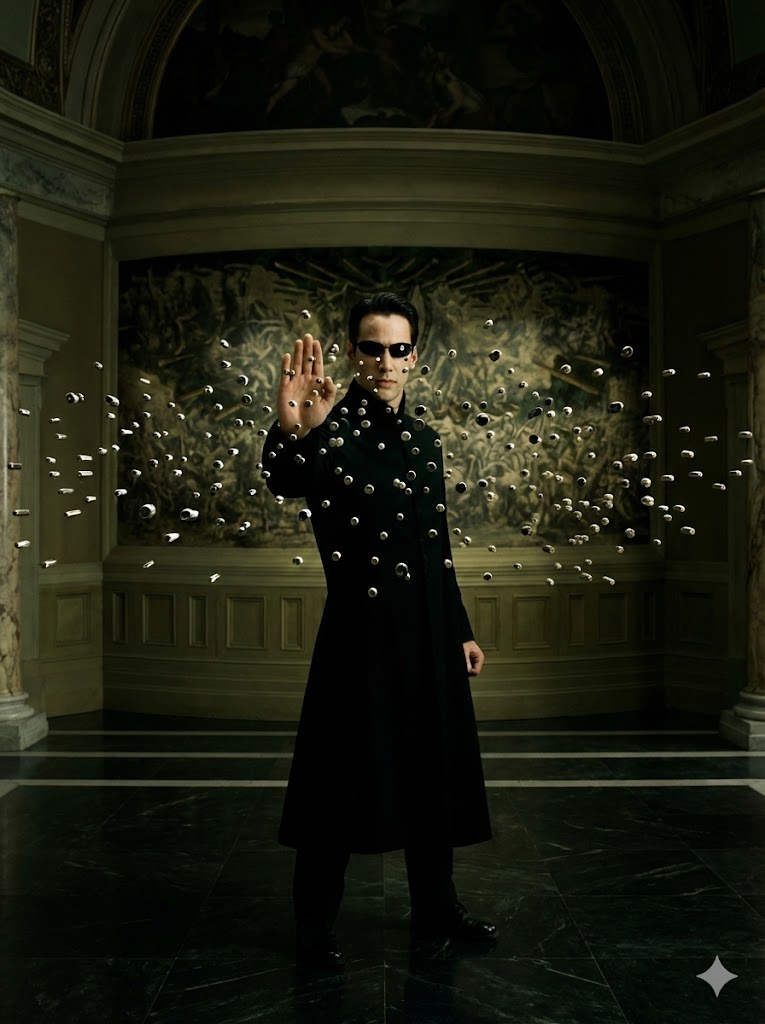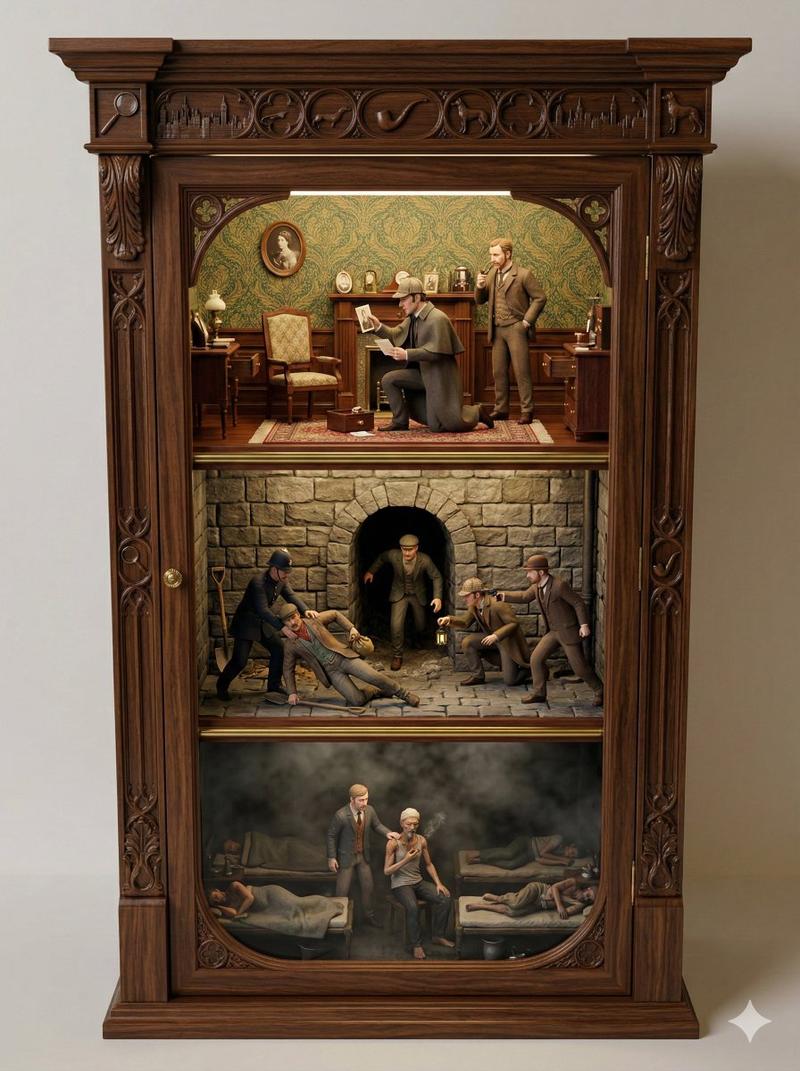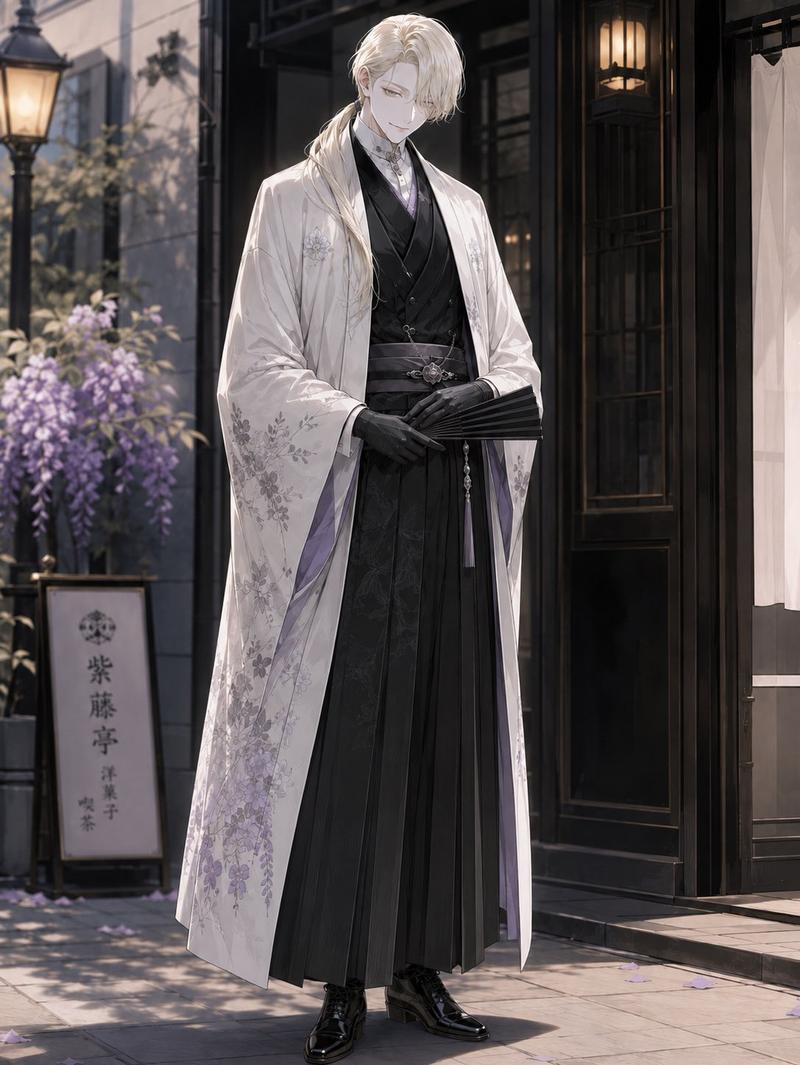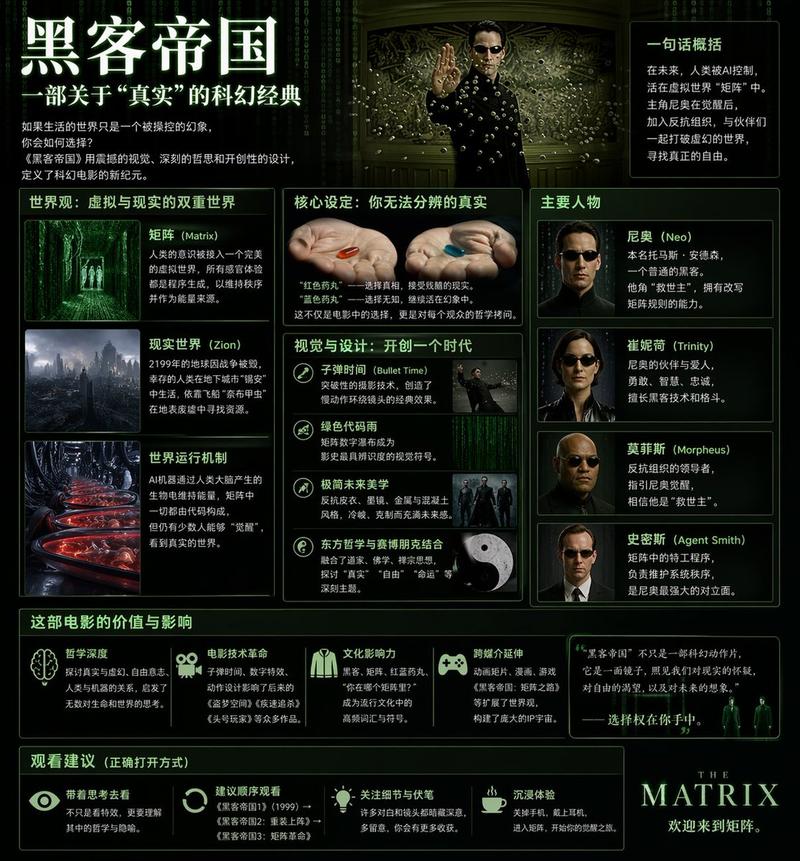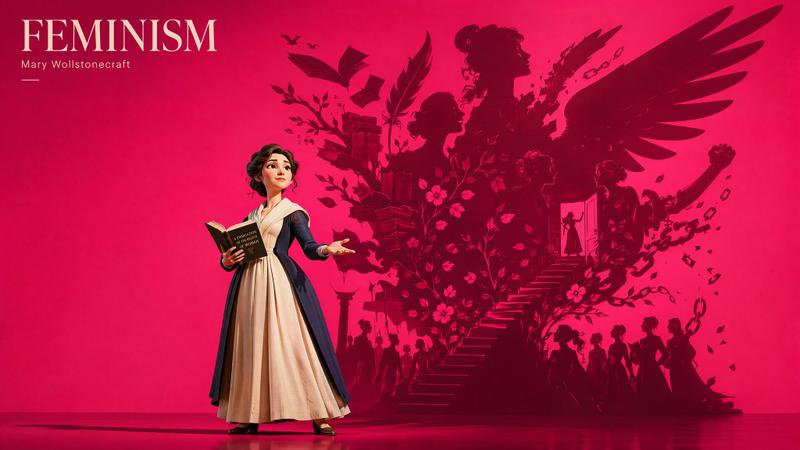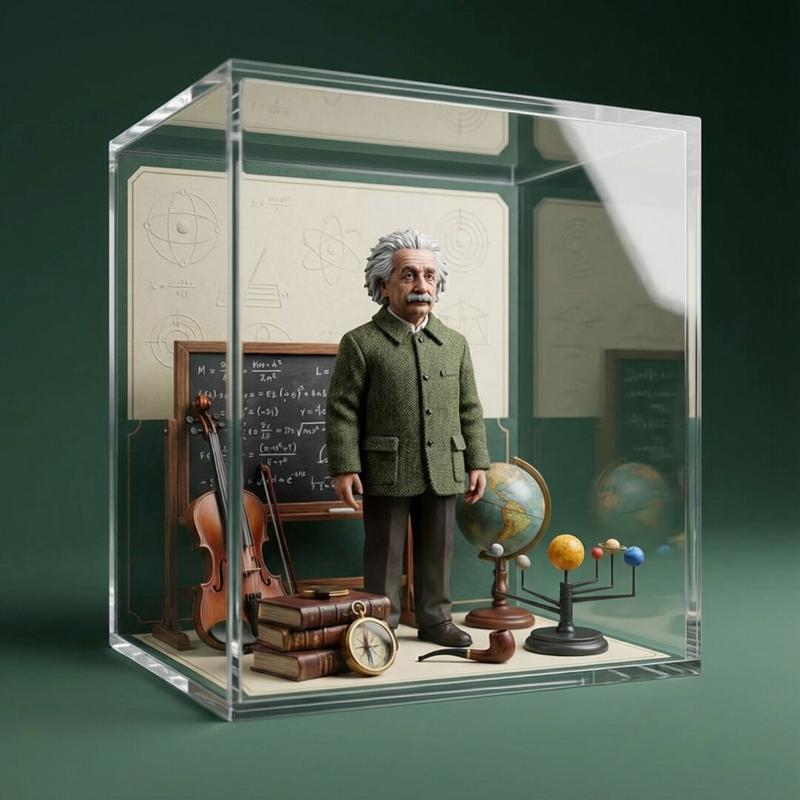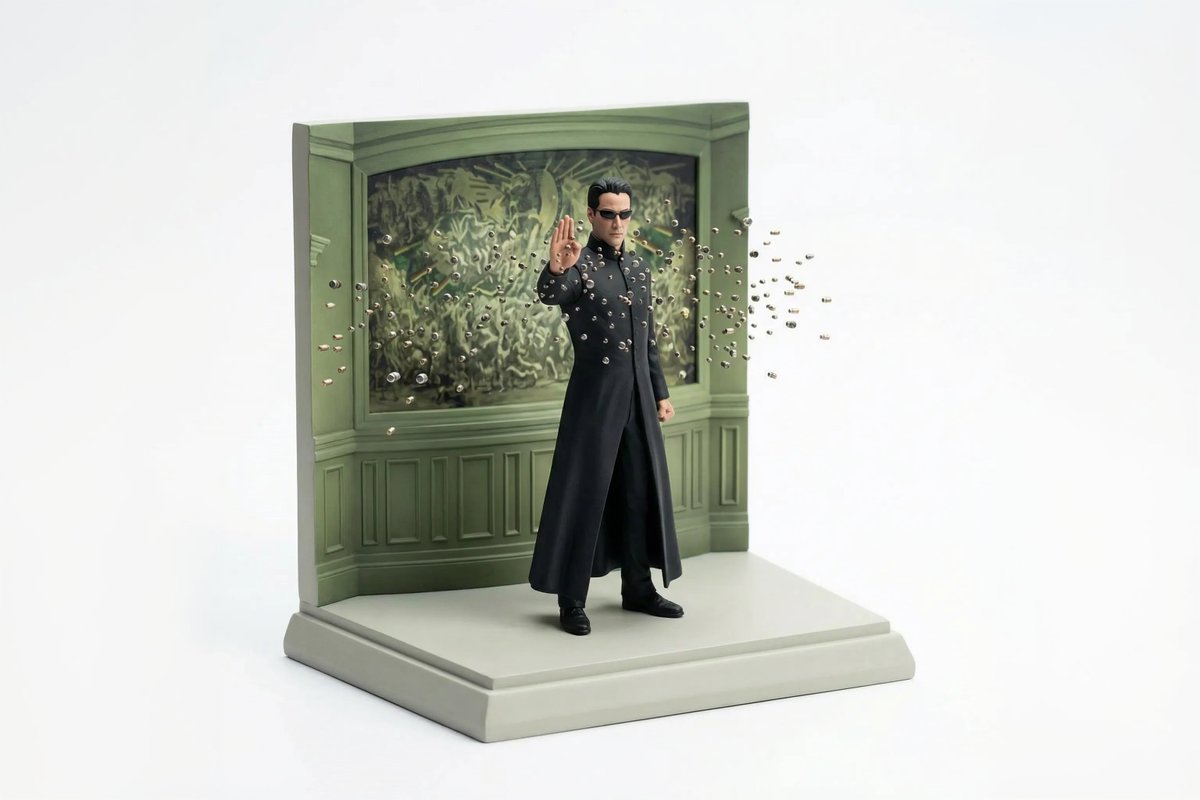
Turn favorite scenes into miniatures with Nano Banana Pro Prompt: { "reference_
Prompt
Turn favorite scenes into miniatures with Nano Banana Pro

Prompt: {
 "reference_images": {
 "scene_reference": "ATTACHED_IMAGE",
 "usage_rule": "Use this image as the sole and exact source for scene layout, object placement, and composition. Do not reinterpret or replace the scene."
 },

 "concept": {
 "type": "miniature diorama reconstruction",
 "intent": "Rebuild the attached scene as a clean, collectible-scale diorama while preserving the original spatial relationships"
 },

 "environment": {
 "scale": "tabletop miniature",
 "ground": {
 "type": "sculpted base",
 "behavior": "supports all objects naturally without enclosure",
 "edges": "clean, minimal, slightly beveled"
 },
 "background": {
 "type": "seamless studio backdrop",
 "color": "pure white",
 "constraint": "no environment beyond the diorama base"
 }
 },

 "objects_and_elements": {
 "layout_rule": "All objects must remain in the same relative positions as in the reference image",
 "primary_elements": "exact vehicles, structures, props, and terrain visible in the reference",
 "detail_handling": "simplified but faithful miniature proportions",
 "characters": {
 "presence": "only if present in the reference",
 "style": "miniature figurines, no facial realism"
 }
 },

 "composition": {
 "view": "isometric or slightly elevated 3/4 perspective",
 "framing": "entire diorama visible, centered",
 "cropping": "no zoom, no cinematic crop"
 },

 "camera": {
 "lens_equivalent": "35mm–50mm",
 "perspective": "miniature realism",
 "distortion": "none"
 },

 "lighting": {
 "type": "soft studio lighting",
 "direction": "overhead and slightly angled",
 "shadows": "subtle contact shadows only beneath objects",
 "avoid": [
 "dramatic lighting",
 "spotlights",
 "cinematic contrast"
 ]
 },

 "materials_and_style": {
 "surface_finish": "smooth, matte or lightly satin",
 "material_quality": "high-quality scale model materials",
 "aesthetic": "clean, modern, premium diorama"
 },

 "quality_controls": {
 "image_clarity": "ultra-clean",
 "grain": "none",
 "noise": "none",
 "motion_blur": "none"
 },

 "negative_prompts": [
 "glass case",
 "display box",
 "museum enclosure",
 "transparent cube",
 "protective casing",
 "reflections on glass",
 "labels or plaques",
 "text overlays",
 "busy background",
 "cinematic blur"
 ]
}- Category
- 创意图片
- Model
- Nano Banana Pro
- Creator
- @egeberkina
- Source ID
- 65ea53f6-19bb-4e25-8f0d-e5a2bd9d76e8
- Published
- Jan 27, 2026
Views1