13

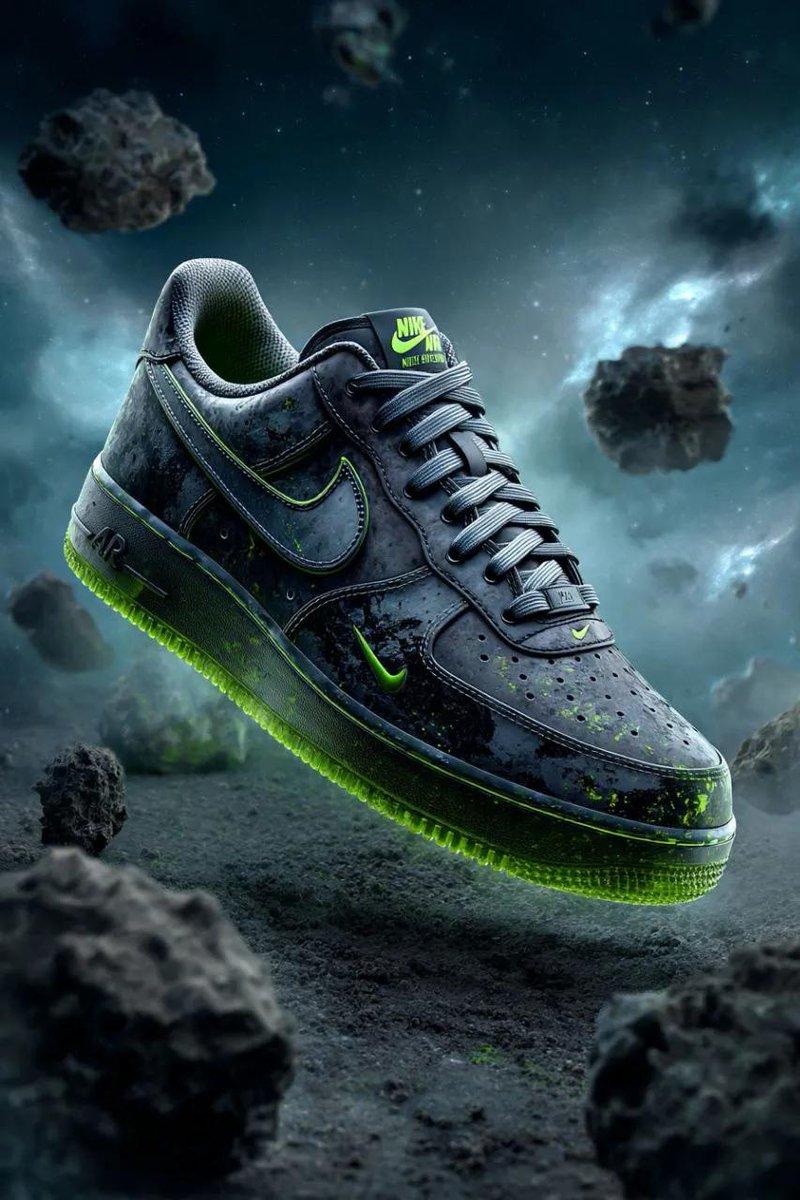
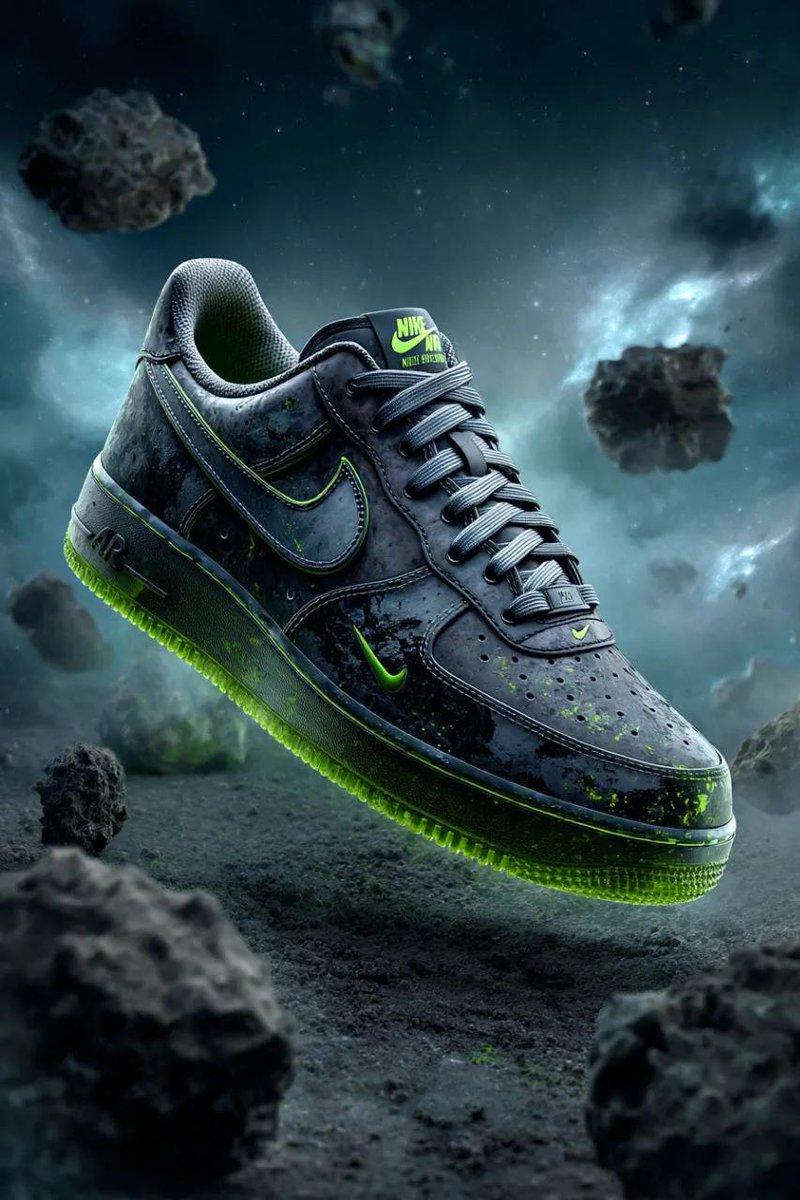
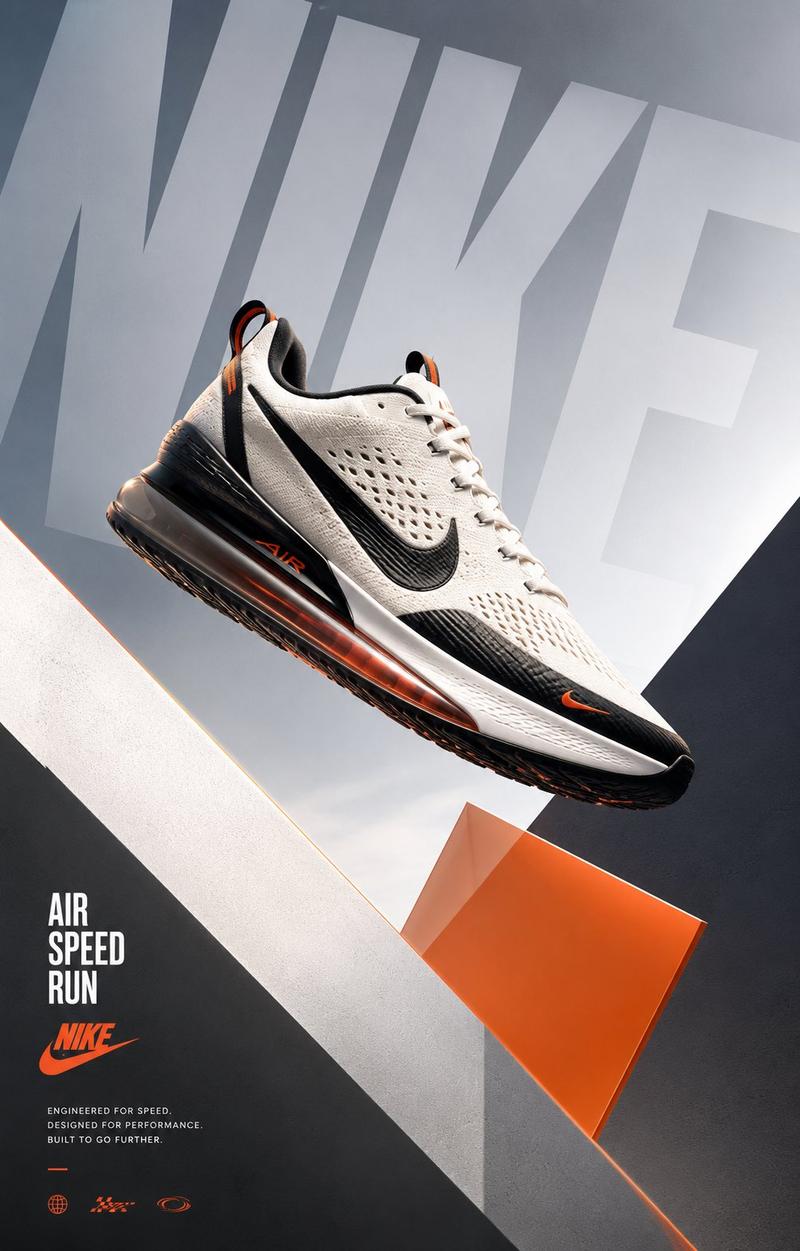
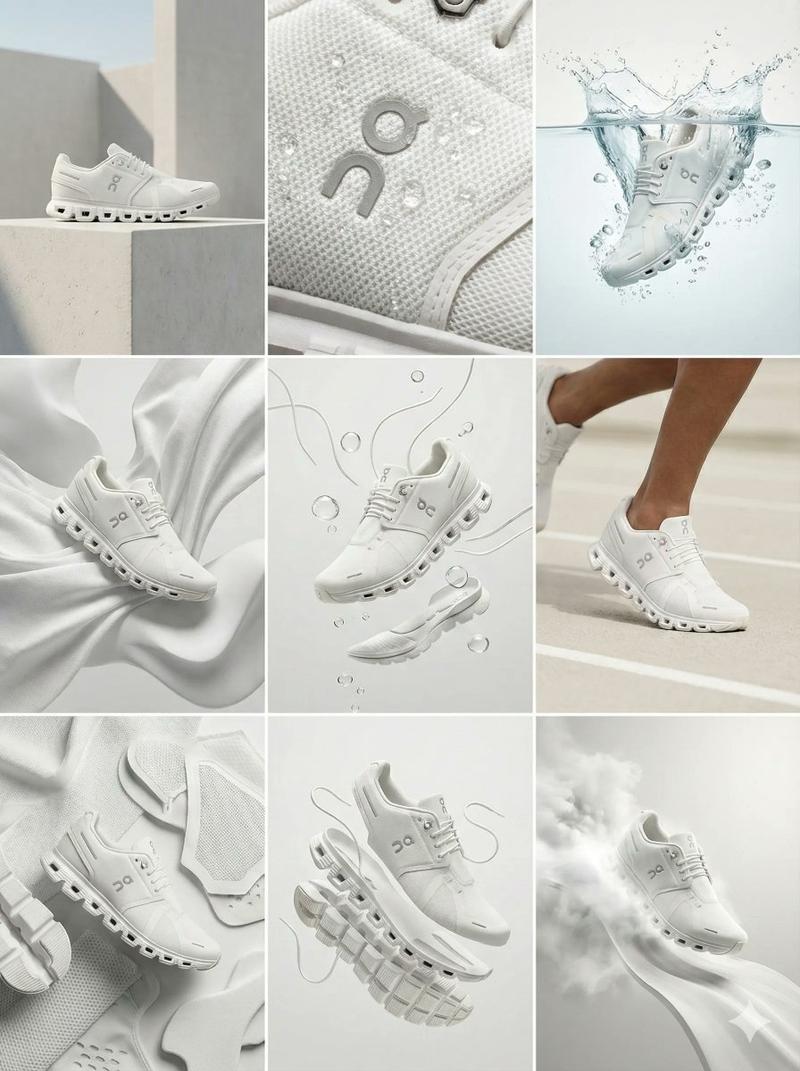
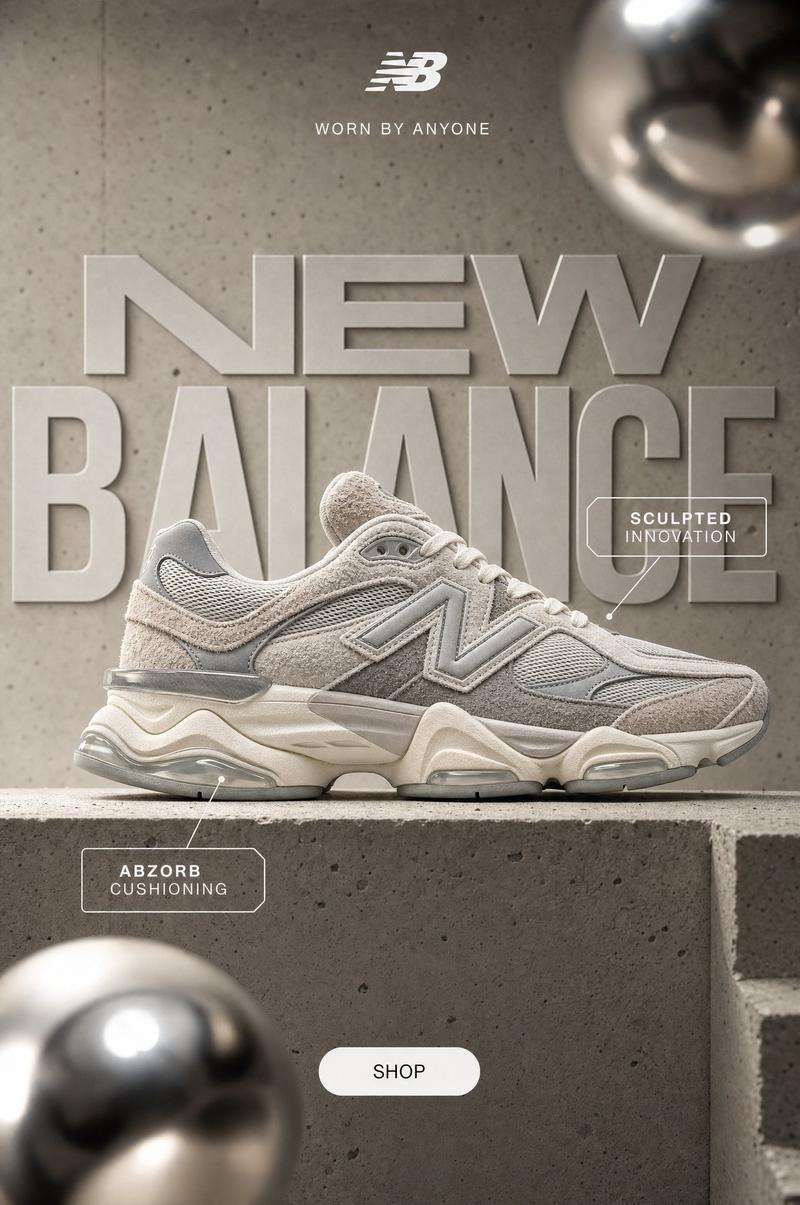
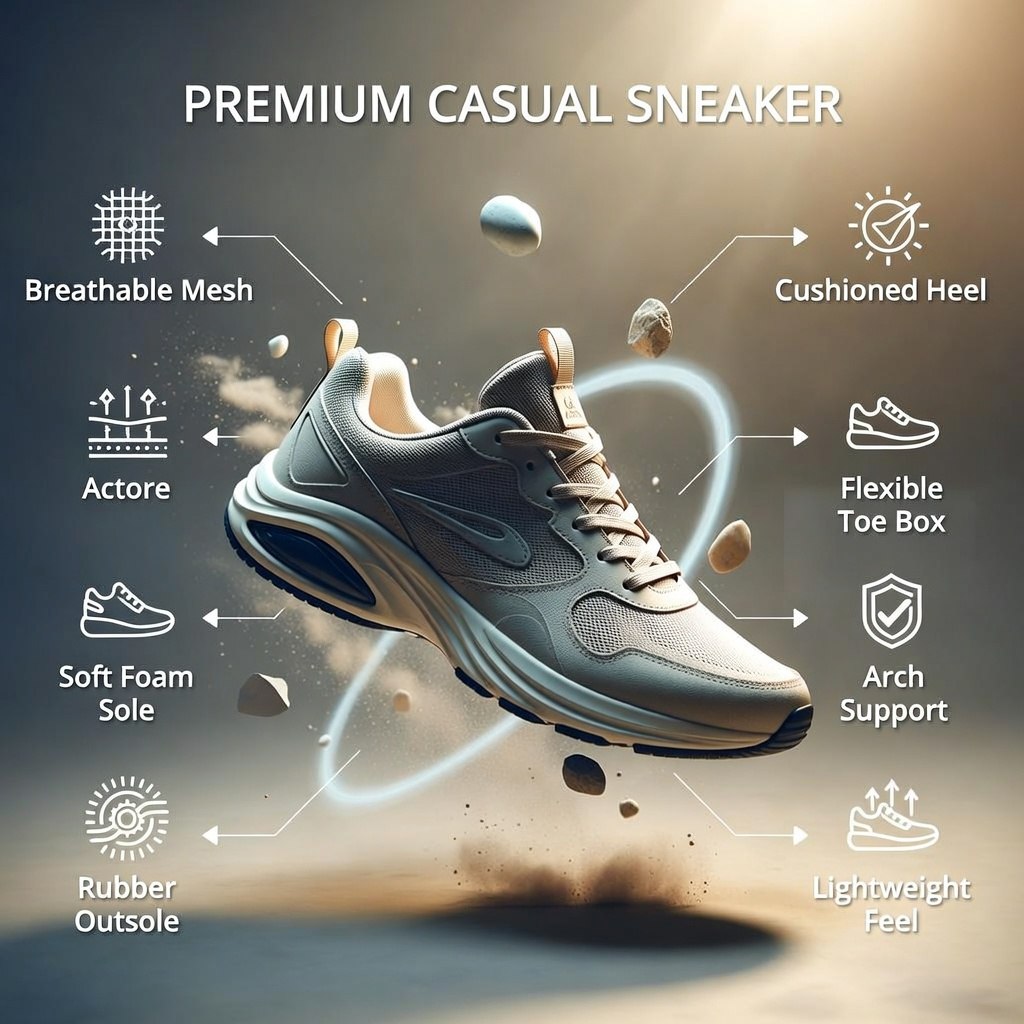
I generated two images on @SocialSight using a single prompt for the comparison
Enlarge

Example images

I generated two images on @SocialSight using a single prompt for the comparison

Prompt
I generated two images on @SocialSight using a single prompt for the comparison .

The image from left is from Grok Imagine
The right one is from Nano Banana Pro

Which one looks better to you?

Prompt :

Ultra-viral product infographic. Showcase a PREMIUM CASUAL SNEAKER floating mid-air with subtle motion trails and dust particles. Materials Section: Icons for breathable mesh, soft foam sole, rubber outsole, reinforced stitching. Comfort Section: Arrows highlighting cushioned heel, flexible toe box, arch support, lightweight feel. Visual Style: Clean modern palette, soft studio glow, cinematic realism. Gemini Composition: Sneaker center-stage, material elements orbiting like tech callouts. Output: 1080×1080 or 1080×1350
Category
创意图片
Model
Nano Banana Pro
Views3
Source ID
77b98726-be97-4efc-a6a4-e06d0920d4d1
Published
Feb 4, 2026

Guide

About "I generated two images on @SocialSight using a single prompt for the comparison"

What is this prompt for?

"I generated two images on @SocialSight using a single prompt for the comparison" AI image prompt for Nano Banana Pro (创意图片). 创意图片 Copy it on Picva and recreat…

The full copyable prompt and example visuals above are ready for AI image generation or one-click recreate in Picva.

How to use this prompt

  1. Step 1

    Open the prompt detail

    Review the example visuals, category, and full prompt text for "I generated two images on @SocialSight using a single prompt for the comparison".

  2. Step 2

    Copy the prompt

    Copy the prompt body from this page, or load it directly in Studio.

  3. Step 3

    Pick a model (Nano Banana Pro)

    Prefer Nano Banana Pro. If you switch models, keep subject and composition and tweak style terms.

  4. Step 4

    Generate and export

    Recreate the look in Picva, or export into your workflow for editing and publishing.

FAQ

What is the "I generated two images on @SocialSight using a single prompt for the comparison" prompt?
It is an AI image-generation prompt for Nano Banana Pro in the 创意图片 category. This page includes the full prompt text, example visuals, and a one-click recreate path in Picva.
How do I use this prompt to generate an image?
Copy the prompt from this page, or use Generate / Studio. Paste it into a compatible image model, or recreate the look in Picva with optional reference images.
Which model is this prompt for?
This page lists Nano Banana Pro. Most descriptive prompts also transfer to nearby image models such as GPT Image, Flux, or Midjourney with light style tweaks.
Can I use the result commercially?
You can usually copy the prompt for creation, but commercial use of the final image depends on the model terms, reference-image rights, and the generated content. Follow the source author and platform rules.